Wearables
Samsung Galaxy Watch 6 and Watch 6 Classic: Better Hardware, Familiar Accuracy Problems
Two Galaxy Watch 6 variants with a returning rotating bezel, brighter displays, and Wear OS 4, tested for sleep, GPS, heart rate, and battery accuracy.
Introduction
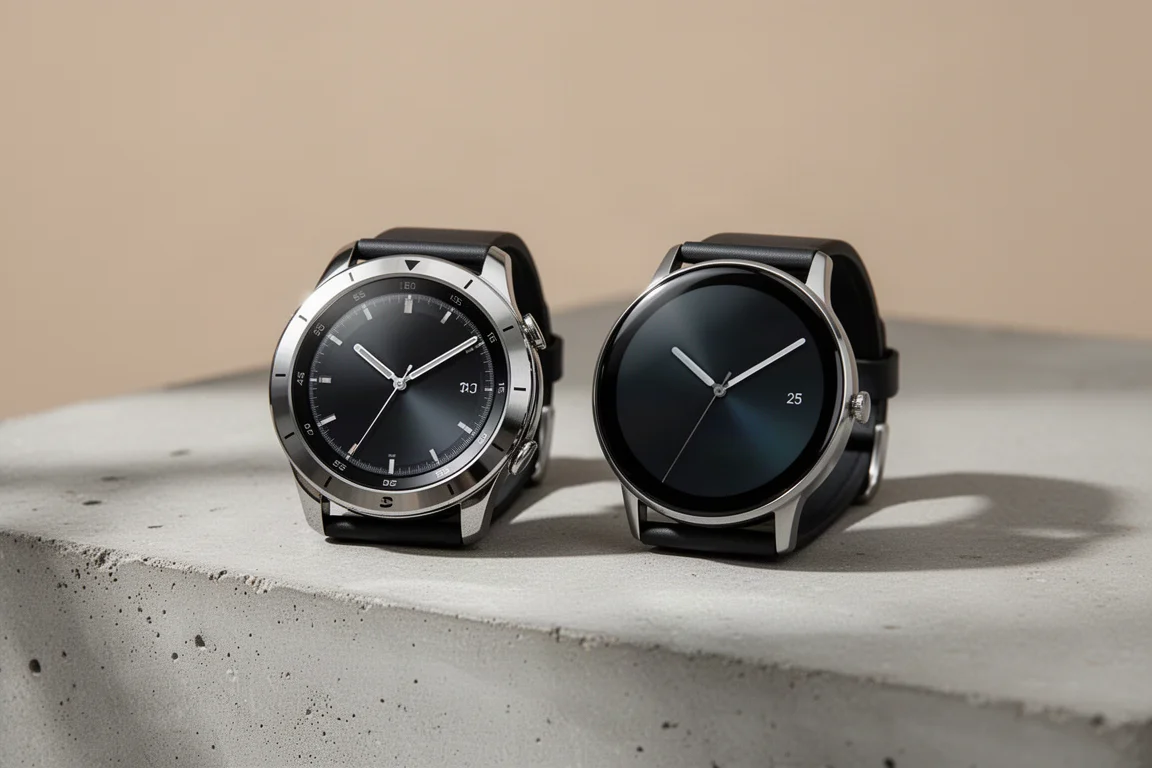
Samsung ships two versions of the Galaxy Watch 6: the standard Watch 6 and the Watch 6 Classic, which brings back the full rotating physical bezel. Both were tested over multiple runs, rides, track sessions, and overnight sleeps to see whether Samsung has finally closed the accuracy gap with the rest of the sports watch market. The short answer: the hardware takes a real step forward, but GPS and heart rate accuracy still trail key competitors.
What’s New in Hardware
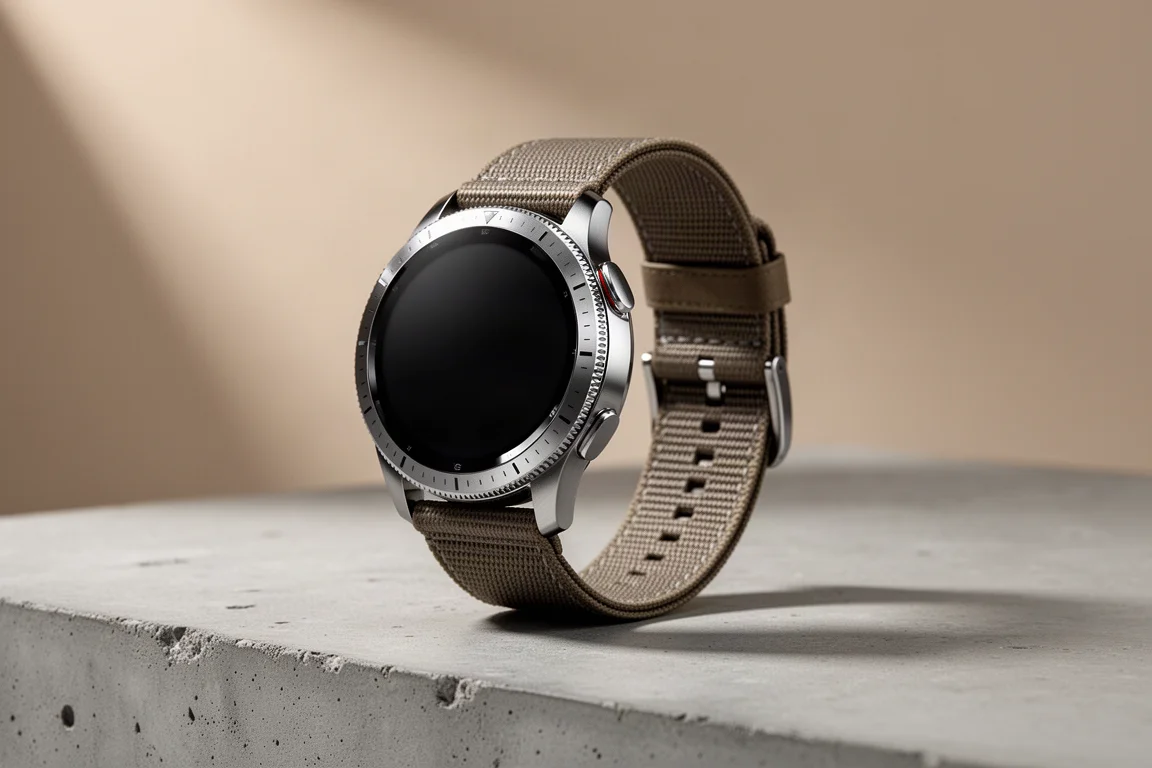
The two models are nearly identical in features. The Classic adds a tactile rotating bezel, while the standard Watch 6 uses a digital bezel you scroll with your finger, which has long felt cumbersome and remains unchanged here. On the Classic, the rotating bezel feels solid and responds well roughly 90 to 95 percent of the time, with occasional skips or double steps, but it is clearly the better interaction of the two.
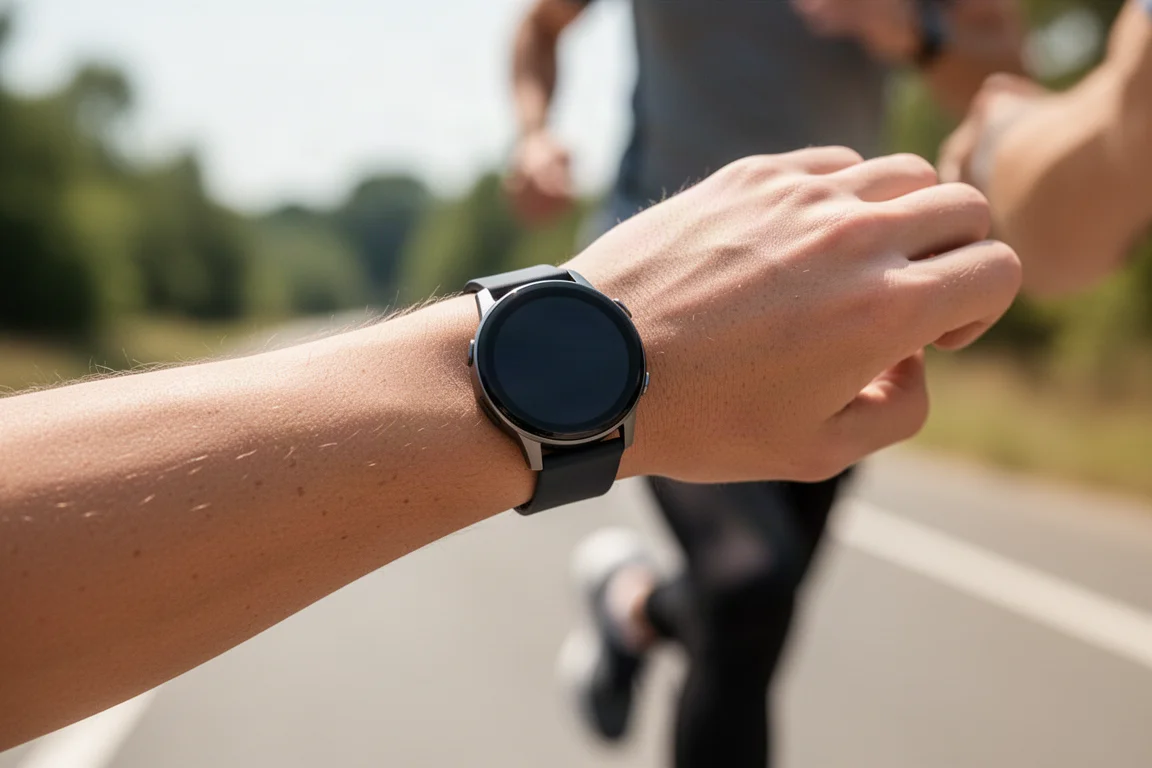
Both watches gain a larger display area with smaller bezels, and the display claims to be twice as bright at 2000 nits versus 1000 nits previously. Visibility in bright sun and cloudy conditions was never a problem in testing. Battery capacity has been increased slightly, with both watches standardized around a 30 hour claim in always-on configuration. Straps now include a quick release button, a small but welcome improvement over previous generations, though the button is slightly smaller than ideal.
Software: Wear OS 4 and One UI 5
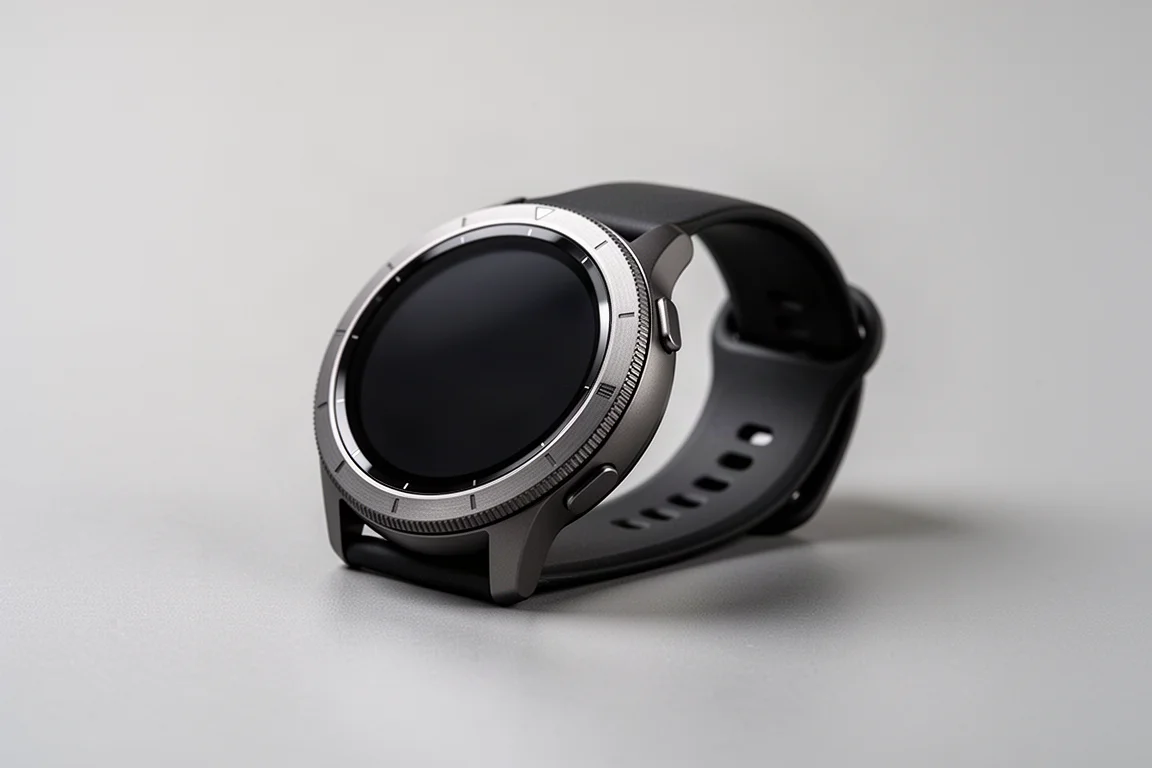
The software side brings Wear OS 4 and Samsung’s One UI 5 skin on top, giving the watches a more Samsung-style feel. Swiping up from the watch face opens the app list, and the Wear OS app ecosystem has grown noticeably stronger, improving overall app quality. Swiping down opens a deep settings menu, and swiping from the left opens notifications. Rotating the bezel or swiping right moves through tiles, including a heart tile showing steps, activity time, and calories, a sport start screen, and a daily summary tile with steps, heart rate, stress, and last night’s sleep.
Three notable health features, however, are locked to Samsung phones: the ECG feature, irregular heart rate notifications, and blood pressure monitoring. All three are also limited to specific countries where Samsung has regulatory approval.
Sleep Tracking and Sleep Features
Sleep onset and wake time detection was very good on both watches, closely matching other leading wearables tested side by side. Sleep stage breakdown, covering deep, light, and REM sleep, is a different story. Comparing one night of data against several other trackers produced vastly different buckets of deep and REM sleep, and this inconsistency is common across virtually all wearables, since even gold-standard methods score only in the mid-80s to 90 percent range for stage accuracy.
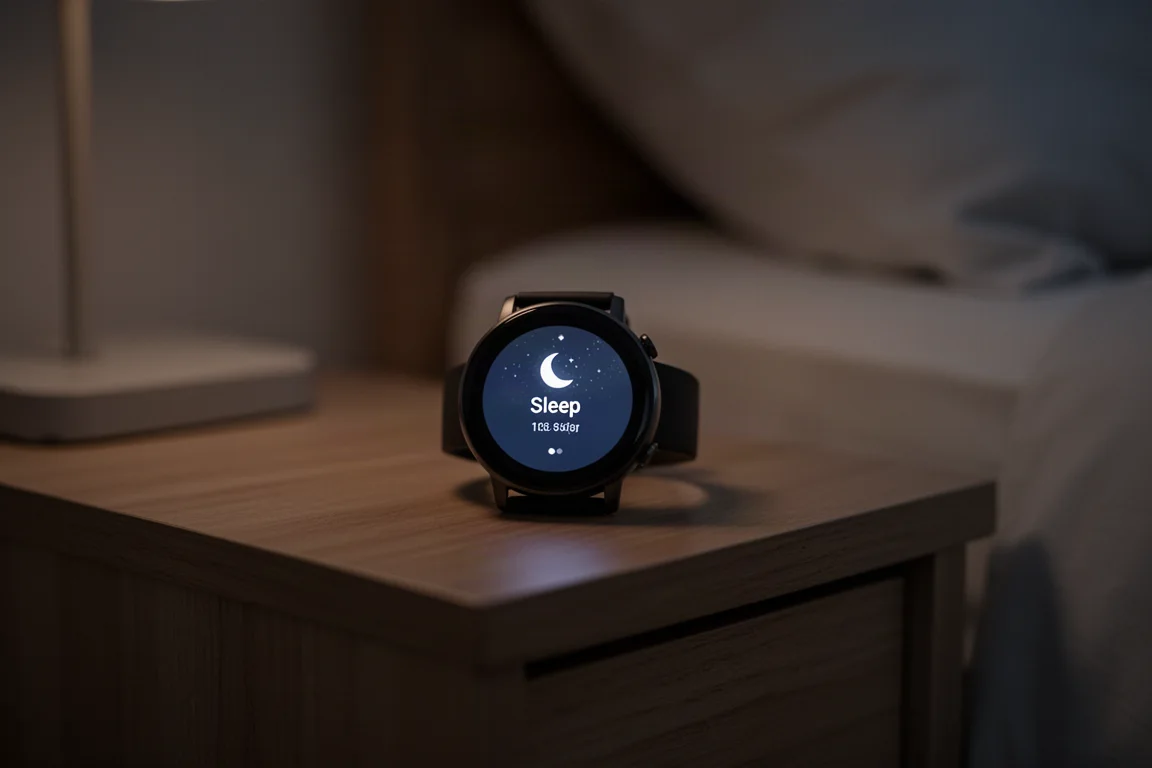
Samsung adds a new sleep consistency screen on both the watch and phone, showing how regular your bedtime and wake times are, though it did not prove especially useful in testing. There is also a new sleep animals feature, following a trend other platforms have already embraced. It may appeal to some users, but it did not add much practical value.
Workout Features and Heart Rate Zones
The workout menu is easy to reach through the tiles, with quick-start options for three sports and a wider sport list beyond. Settings per sport include two custom data pages with up to seven data fields per page, heart rate zone targets, auto lap, and auto pause. That is a solid set, but it remains far behind what dedicated endurance sports watches offer.
A new automatic personalized heart rate zone feature generates zones after a 10 minute run, and the resulting zones were surprisingly reasonable in testing. The Samsung Health app also supports downloading multi-week training programs to the watch, including structured workouts.
Track Mode: Promising, But Buggy
Track mode is the headline new workout feature. You select the track workout sport, confirm your lane, wait for GPS and heart rate lock, and start running. Samsung uses an algorithm approach, learning the track shape after a few laps rather than relying on a pre-populated database, which works in any country as long as you put in the initial laps.

In practice, the learning process took multiple sessions. After four laps the loop distance landed close to target, but the saved track was oddly offset and tilted compared with the correct lane, and there is no way to delete a bad track from Samsung’s database. In another country, the watch lost GPS immediately after starting and recorded nothing at all, even a full 6000 meter, 30-plus minute session under open skies. A second unit on the same session did record, but with a similar offset. There are clearly bugs Samsung needs to work out here.
Battery Life: A Weak Point
Samsung claims 30 hours in always-on configuration for both watches, and that held up fairly well on days with under an hour of GPS use. The problems show elsewhere. Overnight sleep tracking consumed between 25 and 40 percent of the battery, which is extraordinarily high. During GPS workouts, whether runs, rides, or hikes, both watches burned 15 to 20 percent per hour, which works out to roughly five hours of GPS time maximum. That is far below nearly every other watch on the market, regardless of display type.
Heart Rate Accuracy: Mixed Results
On steady runs, heart rate tracking started rough at the beginning but settled into reasonably accurate readings, with a few minor wobbles. Interval workouts showed a longer problem: the entire warm-up period read incorrectly for a significant stretch, even though the actual intervals were mostly fine, with one interval clipping off at the top. On outdoor rides, results were poor, with large deviations in the second half of a 90 minute session, and one watch misread both starts of long, steady climbs that should have been the easiest part to nail. Two units worn simultaneously showed similar patterns, confirming it is a design limitation rather than a single faulty unit.
GPS Accuracy: Behind the Competition
On straightforward runs, the GPS track cut corners wherever it could and wobbled along straightaways. Rides were better at higher speeds but still cut corners repeatedly. In a dense city building test, similar to running between skyscrapers, the track wobbled and struggled through switchback streets, roughly on par with another competitor that had its own rough showing. Multiband GPS units from other brands remained noticeably more locked-in.

In mountain switchbacks, the track meandered and missed turns badly compared with a multiband reference. Under tree cover, both test units offset noticeably from the true path recorded by other watches. GPS acquisition time did improve over previous generations, but tracking quality once locked still lags what competitors offer.
Buying Advice
If you want a Wear OS smartwatch that pairs naturally with a Samsung phone and you value the rotating bezel, the Watch 6 Classic is the more pleasant of the two to use daily. Its hardware feel is genuinely good. If you do not care about the physical bezel, the standard Watch 6 is essentially the same watch with a digital bezel that is harder to enjoy. If accurate GPS and heart rate data for serious training is your priority, competing sports watches currently do this better.
Conclusion
The Galaxy Watch 6 generation improves hardware meaningfully: a bigger, brighter display, a satisfying returning bezel on the Classic, better straps, and a solid software foundation in Wear OS 4. But accuracy for sleep stages, GPS, and heart rate still lags competitors by a wide margin, and GPS battery life is far below the market norm. As a daily smartwatch it works well; as a precision training tool it is not there yet.
Further reading
Related Reviews
Wearables
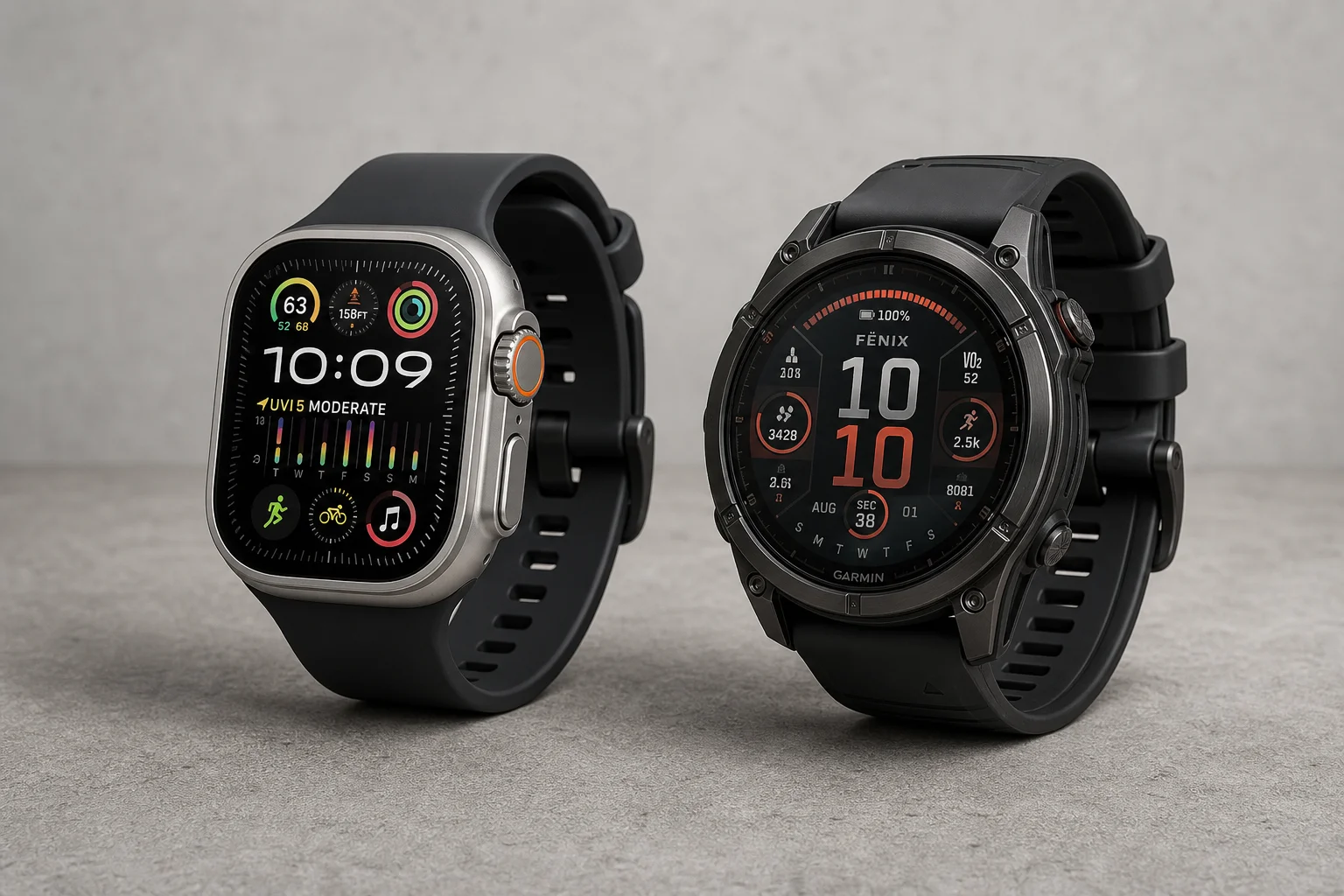
Apple Watch Ultra 3 vs Garmin: Which Training Watch Wins for Athletes
A practical head-to-head comparison of the Apple Watch Ultra 3 and Garmin for serious training, covering GPS accuracy, data tracking, usability, and recovery metrics.
Wearables
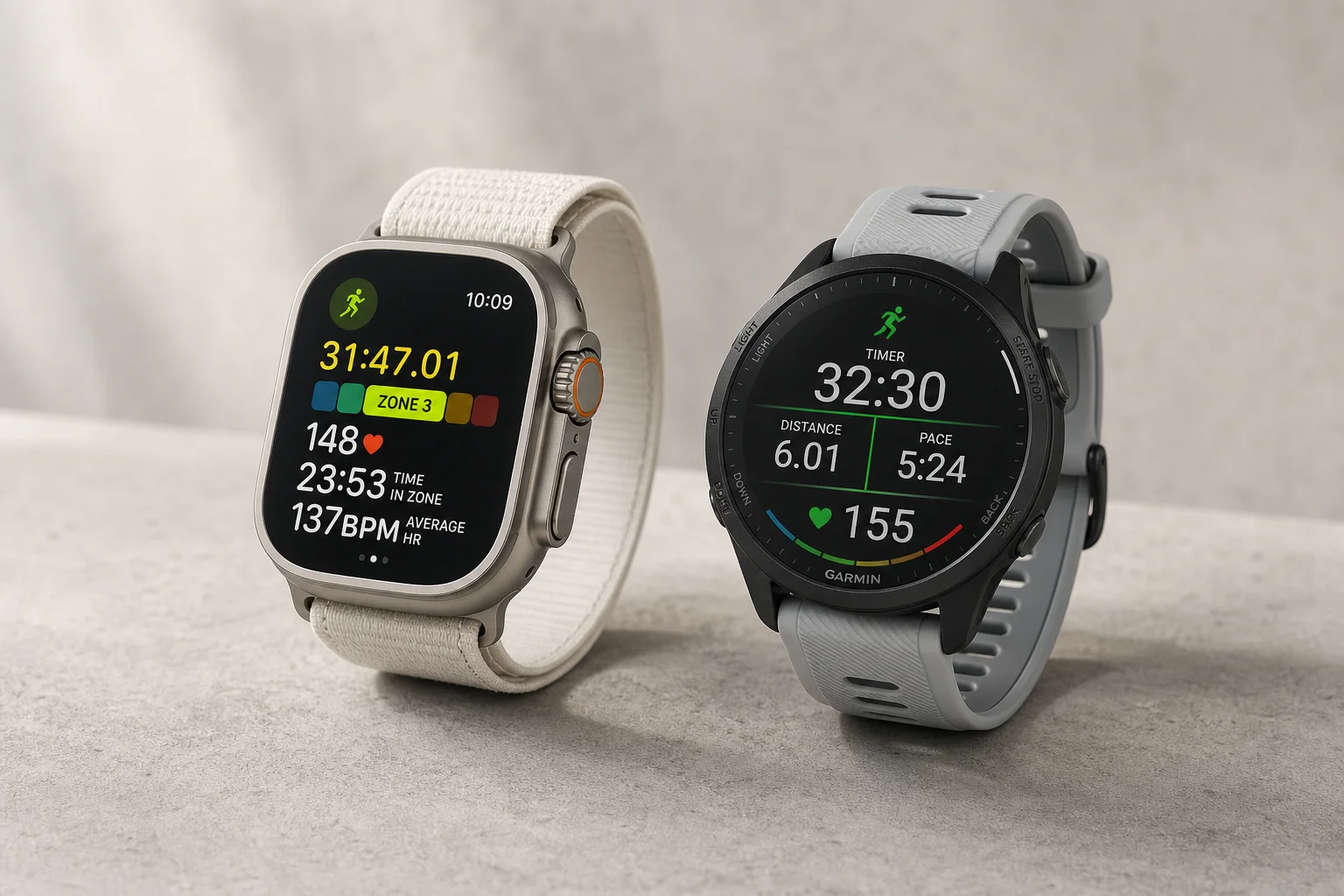
Apple Watch vs Garmin for Running: A Year of Training Compared
After a year training for marathons with both devices, here's what actually matters when choosing a running watch.
Wearables
Apple Watch Ultra 3 vs Garmin Fenix 8 Pro: Satellite Messaging Compared
A practical comparison of satellite messaging on the Apple Watch Ultra 3 and the Garmin Fenix 8 Pro, covering connection methods, messaging workflows, coverage, and running costs.