Tech Accessories
Ryobi 3-Port Charger and Power Source Review: A Two-in-One Worth Considering
Ryobi's updated 3-port charger and power source turns spare 4V tool batteries into a phone power bank, but there are a few things to check before buying.
Introduction
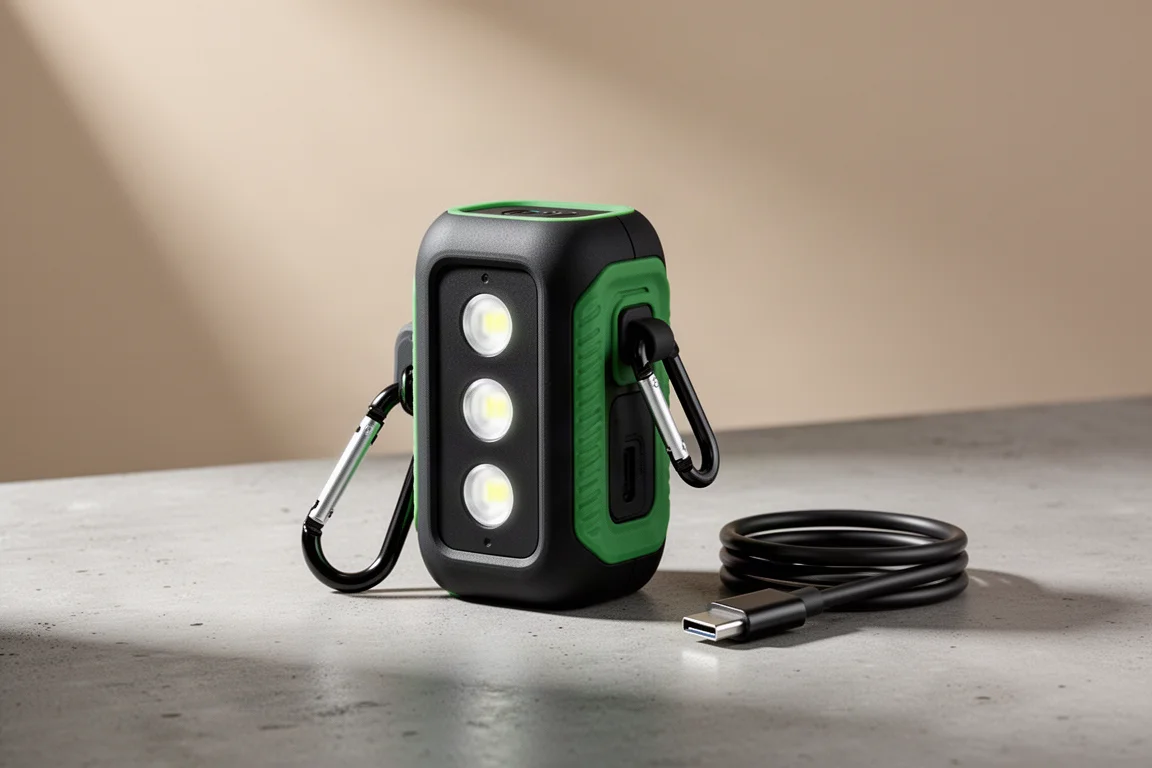
Tool brands have been quietly expanding beyond drills and saws into consumer electronics, and Ryobi is the latest to make the jump with an updated entry: the Ryobi 3-Port Charger and Power Source. It is a two-in-one device that charges electronics like your phone and also recharges up to three Ryobi 4V batteries at the same time. If you already own a growing pile of 4V batteries from Ryobi’s expanding small-tool lineup, this is exactly the kind of accessory that makes that ecosystem work harder for you.
Before jumping in, though, there are a few things worth knowing: what comes in the box, how fast it actually charges, and a couple of design choices that may bother you in daily use.
What Comes in the Kit
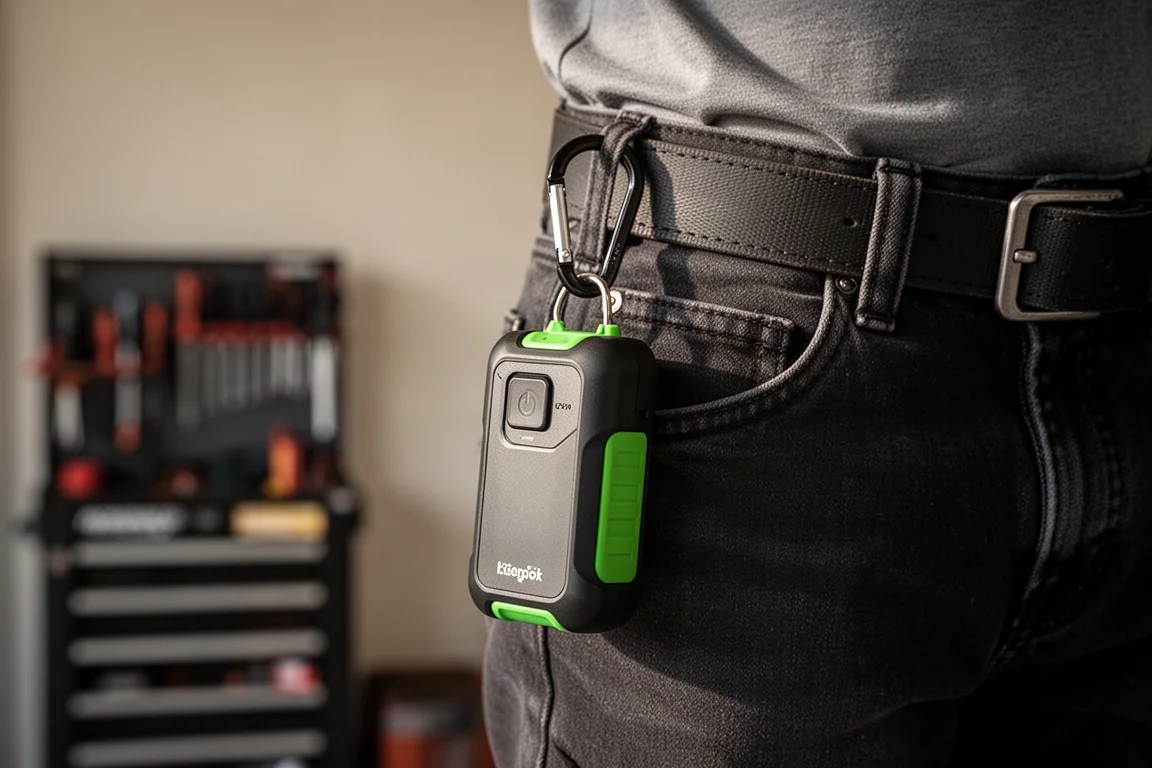
In the box you get the main unit, a carabiner for carrying it, and a USB-C cable rated for up to 60 watts of charging input. What you do not get are any 4V batteries. If you already have Ryobi 4V tools, you almost certainly have spare batteries sitting in a drawer, since new 4V tools tend to ship with yet another battery each time. That is precisely the problem this device is designed to solve. If you do not own any 4V batteries, you will need to buy some separately before this becomes useful.
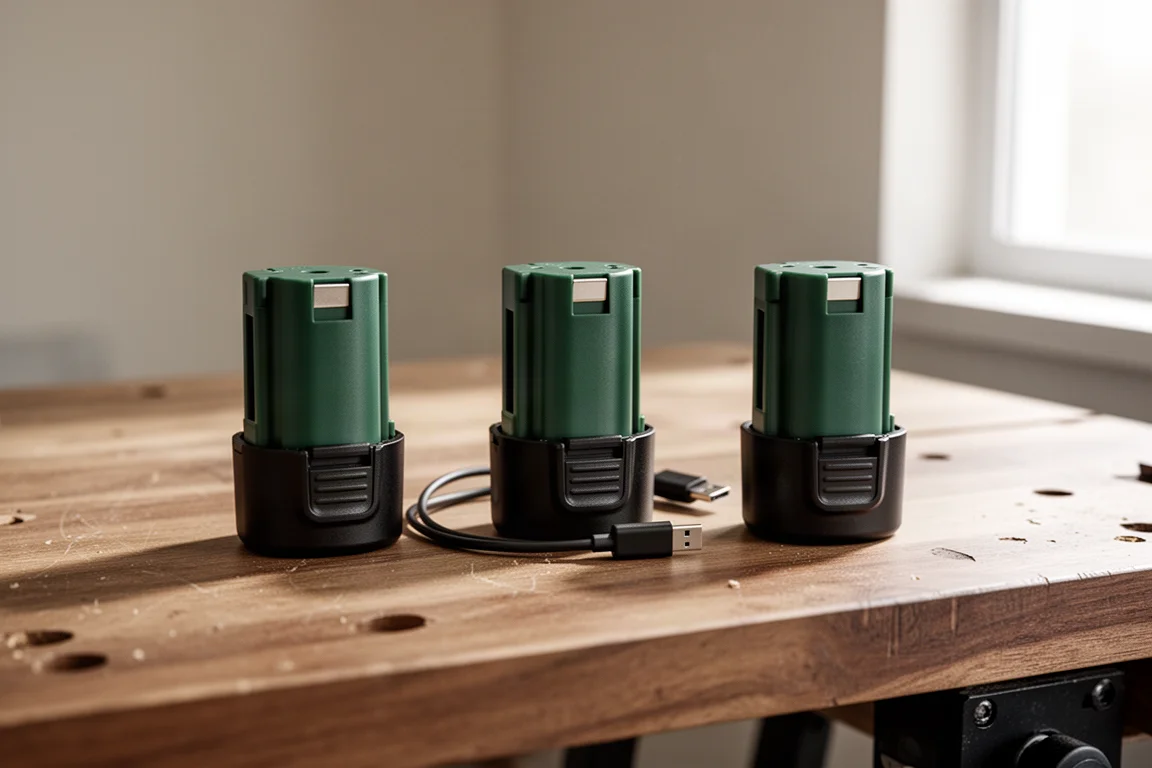
One small omission: the unit has a mounting area for a belt clip, but the belt clip itself is not included. The carabiner is a workable substitute, but it feels like a missed opportunity.
How It Works
The concept is simple. You open the housing, drop in up to three Ryobi 4V batteries, and the device acts as both a charger and a power bank. The batteries charge one at a time rather than simultaneously, and during testing the unit drew roughly 8 watts from the wall while charging, taking about 55 minutes to top up three 2Ah batteries.
A nice bonus is that the 4V batteries themselves can be charged independently with a USB-C cable, so this is not your only path to keeping them topped up. The device is also UL certified, which adds a degree of confidence in its electrical safety.
Real-World Charging Speed
The packaging advertises up to 80% faster charging, which sounds impressive until you learn what it is being compared against: a standard USB cable, which is usually quite slow. There is no stated wattage output for the USB-C port, so real-world testing is the only way to know what you get.
In testing with a Samsung phone that supports 45-watt charging, the unit delivered roughly 20 to 25 watts of input. A Samsung S23 drained to 10% charged back up to 100% using all three batteries in about an hour. That is not fast compared to a dedicated 45-watt charging brick, but it is far from sluggish, and it is genuinely convenient when running on batteries you already own.
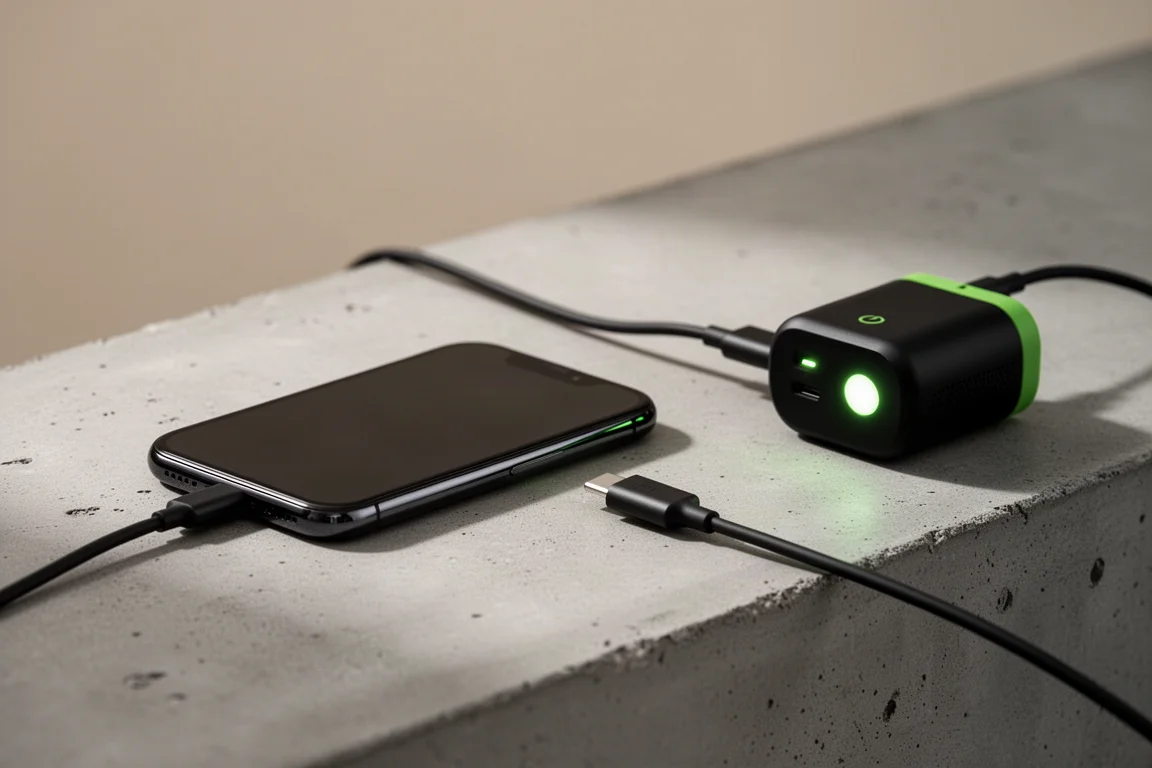
The honest takeaway: “up to 80% faster” does not mean fast. It means faster than the slowest possible baseline, which is a marketing claim worth understanding before you buy.
Everyday Details and Drawbacks
The rubber over-molded sides give a solid grip, and the unit feels heavy duty in the hand, though it is a bit larger and heavier than a typical charging brick. There is room for Ryobi to expand this concept into things like heated jackets, where a multi-battery power source would fit naturally.
The indicator lights are the most divisive feature. Each of the three large lights represents one battery, turning red as that battery drains and blinking on the last one. They cannot be turned off manually. While the device is actively charging your phone, all three lights stay on and stay bright, which is genuinely disruptive in a dark room or bedroom. They only switch off when the unit is idle.
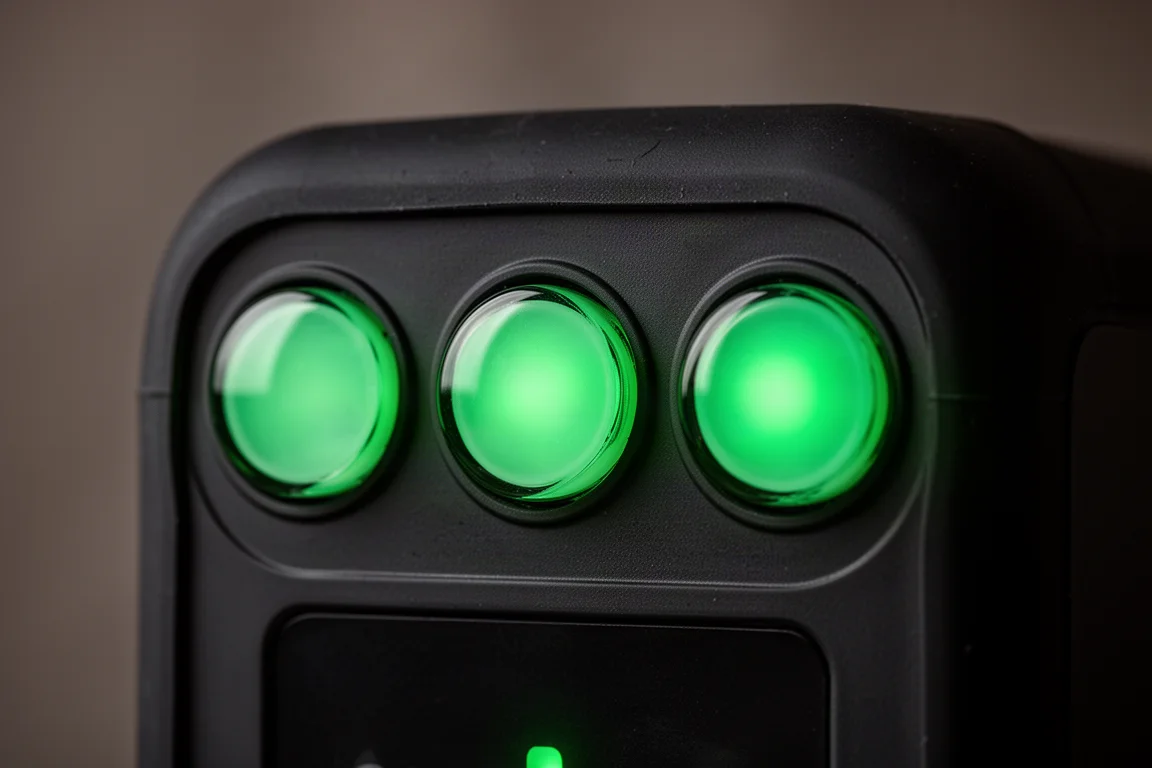
The other thing to watch: the unit carries a rain icon with a red line through it, meaning it is not rated for water or dust resistance. The build is sturdy, but keep it away from moisture.
Buying Advice
If you are already in the Ryobi 4V ecosystem with batteries piling up, this makes a lot of sense. A standard three-battery charger only charges batteries; this charges your batteries and your electronics, which effectively makes it two devices in one. The included 60-watt USB-C cable is a welcome touch, and the price sits in affordable accessory territory.
If you do not own any Ryobi 4V batteries, think twice, because the batteries are the hidden cost of entry. And if you need fast phone charging or plan to use this at night beside your bed, the bright always-on lights and modest 20 to 25 watt output are worth factoring in.
Conclusion
The Ryobi 3-Port Charger and Power Source does what it promises: it breathes new life into spare 4V batteries and doubles as a capable power bank. It is well built, UL certified, and practical for anyone already invested in Ryobi’s 4V lineup. Just go in knowing that the 80% faster claim is measured against a standard USB cable, the lights cannot be dimmed, and water resistance is not part of the package. For the right buyer, it is a welcome and useful addition to the ecosystem.
Product link
View more details for Ryobi 3-Port Charger and Power Source
This product is mentioned in the review. Check the specifications, options, and compatibility before buying.
View more details for Ryobi 3-Port Charger and Power SourceFurther reading
Related Reviews

Tech Accessories
Best Premium Tech Dupes 2026: Five Budget Alternatives That Actually Deliver
We compare five premium desk and streaming staples against their budget counterparts to see which dupes are genuinely worth the savings.
Tech Accessories
Best Thunderbolt 5 Docks 2026: Six Options Tested for Desktop Connectivity
A practical guide to six Thunderbolt 5 docking stations, covering their strengths, trade-offs, and which setup they suit best.
Tech Accessories
CalDigit Thunderbolt Docks: TS4 vs Element Hub
Two Thunderbolt docking solutions with different port counts and use cases. The TS4 offers 18 ports and 2.5 Gbps ethernet; the Element Hub provides a compact 8-port alternative.