Tech Accessories
Best Thunderbolt 5 Docks 2026: Six Options Tested for Desktop Connectivity
A practical guide to six Thunderbolt 5 docking stations, covering their strengths, trade-offs, and which setup they suit best.
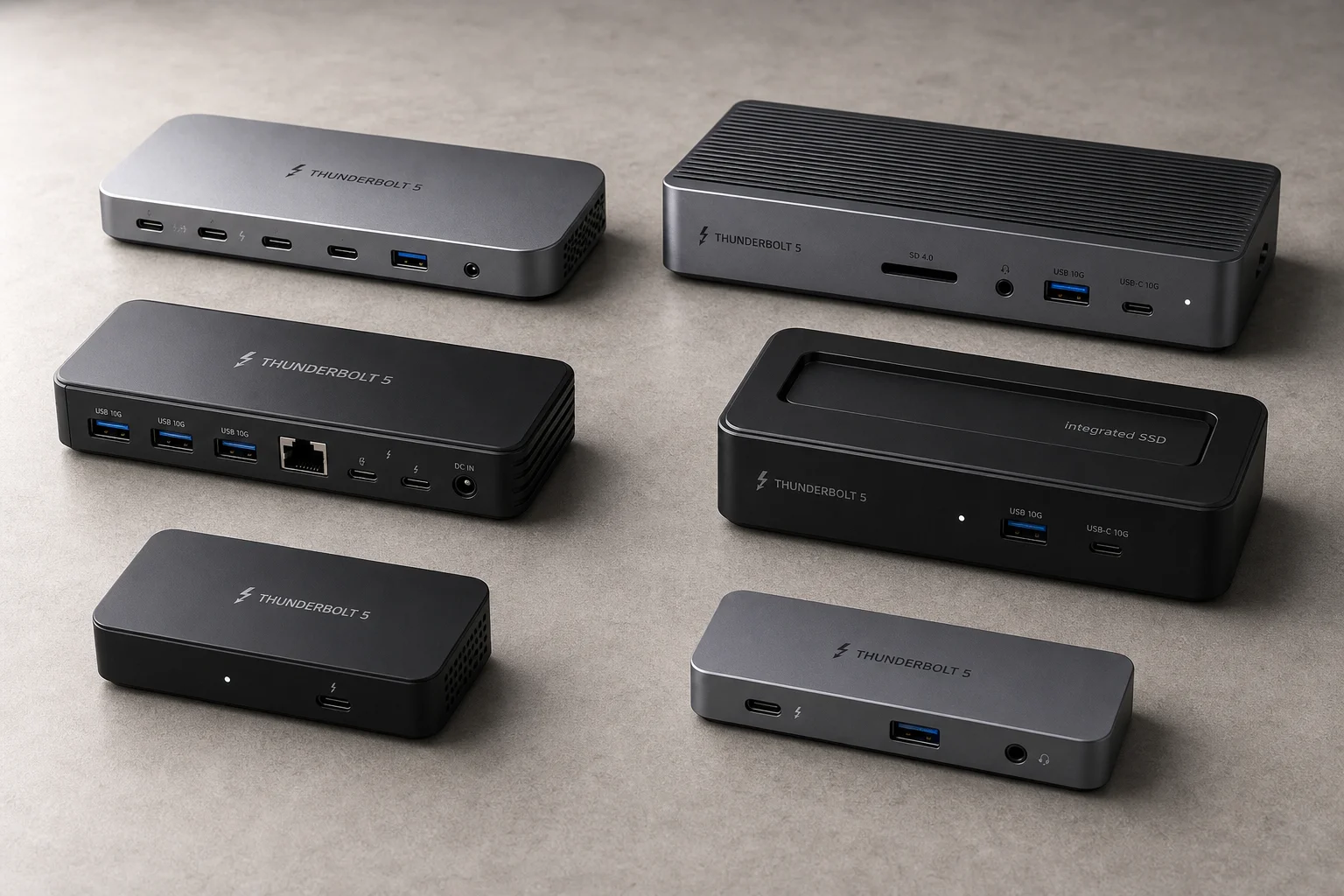
Why Thunderbolt 5 Docks Matter
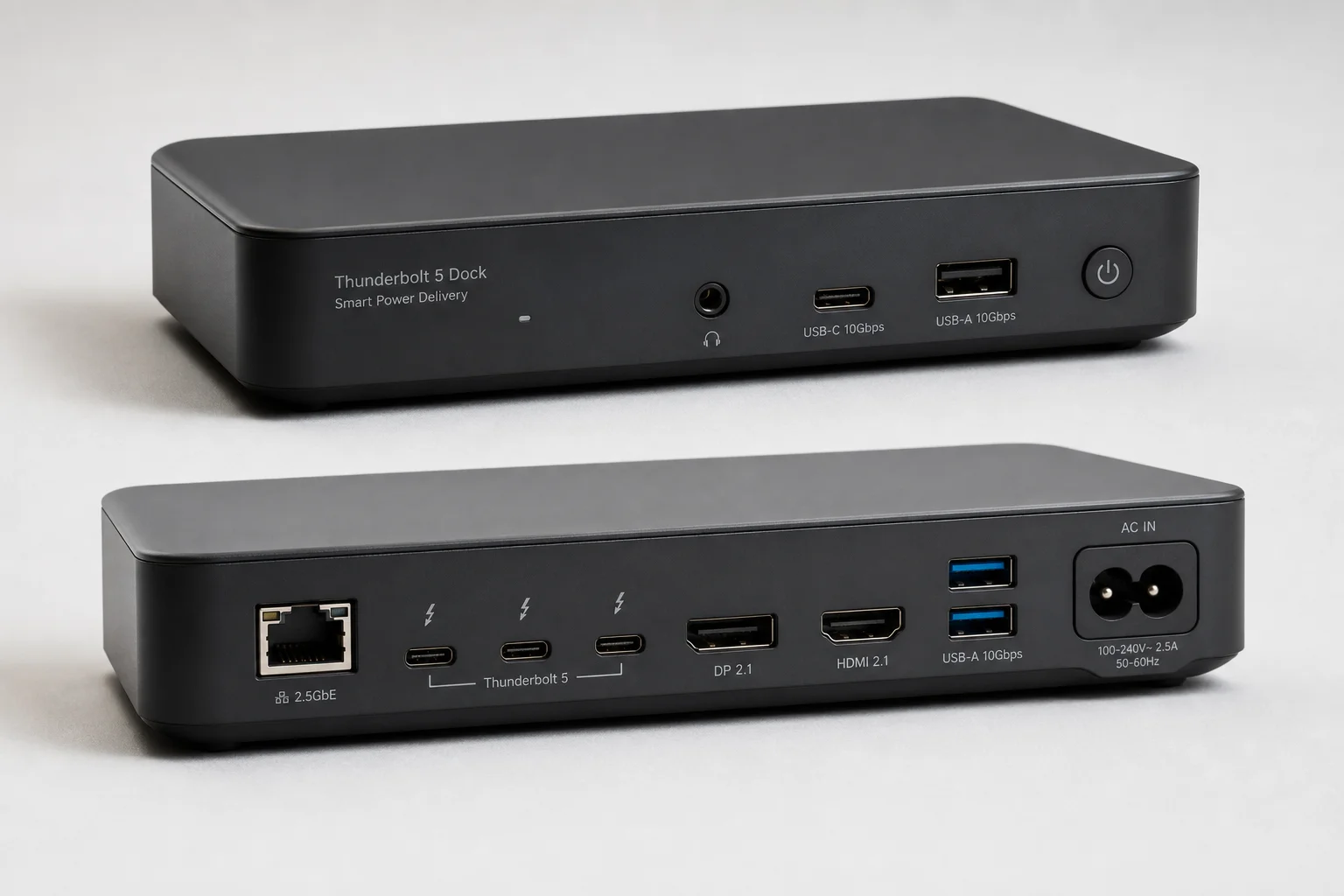
A single Thunderbolt 5 cable can transform a desk setup by connecting your laptop to multiple peripherals at once: displays, storage, networking, and audio equipment. This eliminates cable clutter and makes it simple to dock and undock your computer when moving between locations. All the docks covered here support Thunderbolt 5’s 80 Gbps bandwidth (boosted to 120 Gbps for displays) and are backward compatible with Thunderbolt 3 and Thunderbolt 4 devices, though older connections will have reduced bandwidth.
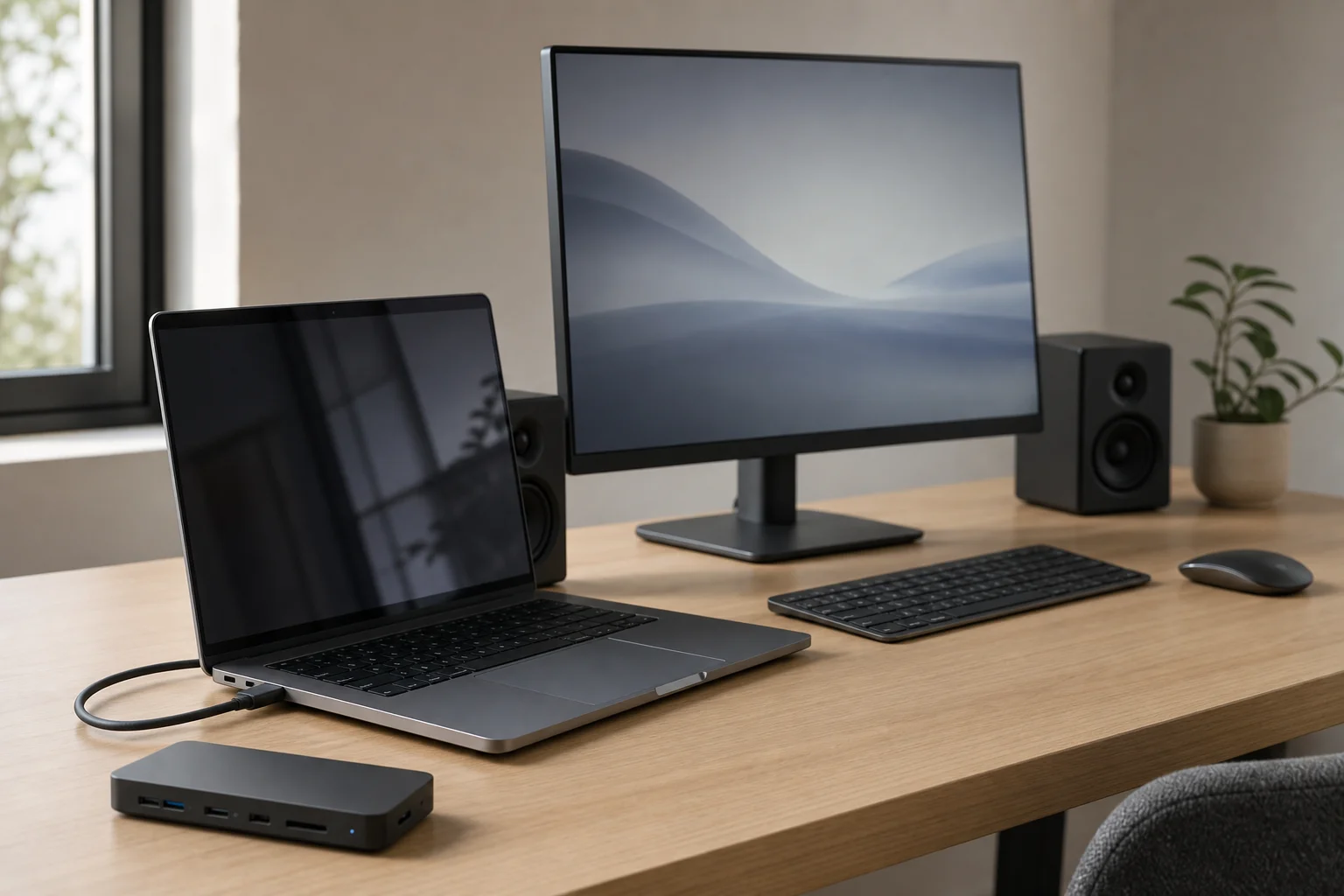
The key differences between these docks come down to port selection, power delivery, build materials, and specialized features like integrated storage or networking speed.
Caldigit Element 5: The Versatile Hub
The Caldigit Element 5 is more hub than dock, offering a flexible entry point into Thunderbolt connectivity. It provides two USB-C data ports on the front, two USB-A ports on the back, three Thunderbolt 5 ports on the back, and one additional USB port. With 90 watts of power delivery, it keeps most laptops charged while offering three extra Thunderbolt ports and five USB ports total.
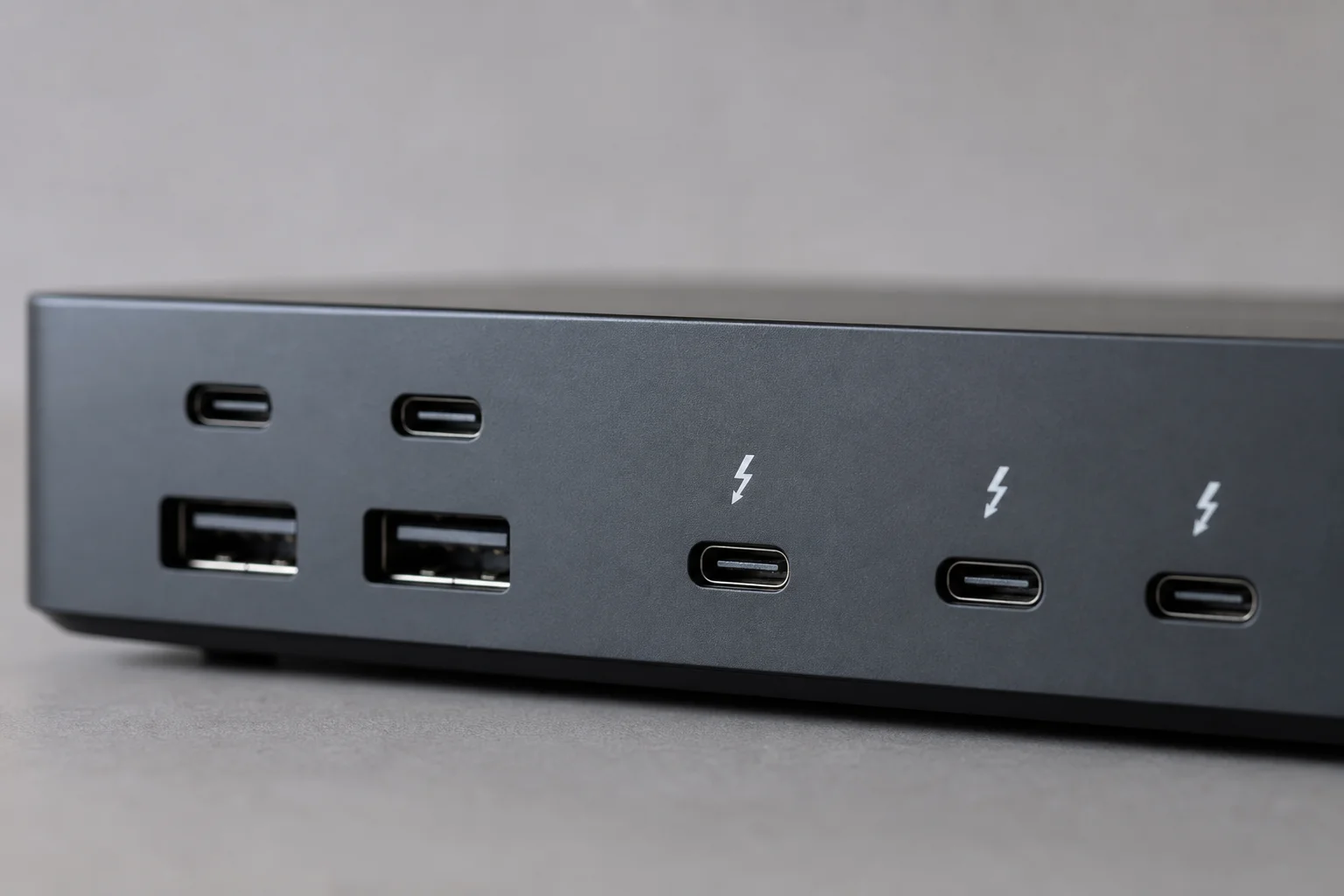
The main trade-offs are the lower power output compared to other docks (which deliver 140 watts), and the absence of built-in Ethernet, card readers, or dedicated video outputs. You may need adapters for some workflows, though adding a Thunderbolt-to-Ethernet adapter or Thunderbolt-to-display converter is straightforward. This dock works well for users with Apple Studio Display setups or those who value flexibility and affordability over all-in-one convenience.
Sonnet Echo 13 SSD Dock: Built-In Storage
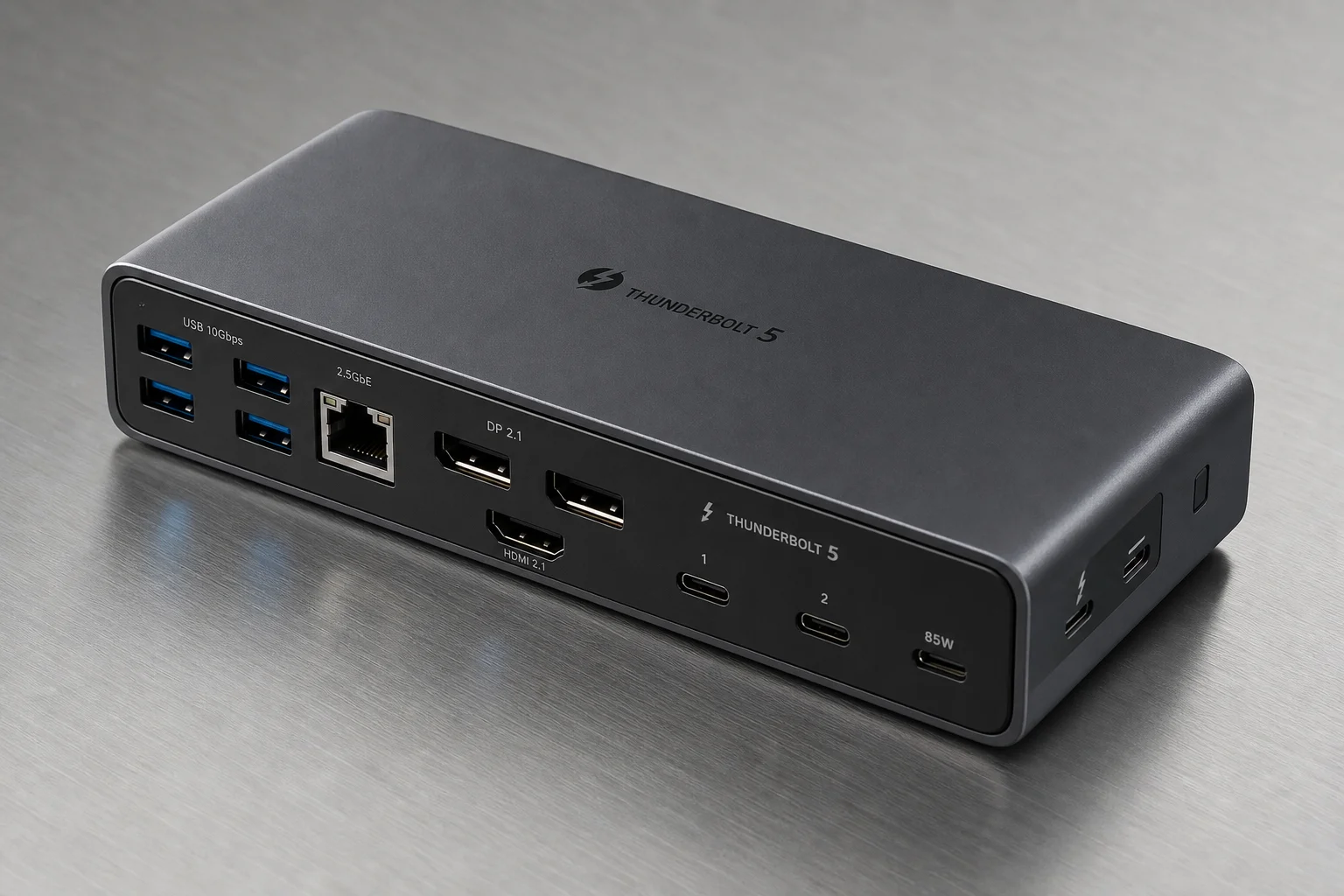
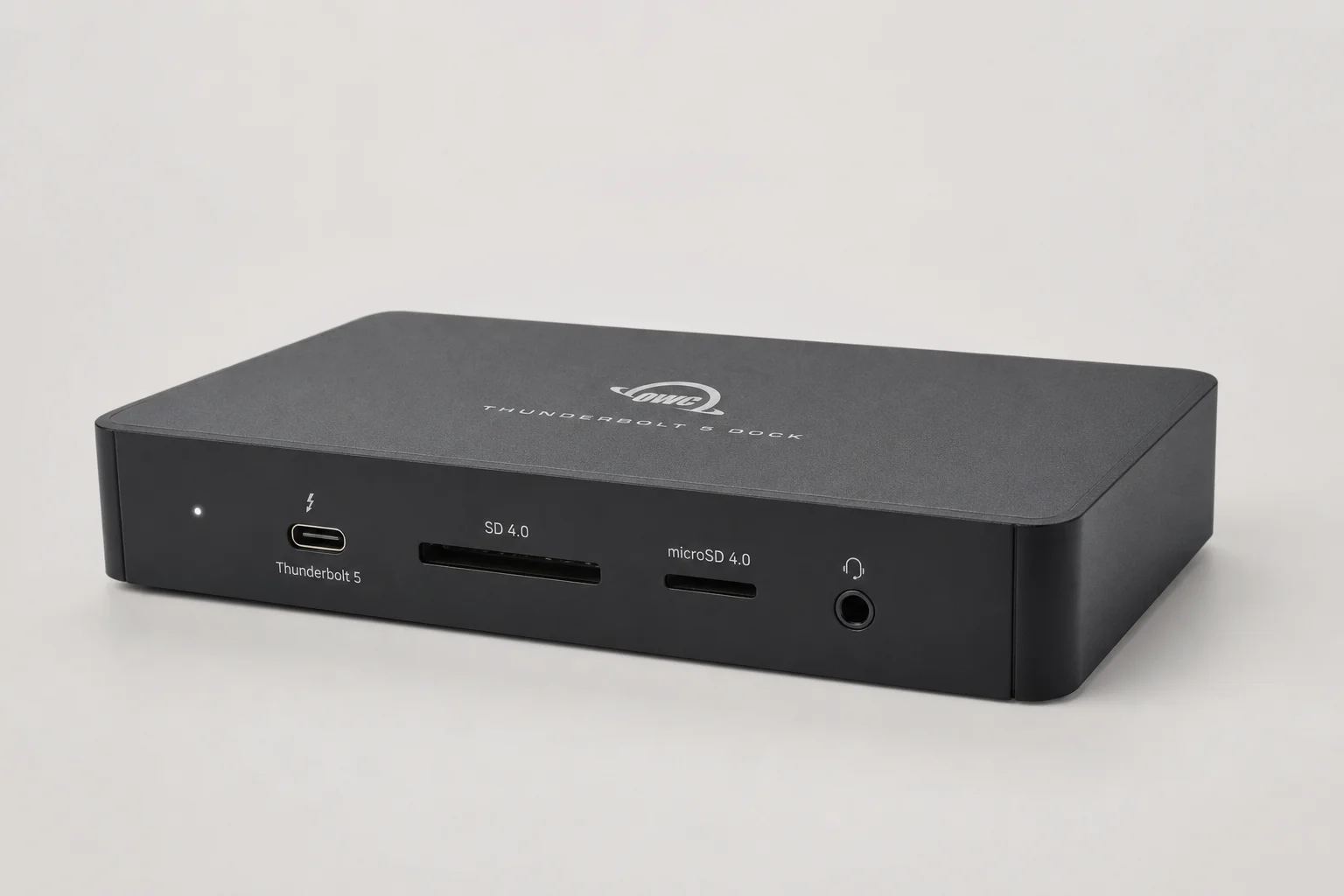
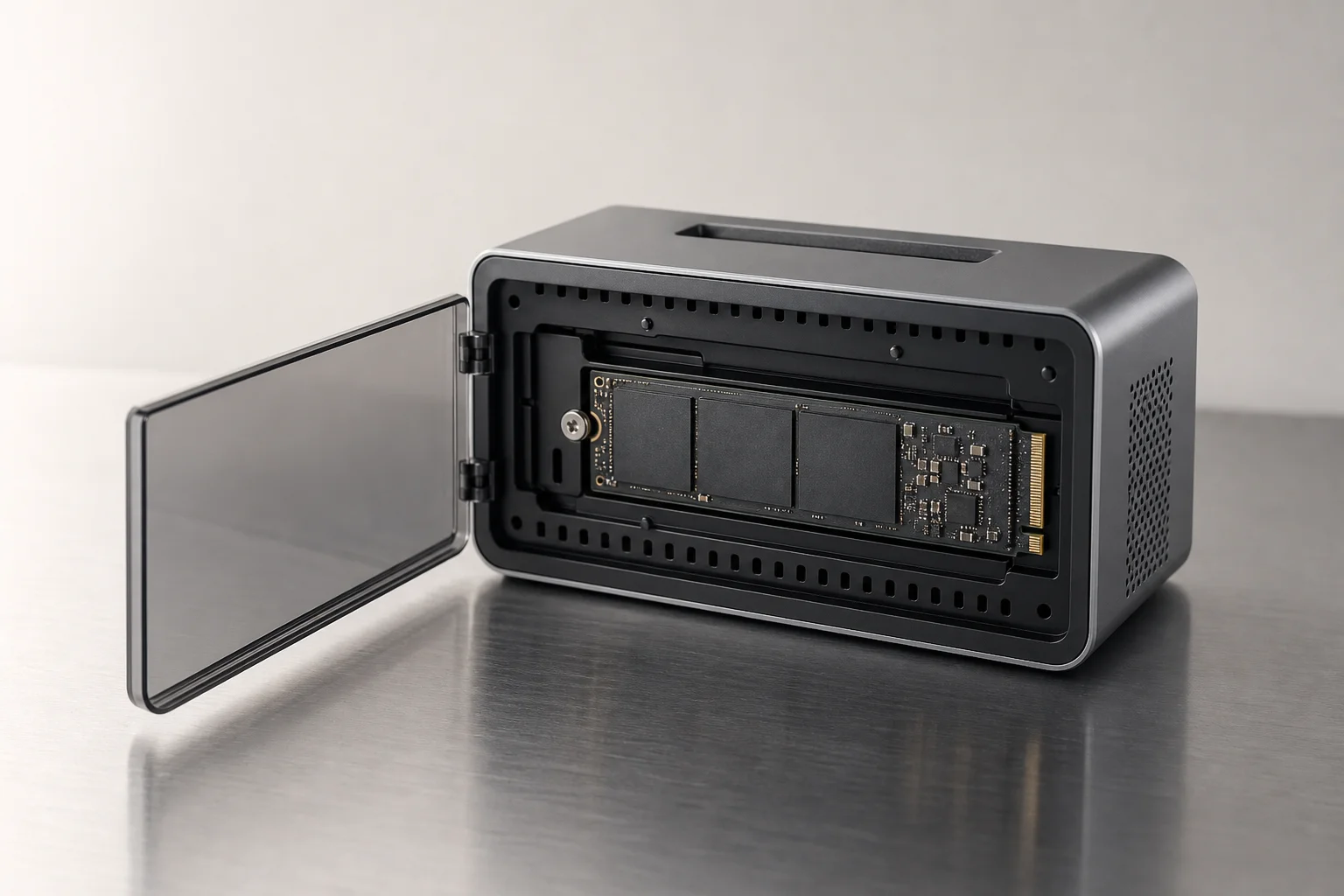
The Sonnet Echo 13 stands out by integrating an SSD directly into the dock itself. You choose between 1TB, 2TB, or 4TB configurations at purchase, and the drive can be swapped later if needed. This approach adds fast Thunderbolt 5 SSD speeds to your setup without requiring a separate external drive.
The dock is constructed from plastic, which runs cooler than metal alternatives and caused no thermal issues during testing. The Thunderbolt host port sits on the front, which some users find less aesthetically clean than rear placement, but the front also houses a power button, a spare Thunderbolt port for fast external SSDs, a fast USB-A port, UHS-II SD and microSD card slots, and a headset jack. The rear includes three additional USB-A ports, 2.5 Gigabit Ethernet, and two more Thunderbolt ports.
Drawbacks include the lack of USB-C ports and dedicated video outputs, which may matter if you use Thunderbolt displays. The 2.5 Gigabit Ethernet is slower than 10 Gigabit alternatives, and upgrading to faster networking means sacrificing a Thunderbolt port. Despite these limitations, the integrated SSD and thoughtful port placement on the front make this dock ideal for users who want fast onboard storage and a streamlined peripheral setup.
Caldigit TS5 Plus: Maximum Connectivity
The Caldigit TS5 Plus delivers the most ports and connectivity of any dock tested. The front includes two USB-C ports (one with 36 watts of power), UHS-II SD and microSD card slots, a headset jack, and a USB-A port. The dock can sit flat or stand upright thanks to a rubber base. The rear is densely packed with three additional USB-C data ports, four USB-A ports, a 10 Gigabit Ethernet port (the only dock here with this feature built-in), separate microphone and headphone jacks for flexible audio routing, DisplayPort output, and two additional Thunderbolt downstream ports plus one upstream port.
The TS5 Plus uses multiple USB controllers to handle the bandwidth demands of all these devices simultaneously. With a 330-watt power brick, it delivers the full 140 watts to your laptop while reserving 36 watts for the front USB-C port and powering all other peripherals. The main compromise is the reduction in Thunderbolt ports compared to some alternatives, but the gain in USB connectivity and 10 Gigabit Ethernet makes this the best choice for users with many USB devices, audio interfaces, MIDI keyboards, or who need the fastest possible network speeds for NAS storage.
Caldigit TS5: Thunderbolt-Focused Alternative
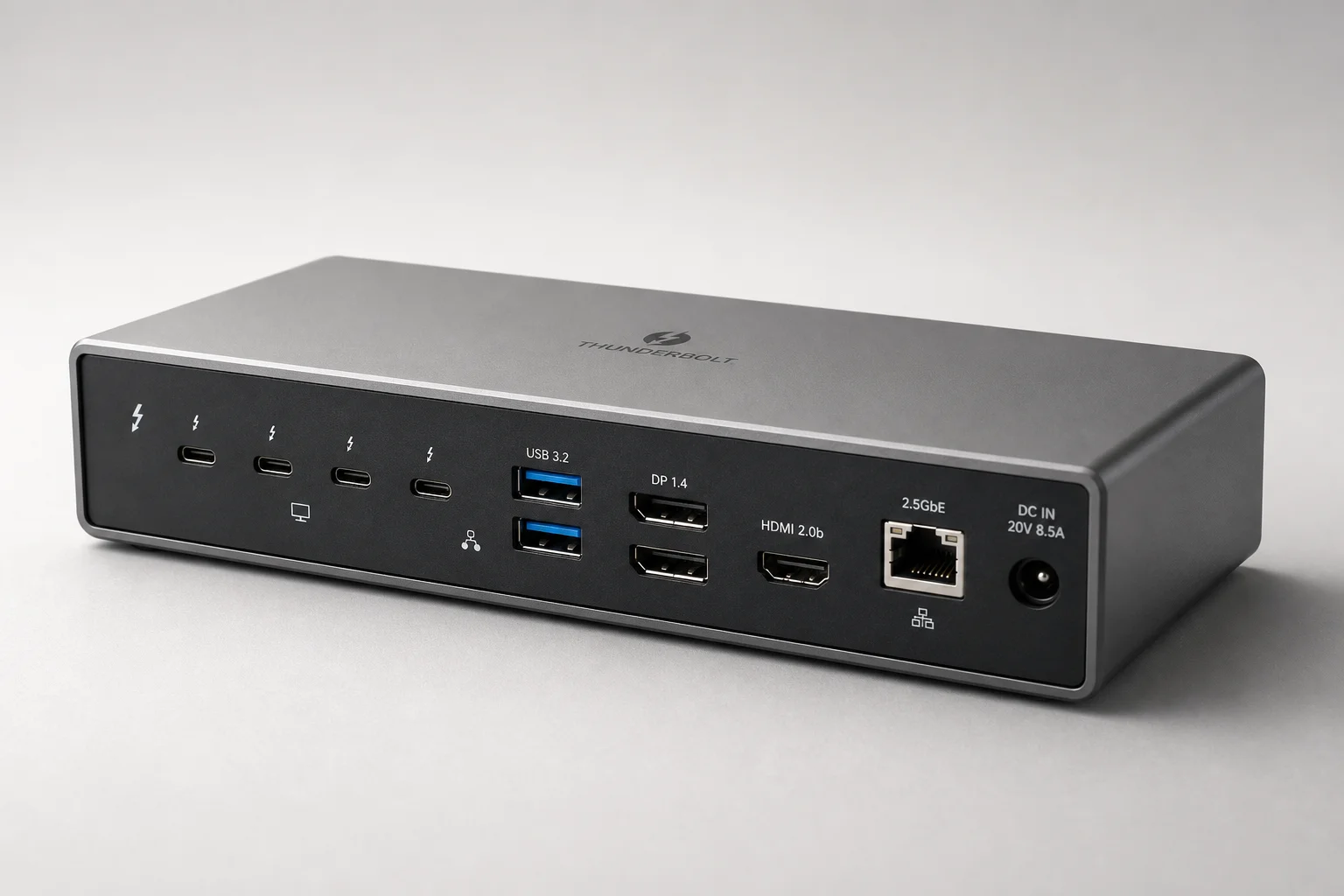
The standard Caldigit TS5 shares much of the TS5 Plus design but prioritizes Thunderbolt connectivity over USB expansion. It offers three Thunderbolt downstream ports and one upstream port, making it ideal for connecting multiple high-speed Thunderbolt devices or displays like the Apple Studio Display. It delivers the same 140 watts of host charging as the TS5 Plus but lacks the dedicated video output and uses a slower 2.5 Gigabit Ethernet port instead of 10 Gigabit.
The TS5 has fewer USB-C ports than the TS5 Plus but includes more USB ports overall than the Sonnet dock. Pricing sits close to the Sonnet Echo 13, so the choice between them depends on whether you prioritize additional Thunderbolt ports and USB connectivity (TS5) or integrated SSD storage (Sonnet).
Avonky Fusion Dock Pro 3: Metal Construction
The Avonky Fusion Dock Pro 3 resembles the Sonnet Echo 13 in layout and port selection but omits the integrated SSD and uses a metal body instead of plastic. The metal construction feels premium and runs cool during use. However, this dock lacks a standout feature that sets it apart from competitors. It is reliable and well-built, but without integrated storage, dedicated video output, or 10 Gigabit Ethernet, it occupies an awkward middle ground. If found at a significant discount, it can be a solid choice, but at full price, the Sonnet or Caldigit options offer clearer value propositions.
Anker Thunderbolt 5 Dock: Built-In Power Adapter
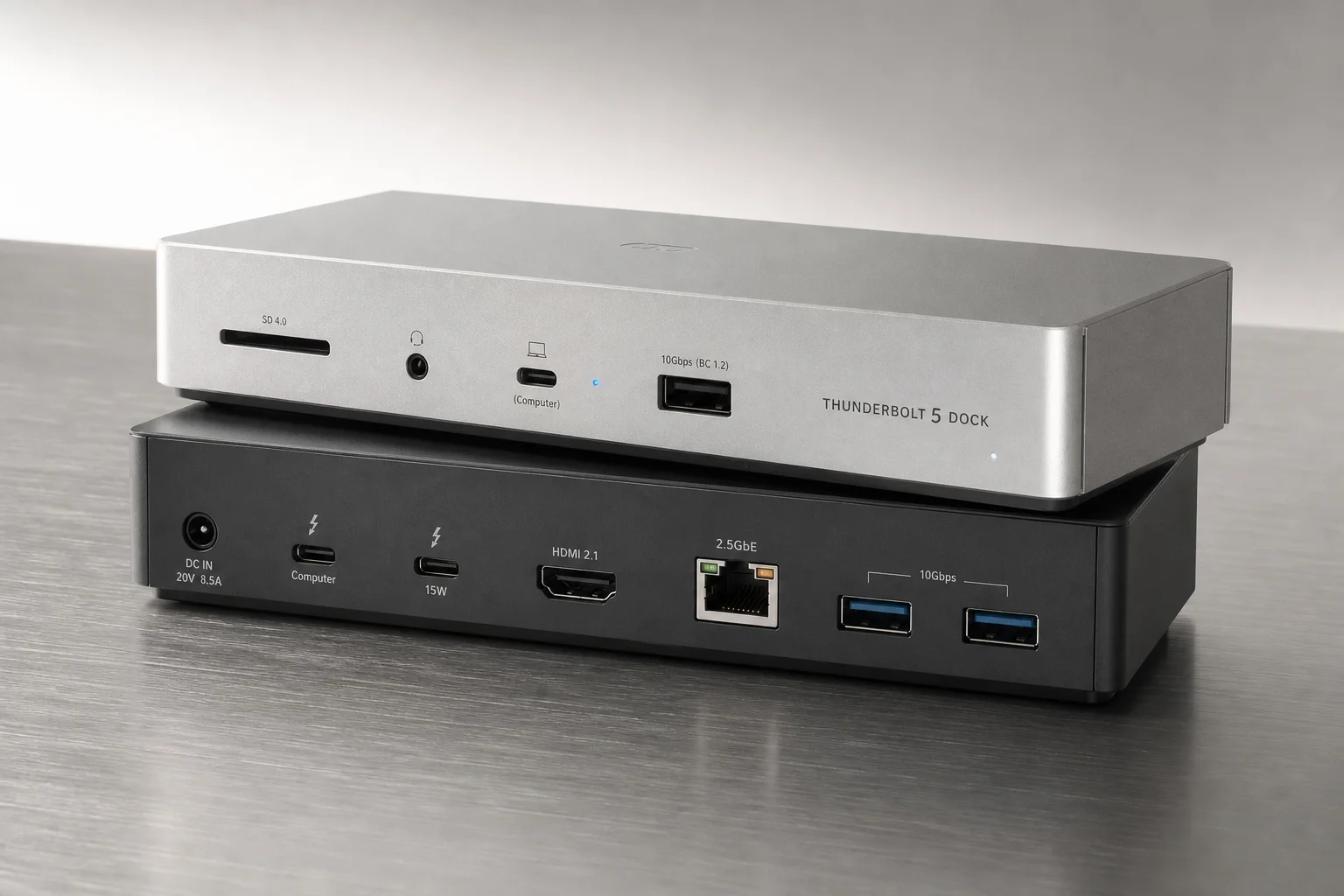
The Anker Thunderbolt 5 Dock is notable for integrating the power adapter directly into the dock body, eliminating the need for an external power brick. However, it offers only three Thunderbolt ports and a limited USB port selection compared to other docks. The front includes a few USB ports, but overall connectivity is sparse.
The built-in power adapter is a genuine convenience feature, but it does not compensate for the reduced port count and limited feature set. At around $400, it competes directly with the Sonnet Echo 13, which offers more ports and integrated storage. At $300, the Anker would be a more compelling option, but at full price, the Sonnet or TS5 Plus provide better value.
Choosing the Right Dock for Your Setup
Start by auditing your current peripherals. Count how many USB devices you use, identify any audio interfaces or MIDI keyboards, note whether you need Ethernet, and determine if you want dedicated video outputs. This inventory will guide your choice.
For users new to Thunderbolt or those with minimal peripheral needs, the Caldigit Element 5 offers the best entry point. It is the most affordable, highly flexible, and supports daisy-chaining three Thunderbolt devices. The 90-watt power delivery may feel limiting with a 16-inch MacBook Pro, but it suits Mac mini and Mac Studio users well.
If you want integrated fast storage and a thoughtful front-panel layout, the Sonnet Echo 13 is the standout choice. The built-in SSD, front Thunderbolt port for external drives, and card slots make it ideal for content creators and users who value onboard storage expansion.
For workflows involving many USB devices, audio equipment, or the need for 10 Gigabit Ethernet, the Caldigit TS5 Plus is the clear winner. Its multiple USB controllers, abundant ports, and networking speed justify the higher price for power users and musicians.
Conclusion
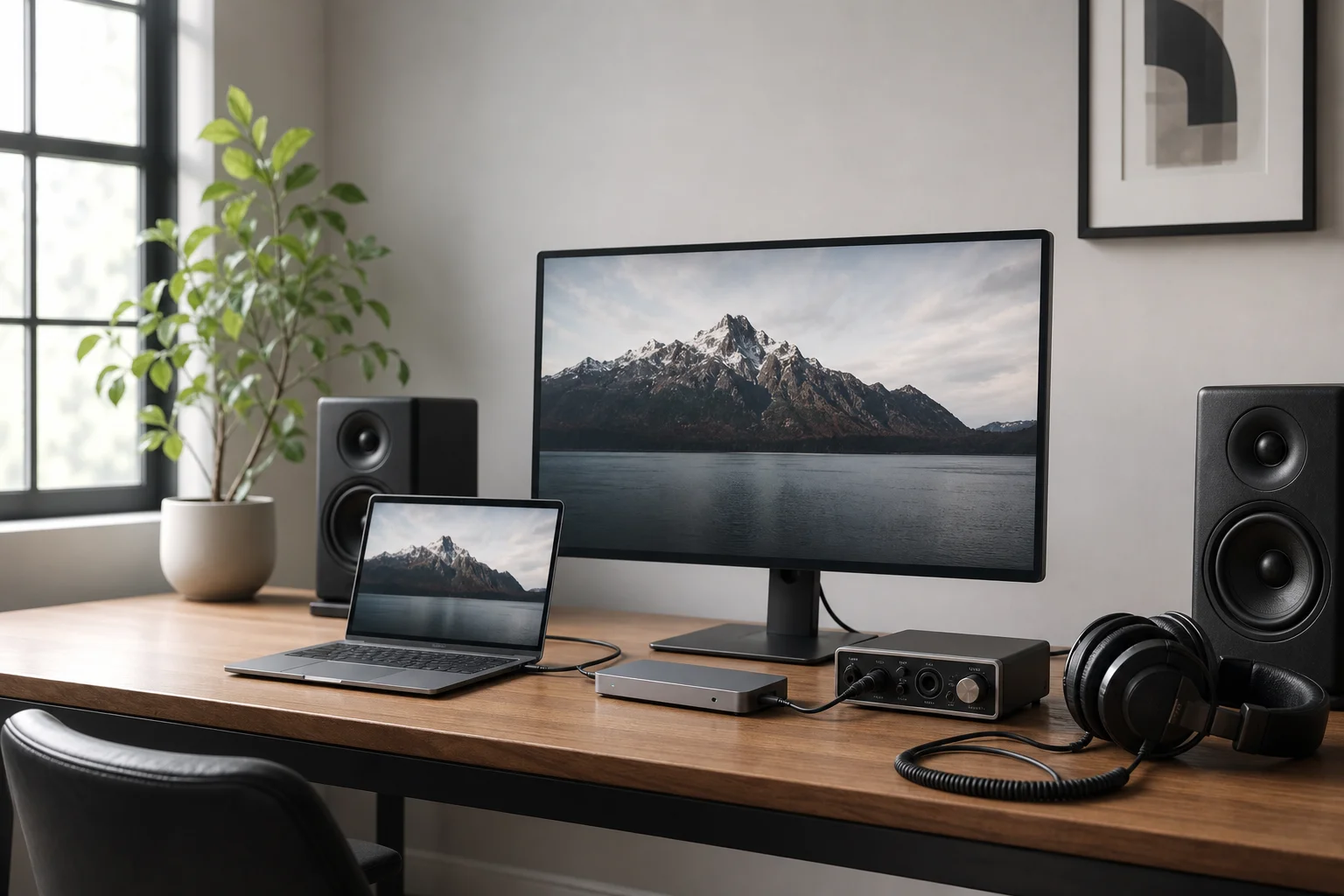
Thunderbolt 5 docks simplify desk setups by consolidating multiple peripherals into a single connection. The Caldigit Element 5 suits budget-conscious users and those seeking flexibility. The Sonnet Echo 13 appeals to anyone wanting integrated storage and a clean front-panel design. The Caldigit TS5 Plus is built for users with extensive USB and networking demands. Choose based on your actual peripheral count and workflow needs rather than chasing maximum port count.
Further reading
Related Reviews
Tech Accessories
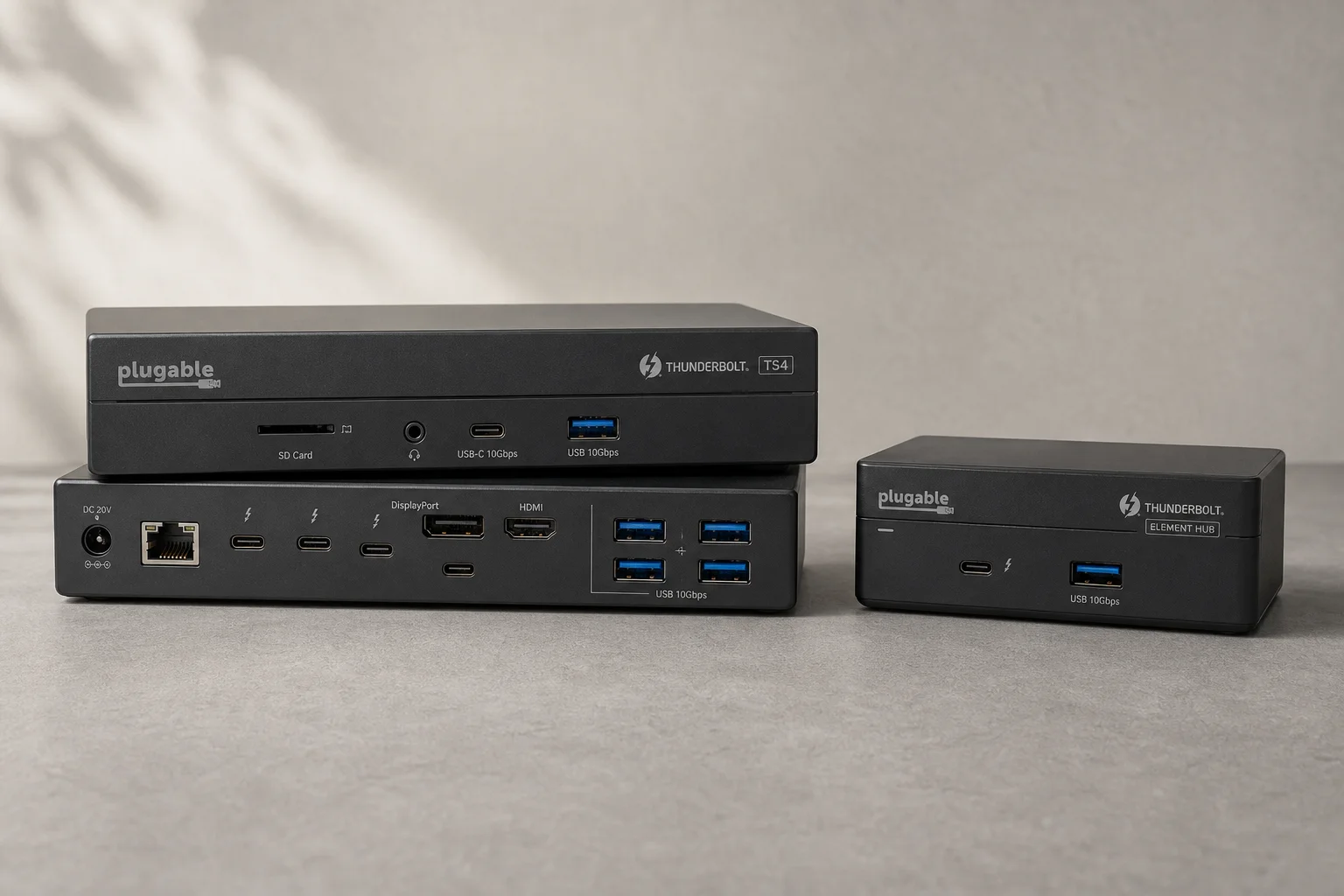
CalDigit Thunderbolt Docks: TS4 vs Element Hub
Two Thunderbolt docking solutions with different port counts and use cases. The TS4 offers 18 ports and 2.5 Gbps ethernet; the Element Hub provides a compact 8-port alternative.
Tech Accessories
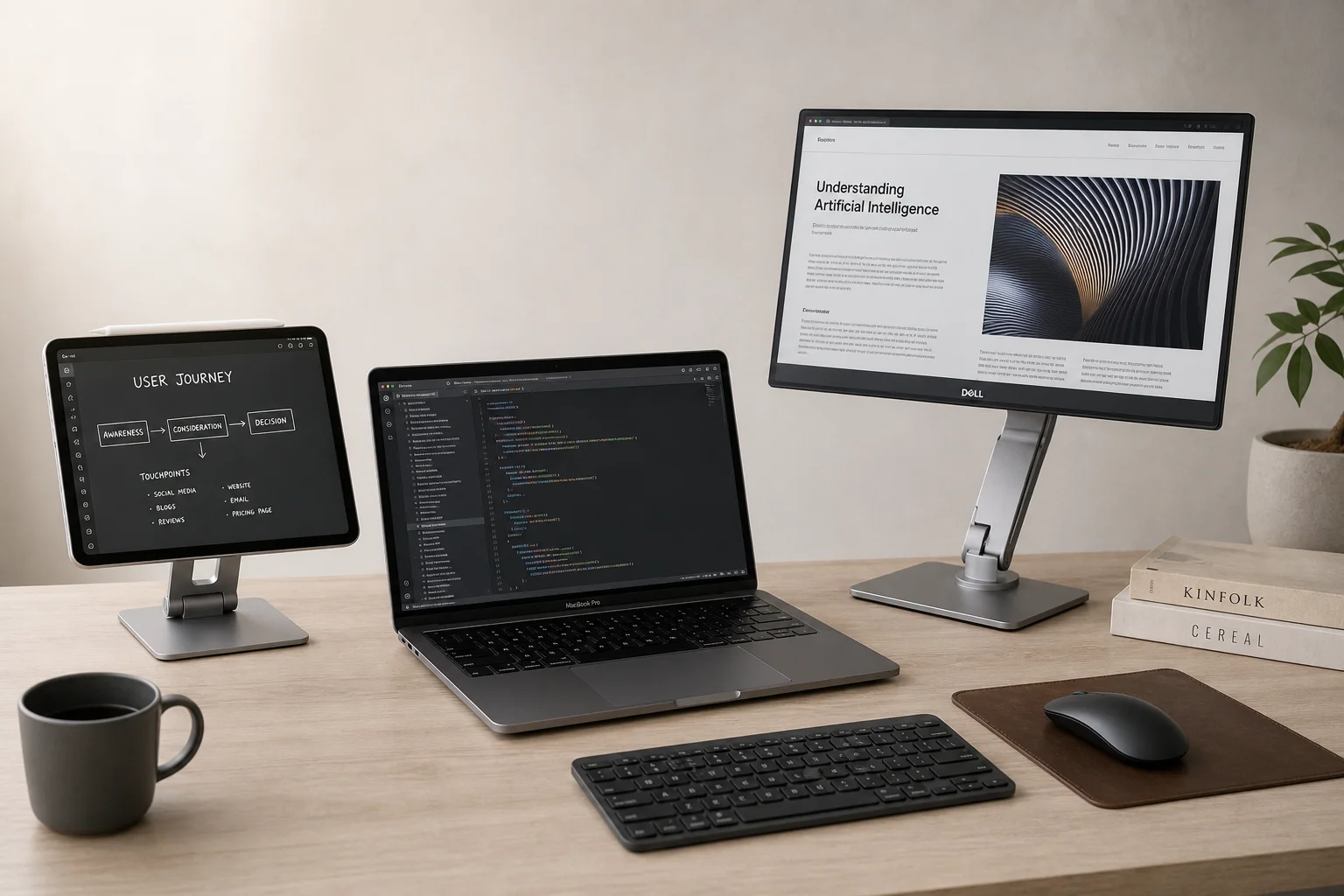
iPad with Sidecar vs Portable Display: Which Makes a Better Second Monitor for Mac
A practical comparison of using an iPad via Sidecar versus a dedicated portable display like the Dell C1422H as a secondary monitor for Mac laptops and desktops.
Tech Accessories
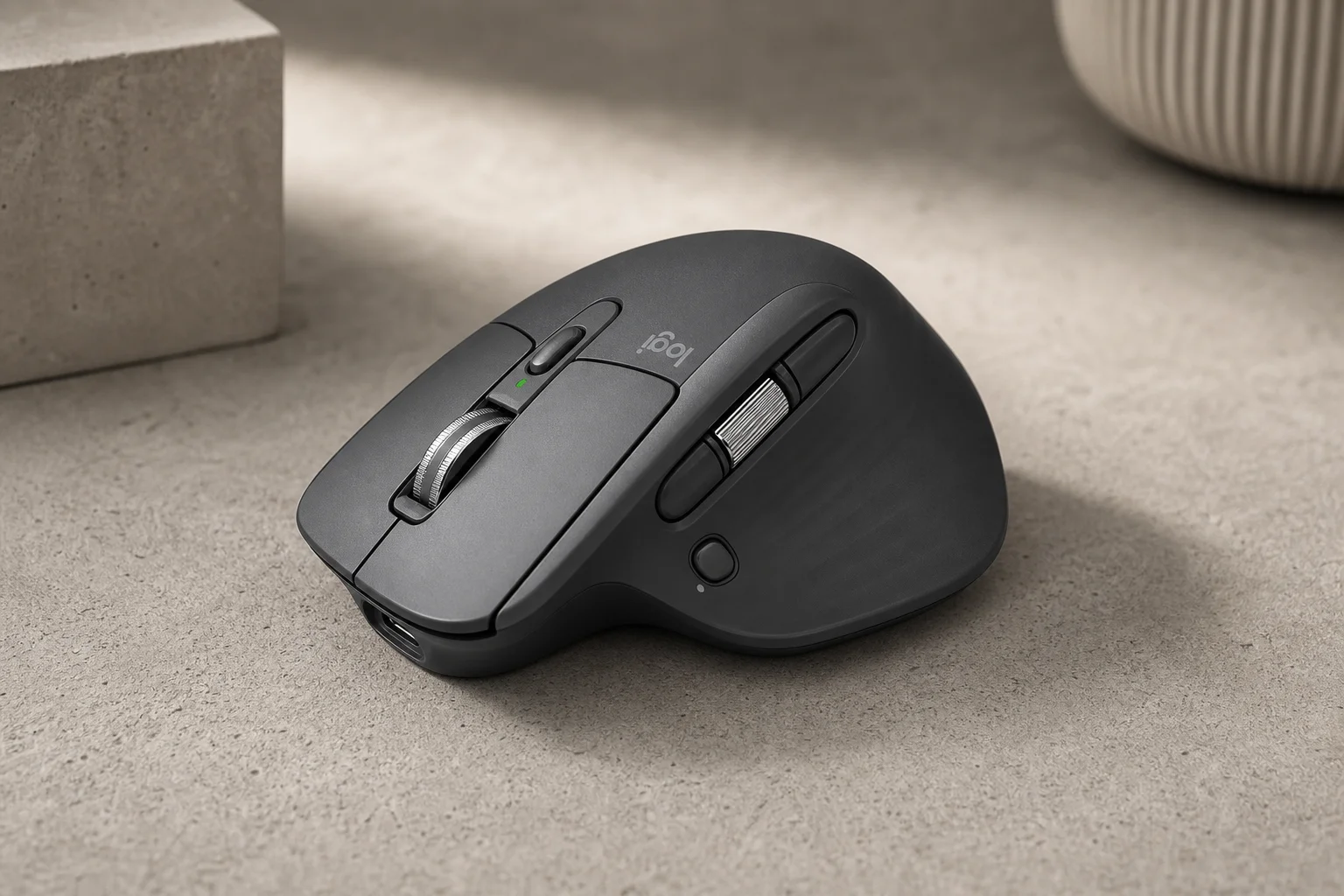
Logitech MX Master 4 Review: Wireless Mouse for Professionals
The Logitech MX Master 4 combines upgraded materials, haptic feedback, and customizable gesture controls to streamline workflows across Windows, Mac, and creative applications.