Tech Accessories
CalDigit Thunderbolt Docks: TS4 vs Element Hub
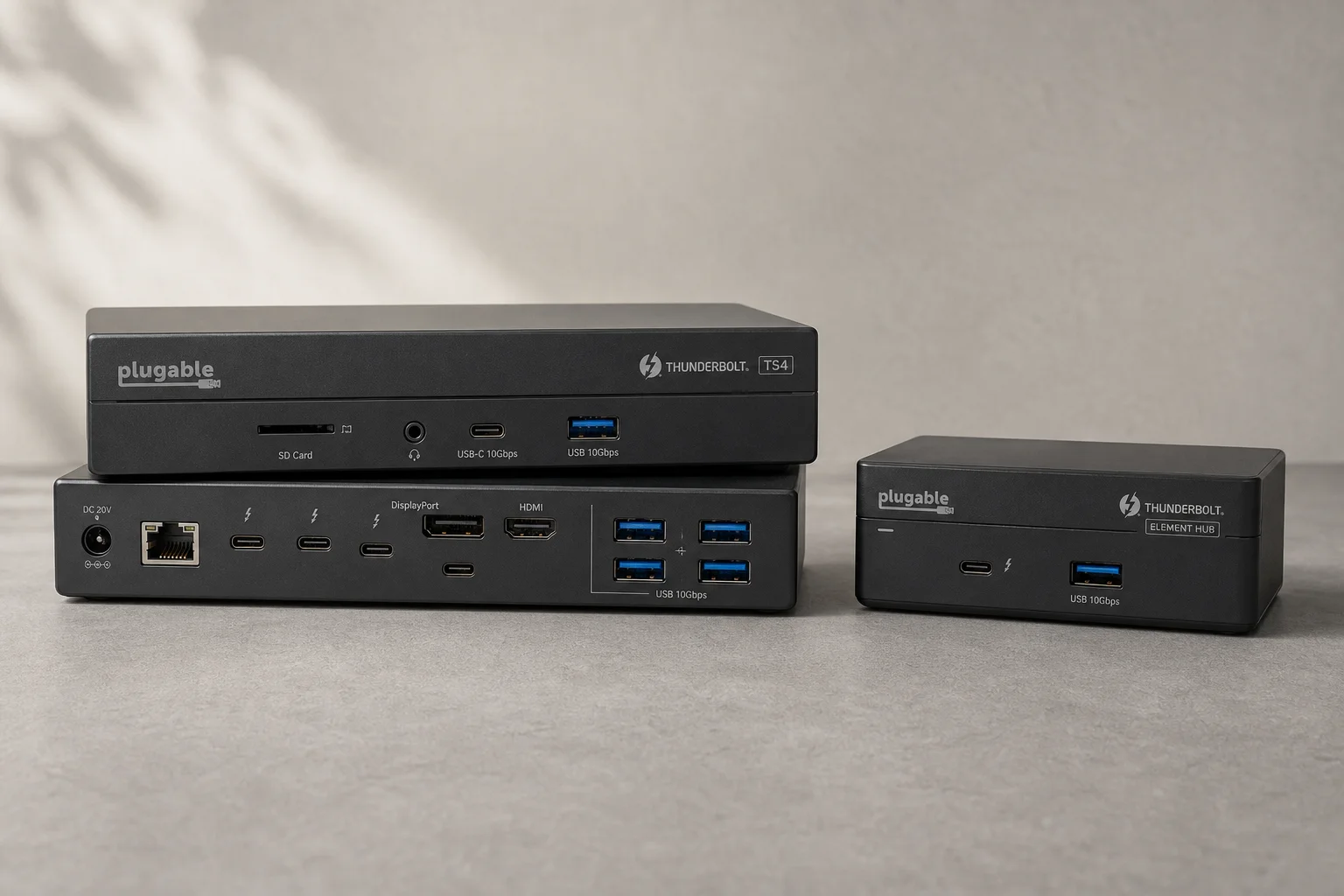
Two Thunderbolt docking solutions with different port counts and use cases. The TS4 offers 18 ports and 2.5 Gbps ethernet; the Element Hub provides a compact 8-port alternative.
Introduction
Thunderbolt docking stations bridge the gap between a laptop’s limited ports and the peripherals modern workflows demand. CalDigit offers two distinct approaches: the TS4, a comprehensive 18-port solution, and the Element Hub, a more compact 8-port alternative. Both deliver strong power delivery and Thunderbolt connectivity, but they serve different needs.
CalDigit TS4: The Full-Featured Option
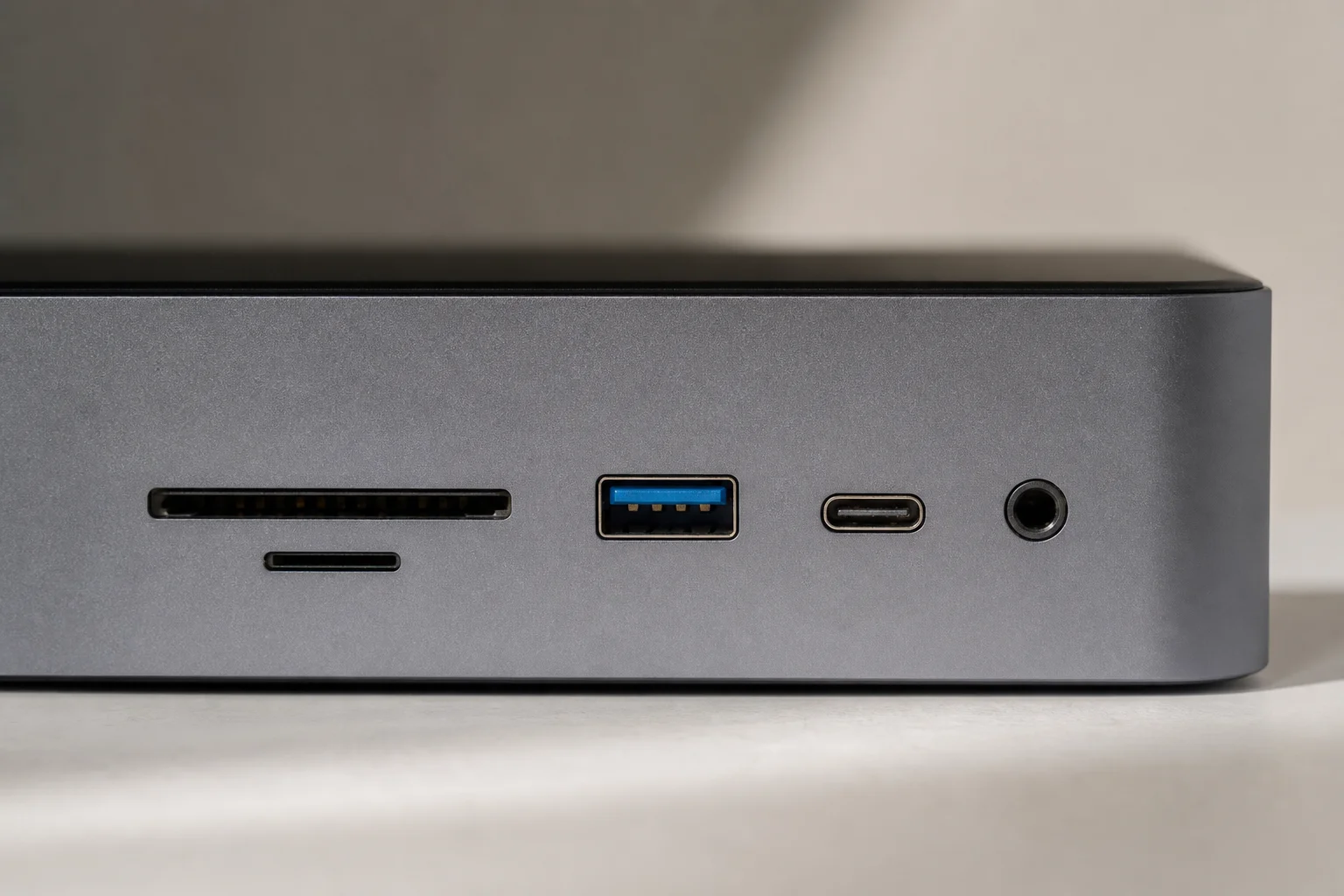
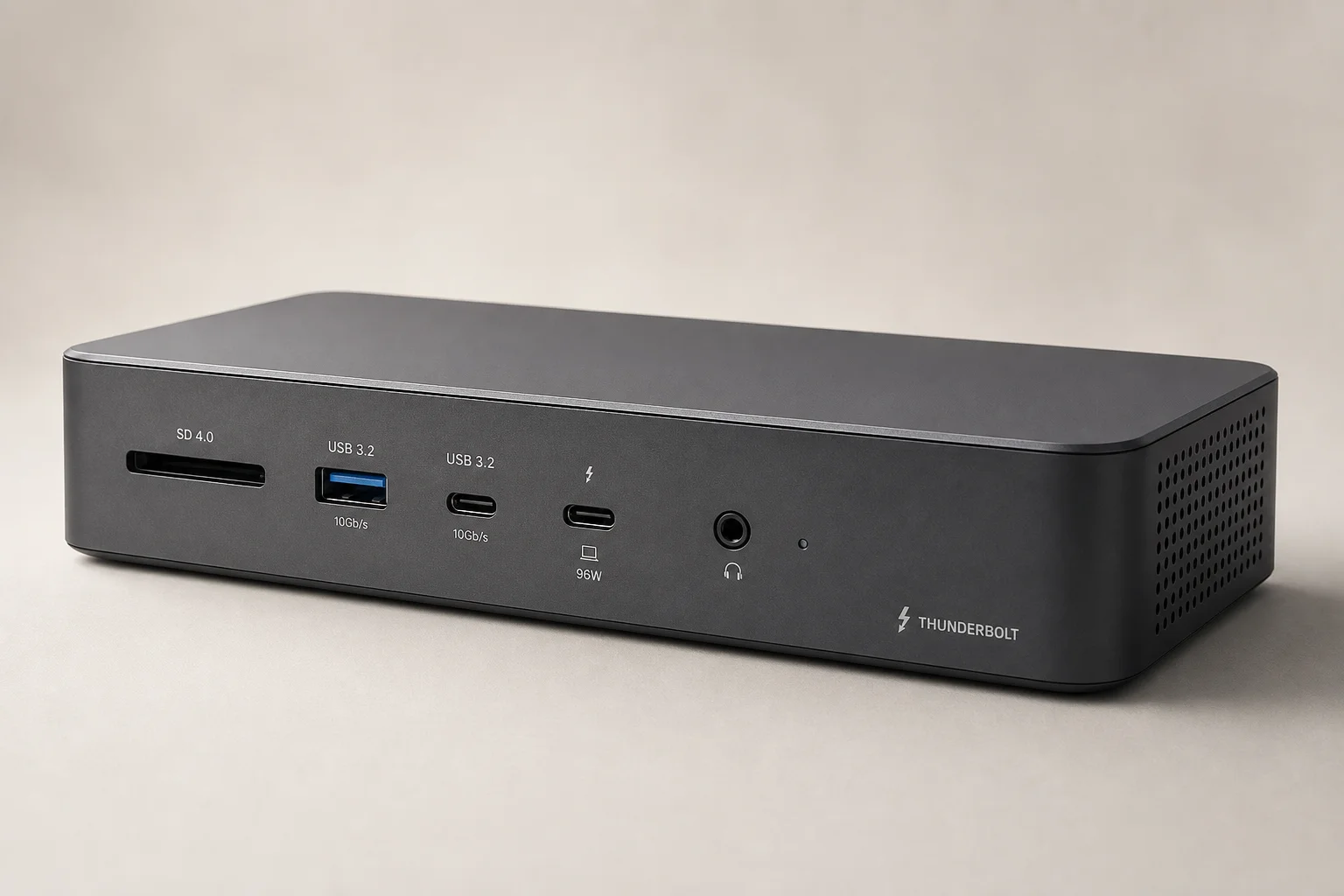
The TS4 stands out for its sheer port density and versatility. With 18 ports total, it consolidates most connectivity requirements into a single device. The front panel includes an SD card slot, micro SD slot, a 20-watt USB-C fast charger, a USB Type-A port, and a headphone jack. This front-facing design keeps cable management clean and puts frequently used ports within easy reach.
The rear panel houses the Thunderbolt connection to your computer, two additional Thunderbolt ports for daisy-chaining, four USB Type-A ports, a line-in headphone jack, a USB-C port, and a DisplayPort 1.4 output. The standout feature is the 2.5 Gbps ethernet port, which is rare in docking stations and essential for workflows involving network-attached storage or high-bandwidth file transfers. This ethernet speed is roughly 2.5 times faster than standard gigabit connections, making it practical for video editing and large file operations.
The TS4 supports dual 4K displays on Windows and dual 6K displays on Mac, though the Mac limitation stems from how Apple implements Thunderbolt rather than a dock limitation. The device ships with a 200-watt power brick and includes a two-foot Thunderbolt 4 cable. It can stand vertically or lay flat using silicone feet, offering flexibility in desk setup.
Connectivity and Performance
The 2.5 Gbps ethernet connection on the TS4 makes a measurable difference in real-world use. When tested downloading large files or games over the network, the faster ethernet connection allows sustained high-speed transfers that gigabit connections cannot match. Modern applications like Steam game downloads can exceed 250 megabytes per second with sufficient CPU resources, making the faster ethernet genuinely useful rather than purely theoretical.
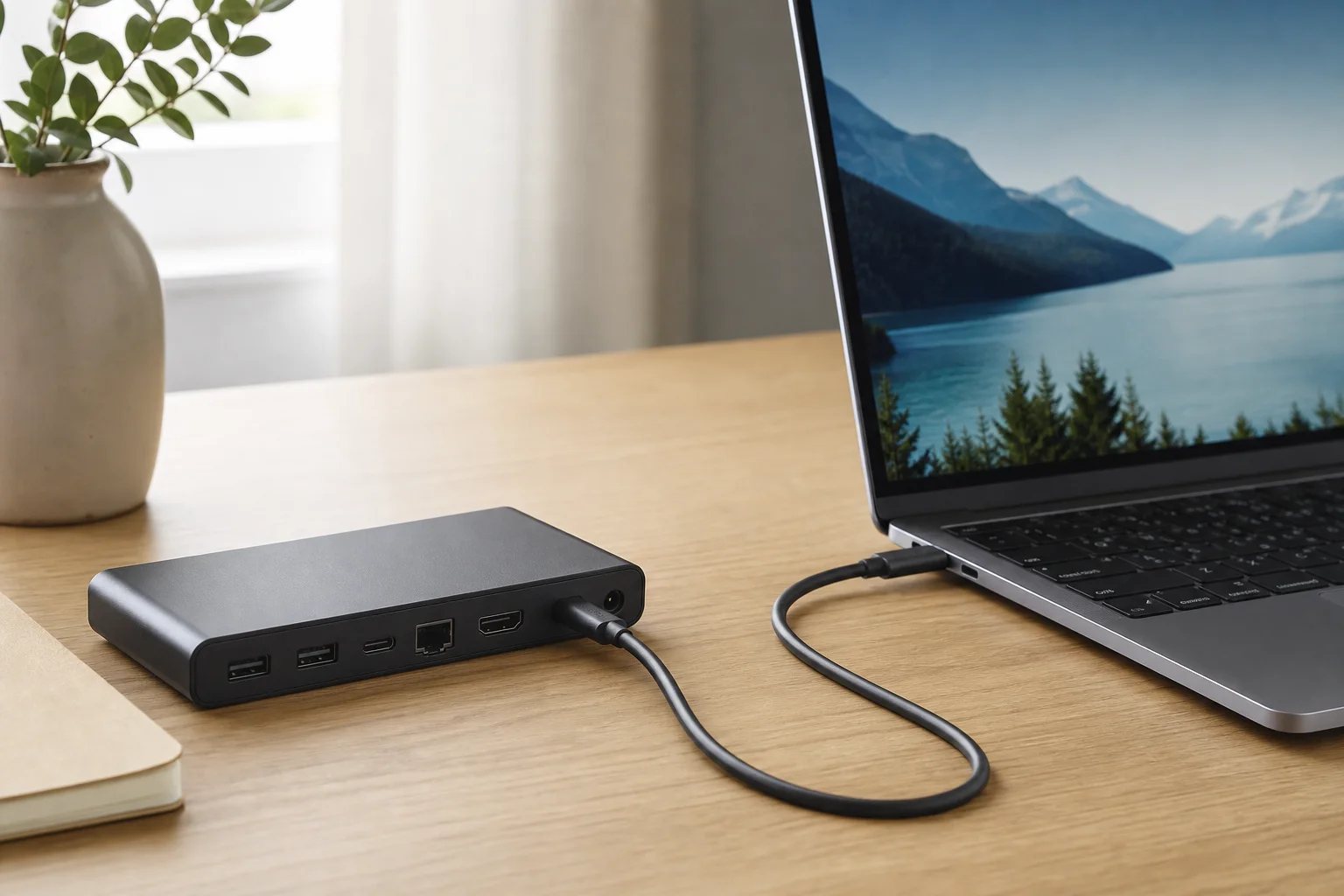
The Thunderbolt ports themselves provide 40 Gbps bandwidth per port, and the Element Hub’s three Thunderbolt ports can be configured as DisplayPort outputs or additional Thunderbolt device connections. This flexibility means you are not locked into USB-only expansion; you can add high-speed storage, displays, or other Thunderbolt peripherals without bandwidth constraints.
CalDigit Element Hub: The Compact Alternative
The Element Hub takes a minimalist approach with eight ports instead of eighteen. It includes three Thunderbolt ports, four USB Type-A ports, and a Thunderbolt connection to your computer. Despite the smaller port count, it retains the ability to output 8K displays and deliver strong power to connected laptops.
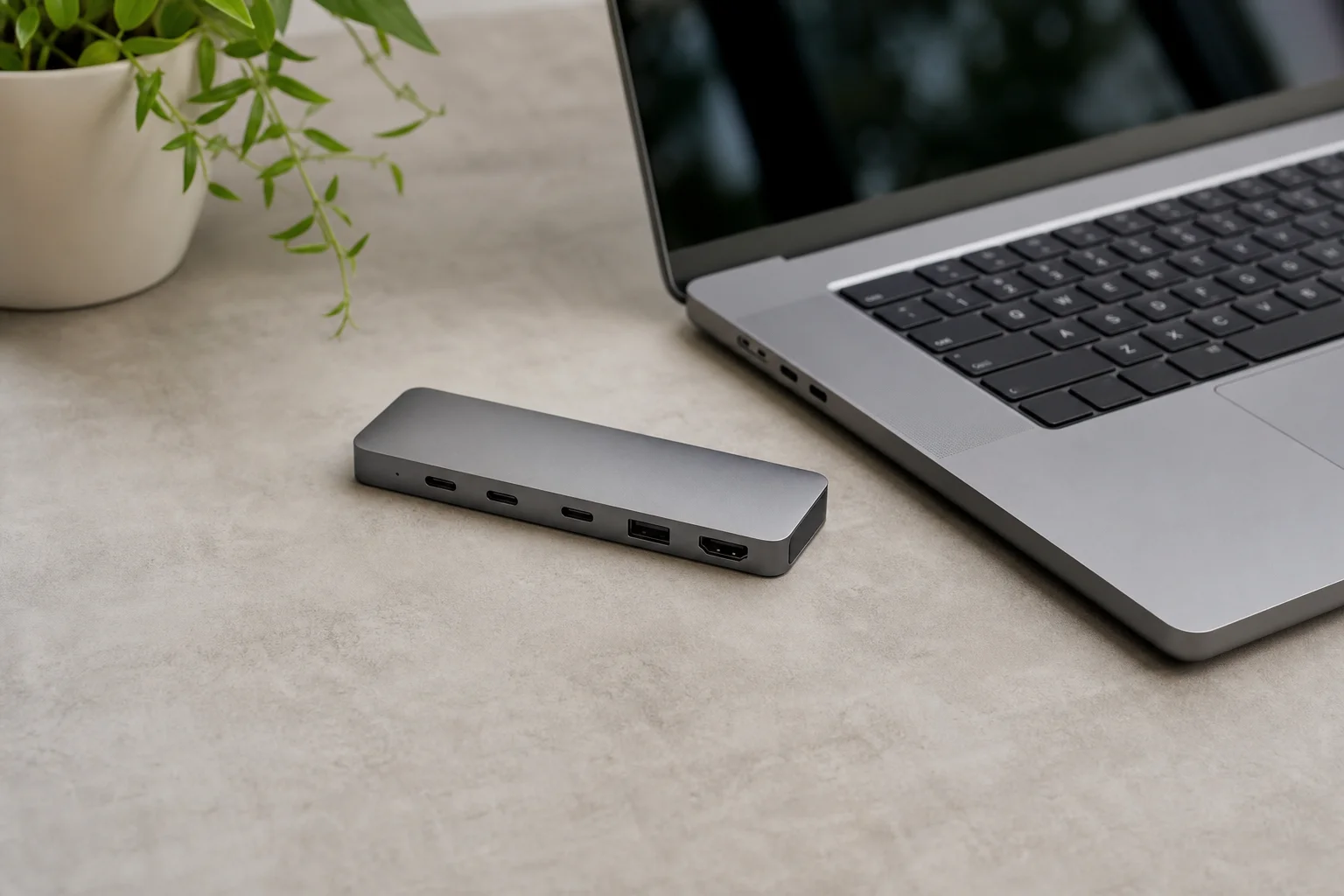
The Element Hub ships with a 150-watt power brick, which is smaller than the TS4’s 200-watt brick but still sufficient for robust power delivery to most laptops. The compact form factor makes it more portable than the TS4, a practical advantage if you move between desks or travel with your setup. The three Thunderbolt ports provide the same 40 Gbps bandwidth per port as the TS4, so you retain flexibility in how you configure display and storage connections.
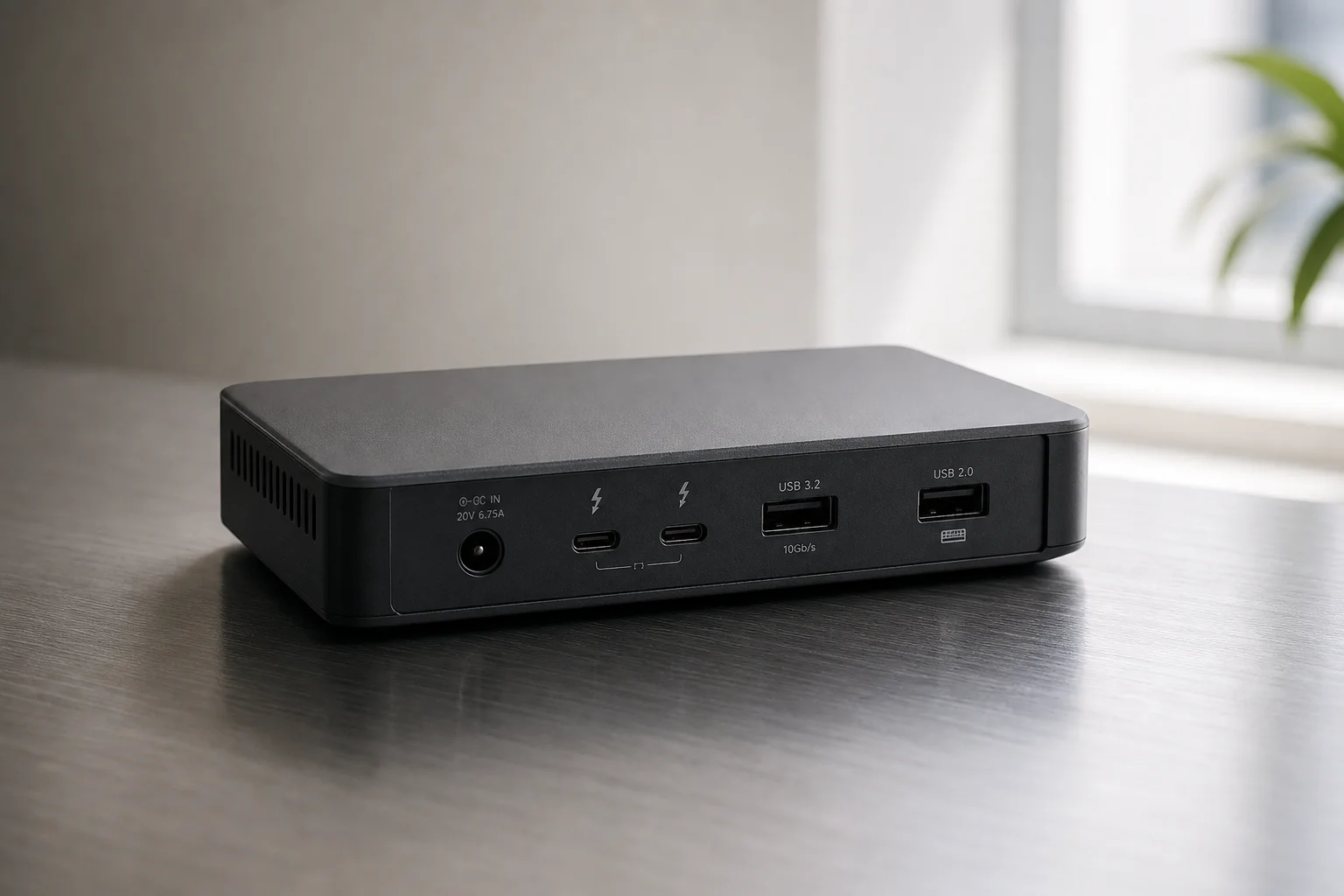
Power Delivery and Specifications
Both docks require external power to operate, a necessity given the number of connected devices and the power delivery they provide. The TS4’s 200-watt brick supports up to 98 watts of power to a connected Thunderbolt computer, plus an additional 20 watts from the front USB-C fast charger. This level of power delivery can sustain even high-performance laptops during intensive work.
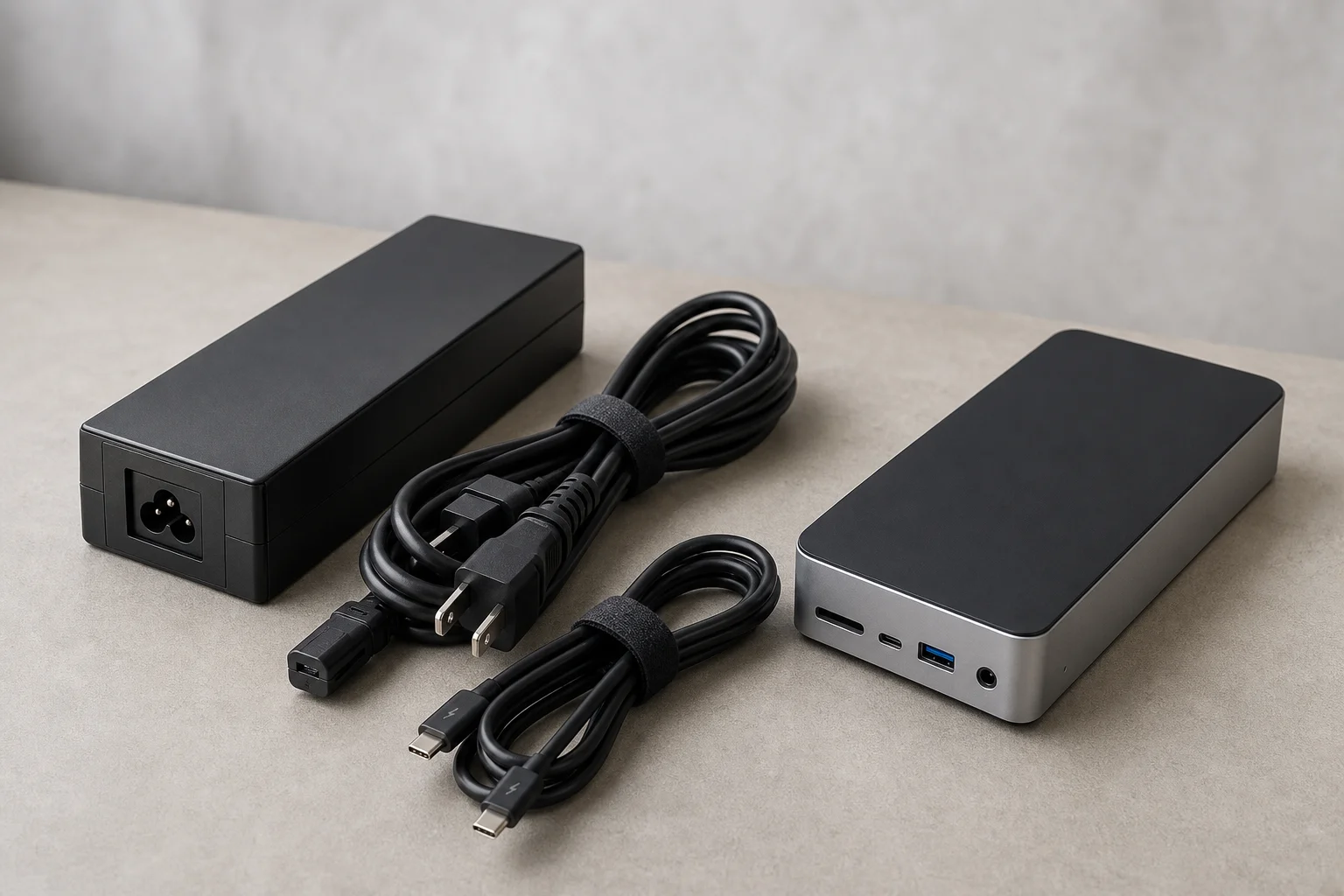
The Element Hub’s 150-watt brick provides adequate power for most laptops, though it delivers less total wattage than the TS4. For users with power-hungry gaming laptops or workstations, the TS4 is the safer choice. For typical laptop use, the Element Hub’s power delivery is sufficient.
The TS4 costs $380, while the Element Hub is priced at $250. The price difference reflects the additional ports, the 2.5 Gbps ethernet, and the higher power delivery of the TS4. Neither option is budget-friendly, but both represent solid investments for users who rely on consistent, high-speed connectivity.
Conclusion
Choose the TS4 if you need maximum connectivity, 2.5 Gbps ethernet for network-heavy workflows, and the flexibility of 18 ports. Choose the Element Hub if you prioritize portability, need fewer connections, and want to save $130. Both deliver genuine Thunderbolt performance and strong power delivery for modern computing needs.
Further reading
Related Reviews
Tech Accessories
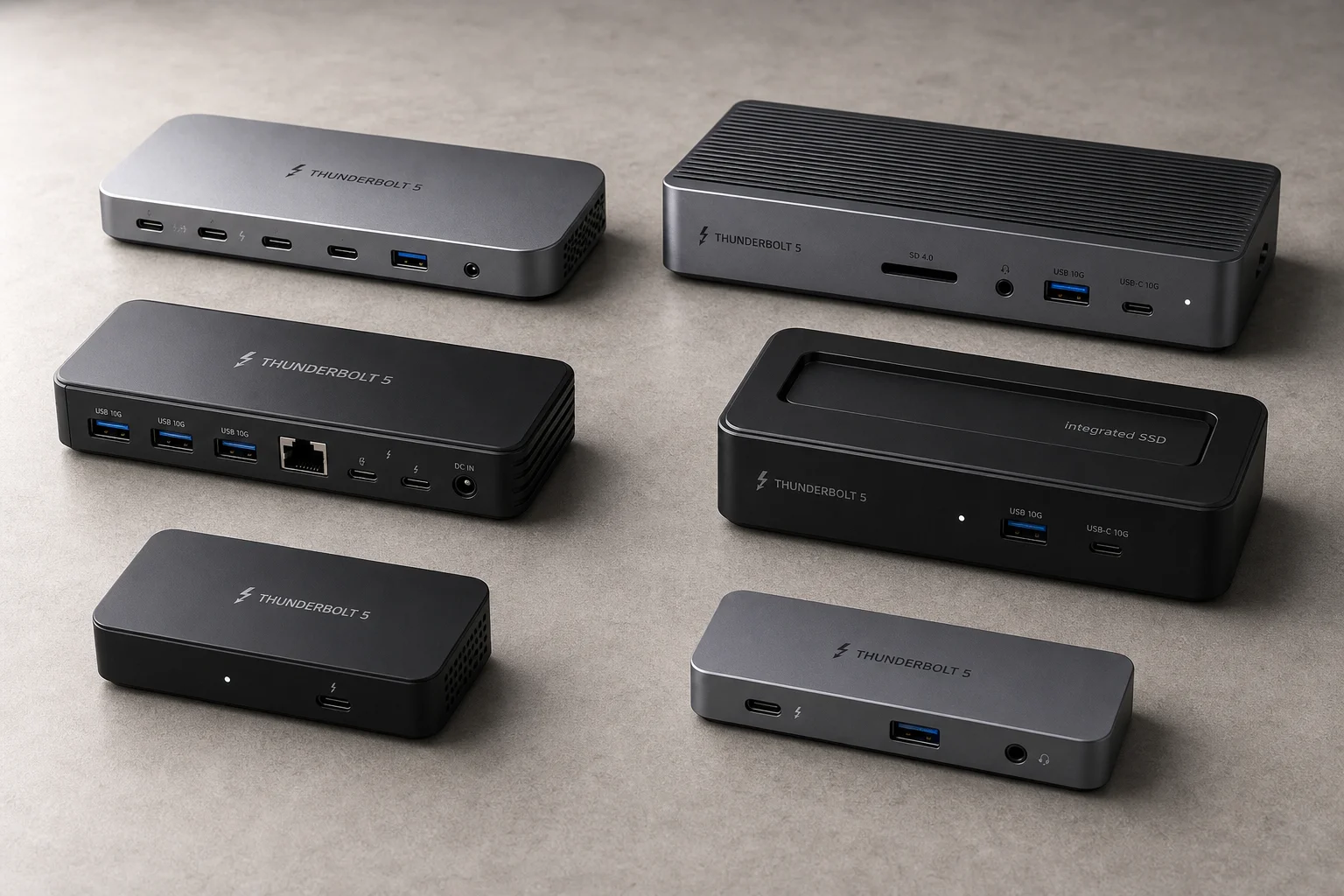
Best Thunderbolt 5 Docks 2026: Six Options Tested for Desktop Connectivity
A practical guide to six Thunderbolt 5 docking stations, covering their strengths, trade-offs, and which setup they suit best.
Tech Accessories
iPad with Sidecar vs Portable Display: Which Makes a Better Second Monitor for Mac
A practical comparison of using an iPad via Sidecar versus a dedicated portable display like the Dell C1422H as a secondary monitor for Mac laptops and desktops.

Tech Accessories
Logitech MX Master 4 Review: Wireless Mouse for Professionals
The Logitech MX Master 4 combines upgraded materials, haptic feedback, and customizable gesture controls to streamline workflows across Windows, Mac, and creative applications.