Running Apps
Runna App Review: A Training Plan That Adapts to Real Life
A close look at how the Runna app builds a race plan, adjusts intensity and volume, syncs with your watch, and handles travel and holidays.
Introduction
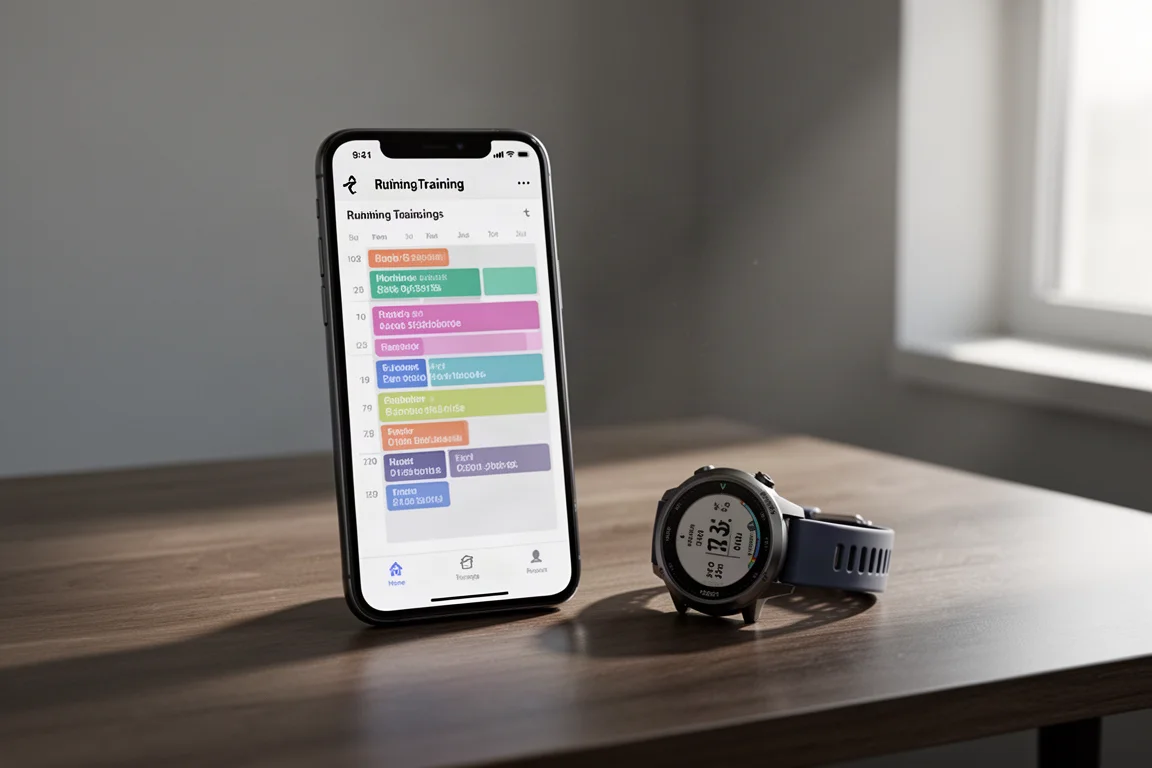
Runna is a running training app that builds a personalized plan around a specific goal, then keeps adapting that plan as your fitness, schedule, and life circumstances change. I recently ran a full training block with it for a half marathon, and I am now setting up a new plan for a 5K race. This overview covers how to set up a plan, what the day-to-day experience looks like, and two significant updates the app has added since that first training block: adjustable workout intensity and volume, and the ability to adapt your plan around vacations and work travel.
Who This Product Is For
Runna is for runners who want structured, race-specific coaching without hiring a personal coach. It suits a wide range of levels, from beginners signing up for a first 5K to experienced runners who regularly race half marathons or longer and already understand structured training like intervals. It is especially useful for people juggling travel, busy schedules, or cross-training, because the plan adjusts rather than punishing you for missing a day. If you prefer running entirely unstructured, it may feel like overkill, but for anyone targeting a race, it is a genuinely practical tool.
Setting Up a Race Plan
Everything starts with a goal. Runna asks what you are training for, and if you choose a race from its catalog of events around the world, you gain two advantages: access to a community of runners training for the same race, and automatic loading of the course and its elevation profile so your training is specific to the terrain. If your race is not listed, you can add it manually with the name, country, date, and distance.
Next, the app gauges your level with definitions for beginner, intermediate, and advanced. Someone who regularly runs half marathons and is familiar with structured intervals would reasonably select the highest tier, with an optional mileage boost for high-volume runners. You then provide a recent race time, which anchors the pace predictions. Being honest about where you currently are matters more than listing your all-time personal best.
The setup continues with practical questions: how many days per week you want to run, which day you prefer for long runs, and when you want the plan to start. Plan lengths are flexible, and a 12-week plan starting a couple of weeks before a 5K gives you room to ease in. Everything here can be revisited and changed later, so you do not need to get every answer perfect on the first pass.
Customizing Intensity and Volume
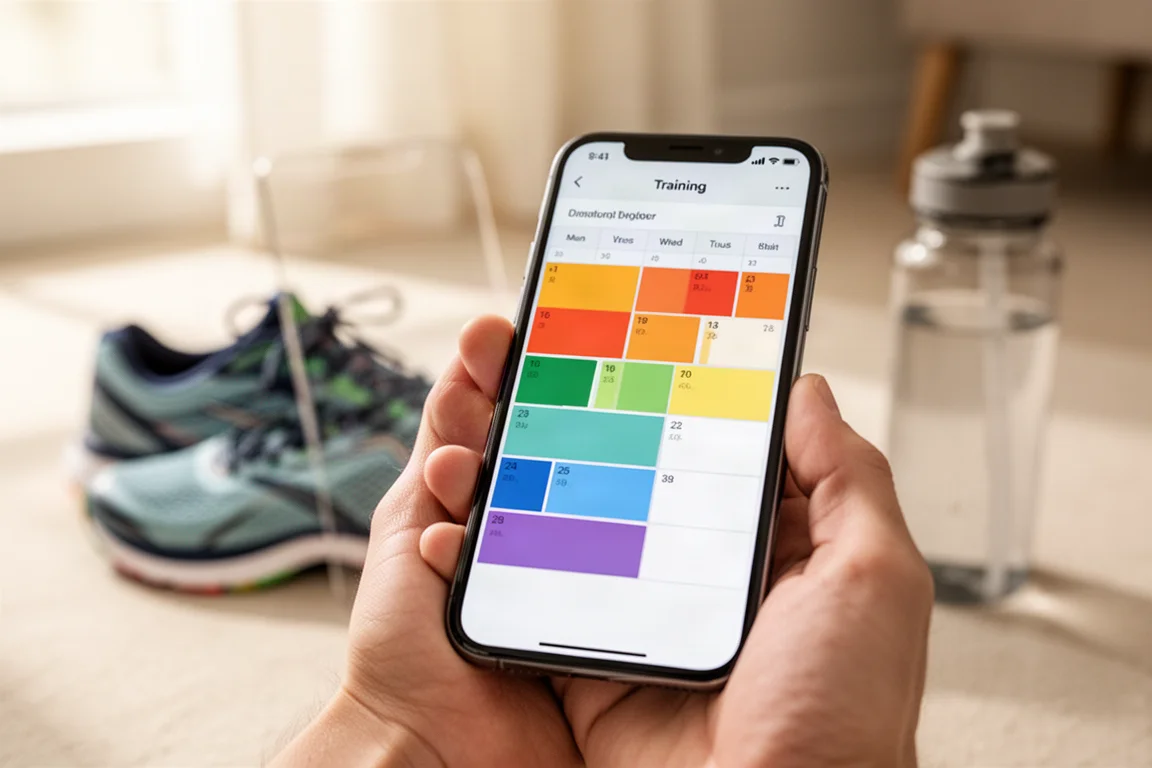
One of the biggest new additions is global control over how hard your plan feels. The previous version monitored your paces and would suggest adjustments if it sensed you were struggling, but now you can proactively set your own difficulty. Training volume can be progressive for a steady ramp-up, steady for a gentler increase, or low if you are injury-prone or new to structured plans.
Within the advanced customization, you can set maximum durations for hard and easy runs, choose how many hard sessions you want per week, define how difficult those hard runs should be, decide how much of your long run volume includes pace work, and adjust how aggressive the pace targets are. Each setting has clear explanations of what challenging versus balanced actually means in terms of weekly structure. The app still monitors your performance throughout the block, so if your choices turn out to be too ambitious, it will flag an adjustment. The plan also asks for your current weekly mileage and longest recent run, which helps it build a starting point you can actually handle.
Connecting Strava and Your Watch
Under the profile section, connected apps and devices links Runna to Strava or Apple Health. Once connected, activities posted to Strava flow automatically into Runna, so your runs appear on the dashboard without manual syncing. If you run with a watch, Runna can push your workouts directly to it.
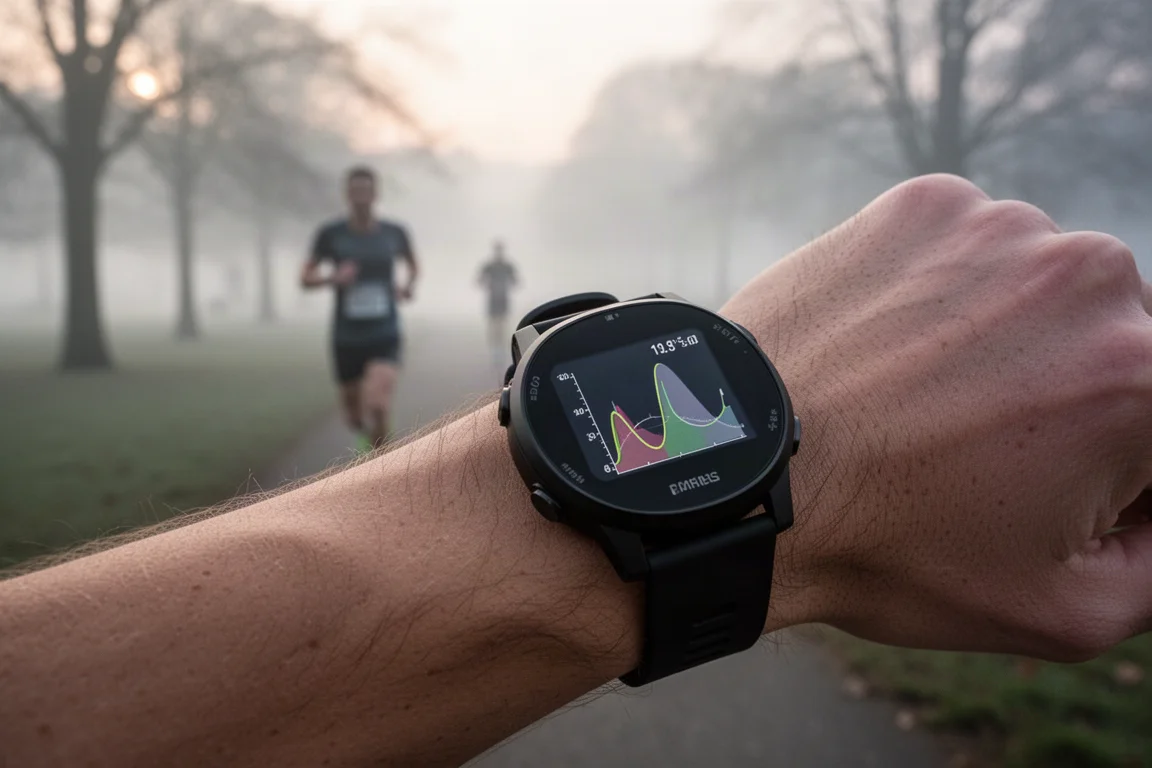
This is where the app becomes genuinely convenient on workout days. Complex sessions with intervals of different lengths, paces, and recoveries arrive on the watch automatically, so you simply start the run and follow the prompts. Because Runna and the watch’s own app sync with each other, there is no extra manual step. One habit worth adopting: in workout settings, keep pace targets on so they reach your watch, but disable pace alerts for easy runs. Getting told your easy pace is too slow undermines the whole point of recovery running, and turning those alerts off makes the app far more livable day to day.
The Dashboard and Plan Tab
The main dashboard shows a countdown to race day, the day’s weather, motivational tips, a weekly view of completed sessions, and a record workout button. The plan tab is where most of the useful management happens. It shows where you are in the overall block, your estimated race times across distances, and how Runna is evaluating your pace data against what was prescribed.
If the app notices workouts are consistently too easy or too hard, it offers to auto-update the remainder of the plan. The week-by-week view lets you scroll ahead, jump to any week, and see color-coded sessions for easy runs, tempo work, and track intervals. A coach’s notes section introduces each week and explains the different run types, which is genuinely helpful for newer runners who have never heard of certain session formats.
Adapting Your Plan Around Travel
The second major new feature is plan adaptation. From the manage plan section, you can add a holiday or trip by entering your departure and return dates, then choose what kind of sessions you want while away, such as easy and speed runs instead of long runs. Runna rewrites the plan around your trip, adjusts the cutback weeks, and rebuilds the schedule automatically.

For anyone whose training gets derailed by work travel or vacations, this is a meaningful quality-of-life improvement. You no longer have to choose between abandoning the plan or dragging a 15-mile long run through an unfamiliar city.
There is also a calendar icon for finer manual control. Holding any workout lets you drag it to another day, or even to another week, and saving the change pushes the updated schedule to your watch. This is handy when you know a trip will still allow your key sessions, just not on the days originally assigned.
Strength, Mobility, and Extras
Beyond running, Runna can add strength training, mobility, yoga, or Pilates sessions to your plan. The strength workouts are runner-focused, delivered as guided circuits with demos, which is a good way to learn exercises if you are unsure what to do in the gym. Mobility and yoga sessions slot in as recovery support.
The honest trade-off: if you know you tend to skip strength sessions, having the app assign them twice a week means constantly marking them as skipped, which wears on you. Declining them and doing strength work on your own terms is a perfectly valid choice, and the app lets you manage this from the manage plan section at any point in your block.
Workout Data and AI Feedback
After a workout, the sync status updates automatically and the session appears as completed. Tapping into it shows the workout description, a route map, pace and elevation graphs, per-mile splits, and per-rep details so you can see whether you hit each target. While in a plan, white pace-range bars at the top give an at-a-glance check of whether each rep landed in range. All the key data your watch collects is pulled into Runna, so you do not need to jump between apps.
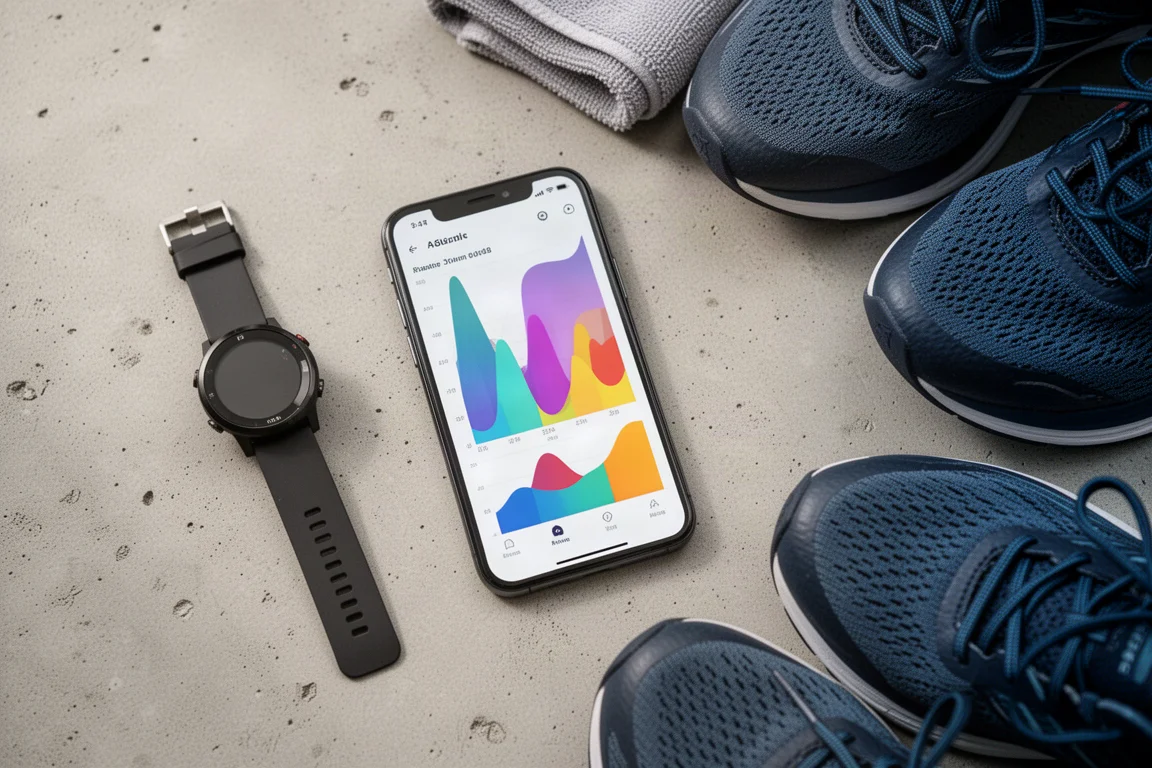
A genuinely new addition is AI-generated workout feedback. After rating how the session felt, the app analyzes your pace against what was prescribed and tells you how it went, such as noting that repetitions were run faster than intended. For experienced runners this may confirm what they already know, but for anyone newer to interval training, it is a valuable teaching tool that explains whether the workout was executed correctly, rather than just how hard it felt.
Finished runs can be shared as graphic cards with pace and distance overlays, saved to your device, sent to Instagram, or posted to the Runna community, either broadly or within the group training for your specific race. The community tab supports comments and likes, and the activities section lets you filter your history by workout type or date, with weekly mileage trends, personal records, completed plans, achievements, and an overall Runna score rounding out the performance page.
Buying Advice
Runna is worth trying if you have a race on the calendar and want a plan that flexes with your life rather than against it. The new intensity and volume controls make it far more forgiving for runners who found earlier versions too aggressive, and the travel adaptation feature removes a common reason to abandon a training block. The watch integration is seamless, the feedback loop keeps improving, and the community aspect adds accountability. Free trials are often available through creator codes, so it is reasonable to test the setup flow and a week of training before committing.
Conclusion
Runna has matured into one of the more complete training apps available for race-focused runners. The setup is thorough without being intimidating, the plan adapts to both performance and real-life schedule changes, and the day-to-day experience is polished from watch sync through post-run analysis. The two newest features, adjustable difficulty and holiday-aware planning, directly address the most common frustrations with rigid training plans. If you are preparing for a 5K, half marathon, or marathon and want structured coaching in your pocket, it deserves a place on your shortlist.
Product link
View more details for Runna App
This product is mentioned in the review. Check the specifications, options, and compatibility before buying.
View more details for Runna AppFurther reading
Related Reviews
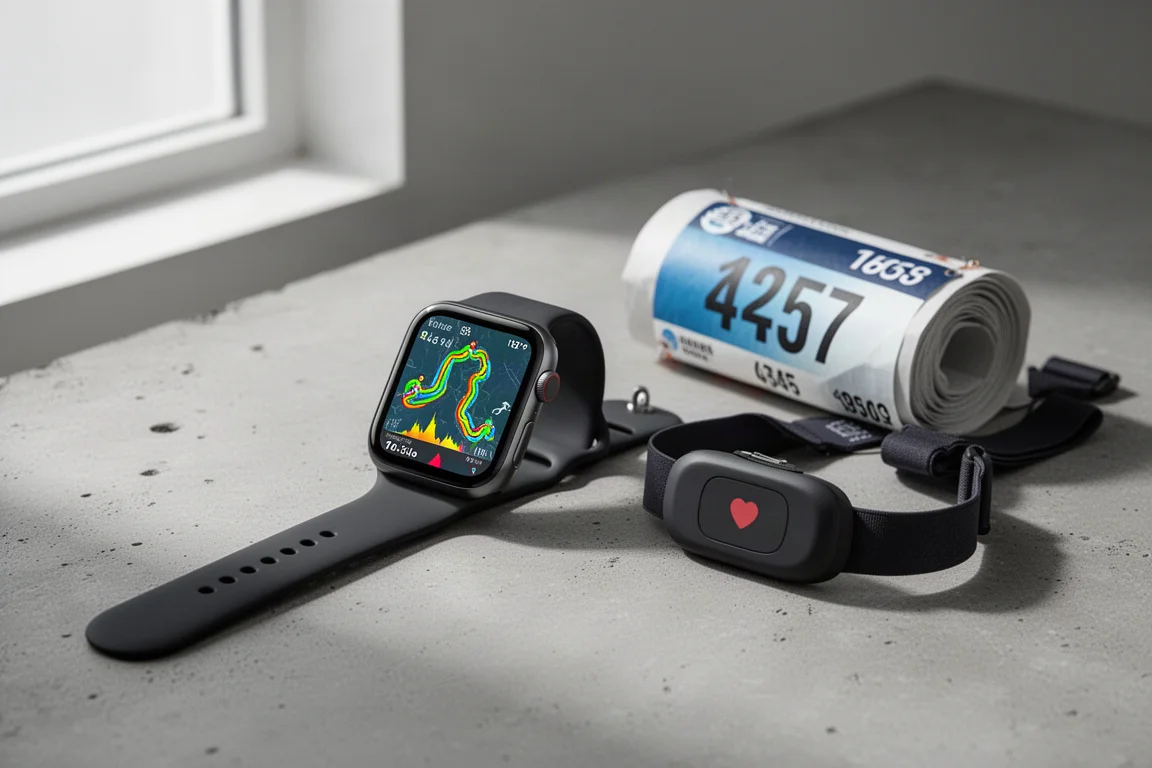
Running Apps
Best Apple Watch Running Apps: Five Apps That Beat the Native Workout App
Five running apps for the Apple Watch that either do one thing brilliantly or go beyond what the native Workout app can offer, from all-round tracking to race-day pace correction.
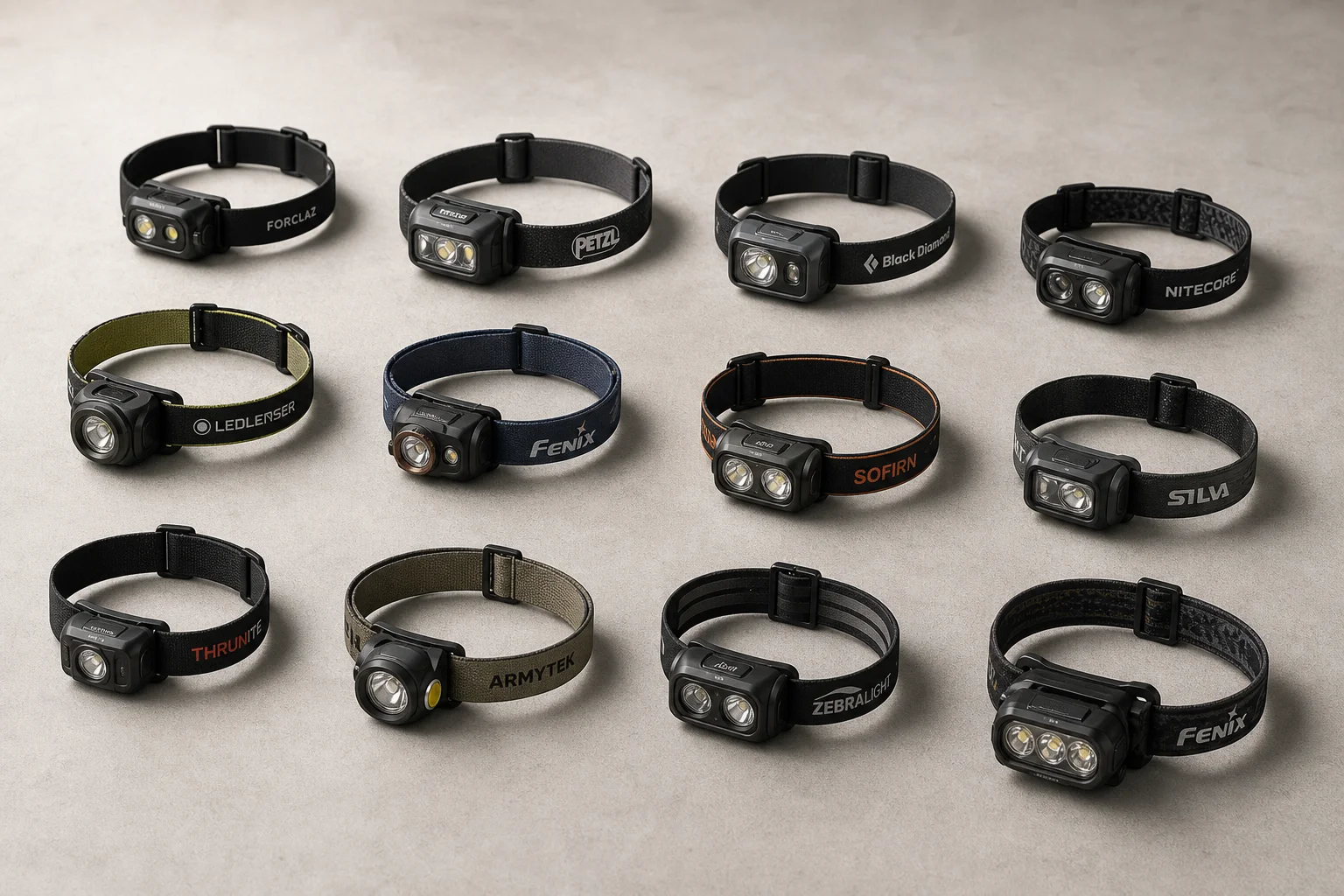
Outdoor Lighting
Best Head Torches 2026: 13 Tested Models for Running, Camping, and Work
A comprehensive roundup of 13 head torches tested across comfort, output, battery life, and build quality. Find the right torch for running, hiking, camping, or general use.
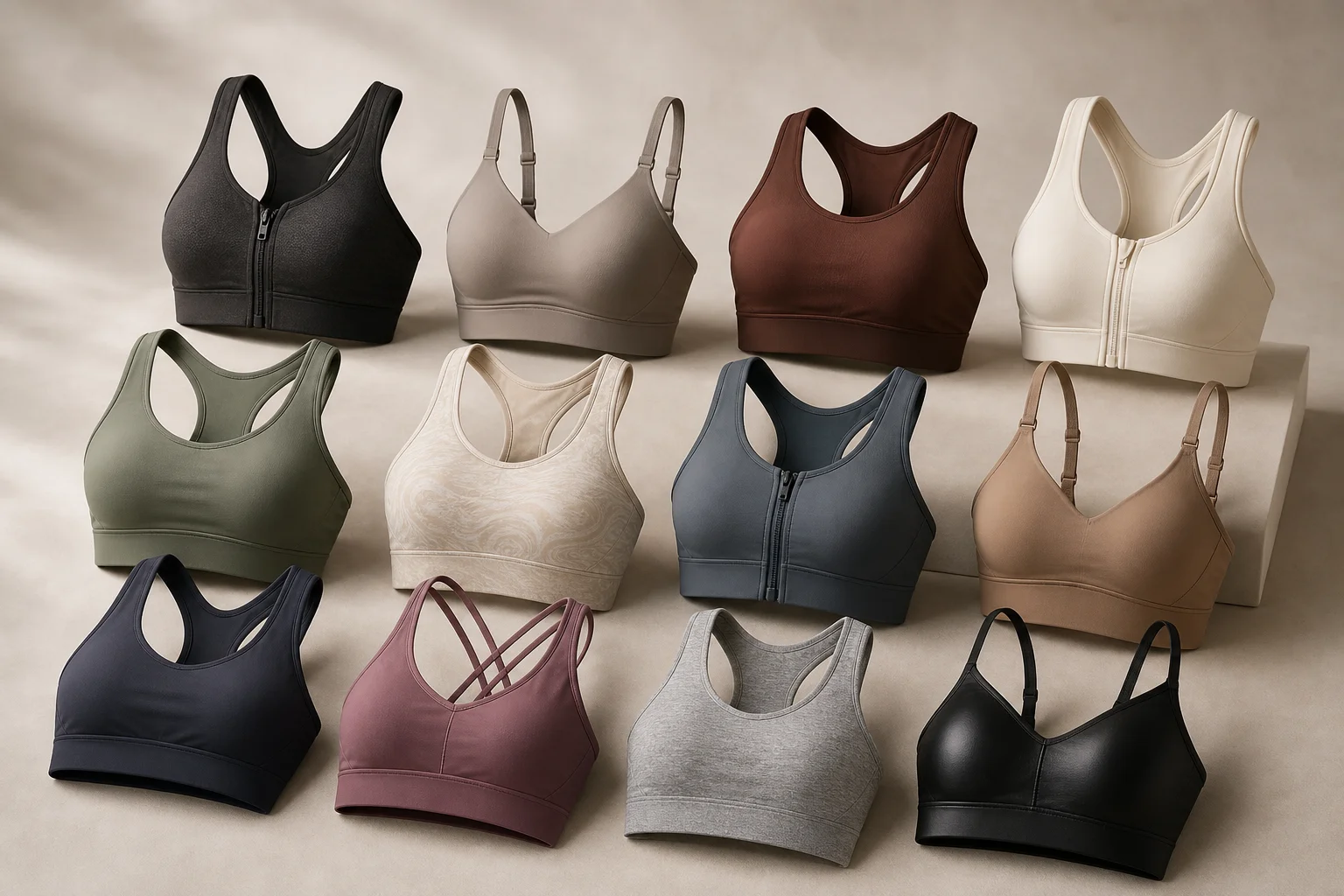
Activewear
Best High-Impact Sports Bras for Larger Cup Sizes: 12 Tested Options
A comprehensive review of 12 high-impact sports bras tested for bounce control, comfort, and support for larger cup sizes. Real-world running tests reveal which bras deliver genuine support without sacrificing comfort.