Running Apps
Best Apple Watch Running Apps: Five Apps That Beat the Native Workout App
Five running apps for the Apple Watch that either do one thing brilliantly or go beyond what the native Workout app can offer, from all-round tracking to race-day pace correction.
Introduction
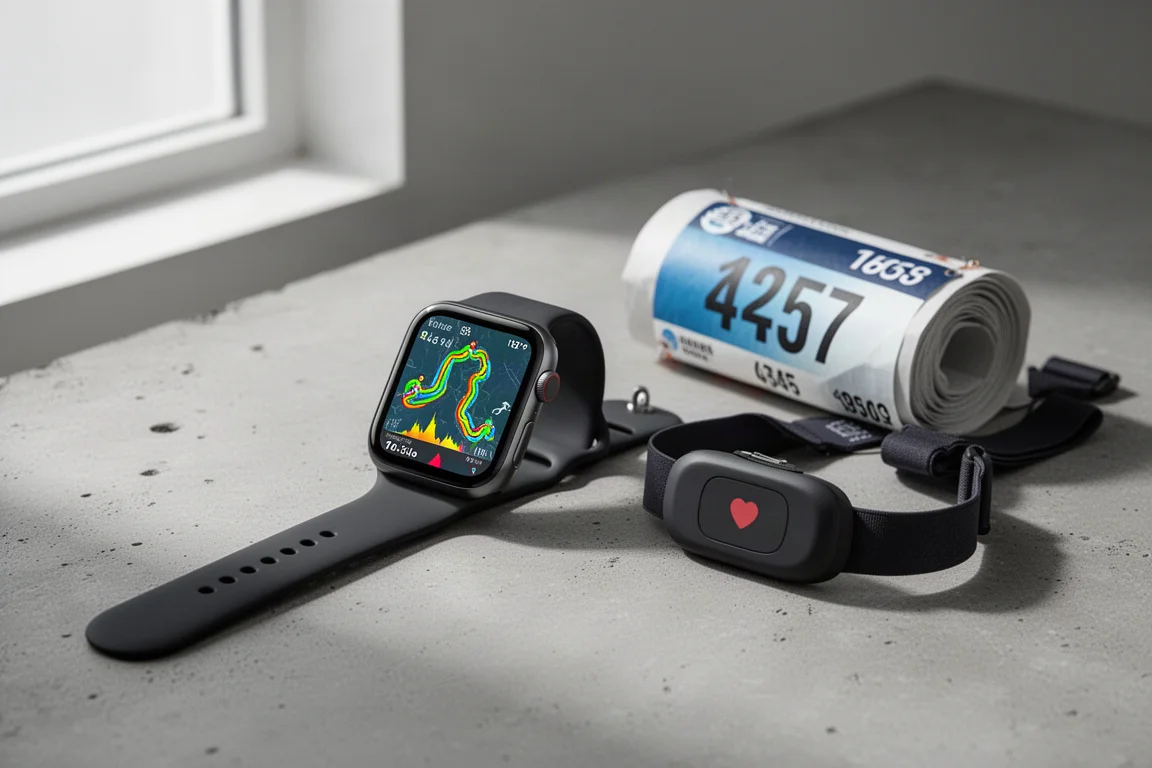
The Apple Watch’s key strength has always been its app library, and running is one area where third-party apps genuinely add value. With watchOS 9, the native Workout app became far stronger, with more stats, different data screens, running power, running dynamics and an impressive structured workout builder. But there are still apps that go beyond it, or do one specific job better.
The beauty of the platform is that you can use a different app every time you run and tailor your choice to the day: a navigation app for exploring, a heart rate app for guided sessions, or a race-day tool for big city marathons. Here are five apps worth loading onto your watch.
Best All-Rounder: WorkOutDoors
WorkOutDoors is the best all-round running app for the Apple Watch, and it comes closest to recreating the experience you get from a Garmin sports watch on your wrist. It is a one-off cost of £5.99 or $6.99 with no ongoing subscription, and the main draw is customization. You can set up all your data screens, dive into exactly what you want on your wrist with different grid formations, and choose from loads of available stats.
It also has a great structured workout creator where you can customize the screens you see for each step of your workout, plus lovely colorful maps that can sit within your data screens or on their own page. Routes can be overlaid on the map so you can follow them easily, though there are no turn-by-turn directions yet.
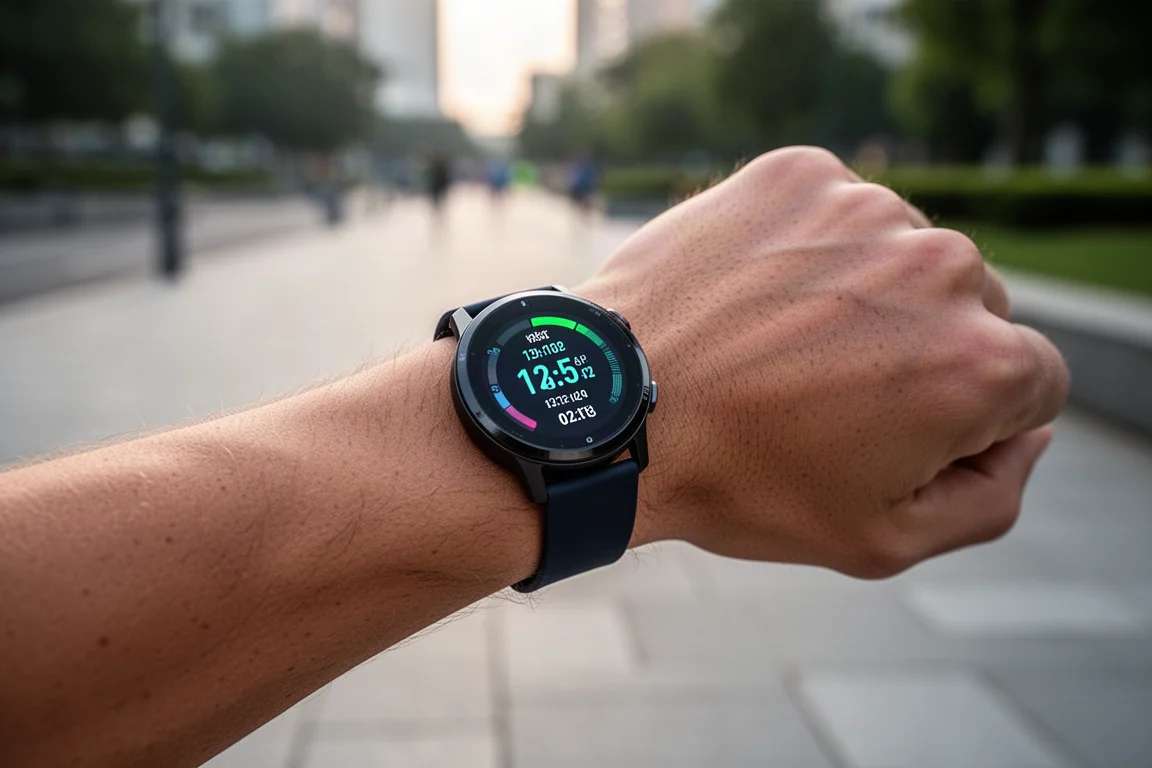
One detail that sets it apart is the ability to choose where distance tracking comes from. The native app uses a mix of GPS and the pedometer, which can misjudge shorter strides. WorkOutDoors lets you set distance to GPS only, and paired with the accurate GPS in the Apple Watch Ultra, readings come out very close to a flagship Garmin. It also supports the Ultra’s action button for laps and intervals, and shows a sensor check screen before you start so you can confirm a heart rate strap is connected.
The main downside is that it does not support the always-on display yet, so the screen goes dark until you raise your wrist. Support is being worked on, and the developer is very responsive, with turn-by-turn navigation likely to arrive in future updates.
Best for Heart Rate Training: Zones
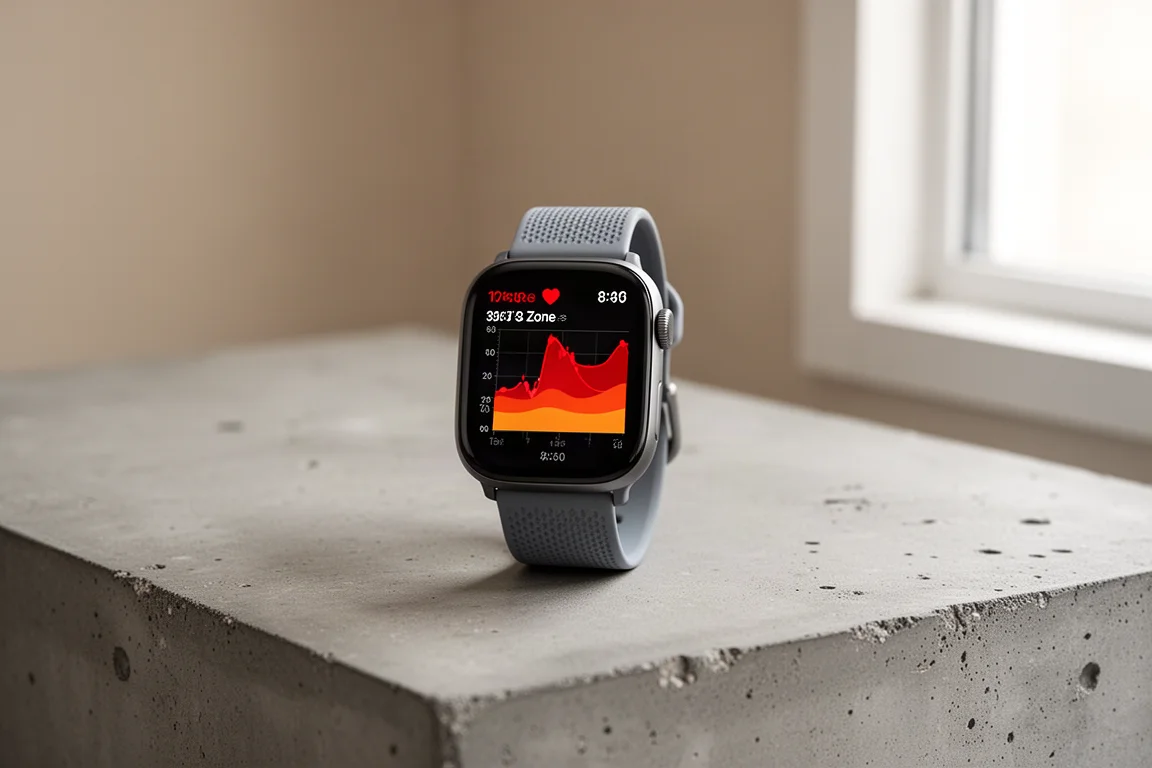
If you care about heart rate as a metric, Zones is the standout option. Apple’s wrist heart rate sensing is genuinely good at high intensity, but the native app keeps things basic. Zones offers a free version and a paid full version, with the premium tier adding more insights outside of heart rate and the ability to edit custom heart rate zones, including four or five zones if you want a more personalized setup.
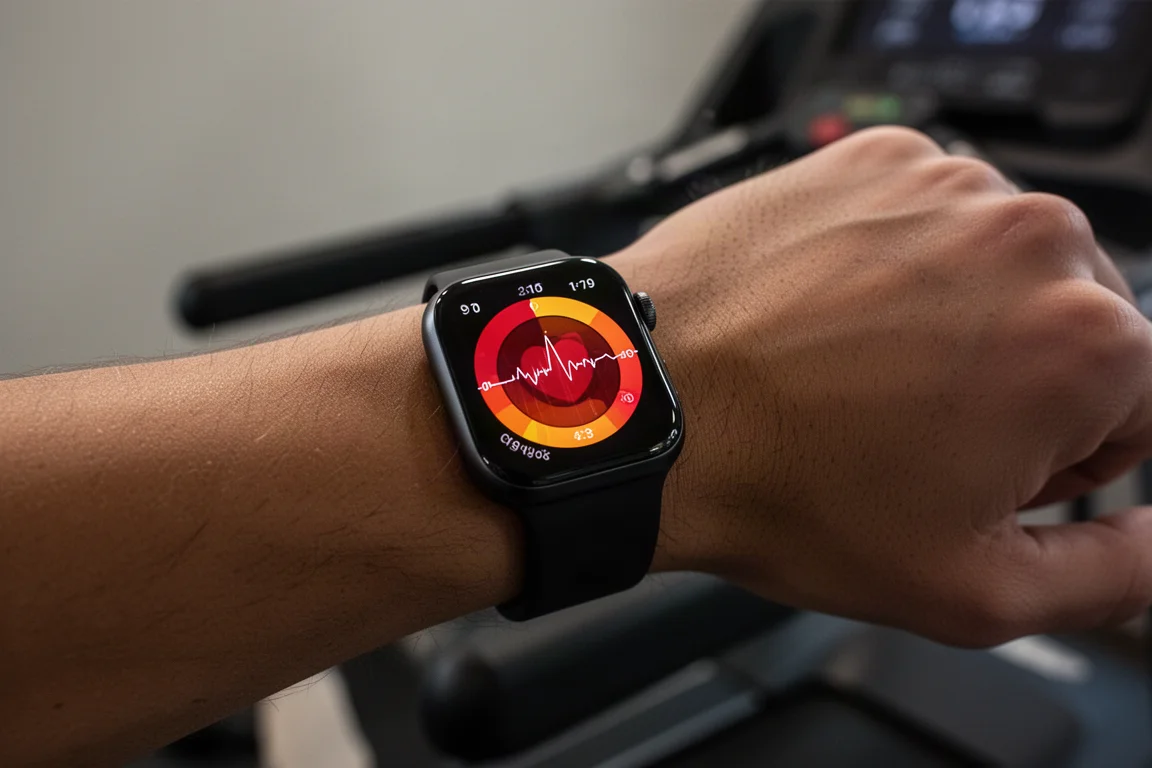
On the watch it is very simple but slick: one screen dedicated to heart rate, a clear indication of your current zone, and a buzz when you move into a different zone. The companion app presents the data nicely too, with polished graphs and heart rate recovery information that gives a better sense of your current fitness. It also presents the newer running metrics from recent Apple Watches in a way that is arguably nicer than the Workout app itself.
You could get away with the free version, but try it first and see whether the editable zones and extra insights are worth the upgrade. For runs governed entirely by heart rate, this is the best option we have used on the Apple Watch.
Best for Navigation: Footpath
Footpath is the best navigation app we have come across for the Apple Watch. It does turn-by-turn navigation with voice directions on the watch, clever elevation plots, and a variety of maps you can download for offline use on your wrist. The app is free, but you need a subscription to unlock the best features including turn-by-turn navigation: £3.50 or $4 a month, or £21.49 / $23.49 for a year up front.
Route creation happens on the phone, where you draw your route with a finger around the map. The snap-to-route is more intuitive and clever than similar features in the Garmin or Strava apps, and you can add waypoints to break up long routes for things like ultra marathons with aid stations. Routes get an elevation plot with color-coded sections showing the steepness of climbs.
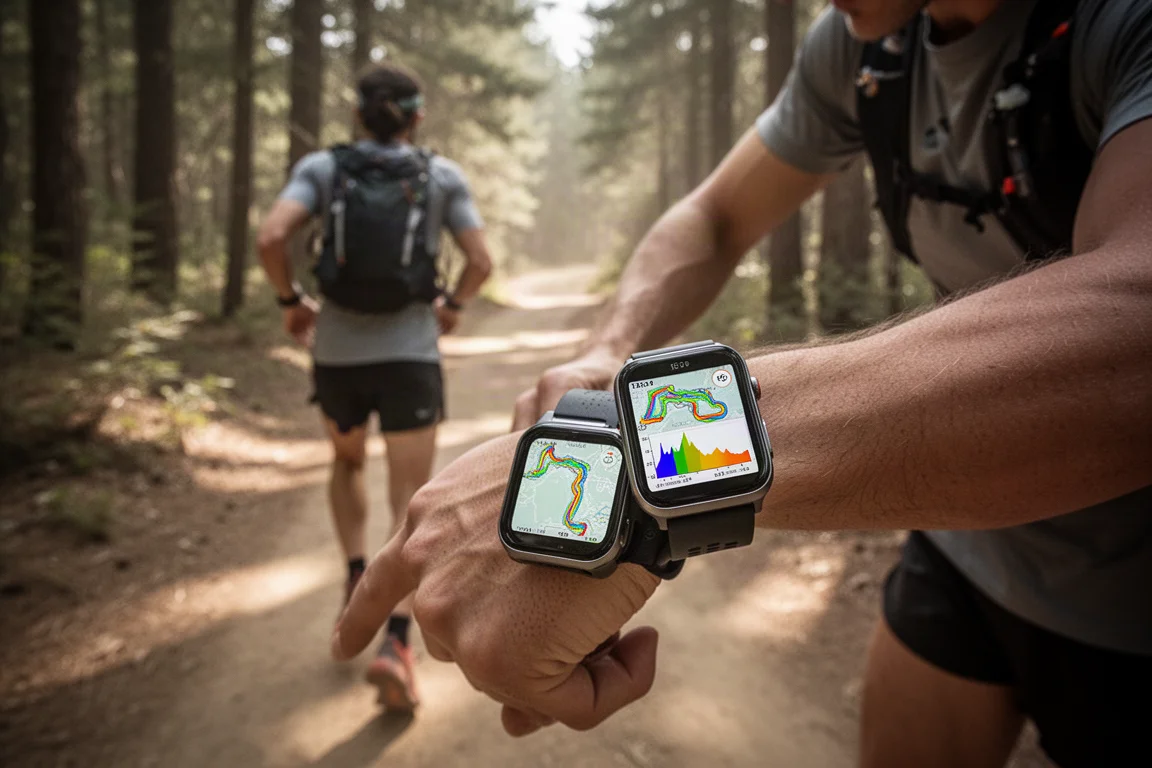
On the watch you see a map during your run, turn-by-turn notifications, and the color-coded elevation plot. Double-tapping the elevation plot zooms into a climb, and when you reach a steep section the app automatically zooms in and shows how far you are from the summit. It is not quite Garmin’s ClimbPro, but it is not far off and is as good as anything on the Apple Watch.
There is run tracking built in with three customizable data screens, but the depth is not on par with WorkOutDoors or the Workout app. The real trick is running Footpath navigation in the background while another app tracks your workout, using the option to let another app track. The action button on the Ultra toggles between data screens and the map, and the always-on display works, though it dims. Battery takes a hit: with turn-by-turn directions and always-on display on the Ultra, tracking drops from around 13 hours to nine. Even so, it will comfortably last long routes.
Best Data-Heavy Tracker: Runmeter
Runmeter is a great pick if you want lots of information on your wrist, presented in a way you can actually take in mid-run. There is a free version plus a Pro or Elite version with a seven-day trial, and the paid tier brings deeper metric customization for your run screens, Strava upload, voice control through Siri support, and the ability to trim workouts if you forgot to pause at the end.
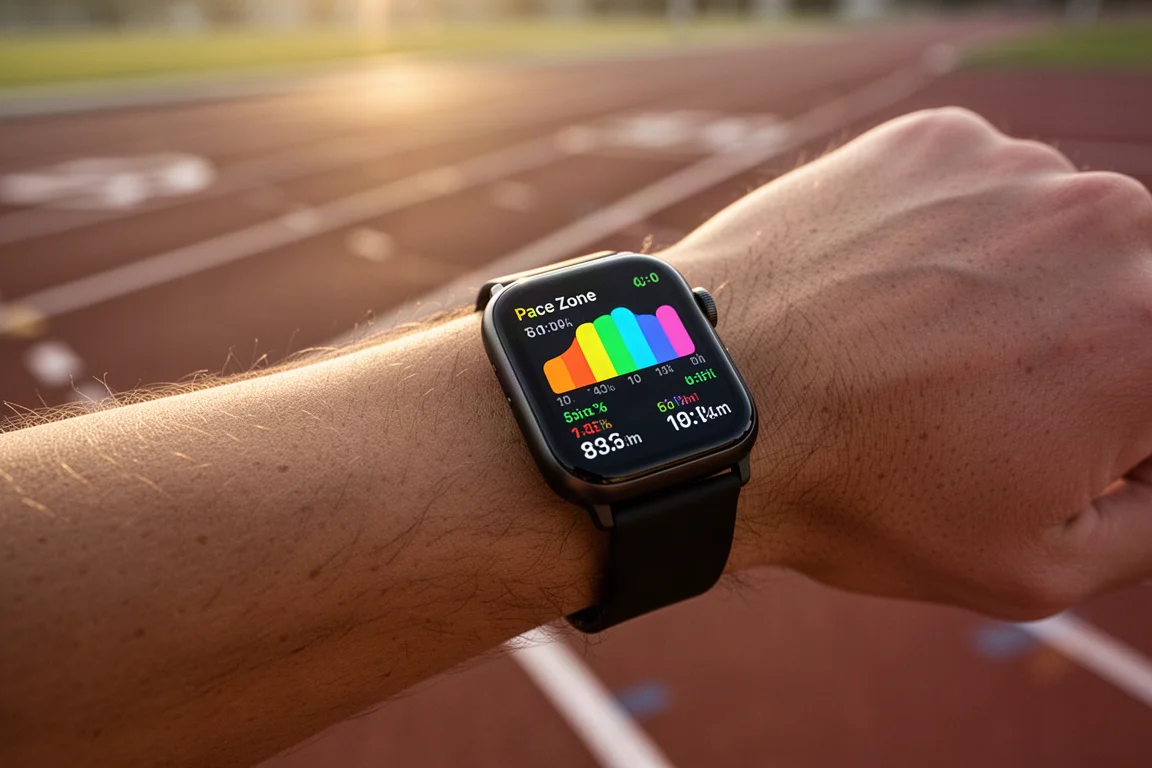
The on-watch experience uses multiple screens with nicely rendered gauges for things like heart rate, trailing pace and splits. The standout is how it delivers pace in terms of zones: you can see very clearly what pace band you have been running in during a session, which makes it easy to confirm you are sticking to your planned pace or need to pick it up. There are over 200 metrics available for customization.
After the run, the iPhone app gives you a comprehensive breakdown across multiple screens with extra insights and route maps. It is one you will probably want to pay for, but the seven-day trial makes that an easy decision to test first.
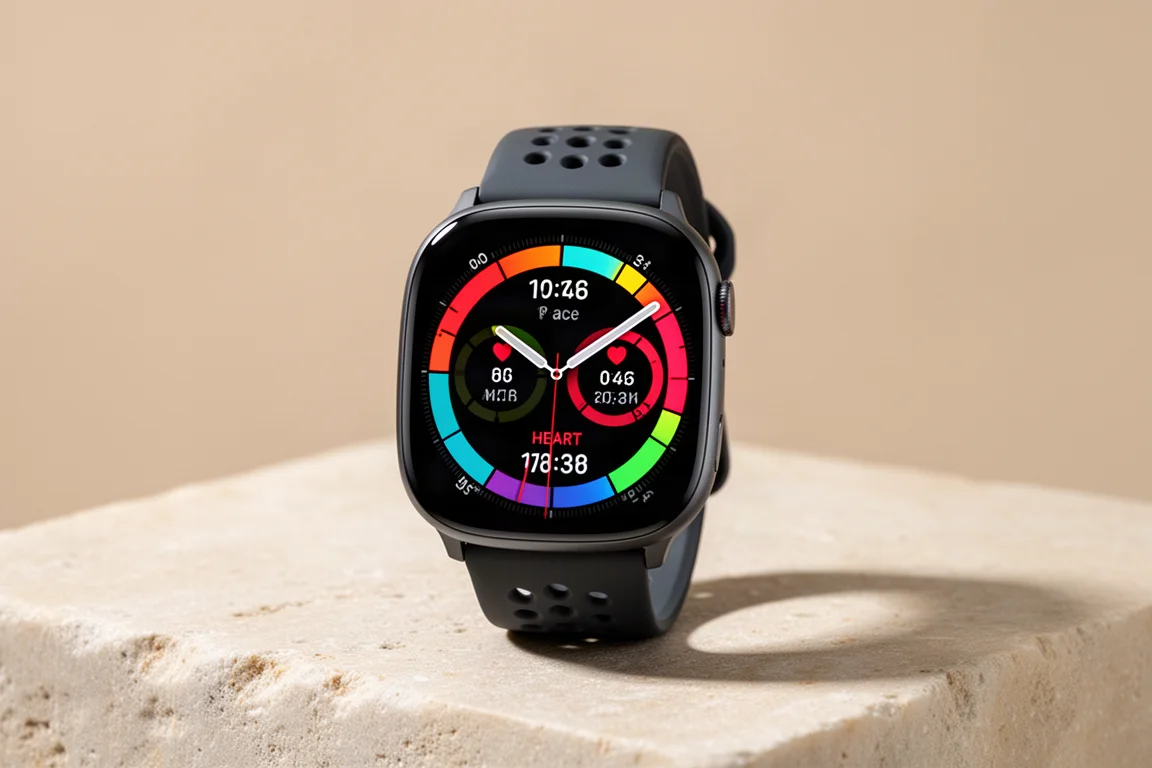
Best for Race Day: iRace
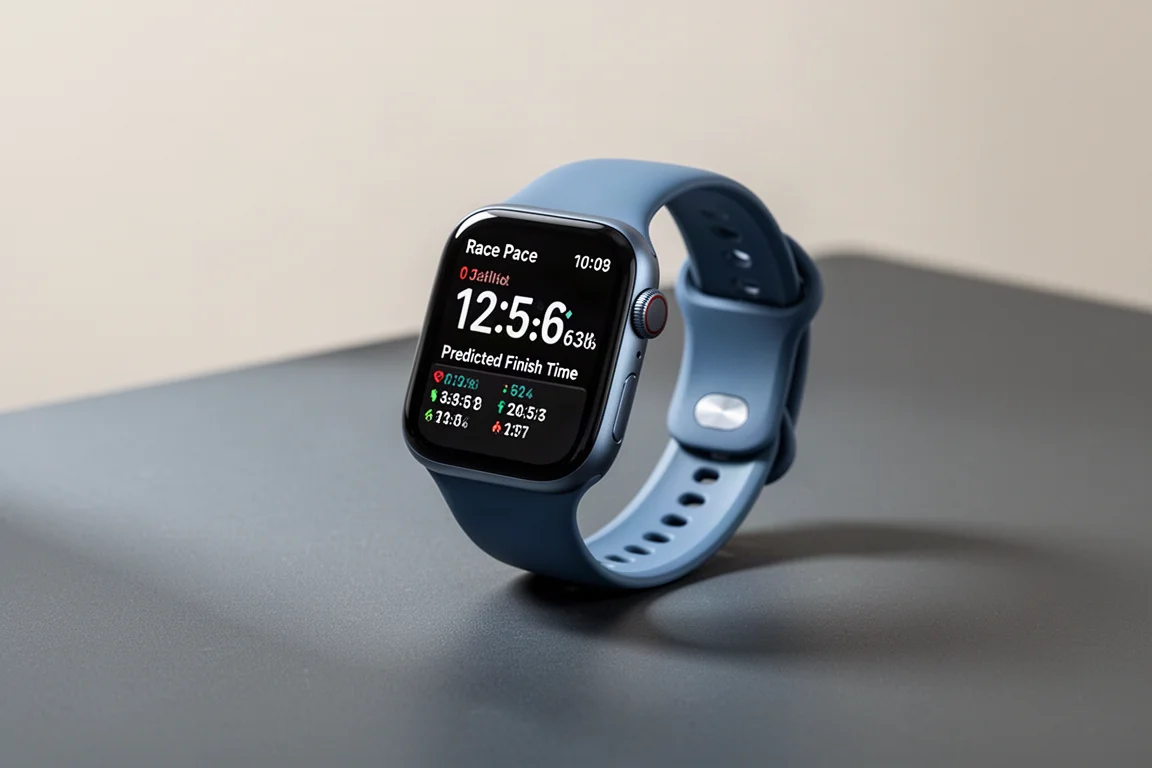
iRace is a perfect example of what makes the Apple Watch great: using the app that is right for the job on any given day. It is a solid all-round run tracker with a couple of data screens, structured workouts with guided steps, and a clear display that supports the always-on screen. But where it really shines is its race feature, which lets you correct the distance as you run a race.
If you pass the 3K marker and your watch shows 3.10K, you hit the button and the distance snaps to the nearest kilometer marker. Your pace stats stay accurate, and a predicted finish time adjusts along with the correction. In big city marathons, where markers are accurate but GPS struggles among tall buildings, this is genuinely handy. It is similar to Connect IQ apps like Peter’s Race Pacer on Garmin.
On the Apple Watch Ultra you can correct distance using the action button; on Series watches you press the two side buttons at once, which is a little fiddlier but still easy enough. The race-distance correction works in the free version, and a one-off pro unlock at $2.99 or £2.49 adds more data customization and direct Strava export.
Buying Advice
For a single daily app, WorkOutDoors is the strongest pick and the closest thing to a Garmin experience on the watch. Zones is the one to add if heart rate governs your training. Footpath earns its subscription on any run where navigation matters. Runmeter suits runners who want maximum data on the wrist, and iRace is worth keeping installed purely for race days in tricky GPS conditions.
Conclusion
The Apple Watch running app ecosystem is deep enough that you never have to settle for one tool. Mix and match these five based on the run in front of you, and the watch covers almost everything a dedicated sports watch can do.
Further reading
Related Reviews
Running Apps
Runna App Review: A Training Plan That Adapts to Real Life
A close look at how the Runna app builds a race plan, adjusts intensity and volume, syncs with your watch, and handles travel and holidays.

Backpacking Gear
Building a 10 lb Base Weight: An Ultralight Backpacking Gear List
A practical walkthrough of the ultralight pieces behind a 10 lb base weight, from a 765 g pack and a roomy one-person tent to a full camp chair and a dependable water filter.

Road Bikes
10 New Road Bikes Worth Watching: Aero, Titanium, Steel and Endurance Standouts
A practical roundup of 10 new road bikes, from aero flagships chasing single-watt gains to titanium, steel and endurance platforms built for real roads.