3D Scanning
Revopoint MetroY Pro Review: A Versatile 3D Scanner for Practical Projects
A hands-on look at the Revopoint MetroY Pro 3D scanner, covering accuracy, scan modes, and real-world usability for engineering and design work.
Introduction
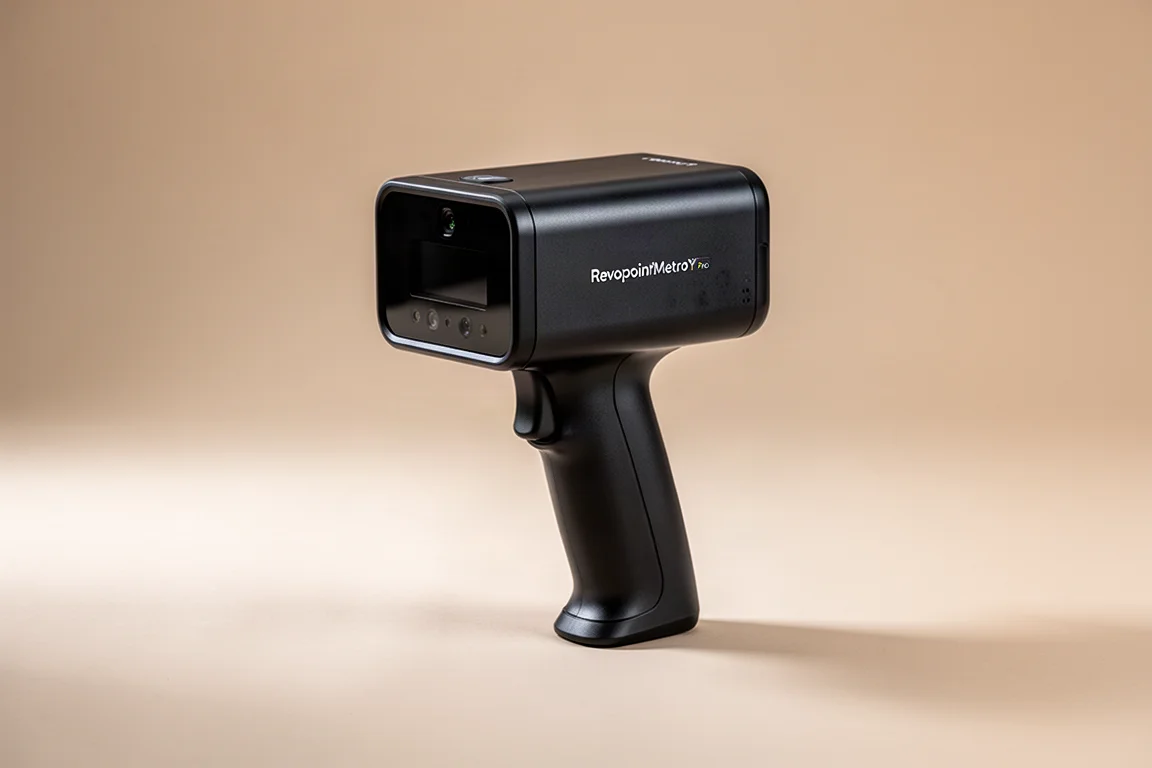
The Revopoint MetroY Pro is a prosumer-grade 3D scanner designed to bring professional scanning capability to a more accessible price point. It combines multiple scanning modes, wireless operation, and an automated turntable in a single package. This review looks at how it performs across different materials, object sizes, and real-world design tasks.
First Impressions and Setup
The scanner arrives in a protective case that includes an automated turntable and a range of accessories. One standout feature is the handle, which doubles as a battery pack. This allows the scanner to operate wirelessly, connecting to a Wi-Fi network for untethered scanning. The wireless setup worked reliably throughout testing.
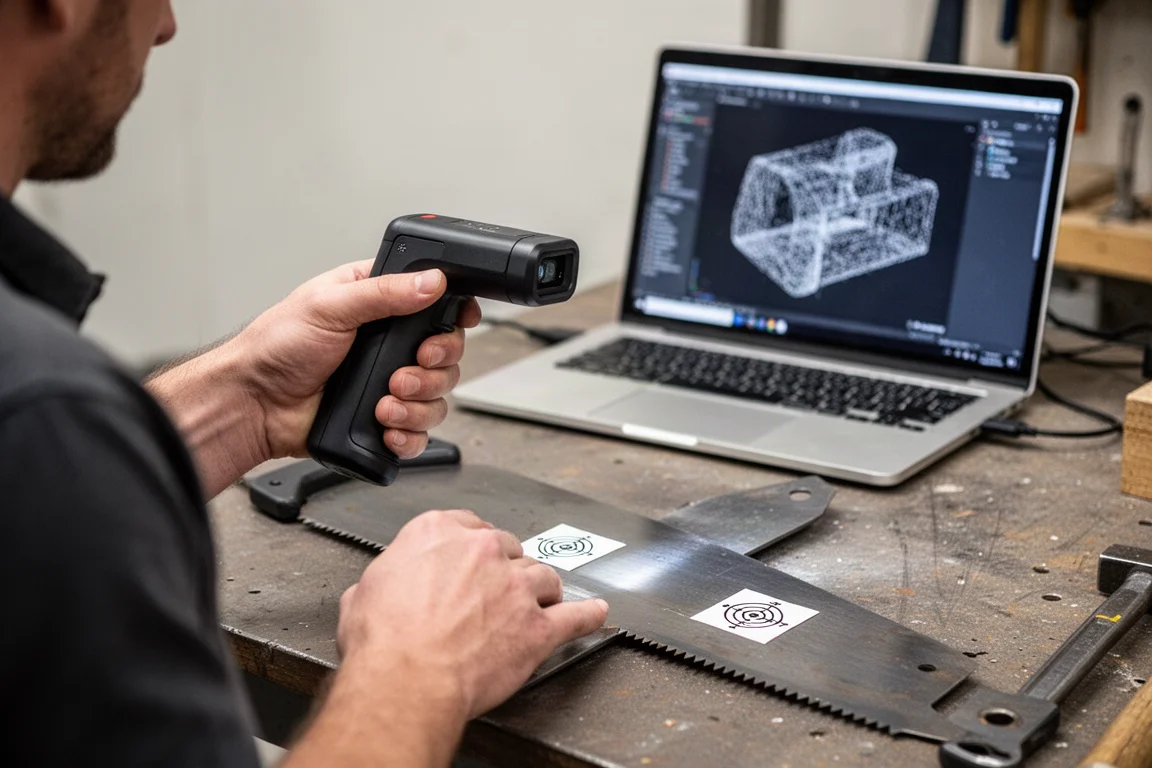
Getting started with the MetroY Pro is straightforward. The learning curve is modest, with most users able to become comfortable within an hour or two of use. The included turntable connects wirelessly to a computer and can operate in several modes, making it a versatile addition to the package.
Scanning Modes and Accuracy
The MetroY Pro offers multiple scanning modes to suit different needs. The crossed laser line mode provides a larger field of view, making it faster for scanning larger surfaces. The parallel line mode delivers higher detail at the cost of a smaller field of view and longer scan times. A single line mode is also available for reaching deep into internal features like holes, though it is considerably slower.
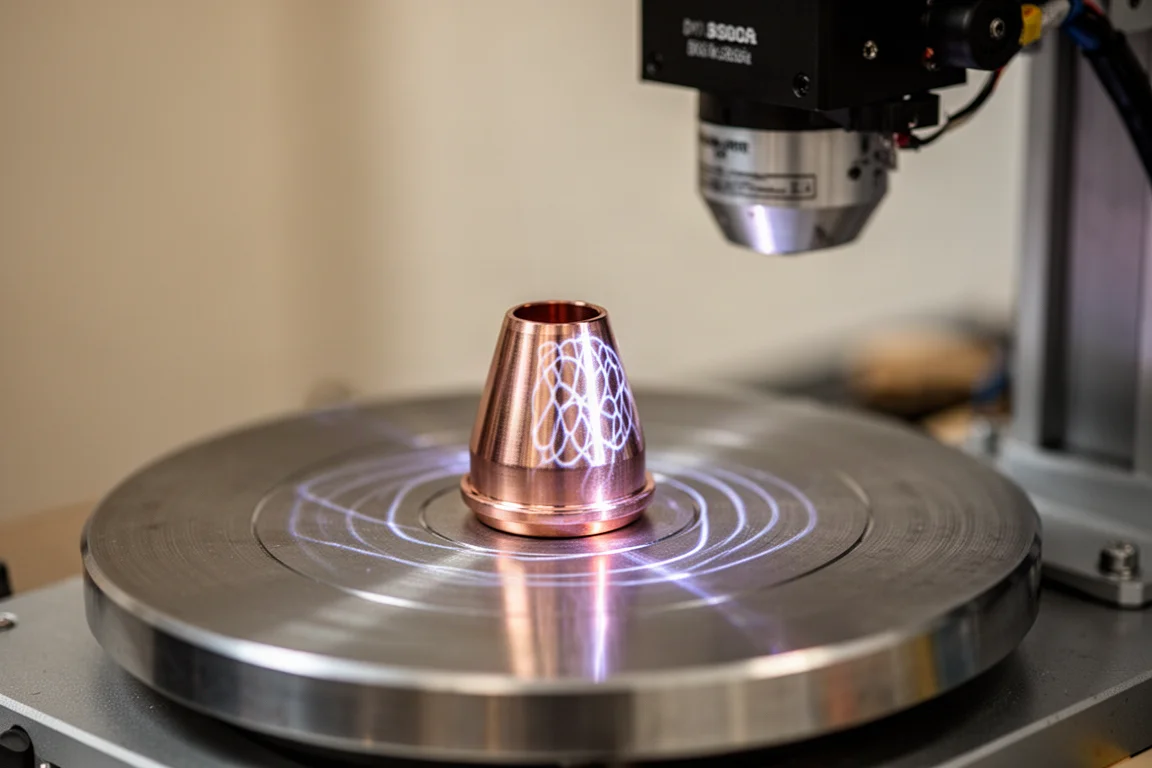
In testing, the structured light mode, which projects a pattern onto the object, produced the finest detail. Threads and small markings on metal parts came through clearly. The laser modes were slightly less detailed but still delivered excellent results. Dimensional accuracy was consistently impressive, with measurements falling within a tenth of a millimeter on smaller parts and within a few thousandths of an inch on larger ones.
Scanning Larger Objects
The MetroY Pro handles larger metallic objects well. A lathe chuck scanned in about three minutes using the turntable, with post-processing taking roughly five minutes. The scanner captured fine details on the reflective metal surface, and dimensional checks confirmed accuracy within a few thousandths of an inch.
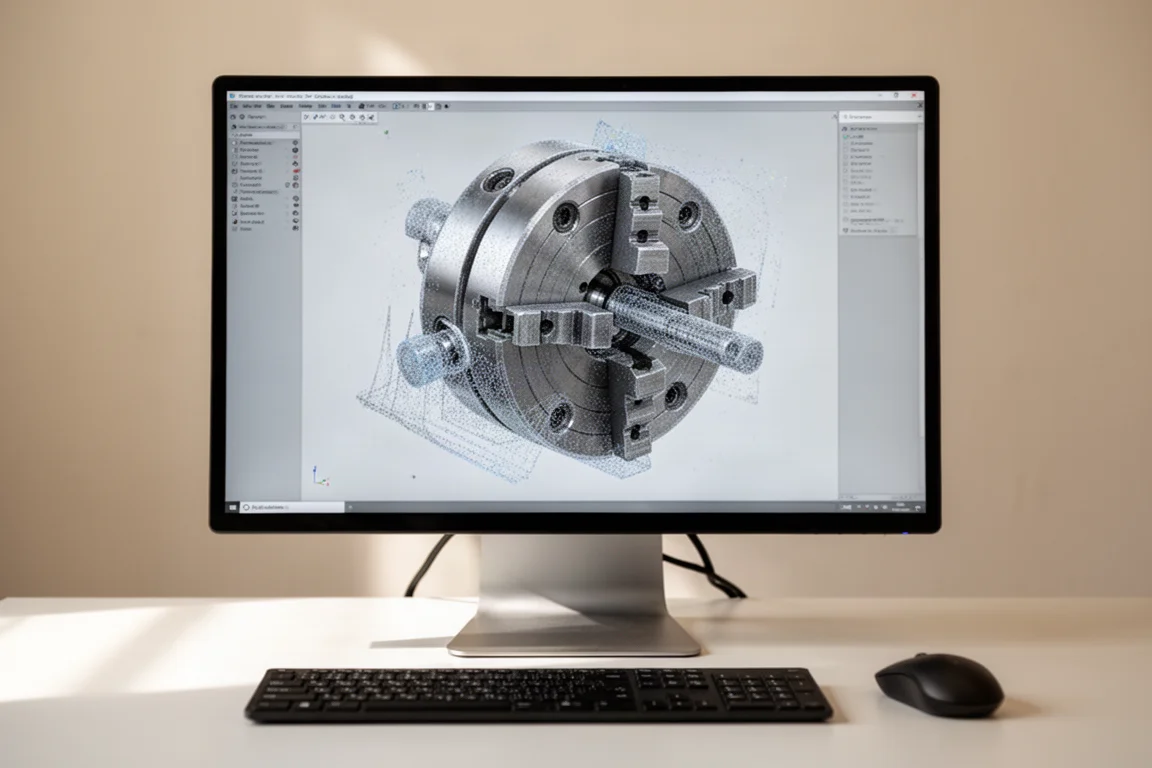
Hand scanning without the turntable also produced accurate results. While it took slightly longer, around four minutes, the quality remained consistent. The scanner’s ability to handle reflective materials without scan spray is a notable advantage, though a light application of spray can help with certain surfaces.
A Practical Design Project
To test the scanner’s real-world utility, a MIG gun setup for aluminum welding was scanned. The goal was to design an adapter to fit between the gun and an amperage controller, filling a gap caused by the gun’s curvature. Using crossed laser lines for speed, the scanner captured the surface quickly, including the table below, which was later clipped away in post-processing.
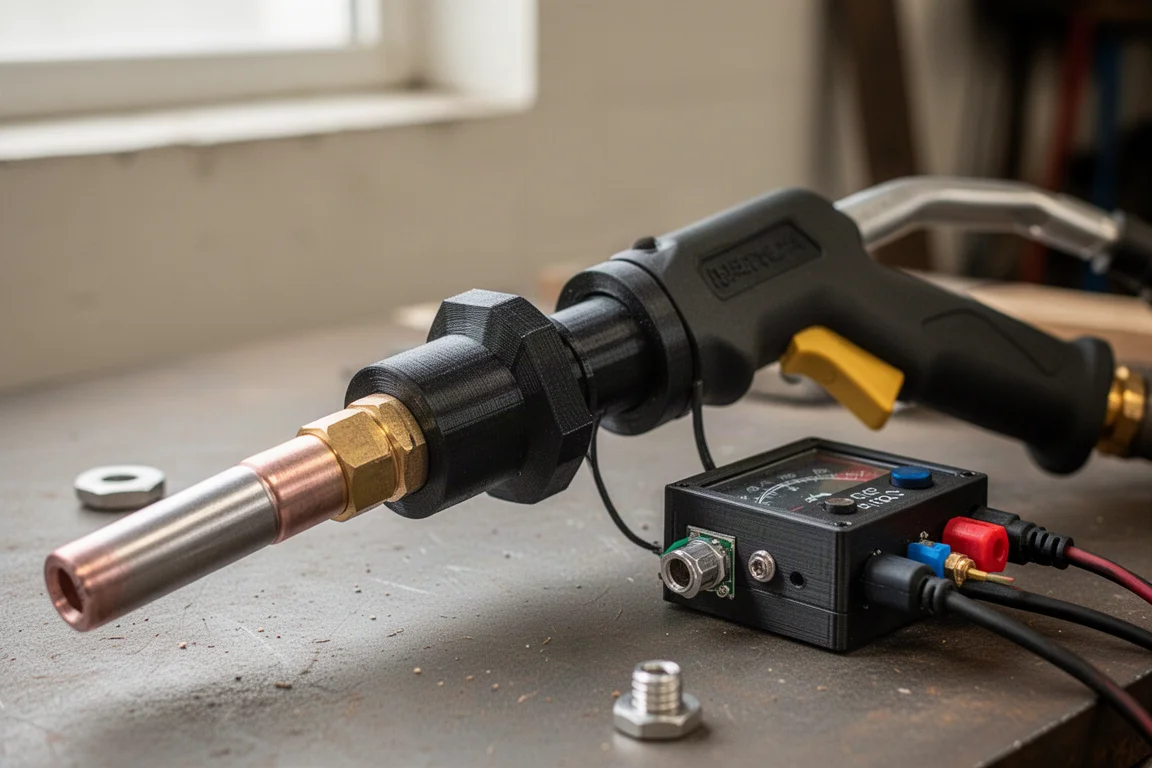
The scanned data exported directly into Autodesk Fusion 360, where it was converted into a faceted solid body. The scanned surface was used to subtract from a cylinder model, creating an adapter that matched the curvature perfectly. The first printed draft fit well, with the exact curvature and an internal pocket that seated correctly. This project would have been difficult to complete without 3D scanning, making it a strong demonstration of the scanner’s practical value.
Who This Product Is For
The Revopoint MetroY Pro suits makers, engineers, and hobbyists who need accurate 3D scans for design, repair, or reverse-engineering projects. It is particularly useful for those who work with metal parts, custom fittings, or components that are difficult to measure by hand. The included turntable and wireless operation make it a complete package for a range of scanning scenarios.
Things to Consider Before Buying
The MetroY Pro is not the cheapest scanner on the market, nor the most expensive. It sits in a middle ground that offers strong value for its capabilities. Users should be prepared for a learning curve, though it is manageable. Post-processing is required for every scan, which adds time to each project. The scanner’s performance with reflective materials is good, but some surfaces may still benefit from scan spray.
Buying Advice
For those who need a reliable, accurate 3D scanner for practical projects, the Revopoint MetroY Pro is a strong choice. Its combination of multiple scanning modes, wireless operation, and an automated turntable makes it a versatile tool. The accuracy and detail it delivers are impressive for the prosumer category, and it proved capable of handling real design work from scan to finished part.
Conclusion
The Revopoint MetroY Pro delivers consistent, accurate results across a variety of scanning scenarios. Its ease of use, multiple modes, and complete package make it a practical tool for anyone serious about 3D scanning. Whether scanning small detailed parts or larger metallic objects, it performs reliably and produces models that are ready for CAD work.
Product link
View more details for Revopoint MetroY Pro
This product is mentioned in the review. Check the specifications, options, and compatibility before buying.
View more details for Revopoint MetroY ProFurther reading
Related Reviews
3D Scanning
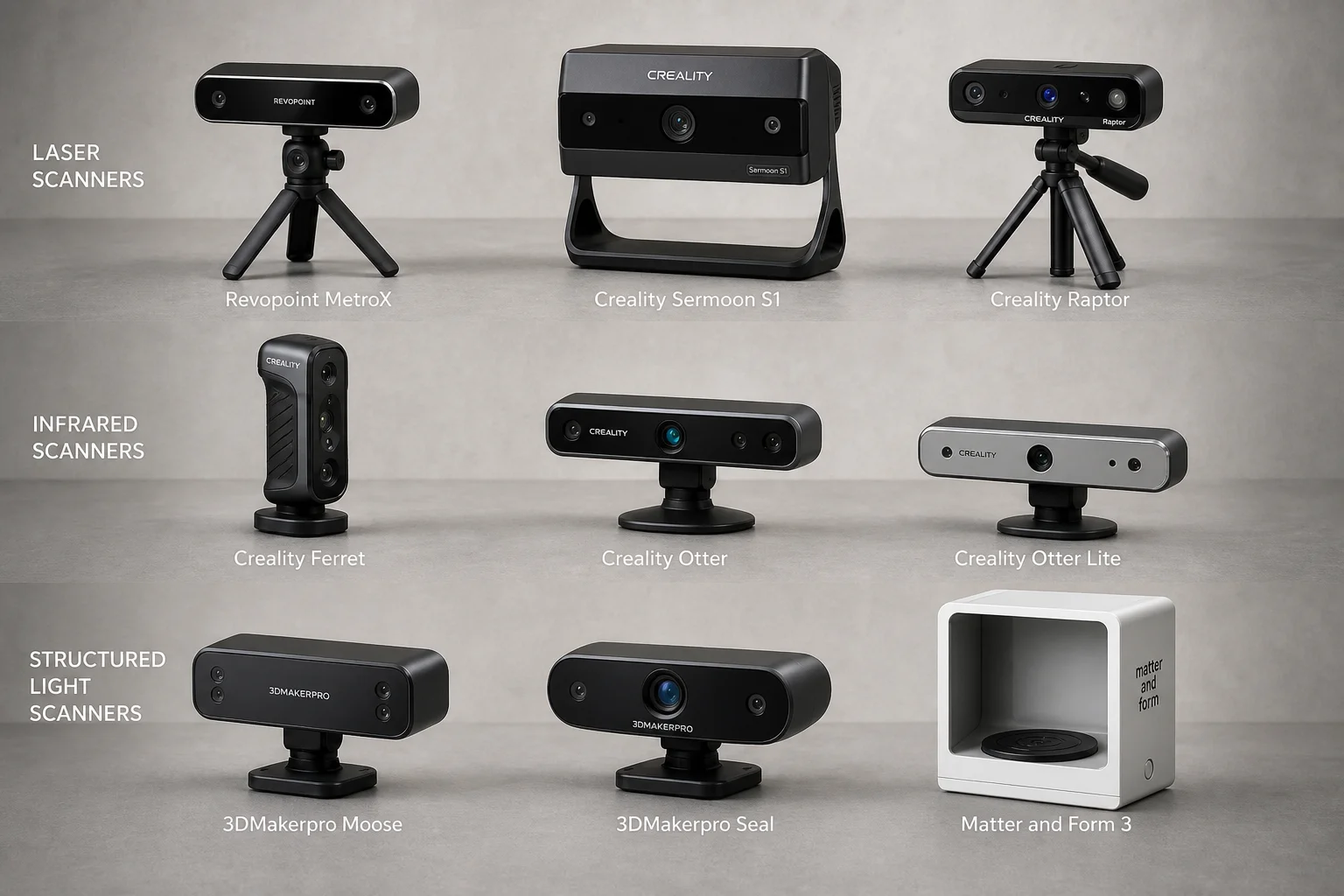
3D Scanner Comparison Test: Nine Models Scanned an Automotive Part
A detailed comparison of laser, infrared, and structured light 3D scanners tested on a challenging black automotive plastic part with deep pockets and thin walls.
3D Scanning
Revopoint Mini 3D Scanner Review: Budget-Friendly Detail Capture for Small Objects
The Revopoint Mini uses blue laser scanning to capture fine details on small objects and larger items. A practical budget 3D scanner for hobbyists and makers seeking workable scans without premium pricing.
Sim Racing
Heusinkveld One Steering Wheel Review: A Lightweight Open Ecosystem Wheel With a Polarizing Design
Heusinkveld's first steering wheel focuses on nailing the fundamentals with a lightweight composite build, a clever button layout, and deep software customization. But its unique grip angle may not suit everyone.