Smart Garden
RainPoint Smart Wi-Fi Hose Timer vs RainPoint Beehive Wi-Fi Water Timer: Which Fits Your Garden?
Two Wi-Fi hose timers from the same brand take very different approaches: one is a simple plug-and-go scheduler, the other a feature-packed smart watering controller with a built-in flow meter.
Introduction
We kept forgetting to water the garden. It sits on the far side of the house, we rarely walk past it, and in a hot Florida summer a single missed day is enough for things to take a turn for the worse. Sprinklers were never the problem; the problem was that none of them could run on a schedule, let alone react to the weather.
That is exactly what these two RainPoint Wi-Fi hose timers promise. Both screw onto an outdoor faucet, connect to your home network through a small indoor wireless bridge, and let you water lawns, plants, vegetables, or herb gardens on a set schedule or from an app. But they take noticeably different approaches, and picking between them is less about which is better and more about which fits how you want to garden.
Two Timers, Two Very Different Philosophies
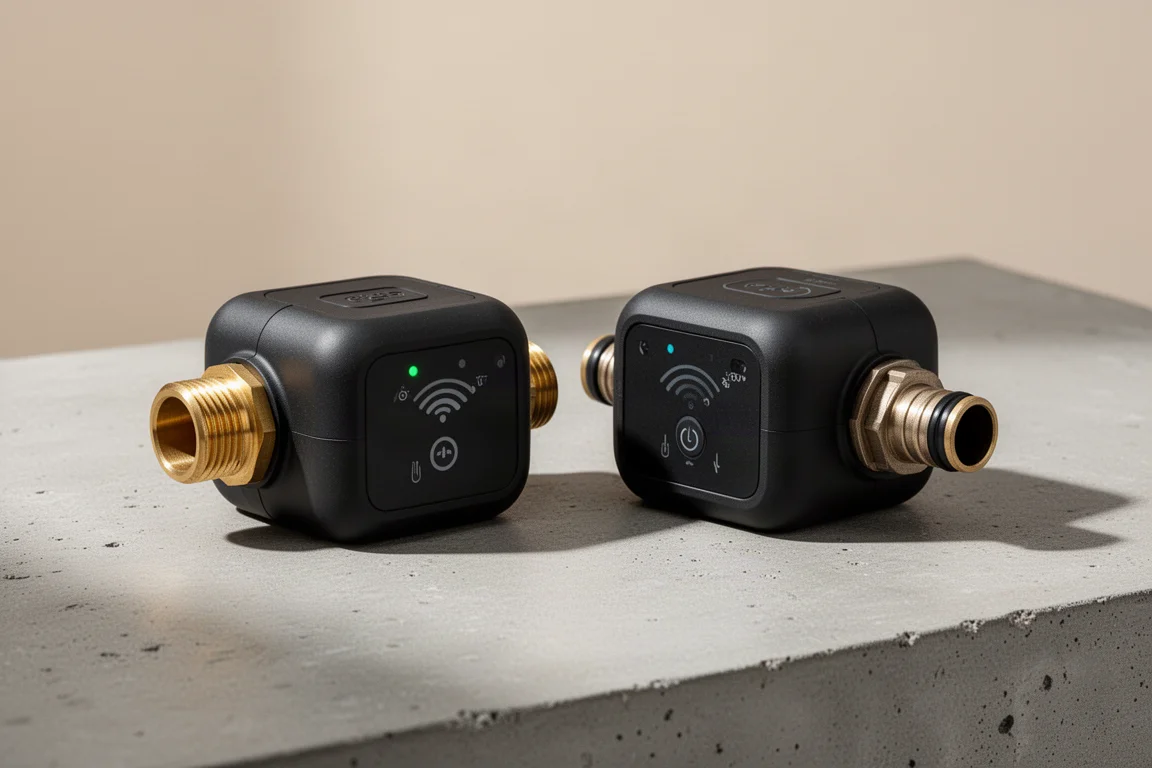
The RainPoint Smart Wi-Fi Hose Timer is the straightforward one: put in the batteries, connect it in the app, set a schedule, and you are done. The Beehive Wi-Fi Water Timer packs in far more, including a built-in flow meter that tracks how much water you use and how much you save, plus detailed sprinkler configuration options and local weather-based smart scheduling.
In use, the Beehive’s smarter scheduling worked well and never skipped a watering. Its app, however, is less polished, with occasional “cannot connect” errors that sometimes resolved ten minutes later. The Smart timer, by contrast, connected without a single issue during testing. One caveat for both: neither is truly plug-and-forget, since both run on batteries and those will need replacing eventually.

Setup and Day-to-Day Use
The Smart timer was ready in roughly three or four minutes: create an account, insert the batteries, and it connected without fuss. The Beehive threw a couple of errors during setup and also required firmware updates before first use, which took around fifteen minutes and was a mild annoyance if you want to get going straight away.
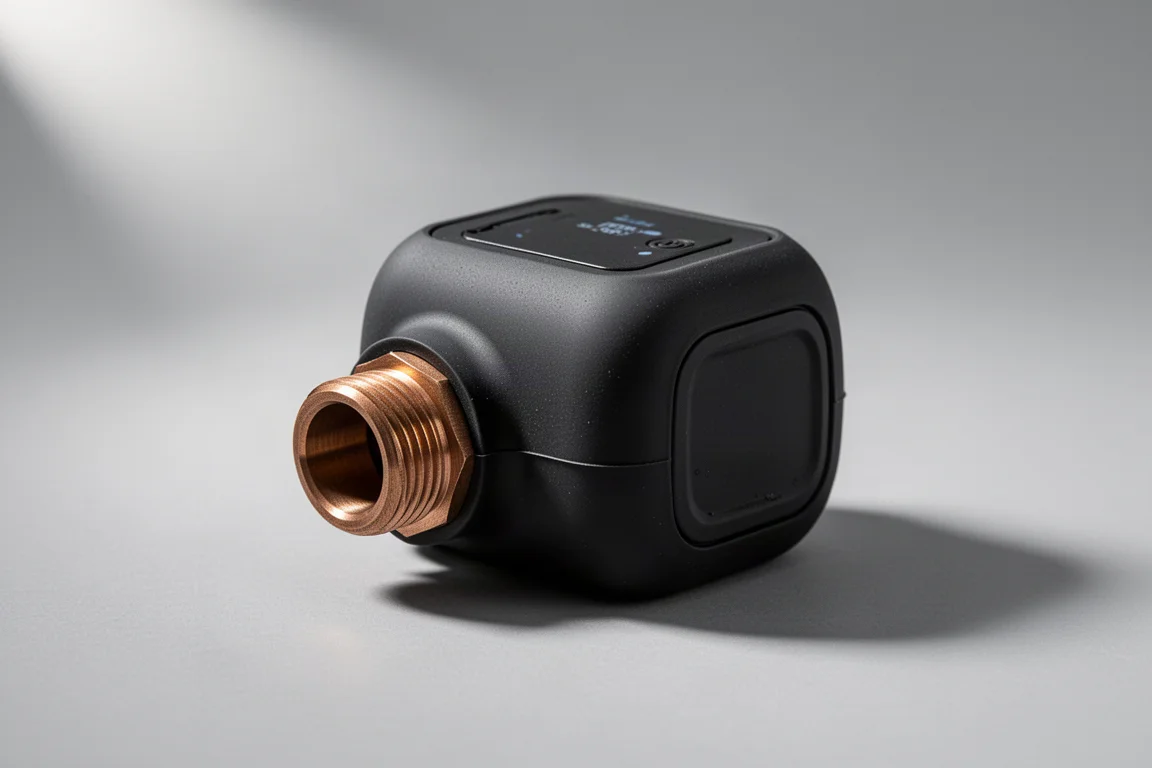
Construction is similar across both. Each has a brass threaded inlet that screws onto your faucet and a hose outlet on the other side, and each is bulkier than you might like; smaller designs would be welcome in future versions. The Smart unit is the larger and heavier of the two, while the Beehive is slightly more compact with a futuristic look, a bronze-tone fitting, and a silicone coating that makes it easier to screw in and tighten. The Beehive also runs on two batteries versus four, so expect to swap them sooner, though its battery compartment seal feels more robust.
RainPoint Smart Wi-Fi Hose Timer: The Simple Choice
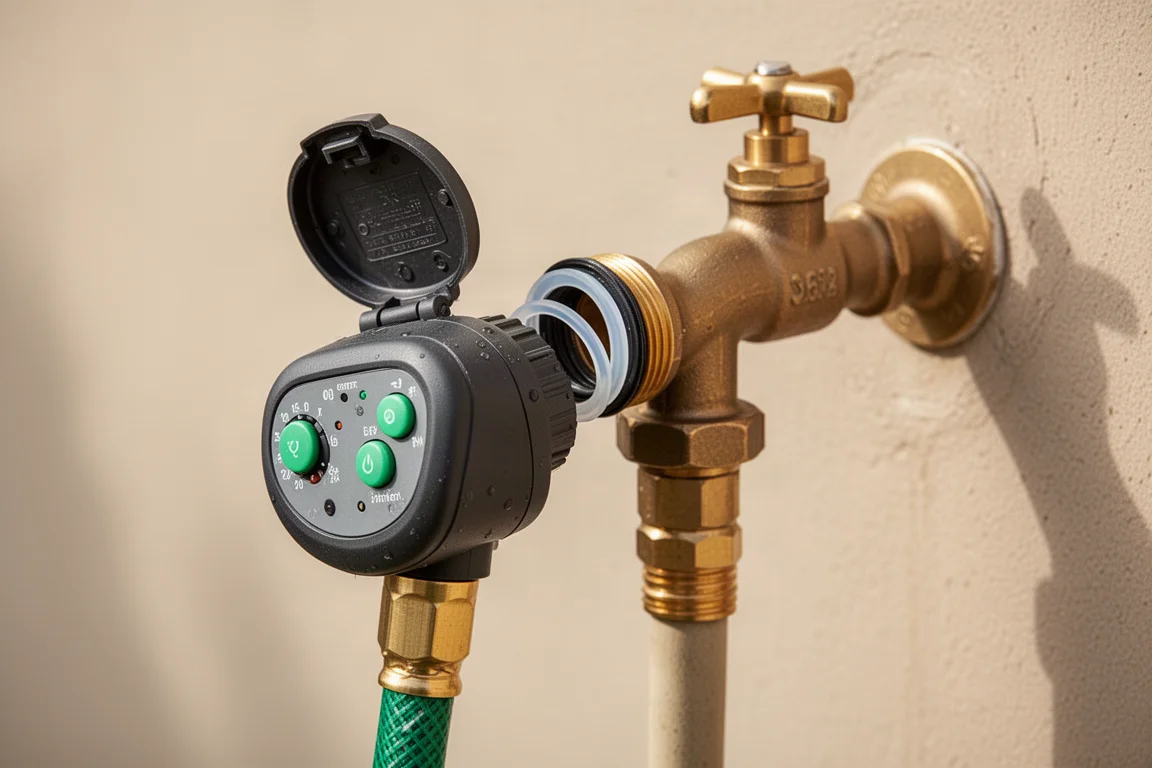
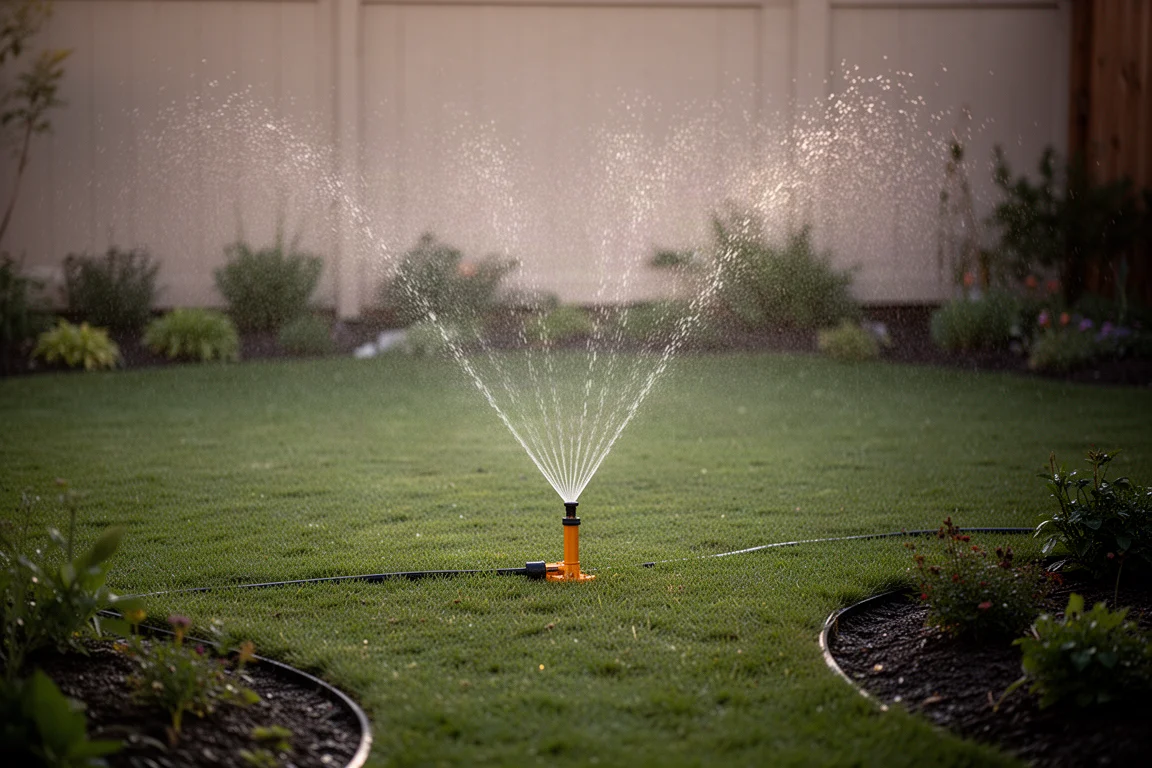
If raw simplicity is the goal, this is the easy pick. It offers a quick irrigation mode where you set a run time, plus a misting mode that pulses water on and off in short bursts to help it soak into the ground more effectively, a genuinely useful feature for saving water in the hottest months when watering a full yard and garden.
Scheduling is basic: set the schedule, set the timer, done. The wireless bridge is a polished little unit that simply plugs into a wall outlet, and the app felt clean and smooth from the start. It felt like the device of the pair that just works out of the box.
RainPoint Beehive Wi-Fi Water Timer: The Power Option
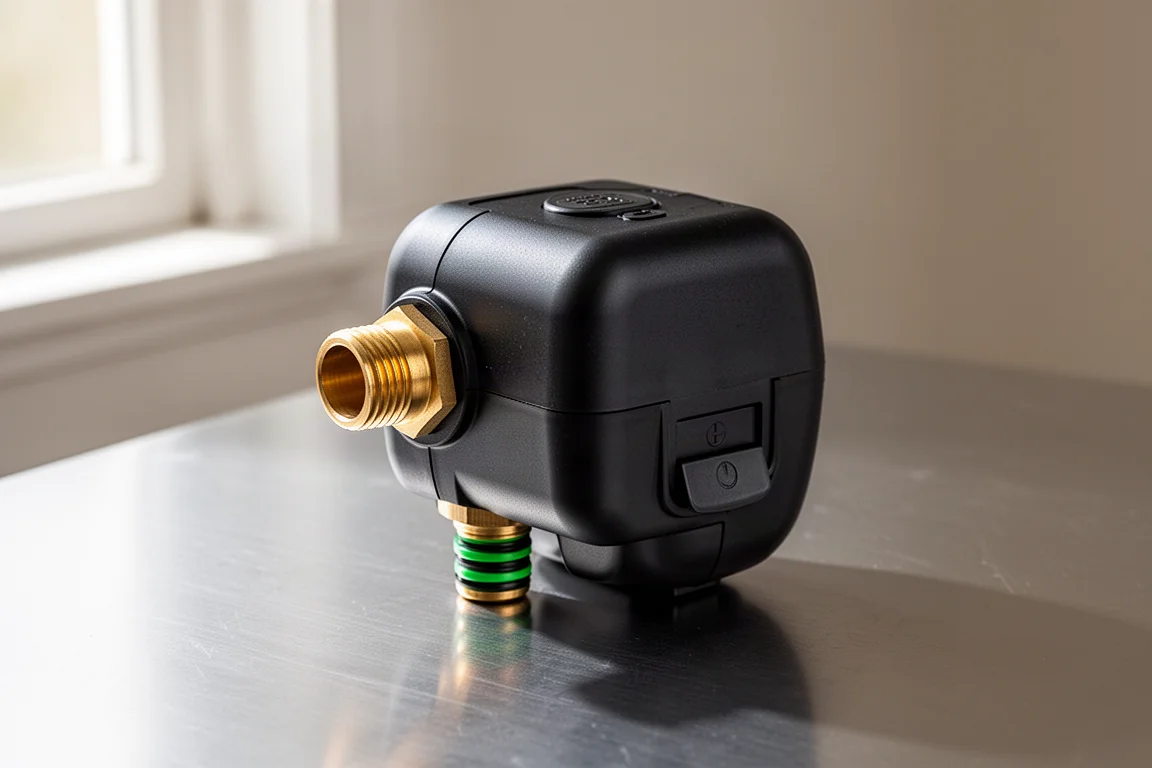
The Beehive trades polish for capability. Beyond manual operation, it has a flow meter that shows real water usage, an impressive range of sprinkler settings where you can specify the type of sprinkler, its spray angle, and coverage area, and it taps into local weather data to adjust watering based on rainfall. For a year with little rain, that kind of awareness matters.
It also handled smart scheduling reliably in testing, with watering running as intended every time. The trade-offs show up in the details: the app is less refined, the occasional connection hiccup appeared, and the wireless bridge is a small USB dongle that plugs into a wall adapter. That design has an upside, though, since you can plug the USB end into a hidden power source instead of occupying a visible outlet.
Which One Should You Buy?
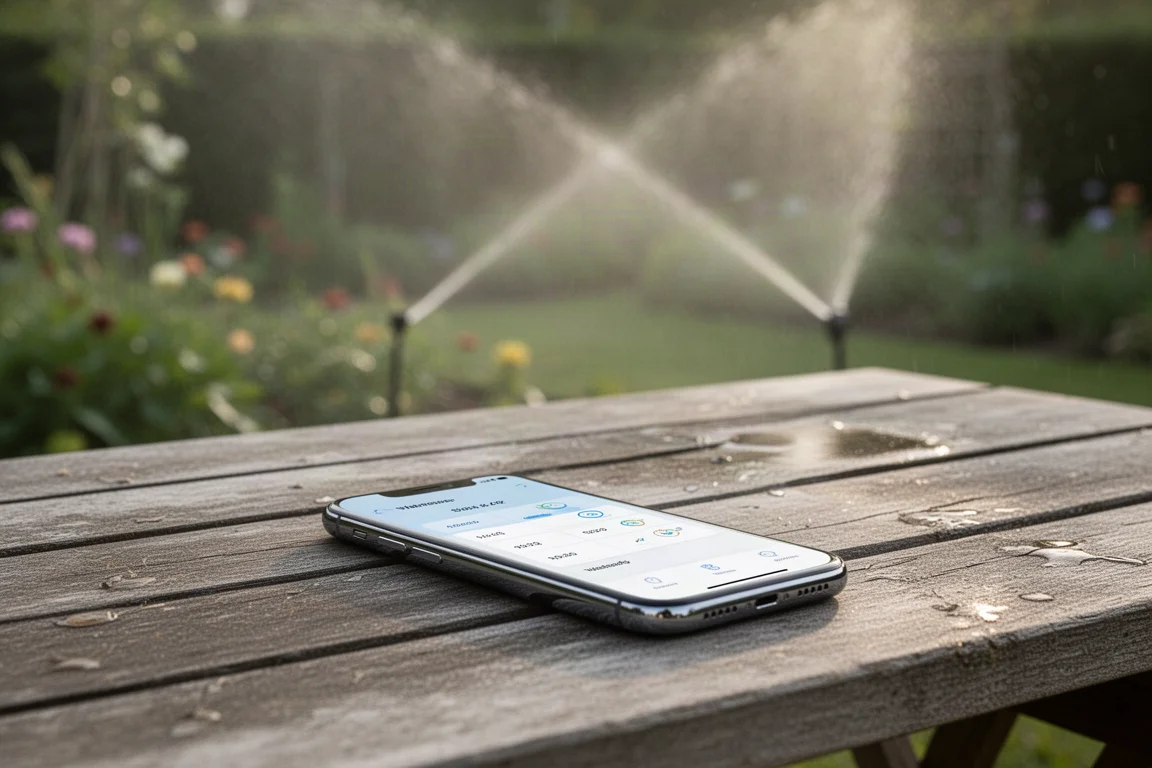
Think of the difference like this: the Smart timer is the polished, works-immediately option with fewer extras, while the Beehive is the more capable, slightly hassle-prone option that gives you a lot more bang for your buck. Neither needs to be complicated, because at heart both are doing a simple job: turning a hose on and off on your behalf, with app control and scheduling as the real reason to buy.
If your priority is a garden that never gets forgotten and a setup that finishes in minutes, the Smart Wi-Fi Hose Timer will not let you down. If you want to know exactly how much water you are using, tailor watering to your sprinkler and the weather, and do not mind a less polished app and a firmware update or two, the Beehive earns its extra effort.
Conclusion
Both timers did the job they were designed for, and both make a genuine difference for anyone tired of remembering (or forgetting) to water. Choose the RainPoint Smart Wi-Fi Hose Timer for simplicity and reliability out of the box, or the Beehive for deeper control, water tracking, and weather-aware scheduling. Either way, your garden stops depending on your memory.
Further reading
Related Reviews
Smart Home
Amazon Echo Hub Review: A Smart Home Dashboard That Finally Gets It Right
The Amazon Echo Hub puts smart home controls front and center with a fast, simple interface. Here is how it performs as a family-friendly dashboard.
Smart Home
15 Amazon Smart Home Automations: Practical Ideas for Every Room
Fifteen practical Amazon Alexa routines and automations that solve real household problems, from pet care to security and entertainment.

Security Cameras
aosu SolarCam D1 Max Review: A Wireless 4K Security System With No Subscription
A wireless solar-powered security camera system with two 4K pan-tilt cameras, AI detection, and no monthly fees.