Astronomy Accessories
Orion SteadyPix PRO Review: A Heavy-Duty Smartphone Adapter for Astrophotography
A chunky, over-a-pound smartphone adapter that holds your phone steady on a telescope eyepiece, plus practical camera settings and vibration-free shooting tips.
Introduction
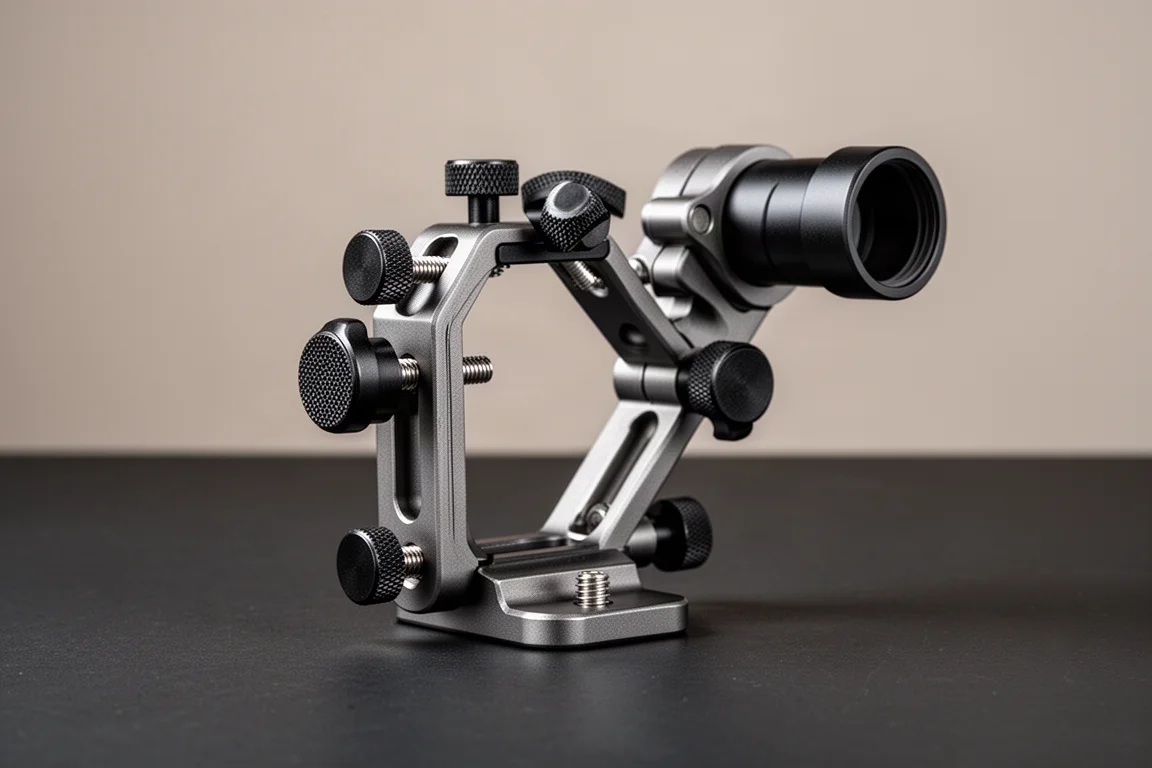
Orion makes three smartphone adapters for telescopes: the SteadyPix EZ, the SteadyPix Quick, and the SteadyPix PRO. The PRO is the chunky beast of the family, weighing in at over a pound, and it is built for photographers who want a rigid, fully adjustable connection between phone and eyepiece. This review walks through the hardware setup, the camera settings that matter for astrophotography, and a few ways to fire the shutter without introducing vibration.
Who This Product Is For
The SteadyPix PRO suits backyard astronomers who want to photograph the moon, planets, and brighter constellations with the phone they already own. It works with most standard 1.25-inch eyepieces, though not every one of them, and it rewards patience with a stable, centerable camera position. If you plan to use large 2-inch eyepieces, you will need a different adapter designed for them.
Setting Up the Hardware
Unlike some adapters where the eyepiece goes in first, the SteadyPix PRO wants the phone installed first. Open the clamps fully, seat the phone, and snug the two bolt heads. A note of caution here: a phone 3.3 inches wide appears to be the absolute maximum this adapter will handle. If your phone is wider, you will either need to remove it from its case or choose a different adapter. Tighten enough that nothing moves, but not so much that you risk the case, or trigger the volume buttons, which sit right where the clamp pads press on some phone models.
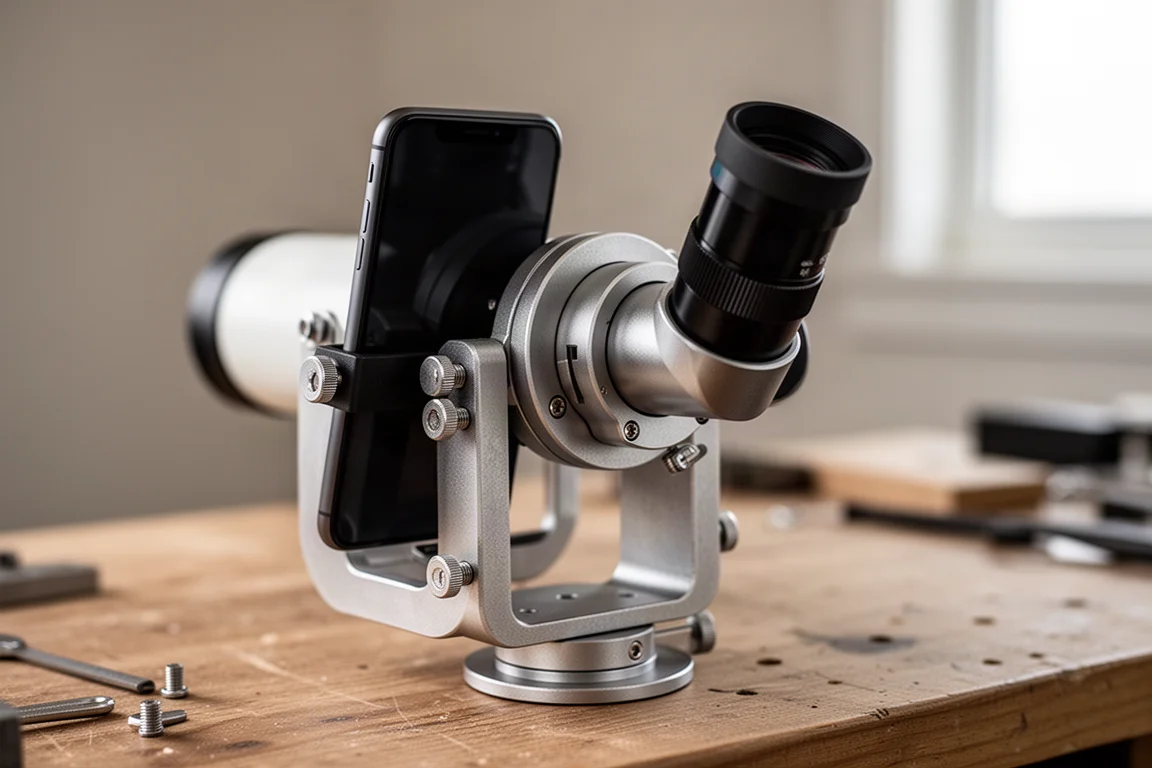
Next, center the phone’s camera over the eyepiece mounting hole. It is easiest to do this with the eyepiece removed, but first drop the eyepiece in temporarily and tighten its clamp to roughly the position it will occupy. Then use the two adjustment screws to move the phone in the X and Y directions until the camera sits as close to center as possible. Once centered, install the eyepiece and clamp it down firmly, remembering that the full weight of adapter and phone hangs off the eyepiece barrel.
One practical limitation: the adapter clamps most 1.25-inch eyepieces, but it will not close down far enough for 2-inch eyepieces, and some oversized 1.25-inch models will not fit either.
Getting the Camera App Ready
Pointing a phone camera at the night sky confuses autofocus algorithms, so the first step is switching to manual focus. On phones with a Pro mode in the stock camera app, tap More, then Pro, and select MF. Slide the focus scale to the mountain icon, which means focus to infinity. That is exactly where you want it for astronomy, and it stops the camera from hunting focus on a dark sky.
Light sensitivity comes next. The ISO range on the tested phone ran from 50 to 800. For dim targets like constellations, push the ISO to its maximum to gather all the light you can. For a bright full moon that would otherwise overwhelm the image, drop it to 100 or lower and adjust until it looks right.
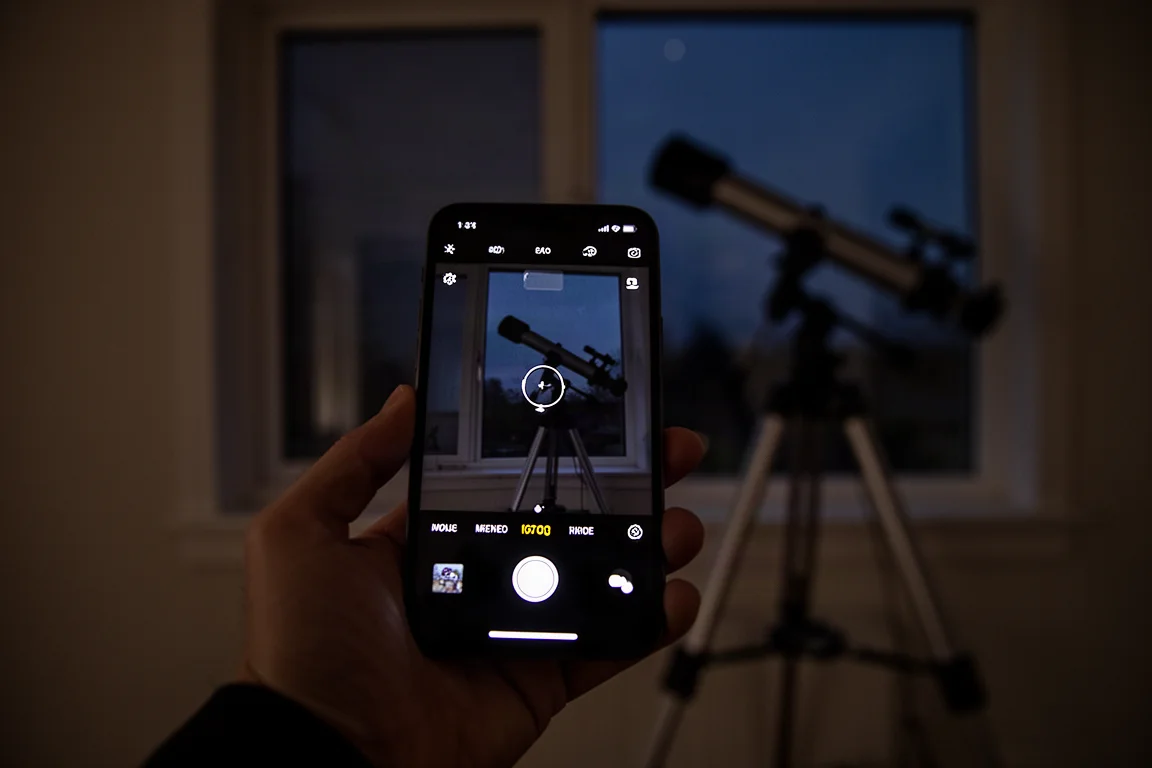
Shutter speed works alongside brightness. Starting around 1/125th of a second and stretching up to 10 seconds, longer exposures help with very dark objects, but beware: the night sky moves, and a 10-second exposure at high zoom will produce streaks. For a surprisingly bright planet like Jupiter, roughly 1/350th of a second with ISO around 400 works well, and neither number is set in stone.
A useful bonus setting: the same Pro mode exists for video, with ISO, shutter speed, and manual focus controls. Recording video of a planet or the moon opens the door to stacking, a post-processing technique where software combines frames for sharper final images.
Mounting It on the Telescope
On an 8-inch dobsonian, the whole contraption drops into the focuser and locks in place. Because the adapter plus phone is genuinely heavy, the telescope will dip under the load. Magnetic sliding counterweights, cheap and easy to make at home, solve this: slide one along the tube until the scope balances again. Aim at the target, and take the shot.
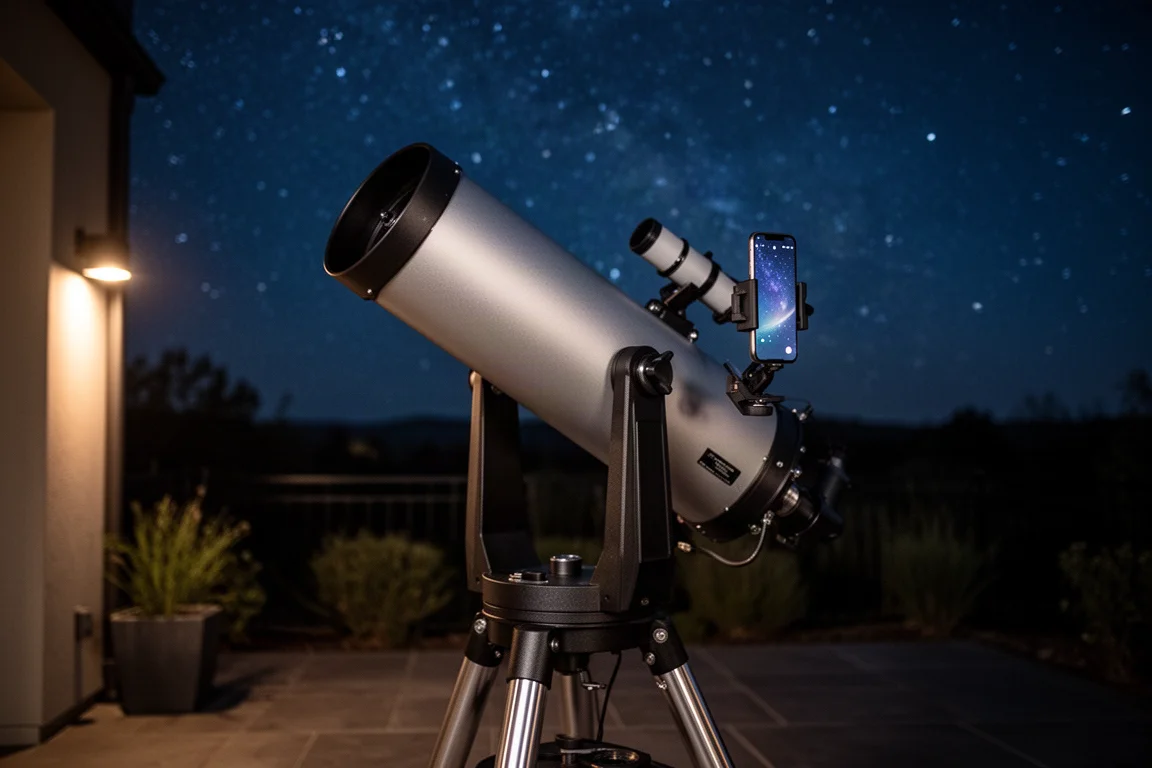
Expect a little shake when you press the shutter button, which brings us to the most useful trick in this whole setup.
Shooting Without Shaking the Camera
Any touch on the phone vibrates the telescope and softens the photo. Three remedies work well. The simplest is a two-second timer: press the shutter, let the countdown run, and the vibration settles before the exposure fires.
The second is more fun: many phones will take a picture when you say a trigger word. Say the word and the shutter fires, which lets you shoot hands-free, even if you look a little unusual saying it over and over beside the telescope.
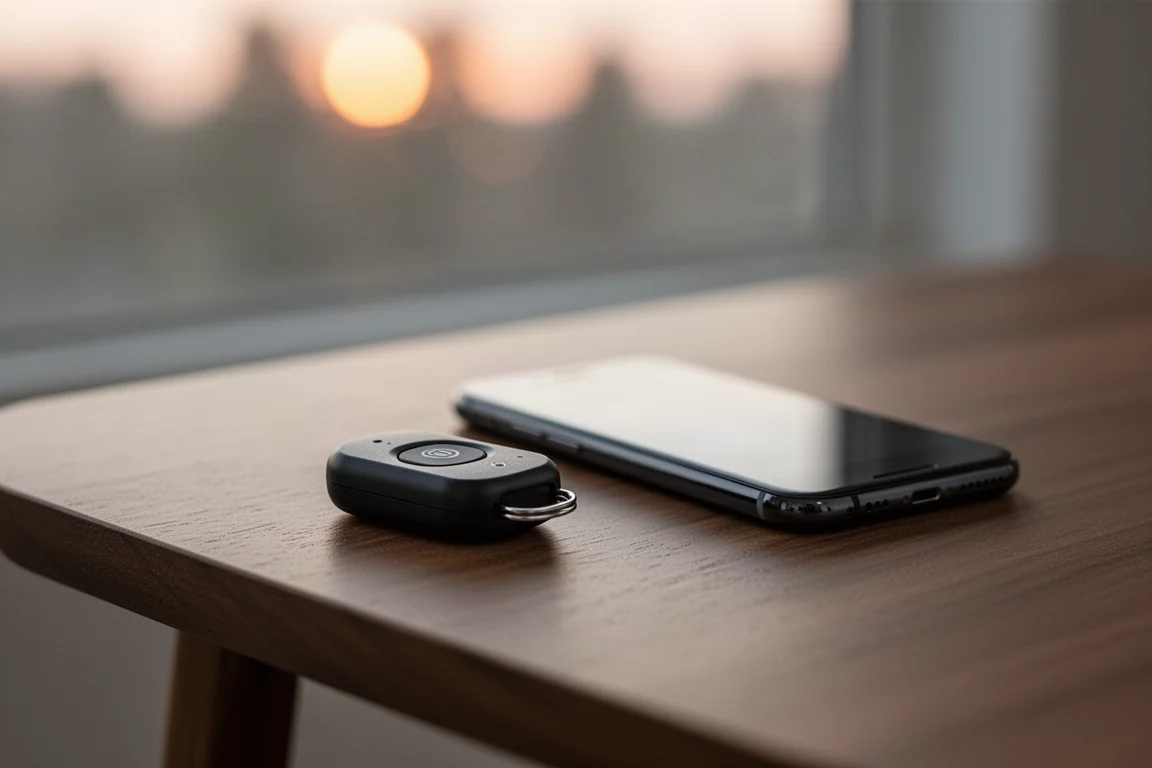
The best method, and the one worth using long term, is a Bluetooth remote shutter button. These cost roughly $10 to $15, pair with the phone in seconds, and let you fire frame after frame without ever touching the telescope. For burst-style planetary shooting, it is the cleanest solution of the three.
Buying Advice
The SteadyPix PRO does its job well: it is rigid, fully adjustable in two axes, and holds the camera dead center on the eyepiece. Its main downside is the clamping mechanism, which can press on the phone’s volume buttons and cause the phone to behave erratically until you fine-tune the clamp pressure. The weight is also a real consideration; without a counterweight, a dobsonian will keep nose-diving. If your phone is wider than about 3.3 inches with its case, look elsewhere, and if you need 2-inch eyepiece support, choose an adapter built for larger barrels.
Conclusion
For smartphone astrophotography on a standard 1.25-inch eyepiece setup, the Orion SteadyPix PRO is a heavy, serious tool that delivers steady, well-aligned shots once you dial in the fit. Pair it with manual focus, sensible ISO and shutter settings, and a remote shutter release, and it turns the phone in your pocket into a capable lunar and planetary camera.
Product link
View more details for Orion SteadyPix PRO
This product is mentioned in the review. Check the specifications, options, and compatibility before buying.
View more details for Orion SteadyPix PROFurther reading
Related Reviews
Astronomy Accessories
Apertura Premium Dew Strips Review: The All-Inclusive Dew-Heater Kit
A complete dew-strip solution with built-in controller, USB power, and adapters for nearly any visual or imaging telescope setup.
Astronomy Accessories
Best Astronomy Binoviewers: Three Options Compared for Any Telescope Budget
We tested three binoviewers across a refractor, a Maksutov-Cassegrain, and an 8-inch Dobsonian. Here is how they compare on focus, optics, and value.
Astronomy Accessories
Celestron Dew Controller and 8-inch Dew Heater Ring Review: Smarter Dew Control for Schmidt-Cassegrains
A close look at Celestron's dew controller and 8-inch dew heater ring, covering setup, hand controller and software control, and where this system makes the most sense.