Astronomy Accessories
Celestron Dew Controller and 8-inch Dew Heater Ring Review: Smarter Dew Control for Schmidt-Cassegrains
A close look at Celestron's dew controller and 8-inch dew heater ring, covering setup, hand controller and software control, and where this system makes the most sense.
Introduction
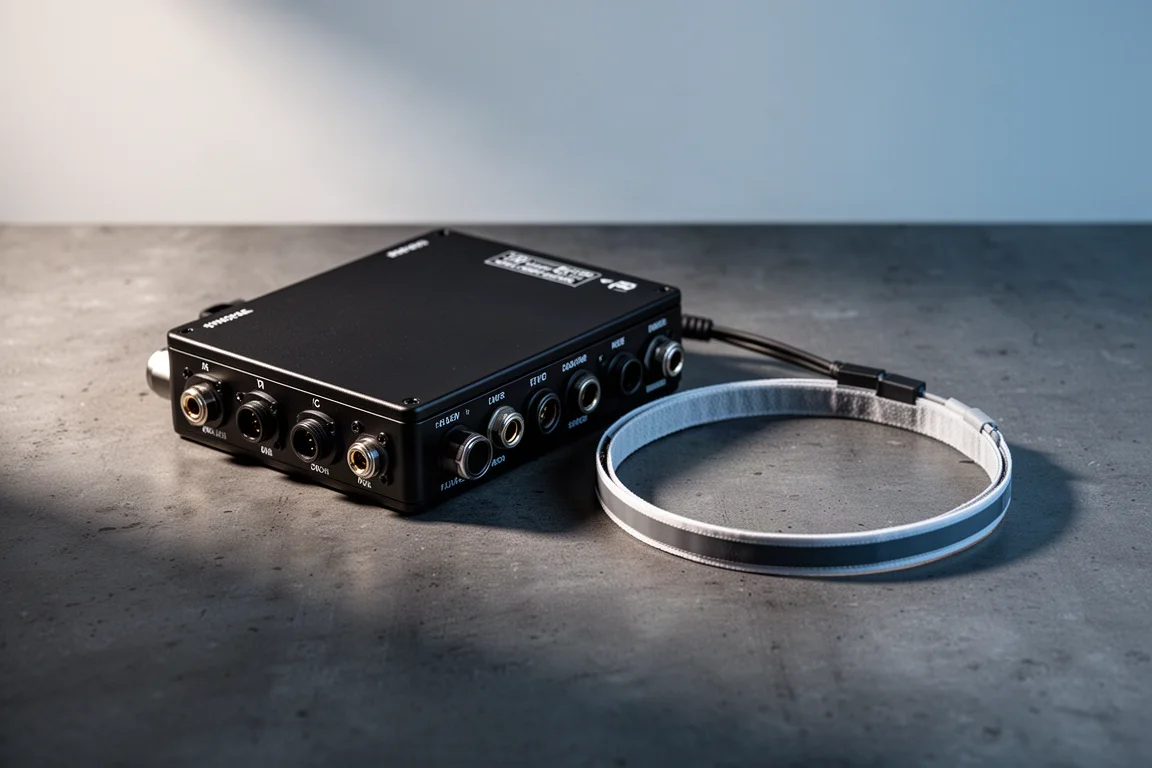
Celestron recently expanded its dew-fighting lineup with new 2-port and 4-port dew controllers, plus dew heater rings designed specifically for Schmidt-Cassegrain telescopes. If you observe or image in a humid climate, dew on the corrector plate can cut a session short fast, and this system is aimed directly at that problem. Here is how the Celestron Dew Controller and the 8-inch Dew Heater Ring fit together, what comes in the box, and how the whole setup behaves in the field.
What’s in the Box
The 8-inch Dew Heater Ring package includes a thorough, well-written instruction manual, an RCA cable to connect the ring to the controller, a small clip that attaches to the rim of your Schmidt-Cassegrain for cable management, and the dew ring itself, which has both a thermistor port and an RCA port. A paper ring is also included to place over your corrector plate during installation so you do not scratch the glass or leave fingerprints on it.
Installing the Dew Heater Ring
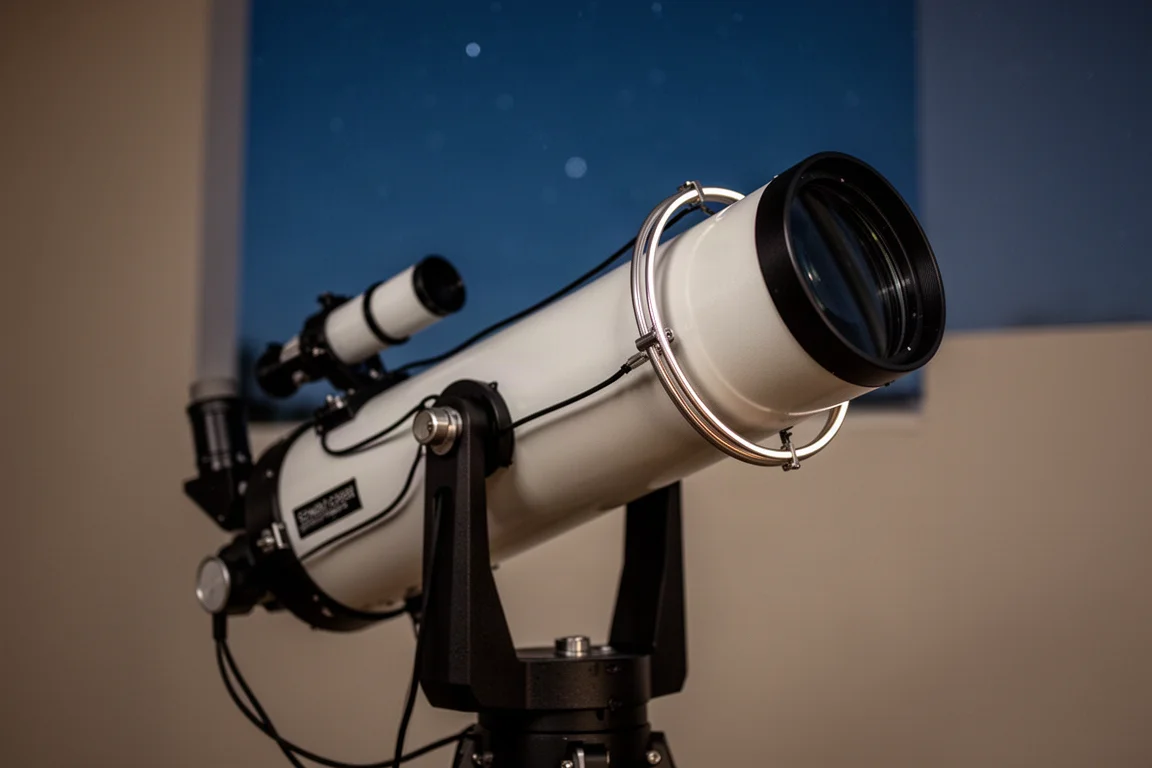
Installation starts with the telescope pointed 90 degrees upward and the paper installation piece placed on the corrector plate. You then use a screwdriver to remove the screws from the original retaining ring. The critical part: do not rotate the corrector plate during this process. Any change in its orientation can create astigmatism, which is difficult to correct later, so work carefully.
Once the retaining ring is off, place the dew heater ring with the notches correctly aligned, reinstall the screws finger tight, and then tighten them with the screwdriver in a cross pattern. After that, the ring should be correctly seated and ready to wire up.
Ports, Connections, and Cables
The Dew Controller itself is well equipped. It offers nine ports in total: two dew heater ports, a 12 volt input, two sensor ports, and on the other side two auxiliary ports, a USB 2.0 port, and a 12 volt output port. Celestron includes several cables in the package.
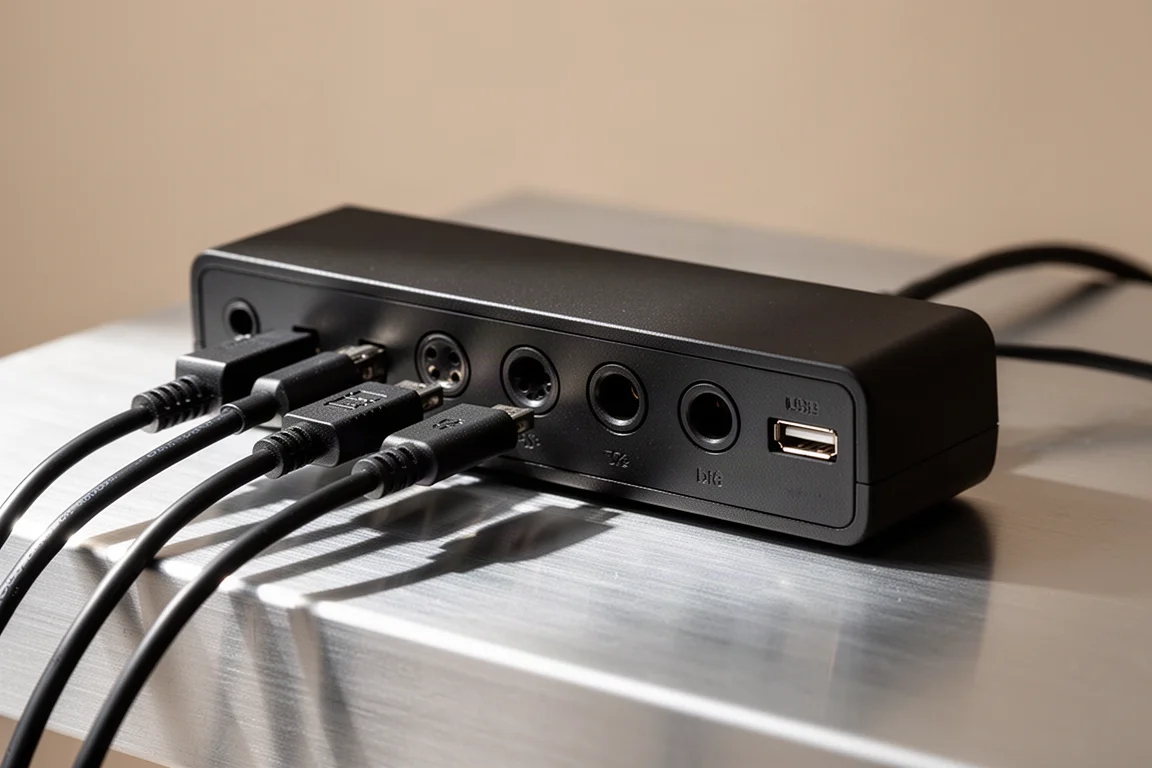
The 12 volt DC power cable powers the controller from a battery or an AC to DC adapter. The auxiliary cable runs from the controller to your mount, letting you control the dew system from the mount’s hand controller. A standard 5.5 by 2.1 millimeter barrel-to-barrel power cable lets you power your mount or another accessory from the controller’s 12 volt output port. Finally, the thermistor cable handles environmental readings such as temperature, humidity, and dew point, and plugs directly into a sensor port.
Two Ways to Power the Heater Ring
There are two ways to run the Dew Heater Ring. The simple route is to attach an AC adapter directly to the ring. In that mode it operates at full power with no in-between state, which suits quick sessions with minimal equipment and works especially well for visual observing.
The more efficient route uses the thermistor cable. Adding environmental feedback significantly improves the efficiency of both the heater ring and the controller, and if you are running off a battery in the field and need to conserve power, the full setup is the way to go.
Setting Up the Full System
For the complete configuration on a NexStar 8SE, the controller is strapped around a tripod leg. You do have the option of mounting it on a Vixen or Celestron CGE-style dovetail, but on the tripod it helps reduce vibration. From there, the connections follow a logical order: the thermistor cable goes from the dew heater ring to the controller, the RCA cable runs from the ring to dew heater port 1, the auxiliary cable links the controller to the mount, and the included barrel-to-barrel power cable connects the controller’s 12 volt output to the mount’s 12 volt input.
Celestron even left an extra auxiliary port free for a SkyPortal Wi-Fi dongle, which is a thoughtful touch for anyone building out a wireless setup.
Controlling the System from the Hand Controller
If you plan to control the heater from the hand controller, make sure your firmware is current. On a NexStar hand controller, that means firmware version 5.33 or greater. Within the dew heater menu you get four options.
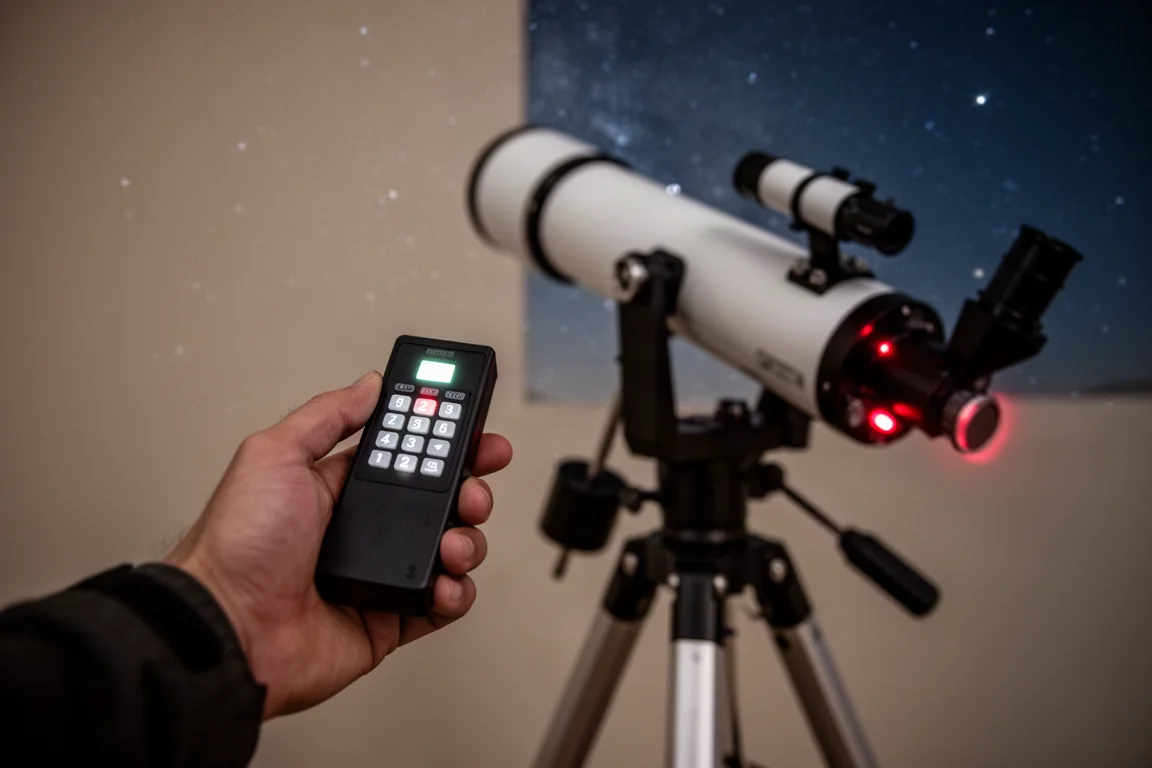
Input power lets you monitor the power draw from devices connected to the controller and set a maximum current draw. The dew heater port menu is where you choose between manual mode, where you specify a power level from zero to one hundred percent, and auto mode, where you adjust the aggressiveness of dew prevention. The guidance here is sensible: set aggressiveness higher in colder or humid climates and lower in drier or windier ones. If you are unsure, a setting of 5 out of 10 is a reasonable starting point.
The power ports option monitors any 12 volt DC device connected to the power output port and lets you disable or re-enable it at any time. The environmental port shows ambient temperature, humidity, and dew point. Recalibration is available under the settings, and while it is not usually necessary, Celestron recommends running it at the start of a session if the controller has been sitting in storage for a while.
Controlling Everything with Celestron PWI Software
If you are imaging with a laptop in the field, the Celestron PWI software is arguably the most convenient way to run the system. It offers all the adjustments the hand controller does, plus considerably more visual feedback. Note that connecting the controller to your laptop requires a USB 2.0 cable, which is not supplied in the box.
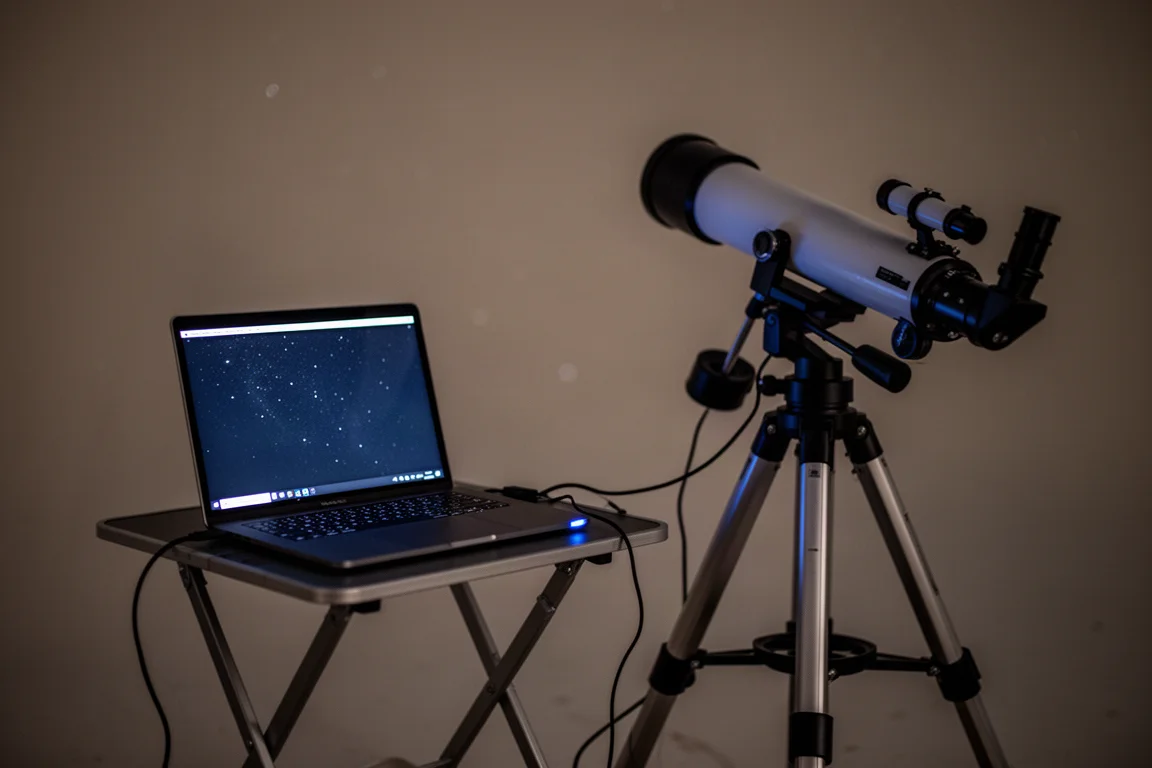
Inside PWI you get a dew heater overview window with nearly all the information about your current system, a power graph showing power usage over time for every connected device, an environment graph plotting ambient temperature, humidity, and calculated dew points over time, and a settings window where you can adjust maximum current among other options. For anyone already running a laptop-based imaging setup, this is the natural control point.
Buying Advice
This system rewards planning. If your sessions are short and visual, powering the ring directly from an AC adapter keeps things simple. If you image through the night on battery power, the thermistor cable and controller setup squeeze out meaningfully better efficiency. And if a laptop is already part of your rig, PWI makes the controller genuinely pleasant to manage. Humid-climate observers with a Schmidt-Cassegrain are the clear audience here, and for them this is one of the more integrated dew control solutions available.
Conclusion
The Celestron Dew Controller and 8-inch Dew Heater Ring work well as a pair, combining sensor-driven automatic control, hand controller and software integration, and careful installation hardware that protects your corrector plate in the process. For anyone whose observing nights end early because of dew, this is a practical way to keep the corrector clear and the session going.
Product link
View more details for Celestron Dew Controller
This product is mentioned in the review. Check the specifications, options, and compatibility before buying.
View more details for Celestron Dew ControllerFurther reading
Related Reviews
Astronomy Accessories
Apertura Premium Dew Strips Review: The All-Inclusive Dew-Heater Kit
A complete dew-strip solution with built-in controller, USB power, and adapters for nearly any visual or imaging telescope setup.
Astronomy Accessories
Best Astronomy Binoviewers: Three Options Compared for Any Telescope Budget
We tested three binoviewers across a refractor, a Maksutov-Cassegrain, and an 8-inch Dobsonian. Here is how they compare on focus, optics, and value.
Astronomy Accessories
Cosmic Shards Messier Deep Sky Objects Card Set: A Handy Field Reference for Stargazers
A 110-card boxed set covering the full Messier catalog, color-coded by season and packed with practical observing info for beginners and seasoned amateur astronomers alike.