Handheld Gaming
ONEXPLAYER 3 Review: The Handheld That Keeps Its Crown
After six weeks of daily use, the ONEXPLAYER 3 remains the most compelling x86 handheld, pairing a stunning OLED display with class-leading performance.
Introduction
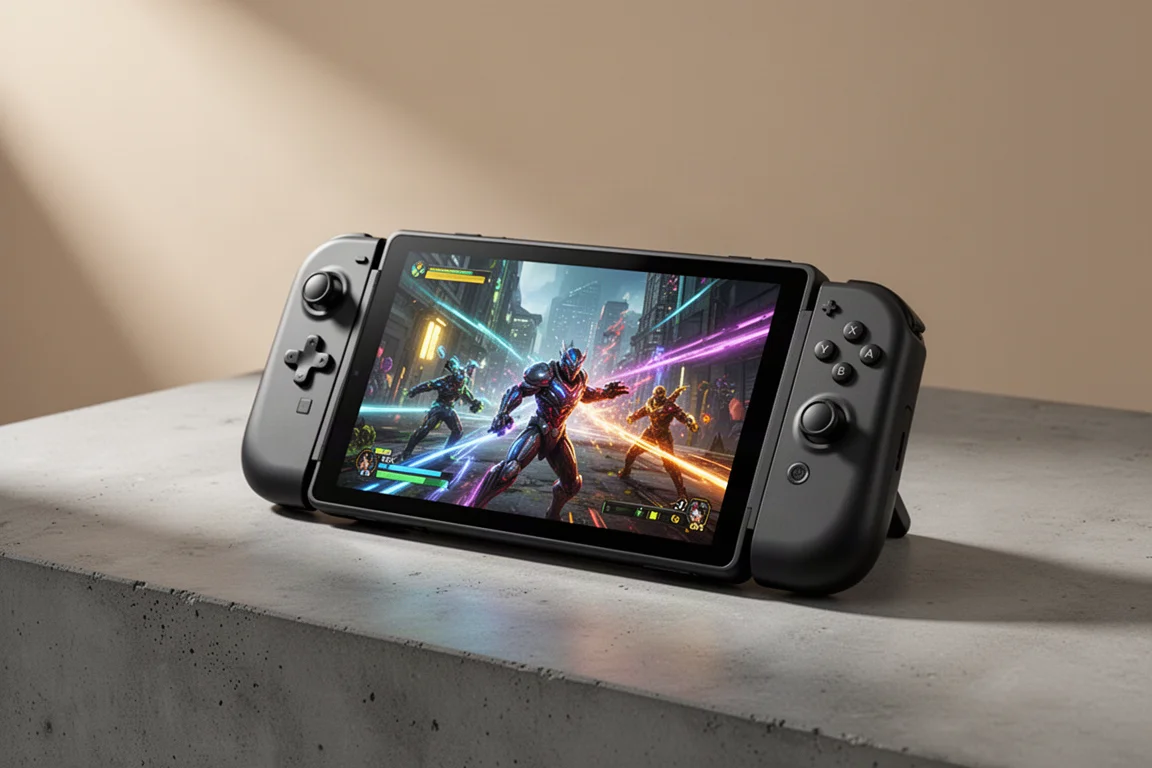
Some devices earn their reputation quickly, and some have to defend it. The ONEXPLAYER 3 was called the king of handhelds shortly after launch, and after six weeks of daily use, it is still the device that gets picked up every single night for gaming sessions. The combination of an 8.8-inch OLED display running at up to 144 Hz, the new Intel Arc G3 Extreme CPU, and the B390 iGPU delivers a level of performance that nothing else in this category really touches.
This is not just a handheld either. The controllers detach for tablet mode, an accessory can turn it into a mini laptop, and connecting it to a larger monitor with a higher TDP unlocks 1440p gaming. It is a versatile device, but it is also expensive, and the size and weight will not suit everyone. This review covers what makes it stand out, where it compares to its closest rivals, and what to consider before buying.
Design and Build Quality
The ONEXPLAYER 3 is a large device, and there is no way around that. It is one of the heavier handhelds on the market, largely because of the 85 watt-hour battery packed inside. For smaller hands, this thing is going to feel like a giant. But the design team did a great job with the ergonomics. It hugs the palm comfortably, with nice palm rests around the back and a kickstand for tabletop use.
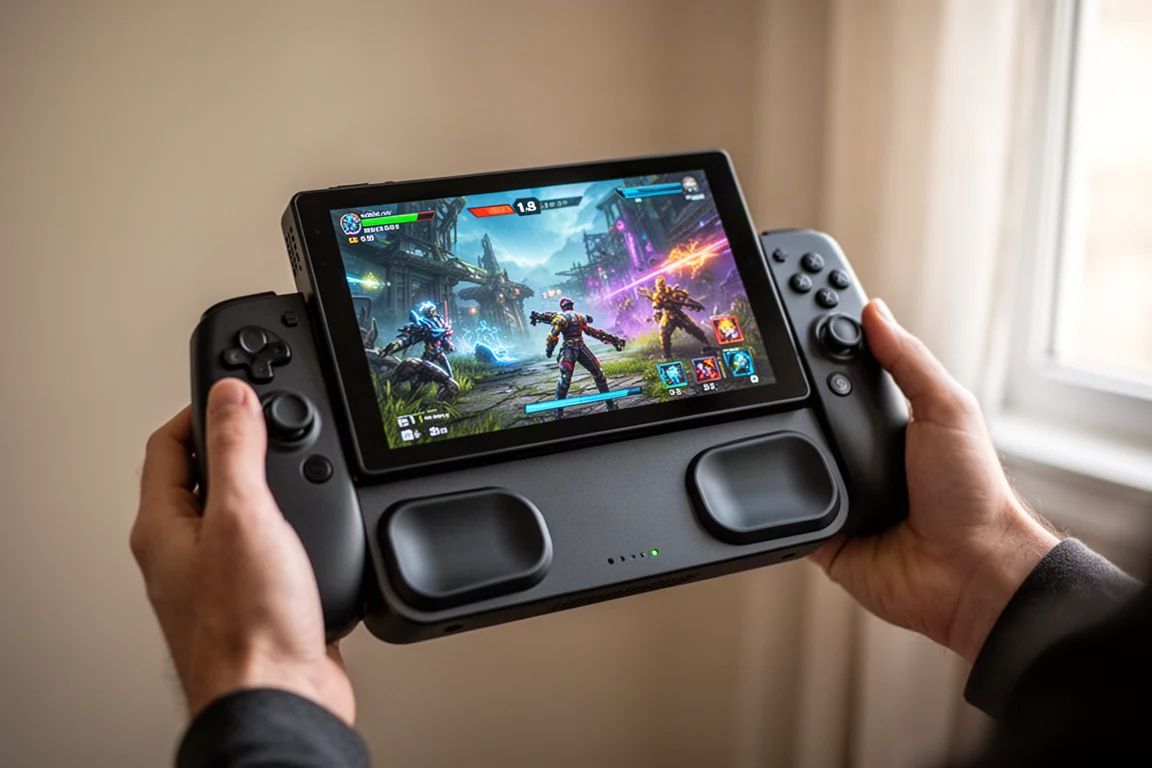
The build quality feels solid throughout. The sticks, triggers, and buttons all feel great, with hall-effect analog sticks and hall-effect triggers providing smooth, precise input. The D-pad is a newer mechanical design, and it is the best D-pad the company has produced so far, giving a satisfying mechanical feel. There are programmable macro keys, locking triggers that allow a full throw or a hair trigger, and a few extra buttons on the unit itself, including a dedicated console button and an on-screen keyboard button.
The only foreseeable issue for some people is the size and weight. But given the performance gains from the new chipset compared to other handhelds on the market, many will be able to overlook that.
Controls and Ergonomics
The controls on the ONEXPLAYER 3 are a highlight. The hall-effect analog sticks and triggers feel precise and durable, and the locking triggers are a nice touch for first-person shooters, allowing a quick hair trigger response. The mechanical D-pad is a clear step up from previous designs, and the built-in keymapper and gamepad tester add useful flexibility for configuring controls across different games.
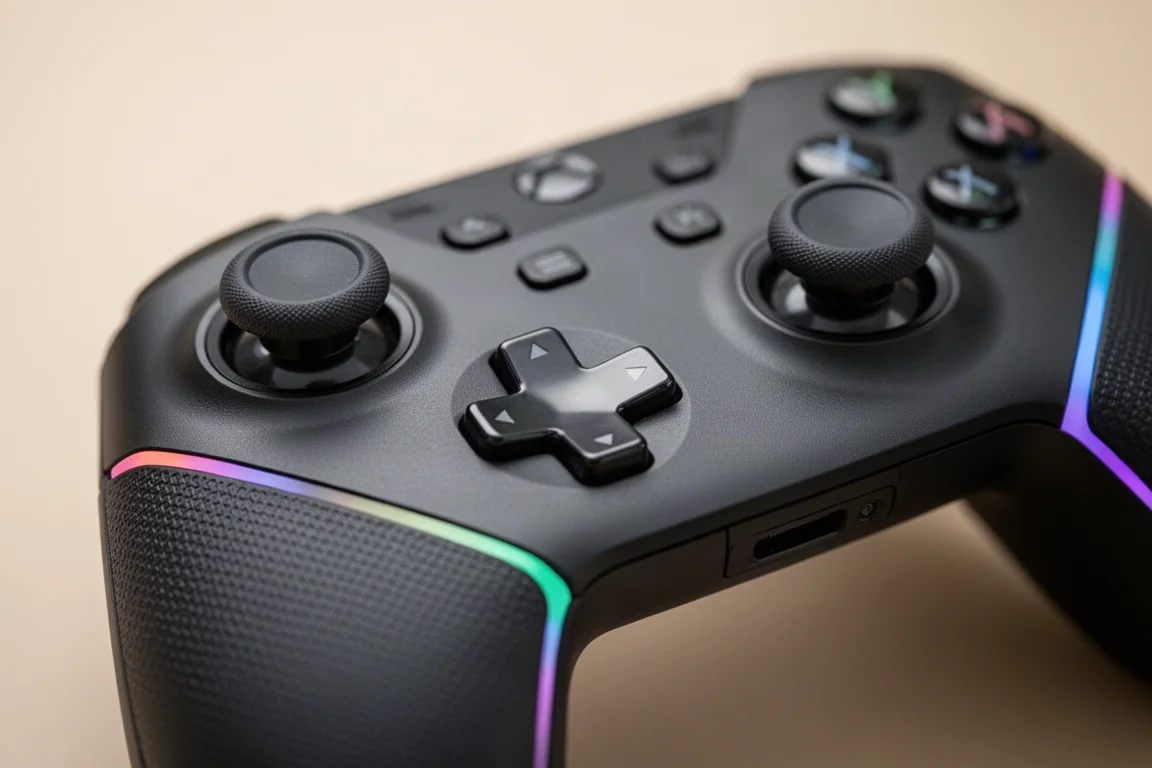
The layout is well thought out, with the extra buttons placed where they are easy to reach. The dedicated console button and on-screen keyboard button are handy for navigating Windows and launching Steam Big Picture mode. Overall, the controls feel great, and the ergonomics are well executed despite the device’s size.
Performance and Gaming
The biggest difference between the ONEXPLAYER 3 and its competitors comes down to the chipset and the performance it puts out. In synthetic benchmarks, the ONEXPLAYER 3 scored 4,956 overall, compared to 2,917 for the Lenovo Legion Go 2 with the Ryzen Z2 Extreme, and a bit lower for the ROG Ally X with the Z1 Extreme. At a 25 watt TDP, the ONEXPLAYER 3 score jumped to 6,180, staying ahead of both rivals in total, graphics, and CPU scores.
Real-world gaming backs up those numbers. In Forza Horizon 6, the ONEXPLAYER 3 runs at 1200p high settings with no scaling at a 21 to 25 watt TDP, while the Legion Go 2 struggles to hit 60 FPS at medium settings with some FSR at a 35 watt TDP. In Halo Campaign Evolve, a game that has been struggling on most handhelds to stay above 30 FPS, the ONEXPLAYER 3 averages around 74 FPS at 900p high settings with XESS frame generation set to X2, at a 25 to 27 watt TDP.
Cyberpunk 2077 is another standout. At the ultra preset with XESS set to quality and XESS frame generation enabled, the game runs at 1200p and averages over 100 FPS at a 25 watt TDP. The chipset handles this game particularly well, especially with frame generation enabled, which actually reduces power draw slightly.
Dock Mode and Accessories
While the ONEXPLAYER 3 is first and foremost a handheld gaming PC, it also works well as a desktop replacement. The controllers detach, and a single USB-C cable connects it to a monitor that supports 65 watt PD power out and video over USB Type-C. A Steam Deck dock also works if you do not have a monitor with USB-C video support.
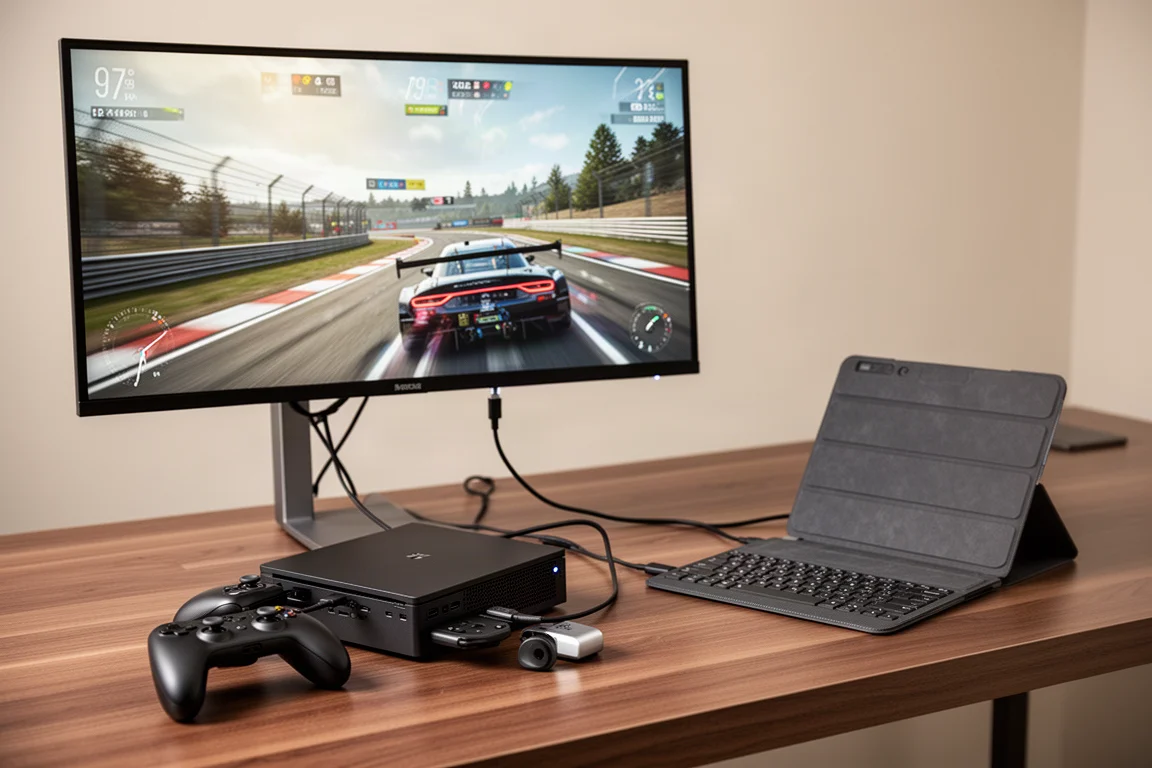
The optional keyboard folio case magnetically attaches, turning the device into a mini laptop that is genuinely usable for getting work done. The controller adapter is another useful accessory, featuring a large trackpad in the middle. The controllers snap into the adapter and work as an external controller over a 2.4 GHz dongle, which is great for navigating Windows and playing games on a larger screen.
In docked mode, the ONEXPLAYER 3 scales impressively. Going from 17 watts up to 40 watts, Time Spy scores improve by 47%. In Forza Horizon 6 at a 45 watt TDP, high settings, 1440p with no scaling, the device averages 71 FPS. Cyberpunk 2077 at 1440p ultra with XESS multi-frame gen set to X3 runs amazingly well, and even with frame generation disabled, it averages around 52 FPS, which is still playable on a variable refresh rate monitor.
Battery Life and Real-World Usage
The 85 watt-hour battery is one of the largest in any handheld, and the G3 Extreme chipset is very efficient. At a 6 watt TDP, the device pulls around 9.5 watts total from the battery. Real-world battery life depends heavily on the workload. For indie and 2D gaming, expect around 8.5 to 10 hours of run time at 50% screen brightness and 60 Hz refresh rate. For 17 watt AAA gaming, that drops to about 3 hours and 30 minutes, and at 25 watts, it is around 2 hours and 30 minutes.
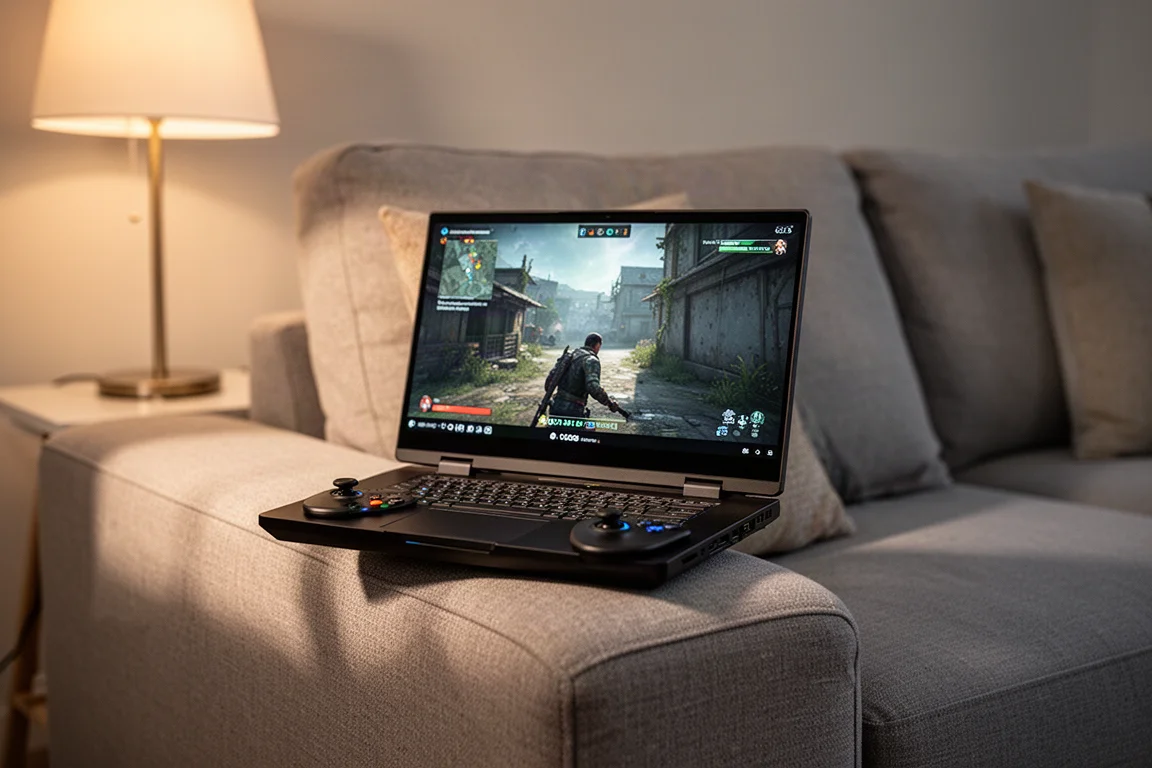
These are solid numbers, and the larger battery means better run times than many other handhelds on the market. At higher TDPs like 45 watts, run time drops to around an hour, so that is best reserved for docked mode where you are plugged into power.
Buying Advice
The ONEXPLAYER 3 is expensive, like everything else in the x86 handheld market right now. RAM and storage prices have pushed device prices up across the board, and this device is no exception. But for the performance on offer, it is hard to argue with the value. The display is beautiful, the performance is class-leading, and the versatility of detachable controllers, tablet mode, and docked gaming makes it a genuinely flexible device.
If you have smaller hands or prefer a lighter handheld, the size and weight might be a dealbreaker. But if you want the best performance available in a handheld gaming PC and are willing to pay for it, the ONEXPLAYER 3 is the one to get.
Conclusion
After six weeks of daily use, the ONEXPLAYER 3 has proven itself. It is the go-to handheld for good reason, combining a stunning OLED display, powerful new chipset, and thoughtful design into a package that delivers an experience nothing else in the category can match. It is not perfect, and the size, weight, and price will not suit everyone, but for those who want the best, this is it.
Product link
View more details for OneXPlayer 3
This product is mentioned in the review. Check the specifications, options, and compatibility before buying.
View more details for OneXPlayer 3Further reading
Related Reviews
Handheld Gaming
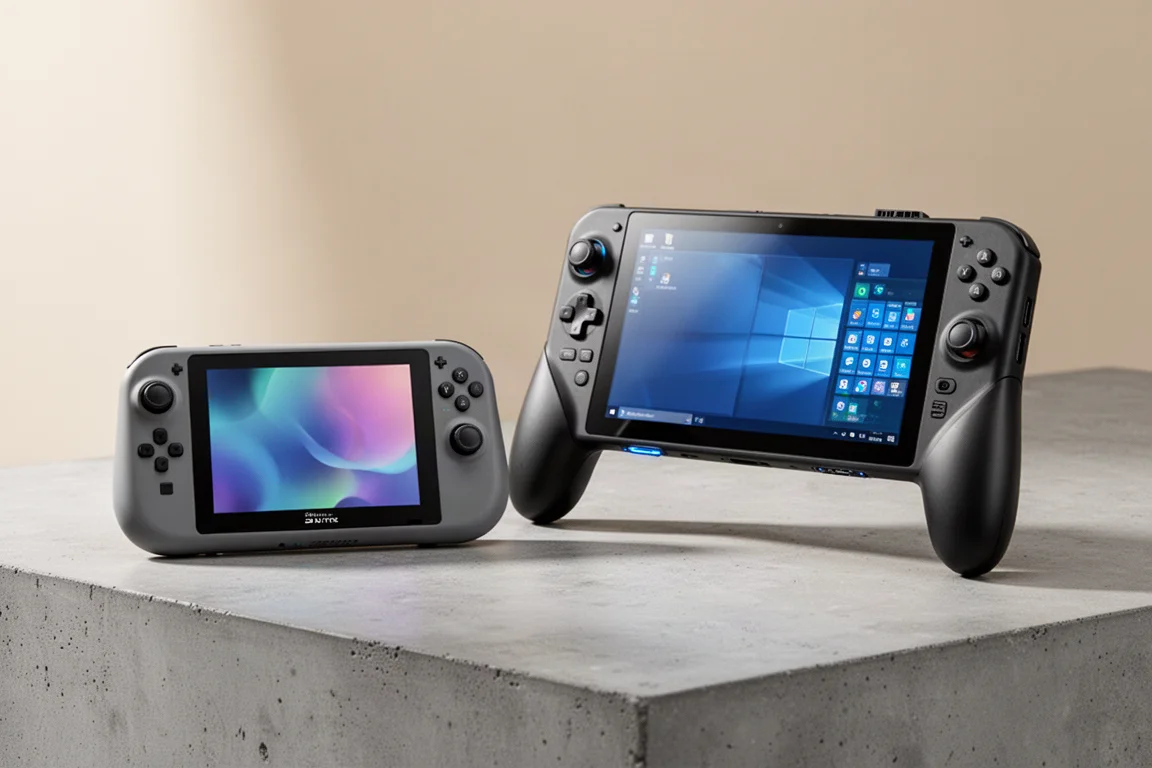
Acer Nitro Blaze Link and Predator Atlas 8: Two New Handhelds Compared
Acer's new handheld lineup includes a budget streaming device and a powerful Windows gaming machine. Here is what to expect from both.
Handheld Gaming
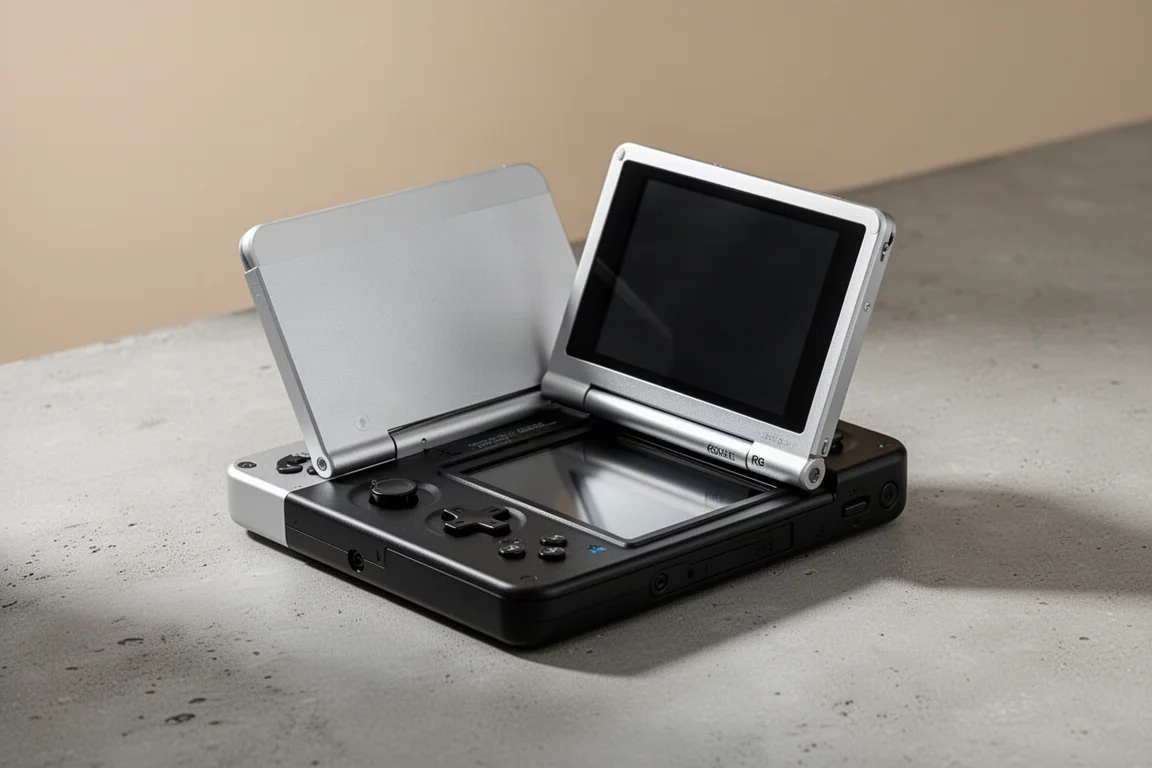
Anbernic RG Rotate Review: A Unique and Powerful Pocket Handheld
The Anbernic RG Rotate brings a clever rotating design, a square 720x720 screen, and solid Android performance to a truly pocketable form factor.
Handheld Gaming
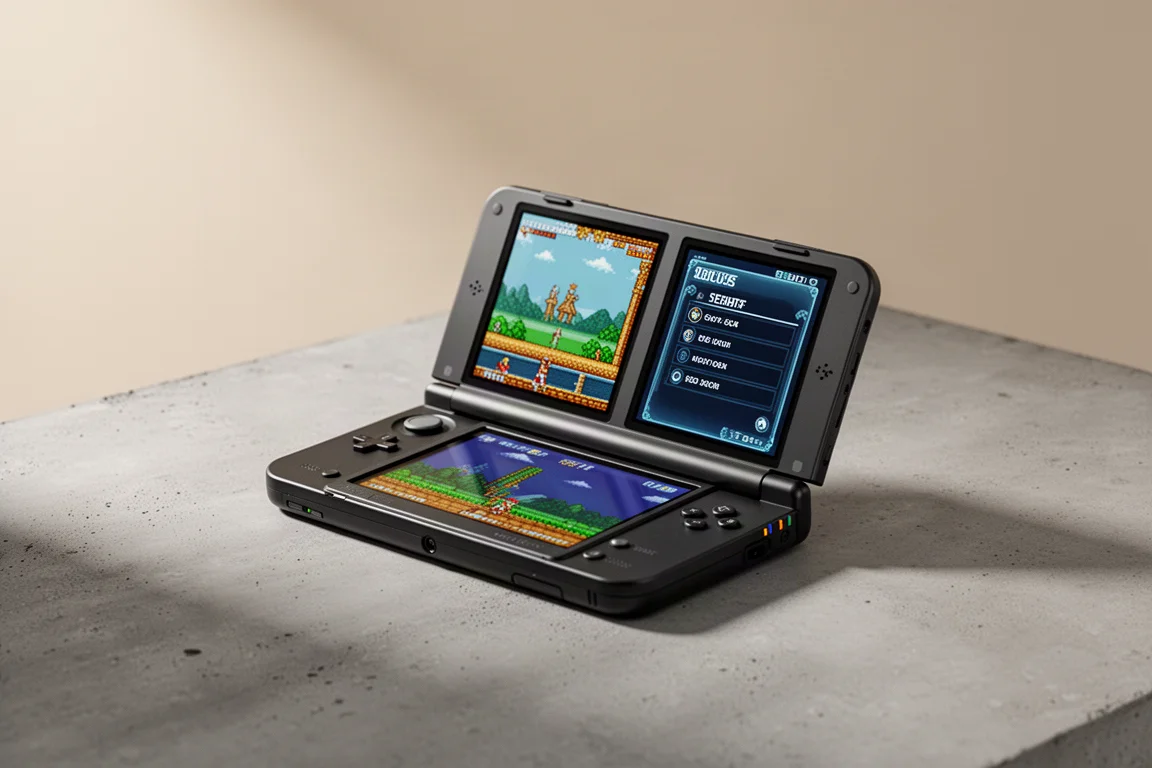
Anbernic RGDS: A Fresh Look at the Linux Experience
The Anbernic RGDS gets better with updated Linux firmware. We explore Rocknix improvements, the new official Anbernic Linux OS, and how this dual-screen handheld handles Nintendo DS gaming.