Battery Chargers
Olight Ostation 2 Pro Review: Smaller, Smarter, and Now It Handles AAA
Olight's second-generation 3-in-1 battery hub adds AAA support, a touchscreen, and magnetic flashlight charging while shrinking the footprint by 25%.
Introduction
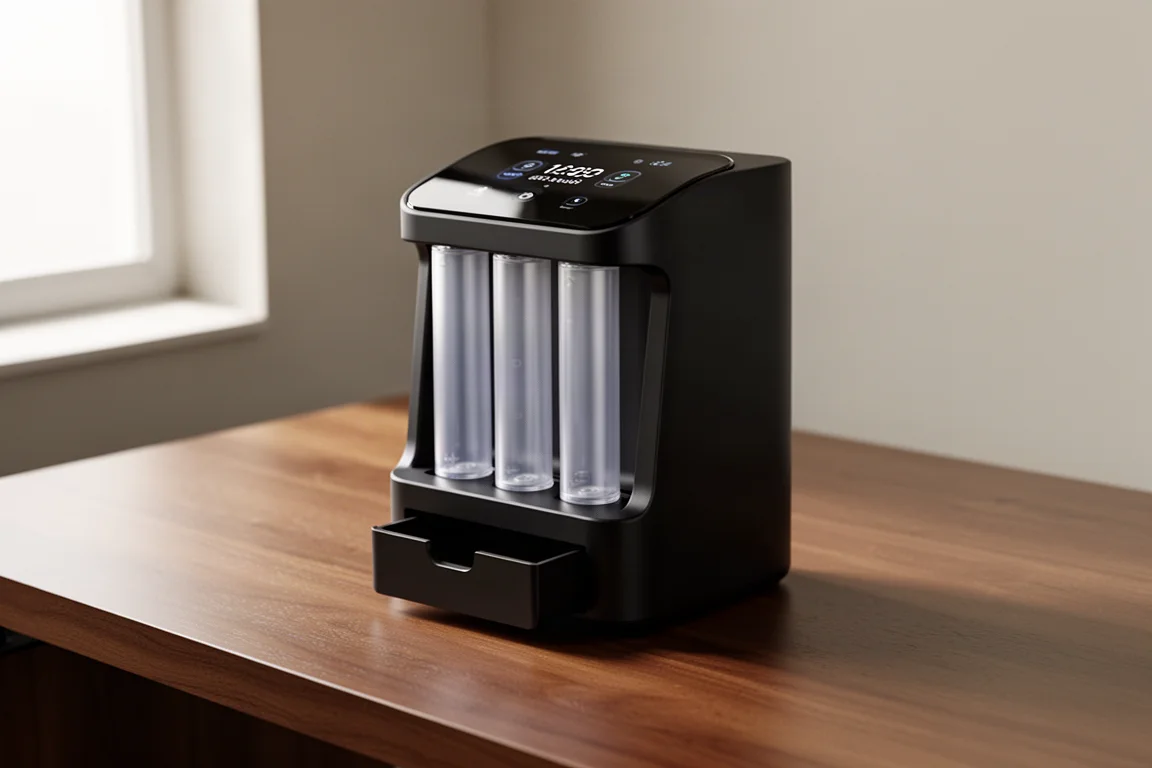
Five months after the original Ostation arrived, Olight has released its successor: the Ostation 2 Pro. The first model earned a lot of goodwill by combining three jobs into one device. Instead of keeping a separate charger, a separate battery tester, and a separate organizer on the shelf, the original handled all three. It was not perfect, though. It could not charge AAA batteries, and it was simply too large for many desks and drawers.
The Ostation 2 Pro addresses both of those complaints, and then goes further. It supports AA and AAA batteries, it is 25% smaller than its predecessor, and it adds a touchscreen plus a genuinely clever built-in flashlight charging feature. After a few weeks with it, the overall impression is very positive, with only a couple of minor niggles remaining.
What Is the Ostation 2 Pro?
The Ostation 2 Pro is a 3-in-1 battery hub: it charges, tests, and organizes your rechargeable batteries in a single countertop unit. You drop a battery in either end, the machine analyzes it, and once it passes testing it moves into the middle section to charge. When charging finishes, the batteries drop into storage compartments at the bottom, ready to grab when you need them.
Capacity has changed with the new generation. The Ostation 2 Pro holds 12 AA and 12 AAA batteries, which is fewer than the original managed, but the 25% smaller footprint makes that a reasonable trade. The compromise is easy to accept when it means AAA support finally exists without ballooning the size.
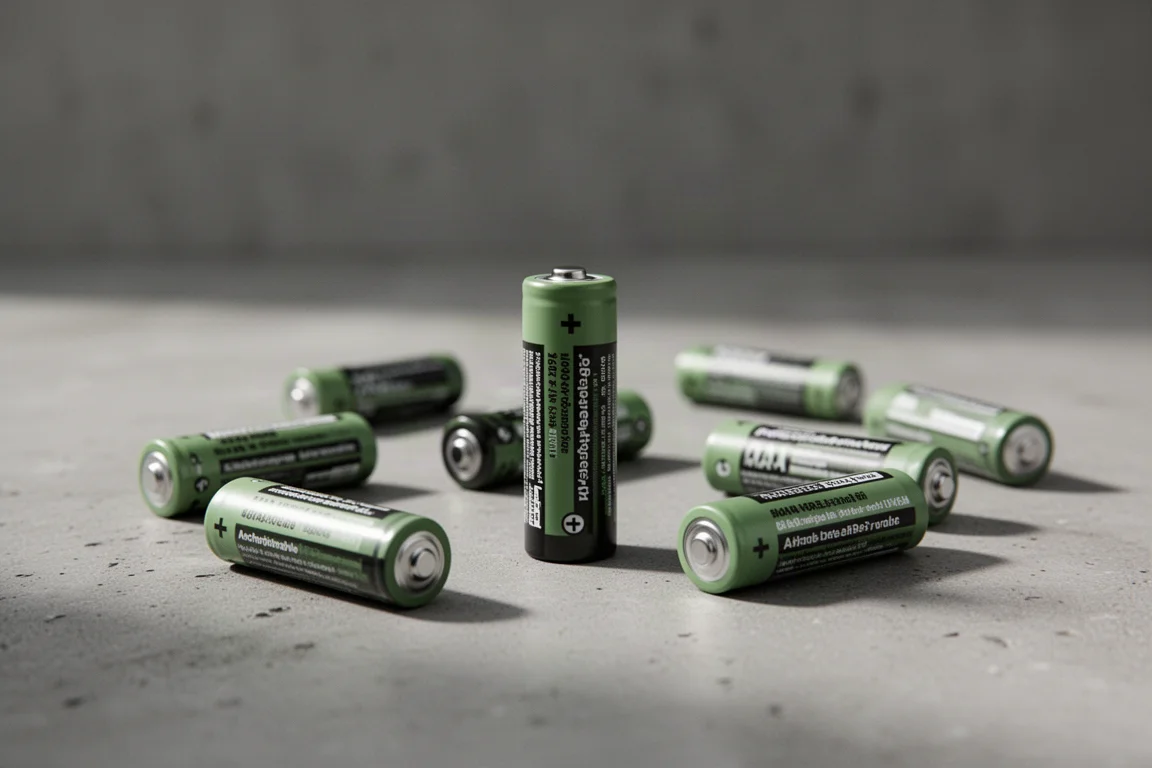
Compatibility is broad for a hub this size. It handles AA and AAA nickel-metal hydride 1.5V batteries, as well as Olight’s AA 1.5V lithium-ion batteries. If you already own batteries from the original Ostation, the 2 Pro will charge those too, so nothing from the previous generation goes to waste.
A Touchscreen Replaces the Clunky Interface
The original Ostation had a fiddly control scheme: you had to make sure the power button was on, press it again to confirm a green light, drop the batteries in, then press it once more. It worked, but it demanded attention at exactly the wrong moments.
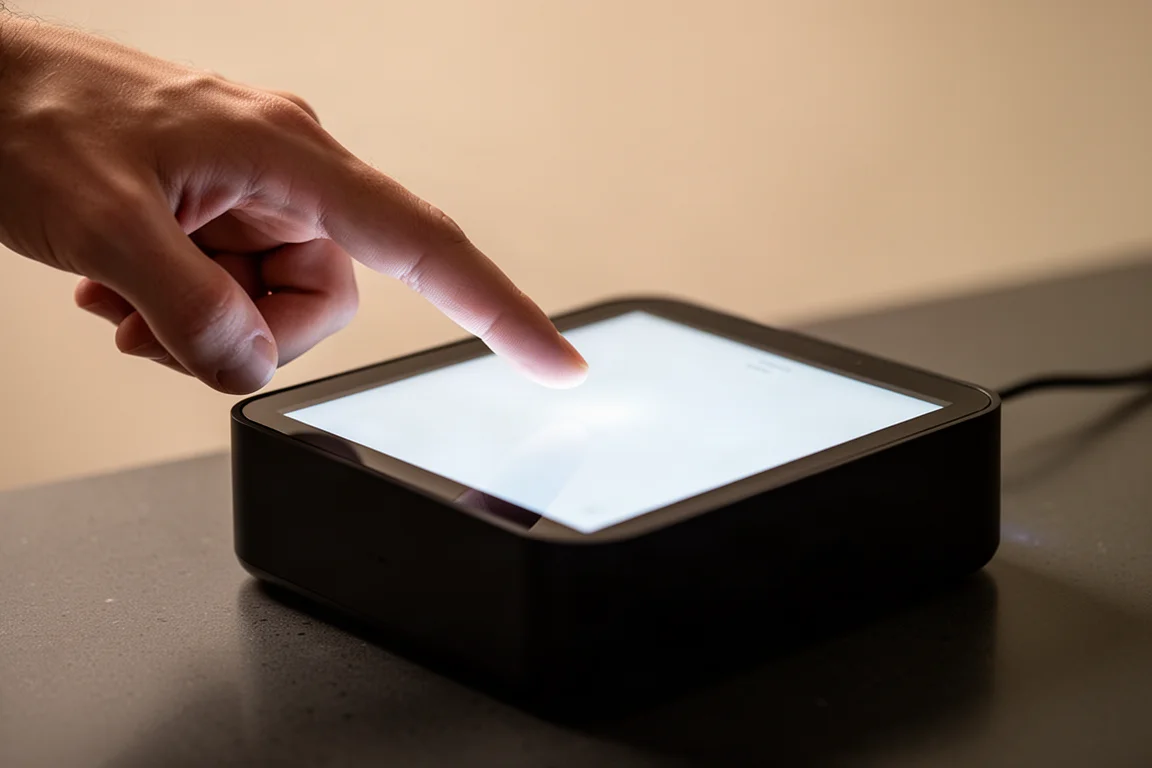
The Ostation 2 Pro replaces all of that with a touchscreen on the front. It is bright, responsive, and refreshingly uncluttered. The workflow is now as simple as it sounds: make sure the unit is on, take a battery, drop it in. Because charging is polarity-free, there is no need to check which way the battery faces. The touchscreen displays the charge percentage, battery type, and additional details, particularly when using Olight batteries.
Testing, Charging, and Sorting
Every battery gets tested before charging. If a cell checks out, it moves into the middle section and starts charging. If it fails, the Ostation 2 Pro discards it, and a small drawer at the base catches the rejected batteries so nothing gets mixed back in with the good cells.
One of the recurring complaints about the original was that it occasionally discarded perfectly good batteries. After a few weeks with the 2 Pro, that issue has not appeared. The sorting behavior has also improved: finished AA batteries drop into the lower compartment and AAA batteries into the upper one, two at a time. The previous generation dispensed batteries one at a time, so being able to pull out a matched pair is a small but welcome change.
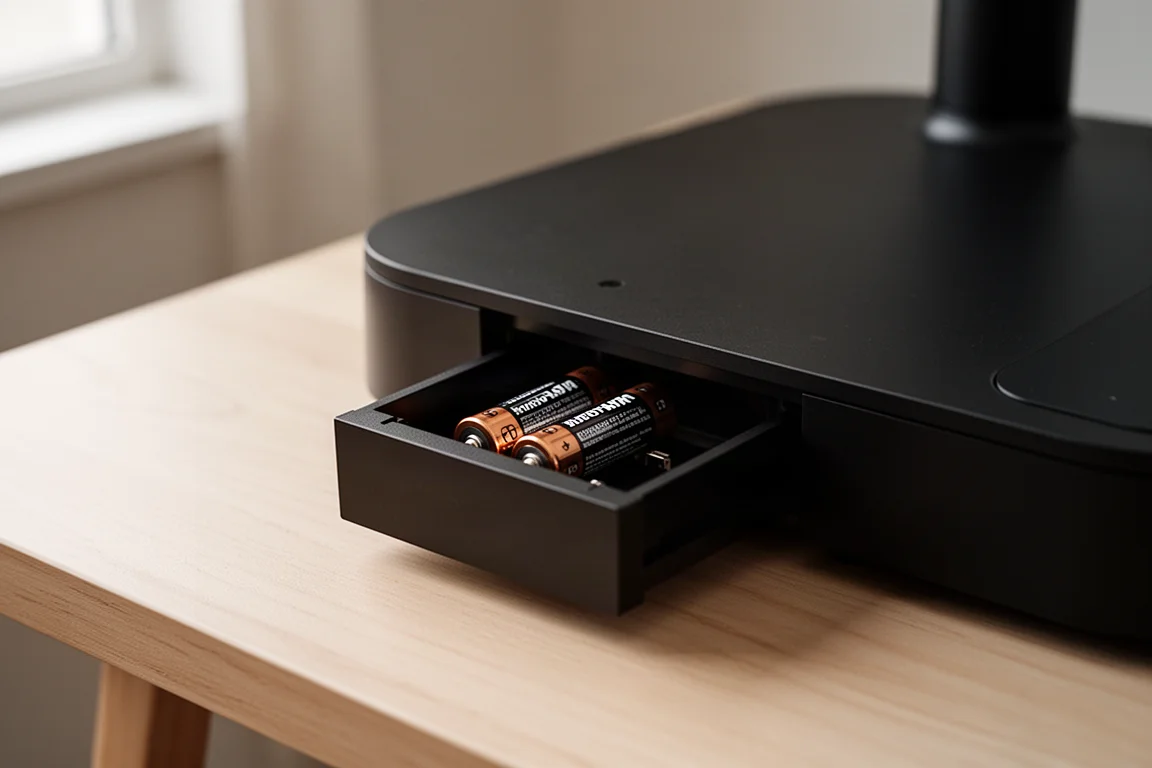
The touchscreen itself is capable beyond basic status. There is a back button that powers the unit down, a settings menu, an Olight app connection at the top, a charging schedule option, a pause control, and a screen-off function at the bottom. Tapping anywhere wakes the screen again.
Olight’s per-cell battery health management is the standout here. Each Olight 1.5V lithium-ion battery carries a built-in smart chip, which enables real-time per-cell monitoring on the touchscreen and through the Olight app. The app is convenient, but the touchscreen alone shows almost everything you need to know day to day.
Built-In Flashlight Charging
Olight offers two versions of the Ostation 2. The non-Pro model skips the touchscreen, but it also misses what may be the Pro’s most persuasive feature: a small panel on the side that folds down to reveal two magnetic charging ports for Olight flashlights.
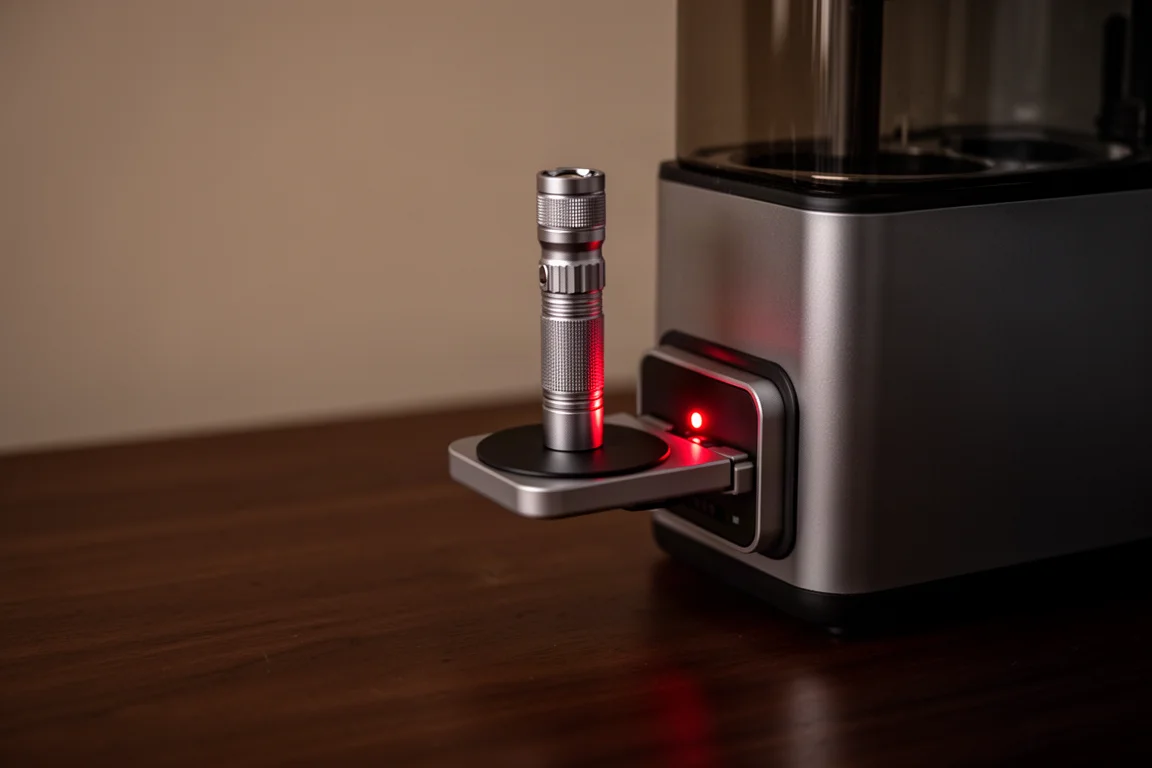
Drop an Olight flashlight onto a port and a red LED starts to glow while it charges. It works with models like the Arkfeld, and as a built-in extra it is a genuinely smart addition. For anyone already in the Olight ecosystem, this feature alone makes a strong case for choosing the Pro version.
Things to Consider Before Buying
Two minor issues are worth knowing about. The unit is still a little loud when charged batteries drop through into the bottom compartment, because the base remains uninsulated. It is a small complaint after so many other improvements, but light sleepers and quiet-office users may notice it. The reduced capacity compared to the original is also worth factoring in if you keep a large battery collection.
The Ostation 2 Pro is also still in its Kickstarter phase, so early-bird pricing may be available for those who back it early. Waiting for general retail availability is the safer option if timing is not urgent.
Buying Advice
Choose the Pro version if you want the touchscreen experience or the built-in magnetic flashlight charging; both are exclusive to this model. Choose the non-Pro if you mainly want the core 3-in-1 charging, testing, and organizing functions at a lower cost. Either way, the 2 Pro makes the most sense for households that go through AA and AAA batteries regularly, especially those already using Olight’s lithium-ion cells or flashlights.
Conclusion
The Ostation 2 Pro fixes nearly every complaint worth fixing from the first generation. AAA support, a 25% smaller body, a responsive touchscreen, no false discards during testing, and built-in flashlight charging make it a much more complete package. The noisy drop into the collection tray remains, but it is a minor blemish on what is otherwise a genuinely improved 3-in-1 battery hub.
Product link
View more details for Olight Ostation 2 Pro
This product is mentioned in the review. Check the specifications, options, and compatibility before buying.
View more details for Olight Ostation 2 ProFurther reading
Related Reviews
Battery Chargers
NOCO Genius 5 Review: A Versatile Smart Charger for Everyday Battery Care
A practical look at the NOCO Genius 5 battery charger, covering its charging modes, safety features, and how it handles everyday vehicle battery maintenance.
Everyday Carry
Best Olight EDC Flashlights: A Top 10 Ranking
A ranked guide to the best Olight flashlights for everyday carry, covering keychain lights, pocket workhorses, and versatile multi-use picks.
Flashlights
The 5 Olight Flashlights That Actually Justify the Magnetic Charging System
Olight's proprietary magnetic charging is convenient but a real commitment. These five models, plus one family favorite, make the ecosystem genuinely worth it.