Aquarium Controllers
Neptune Systems Apex Review: Real Time Control for Reef Tanks
A practical look at the Neptune Systems Apex aquarium controller, covering real time monitoring, app based scheduling, power management, and who it actually suits.
Introduction
A reef tank runs on small, constant decisions. Temperature drifts, flow changes, a pump slows down, and by the time you notice, the corals have already reacted. The Neptune Systems Apex is built around a simple idea: give you real time data about how the tank is performing and tell you when something needs attention, instead of leaving you to check everything by hand.
This review covers what the controller actually does, who gets the most value from it, and the practical points worth weighing before you buy.
What the Neptune Systems Apex Does
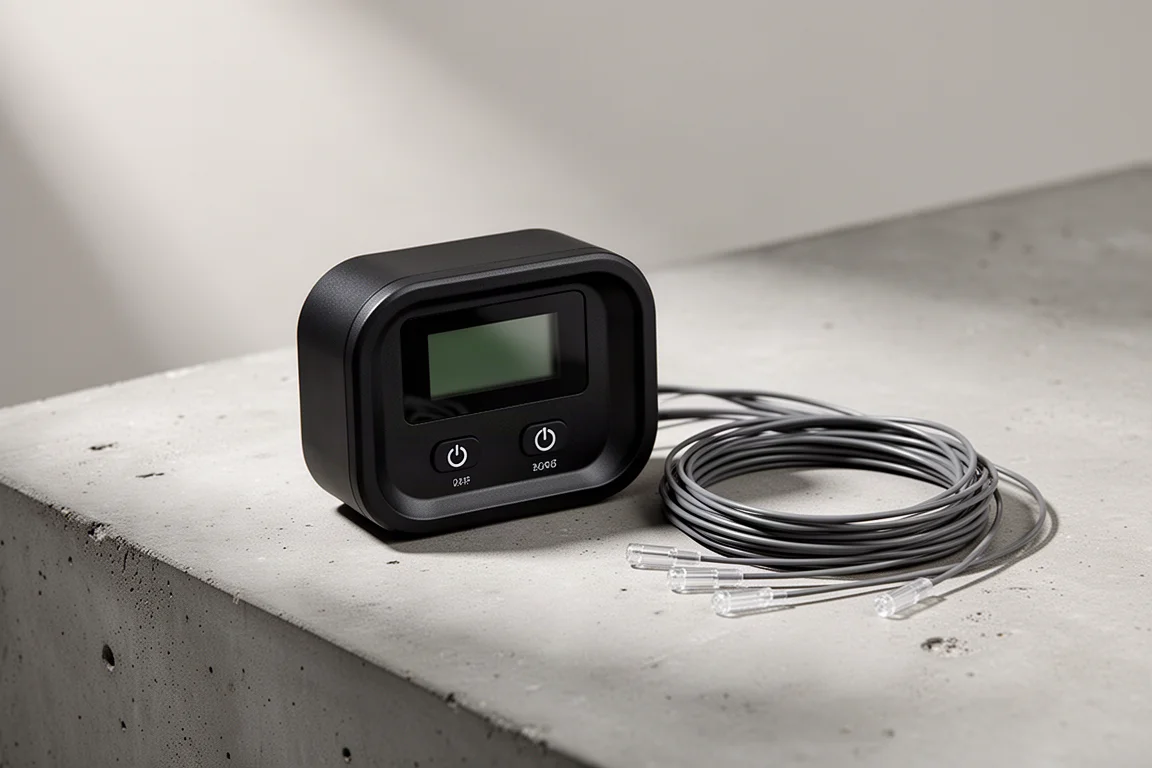
The Apex is an aquarium controller that collects real time data from the tank and presents it in one place. It monitors and controls the equipment connected to it, including circulation and flow, and it sends push notifications when a reading or a connected device moves outside the range you have set. Rather than walking over to the tank to check on things, you can see how the system is performing at a glance.
Around that core, the platform is designed to grow. Additional modules and cables let you bring more equipment and more sensor inputs under the same controller, so the system can scale as a tank changes over time.
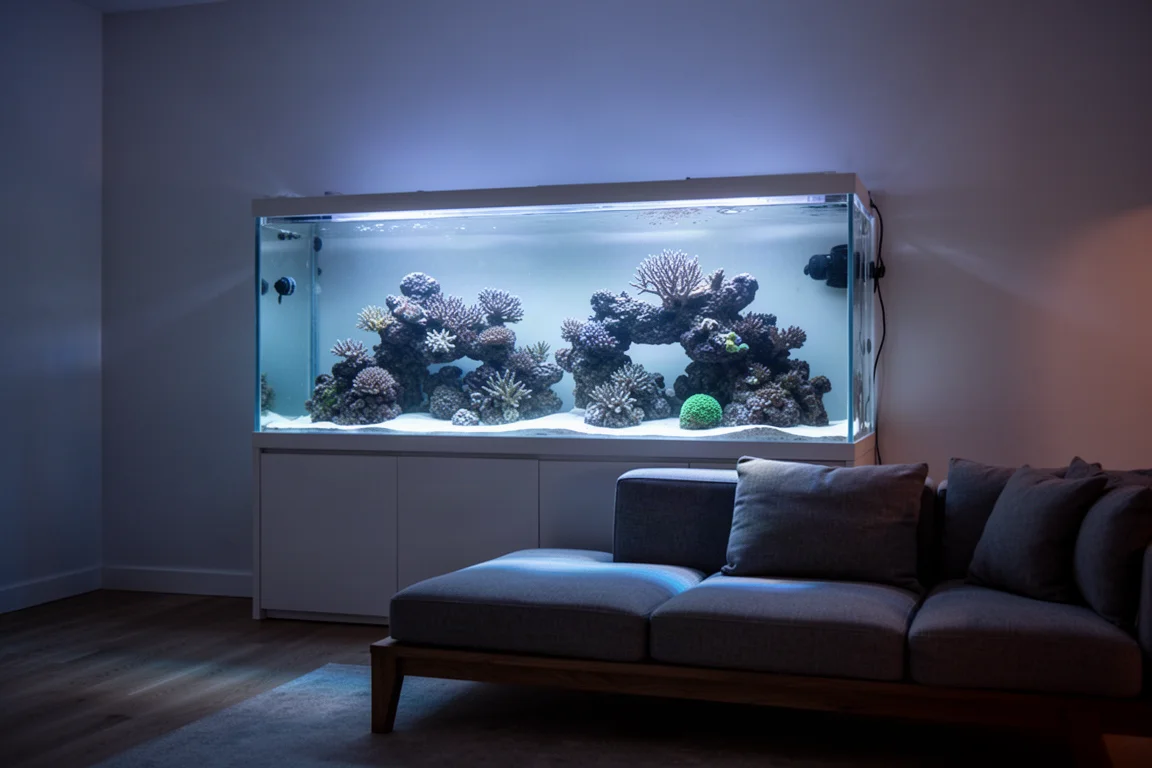
That flexibility matters, because reef tanks rarely stay the same. A setup that starts simple often picks up more pumps, more sensors and more automation within a year or two.
Who This Controller Is For
The Apex suits two kinds of keepers. The first is the reef keeper who wants confidence while away from the tank, with alerts arriving on a phone and a clear picture of current conditions. The second is the tinkerer who enjoys building schedules and rules, and who wants equipment to follow them automatically.
It is also sold in more than one configuration. A starter kit bundles what you need to get the system running, while a more premium configuration adds capability for larger or more demanding setups. Matching the bundle to the tank is the main decision.
Main Strengths
Real Time Monitoring and Alerts
The strongest argument for the Apex is visibility. Live data on how the tank is performing, combined with push notifications, means problems surface early instead of being discovered late. For anyone who has come home to a tank that drifted out of range while they were at work, that alone can justify the controller.
App Control and Shared Schedules
Control runs through an app, and the interface is built around drag and drop scheduling, so building a routine for lights, pumps and other equipment does not require programming knowledge. Users can also share their own custom schedules and settings with the wider community, which shortens the learning curve for newcomers and gives experienced keepers ready made starting points to adapt.
The result is a controller that is approachable on day one but still deep enough to keep refining.
Power Management and Expansion
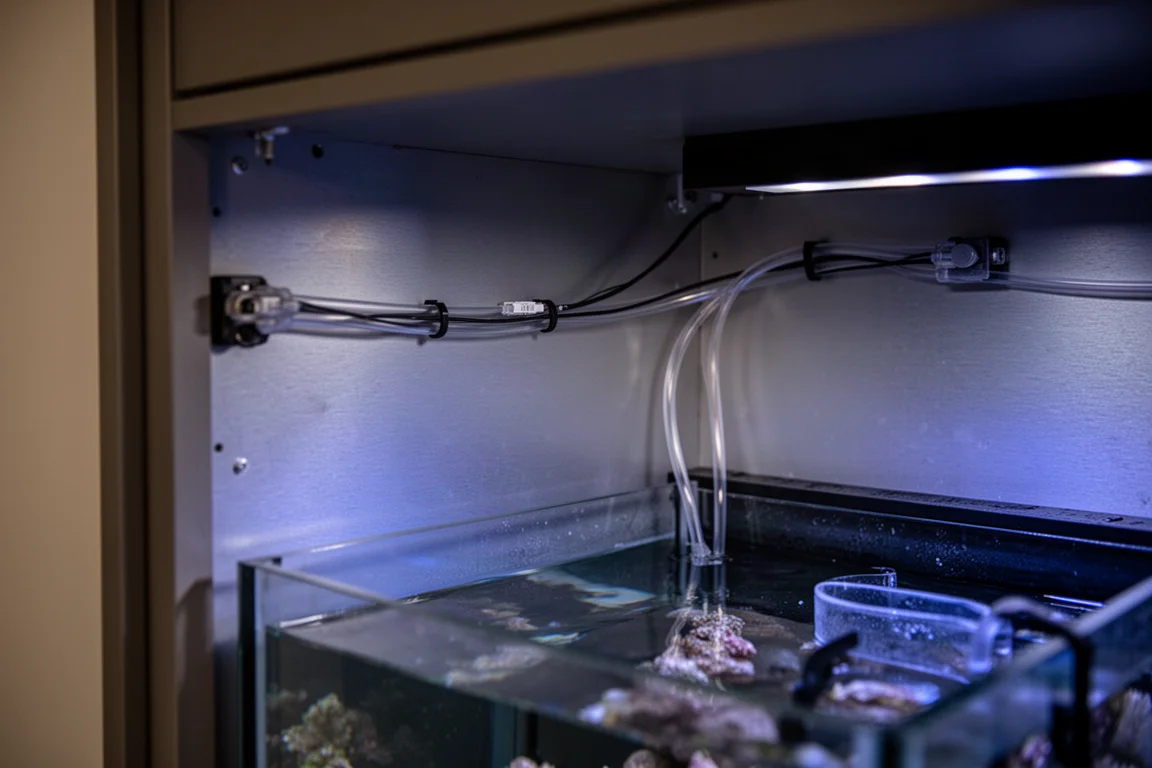
The system manages power for connected equipment, so you can see and control what each device is doing rather than treating the whole tank as one circuit. Expansion is handled through additional modules and cables, and the mounting hardware uses magnets, which keeps installation tidy and secure.
Things to Consider Before Buying
This is a connected system. It depends on a network connection and the app for the full experience, so a stable home network is effectively part of the setup. Expect a genuine installation session as well: a controller board, cabling and routing all take time, and doing that work neatly from the start saves trouble later.
There is a learning curve too. The basics are quick to pick up, but the deeper automation features reward patience, and because the platform is sold in several configurations, it is easy to pay for capability you will not use.

For a keeper running a small, simple tank, a full controller may be more than the situation calls for, at least at first.
Buying Advice
Start by writing down what you actually want the tank to do on its own. If the answer is monitoring, alerting and remote control of a few devices, the entry configuration covers it comfortably. If you are running a larger system with more pumps and sensors, the premium configuration is the more sensible match, since it is designed for that level of complexity.
The price positioning is competitive for what the platform offers, and the shared schedule library means you are not starting from a blank page. Buy for the tank you have now, with a little headroom for the next upgrade, rather than for every feature on the list.

If you are unsure between the two, the deciding factor is usually the number of devices you want under control rather than the size of the tank itself.
Conclusion
The Neptune Systems Apex makes sense for reef keepers who want real time information, timely alerts and app based control in one familiar system. It is a harder sell for very simple setups where the tank is easy to watch by hand. Choose the configuration that fits your tank, install it carefully, and the controller earns its place by making the tank easier to run.
Product link
View more details for Neptune Systems Apex
This product is mentioned in the review. Check the specifications, options, and compatibility before buying.
View more details for Neptune Systems ApexFurther reading
Related Reviews
Aquarium Controllers
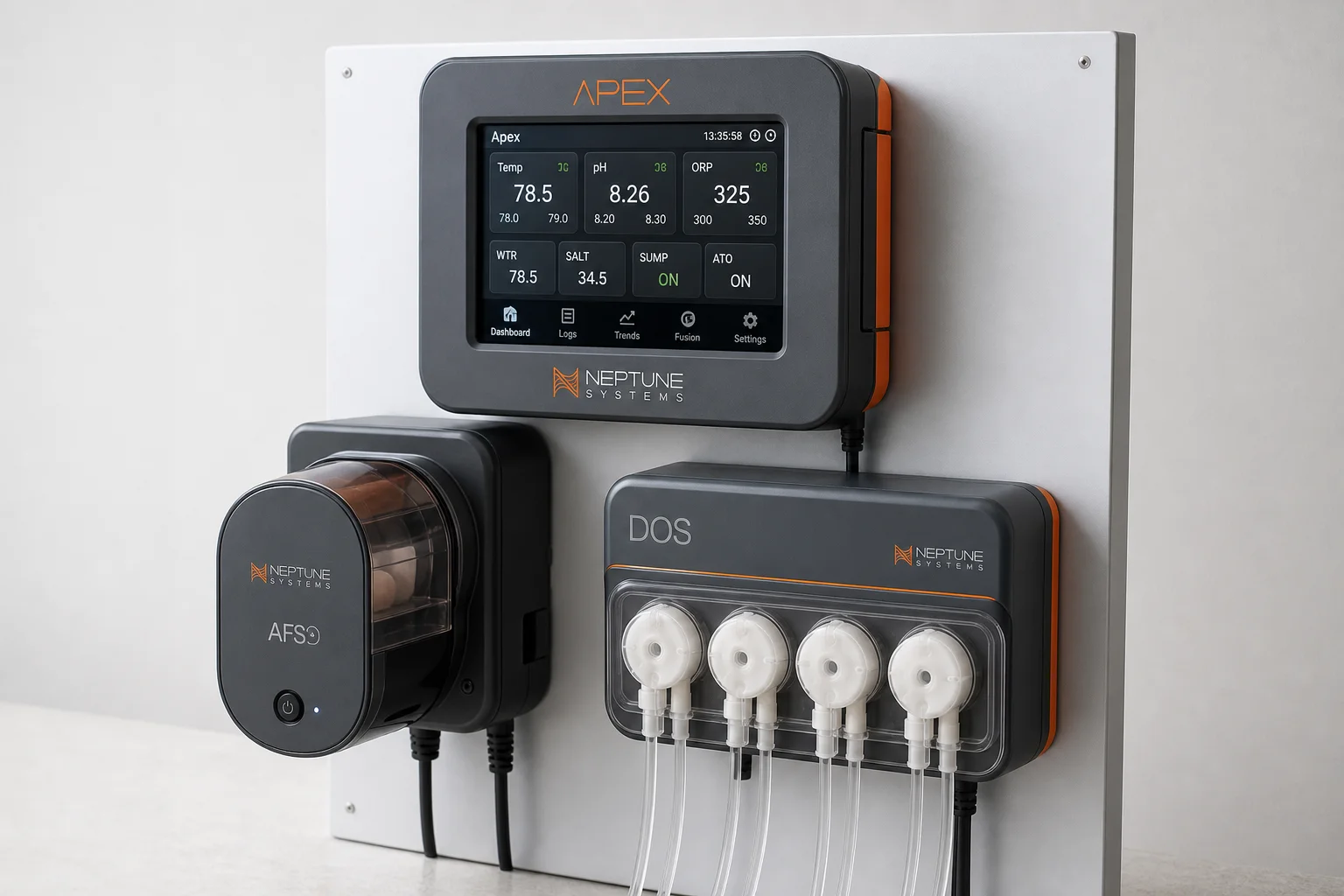
Neptune Apex Feeding Guide: Automate Fish and Coral Feeding with Feed Modes, AFS, and DOS
Master three Neptune Apex tools to automate and optimize your tank feeding: custom feed modes, the AFS automatic feeder, and the DOS dosing system for precise nutrient delivery.
Aquarium Controllers
Neptune Apex Review: What a Reef Tank Controller Really Buys You
A practical look at the Neptune Apex aquarium controller, from monitoring and alerts to outlet planning, heater thresholds, and leak detection.
Aquarium Controllers
Neptune Systems A3 Apex vs A3 Apex Pro: A Practical Guide to Choosing
How the A3 Apex behaves when the internet drops, what the Pro model adds, whether you need to program anything, and how probe calibration and heater protection work in practice.