Aquarium Controllers
Neptune Systems A3 Apex vs A3 Apex Pro: A Practical Guide to Choosing
How the A3 Apex behaves when the internet drops, what the Pro model adds, whether you need to program anything, and how probe calibration and heater protection work in practice.
Introduction
A reef controller earns its place in the cabinet by being dependable, and the Neptune Systems A3 Apex is built around that idea. The questions that come up most often about it are practical ones: what happens when the internet drops, whether the A3 Apex Pro is worth the step up, whether anything has to be programmed, how often probes need calibration, and whether a controller can realistically protect a tank from a failed heater.
This guide works through those questions in the order reefers usually ask them, and it draws a clear line between the two models so you can decide which one belongs on your system.
What Happens to the A3 Apex When Your Internet Drops
Short answer: nothing dramatic. If your connection goes down because your provider has an outage, or because your router stops working, the A3 Apex keeps running exactly as it was. All of the setup and programming you have done stays intact, and the controller continues to operate the aquarium the way it did before the connection dropped.
The two things you lose are remote access and notifications. The Fusion app cannot reach the cloud, so you cannot view or change anything from outside the house, and push notifications to your phone will not arrive until the connection returns.
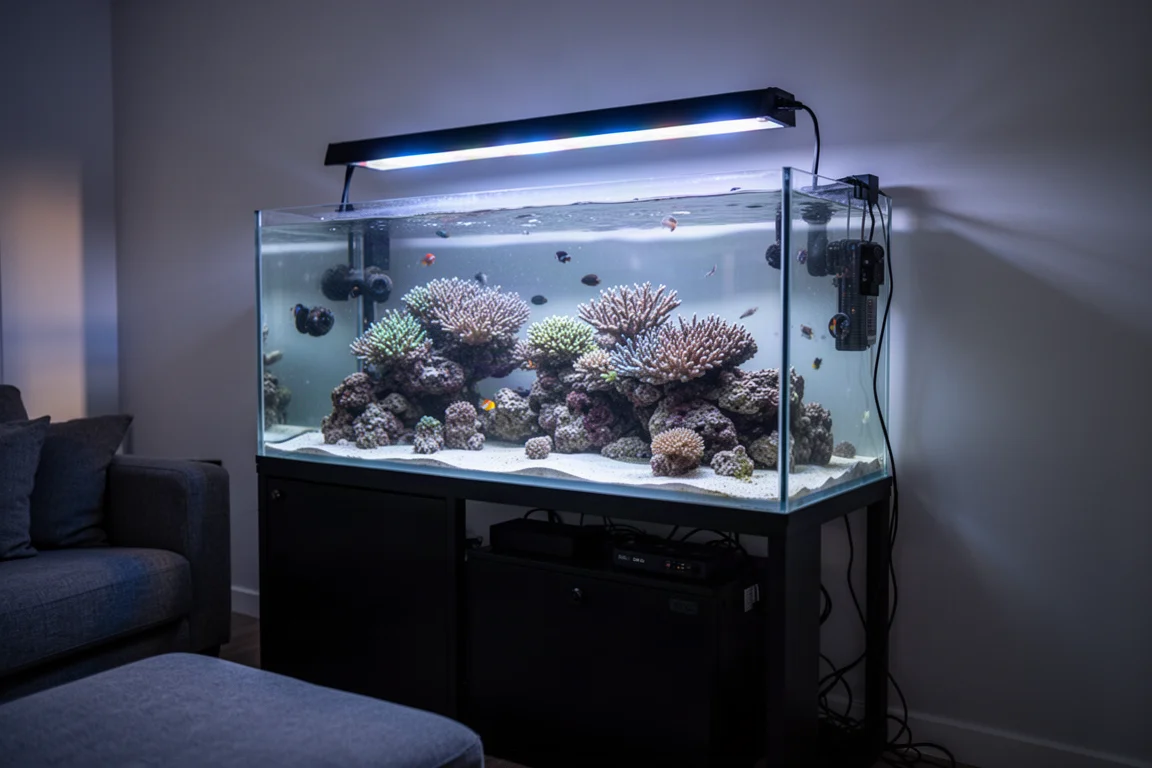
There is still a way in. If your router is running and only the wider internet connection is unavailable, open a browser on any device connected to the same Wi-Fi network and go to http://apex.local. If you renamed your controller, use that name in place of “apex”. Sign in with the username admin and the password 1234, and you can manage the controller locally while you wait for service to come back.
That local fallback matters for a simple reason. Your tank does not pause when your internet does, and the Apex is arranged so that the important work carries on regardless.
A3 Apex vs A3 Apex Pro: The Differences That Matter
The Pro model is not a different controller underneath. Both the A3 Apex and the A3 Apex Pro run on the same core unit, so the day to day experience of monitoring and controlling a reef is the same on either version.
What changes is the hardware around that core. The A3 Apex Pro ships with more ports, an extra probe, and richer options for water level monitoring and leak detection. For a great many reefers the standard A3 Apex covers everything they will realistically use, while the Pro model makes more sense for systems that will lean on those extra inputs from the first day.
Neptune Systems A3 Apex: The Standard Model
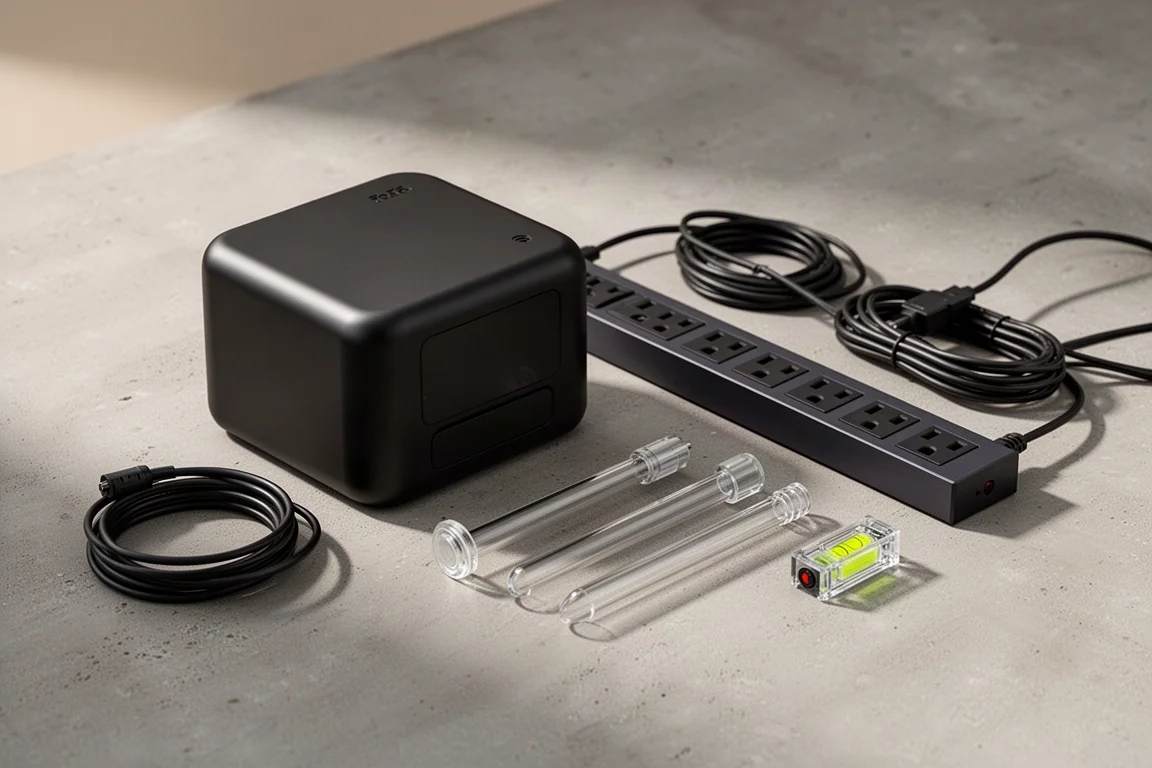
The standard A3 Apex arrives with three FMM ports for fluid monitoring devices, which is where the included optical level sensor and the LD-2 leak sensor connect. Alongside those you get a temperature probe port, a BNC port for the included pH probe, and a six-pin connector for switch inputs. The EB832 power bar is part of the package, with eight controllable outlets for pumps, lights, heaters and dosing equipment.
For most reef keepers that set of connections is enough to run a mixed reef without feeling constrained, and the outlets give you a clean way to schedule and monitor the equipment you already own.
Neptune Systems A3 Apex Pro: The Expanded Model
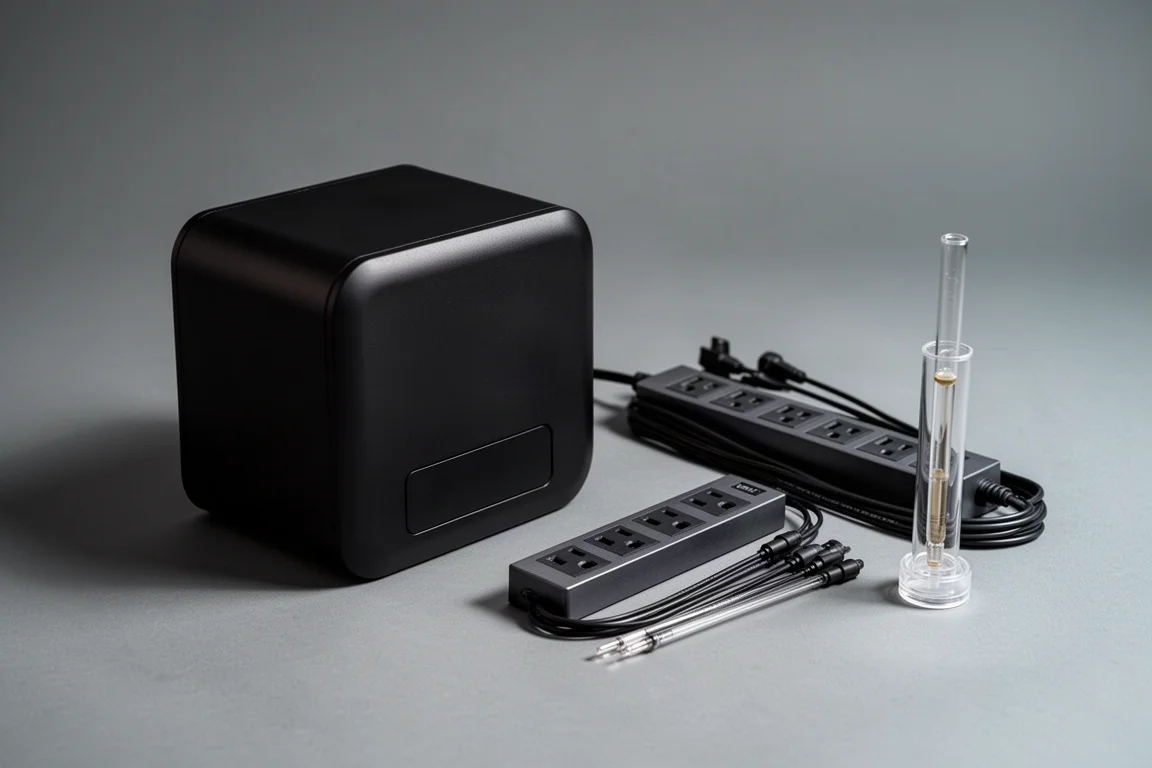
The A3 Apex Pro keeps everything above and adds one more FMM port, a second BNC port for the included ORP probe, and four channels of 0 to 10 volt control for compatible equipment. It also upgrades the sensors. The optical level sensor is replaced by a 15-inch liquid level sensor that reports water depth dynamically rather than simply confirming whether water has reached one specific point, and the LD-2 leak sensor is replaced by the LD-3 optical multi-surface leak sensor, which is more versatile and more robust.
If you already know you will use those extra ports and prefer the granularity of the liquid level sensor and the LD-3, the Pro is the more sensible purchase from the start. None of this is a one-way door, though, since modules can be added to a standard A3 later.
Out-of-the-Box Setup and Probe Calibration
No custom programming is required. Straight out of the box, every outlet on the EB832 is already assigned to the most common reefing gear, so you can plug equipment into the matching outlet and start running. Small tweaks are easy: tap the gear icon on an outlet to adjust something like the temperature range for your heater.
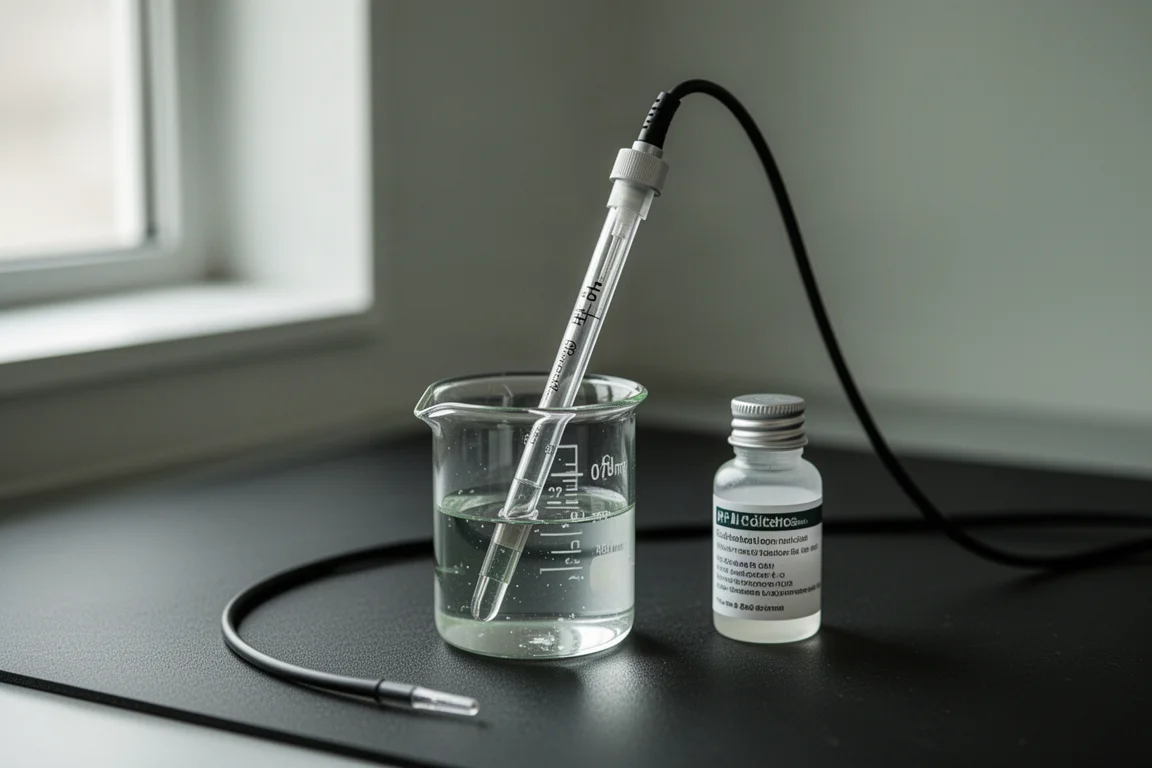
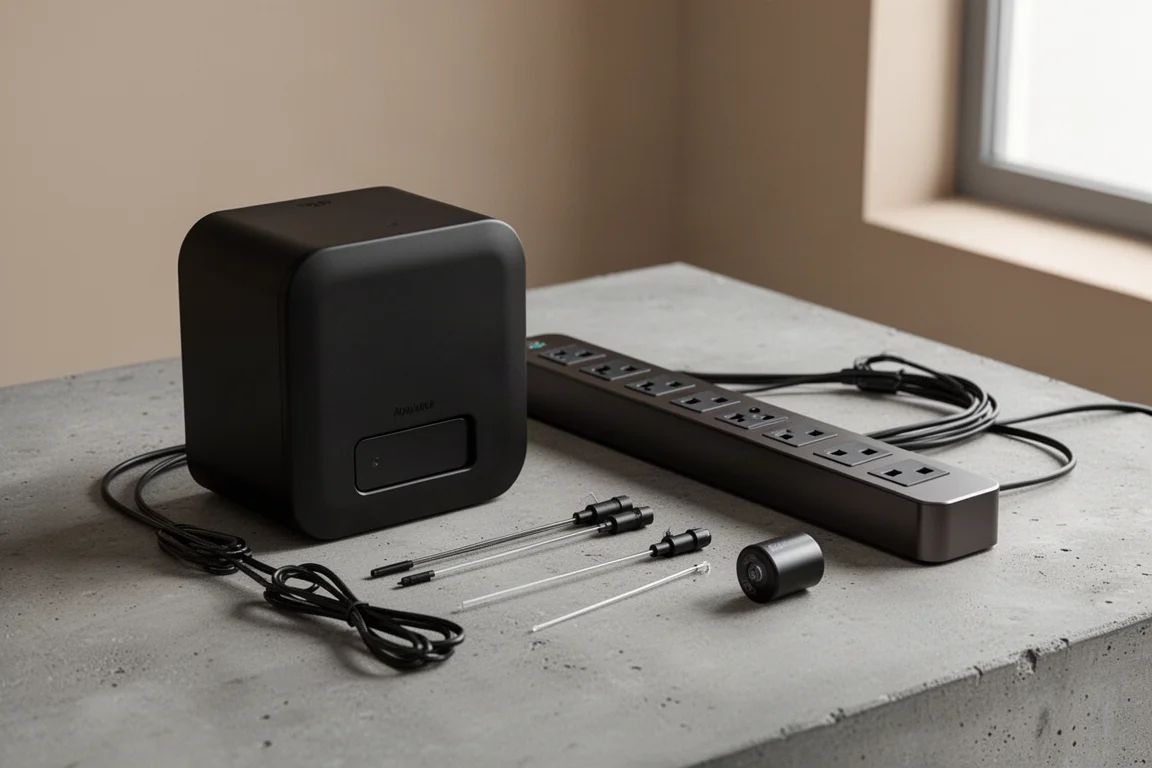
Calibration is a genuine step, and it is worth doing properly. Calibration solution is included in the box for exactly this purpose. The usual approach is to let new probes settle in the aquarium for a few days and then calibrate them, and there is a task in the interface that walks through the whole process step by step.
After that, recalibrating roughly every three months is a sensible habit. Quality probes rarely drift much inside that window, which means you are likely to catch and correct small changes before they cause a problem.
If you add other Neptune Systems gear later, such as a Trident, the clipboard icon opens the tasks page. The initial setup task for your device guides you through the process, so the equipment goes from box to running without guesswork.
Heater Failure Protection: What the Apex Can and Cannot Do
The Apex cannot stop a heater from failing. If a heater is going to fail, it will fail, and no controller changes that. What the controller can do is stop a failure from turning into a tank crash.
If a heater sticks on, it will try to heat the aquarium past its set point. The Apex can act as a backup thermostat: it detects that the temperature has risen above your maximum set point, switches off the outlet the heater is plugged into until the temperature drops back to normal, and sends a notification so you know the heater’s own thermostat is misbehaving.
If a heater fails off instead, the tank starts to cool, and the Apex notifies you right away so you can replace the faulty unit. Running more than one heater is the practical safeguard here, because a single failure off then leaves your reef without any heat at all. In either case, a heater can still fail, but it fails much more safely.
Adding Modules and Neptune Gear Later
Choosing the standard A3 Apex does not close the door on the Pro model’s features. Modules can be added later to bring in additional ports and capabilities, so the upgrade path stays open as your system grows.
That turns the decision from a permanent one into a question of timing. If you know you want extra water level detail and multi-surface leak detection now, the Pro puts that hardware in the box on day one. If you are not sure yet, the standard model gets you running, and you can add what you actually miss once you have lived with the system for a while.
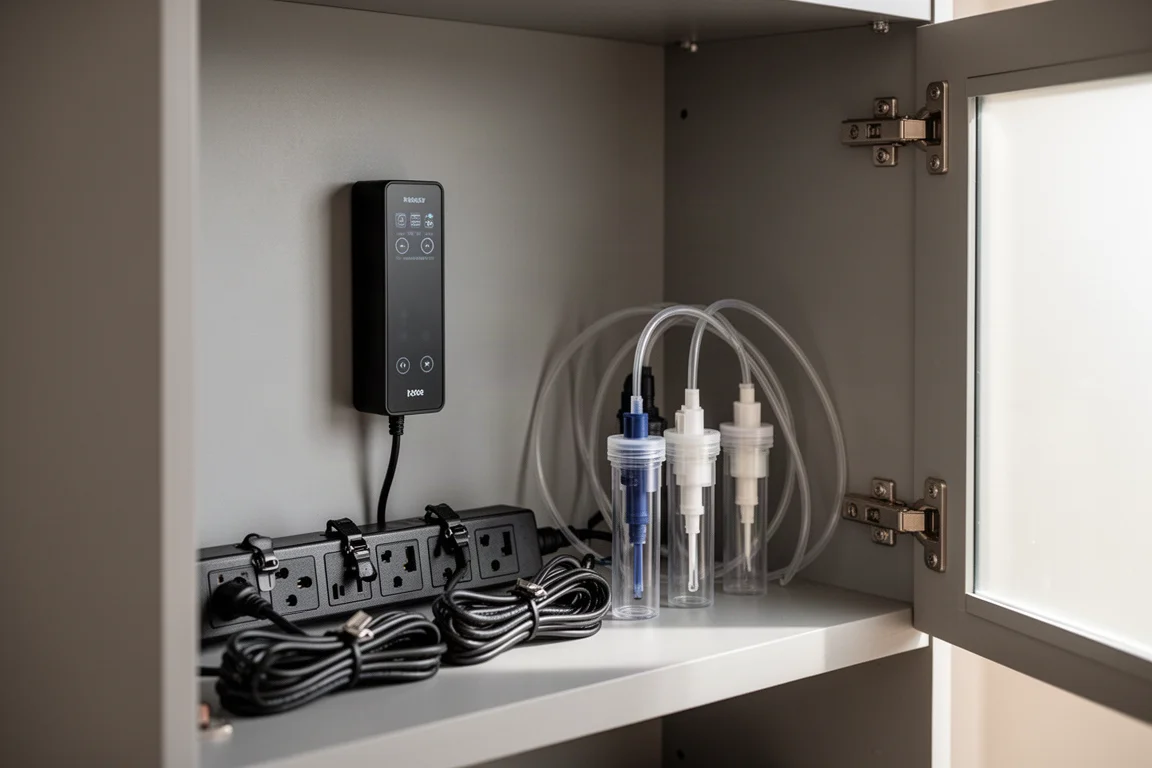
Either way, the controller at the centre is the same, so the time you invest in learning the interface and setting up your outlets carries over no matter which version you start with.
Buying Advice: Which A3 Apex Fits Your Reef
For most reefers, the standard A3 Apex is enough. Three FMM ports, a temperature probe port, a pH port, switch inputs and the eight-outlet EB832 cover the equipment a typical mixed reef needs, and the pre-programmed outlets mean you can be up and running the same day.
The A3 Apex Pro is the better fit if you already have a plan for the extra hardware: a fourth FMM port, ORP monitoring alongside pH, 0 to 10 volt control for compatible devices, the 15-inch liquid level sensor for dynamic depth readings, and the LD-3 multi-surface leak sensor. Those are the details that reward a system where water level precision and leak coverage sit high on the priority list.
Your First Week With an Apex
Begin with the gear you already own. Plug equipment into the outlets that match it, confirm the assignments look right, and adjust anything that needs a different temperature range or schedule.
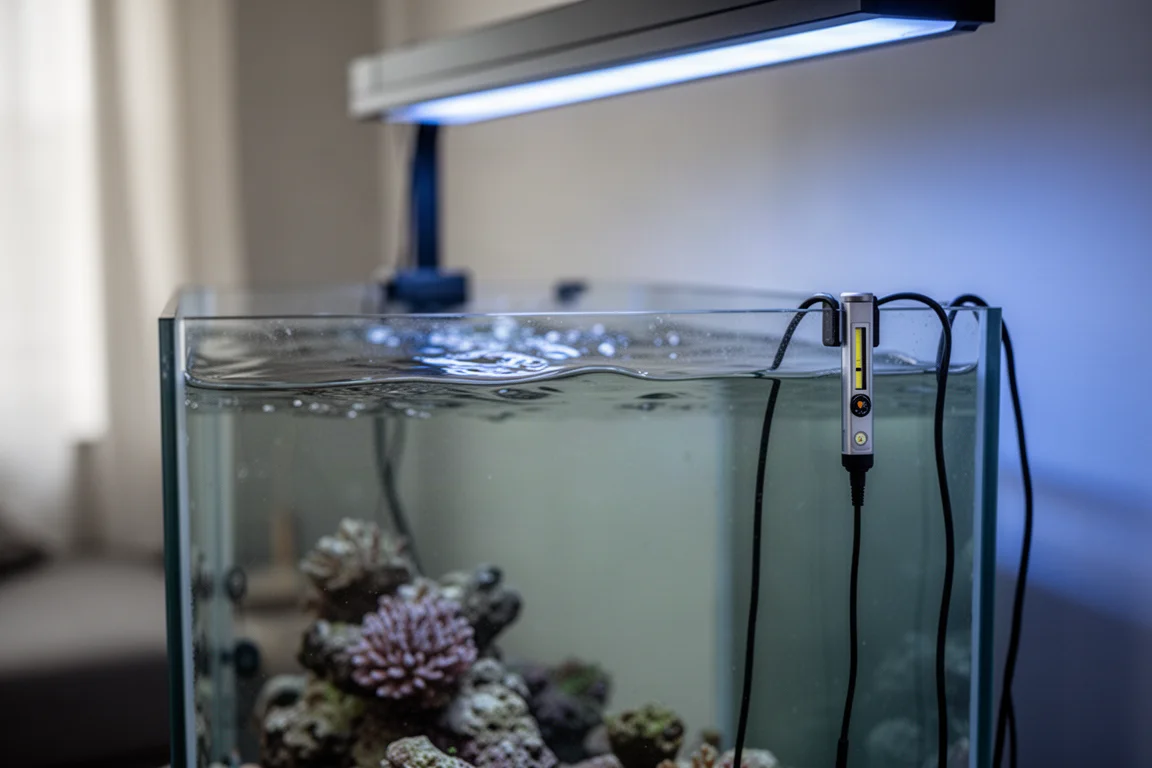
Let new probes settle for a few days before calibrating them, using the calibration solution in the box and the calibration task to guide you. Set your maximum temperature set point deliberately, because that value is what the controller uses when it steps in as a backup thermostat. If you are adding other Neptune Systems gear, open the tasks page from the clipboard icon and follow the initial setup task for that device.
Then, before anything goes wrong, confirm that local access works so you are never locked out during an outage. It also helps to think ahead about which alerts you want, so a heater that fails on or a heater that fails off reaches you quickly rather than being discovered at the next water change.
Conclusion
Both models run on the same core and both keep running when the internet does not, which makes either one a dependable foundation for a reef. The choice comes down to hardware. The standard A3 Apex covers the connections most tanks need, while the Pro adds the extra ports, the ORP probe, voltage control, and the upgraded level and leak sensors for reefers who will use them immediately. Pick the version that matches the equipment you own today, and remember that the standard model can grow into the rest later.
Further reading
Related Reviews
Aquarium Controllers
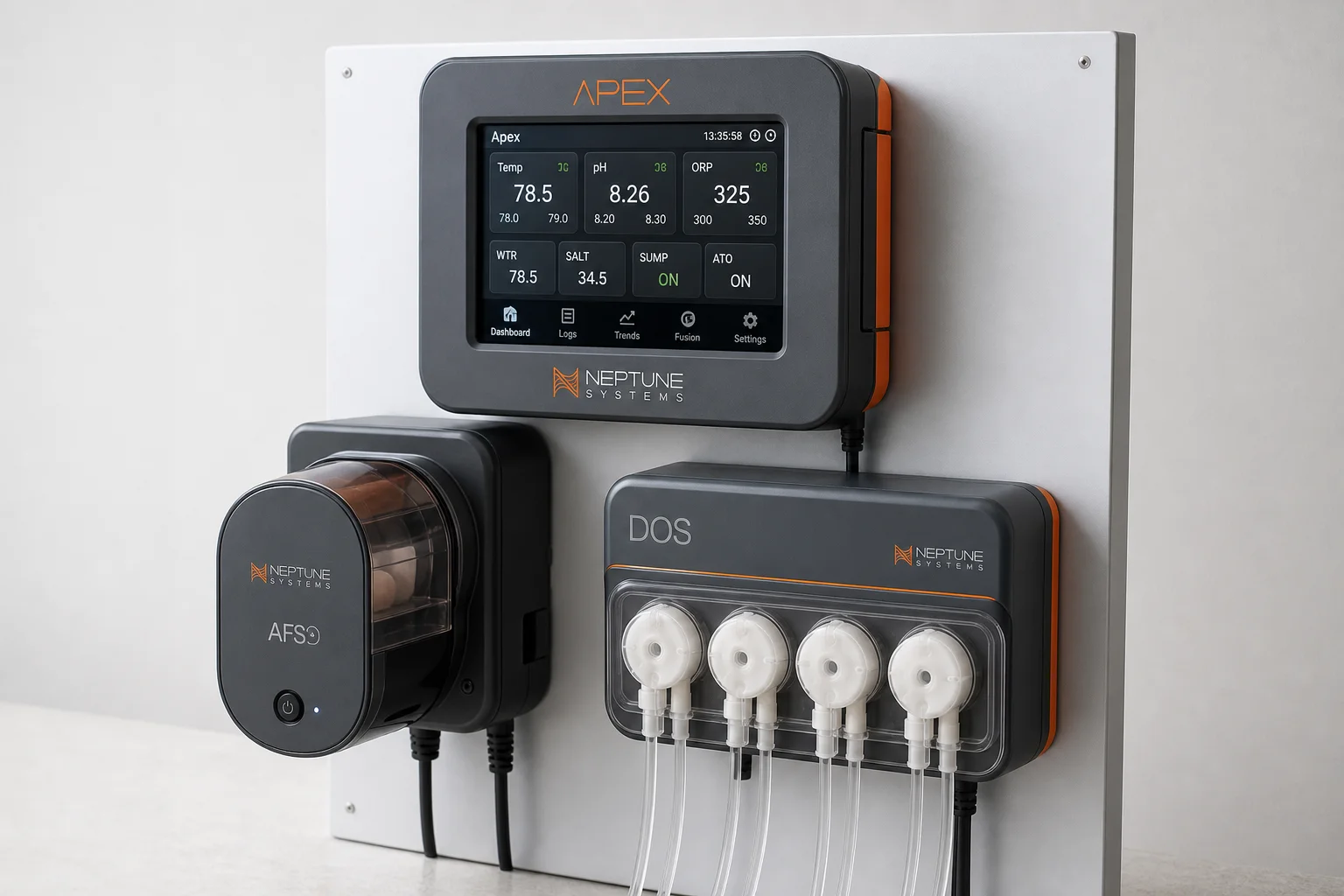
Neptune Apex Feeding Guide: Automate Fish and Coral Feeding with Feed Modes, AFS, and DOS
Master three Neptune Apex tools to automate and optimize your tank feeding: custom feed modes, the AFS automatic feeder, and the DOS dosing system for precise nutrient delivery.
Aquarium Controllers
Neptune Apex Review: What a Reef Tank Controller Really Buys You
A practical look at the Neptune Apex aquarium controller, from monitoring and alerts to outlet planning, heater thresholds, and leak detection.
Aquarium Controllers
Neptune Systems Apex Review: Real Time Control for Reef Tanks
A practical look at the Neptune Systems Apex aquarium controller, covering real time monitoring, app based scheduling, power management, and who it actually suits.