Handheld Gaming
MSI Claw 8 AI+ Review: A Powerful Handheld PC With a Serious Price
The MSI Claw 8 AI+ brings a new Intel chipset, improved ergonomics, and strong performance, but its $1,800 price tag makes it a hard recommendation.
Introduction
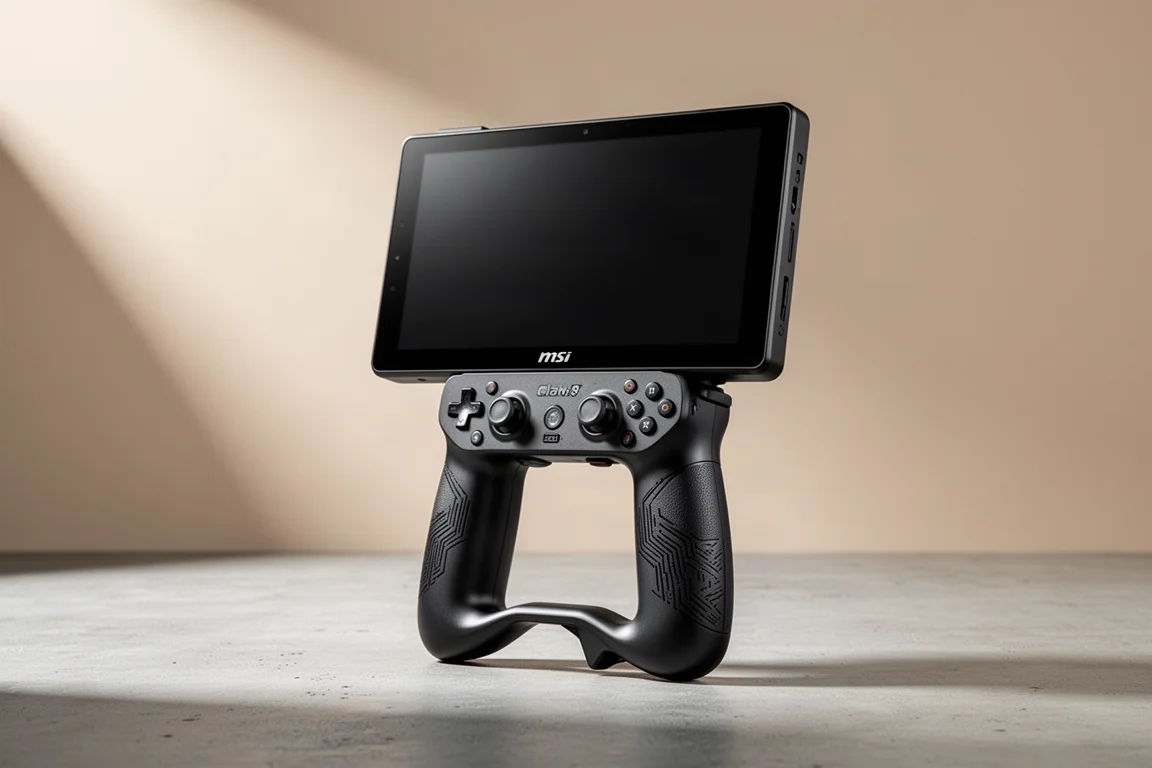
The MSI Claw 8 AI+ is the fourth handheld PC from MSI, and it builds on everything the company has learned from its predecessors. It features a much better processor, improved controls, and refined ergonomics. After spending about a week with the device, it is clear that there is a lot to like here, but also a couple of things that could be better. Overall, it is an impressive handheld, but its seriously high price point makes it a difficult recommendation for most people.
Price and Positioning
The MSI Claw 8 AI+ retails for $1,800. That is a significant amount of money to spend on a handheld PC. Some shops offered limited pre-order specials that brought the price down to $1,700, but even that is hard to stomach. The handheld PC market has seen prices climb across the board. The Legion Go 2 currently retails for $2,000, though it has been seen on sale for $1,800. The Z2 Extreme Xbox Alli X holds out at $1,000, which is still expensive for a handheld. Compared to other high-performance handhelds, $1,800 is not unreasonable, but it is still a lot to pay for handheld gaming.
There are more powerful and more expensive handhelds available. The GPD Win 5 goes for about $2,400, and the 1X Player Apex goes for about $2,300. The MSI Claw 8 AI+ is not the ceiling of handheld PCs in terms of price and performance, but the price is still a major barrier for most gaming enthusiasts. It is a good handheld, but the cost makes it hard to recommend.
Specs and Hardware
The star of the show is the new Intel Arc G3 Extreme CPU, a cut-down version of the Panther Lake chipset designed specifically for handheld PCs. It has 14 cores total, with two fewer performance cores than similar laptop chips, but the same number of efficient cores. The integrated B390 GPU is the same one found in high-end Panther Lake laptops, with 12 Xe GPU cores. This makes the device a beast when it comes to gaming, and just about anything can play at the native resolution of the display.
The MSI Claw 8 AI+ comes with 32GB of LPDDR5X RAM clocked at 8533 MHz and 1TB of internal storage with an M.2 2280 stick, though it is limited to single-sided SSDs only. The display is an 8-inch LCD panel with a 16:10 aspect ratio, a resolution of 1920 x 1200, and a 120Hz variable refresh rate between 48 and 120Hz. The battery is 80Wh and can be charged at up to 65 watts power delivery from the included 65-watt brick. The device weighs 785 grams, or 1.73 pounds, which is heavy but manageable.
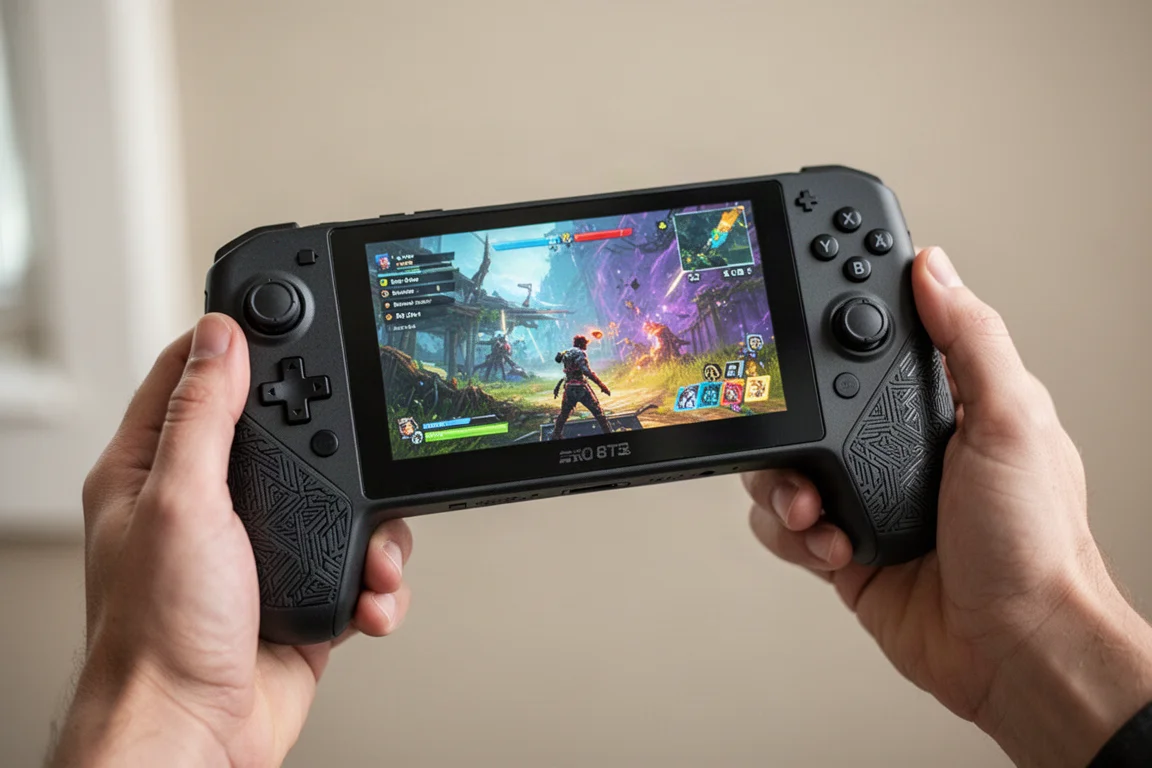
Connectivity is comprehensive with Wi-Fi 7, Bluetooth 6, and two Thunderbolt 4 USB-C ports at the top. It comes with Windows 11 pre-installed and is configured with Xbox mode, the full-screen experience from Microsoft. There is also a fingerprint sensor for logging in and a micro SD card express slot, which is about three times faster than a typical micro SD card but harder to find and more expensive.
Design and Ergonomics
The MSI Claw 8 AI+ is not a looker. It has a face that only a mother could love, with a design that prioritizes ergonomics over aesthetics. The color scheme and the big chin at the bottom are divisive, but the device feels very comfortable in the hands. The ergonomic grips are full-sized, allowing a full hand wrap that feels great. This is one of the main reasons why, despite the weight, the device is extremely comfortable to hold.
The laser-etched grip on the front and back feels excellent, providing a nice, grippy texture without being soft or rubbery. It feels a lot like an Xbox Series controller and gives confidence when holding the device. Combined with the ergonomic bump, it is an excellent overall grip that feels like playing with an entire controller. The chin, while odd-looking, becomes invisible once playing, as the big, beautiful screen takes over.
Controls and Feel
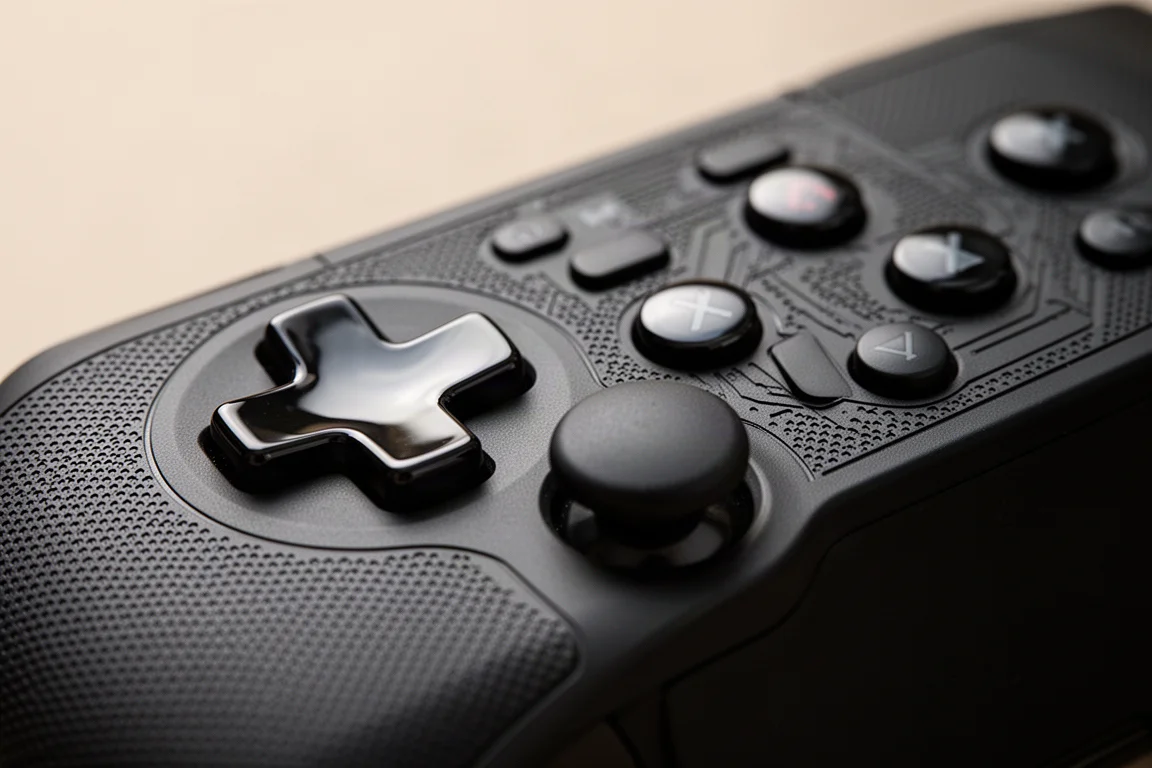
The D-pad has been improved in a couple of significant ways. It is a shield-style D-pad that is flatter than its predecessors, with the north, south, east, and west points no longer sticking out as much. The edges are more rounded, making it feel better when sliding a finger around. It uses dome switches with a rubber membrane, so it is clicky and tactile but also has a bit of give. The glossy finish is not ideal, as it feels a bit slippery, but the D-pad is accurate and predictable in real-world testing.
The face buttons are fine. They are glossy, slightly rounded, and mostly flat, with light travel and a rubber connection underneath. They feel good to press, though they are a bit loud. The analog sticks are slightly smaller than full-size sticks but still pretty big. They are hall sensor sticks with a nice grippy texture around the edges. They are accurate and smooth, but the tension is too light, making them feel floppy. This is a major complaint, especially for shooting games where precision matters.
The shoulder buttons and triggers feel like they are modeled after the Xbox Series controller, which is a very good thing. They are comfortable and familiar, with a decent amount of throw for full analog presses. The rumble motors have been upgraded to six-axis linear motors and feel very good. By default, they are at 50% strength, but reducing them to 30% feels excellent.
Display and Audio
The screen gets quite bright at 500 nits peak brightness, making it usable outdoors in direct sunlight. It is not the ideal way to play, but it is bright enough. Most of the time, it is used between 60 and 80% brightness, depending on the game and environment. The color distribution is nice and saturated, with good color balance. The 16:10 aspect ratio means it is a bit taller than a typical 16:9 screen, which works well for most PC games and gives 4:3 content more screen real estate.
The 120Hz refresh rate allows for tricks like black frame insertion or CRT beam simulator shaders for emulation. The variable refresh rate between 48 and 120Hz provides a buttery smooth experience within that target range. The screen is almost identical to the one on the Legion Go S, which is one of the favorite handheld screens, and that is a point in favor of the MSI Claw.
The audio is excellent, as MSI Claw handhelds have always been known for good sound. The speakers sound great, and the cooling is relatively quiet. The cooling system uses two fans with what MSI calls cooler boost hyperflow, which moves cool air over the heat pipes for 9% more airflow than previous models. It does an excellent job keeping the device cool, with temperatures usually in the 60s or 70s Celsius during normal play. Even when pushed to the max 35-watt TDP, temperatures stay around the mid-80s before the fans spin up and bring it back down.
Software Experience
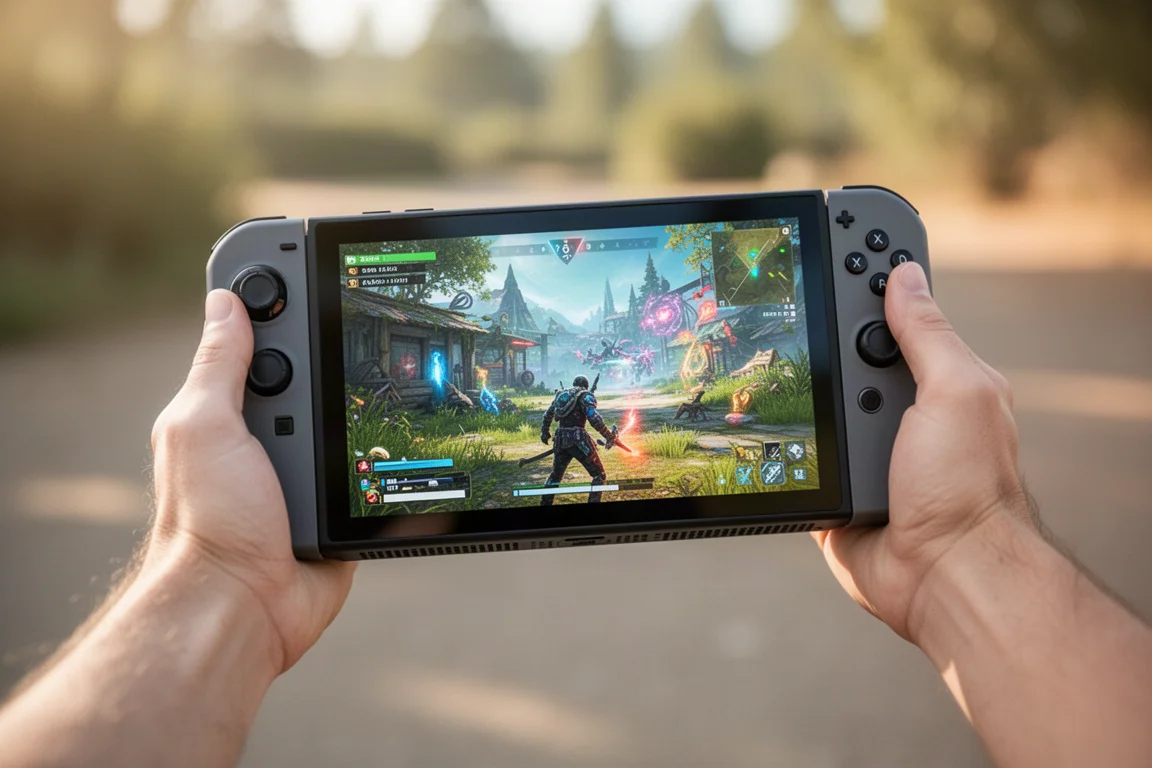
The software experience has many layers with a couple of bugs and complications. The device boots into Xbox mode, which opens the Xbox app and can be navigated with a controller. This boots outside the desktop environment, saving on RAM, but it is not the best experience. It is possible to get used to it, and Steam games or other apps can be added to the library and launched from there. Swiping up and tapping the Windows desktop button loads the actual start menu, allowing the device to be used as a regular PC.
The quick settings menu brings up the Xbox menu bar and then goes into the MSI quick settings. Within this, brightness and different performance profiles can be adjusted. The AI engine mode ratchets down when power is not needed and goes up to 25 watts when it is. In practice, it usually spins up to 25 watts no matter what, so it is mostly treated as a 25-watt TDP. Endurance mode is the power-saving mode, capping games to 30 frames per second and limiting performance to a 15-watt TDP, which gives a little under four hours of gameplay. Manual adjustment allows a TDP anywhere from 8 to 35 watts.
There is also the Intel graphics software, which comes pre-installed and offers an FPS limiter that is more reliable than the one in the MSI quick settings. The XeSS frame generation override can be used for games that do not have it built in, though frame generation comes at a performance cost. The Intel endurance gaming mode works similarly to the MSI endurance mode but with different performance results, which is confusing.
The biggest limitation of the software experience is that there are zero per-game configurations. Everything has to be adjusted on the fly, and there are too many apps and too many different ways to do the same thing with slight variations. The MSI Center M button is also placed too close to the start button, leading to accidental presses that can be jarring during gameplay.
Performance and Battery Life
The G3 Extreme chipset delivers impressive performance. In the 3D Mark Time Spy benchmark at 35 watts, the MSI Claw 8 AI+ scores 6953, compared to 3910 for the Z2 Extreme, a 77.83% increase. Even more impressive, at a 17-watt TDP, it still outperforms the Z2 Extreme at 35 watts by 25.12%. The GPD Win 5 with the Strix Halo AI Max 395 still outperforms it by 13.71% at the same wattage, and can go much higher, but the MSI Claw is not the most powerful chip out there.
In-game performance is strong. Cyberpunk 2077 at 1200p with medium settings and XeSS frame scaling at automatic preset averages 81 frames per second at 35 watts, with about 1 hour and 41 minutes of battery life. At a 17-watt TDP, it averages 44 frames per second with over 3 hours of battery life. Returnal at 1200p with low settings and XeSS at quality preset averages 71 frames per second at 35 watts, and 74 frames per second in AI engine mode with 2 hours and 16 minutes of battery life. Shadow of the Tomb Raider at 1200p medium settings averages 89 frames per second at 35 watts, but the best balance is found in AI engine mode at 82 frames per second with about 2 hours and 15 minutes of gameplay.
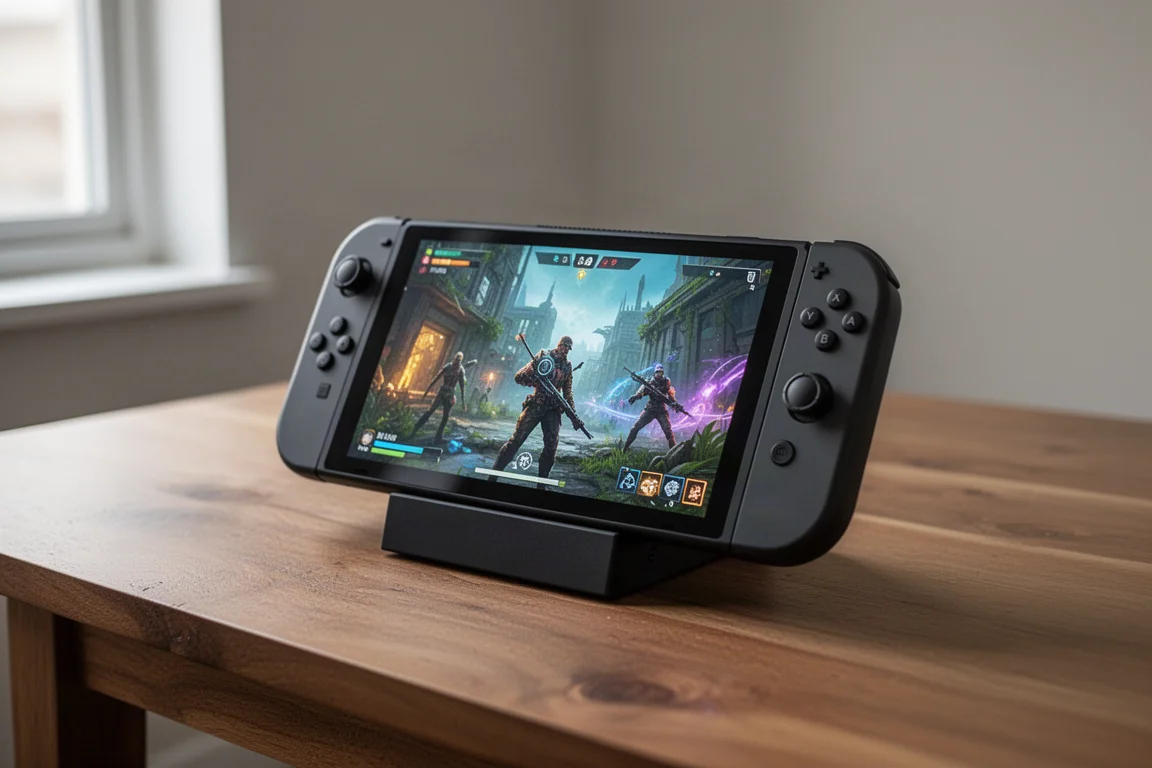
For lighter games, the device really shines. Bioshock 2 Remastered at 1200p medium settings and an 8-watt TDP averages 80 frames per second with over 6 hours of battery life. Hades 2 at a 10-watt TDP gives a stable 60 frames per second with over 5 hours of battery life. Skyrim Special Edition at 10 watts averages 53 frames per second with a little under 5 hours of gameplay. Octopath Traveler 2 locks in 60 frames per second with 4 hours and 11 minutes of battery life.
Some games are not as optimized as they could be. Elden Ring at 1200p medium settings and a 17-watt TDP averages only 42 frames per second, and even at 35 watts it only reaches 59 frames per second. Doom: The Dark Ages at 1200p medium settings with XeSS quality preset averages 35 frames per second at 17 watts and 50 frames per second at 35 watts. These games are expected to improve with future driver updates, as Intel has been very good at pushing out driver updates, twice as many as AMD over the past year.
Buying Advice
The MSI Claw 8 AI+ is an excellent handheld with far more good things than bad. It has a great screen, it is comfortable to hold, and the performance potential is very promising. The G3 Extreme chipset delivers effortless power, and the ability to dial in performance and battery life to match the situation is a real strength. However, the $1,800 price point is a steep investment that is hard to recommend. It is a bit of a bummer that such an excellent handheld is priced out of reach for many gaming enthusiasts.
If you are in the market for a high-performance handheld PC and the price is not a barrier, the MSI Claw 8 AI+ is an easy recommendation. It is likely to become a main handheld for those who want to play demanding games at better frame rates. The software experience needs work, and the analog stick tension could be improved, but these are issues that can be addressed with updates and future iterations. For everyone else, it is worth waiting to see if prices come down or if other options with the same chipset offer better value.
Conclusion
The MSI Claw 8 AI+ is an awesome handheld that stands on the shoulders of its predecessors. It has a much better processor, greatly improved controls and ergonomics, and a display that is a home run for an LCD panel. The performance is impressive, especially for a day-one chipset with early drivers, and it is expected to get better over time. The main issue is the price. At $1,800, it is a very steep investment that makes it hard to recommend, no matter how good the device is. It is a great handheld that will find its audience, but it is not going to be for everybody.
Product link
View more details for MSI Claw 8 AI+
This product is mentioned in the review. Check the specifications, options, and compatibility before buying.
View more details for MSI Claw 8 AI+Further reading
Related Reviews
Handheld Gaming
Acer Nitro Blaze Link and Predator Atlas 8: Two New Handhelds Compared
Acer's new handheld lineup includes a budget streaming device and a powerful Windows gaming machine. Here is what to expect from both.
Handheld Gaming
Anbernic RG Rotate Review: A Unique and Powerful Pocket Handheld
The Anbernic RG Rotate brings a clever rotating design, a square 720x720 screen, and solid Android performance to a truly pocketable form factor.
Handheld Gaming
Anbernic RGDS: A Fresh Look at the Linux Experience
The Anbernic RGDS gets better with updated Linux firmware. We explore Rocknix improvements, the new official Anbernic Linux OS, and how this dual-screen handheld handles Nintendo DS gaming.