Sim Racing
MOZA KS Pro and CS Pro Review: Two Feature-Rich Sim Racing Wheels
MOZA's KS Pro and CS Pro steering wheels bring full-color displays, RGB lighting, and versatile controls to the mid-range sim racing market.
Introduction
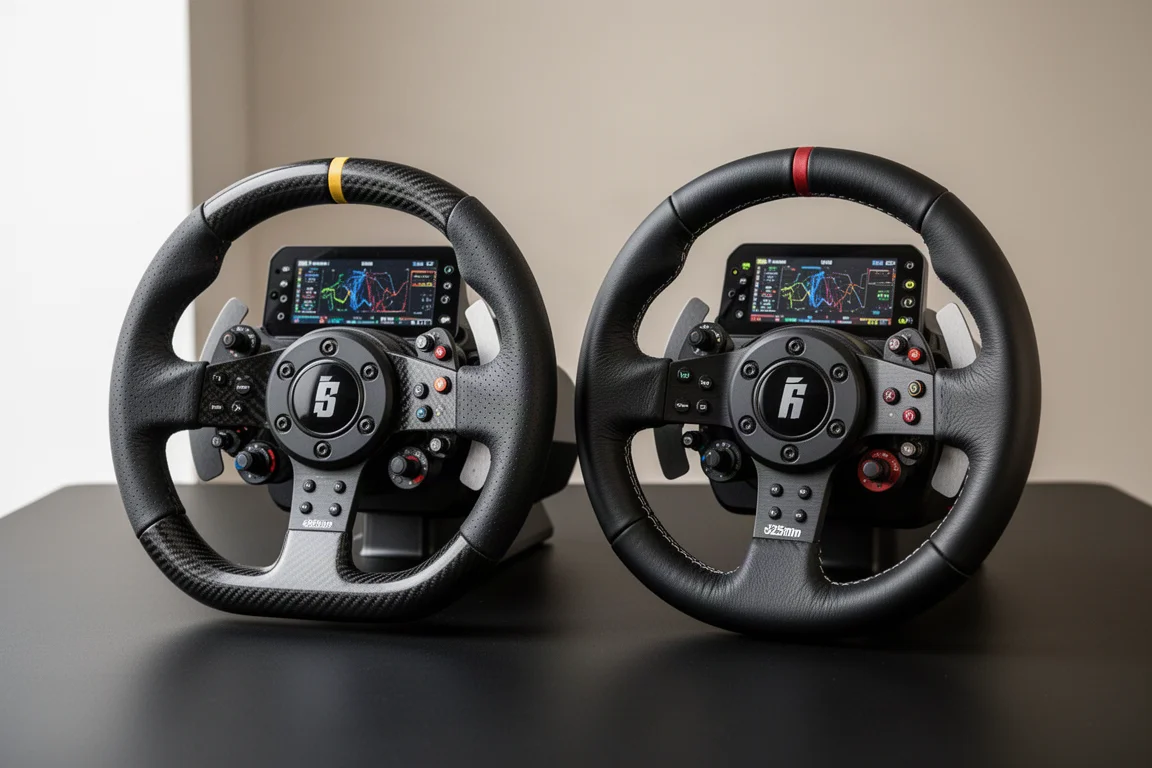
MOZA continues to expand its sim racing lineup with the release of the KS Pro and CS Pro steering wheels. At face value, these wheels may look similar to previous MOZA offerings, but they bring a few meaningful upgrades in build quality and overall feature set. The most obvious addition is a 2.9-inch full-color display on both wheels, which sets them apart from many competitors in the same price range.
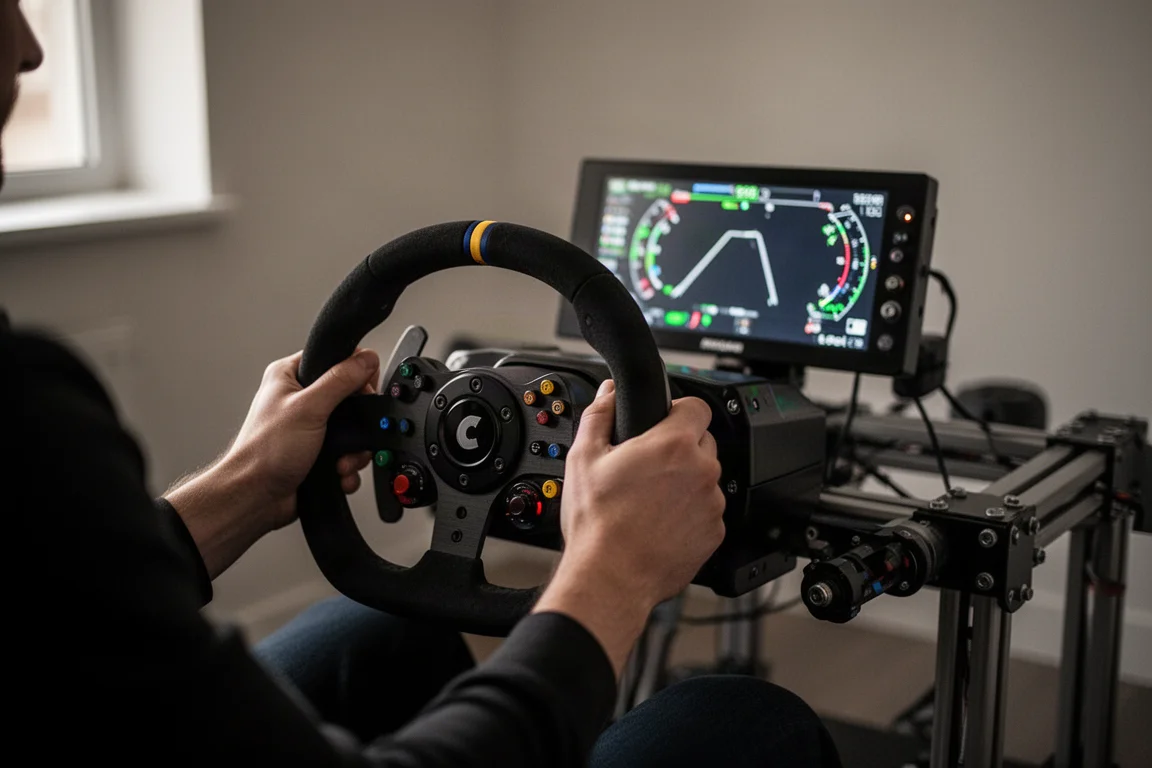
Both wheels are priced identically at $329, which positions them as strong contenders in the mid-range sim racing market. The KS Pro is a 300mm formula-style wheel, while the CS Pro is a 325mm round wheel, giving sim racers two distinct options depending on the type of driving they plan to do.
Compatibility and Pricing
Before diving into the details, it is important to understand the compatibility picture. At the time of writing, both wheels are PC-only. They do not include an Xbox compatibility chip, and they will not work with PlayStation-compatible wheelbases either, regardless of the base you pair them with. These wheels are designed to be used within the MOZA ecosystem.
For those who want to use these wheels with a non-MOZA wheelbase, MOZA offers a USB adapter that connects the wheel to your PC. You will also need a hub adapter to match the quick release on your wheelbase. However, these wheels make the most sense for someone who already owns a MOZA wheelbase and wants to stay within that ecosystem.
At $329 each, both wheels are well priced considering the build quality and feature set. For reference, the Fanatec CS Formula V3 comes in at $349, though it is more locked into the Fanatec ecosystem. The Simagic GT Neo, often considered one of the best value wheels in sim racing, offers very similar build quality.
Build Quality and Design
The KS Pro features a carbon fiber reinforced composite material for its entire enclosure, while the CS Pro uses the same material for its button box assembly. This is not genuine carbon fiber like what you would find on more expensive MOZA wheels, but it has a genuine and high-quality look and feel. The material is rigid, and the KS Pro showed no meaningful flex during testing.
The CS Pro does have some flex in the wheel rim itself, particularly in the open areas without support structure. However, this is similar to what you would find in a real street car wheel, so it is not a major concern. The wheel rims on high-end wheels often cost as much as this entire steering wheel, so it is not a fair comparison.
The KS Pro uses a TPE rubber material for its grip, which is quite hard but does not have the sticky rubber feeling that some wheels have. The CS Pro uses a faux leather material, which is perfectly fine. The stitching on the CS Pro is not abrasive in the thumb areas, which is a nice touch.
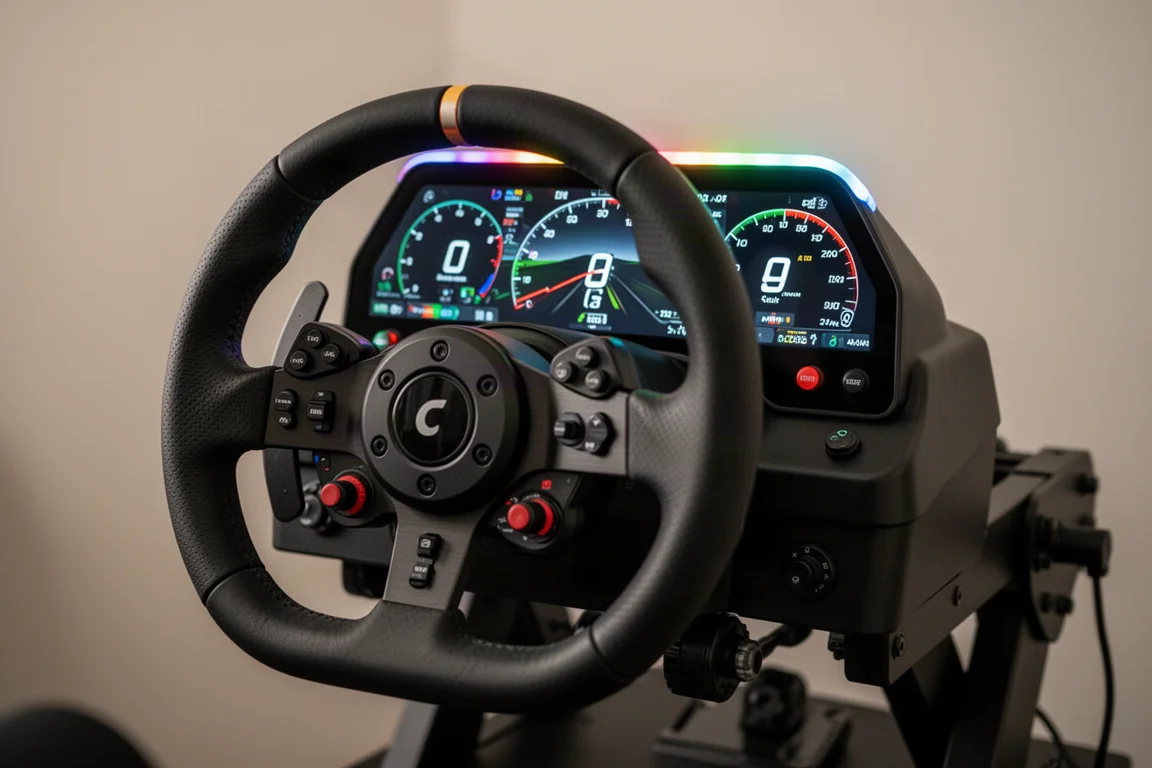
Both wheels feature ergonomic indentations on the back to support your hands in the upper position and on the sides. The build quality is on par with what you would expect for this price point, and neither wheel feels like it is compromising on any one aspect that is important to the driving experience.
Features and Controls
The headline feature on both wheels is the 2.9-inch full-color display. Unlike the Fanatec Formula V3, which uses a simple white pixel on-off display, these screens can show complex graphics and telemetry data. The displays are not SIMHub compatible, but MOZA’s own software suite offers a comprehensive level of customization.
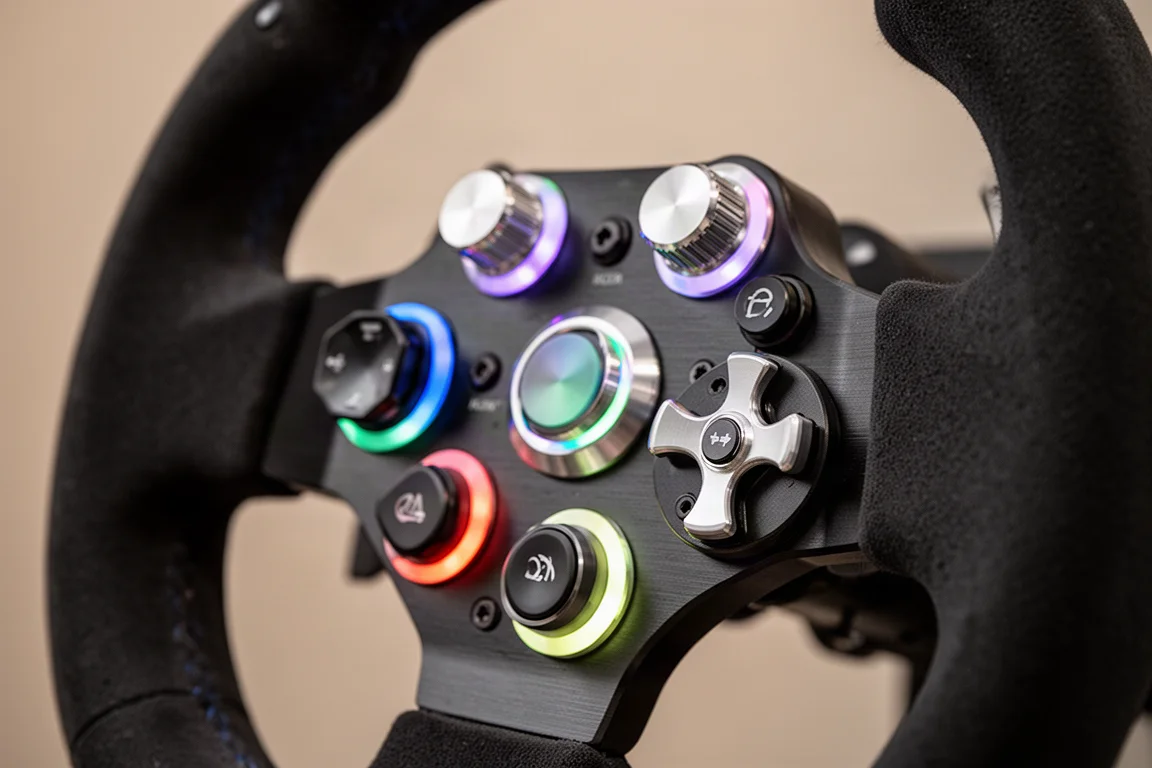
Both wheels also feature an array of fully RGB LEDs, including an RPM strip across the top and flag LEDs on either side. The buttons are backlit and fully customizable through the MOZA Pit House software. You can have them flash and respond to button presses, telemetry data, spotter alerts, and flag status.
The KS Pro has 10 push buttons on the front, while the CS Pro has 8. Both wheels have an additional two buttons on the back. There are also two seven-way switches on each wheel, providing rotary encoder functionality in each direction as well as up, down, left, right, and push button functionality.
The thumb encoders on both wheels are anodized aluminum with a nice high-quality snap in each position. The KS Pro offers multiple pages of functionality for these encoders, allowing you to assign different functions based on the position of the center dial. The CS Pro is more basic in this regard, but still offers four rotary encoder and multi-position switches on the face of the wheel.
Both wheels use the standard MOZA quick release, which has proven itself over years of testing. The magnetic shifters on the KS Pro have a nice snappy action with relatively quiet operation, thanks to small rubber dampers. The analog paddles on the back have about 5mm of adjustment and a good feel, though there is a little bit of flex when pulling hard on the CS Pro’s longer paddles.
Software and Customization
The MOZA Pit House software manages all MOZA peripherals connected to your sim rig. The wheel settings are broken down into five tabs: general settings, indicator settings, button light settings, knob light settings, and dashboard settings. While the interface has become busier as more functionality has been added, it is relatively simple once you spend some time with it.
The general settings include dual clutch paddle modes, which can be set to combine both sides for a bite point clutch or split into separate axes. There is also a button mode for games that do not support analog inputs. The D-pad joystick assignment allows you to map one of the sticks to a D-pad mode, which can help with arcade-style games.
The indicator settings let you customize the RGB LEDs across the indicator strip. There are 18 individual segments on the RPM strip, and you can assign telemetry triggers to each one. The list of available effects is comprehensive, including RPM, fuel, pit limiter, DRS, wheel spin, wheel lock, and spotter alerts for cars on either side. You can also adjust the hierarchy of these effects and set individual colors for each LED.
The knob light settings allow you to adjust the brightness and color of the knobs. You can set active and non-active colors, which makes it much easier to determine the position of each switch at a glance. The button light settings work the same way for the individual buttons.
The dashboard settings include brightness adjustment, standby time, and a dashboard library with a decent selection of pre-built dashes. You can also create custom dashes using a creation tool that supports text boxes, shapes, background images, dials, gauges, track maps, radar, and even video backgrounds. You can import other people’s creations and edit existing dashboards as templates.
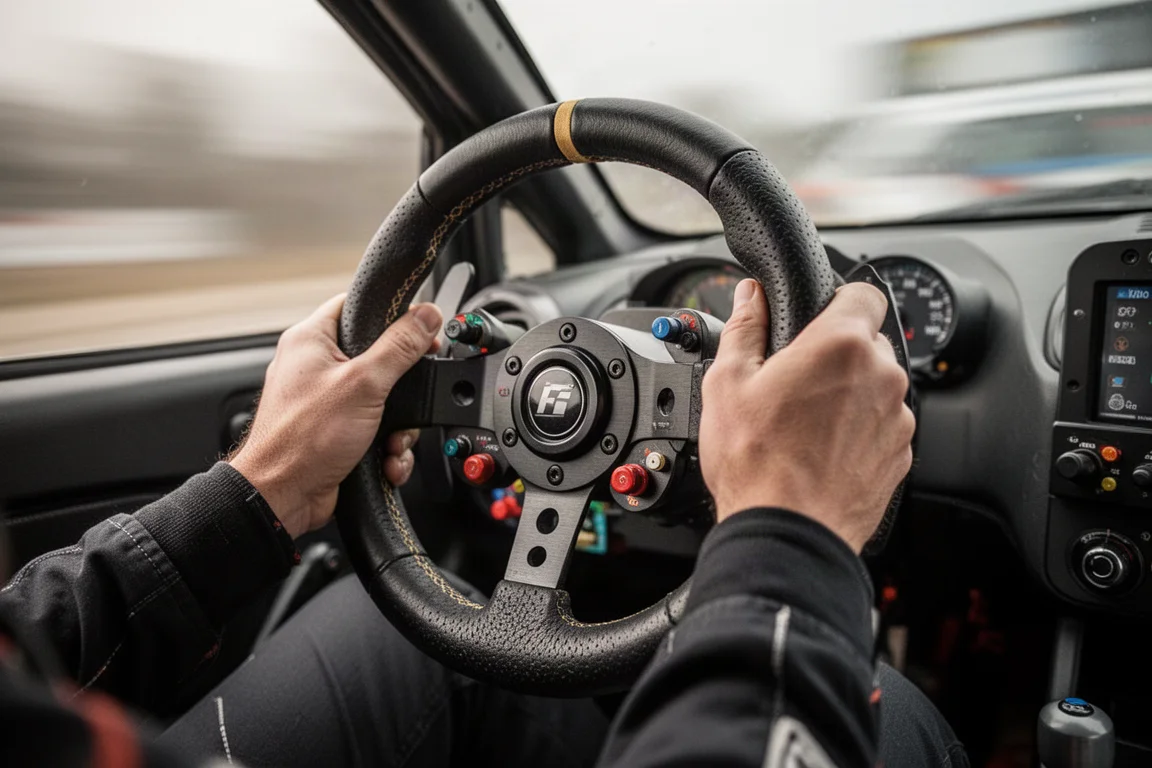
One notable omission is SIMHub compatibility. While MOZA advertises these wheels as fully customizable, that customization is done through their own software suite rather than a third-party suite. This may disappoint some users who want that next level of customization, but the built-in software is quite comprehensive.
Driving Experience
The main takeaway from driving with both wheels is how versatile they are. Between the two of them, you have all the bases covered. The CS Pro at 325mm is ideal for rally, drifting, and street car driving, while the KS Pro at 300mm handles GT, Formula, and prototype racing.
The ergonomics are well thought out on both wheels. All controls are easily reachable, and the four thumb encoders on the KS Pro are a welcome addition compared to the two found on many other wheels at this price point. The one complaint is the labeling on the center dial, which does not always line up with the functions you might assign to the thumb encoders.
The screens are useful for accessing telemetry data that you might not otherwise see on the car’s dash in the sim. However, whether you need a screen on a sim racing wheel is a subjective question. If your sim rig is set up so you can see the in-car dash, or if you already have a physical dashboard, the screen may not be a selling point for you.
One issue worth noting is that the screen on the KS Pro scratched very easily during testing. A brand new microfiber towel left noticeable gouges on the plastic material with the lightest of rubs. Many high-end wheels now use tempered glass or similar scratch-resistant materials, so this is something to be mindful of if you purchase one of these wheels.
Buying Advice
Both the MOZA KS Pro and CS Pro offer excellent value at $329. They deliver a strong balance of functionality, ease of use, and build quality for the price point. There is really no need to spend more than this to get a good overall driving experience.
The KS Pro is the better choice if you primarily race formula-style cars, GT3, GT4, or prototypes. Its 300mm diameter and formula-style layout make it well suited for these disciplines. The additional functionality of the multi-mode thumb dials is a nice bonus.
The CS Pro is the better choice if you enjoy rally, drifting, or street car driving. Its 325mm round design is more versatile for these styles, allowing you to slip the wheel through your hands without it bouncing around.
If you are already invested in the MOZA ecosystem, both wheels are natural additions. If you are starting fresh, consider whether you want to commit to the MOZA ecosystem or explore other options that offer SIMHub compatibility or direct PC connectivity without an adapter.
Conclusion
The MOZA KS Pro and CS Pro are two well-executed steering wheels that hit the sweet spot in terms of ergonomics, build quality, and functionality. They are built to a price, but neither feels like it is compromising on any aspect that matters to the driving experience.
The full-color displays, RGB lighting, and comprehensive software suite make these wheels feel more premium than their price suggests. While the lack of SIMHub compatibility and the easily scratched screens are worth noting, these are minor issues in the context of what these wheels offer.
For sim racers looking for feature-rich mid-level steering wheels that cover all the basics, the KS Pro and CS Pro are both excellent choices. Between the two of them, you have every style of driving covered, and both deliver a driving experience that punches well above their price point.
Product link
View more details for MOZA KS Pro
This product is mentioned in the review. Check the specifications, options, and compatibility before buying.
View more details for MOZA KS ProFurther reading
Related Reviews
Sim Racing
Asetek Initium Direct Drive Bundle Review: A Strong Entry Point With a Standout Pedal Set
The Asetek Initium bundle brings a 5.5 Nm upgradeable wheelbase, a functional round wheel, and a surprisingly capable pedal set to a crowded entry-level direct drive market.
Sim Racing
ConSimPit Ecosystem Overview 2026: Wheelbases, Pedals, and Wheels
A detailed look at ConSimPit's sim racing ecosystem, covering wheelbases, pedals, and steering wheels with honest observations on quality and value.
Sim Racing
Cube Controls Astra Review: A Lightweight Sim Racing Wheel That Nails the Fundamentals
The Cube Controls Astra is a lightweight aluminum sim racing wheel that focuses on build quality and driving feel over extra features.