Astronomy Accessories
Lunt Solar PC USB Controller Review: Remote Pressure Tuning for Your Hydrogen-Alpha Telescope
A hands-on look at the Lunt Solar PC USB Controller, which lets you adjust the pressure tuning of your Lunt etalon from indoors or anywhere in the world.
Introduction
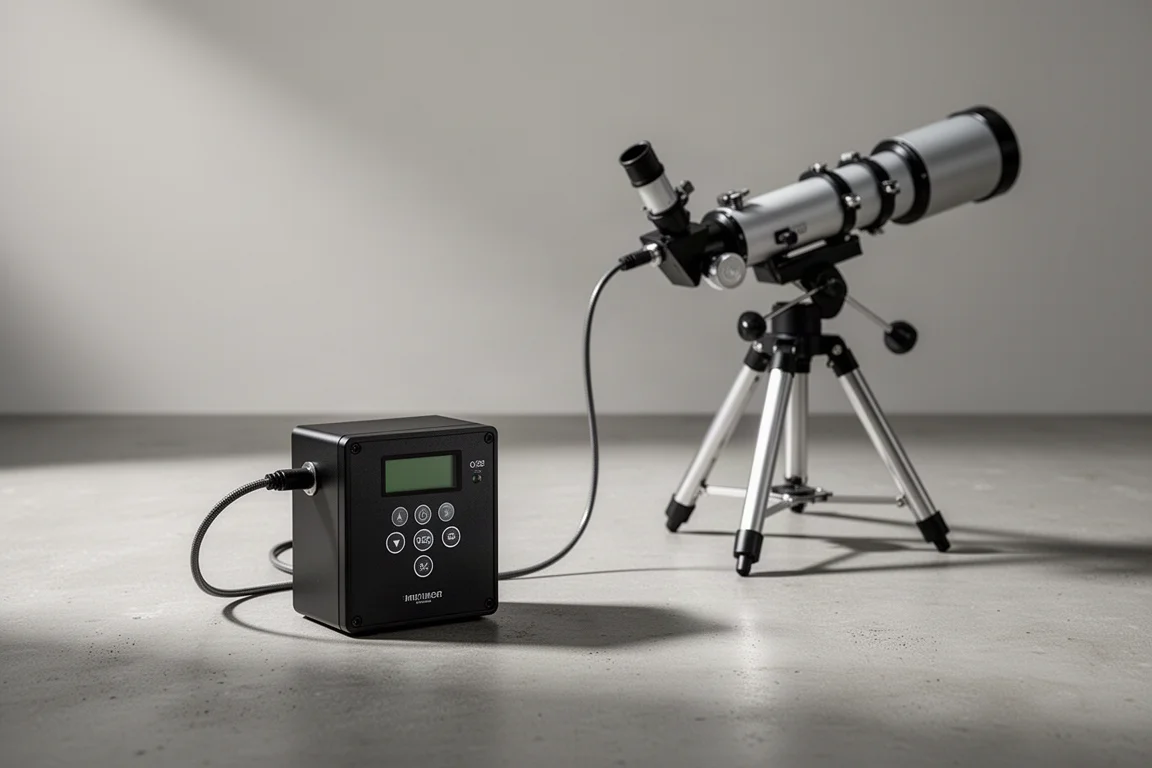
Remote control of a pressure-tuned hydrogen-alpha telescope sounds like a luxury, but once you have spent hours outside in the sun nudging an etalon back on band, it starts to feel essential. The Lunt Solar PC USB Controller is a small unit designed to do exactly that: adjust the pressure inside your Lunt pressure-tuned etalon without ever touching the telescope itself.
What the Lunt Solar PC USB Controller Does
The Lunt Solar PC USB Controller lets you remotely control the pressure in any of Lunt’s pressure-tuned etalons. That means you can be comfortably inside and make adjustments to the tuning of the etalon from a remote location, rather than working at the telescope by hand.
The unit operates up to 10 hours on a charge, or it can be AC powered for longer sessions. Connection is handled with an included air hose: one end goes into the pressure output port of the controller, the other attaches to the pressure tuner on the telescope. Lunt also offers optional 25-foot and 100-foot air tubes, which should allow anyone to control their telescope in the backyard from inside the house.
Installation: Swapping the Piston and Sealing the Assembly
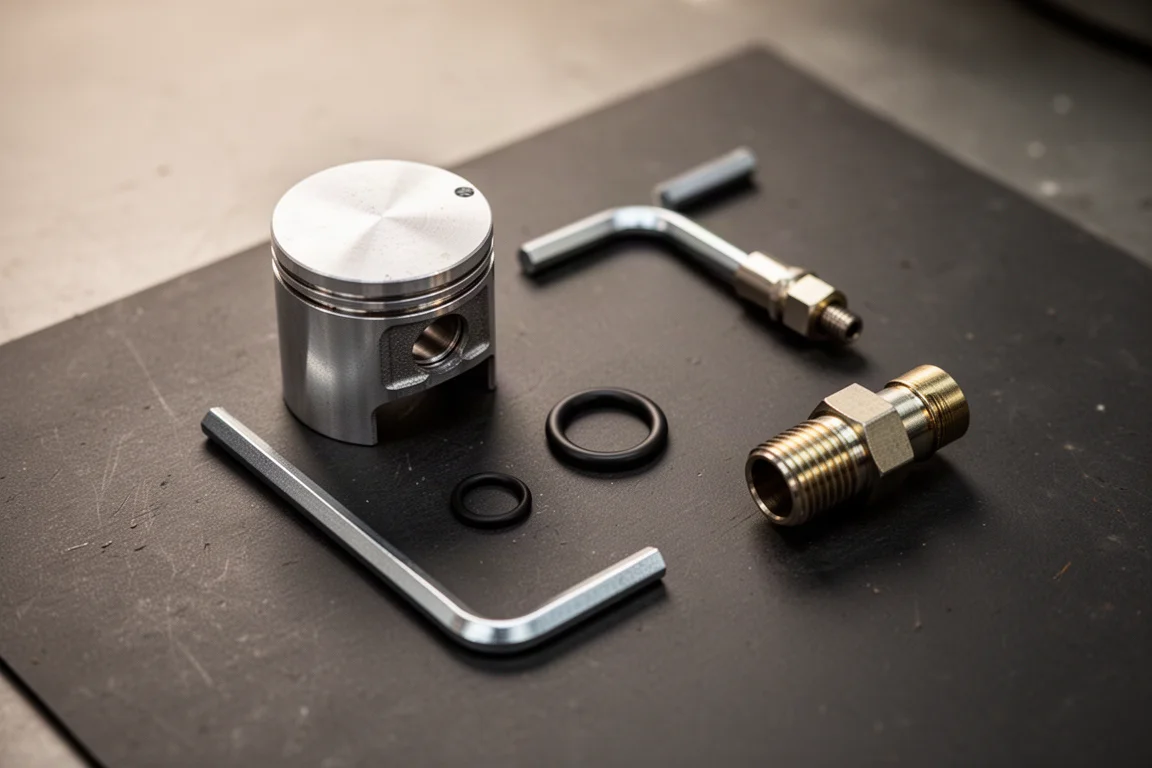
Setup requires a one-time modification. The standard piston in the etalon handle must be replaced with a new piston that adapts to the air hose. The original handle is removed to expose the piston, then a paper towel or tissue is used to hold the piston secure while a hex wrench removes the retaining screw, preventing it from rotating during removal.
With the original piston set aside, the new piston goes into the handle, and a provided connector screws in to hold it in place. An included O-ring sits at the bottom of the piston so that, once reassembled, it creates a good pressure seal inside the telescope. The reassembled handle is then tightened securely back onto the scope.
Finally, the air hose connects the controller to the etalon handle. During testing, raising the pressure on the controller brought the pump on immediately, and the requested pressure matched the final pressure exactly, confirming a solid seal with no leaks.
Using It on the Sun
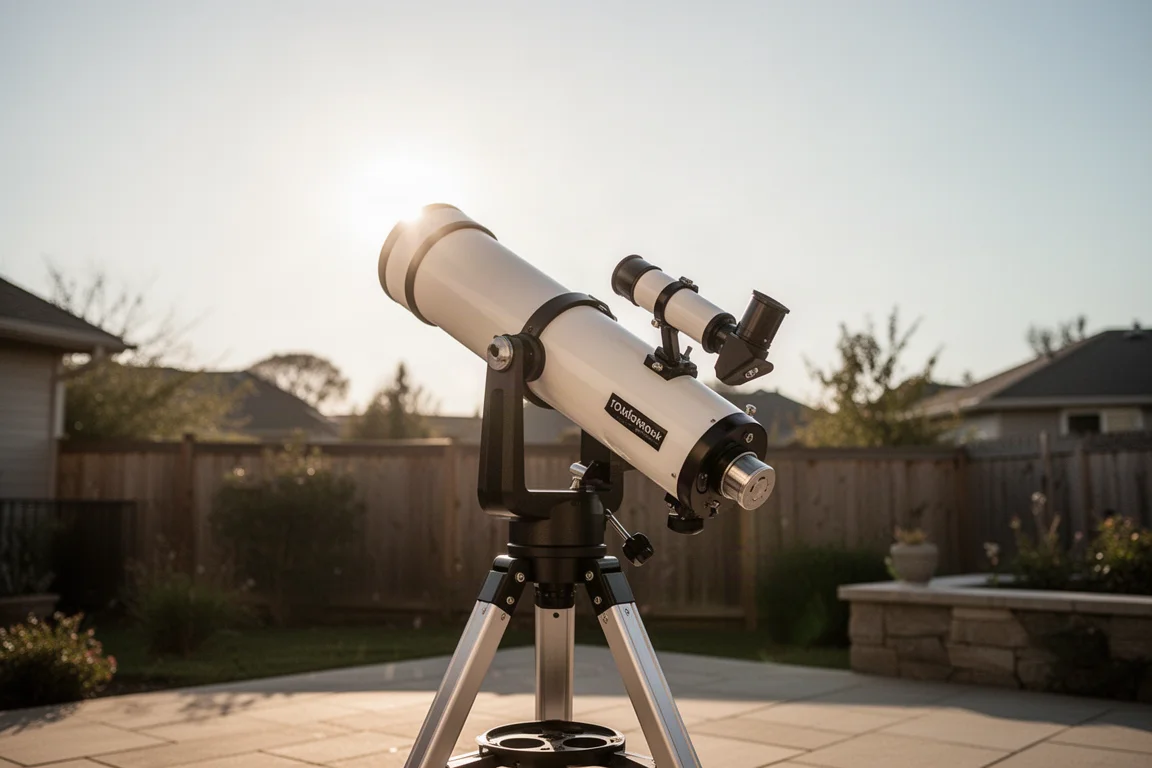
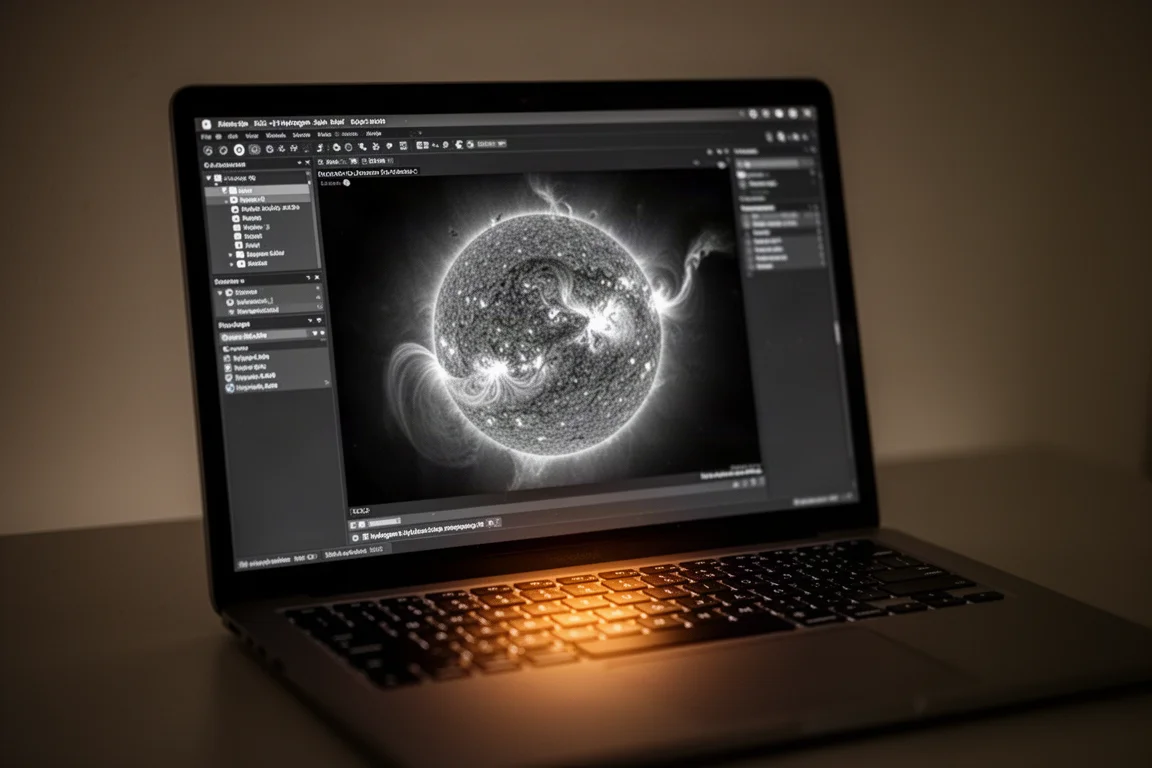
At the eyepiece end of the workflow, the real payoff is contrast. By raising or lowering the pressure from the controller, the appearance of filaments and prominences on the sun changes noticeably, and it is easy to find the sweet spot where filaments show strong contrast. Even with mediocre seeing and passing clouds, the pressure could be lowered and fine-tuned to bring out filaments and active regions cleanly.
Once a good tuning point was found, the pressure held steady throughout an extended imaging capture. For solar photographers running time-lapses, that stability matters as much as the adjustment itself.
Why You Might Want This
There are four practical reasons to add this controller to a solar setup:
- No touching the telescope. Adjusting the etalon without touching or jiggling the scope is a real advantage during time-lapse imaging. As the telescope tube heats up over a multi-hour session on the sun, minute pressure adjustments are occasionally needed, and doing this from a remote box eliminates any shake during the imaging session.
- Hit the sweet spot immediately. Most telescopes have a pressure sweet spot that shows filaments and prominences the way you like them. If your telescope is more or less permanently set up, the controller lets you ensure you are right on band as soon as you start observing.
- Stay out of the sun. You can control the telescope from the comfort of your house and tune the etalon without standing outside in the sun for hours. Adding an electronic focuser would complete the fully remote picture.
- Remote observatories. If you have an observatory in a remote location, this is essential gear for controlling a solar telescope from far away.
Remote Operation and Software Control
The unit ships with software that runs on Windows over a USB connection, letting you raise or lower the pressure as needed. Beyond local control, the unit can be operated remotely with software such as AnyDesk or Chrome Remote Desktop, which means the pressure can be adjusted from anywhere in the world.
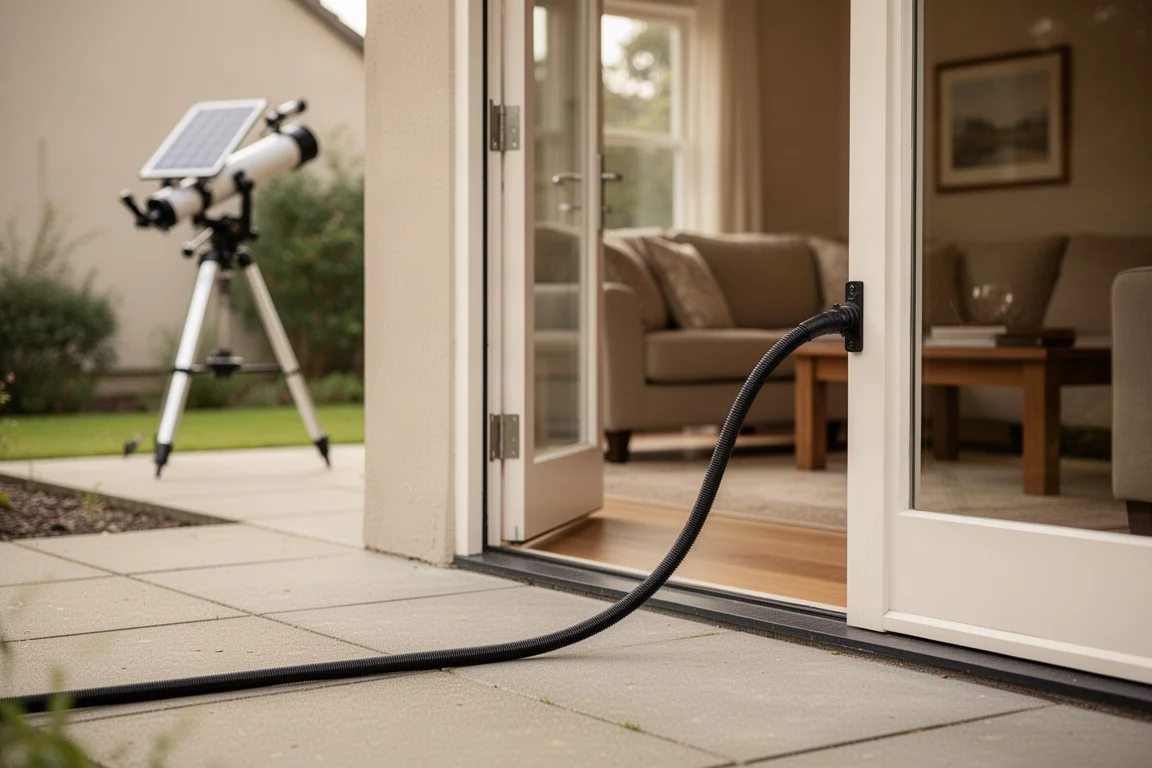
Combined with the long air hose options and an electronic focuser, this turns a backyard solar setup into something you can genuinely run without standing next to it.
Buying Advice
The Lunt Solar PC USB Controller makes the most sense for serious solar observers and imagers. If you regularly run long time-lapse sessions, keep a solar telescope permanently set up, or plan a remote observatory, the ability to fine-tune pressure without touching the scope is a meaningful upgrade. Casual observers who only set up briefly may not need it, but anyone who has spent an afternoon chasing on-band contrast in the heat will appreciate what it does.
Conclusion
The Lunt Solar PC USB Controller delivers on its core promise: pressure tuning your Lunt etalon from indoors or anywhere in the world, with a reliable seal, up to 10 hours of battery operation, and Windows software plus remote desktop support. For dedicated hydrogen-alpha observers and imagers, it removes one of the most repetitive and disruptive parts of solar observing.
Product link
View more details for Lunt Solar PC USB Controller
This product is mentioned in the review. Check the specifications, options, and compatibility before buying.
View more details for Lunt Solar PC USB ControllerFurther reading
Related Reviews
Astronomy Accessories
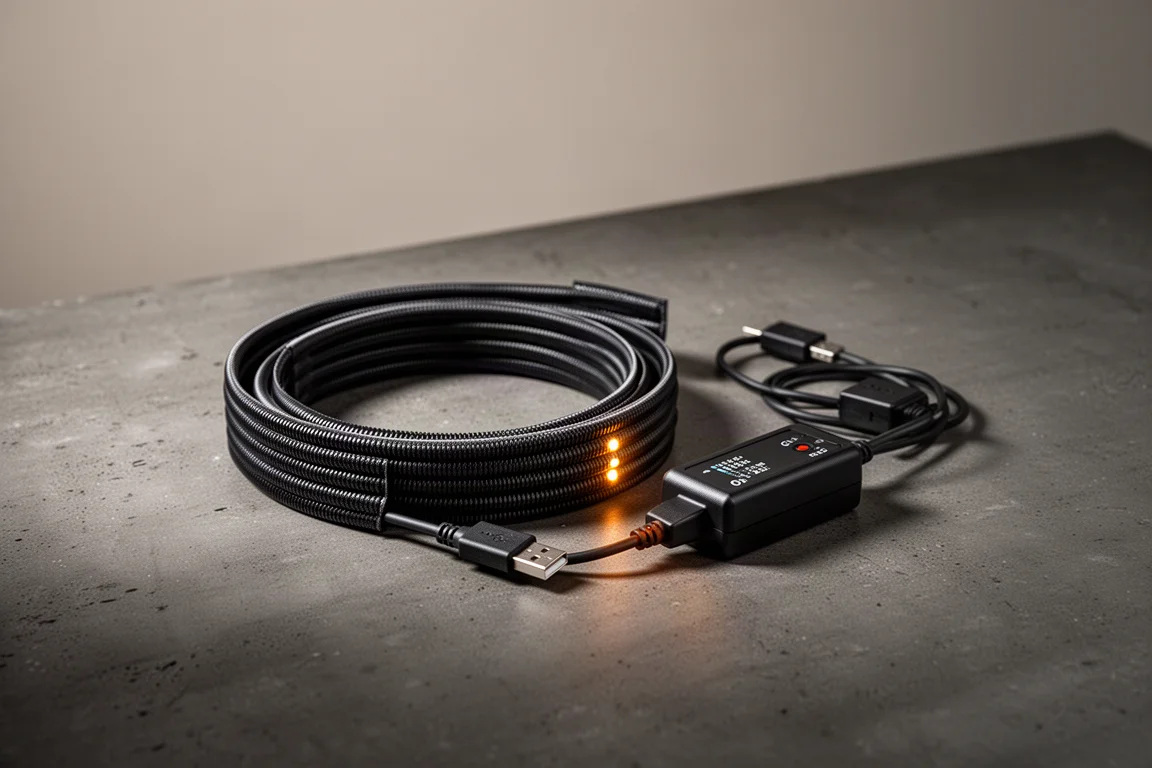
Apertura Premium Dew Strips Review: The All-Inclusive Dew-Heater Kit
A complete dew-strip solution with built-in controller, USB power, and adapters for nearly any visual or imaging telescope setup.
Astronomy Accessories
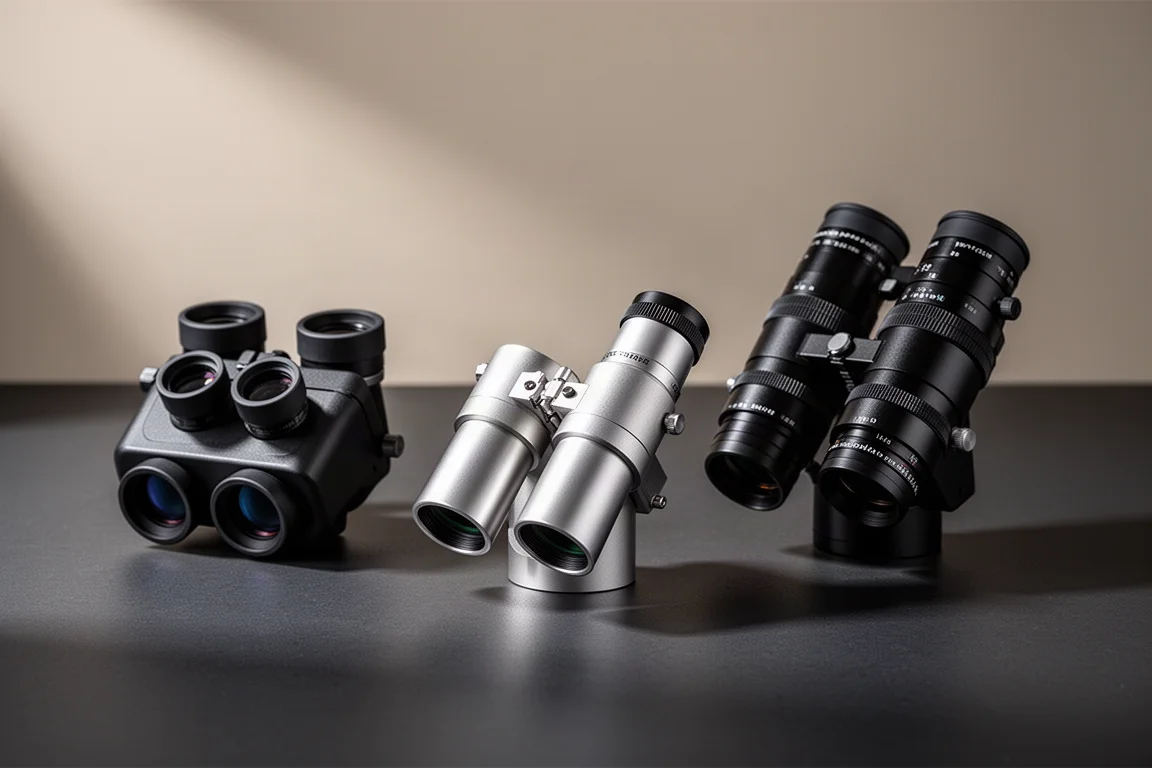
Best Astronomy Binoviewers: Three Options Compared for Any Telescope Budget
We tested three binoviewers across a refractor, a Maksutov-Cassegrain, and an 8-inch Dobsonian. Here is how they compare on focus, optics, and value.
Astronomy Accessories
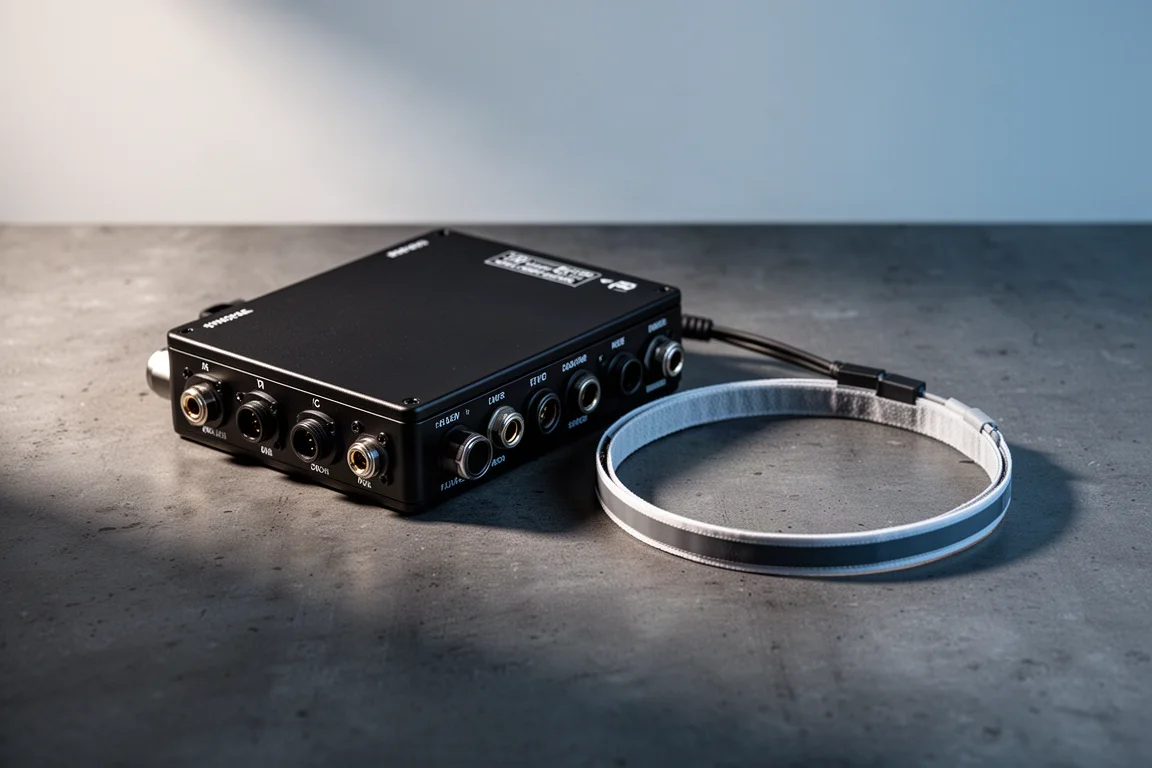
Celestron Dew Controller and 8-inch Dew Heater Ring Review: Smarter Dew Control for Schmidt-Cassegrains
A close look at Celestron's dew controller and 8-inch dew heater ring, covering setup, hand controller and software control, and where this system makes the most sense.