Tech Accessories
Limink S19 TriView Review: A Portable Triple Monitor Setup That Actually Works
The Limink S19 TriView adds two 14-inch screens to a 15.6-inch laptop with a 10-second clip-on mount, USB-C or HDMI power and data, and a carrying case that fits most laptop sleeves.
Introduction
A triple monitor setup on a laptop sounds like something that should involve a lot of frustration. In practice, the Limink S19 TriView turns out to be one of those rare accessories that is simpler and more useful than it looks. After several weeks of constant use, it has improved laptop productivity to the point where going back to a single screen feels genuinely difficult.
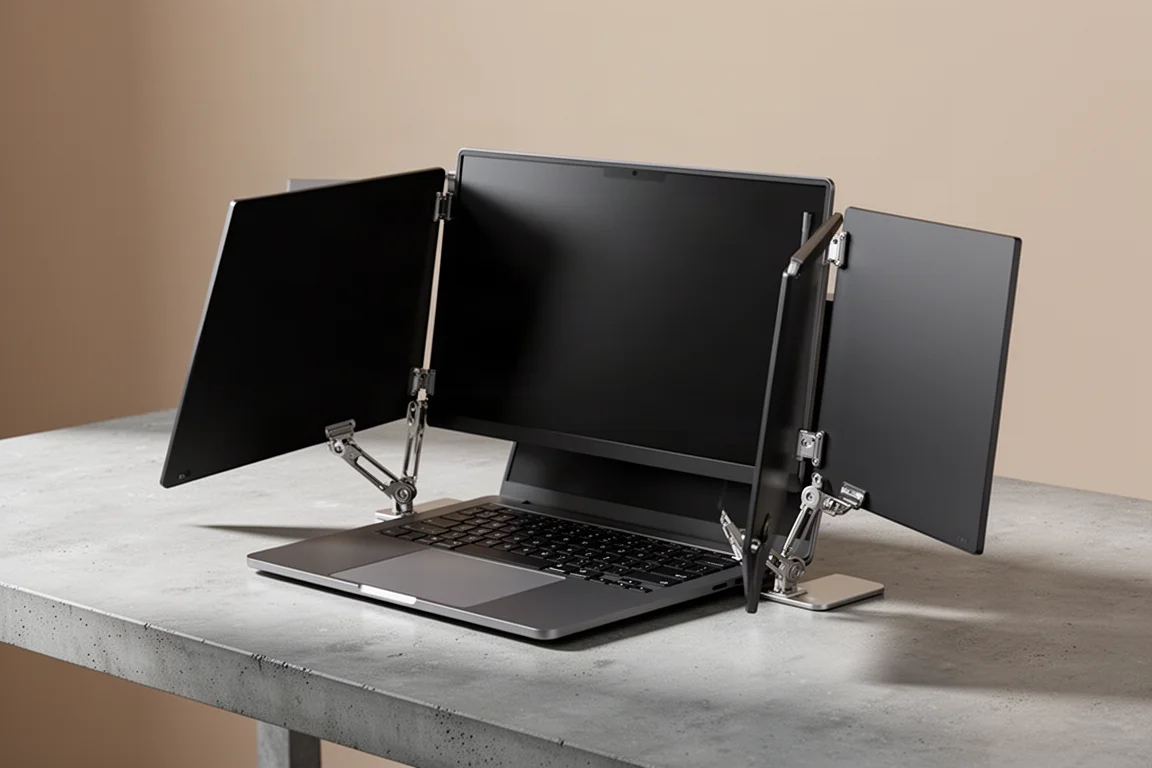
The premise is straightforward: two extra screens flip out from a central frame, clip onto the back of your laptop display, and run entirely off your laptop’s power and data ports. No wall plugs, no docking station, no external power brick. Setup takes roughly ten seconds once you have the cables and screen settings dialed in.
Setup and Everyday Use
The physical connection is refreshingly simple. A metal slide-out section adjusts to the width of your laptop, a small metal bracket hooks over the top edge of the screen, and a metal tab hooks over the front. Slide it out, clamp it on, and you are working. The two side panels are adjustable and can be slid back and forth to almost any position you like.

Because all of the weight sits on the laptop screen itself, tilting the whole thing too far back would keep tipping. Limink solves this with a small pop-out foot with a rubber stopper that keeps the assembly from tilting back and forth. Line up the tilt you want, pop the foot out, done.
Folding it away is just as easy: pop the cables off, remove the unit, flip the monitors around, and it becomes a slim folded package about the size of a 15.6-inch laptop.
Size, Weight, and Build
The S19 was chosen here because it is the smallest and lightest model compatible with a 15.6-inch laptop. It measures roughly 14.5 inches long by 9 inches wide, and its two 14-inch screens (measured diagonally) sit slightly smaller than the 15.6-inch main display. The listed weight checks out on a scale: about 3.18 lb, or 1.44 kg, without cables.
Cables, Power, and Screen Quality
Each monitor has an HDMI port and two USB-C ports on its outside edge, and the included cables are long enough to run from the monitor edge around the back of the laptop to ports on the opposite side. A single USB-C to USB-C connection is the cleanest option since USB-C carries both data and power. If your laptop is older, like the five-year-old Dell Inspiron used here with only one USB-C port, you will need two cables (HDMI plus USB) per side, which can be tucked neatly behind the computer.
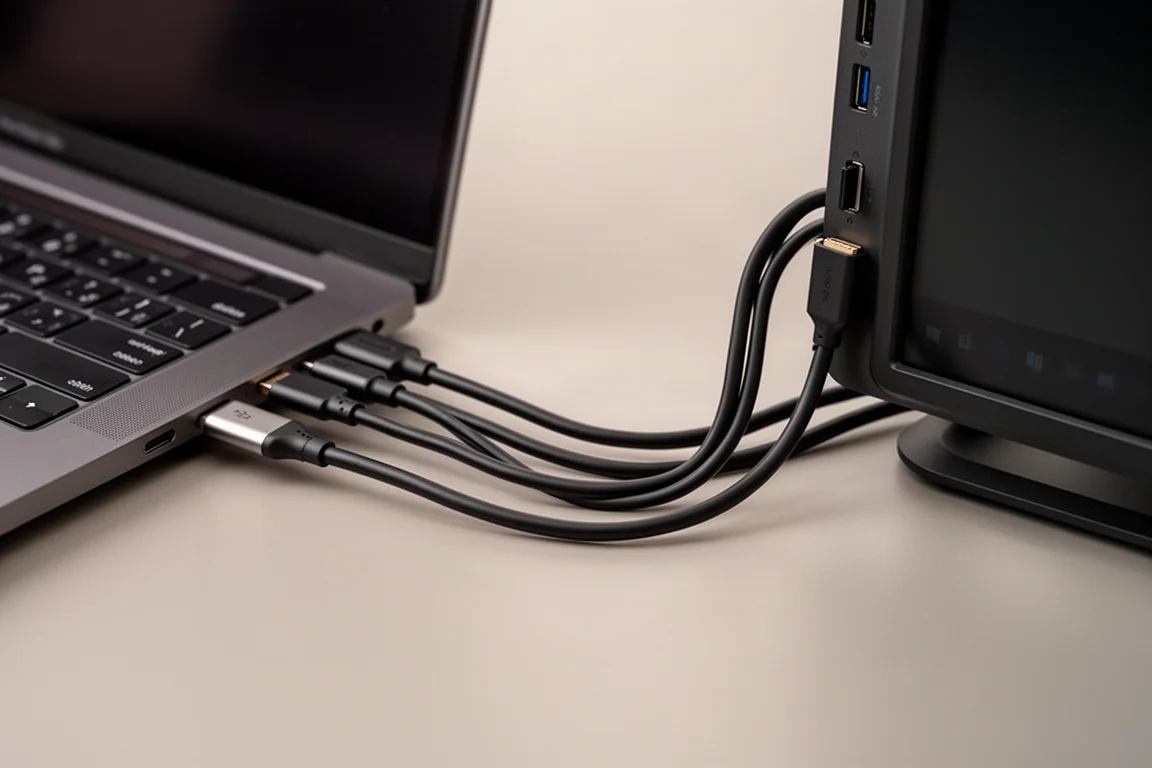
Both screens draw power from the laptop itself, so there is no wall plug involved, though you should keep your laptop plugged in while using them since they pull a fair amount of power.
On quality, the panels run at 1920x1080, matching the main laptop display. Brightness comes in at 250 candelas per square meter (nits), compared to the 300 maximum on the reference laptop, so the side screens are slightly dimmer but close enough that the difference is barely noticeable in normal use. Side buttons on each monitor let you adjust contrast and color, and a little tuning gets the panels very close to the laptop screen. One practical tip: a large multi-monitor desktop makes the default mouse pointer easy to lose, so bumping the pointer size and color helps.
Living With Three Screens
After about five weeks of constant use, the verdict is simple: the three-screen workflow sticks. Video editing benefits especially, with media, timeline, and previews spread across separate displays, and multiple things running at once feels natural rather than gimmicky.
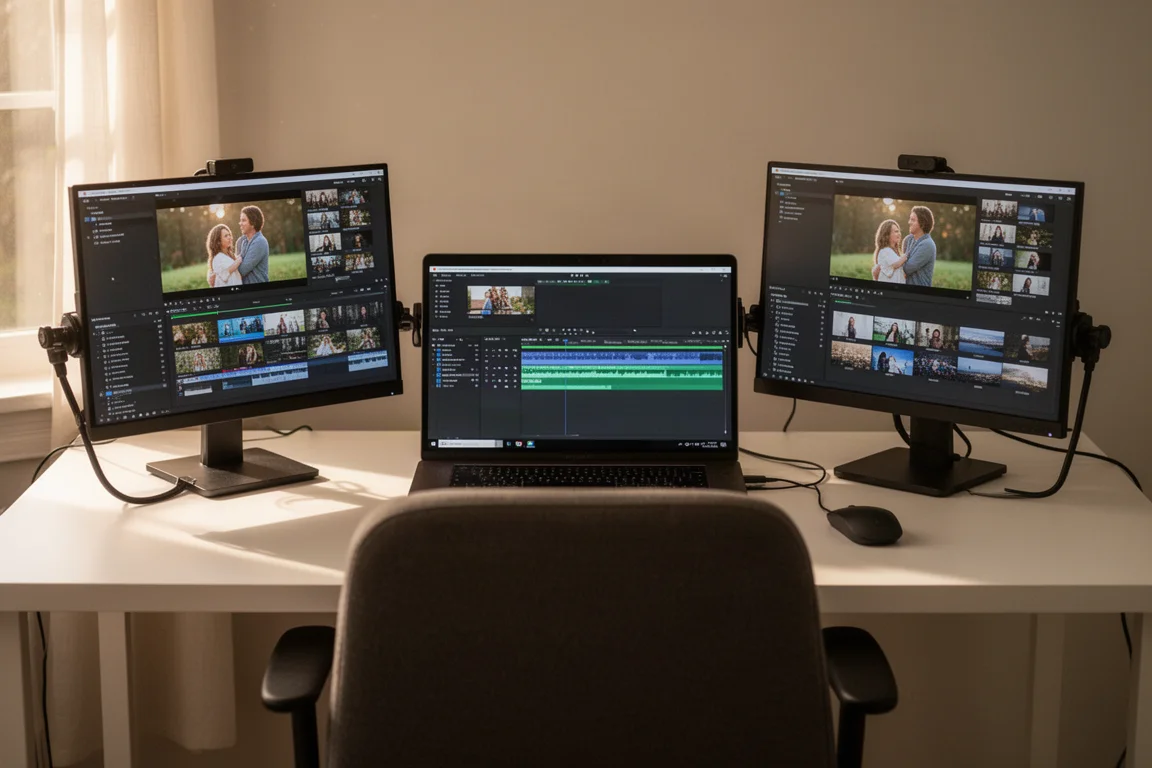
There is a small amount of initial setup time to sort out the cables and display settings, but once that is dialed in, daily hooking up, folding, and transport are all genuinely easy.
Portability and Travel
The unit comes with a carrying case roughly the same size as a 15.6-inch laptop case, and it fits into a midsize laptop sleeve without trouble. For anyone who travels with their laptop, this makes the whole setup plausible for work trips and, more importantly, a perfect fit for a home base or a digital nomad lifestyle where the laptop is the primary livelihood. For very short weekend trips or lean long-term international travel, the full setup is probably more than most people would pack.
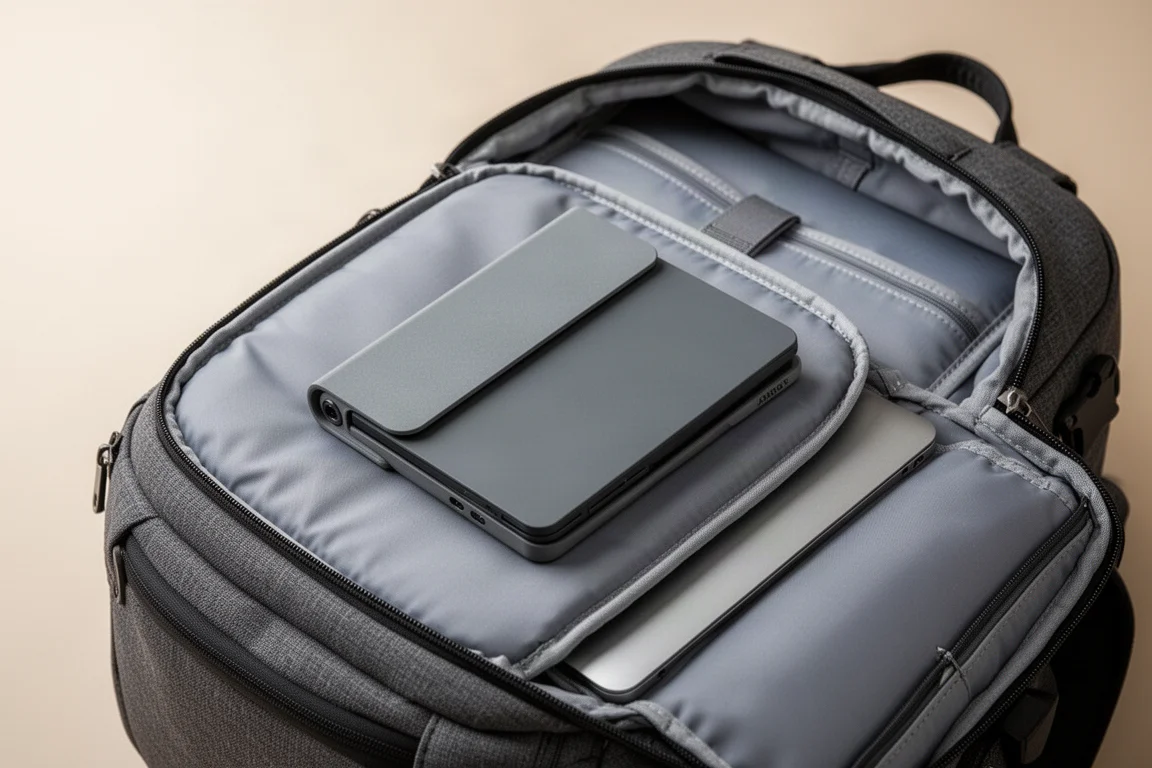
One caution on packability: the way the unit folds leaves one monitor facing outward, so protect that screen carefully when stowing it in a bag.
Model Choice and Buying Advice
Limink offers several sizes and configurations. The S9 has a full 15.6-inch screen but is noticeably heavier and costs considerably more. Unless you specifically want the larger panel, the S19’s 14-inch screens cover the use case well without any real downside for typical work. If you are unsure which model fits your laptop, the company is responsive; emailing your laptop model number to confirm compatibility is a sensible step.
Conclusion
For laptop users who want a multi-monitor desk setup without giving up portability, the Limink S19 TriView is an easy recommendation. It is light, quick to attach and remove, powered entirely by the laptop, and the screen quality is close enough to a typical laptop display that the trade-off is hard to notice in daily use. The only real considerations are the two-cable requirement on older laptops and the exposed outer screen when packed away.
Product link
View more details for Limink S19 TriView
This product is mentioned in the review. Check the specifications, options, and compatibility before buying.
View more details for Limink S19 TriViewFurther reading
Related Reviews

Tech Accessories
Best Premium Tech Dupes 2026: Five Budget Alternatives That Actually Deliver
We compare five premium desk and streaming staples against their budget counterparts to see which dupes are genuinely worth the savings.
Tech Accessories
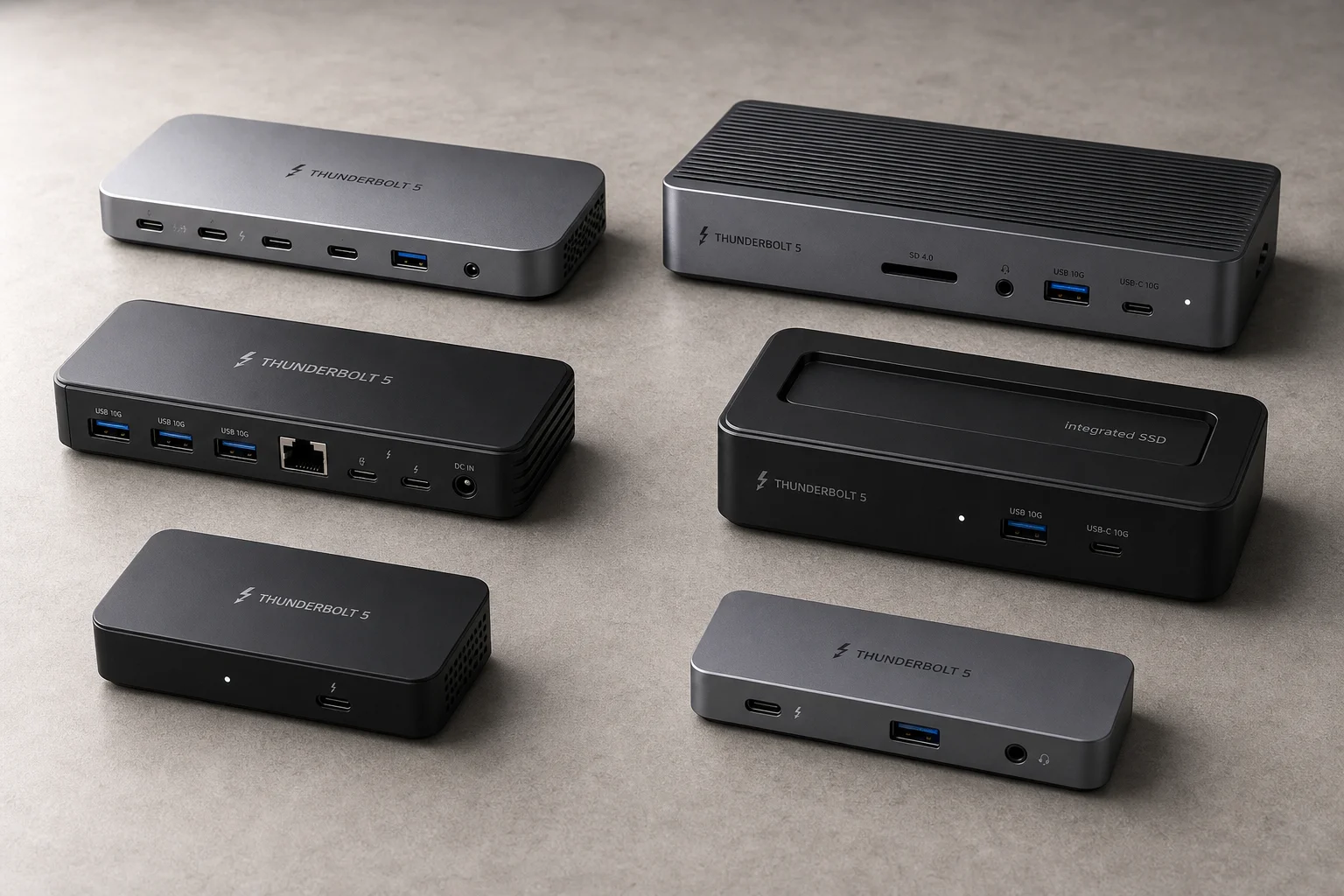
Best Thunderbolt 5 Docks 2026: Six Options Tested for Desktop Connectivity
A practical guide to six Thunderbolt 5 docking stations, covering their strengths, trade-offs, and which setup they suit best.
Tech Accessories
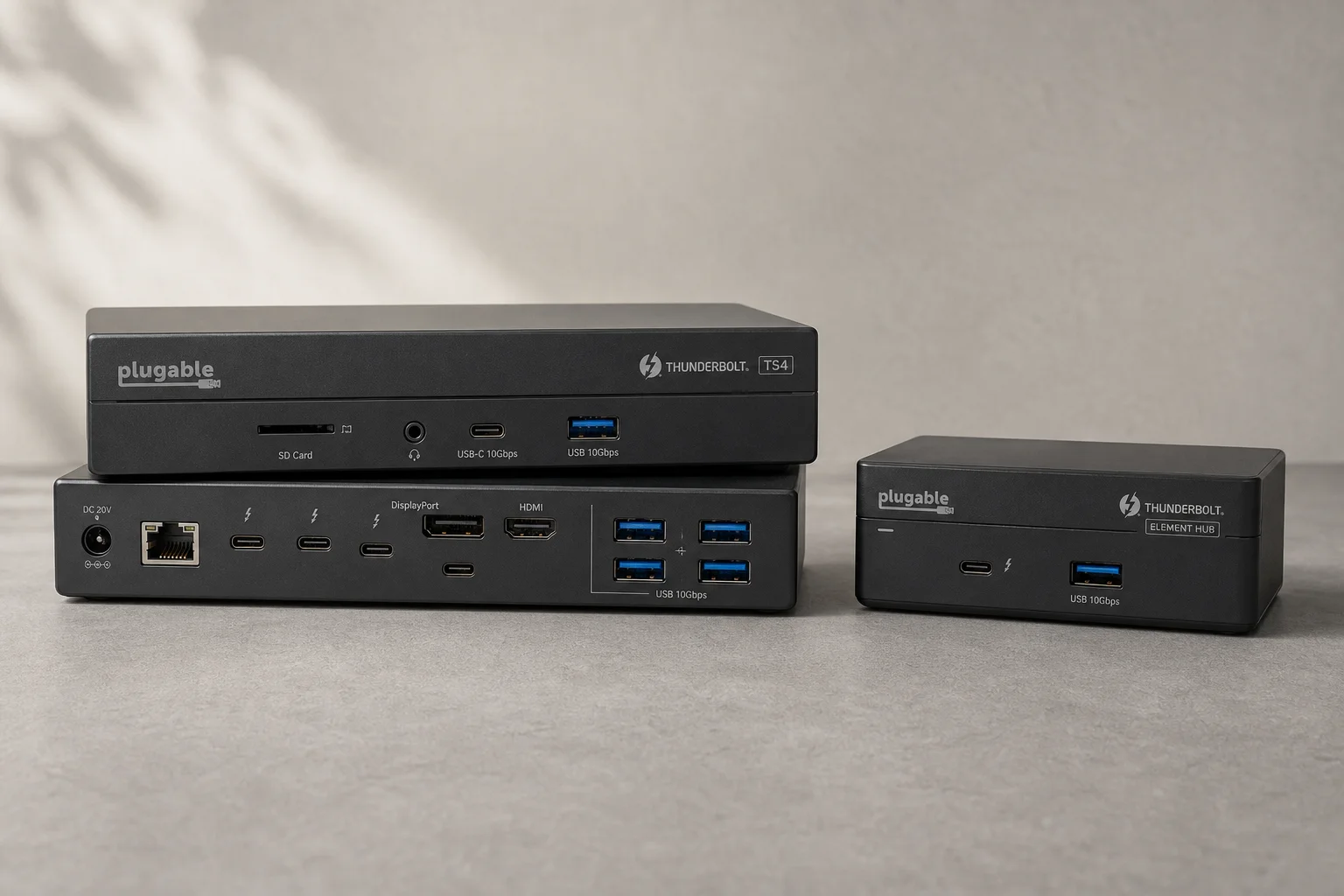
CalDigit Thunderbolt Docks: TS4 vs Element Hub
Two Thunderbolt docking solutions with different port counts and use cases. The TS4 offers 18 ports and 2.5 Gbps ethernet; the Element Hub provides a compact 8-port alternative.