TVs
LG C2 Evo OLED Review: Is the 83-Inch OLED Worth It?
A close look at the LG C2 Evo OLED, covering out-of-box accuracy, calibration results, gaming performance, and who should buy the 83-inch model.
Introduction
The LG C2 Evo OLED sits below LG’s flagship OLED, but it is the model most buyers actually end up considering. It spans sizes from 42 inches up to 83 inches, which means the same panel family covers a desk-side gaming setup and a full home theater room. The 83-inch version is the largest OLED many people will have seen in person, and that size is the real headline here. For years, OLED’s weak point was never picture quality. It was that large OLEDs were either expensive to manufacture or fragile to ship. The C2 changes that calculation. It is a native 4K panel with a 120Hz refresh rate, and it is positioned as a serious home theater option rather than a niche upgrade.
Who This TV Is For
The C2 covers an unusually wide range of buyers. The smaller sizes suit gamers who want OLED response and 120Hz motion without a huge footprint, while the 83-inch model is aimed at home theater enthusiasts who want a cinematic image at a size OLED has rarely offered.
Gamers get 4K at 120Hz on both the PlayStation 5 and the Xbox Series X, and motion handling holds up in fast, competitive titles. Home theater viewers get HDR and Dolby Vision support alongside Dolby Atmos, which matters if you are pairing the set with a receiver and a proper speaker layout.
If your priority is a bright room and a punchy image straight out of the box, this is not the simplest set to love. If your priority is contrast, black level, and a picture that can be tuned to a very high standard, the C2 is built for you.
Picture Quality and Color Accuracy
Out of the box, the C2 is one of the least accurate displays in its class. In its default APS or eco-friendly picture profile it measures a delta E of around 15, and it looks dim relative to what the panel can do. The Vivid profile is the brightest preset, reaching just over 350 nits with standard dynamic range content and up to roughly 700 nits of peak brightness in HDR. The 83-inch model appears slightly dimmer than the 75-inch and 65-inch variants, which is worth knowing before you commit to the biggest size. The panel is driven by LG’s 5th generation Alpha 9 processor for native and upscaled content, and LG claims up to 20 percent more brightness than the previous generation.
The dynamic contrast and brightness options inside the menus have a large effect on the image. Engaged at high or medium, they brighten the picture but crush shadow detail and can compromise absolute black. Leaving them off, or at low, preserves the dynamic range the panel is capable of.
The Cinema, Filmmaker, and ISF Expert profiles are the most accurate starting points, with grayscale and color error hovering around a delta E of 5. They carry a slight red-green bias, so whites and skin tones look a touch warmer than the blue-heavy eco and vivid presets. Cinema and Filmmaker are the closest to reference behavior without professional work.
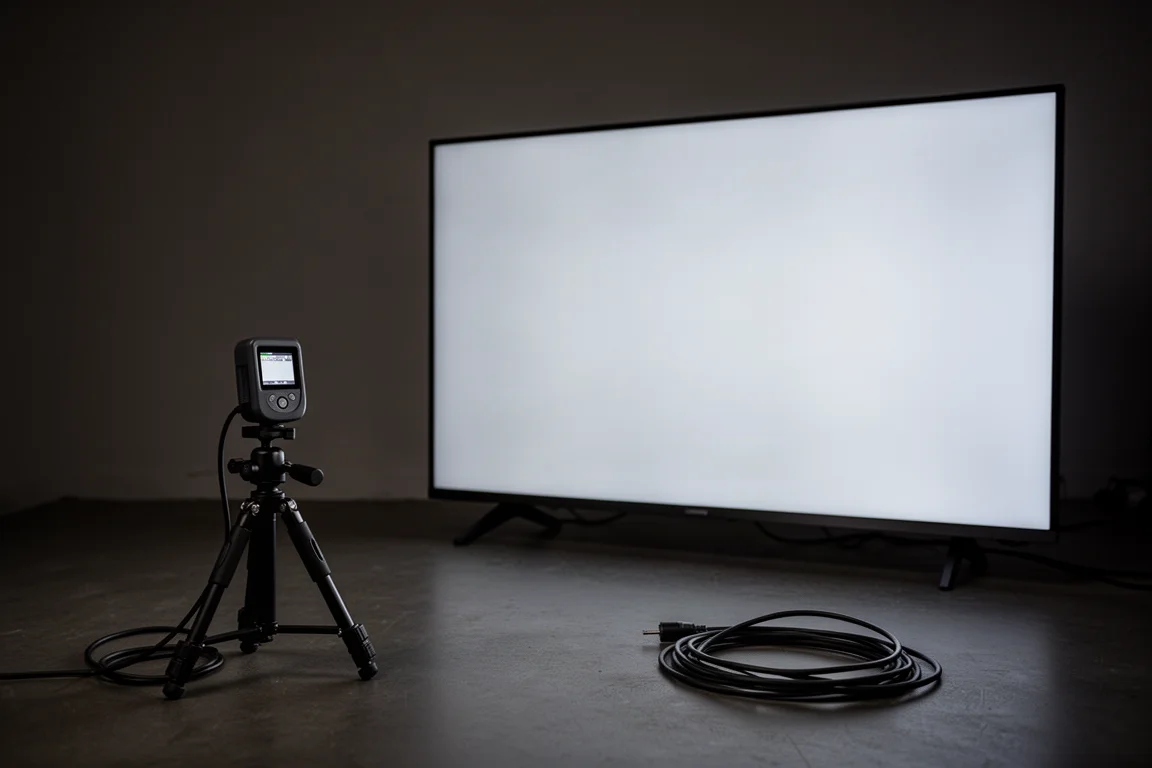
Calibrated with the Filmmaker profile as a baseline, the C2 reaches a delta E well below 1 for both grayscale and color, which is technically perfect and beyond the threshold of human perception. That result beats the Samsung QN900B on accuracy, though the Samsung is easier to calibrate because it can be adjusted with a smartphone, while the LG relies on meters and third-party software or a professional calibrator.
Post calibration, the image is genuinely cinematic. Skin tones look natural, contrast within colors is impressive, and the gradation from light to dark is seamless. True absolute black is present in both test patterns and real world content, and blooming or local dimming artifacts are a non-issue, which shows up clearly in fast scenes that mix bright and dark objects. Motion is smooth, and 720p sports upscaled to 4K showed minimal artifacts.
Gaming, Motion, and Connectivity
The 120Hz panel delivers smooth motion regardless of source material, which makes the C2 a strong pick for fast first-person shooters and other competitive games. Gaming at 4K 120Hz worked without issue on both current-generation consoles, and motion and response time matched the more expensive Samsung QN900B. The Samsung’s extra brightness is an advantage in some game scenes, but the LG gives up nothing in responsiveness.
Four HDMI 2.1 ports cover consoles, a PC, and a receiver without swapping cables, and Dolby Atmos support means the set can pass a proper audio signal through to a sound system.
No handshake problems appeared during use, though the set occasionally mislabeled connected devices, identifying receivers as one brand and a streamer as another. That quirk did not affect performance.
Design, Sound, and Smart Features
Build quality is excellent, with the thin bezels and slim profile typical of modern OLEDs. The internal speakers are decent for casual viewing and will not replace a soundbar or a dedicated system, which is expected at this level.
The C2 runs webOS with a long list of pre-installed apps including Netflix, HBO Max, and Amazon Prime Video, plus voice assistant support through Google Assistant and Amazon Alexa. The operating system is heavy with bloatware, and navigating the built-in apps can feel slow. A third-party streaming device such as an Apple TV or an Nvidia Shield gives a noticeably better experience. The Magic remote divides opinion, and its pointer-based control is not for everyone.
Things to Consider Before Buying
The biggest practical hurdle is setup. Out of the box the picture looks washed out and the colors are off, and getting the most from the panel takes real time in the menus. Finding the right balance between adaptive contrast, active contrast, and tone mapping settings requires experimentation, because the higher settings crush detail across the board. Buyers who are not willing to calibrate, either with the right tools or with professional help, may end up frustrated by a set that has far more to give.
Color uniformity is the other long-term consideration. White values shift cooler when the image stays static for a long stretch, or when the screen is viewed off axis. This appears to be a panel protection behavior aimed at longevity, and it is rarely obvious in normal content, but it does happen. The set also should be more accurate out of the box at this price, or at least easier to calibrate.
Value and Market Position
At 83 inches, the C2 is not cheap, but it is far more attainable than a 75-inch OLED would have been a year or two earlier. Comparable OLEDs from other brands have largely capped out at 65 inches, which leaves the LG as one of the few ways to get OLED picture quality at this size. The 83-inch C2 also undercuts the older same-size Sony OLED, despite that model now being a generation behind.
Against a large LED set, the trade-off is brightness versus naturalism. A flagship mini LED can go brighter and is easier to calibrate, but its image can look more artificial, while the C2’s calibrated picture looks more organic and true to life. A big Sony LED remains a strong, fuss-free option for a very large screen and costs less, but that model is discontinued and getting harder to find. A larger mini LED also carries a significantly higher price at the 85-inch tier, and it adds 8K resolution the C2 does not have.
Buying Advice
Buy the C2 for the size and the black level, and budget for calibration. If you are moving up from a smaller set and want a genuinely cinematic image, the 83-inch version delivers a scale smaller OLEDs cannot, and the panel’s contrast and motion hold up in real content. Just plan on spending time, or money, to unlock it.
If you want a set that looks good the moment it is mounted, a bright LED display may suit you better, and a large one can be had for less. If you want the best picture the C2 can produce, a professional calibration is the single most valuable addition to the purchase.
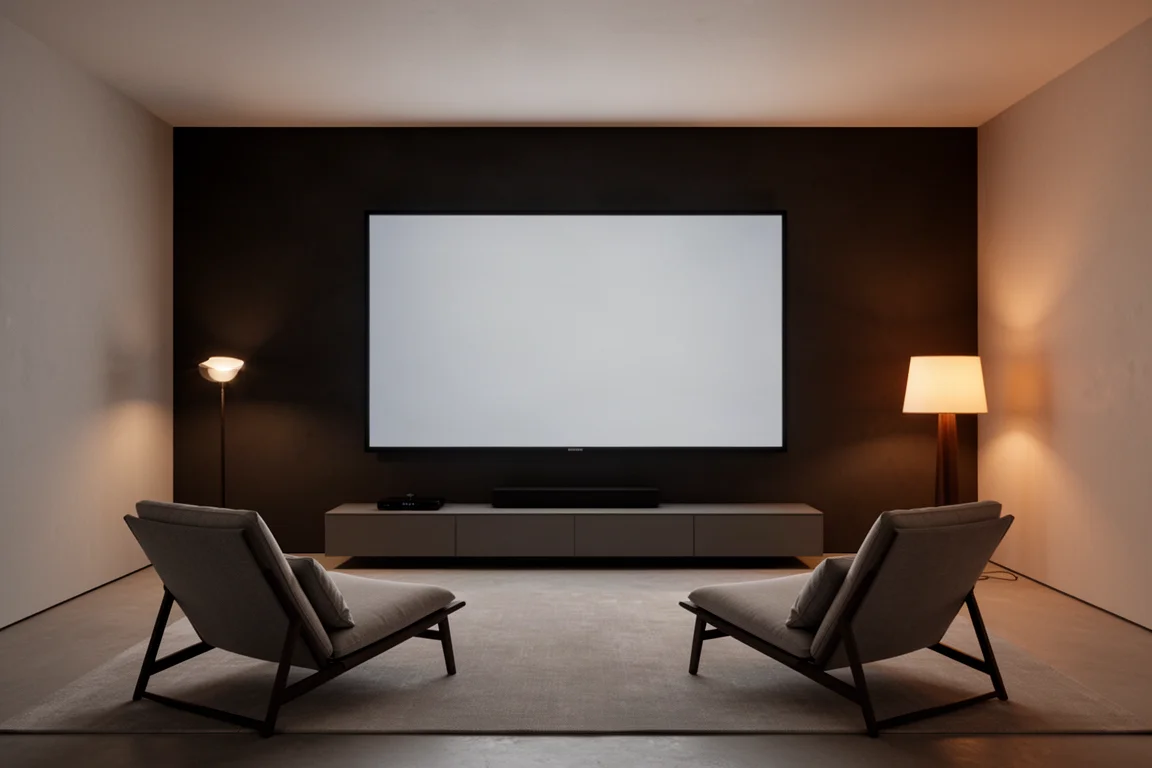
Sizing is worth thinking through as well. The 83-inch panel measured slightly dimmer than the 65-inch and 75-inch versions, so buyers who prioritize peak brightness may prefer a smaller size, while buyers who prioritize immersion will accept that trade-off.
Conclusion
The C2 shows how far large OLEDs have come. It is not the brightest TV available, and it is not accurate before calibration, but once set up properly it produces one of the most natural, cinematic images available at this size. For home theater buyers who value contrast and realism over raw light output, the 83-inch C2 is a compelling choice.
Product link
View more details for LG C2 Evo OLED
This product is mentioned in the review. Check the specifications, options, and compatibility before buying.
View more details for LG C2 Evo OLEDFurther reading
Related Reviews
TVs
Best Sony XR TVs Compared: X90K, X95K, A80K, A90K, A90J, A95K and Z9K
A practical guide to Sony's XR television range, from the value-focused X90K to the 8K Mini LED Z9K, with clear advice on which model suits which room.
TVs
Hisense 100UR8SG Review: A 100-Inch RGB Mini-LED That Takes On OLED
A 100-inch RGB mini-LED television with measured peak brightness of 3,850 nits, wide color volume, and a price far below large-format OLED.
TVs
Hisense U9 vs Hisense U8 vs Samsung S90C OLED: Which TV Is Worth Buying?
A practical comparison of two Hisense RGB Mini-LED televisions and an OLED alternative, with real strengths, trade-offs and a clear buying recommendation.