TVs
LG B4 OLED TV Review: Entry-Level OLED With Excellent Out-of-Box Accuracy
A practical look at the LG B4 OLED, covering picture accuracy, gaming features, webOS responsiveness, and how it compares to brighter LED sets and pricier OLED rivals.
Introduction
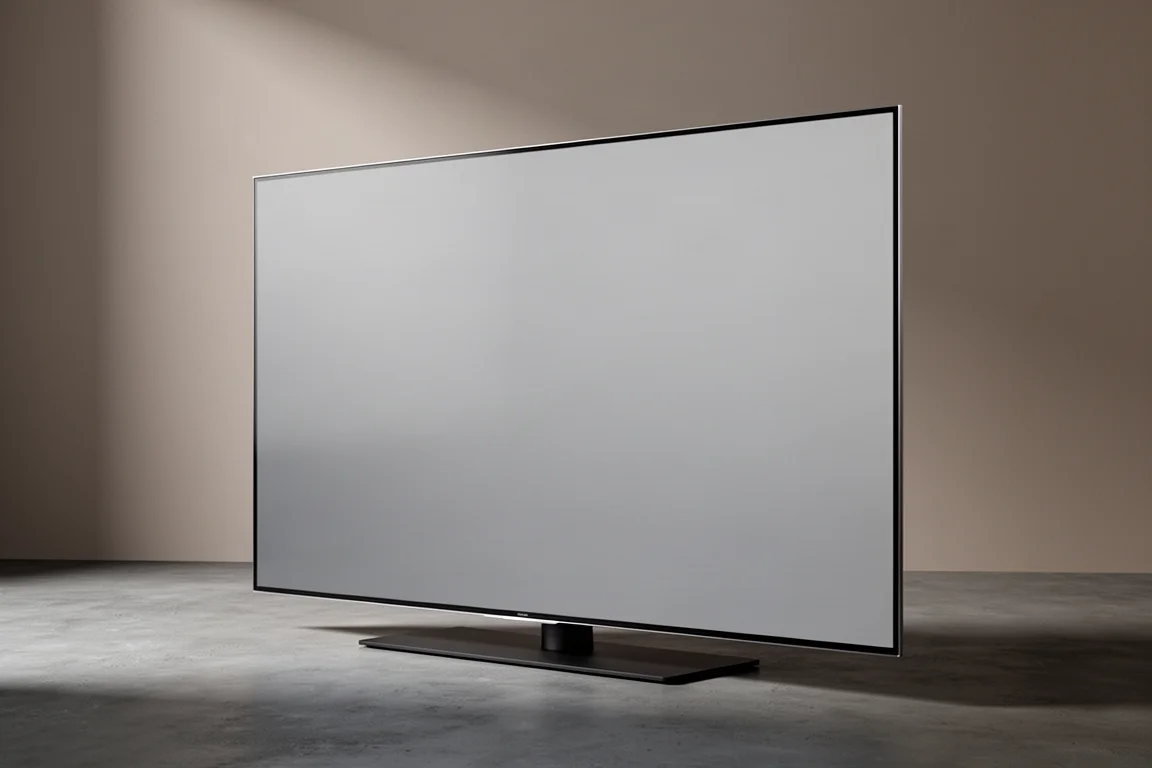
The LG B4 is LG’s entry-level OLED, and it makes a strong case for choosing OLED over LED without paying flagship money. It keeps the core OLED advantage intact: absolute black, high contrast, and colors that look natural rather than artificially saturated. For anyone stepping up from an older LED set, the difference in black level and light control is immediately visible.
This look at the B4 focuses on the 65-inch size, which suits rooms where a larger screen simply will not fit. It covers picture accuracy straight out of the box, gaming performance on a current console, how the built-in platform behaves day to day, and where this television gives ground to brighter LED displays and more expensive OLEDs.
Who This TV Is For
The B4 is aimed at viewers who want genuine OLED picture quality at a more wallet-friendly price. If this is your first OLED, the first thing to understand is brightness. OLED panels are typically noticeably less bright than LED or Mini LED backlit televisions, and the B4 is no exception. LG does make brighter OLEDs, but they cost more. Usable brightness on any display is often lower than headline figures suggest, and on the B4 that gap is worth planning around.
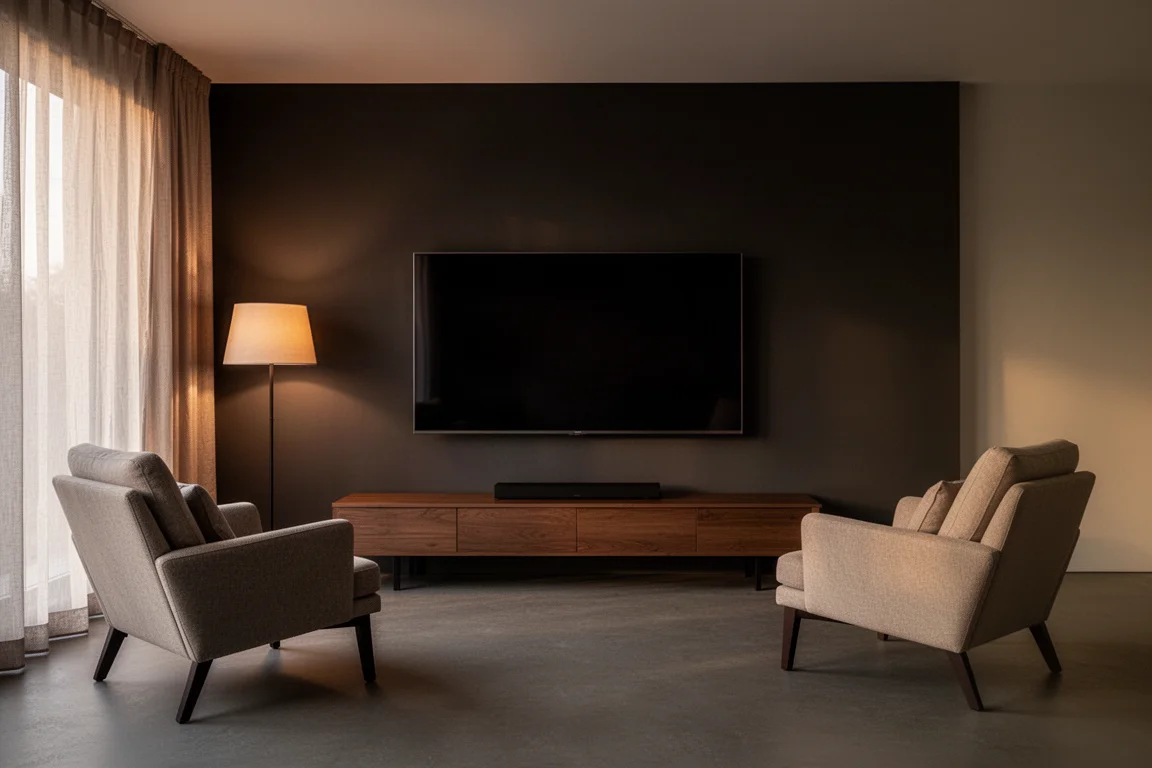
Off-axis viewing is one of the B4’s quieter strengths. Light uniformity and color rendering hold up well when you sit to the side, better than a more expensive Samsung OLED and far better than any LED-based display. That makes it a good candidate for rooms with a wide seating arrangement. The trade-off is that lower brightness can struggle against strong ambient light or reflections, and those reflections get worse from an angle, so a very bright room or a spot directly beside a window is not the ideal home for this set.
Picture Quality and Factory Accuracy
Out of the box, the B4 is more accurate than most televisions in its class, but only if you leave the wrong picture modes behind. It ships in an Energy Saving profile that pushes a noticeable blue bias, measuring a Delta E of 16 for grayscale and 13 for color. The Standard profile is similarly cool at 16 for grayscale and 12 for color. Vivid is the worst of the three. For reference, an image that does not require additional calibration should measure a Delta E of three or less, so all three of those profiles sit well outside the target.
Cinema is where the B4 starts to shine. It looks warmer in overall tone, and after a few minutes of adjustment the yellowish cast in white tones disappears. Cinema measured a Delta E of 2.7 for grayscale and 1.6 for color, which meets the definition of calibrated from the factory. Filmmaker mode measured slightly worse at four for grayscale and 2.2 for color, and did not reach that standard. The two ISF profiles brought everything back in line at 1.9 for grayscale and 1.4 for color. The main difference between Cinema and the ISF modes is brightness level and a slight variation in the gamma curve, with Cinema crushing blacks a little more. Either choice delivers true-to-life contrast, absolute black, and organic color.
Professional calibration is optional here. A full calibration brought the B4 to a Delta E of around one for both grayscale and color, but the improvement over the factory Cinema and ISF modes was not dramatic. Unless you are a dedicated video enthusiast, the cost and effort are hard to justify.
Gaming and Connectivity
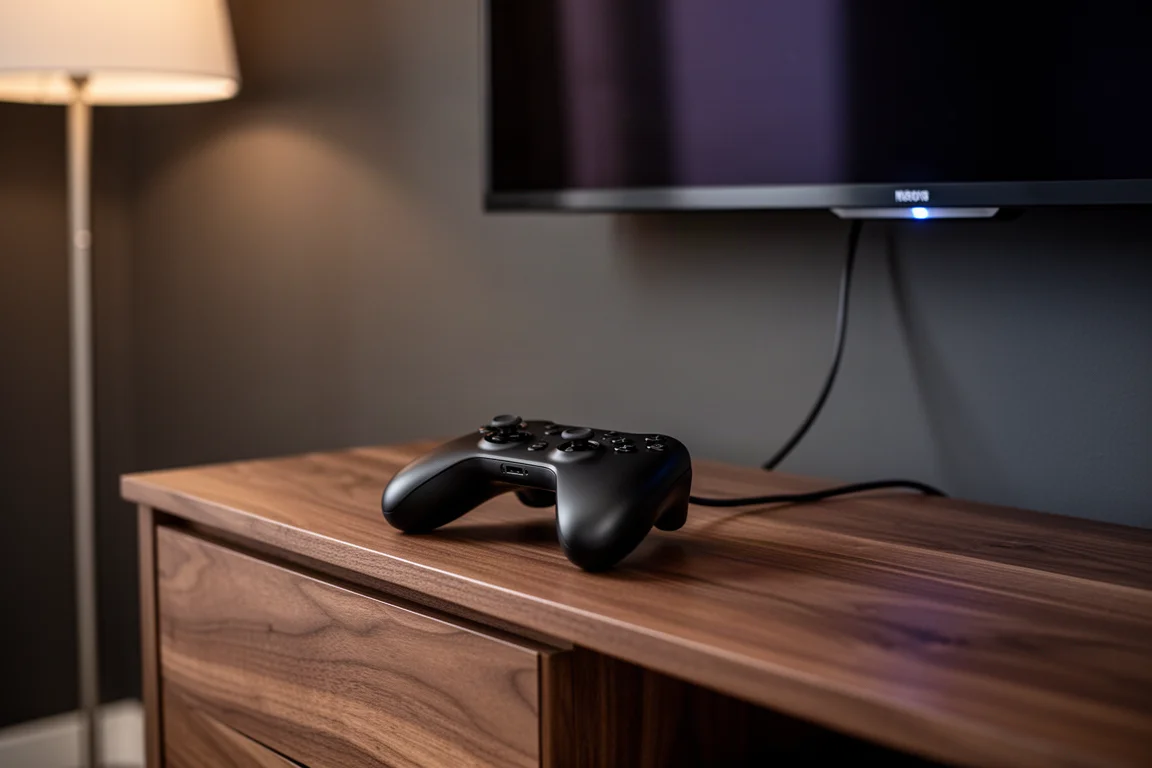
The B4 is well equipped for consoles. It offers four HDMI 2.1 compatible ports with support for variable refresh rate, auto low latency mode, Nvidia G-Sync, and AMD FreeSync. A PlayStation 5 ran at full 4K without issues, both with and without HDR enabled. Fast first-person shooters played back at 120 frames per second looked smooth, and no excessive lag was detectable in practice. A narrative title looked excellent as well and stood out as a memorable gaming experience.
Brightness settings matter during gameplay and movies alike. SDR content measured between 300 and 450 nits depending on settings, and raising peak brightness and auto dynamic contrast to maximum does increase output. The catch is that the higher you set them, the more likely you are to notice the processor struggling to keep pace with sudden changes in illumination, the auto brightness limiter stepping in, or both at once. Keeping those two settings low or off costs some peak brightness but delivers a more consistent image.
Processing, Scaling and Motion
The B4 uses LG’s A8 AI processor, which is not the brand’s flagship chip, and the difference shows with older or lower-quality sources. Native 4K content from streaming, physical media, or a console looks excellent and the processing gap is rarely visible. Switch to HD Blu-rays, heavily compressed broadcasts, or 720p material and the B4 falls short. Side by side with a reference LED television, the LG produced a noticeably softer image with HD and compressed content, and the gap widened with fine detail and text such as the lower thirds of a sports broadcast. Fast motion also looked less fluid than on that reference set.
Color fidelity is a different story. The B4’s overall image and color accuracy are exceptional and comparable to a strong reference display, and its OLED contrast and black levels are better by nature. Light uniformity and control are where the LG clearly outperformed the reference LED set, with little to no vignetting and very even light output. HDR support covers HLG, HDR10, and Dolby Vision, though HDR10+ is not supported. HDR peak brightness measured in the mid 600 nit range, with real-world brightness closer to 500 nits, and the auto brightness limiter can be even more aggressive with HDR content. Brighter HDR performance exists elsewhere, but the B4 consistently produces a natural, true-to-life image rather than a blazing one.
Smart Platform and Daily Use
Setup is straightforward. The B4 walks you through initial steps that include downloading the LG ThinQ app and connecting the television to your home network. The built-in webOS platform covers the usual streaming apps, and the day-to-day livability of modern smart TV systems is broadly similar across brands.
Speed is the weak point. webOS on the B4 is frustratingly slow, with each input from the included Magic Remote taking a second or two to register on screen. Switching to a third-party streamer such as an Apple TV 4K or a comparable media player makes the sluggishness obvious. A dedicated streaming device is the better long-term choice if responsiveness matters to you.
There is one caveat when you add an external device. The B4 prompts you to program the Magic Remote whenever you change sources, and declining that prompt does not stop the television from asking again occasionally. If you dislike the Magic Remote, expect to dismiss that request more than once.
How the B4 Compares to Other TVs
Against brighter OLED rivals, the B4 gives up some peak brightness but holds its own on accuracy. A more expensive Samsung OLED is brighter, yet it can also show aggressive auto brightness limiting, and the LG’s out-of-the-box image is more accurate with better colors. The Samsung has the better processor, which pays off with lesser signals, so the LG makes the most sense if your content stays current or you care most about gaming value.
Against Sony’s OLED lineup, the picture is more nuanced. An older Sony reference OLED still delivers true-to-life contrast, natural color rendering, and good edge-to-edge uniformity, and it surpasses the B4 in brightness, processing, and scaling. Its auto brightness limiter is also far less aggressive, which is one of the B4’s biggest drawbacks. Even so, the LG was slightly more accurate out of the box. That older Sony is not as easy to find now and still commands a hefty price near three thousand dollars. The newer Sony OLED is simply in a different class, but it costs more than double, which is expected at that level.
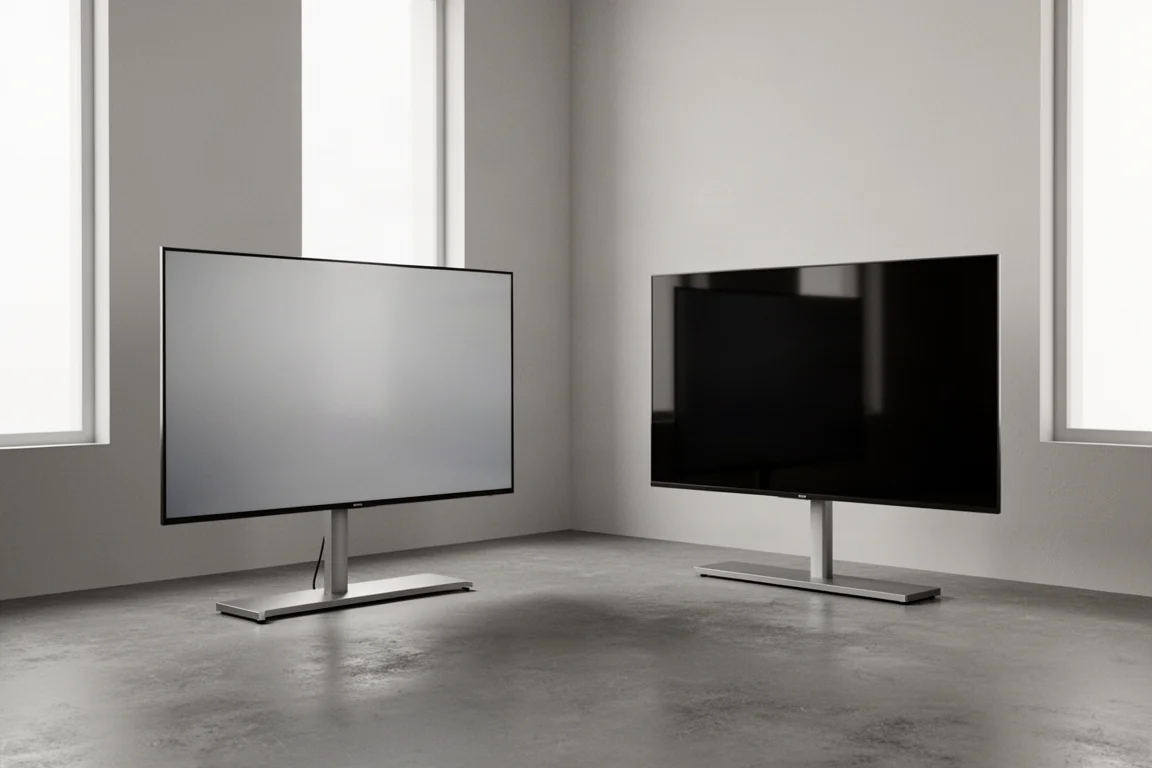
That leaves a clear hierarchy. If budget allows and you want to leave no doubt that you own one of the best OLED televisions available, the premium Sony is the stronger choice. If you are not brand loyal and are comfortable with a display that gets you most of the way to that level for less, the B4 is the more sensible purchase.
Things to Consider Before Buying
Brightness is the first consideration. The B4 is not designed to fight a sunlit room, and reflections can be distracting, particularly from an off-axis seat. If your viewing space is very bright or sits beside a window, a brighter LED or Mini LED television may serve you better.
The second is the auto brightness limiter. Pushing peak brightness and dynamic contrast to their maximum raises output but makes the limiter more visible, along with moments where the processor cannot keep up with rapid changes in a scene. Moderation keeps the image steadier.
The third is the platform. webOS works, but it feels slow, and a third-party streamer solves that for a modest cost. Also worth noting: there is no HDR10+ support, so Dolby Vision and HDR10 are the HDR formats you will rely on. Finally, if this is your first OLED, set expectations around brightness rather than contrast. The B4 delivers the latter in abundance.
Buying Advice
For most buyers, the B4 makes the most sense as a first OLED or as a gaming-focused display. It is at its best with native 4K content, whether that comes from streaming, a disc, or a console, and it rewards anyone who takes two minutes to select Cinema or one of the ISF picture profiles instead of leaving the set in an energy saving mode.
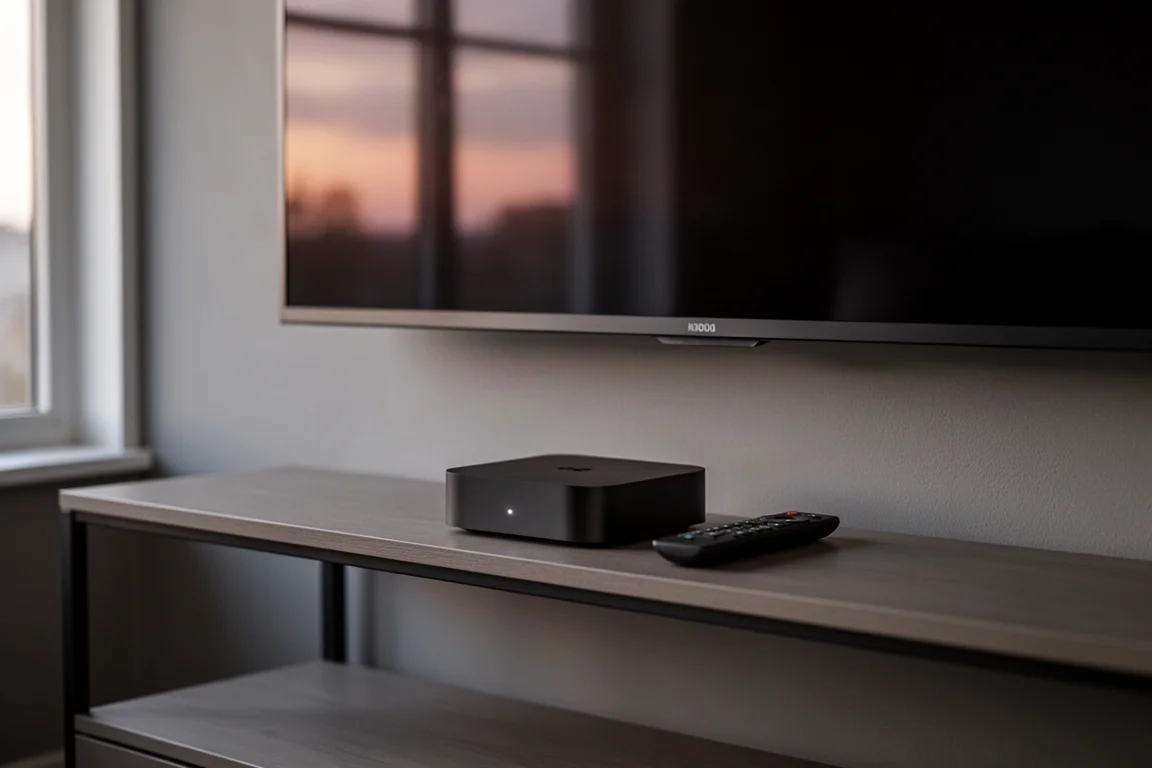
Pair it with a third-party streaming device to bypass webOS, keep the brightness boosting settings moderate, and the B4 delivers an accurate, high-contrast image that holds up well against televisions costing considerably more. Buyers who need maximum brightness for a bright room, or who watch a lot of lower-resolution and heavily compressed content, should weigh a brighter LED alternative or a more expensive OLED before deciding. For everyone else, the B4 offers a lot for a wallet-friendly price.
Conclusion
The LG B4 gets the fundamentals right. Contrast, black level, uniformity, off-axis behavior, and out-of-the-box accuracy in Cinema and ISF modes are all genuinely strong, and four HDMI 2.1 ports make it a capable gaming display. Its weaknesses are specific and easy to plan around: a slow smart platform, a processor that shows its limits with older sources, and an auto brightness limiter that becomes noticeable when you chase maximum brightness. Feed it current 4K content, add a third-party streamer, and it is an easy television to live with.
Product link
View more details for LG B4 OLED TV
This product is mentioned in the review. Check the specifications, options, and compatibility before buying.
View more details for LG B4 OLED TVFurther reading
Related Reviews
TVs
Best Sony XR TVs Compared: X90K, X95K, A80K, A90K, A90J, A95K and Z9K
A practical guide to Sony's XR television range, from the value-focused X90K to the 8K Mini LED Z9K, with clear advice on which model suits which room.
TVs
Hisense 100UR8SG Review: A 100-Inch RGB Mini-LED That Takes On OLED
A 100-inch RGB mini-LED television with measured peak brightness of 3,850 nits, wide color volume, and a price far below large-format OLED.
TVs
Hisense U9 vs Hisense U8 vs Samsung S90C OLED: Which TV Is Worth Buying?
A practical comparison of two Hisense RGB Mini-LED televisions and an OLED alternative, with real strengths, trade-offs and a clear buying recommendation.