Home Theater Projectors
JVC NZ800 vs NZ900: Two New 4K Laser Projectors Compared
JVC's NZ800 and NZ900 add third-generation DILA chips, an optimized blue laser light source, and second-generation Frame Adapt HDR. Here is what the two models share, how they differ, and which one suits your room.
Introduction
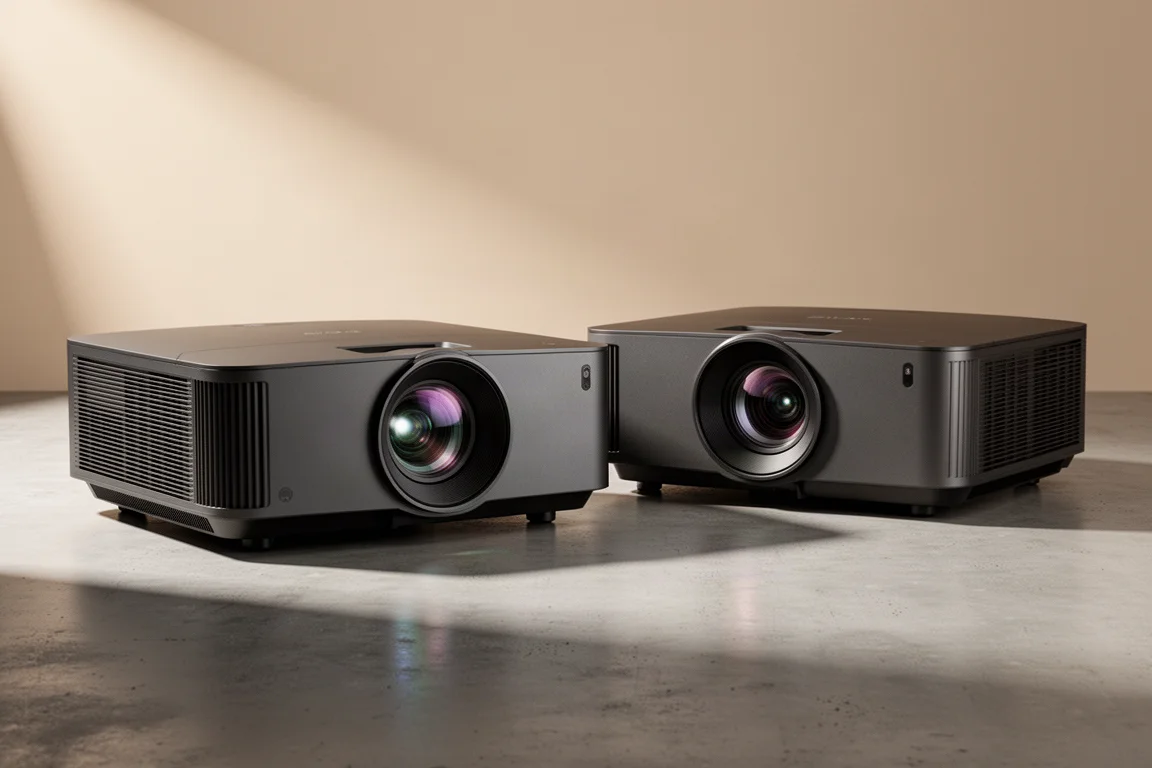
JVC’s NZ800 and NZ900 are the successors to the NZ8 and NZ9, and they arrive with a familiar exterior wrapped around a substantially reworked interior. Both models move to third-generation DILA chips, an optimized blue laser light source, second-generation Frame Adapt HDR, and the latest generation of JVC’s 8K e-shift X processing. JVC has built its front projection reputation on the DILA light engine since 1997, and these two projectors are the most recent step in that lineage.
The chassis is carried over from the previous generation, so the footprint and the roughly 50 lb weight are unchanged. That weight is worth planning for, since a ceiling installation is a two-person job. JVC backs the hardware with a three-year warranty plus a one-year advanced replacement warranty.
What the NZ800 and NZ900 Share
The DILA device is the heart of both projectors, and the third-generation version brings two specific improvements: better alignment control of the liquid crystals and enhanced flatness of the image pixels. The result JVC quotes is 1.5 times the native contrast ratio of the NZ8 and NZ9, together with better overall image uniformity across the screen.
Both models also use JVC’s optimized blue laser light source, which is rated to last up to 20,000 hours at 50 percent brightness. The light engine has been tuned for higher peak brightness than before, and dynamic laser light control reads the incoming signal to modulate how much light leaves the projector, which JVC describes as dynamic contrast of infinity to one in scenes where the light source shuts off completely.
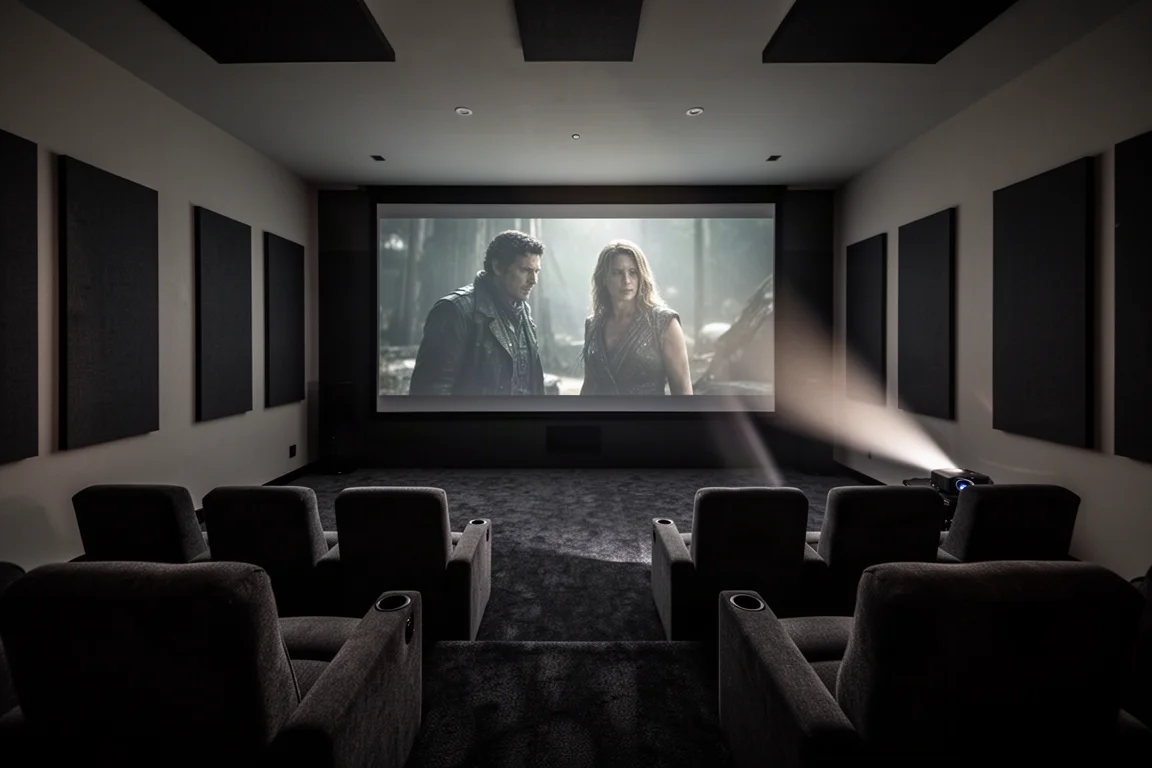
Motorized lens memory remains one of the quieter advantages of this lineup. Around 85 percent of blockbuster films are shot in widescreen, and lens memory lets you store one setting for standard 16:9 content and another for the wider 2.4 aspect ratio, then switch between them without touching the lens. There are up to 10 memory slots, which covers the 2.0 and 2.1 ratios used by some series, and both projectors are compatible with the aftermarket Panamorph lens if you want an even wider presentation.
HDR Processing and the New Picture Modes
HDR10 embeds metadata in the signal that tells a display how to reproduce it, with the goal of brighter highlights, deeper blacks, and more color variation. The catch is that the metadata assumes a display capable of several hundred to several thousand nits, while most home theater projectors produce far less. JVC’s Frame Adapt HDR addresses that gap by analyzing the signal frame by frame or scene by scene and adjusting tone mapping dynamically.
The second generation of Frame Adapt HDR revisits that process with an improved tone curve selection algorithm, and both projectors support HDR10+ in addition to HDR10. HDR10+ carries luminance information for each individual scene rather than a single average for the whole film, which brings the projected image closer to the intended look. The Home Theater Optimizer goes further by factoring in your screen size, screen gain, iris position, and throw distance, so tone mapping is tailored to the actual room.
JVC has also added several processing features to both models. The deep black function subdues tones in dark areas for more realistic darkness while maximizing dynamic range, and DML, or display mastering luminance, adjusts the dynamic range to match the image for improved HDR tone mapping. Filmmaker Mode, developed by the UHD Alliance, disables frame interpolation and noise reduction and sets the color temperature to 6,500 Kelvin. A new Vivid picture mode is aimed at SDR animated content with a narrower dynamic range.
Sharpness and detail come from the second-generation 8K e-shift X system, which shifts in four diagonal directions: up, down, left, and right. Delivering that required a faster processor and a panel driven at twice the previous speed, with a 240 Hz driver producing the equivalent of 240 hertz and 35 million addressable pixels. Paired with a native 4K DILA device, the result is a clear improvement in sharpness and detail across a wide range of content.
JVC NZ800: Brighter Successor to the NZ8
The NZ800 steps up from the NZ8 with a peak brightness of 2,700 lumens against 2,500, an increase of 200 lumens, or about 8 percent. Its third-generation native 4K DILA device raises the contrast ratio to 100,000:1 from the NZ8’s 80,000:1, and manufacturing improvements deliver better screen uniformity. The lens is a 65 mm, 17-element, 15-group all-glass design.
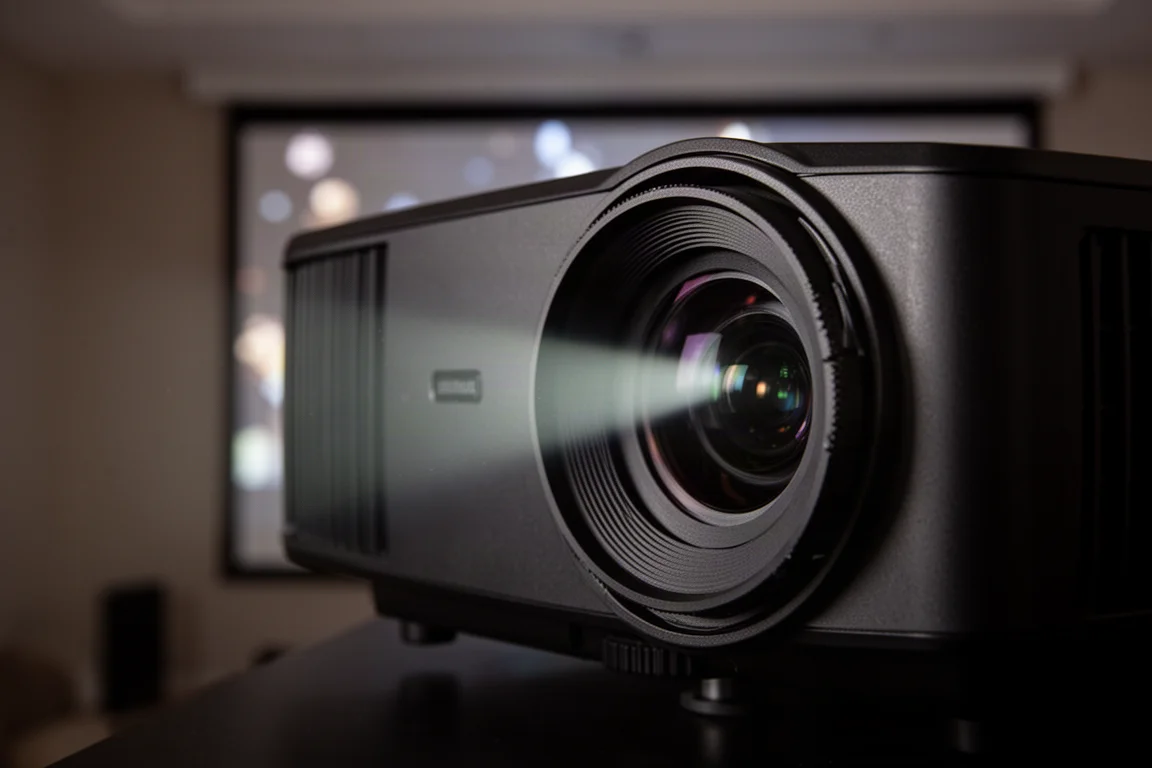
Taken together, those numbers describe a projector that is a clear step up from the NZ8 rather than a dramatic reinvention. The extra brightness helps in rooms that are not completely light controlled, while the higher contrast and more uniform panel show up in dark scenes that mix deep black areas with subtle shadow detail, where the image stays more true to life.
JVC NZ900: The Flagship Step Up
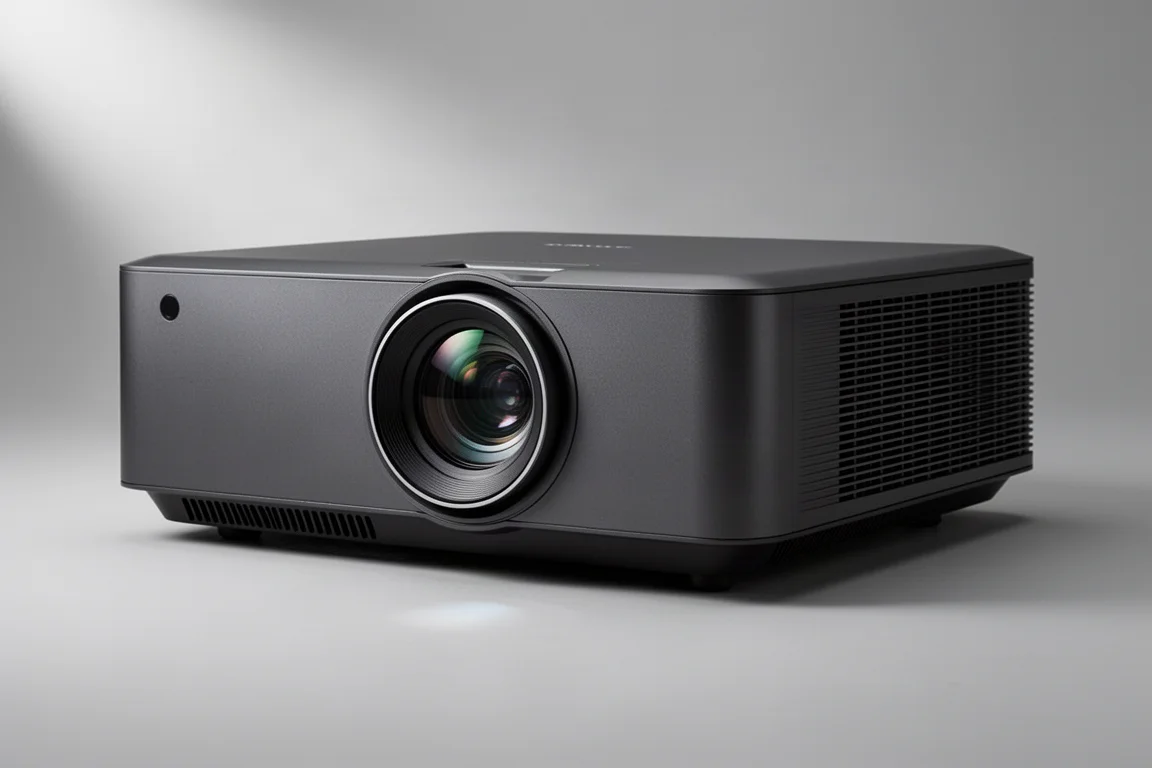
The NZ900 is the top of the range, and it pairs the same third-generation DILA device with a larger lens and a more powerful light engine. Peak brightness reaches 3,300 lumens against the NZ9’s 3,000, and the contrast ratio climbs to 150,000:1 from 100,000:1. That works out to 10 percent more light output than the NZ9 and more than 22 percent more brightness than the NZ800.
The lens is where the two new models diverge most. The NZ900 uses a 100 mm high-quality system with an 18-element, 16-group all-glass construction and five special low-dispersion lenses, and it is better suited to 8K reproduction, so the detail gains from 8K e-shift X are more pronounced. For a screen of 170 inches or larger, the NZ900 is the better choice of the two.
Setup, Calibration, and Gaming Support
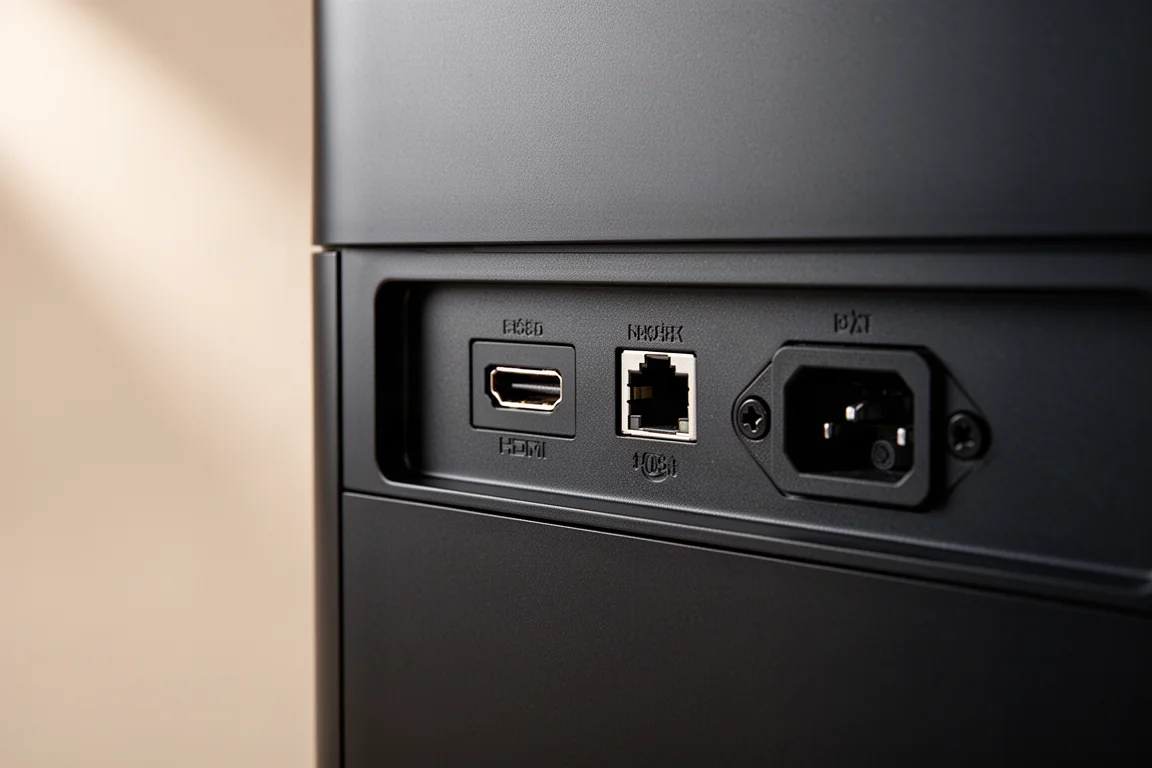
Both projectors include two 48 Gbps HDMI 2.1 inputs with HDCP 2.3, which allows them to accept and play back a full 8K 60p source. There is little 8K content available today, but the connectivity keeps these models relevant as source formats change. A low latency mode supports 4K 120p gaming on current Xbox and PlayStation consoles and on gaming PCs.
The calibration system carries over largely unchanged, and that is a good thing. The menus are extensive, with deep-level settings for adjusting the picture, and you can enter the brand and type of screen material in your room for better color accuracy. Most of the default settings are already where you want them.
For enthusiasts who want to go further, JVC offers a free calibration software package. You will need an optical meter, which starts at around $200, plus a laptop, and the process runs automatically. It will not replace a professional calibrator entirely, but it can get you close to results that would otherwise cost several hundred dollars to achieve.
Which JVC Projector Should You Buy?
If this is your first JVC projector, either of these two models puts the latest technology and the extra brightness in your room from day one. The NZ800 is the sensible choice for most rooms and screen sizes, since it delivers the full set of shared upgrades at the lower point in the range. The NZ900 is the one to consider if you have a screen of 170 inches or larger, or if you want the best video quality JVC offers and are comfortable with the higher price.
Should You Upgrade From an NZ8 or NZ9?
If you have a large theater room, or a multi-purpose room with some ambient light, the additional brightness of the NZ800 and NZ900 is the most persuasive argument for an upgrade. These models have a little more light output to work against stray reflections while still improving blacks and contrast.
In a dedicated theater with complete control over the light, the question is closer. Calibrating your existing NZ8 or NZ9 properly is the first step, and if you still want more performance afterwards, the new models are worth considering. It is also worth remembering that a high-quality screen and good source components will do more for the final image than a projector change alone, so address those first if they are not already in place. Owners of the previous generation will find the transition easy, because the chassis, menus, and setup process are unchanged.
Conclusion
The NZ800 and NZ900 take two well-regarded projectors and refine them rather than replace them. Third-generation DILA chips bring more native contrast and better uniformity, the optimized blue laser adds brightness, and second-generation Frame Adapt HDR with HDR10+ support handles today’s content more convincingly. The choice between them comes down to room and screen size: the NZ800 covers most setups, while the NZ900 is built for very large screens and for buyers who want the flagship lens and the brightest image in the lineup.
Further reading
Related Reviews
Home Theater Projectors
Barco Heimdoll Family Guide: Choosing a Native 4K RGB Laser Projector
A practical guide to the Barco Heimdoll, Heimdoll Cinemascope, Heimdoll Plus, and Heimdoll Plus Cinemascope for large-format home theaters.
Home Theater Projectors
Best Home Theater Projectors 2026: Five Models Ranked by Performance and Value
A comprehensive ranking of five home theater projectors, from budget-friendly to premium options, evaluated on brightness, resolution, color accuracy, and gaming performance.
Home Theater Projectors
Epson EpiqVision LS800 Review: A Super Ultra Short Throw 4K Laser Projector for Bright Living Rooms
A practical look at the Epson EpiqVision LS800 and the SilverFlex Ultra ALR screen, covering brightness, throw distance, gaming performance, and the setup trade-offs worth knowing.