Home Theater Projectors
JVC NZ500 vs JVC NZ700: Two Native 4K D-ILA Projectors Compared
A practical comparison of JVC's newest native 4K D-ILA laser projectors, covering brightness, contrast, color, placement, and which model suits which room.
Introduction
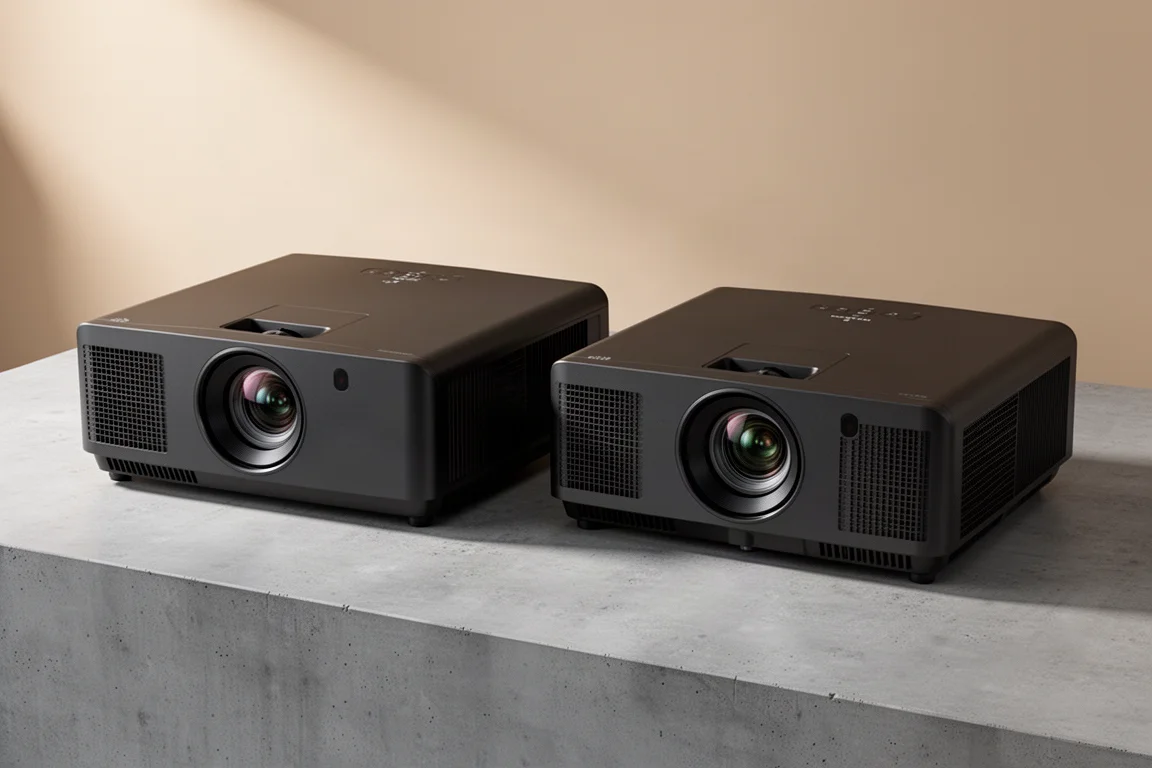
The JVC NZ500 and NZ700 are the two newest entries in JVC’s native 4K D-ILA projector lineup. The NZ700 takes over from the NZ7, while the NZ500 replaces the lamp-based NP5 and arrives at a new entry-level price. Both sit below the NZ800 and NZ900, and both bring a redesigned chassis, third-generation 4K D-ILA chips, and a laser light source.
They are closely related, so the buying decision comes down to a short list of differences: light output, native contrast, color gamut, and price. This guide covers what each model offers, where they genuinely differ, and which one makes more sense for a given room and screen size.
What Sets the NZ500 and NZ700 Apart
The two projectors share most of their technology, and the gaps between them are easy to summarize.
- JVC NZ500: 2,000 lumens, a 40,000:1 native contrast ratio, 93% DCI-P3 coverage, and a launch price of around $6,000.
- JVC NZ700: 2,300 lumens, an 80,000:1 native contrast ratio, and 98% DCI-P3 coverage thanks to a cinema filter that can be enabled in the settings. Launch price is around $9,000.
The cinema filter is the one trade-off worth noting on the NZ700: JVC states that enabling it can reduce light output by roughly 25%. Wider color coverage and double the native contrast are the main reasons the NZ700 costs more.
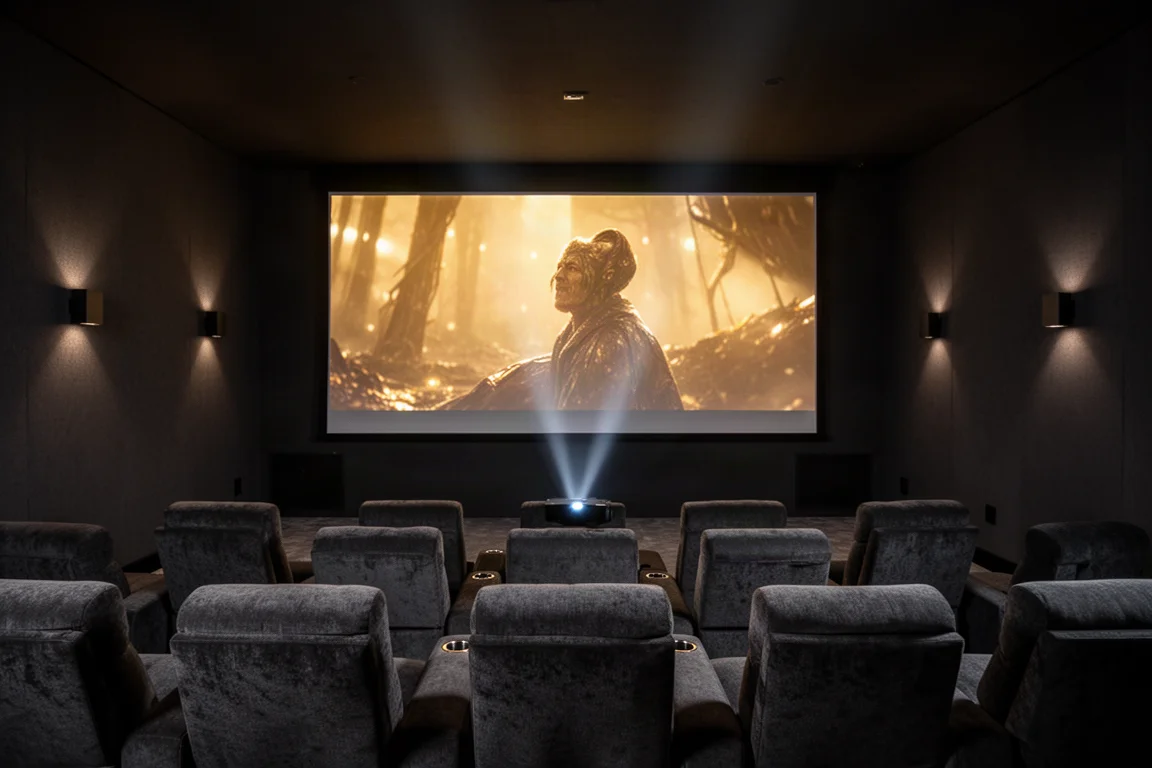
Those figures matter differently depending on the setup. A smaller screen in a light-controlled room will look excellent on either model, while a larger screen or a longer throw distance makes the NZ700’s extra brightness and contrast headroom more useful.
Shared Chassis, Build, and Installation
The NZ500 and NZ700 use a completely redesigned casing that JVC describes as the world’s smallest 4K D-ILA projector. The new chassis measures roughly 18 inches wide, 7 inches tall, and 19 inches deep, compared with about 20 by 9 by 20 inches on the NZ800 and NZ900. That works out to roughly a 35% reduction in volume.
Cooling has been reworked as well. The exhaust fans draw cool air in from the front and push warm air out of the back, the opposite of the airflow direction on the NZ800 and NZ900. If the projector will live in a cabinet or a tight enclosure, plan for open space and clear airflow behind the unit.
Both models weigh just over 30 pounds, so a second pair of hands is worth having at mounting time. Build quality is heavy and solid, and JVC backs it with a three-year warranty plus a one-year advanced replacement warranty.
Laser Light Source and Native 4K D-ILA Imaging
Both projectors use JVC’s newly optimized blue Escent laser light source. JVC rates it for up to 20,000 hours at the highest laser setting, and that figure rises to roughly 30,000 to 40,000 hours when the projector is not run at maximum brightness at all times. Compared with older models, the light engine is designed for higher peak brightness, greater efficiency, and quieter operation.
The imaging device is the third-generation 4K D-ILA chip, and the image is native 4K rather than a shifted or simulated 4K picture. One detail is worth understanding: these chips are produced at a very small scale, so there is unit-to-unit variability. JVC tests and grades every chip, discarding those that do not meet its requirements and reserving the highest-performing samples for the more expensive models. In practice, contrast and color improve as you move up the range, even though the chip family is shared.
HDR Processing and Picture Modes
Both models include second-generation Frame Adapt HDR, which analyzes the incoming signal frame by frame or scene by scene and applies a tone curve to suit it. The algorithm behind tone curve selection has been refined to produce HDR images that are brighter and more colorful, with a wider dynamic range.
The NZ500 and NZ700 support HDR10 and HDR10+. HDR10+ embeds luminance information for each individual scene in the metadata rather than a single average for the whole film, which lets the projector get closer to the image the creator intended.
Several picture tools have carried down from the NZ800 and NZ900. Deep Black Tone Control actively subdues tones in dark areas for more realistic shadow detail and a wider dynamic range. Display Mastering Luminance adjusts and sets the dynamic range to match the source for improved HDR tone mapping. Filmmaker Mode turns off frame interpolation and noise reduction and sets color temperature to the industry-standard 6,500 Kelvin for a more faithful look. Vivid mode, introduced on the higher models, is aimed at SDR animated content with a narrower dynamic range and pushes more saturated color.
Setup can be kept simple: tell the projector which picture mode to use for SDR content and which to use for HDR content, and it switches automatically based on the incoming signal.
Lens, Lens Memory, and Placement Flexibility
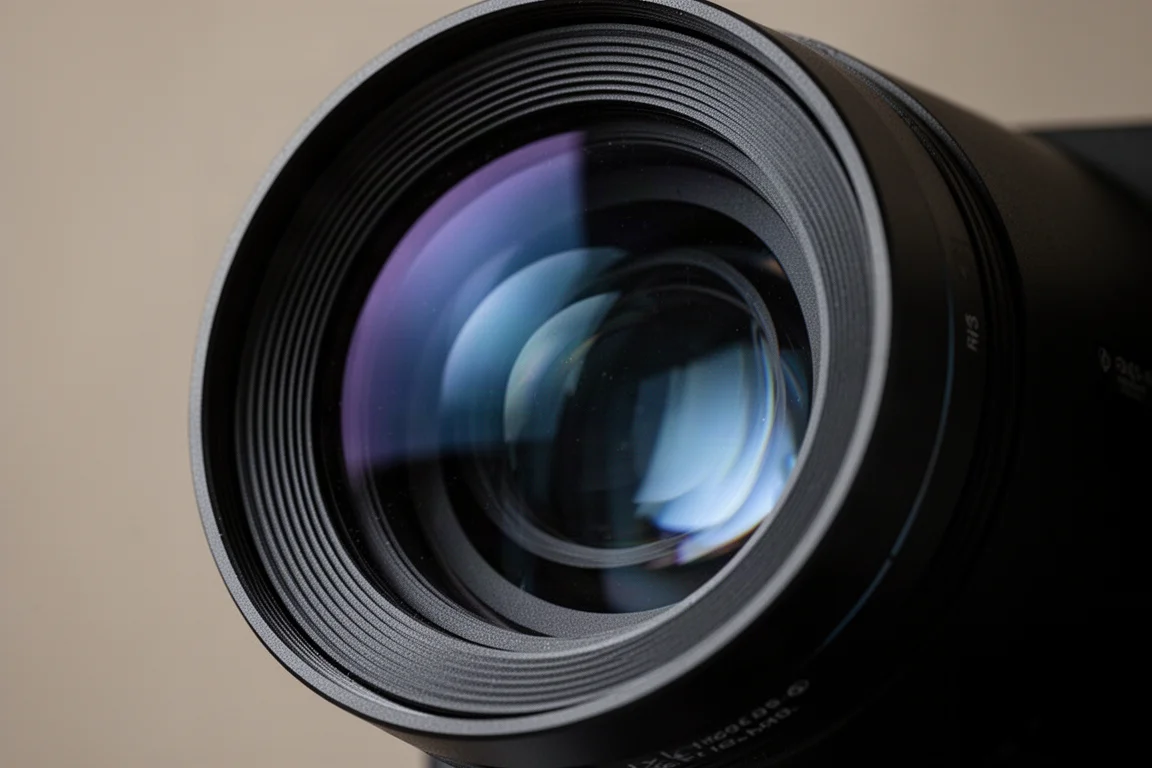
Both projectors use an 80 mm lens with 15 elements in 11 groups, a design that keeps the image sharp from corner to corner at 4K. It is a step down from the lens used in the NZ900, which is one of the ways JVC kept costs lower on these models.
The lens is fully motorized and supports lens memory, with up to five stored positions. That makes it possible to move between standard 16:9 content and a wider 2.4:1 aspect ratio with a button press on the remote, which suits the fact that most blockbuster films are shot in widescreen. The models are also compatible with aftermarket Panamorph lenses for a wider widescreen presentation.
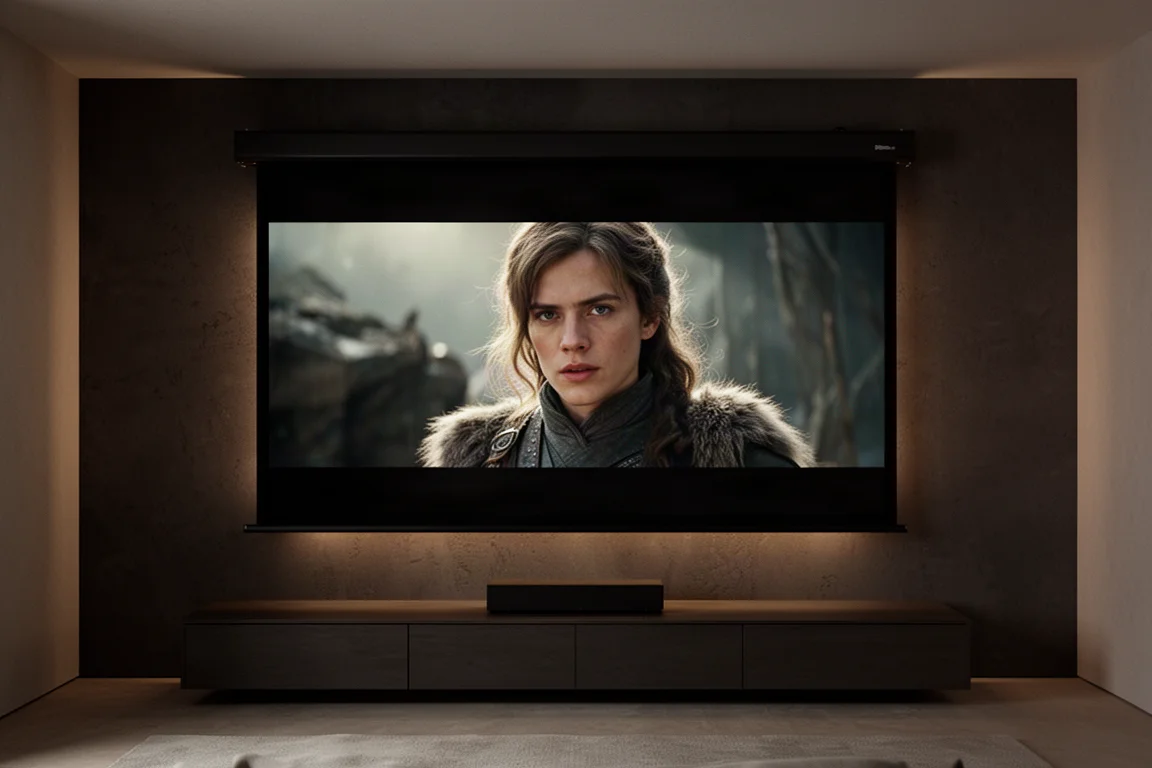
Placement is where the smaller chassis has a cost. The zoom range is 1.6x, compared with 2x on the NZ800 and NZ900, and lens shift covers about 70% vertically and 28% horizontally. That is slightly less than the NZ800 and noticeably less than the NZ900, so there is less freedom in how far back the projector can sit while still filling a given screen.
Gaming, Menus, and Calibration
Each projector has two 32 Gbps HDMI 2.1 inputs with HDCP 2.3, and both can play back 4K 60p sources with low latency, which keeps casual console and PC gaming reasonably smooth. What they do not offer is 120 frames per second, a feature available on the NZ800, the NZ900, and even the older NP5. Anyone who prioritizes high frame rate gaming would need to step up the range.
The menus are new and differ from the rest of the lineup. They are extensive, with deep-level picture adjustments, and they take a little time to learn. One welcome change is a fully adjustable laser light slider running from 0 to 100, replacing the low, medium, and high steps used previously, which gives finer control over image brightness. Most default settings are already close to where they should be, though the slider makes calibration more involved. For deeper tuning there is a six-axis color management system for hue, saturation, and intensity across six colors, plus an auto calibration function that works with JVC’s free software and an optical meter, which starts at around $200.
Features You Give Up Compared With the NZ800 and NZ900
Three omissions separate these models from the tier above. There is no Home Theater Optimizer, so screen size and gain cannot be entered for the projector to optimize the image to your room. A screen adjustment mode is available instead: look up the screen on JVC’s site, enter a custom code, and the projector optimizes color for that screen material, but screen size cannot be entered.
There is no 3D support on either model, and the 8K e-shift X upscaling used by the NZ800 and NZ900 is also absent. Clear Motion Drive is included with high and low options, but it relies on frame insertion only and works with 60 Hz content. Native motion is strong enough that leaving it off is a reasonable choice, since the effect can be more distracting than helpful.
For many buyers these are acceptable trade-offs in exchange for a lower price, particularly the 3D omission.
JVC NZ500: The Entry Point to Native 4K D-ILA
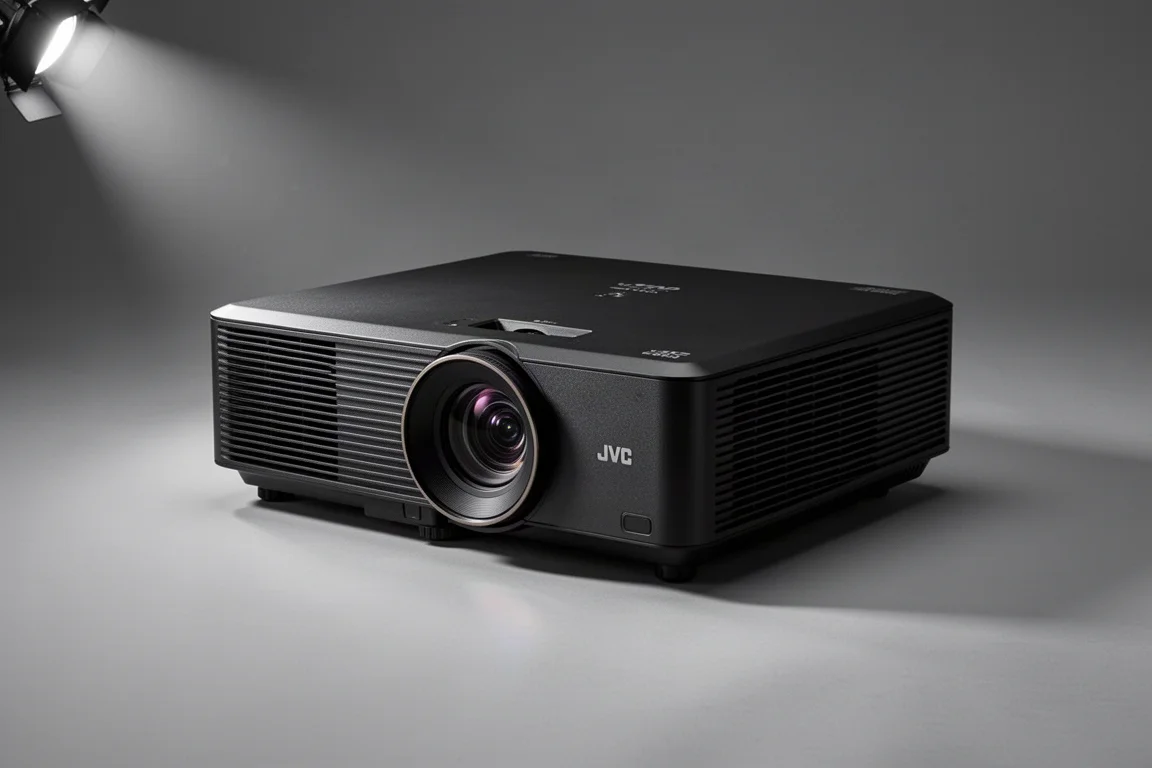
The NZ500 is the more affordable of the two and replaces the lamp-based NP5 at a new entry-level position in the lineup. It delivers 2,000 lumens, a 40,000:1 native contrast ratio, and 93% DCI-P3 coverage, with the same chassis, laser light source, motorized lens with memory, and HDR processing as its sibling.
Contrast is the standout quality. In side-by-side viewing, blacks are notably deeper than on older models and highlights hold up well, with strong dynamic range even in dark scenes. The difference in brightness between the NZ500 and the NZ700 is subtle to the eye, which makes the NZ500 an easy recommendation for a moderate screen size in a room with good light control.
JVC NZ700: More Brightness and Contrast, Wider Color
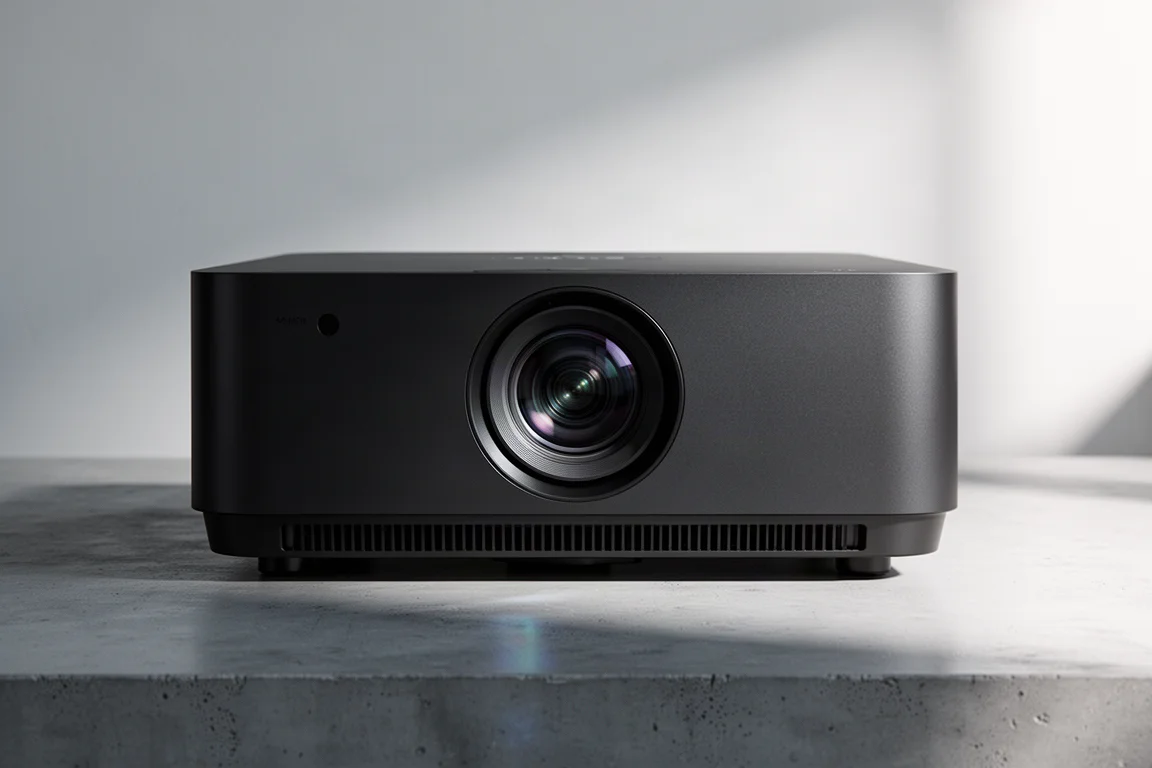
The NZ700 replaces the NZ7 and moves to 2,300 lumens, an 80,000:1 native contrast ratio, and 98% DCI-P3 coverage when the cinema filter is engaged. The filter costs roughly 25% of light output, so it is a setting to use selectively rather than leave on permanently.
The contrast advantage is the headline. Against the NZ500 the difference is clearly visible, and the NZ700 produces excellent contrast in both HDR and SDR material, with colors that look realistic and a wide dynamic range. The extra brightness also helps when the screen is larger or the projector has to sit further back in the room. Compared with the NZ800 and NZ900, the picture is a step below in contrast, detail, and placement flexibility, but the price gap is significant.
Which One Is Right for Your Room?
The choice usually comes down to screen size and throw distance rather than features, because the two projectors share nearly everything else. A larger screen demands more light output, and the NZ700’s extra 300 lumens and doubled native contrast will be more visible there. On a smaller screen with controlled lighting, the NZ500 covers the same ground for considerably less money.
Upgrade decisions follow a similar logic. Coming from an NP5 or an NZ7, either new model is a meaningful step forward in brightness and contrast. Coming from an NZ8 or NZ9, moving up to the NZ800 or NZ900 makes more sense than stepping down to the NZ700.
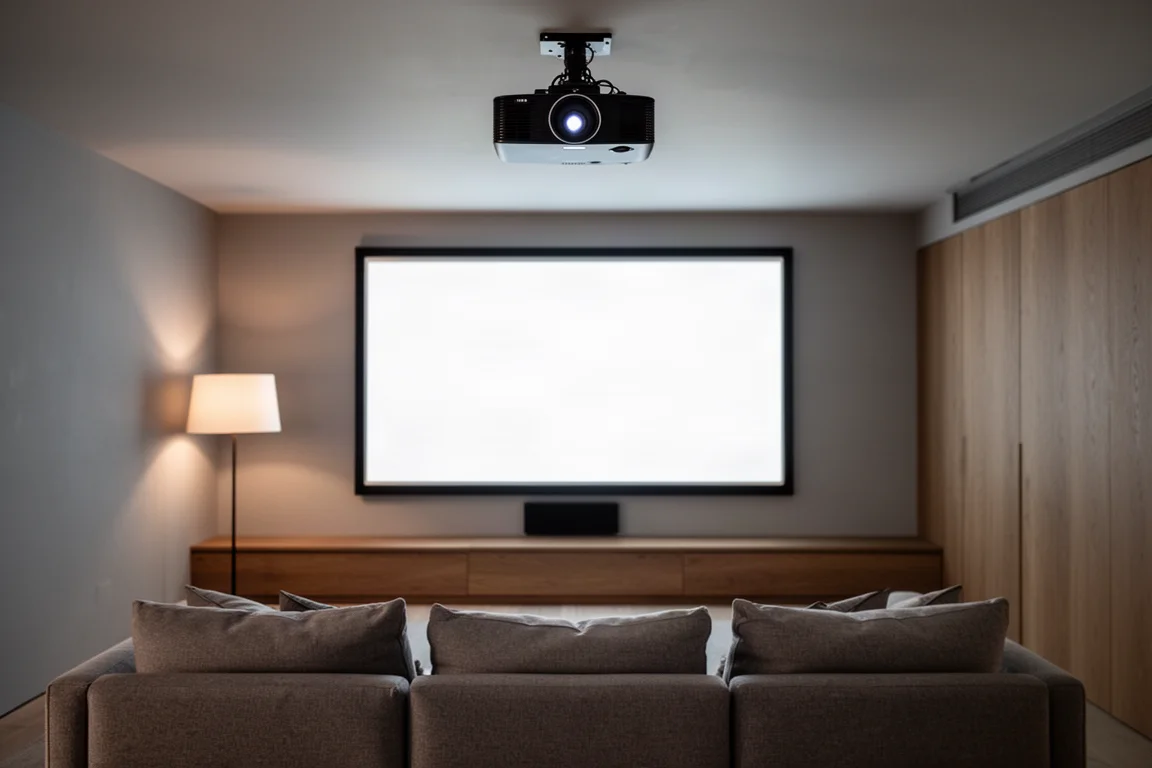
It is also worth weighing the trade-offs that come with the lower price: the shorter zoom range, the more limited lens shift, no 3D, no 8K e-shift X, and no Home Theater Optimizer. If those features matter, the higher tier is the better fit. If they do not, the NZ500 and NZ700 deliver the core of what makes the lineup appealing at prices that are easier to justify.
Conclusion
The JVC NZ500 and NZ700 bring native 4K D-ILA imaging, a compact redesigned chassis, a long-life laser light source, and second-generation Frame Adapt HDR to lower price points than before. The NZ500 is the value pick for well-controlled rooms and moderate screen sizes, while the NZ700 earns its higher price with more brightness, double the native contrast, and wider DCI-P3 coverage with the cinema filter. Match the model to your screen size and throw distance, and either one is a confident purchase.
Further reading
Related Reviews
Home Theater Projectors
Barco Heimdoll Family Guide: Choosing a Native 4K RGB Laser Projector
A practical guide to the Barco Heimdoll, Heimdoll Cinemascope, Heimdoll Plus, and Heimdoll Plus Cinemascope for large-format home theaters.
Home Theater Projectors
Best Home Theater Projectors 2026: Five Models Ranked by Performance and Value
A comprehensive ranking of five home theater projectors, from budget-friendly to premium options, evaluated on brightness, resolution, color accuracy, and gaming performance.
Home Theater Projectors
Epson EpiqVision LS800 Review: A Super Ultra Short Throw 4K Laser Projector for Bright Living Rooms
A practical look at the Epson EpiqVision LS800 and the SilverFlex Ultra ALR screen, covering brightness, throw distance, gaming performance, and the setup trade-offs worth knowing.