Home Theater Projectors
JVC DLA-RS3100 (DLA-NZ8) Review: The Sweet Spot in JVC's Laser Projector Lineup
A native 4K laser home theater projector with four-way 8K e-shift, 2,500 lumens, and full 48 Gbps HDMI 2.1 bandwidth. Here is what the RS3100 gets right and what to weigh before buying.
Introduction
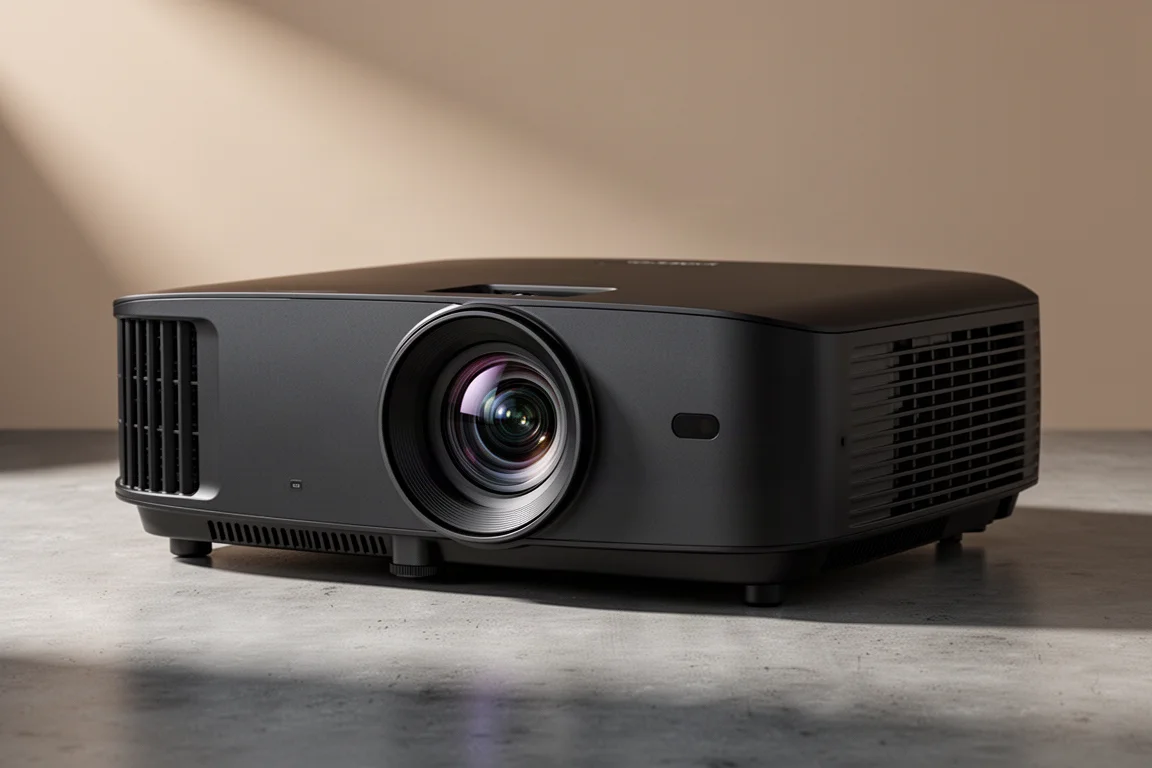
The JVC DLA-RS3100 and the JVC DLA-NZ8 are the same functional projector sold under two model names, which is why most discussion of this unit circulates under the NZ8 label. Both names describe a native 4K home theater projector built around JVC’s Blue Escent laser light source, four-way 8K e-shift processing, and a 17-element all-glass lens.
Pricing places the RS3100 in the middle of JVC’s NZ series. The projector carries a $15,999 list price, with a limited-time $2,000 discount bringing it to $13,999. The DLA-NZ7 sits below it at $8,999, while the DLA-NZ9 flagship lists at $25,995 and has also carried a $3,000 promotional discount to $22,999. For a dedicated theater room that wants strong HDR performance without flagship pricing, that middle position is a persuasive one.
The hardware itself is substantial. The projector weighs just over 50 pounds, so a ceiling mount rated for that load is a genuine requirement rather than a nicety. With the feet removed for ceiling mounting, chassis height drops to roughly 8 5/16 inches. The rear panel carries an IR port, manual controls, a 12V trigger output for motorized screens, an Ethernet jack for auto calibration, a USB service port that gains extra functionality with an upcoming firmware release, RS-232 control, two HDMI inputs, and a 3D port. 3D Blu-ray playback requires an optional $99 adapter. The remote control has been redesigned as well, with a refreshed look and feel compared with earlier JVC handsets.
Who This Projector Is For
The RS3100 speaks to two audiences that rarely agree on a projector. The first is the movie-focused theater owner who wants accurate HDR tone mapping, deep native contrast, and enough light output to fill a large screen without washing out blacks. The second is the high frame rate gamer who wants 4K at 120 Hz on a very large display with latency low enough to feel responsive.
If your room is small, your screen is modest, and your viewing is mostly casual daytime television, this projector is more capability than the space can use. It rewards a light-controlled room, a screen sized to its 2,500 lumens, and an owner who is willing to spend a little time on setup.
Image Quality: Blue Escent Laser, Optics, and Contrast
The headline change from a traditional design is the light engine. JVC calls it Blue Escent, a blue laser diode and phosphor system that replaces the lamp entirely. JVC rates the laser at 20,000 hours, which works out to roughly a movie a day for two decades before the light source reaches the end of its rated life. Unlike a lamp, the laser cannot be replaced once it is exhausted, so that rating is worth understanding before purchase.
JVC rates the RS3100 at 2,500 ANSI lumens with an 880,000:1 native contrast ratio and an infinity:1 dynamic contrast ratio. The projector uses a dynamic iris along with an illumination iris to manage contrast, plus 12-bit processing. It covers 100 percent of Rec.709 and, with the color filter engaged, 100 percent of the DCI-P3 color gamut. Engaging that filter costs some light output, which is the trade-off for full DCI coverage. The unit is ISF certified.
The lens is a 17-element, 15-group all-glass design measuring 65 mm in diameter with a full aluminium barrel. It is the same physical size as the lens on the NZ7, but the RS3100 uses ultra high contrast optics that reduce internal light reflections and improve image quality over the lower model. The large glass element helps the projector hold resolution right to the edges of the frame.
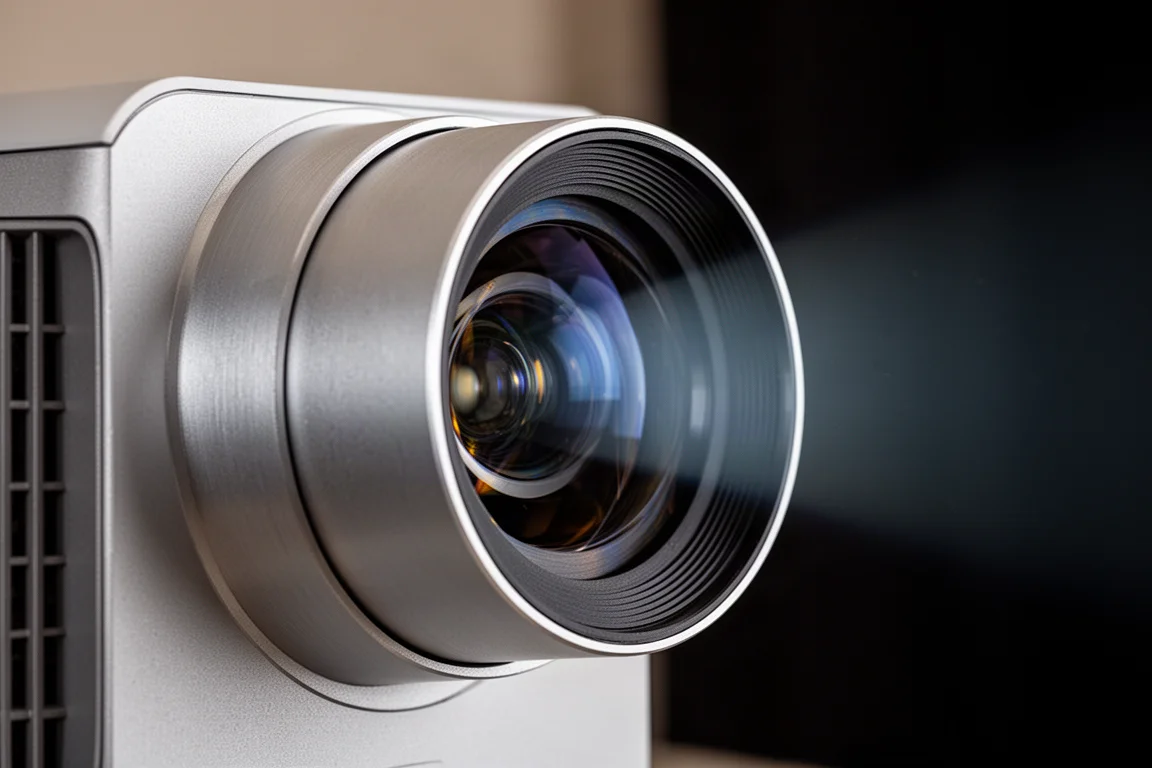
JVC’s e-shift technology is the other half of the resolution story. The projector uses a native 4K chipset, and e-shift doubles the effective projected resolution by shifting each pixel by half a pixel. On this generation the shifting works in four directions, up, down, left and right, rather than the two diagonal directions used previously, which allows the projector to display 8K signal information in its entirety. The shifting speed has also doubled, from 120 Hz to 240 Hz. The practical result is an image with a stronger sense of three-dimensionality and immersion, visible on everything from a streaming box menu to 4K UHD movie content.
Motion, Gaming, and Connectivity
Motion handling is a real strength here. JVC’s Clear Motion Drive reduces ghosting, and this projector carries the most advanced version of that processing to date. The improved algorithm references more frames to increase motion prediction and reduce frame latency, which shows up in smoother panning and cleaner fast movement.
Gaming is treated as a first-class use case rather than an afterthought. The RS3100 accepts 4K at 120p input, which keeps signal latency extremely low and makes high frame rate gaming on a large screen practical. A low latency mode further reduces delay with any PC signal, improving response to rapid input.
Every model in the NZ series supports HDMI 2.1 and HDCP 2.3, and the RS3100 does so at the full 48 Gbps bandwidth specification. That detail matters more than it first appears, because many products that advertise HDMI 2.1 support cap out at 40 Gbps. Combined with 8K60 and 4K120 support, the connection standard leaves headroom for current sources and future ones.
Calibration, HDR Tone Mapping, and Firmware Support
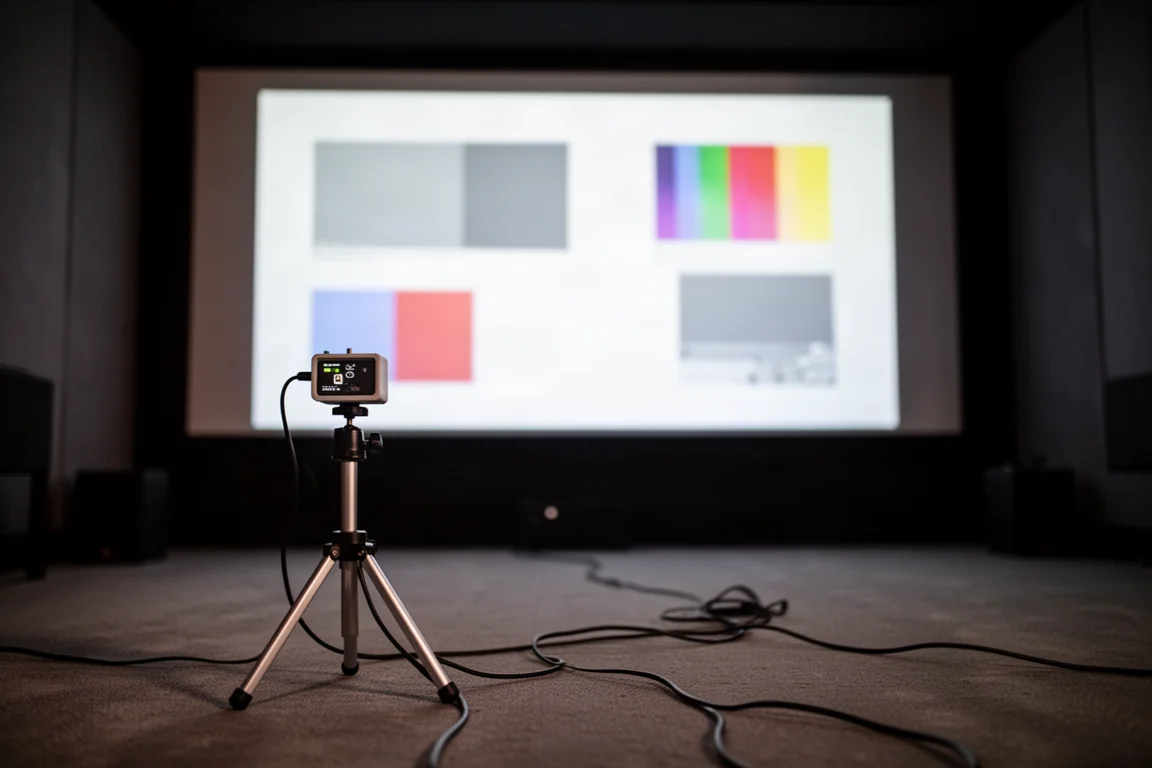
Out-of-box performance is very good, but a projector at this level benefits from calibration, and JVC makes that straightforward. The company offers free Windows-based projector calibration software that works with an X-Rite i1 Pro2 or a Datacolor Spyder X. Paired with JVC’s projector software, it can automatically calibrate the RS3100 in minutes for both HDR and SDR content.
HDR support covers HDR10, HLG, and HDR10+, the last of which means a current generation Apple TV 4K can be used to take advantage of HDR10+ titles. Tone mapping is where this projector earns much of its reputation. JVC’s Frame Adapt HDR uses a proprietary algorithm to analyse the maximum brightness of HDR10 content frame by frame and adjust dynamic range in real time to suit video projection. The approach keeps highlights controlled instead of clipping to flat white.
JVC also continues to expand the feature set after purchase through firmware updates, which is uncommon in this category. Frame Adapt HDR Gen 2 brings improved bright whites and better black levels by reworking the tone mapping algorithm for each scene and frame. Optimising the tone curve reduces whitening in high brightness areas and preserves colour detail in a fine image. The same update adds finer control over the laser light source, with 0 to 100 steps for tuning output to the room and personal preference, replacing the three-step adjustment previously available. Adjustments based on on-screen brightness and room conditions become possible as well. A USB backup function is included too, allowing all settings to be saved and written at once to a standard USB memory stick, so professional adjustments can be backed up in advance and unintended changes can be undone.
Things to Consider Before Buying
The laser light source is rated at 20,000 hours and cannot be replaced once it reaches the end of its life. That is a long service window, but it is a different ownership model from a projector with a user-replaceable lamp, and it should factor into how you think about long-term value.
Engaging the colour filter for full DCI-P3 coverage costs light output, so very large screens and heavy HDR viewing will benefit from a careful look at screen size, gain, and room treatment before committing. The projector also weighs just over 50 pounds, which rules out lightweight mounts and may require reinforcement depending on your ceiling. If you want 3D Blu-ray playback, budget for the optional $99 adapter, and note that the USB service port gains its extra functionality only once the firmware update arrives.
Buying Advice
The RS3100 makes the most sense when it is matched to a room that can use it. A light-controlled space, a screen sized sensibly for 2,500 lumens, and a seating distance that lets the e-shift detail register will get the most from the projector. Gamers should confirm that their source chain can pass 4K120 over HDMI 2.1, since the projector’s full 48 Gbps bandwidth is only useful if the rest of the chain supports it.
Plan on calibration as part of the purchase rather than an optional extra. The free JVC software plus a compatible meter is a low-friction path to getting HDR and SDR both dialled in, and the resulting image is meaningfully better than an untouched preset. Ceiling mounting is the usual approach for a projector of this size, so verify the mount rating and the drop height before installation day.
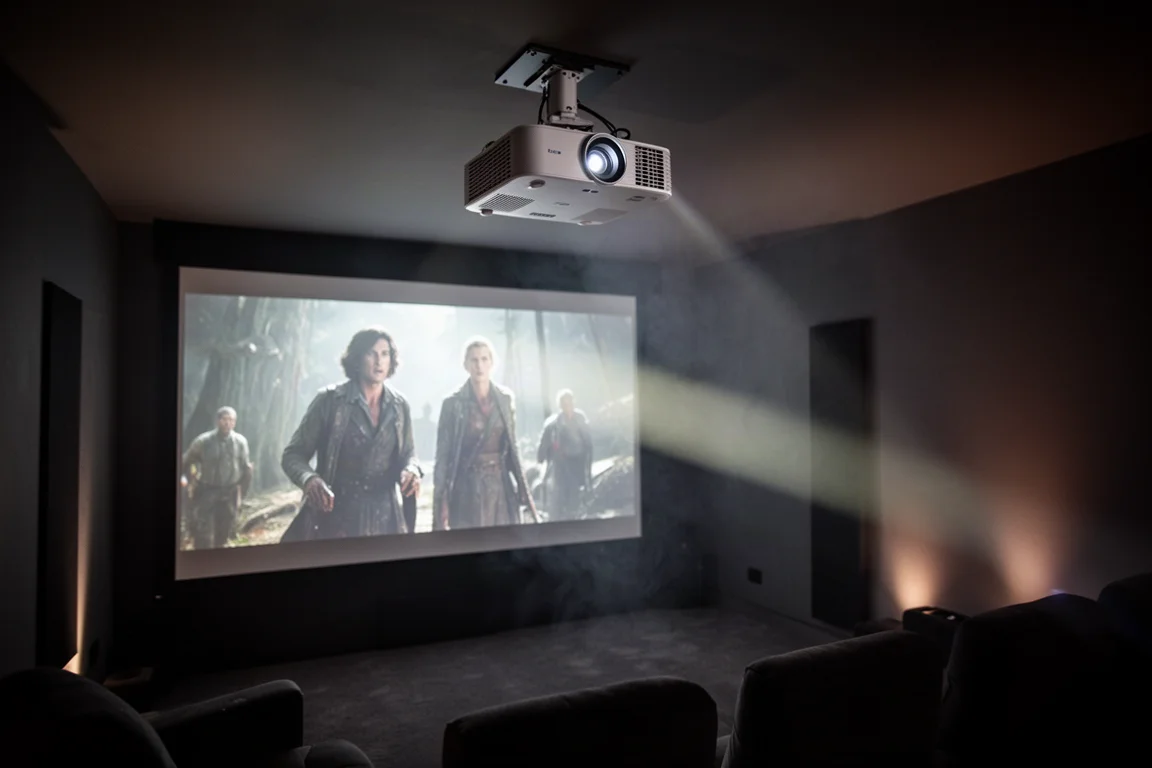
Compared with the NZ7 below it, the RS3100 adds the ultra high contrast optics, the illumination iris, and the full DCI-P3 coverage that come with the colour filter, which is where the price difference is justified. Compared with the NZ9 above it, it gives up brightness, since that flagship tops out at 3,000 lumens, but it keeps much of the same processing and laser technology. For a room that does not need flagship light output, the middle model is the more balanced buy.
Conclusion
The JVC DLA-RS3100, sold elsewhere as the DLA-NZ8, is a strong candidate for the most sensible projector in JVC’s NZ series. The Blue Escent laser light source, the colour filter for full DCI-P3 coverage, 2,500 ANSI lumens, four-way 8K e-shift, Frame Adapt HDR tone mapping, 240 Hz shifting, and the large all-glass lens combine into a package that serves both film lovers and high frame rate gamers.
It is not the cheapest route into laser projection, and the non-replaceable light source and the light output penalty of the colour filter are worth weighing honestly. But for a dedicated home theater that wants current HDR processing, full bandwidth HDMI 2.1, and the flexibility of ongoing firmware improvements, the RS3100 sits in a genuinely appealing spot in the lineup.
Product link
View more details for JVC DLA-RS3100 (DLA-NZ8)
This product is mentioned in the review. Check the specifications, options, and compatibility before buying.
View more details for JVC DLA-RS3100 (DLA-NZ8)Further reading
Related Reviews
Home Theater Projectors
Barco Heimdoll Family Guide: Choosing a Native 4K RGB Laser Projector
A practical guide to the Barco Heimdoll, Heimdoll Cinemascope, Heimdoll Plus, and Heimdoll Plus Cinemascope for large-format home theaters.
Home Theater Projectors
Best Home Theater Projectors 2026: Five Models Ranked by Performance and Value
A comprehensive ranking of five home theater projectors, from budget-friendly to premium options, evaluated on brightness, resolution, color accuracy, and gaming performance.
Home Theater Projectors
Epson EpiqVision LS800 Review: A Super Ultra Short Throw 4K Laser Projector for Bright Living Rooms
A practical look at the Epson EpiqVision LS800 and the SilverFlex Ultra ALR screen, covering brightness, throw distance, gaming performance, and the setup trade-offs worth knowing.