Tech Accessories
iPhone 17 Starter Pack: Three ESR Accessories Worth Getting First
A 3-in-1 MagSafe charging dock, a tough dual-layer case, and an easy-install screen protector that together cover most of a new iPhone's accessory needs.
Introduction
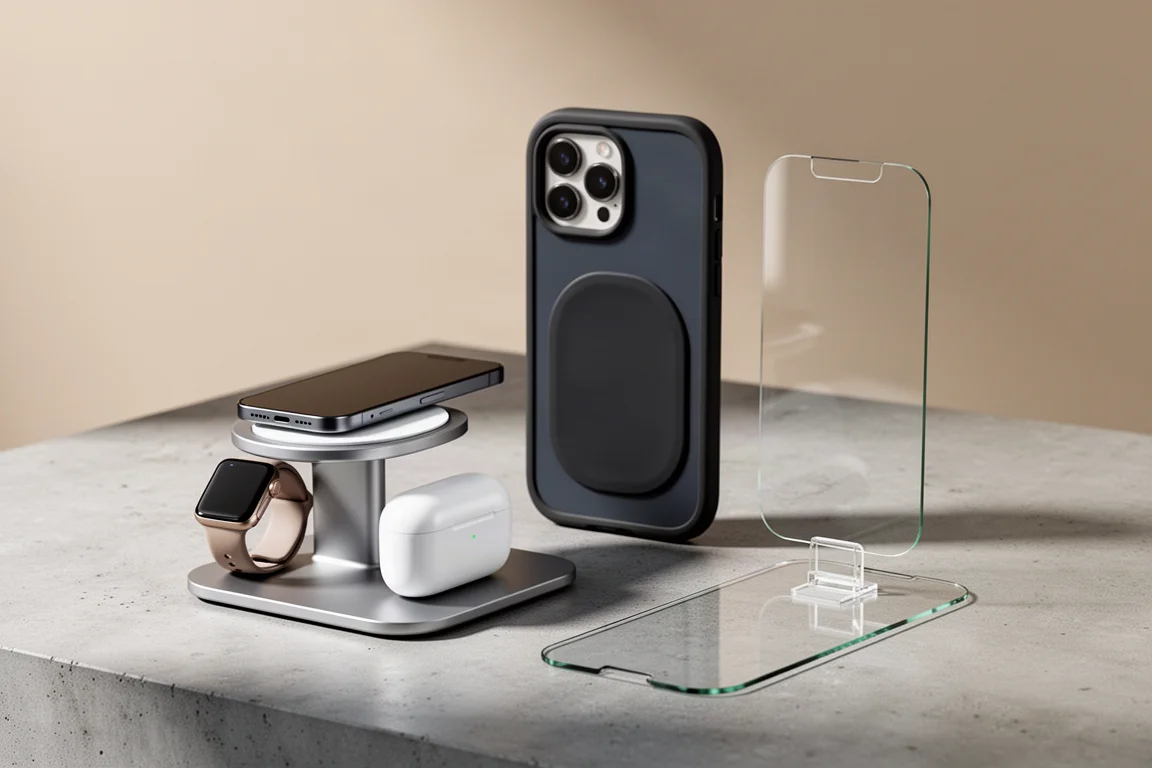
A new iPhone deserves more than the cable in the box. Whether you have just picked up an iPhone 17 or another model, the first accessories worth buying are almost always the same three things: a protective case, a screen protector, and a charging dock that keeps your desk tidy. We tested a starter kit from ESR that covers exactly those bases, and all three pieces earned a spot in this guide for different reasons.
Below, we break down what each one does well, where the trade-offs are, and who each accessory is really for.
ESR CryoBoost 3-in-1 MagSafe Charging Dock
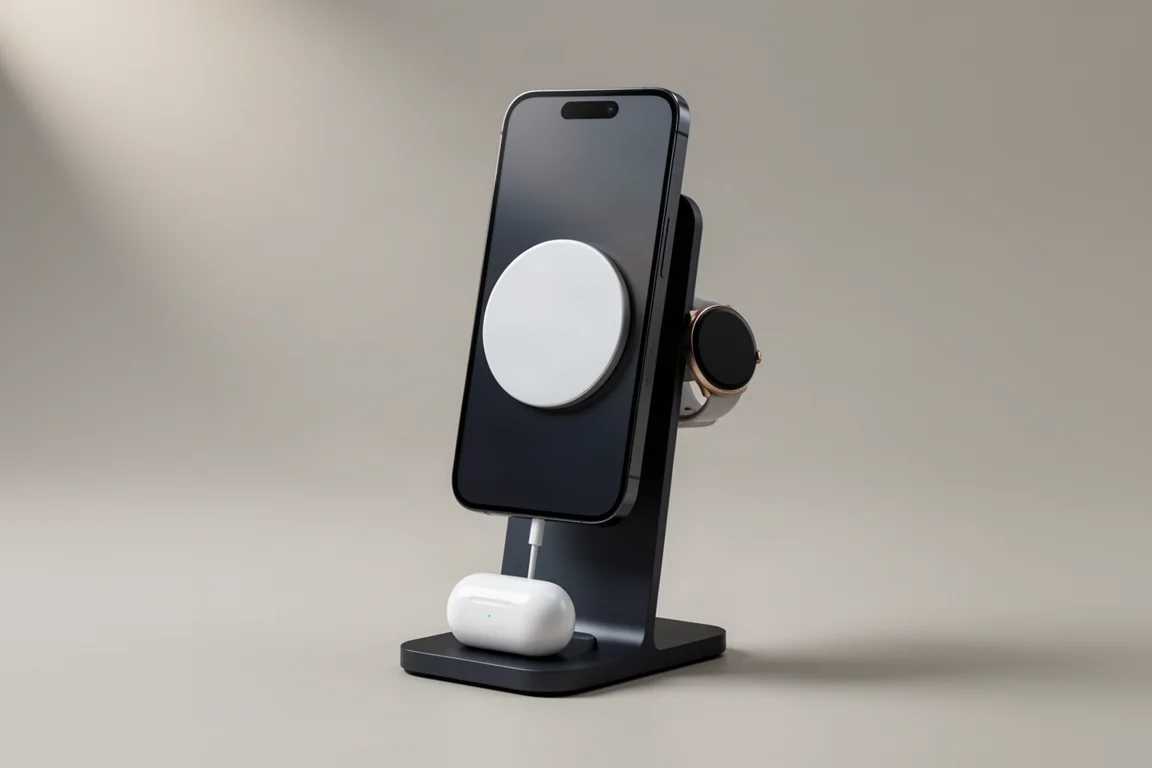
The CryoBoost dock consolidates your iPhone, AirPods, and Apple Watch onto a single charging station fed by one cable, which alone makes it a serious decluttering upgrade. It supports Qi2 25W fast charging, and to sustain that speed, ESR built an active fan into the dock to keep the phone cool while it charges. It is a subtle touch, but you can genuinely hear and feel it working.
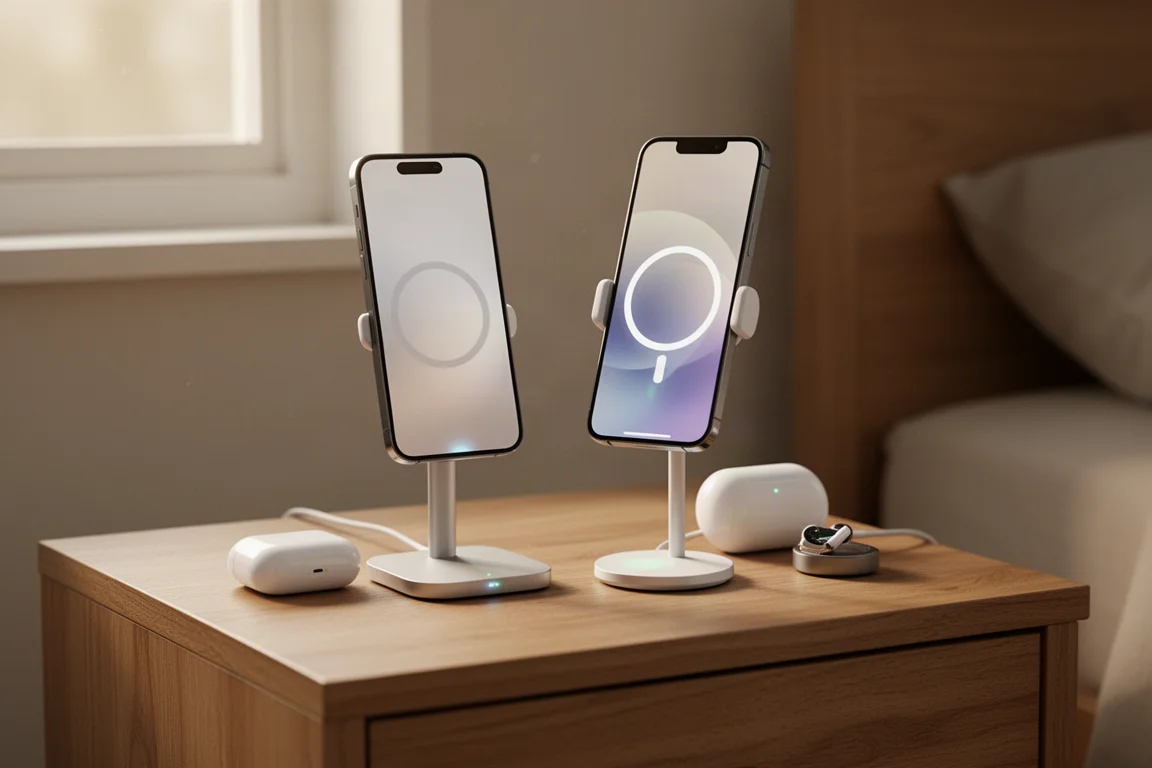
The MagSafe mount is strong enough to use the phone while charging, and it holds firm in both portrait and landscape mode, which makes it useful for video watching on a nightstand or desk. The included wall charger is a highlight on its own: a 50W USB-C port with folding prongs, roughly the size of an AirPods Pro case, making it a very packable travel charger. The watch charging puck is also detachable, so watch owners can charge their Apple Watch from any other power source instead of packing a dedicated wired cable.
The whole setup is slim enough for a nightstand yet functional enough for a work desk. The main trade-off is that it is still a three-device dock, so it takes up more space than a simple phone stand.
ESR Cyber Series Tough Case
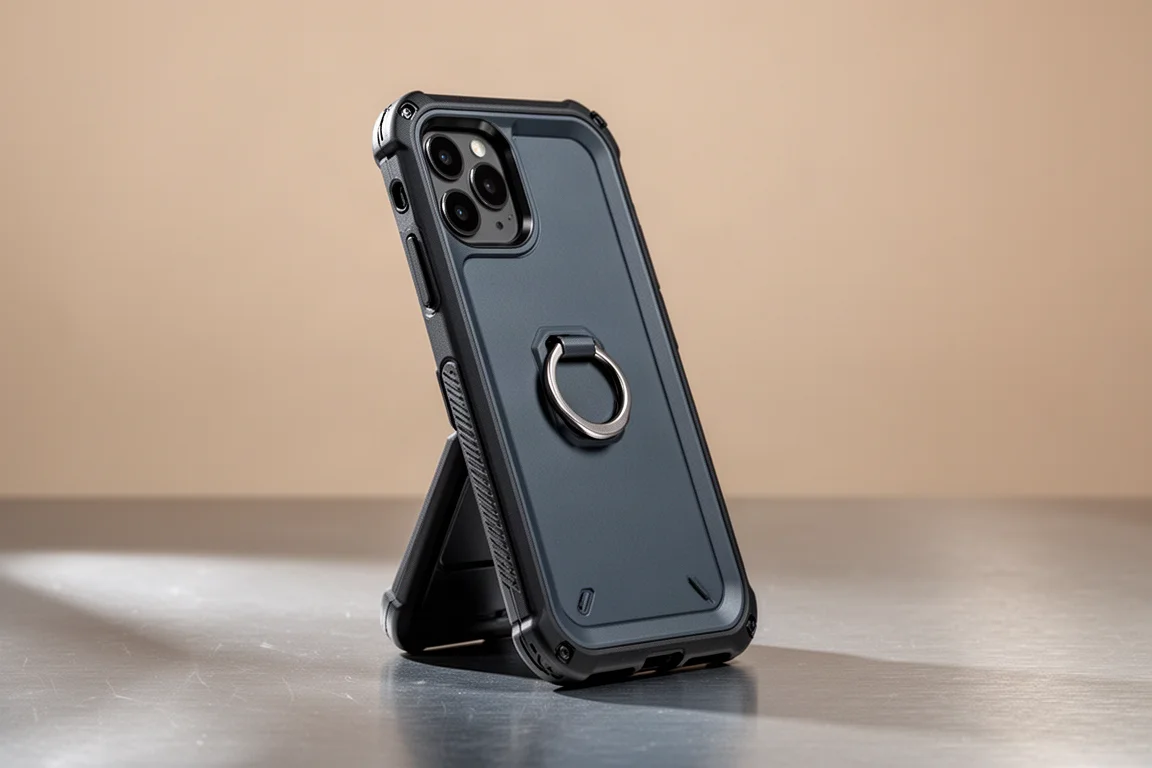
Early reports of the iPhone 17’s aluminum frame scratching easily are worth taking seriously. Aluminum trades durability for heat handling, so the practical answer is to cover it. The Cyber Series Tough Case does exactly that, with a futuristic look that matches its name, raised bumpers around the whole phone, and a metal phone stand on the back that doubles as extra camera coverage.
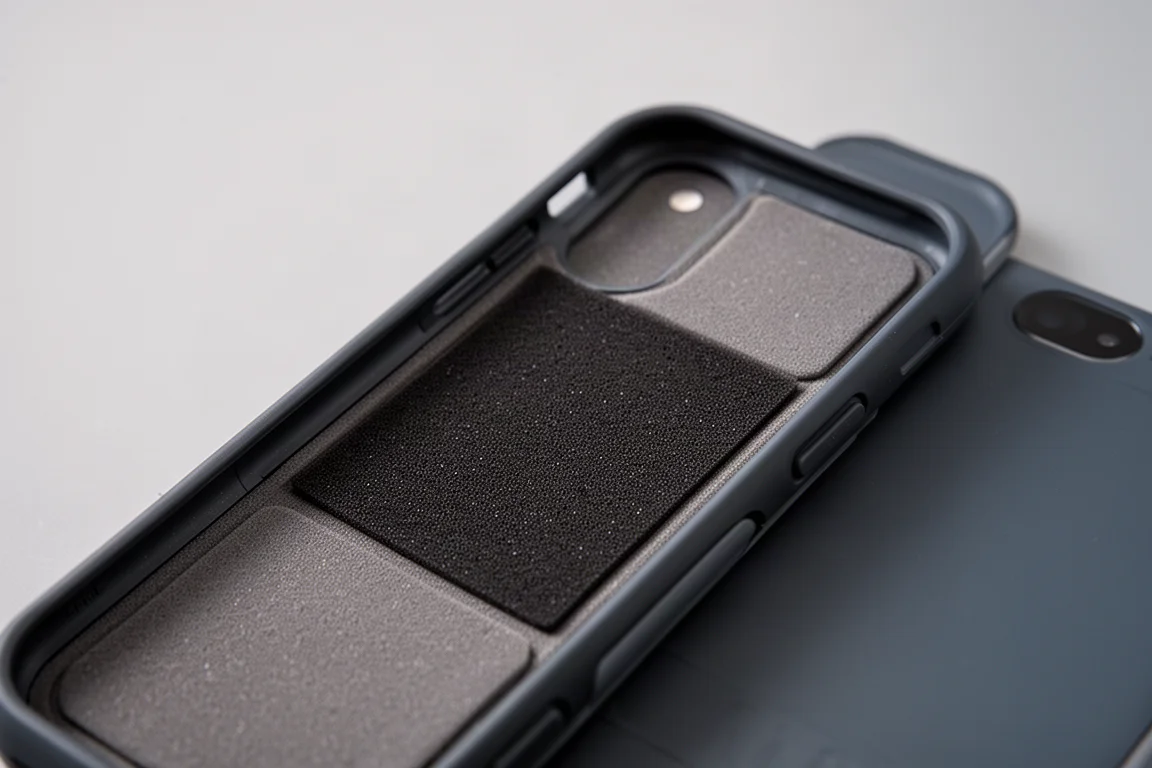
In drop testing, the dual-layer construction of a rubber liner and an outer plastic shell shrugs off impacts easily. Most of the protective value sits on the inside: the entire back panel is lined with a foam-like cushion designed to absorb impact energy instead of letting it reach the phone.
MagSafe attachment strength is excellent, holding firmly even under a hard shake test. The trade-off is additional bulk, though the coverage justifies it: the USB-C port feels well protected, the buttons are raised and clicky all around, and the camera control button still passes through smoothly. The metal ring around the camera bump doubles as a surprisingly sturdy stand with a solid hinge, and when folded away it is barely noticeable while adding protection to the lenses. Several colorways are available, including a matching orange.
ESR Ultra Fit Armorite Pro Screen Protector
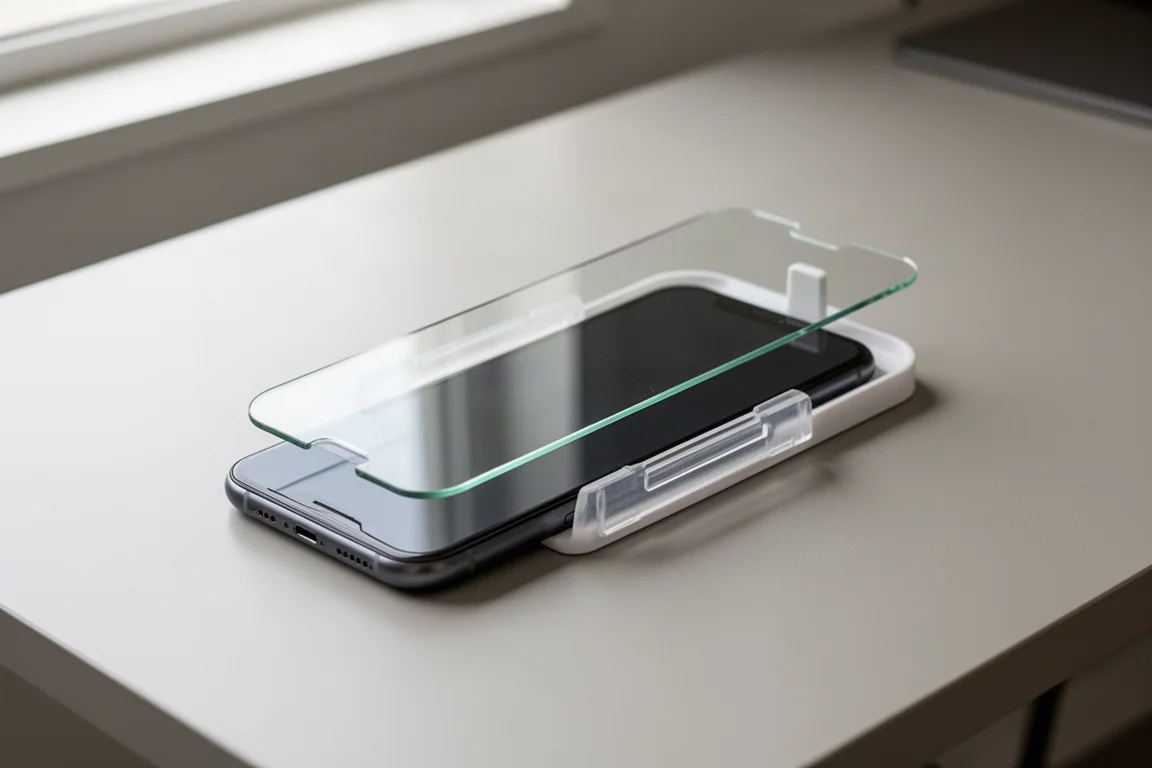
A case covers the back and edges, but the front stays exposed, and raised edges only help when the phone is sitting on a flat surface. Pairing the case with the Ultra Fit Armorite Pro screen protector completes full 360-degree coverage, and the standout benefit here is installation. You place the protector into the included alignment dock, squeeze, and pull. The result is perfectly aligned, bubble-free, and dust-free, with none of the usual stress of applying a screen protector by hand.
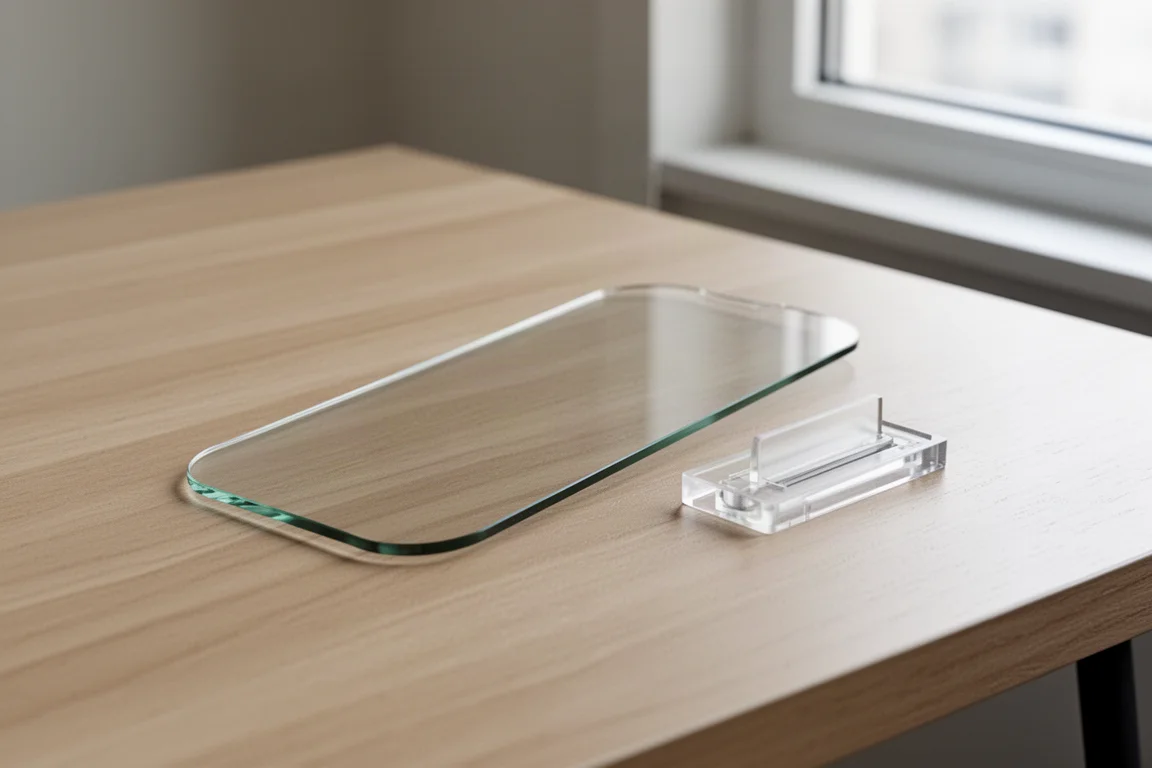
The edges are rounded off for a comfortable feel on the fingers, and the cut leaves enough space for most cases to fit alongside. ESR includes three protectors in the box, which is excellent value if you crack one, just keep the installer dock. As for protection, a steel ball drop test from roughly four to four and a half feet left the protector completely intact, supporting the brand’s claims. After repeated impacts, the surface remained crystal clear with zero scratches.
Buying Advice: Do You Need All Three?
Each accessory solves a distinct problem, and together they cover most of what a new iPhone actually needs. The charging dock is the convenience pick, ideal if you own an iPhone plus AirPods and an Apple Watch and want one tidy station instead of three cables. The tough case is the durability pick, best suited to anyone worried about scratches and drops, or handing the phone to children. The screen protector is the low-cost insurance policy, and its foolproof installer makes it a safe bet even if you have never applied one before.
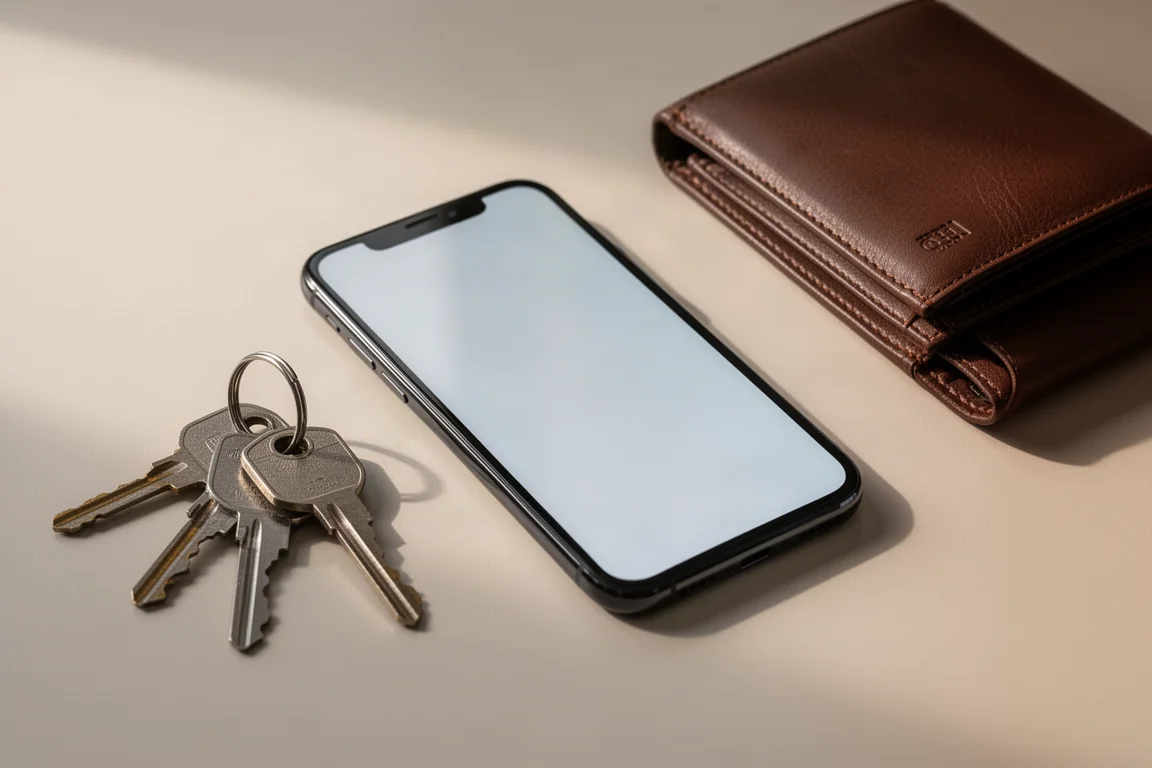
If you can only buy one first, start with the case. If your phone already lives a charmed life, the charging dock delivers the biggest daily quality-of-life improvement. And if you share a pocket with keys, a wallet, or loose change, the case and screen protector combination is what keeps the screen scratch-free.
Conclusion
This trio makes a genuinely practical starter pack for a new iPhone. The CryoBoost dock simplifies charging three devices at once, the Cyber Series Tough Case adds serious drop and scratch protection with a clever built-in stand, and the Ultra Fit Armorite Pro screen protector is among the easiest to install we have handled, backed by impressive impact resistance and three units in the box. Match them to your habits and your new iPhone should stay looking new for a long time.
Further reading
Related Reviews

Tech Accessories
Best Premium Tech Dupes 2026: Five Budget Alternatives That Actually Deliver
We compare five premium desk and streaming staples against their budget counterparts to see which dupes are genuinely worth the savings.
Tech Accessories
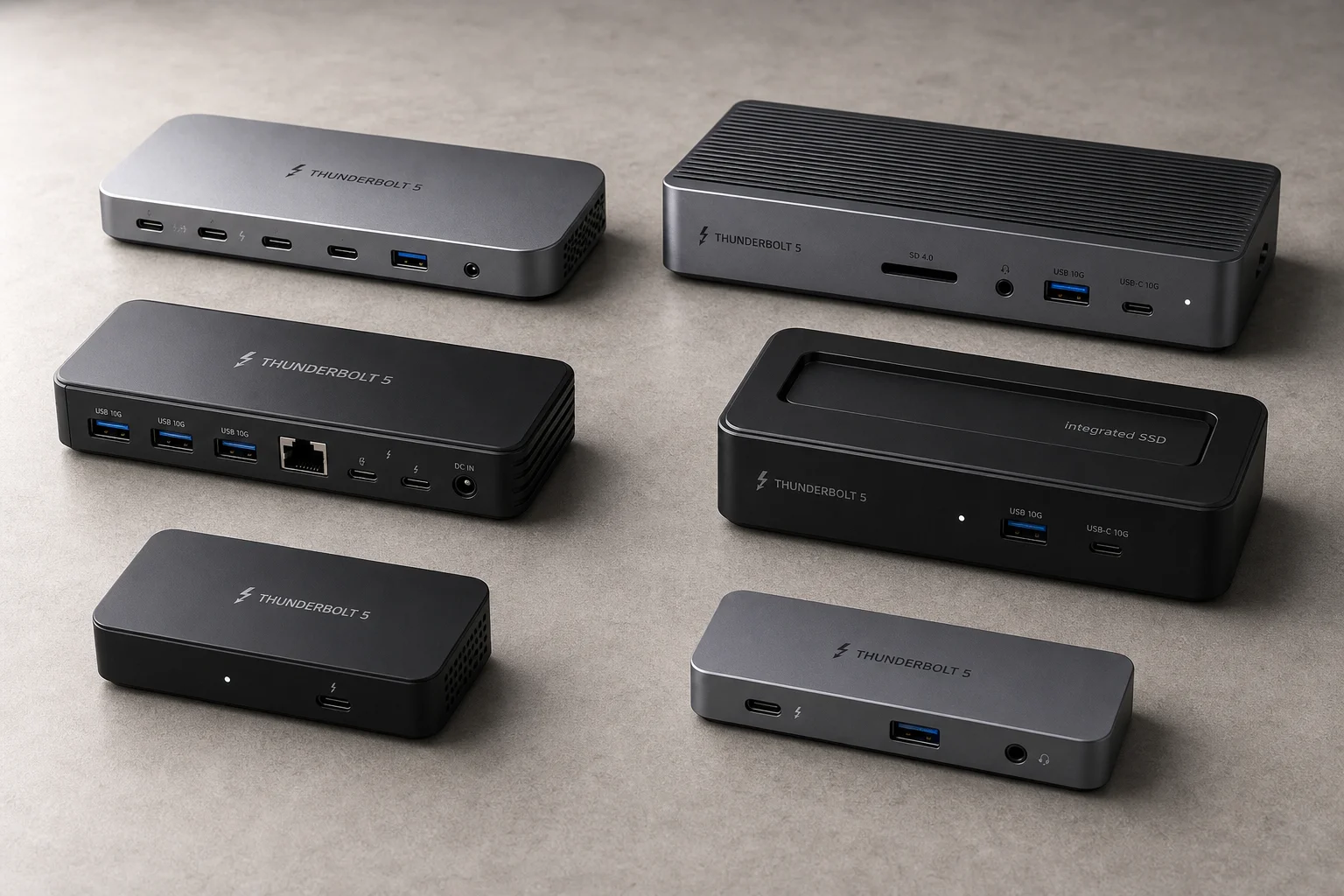
Best Thunderbolt 5 Docks 2026: Six Options Tested for Desktop Connectivity
A practical guide to six Thunderbolt 5 docking stations, covering their strengths, trade-offs, and which setup they suit best.
Tech Accessories
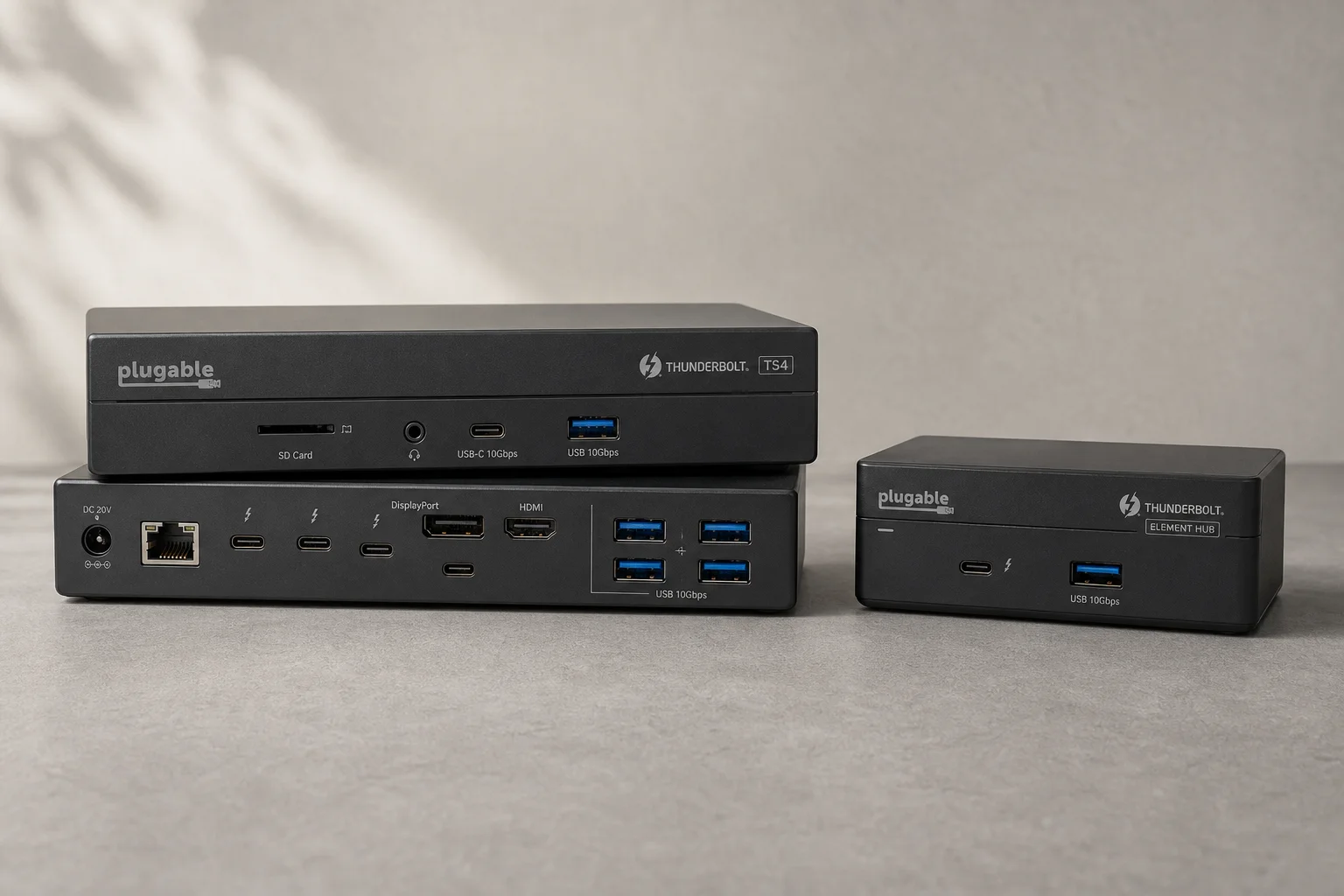
CalDigit Thunderbolt Docks: TS4 vs Element Hub
Two Thunderbolt docking solutions with different port counts and use cases. The TS4 offers 18 ports and 2.5 Gbps ethernet; the Element Hub provides a compact 8-port alternative.