Action Cameras
Insta360 X3 Review: 360 Capture That Fits Cycling Footage
A practical look at the Insta360 X3 for riders: what the dual-lens 360 design does well, how the keyframe editing workflow runs, and what to weigh before buying.

Introduction
Filming a ride usually means committing to an angle before you leave the house. A bar mount gives you the road ahead. A chest mount gives you the cockpit. A seatpost mount gives you the riders behind. The Insta360 X3 works from the opposite direction: it captures everything around the camera at once and lets you choose the framing later.
The camera uses two lenses, each covering more than 180 degrees, stitched together in software into a single 360-degree frame. Because the stitch is centred on the mount, a straight selfie stick disappears from the finished shot. That one behaviour explains why the camera suits cycling so well. It produces follow-cam and drone-style footage without a drone and without a second rider carrying the camera.

On a coastal ride, the camera was carried on a stick and produced front-facing shots of the rider while riding, something a conventional action camera cannot do on its own.
What the Insta360 X3 Actually Is
Physically, the X3 is a compact action camera built around two lenses that face in opposite directions. Each lens takes in more than half of the surrounding scene, and software merges the two images into one 360-degree view after the fact.
That has a practical consequence. The camera records considerably more than the frame you eventually export, so the mount position matters far less than it does with a fixed-lens camera. You can shoot first and decide whether you want a forward view, a rear view or a wide sweeping angle during editing.
It also means the camera can be mounted on a selfie stick, on a chest harness, or anywhere else that suits the shot, and still deliver usable footage. The stick itself is edited out of the middle of the frame, which is what creates the impression that the camera is floating beside the rider.
Who This Camera Is For
The X3 makes most sense for riders who film their own rides, especially those who ride alone. Without a second person, a conventional setup can only ever show one direction. A 360 camera lets you capture a forward shot, a shot of yourself and a rear-facing shot from the same position.
It also suits riders who want variety from a single setup, whether that is a fast descent, a technical gravel section, or a group ride where the pack itself is the interesting part. It is a good fit for riders who already edit their footage and are comfortable learning a new step in the process.

Riders who simply want one clean, fixed angle and no extra editing work are likely to be better served by a conventional action camera.
Main Strengths
The core advantage is efficiency. One camera, one position, and a full set of angles afterwards.
The invisible stick is the second. Self-shot footage on a bike normally requires a mount that either blocks part of the view or points awkwardly back at the rider. A 360 camera sidesteps both problems.
Mounting flexibility is the third. The same camera can run on a chest harness for one session and on a stick for another without changing anything about how the footage is captured, because it is recording the whole scene regardless.
The fourth is versatility across surfaces. The camera was used across gravel, mountain and road riding, and the approach held up in all three, from open coastal bike paths to tighter, looser trail sections.
Editing Workflow: From Keyframes to Final Cut
The part that puts people off 360 footage is the editing, and it is worth being honest that it is an extra step rather than a replacement for one.
The desktop route gives the most control. Clips are imported into Insta360 Studio, the desktop application available from the manufacturer’s website, and the preview panel shows the footage being processed. Double-clicking a clip lets you play it and drag the view around in real time, effectively choosing which direction the finished shot will look in.
The workflow is built on keyframes. You pause the clip, place a keyframe, and the camera direction locks to that position. Move forward, choose a wider field of view, and place another keyframe, and the software transitions between the two as the clip plays. Repeating that process across a clip produces a fully directed sequence from a single file.
Once the clip is framed the way you want it, it is exported as a normal video file and imported into editing software such as Premiere Pro, where it behaves like any other footage and can be cut and arranged normally. Because the direction is chosen at export, the same clip can be exported more than once, for example once facing forward and once facing backward, giving two usable shots from one recording.

There is a mobile app as well, though the desktop application offers more precise control over framing and transitions.
Things to Consider Before Buying
The biggest consideration is time. Reframing a clip with keyframes is more involved than dropping a fixed-angle file onto a timeline, and it is a skill that improves with practice.
The second is where you edit. The desktop application gives noticeably more control than the mobile app, so the camera rewards anyone who is comfortable working on a computer.
The third is storage and export discipline. Exporting the same clip in multiple directions creates multiple files, which adds up quickly on longer rides.
And the fourth is fit. If you rarely film your rides, or you are happy with a single forward-facing angle, the extra capture and the extra editing step will not earn their place in your kit.
Buying Advice
Buy this camera for the footage it makes possible, not for the camera itself. If you ride alone and want shots of yourself, if you ride in groups and want to capture the pack from the middle of it, or if you want several angles from one mount, the X3 solves a real problem that fixed-lens cameras cannot.
Budget for mounting as well as the camera. A stick, a chest harness or a bar mount changes what the camera can do far more than most accessories do, and bundles that pair the camera with discounted accessories have appeared during seasonal promotions, which can be better value than buying each part separately.

If your priority is simplicity, spend the money on a straightforward action camera and a good mount instead. The X3 is at its best for riders who enjoy the editing process and want the freedom that comes with deciding the shot after the ride.
Conclusion
The Insta360 X3 is a genuinely useful tool for cycling footage because it removes the two biggest constraints of filming on a bike: needing someone else to hold the camera, and needing to pick an angle before you set off. Two lenses covering more than 180 degrees each, stitched in software, turn a single mount into a full set of shots.
The trade-off is the editing workflow. Keyframes, exports and a desktop application add a step that fixed-angle footage does not require. For riders who want that flexibility, it is a step worth taking.
Product link
View more details for Insta360 X3
This product is mentioned in the review. Check the specifications, options, and compatibility before buying.
View more details for Insta360 X3Further reading
Related Reviews
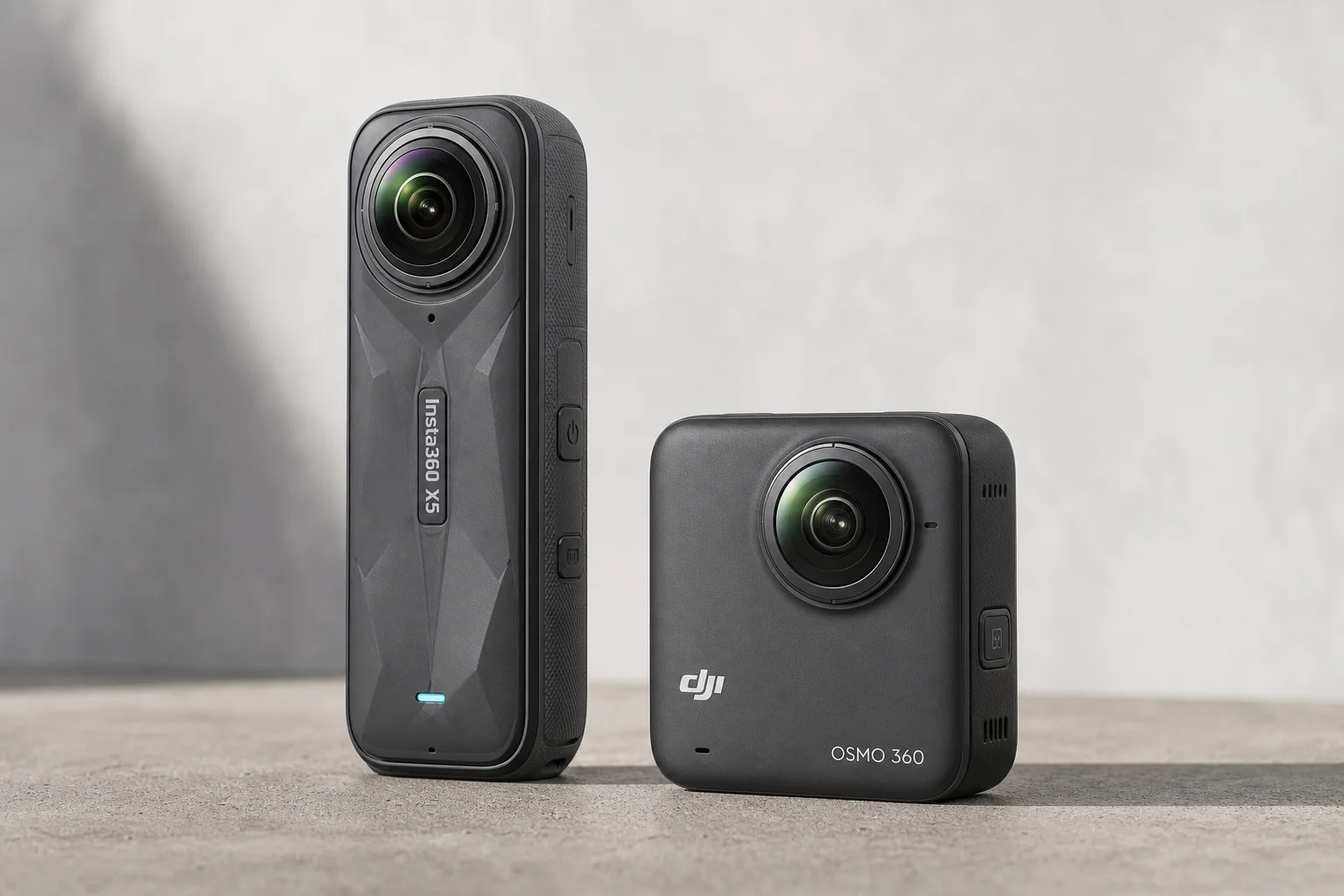
Action Cameras
360 Cameras for Adventure Motorcycling: Insta360 X5 vs DJI Osmo 360
Two 360-degree action cameras designed for off-road and adventure riding. A detailed comparison of features, stabilization, and real-world performance for motorcycle touring.
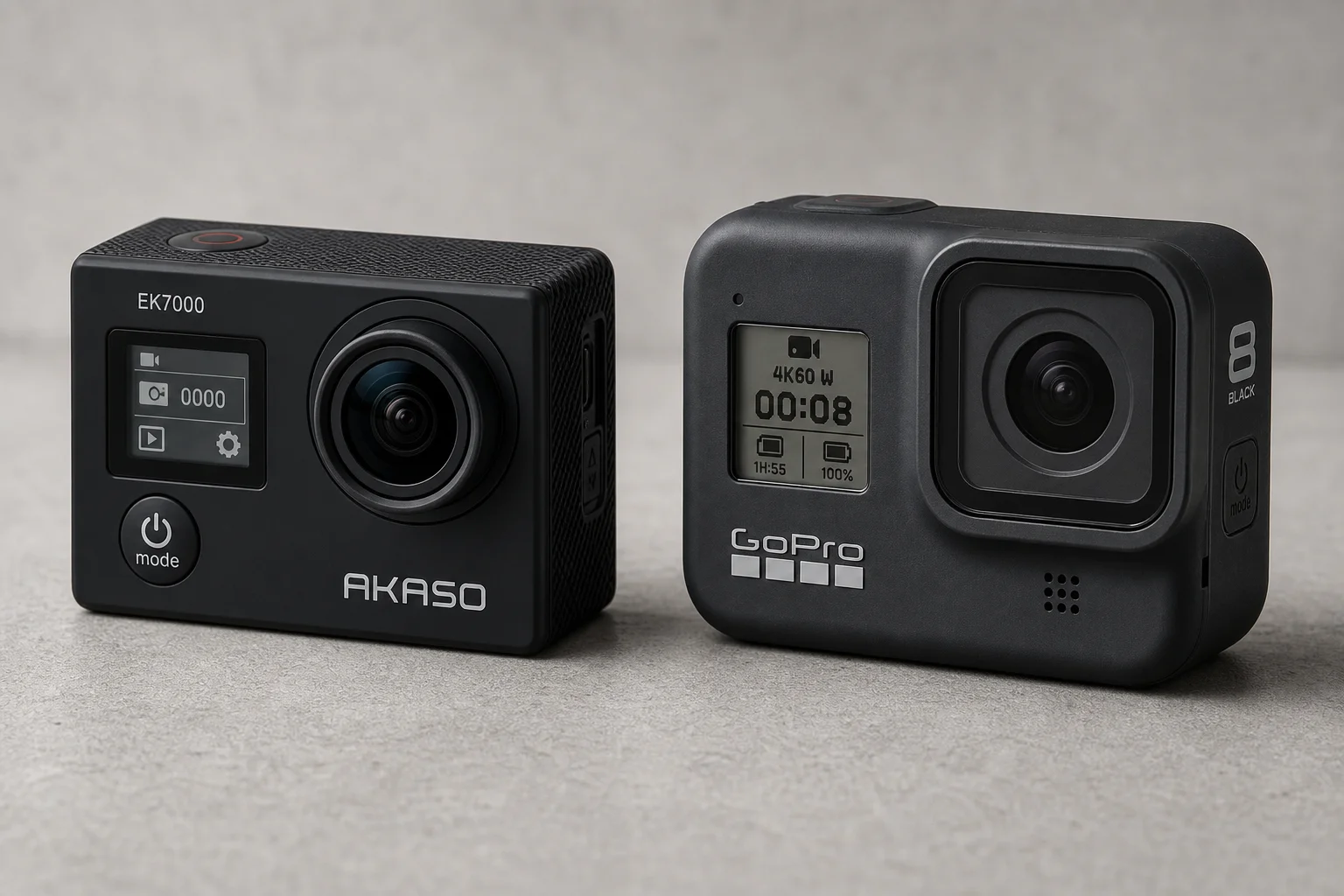
Action Cameras
Akaso EK7000 vs GoPro Hero 8 Black: Budget Action Camera Tested
A $50 budget action camera faces off against the GoPro Hero 8 Black. Here's how the Akaso EK7000 really performs in video, audio, and photo quality.
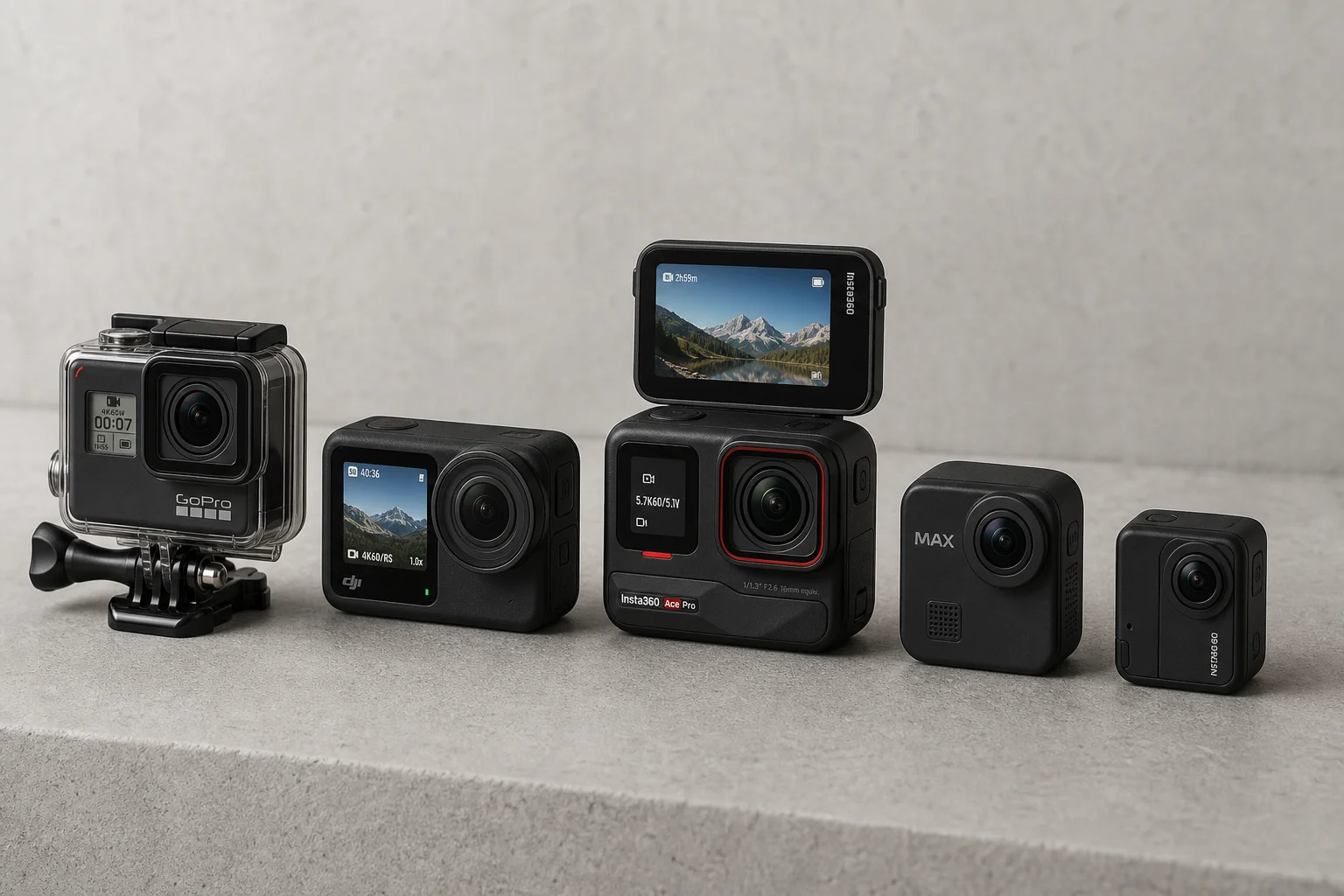
Action Cameras
Best Action Cameras 2026: Five Top Picks Ranked
A comprehensive ranking of five action cameras from budget-friendly to premium, covering durability, video quality, stabilization, and low-light performance.