Action Cameras
Insta360 Ace Pro Review: An Action Camera Built With Cyclists in Mind
A practical look at the Insta360 Ace Pro for riders: strong low-light image quality, a 2.4-inch flip-out screen, 8K capture, and the trade-offs worth weighing before buying.
Introduction
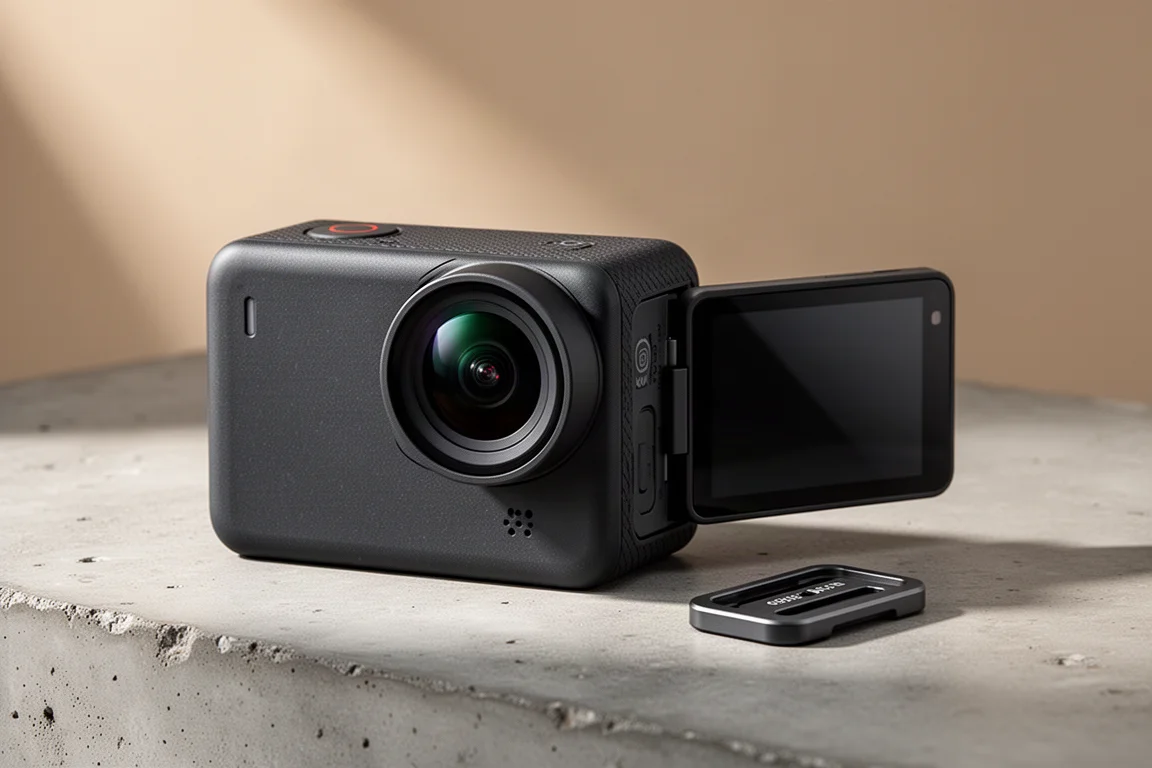
Action cameras have quietly become standard equipment for a lot of riders. They are used to document fast descents, technical trail sections, long gravel routes and, occasionally, close passes that are worth having on record. The Insta360 Ace Pro is the newest contender in that space, and after a couple of months of riding with it, several features stand out clearly.
This is a camera built around a large sensor, a high-quality lens, and a feature set that leans heavily toward cyclists: a flip-out screen for framing, magnetic quick-release mounting, ride data overlays, and low-light performance that holds up far better than most action cameras. The sections below cover who it suits, where it performs, and what to weigh before spending the money.
Who This Camera Is For
The Ace Pro makes most sense for riders who want footage that looks good straight out of the camera, without a lot of fiddling. The combination of a large sensor and a quality lens produces footage with good colour saturation, solid contrast and very little noise, and that holds true across a range of light conditions rather than only in bright sunshine.
That matters more than it might sound. Many action cameras perform at their best only in strong daylight. Riders who spend time under tree cover on a gravel or mountain bike, or who ride in places where overcast weather is the norm, will notice the difference quickly.
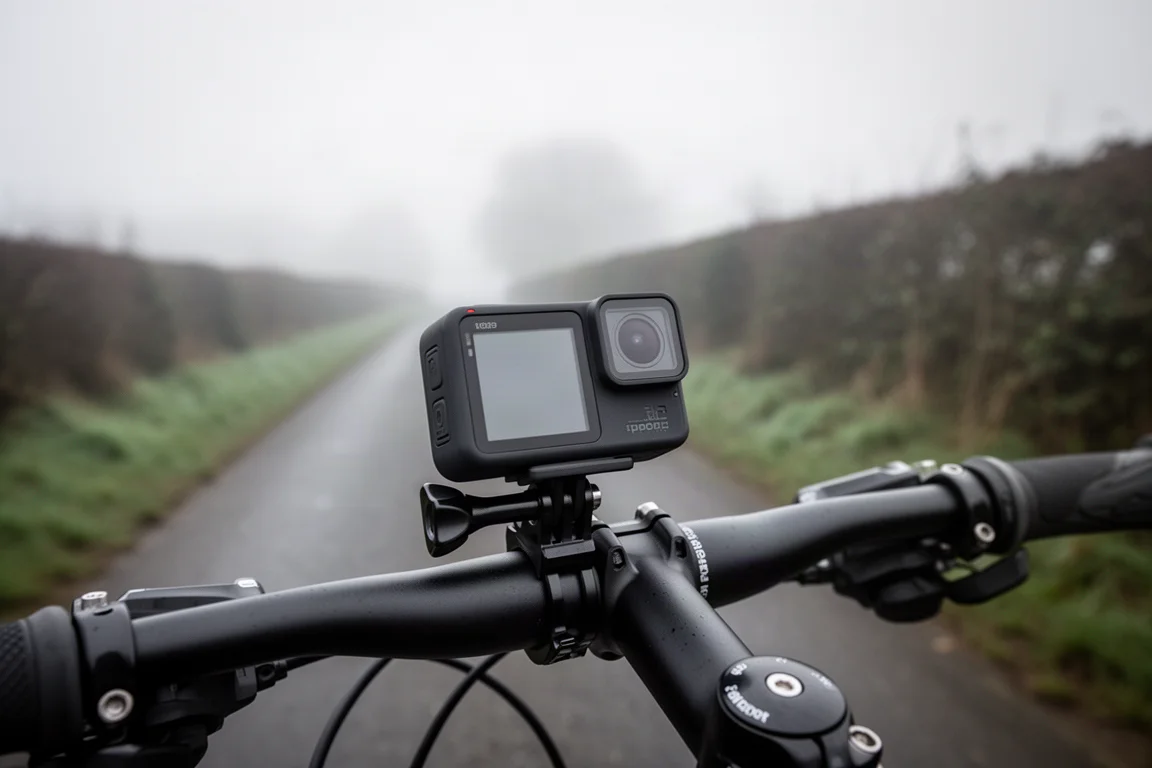
The flip-out screen also makes this a strong choice for anyone who talks while riding or wants to check framing before committing to a shot. Rather than guessing whether the camera is angled correctly on a chest harness or handlebar, you can preview the view and adjust it in seconds.
Riders who only want a simple, rugged camera for the occasional clip may find it more than they need, but anyone who films regularly and cares about the result will get real value from the feature set.
Main Strengths
Image Quality and Low Light Performance
The core of the Ace Pro is its sensor, which is larger than the one in a GoPro, paired with a high-quality lens from an established optics brand. The result is footage that holds detail well, with good saturation and contrast and very little visible noise.
Low light is where it separates itself most clearly. A dedicated Pure Video mode is designed specifically for shooting at night and in dim conditions, and it delivers noticeably better results than other action cameras in the same situations. Cloudy days, shaded woodland and evening rides are all handled well.
Stabilisation, 8K and Clarity Zoom
Stabilisation has improved enormously across action cameras in recent years, and the Ace Pro sits at the front of that curve. Footage stays smooth on rough roads and mountain bike trails, which is the difference between usable clips and footage that is hard to watch.
Capture options are generous: up to 8K video, 4K at 120 frames per second for slow motion, and 48-megapixel stills. For most riding, 4K strikes the best balance between quality and file size, and the results are sharp and smooth.
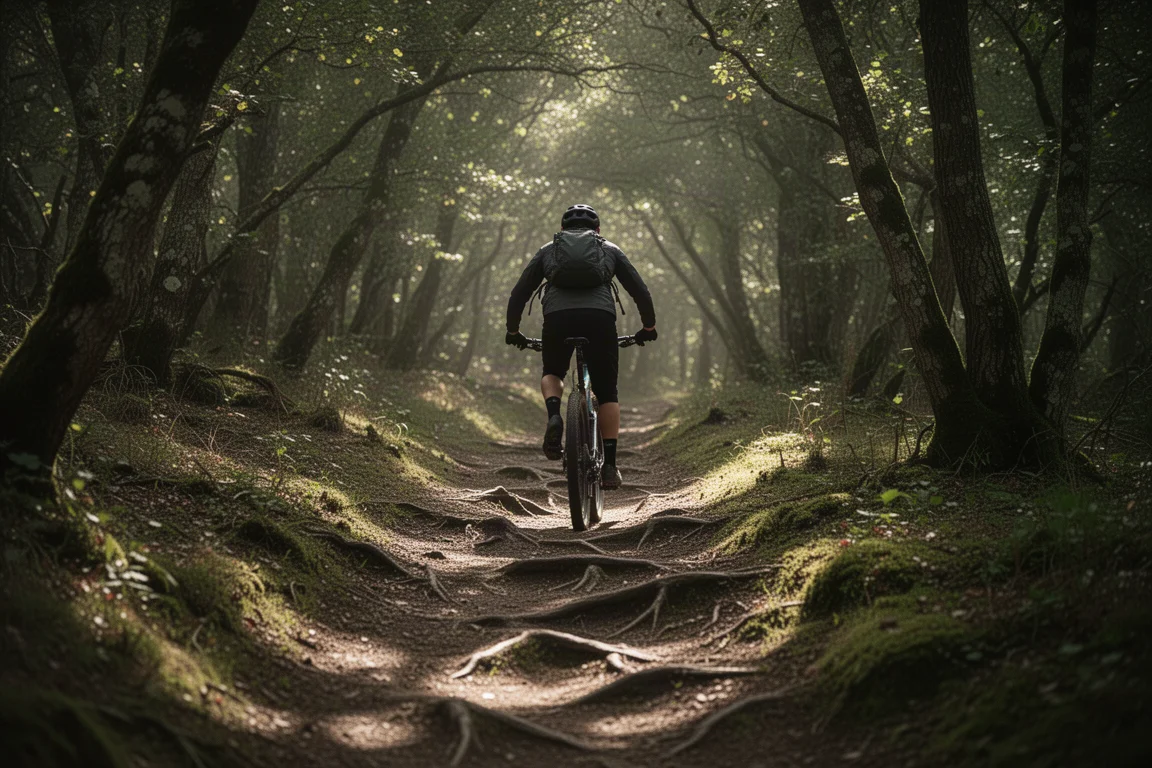
Clarity Zoom is a genuinely useful extra. It allows a 2x zoom into a subject without a noticeable drop in quality, which is unusual on an action camera with a fixed wide-angle lens. If something interesting is happening in the distance, that zoom turns it into usable footage or a decent photo.
FreeFrame mode is another practical addition: it lets you decide later whether a clip is exported horizontally or vertically, so the same footage can serve a landscape edit or a vertical social format without being locked in at the moment of filming.
The Flip-Out Screen and Touch Controls
The 2.4-inch flip-out touchscreen is arguably the most useful feature on the camera. It makes framing straightforward, whether the camera is set up for talking to it or angled down over the bike, and it can be adjusted through a wide range of positions.
The screen is also responsive and quick. Moving through menus feels immediate, with no lag, and on-screen shortcuts make it easy to switch between wide and closer framing or trigger the zoom. A small front display handles the essentials: current filming mode, remaining battery, available memory card space, and a red bar when recording is active.
Recording can be paused mid-clip, which keeps a ride in a single file instead of several fragments. Gesture and voice controls add another layer of convenience, letting you start and stop recording or take a photo with a hand movement when reaching the button is awkward.
Mounting, Durability and Battery
The mounting system uses a magnetic clip that fits standard action camera mounts, so the usual handlebar, frame, helmet and chest harness options all work. The advantage is speed: two buttons release the camera instantly, which makes it easy to move it between positions mid-ride, for example from a chest mount to a handheld shot and back again.
Security has not been an issue in testing. The camera stayed firmly in place over rough roads and trails, including a two-hour road ride on uneven surfaces, and the connection feels solid rather than precarious.
Build quality is reassuring. The camera is chunkier and slightly heavier than a GoPro, and it has survived a few accidental drops without damage. It is waterproof and, by the standards of the category, has long battery life. Loop recording is available as well, which suits riders who want continuous capture without managing card space manually.
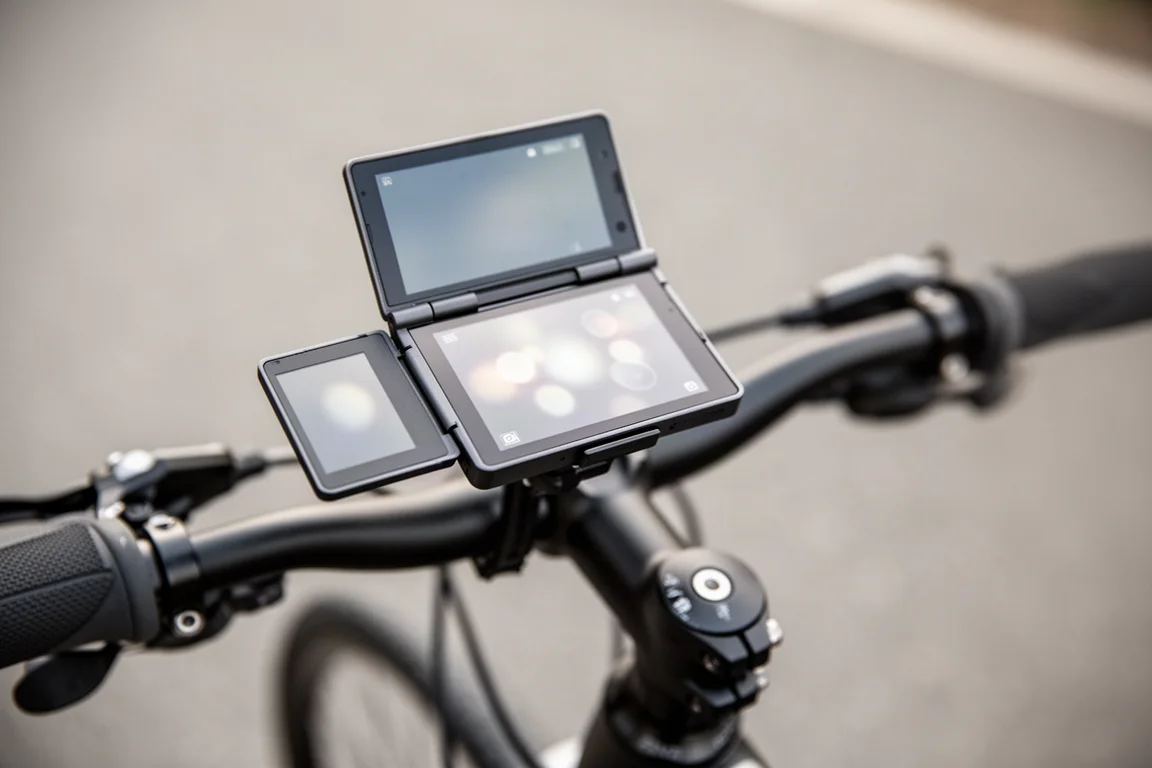
There is also an optional GPS Preview Remote, a novel addition for an action camera. It can be worn on the wrist or mounted on the handlebar, provides a live preview of what the camera is seeing, and works as a control hub for starting and stopping recording. On the handlebar it doubles as a basic ride computer showing speed and direction, with a six-hour battery life when running continuous live preview. It is an extra rather than part of the standard package.
Ride Data Overlays and the App
One of the more distinctive features is the ability to overlay ride data on footage. The Insta360 app connects to a compatible Garmin or Apple device and pulls in ride information, which can then be displayed on screen. Speed, elevation, ride duration and route are all available, and the layout can be customised.
For anyone who shares ride footage, this adds context that is difficult to get otherwise. Support for Wahoo devices is not in place yet.
The app itself is well developed. Beyond basic trimming and filters, it supports editing a complete clip and publishing it directly, and an AI mode can identify the strongest moments in your footage and assemble them into a single edit. For riders who do not want to sit through a full editing session, that is a real shortcut.
Things to Consider Before Buying
The most noticeable annoyance is the record button, which is firm and sometimes hard to press. It is easy to think recording has started when it has not, and that can mean losing footage you wanted. Gesture and voice controls solve the problem, but if you prefer a physical button you will need to press it deliberately.
Price is the other consideration. The Ace Pro currently costs more than a GoPro Hero 12, so it is worth being clear about which features you actually want. The flip-out screen, low-light performance and Clarity Zoom are the main arguments for paying more.
Two further points are worth noting. The camera is heavier and bulkier than a GoPro, which is the trade-off for its rugged feel. And the GPS Preview Remote is an optional accessory, not something included with the camera.
Buying Advice
The Ace Pro is easiest to recommend to riders who film often and want the footage to look good without much effort. The flip-out screen removes most of the guesswork from framing, the sensor and lens handle mixed and low light well, and the magnetic mount makes moving the camera between positions genuinely quick.
If your priority is the lowest possible price for basic ride clips, a cheaper camera will do the job and the Ace Pro’s advantages may not justify the difference. If you film regularly, ride in changeable light, or want ride data on screen, the extra cost buys features that are hard to find elsewhere.
It is also worth planning accessories up front. The GPS Preview Remote is optional, so budget for it separately if a live preview and handlebar control appeal to you. A spare mount or two is a sensible addition if you intend to move the camera between a helmet, chest harness and handlebar.
Conclusion
The Insta360 Ace Pro is a well-rounded action camera with a clear cycling focus. The large sensor and quality lens deliver strong image quality in a wide range of conditions, stabilisation keeps footage smooth on rough surfaces, and the flip-out touchscreen makes the camera noticeably easier to live with than a conventional action camera.
The firm record button and the higher price relative to the GoPro Hero 12 are the two points to accept going in. For riders who film regularly and want low-light performance, flexible framing and ride data overlays, the Ace Pro makes a strong case.
Product link
View more details for Insta360 Ace Pro
This product is mentioned in the review. Check the specifications, options, and compatibility before buying.
View more details for Insta360 Ace ProFurther reading
Related Reviews
Action Cameras
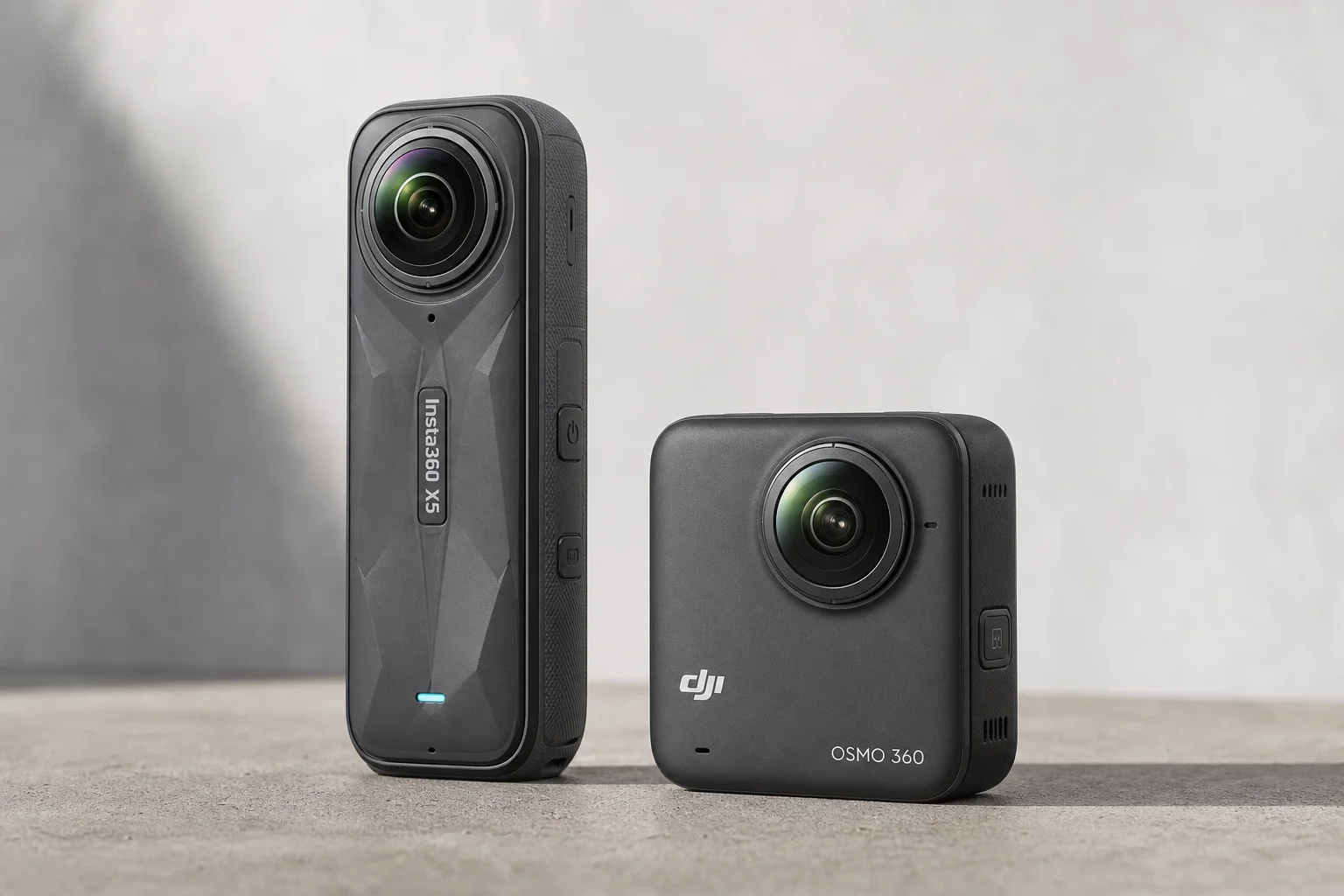
360 Cameras for Adventure Motorcycling: Insta360 X5 vs DJI Osmo 360
Two 360-degree action cameras designed for off-road and adventure riding. A detailed comparison of features, stabilization, and real-world performance for motorcycle touring.
Action Cameras
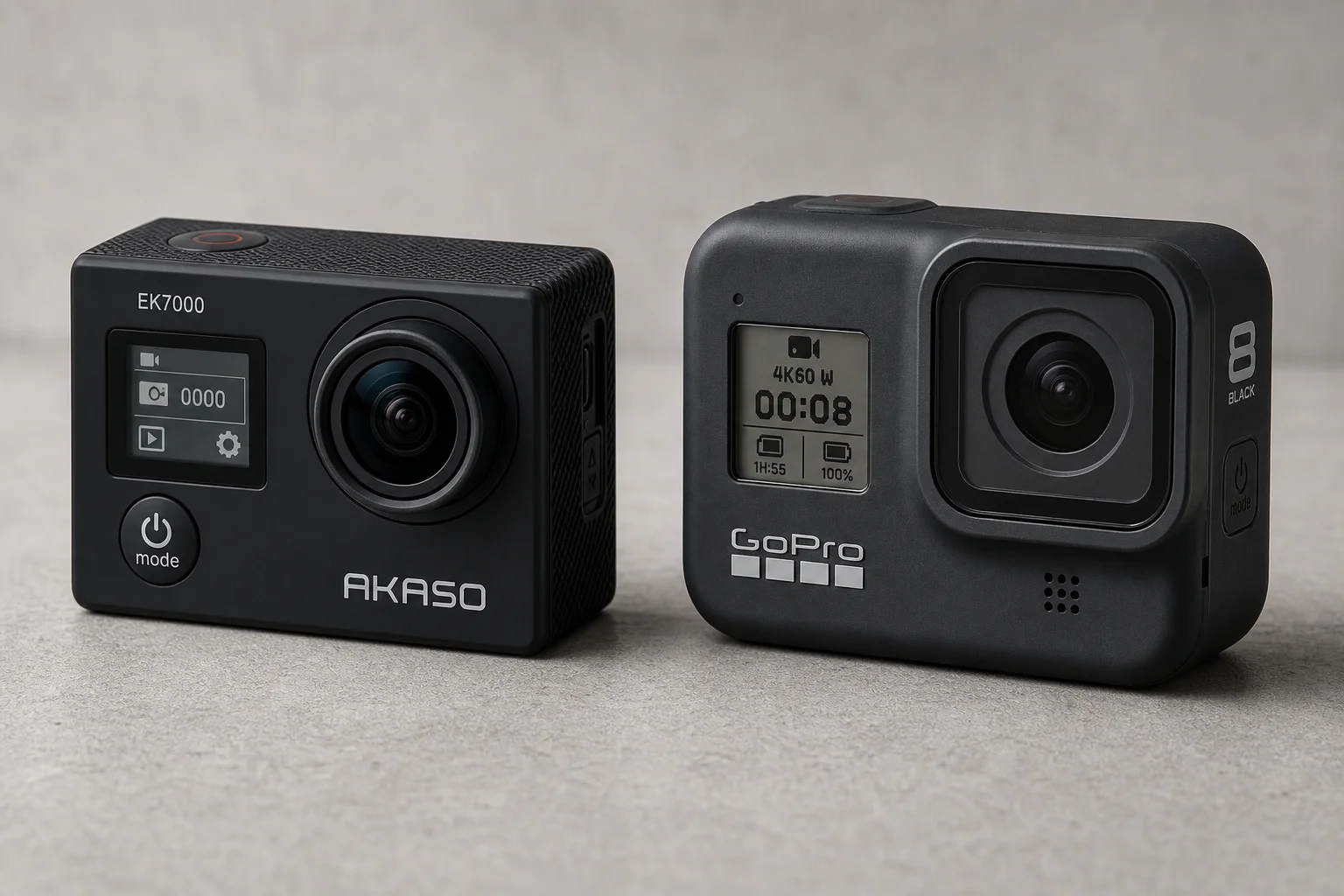
Akaso EK7000 vs GoPro Hero 8 Black: Budget Action Camera Tested
A $50 budget action camera faces off against the GoPro Hero 8 Black. Here's how the Akaso EK7000 really performs in video, audio, and photo quality.
Action Cameras
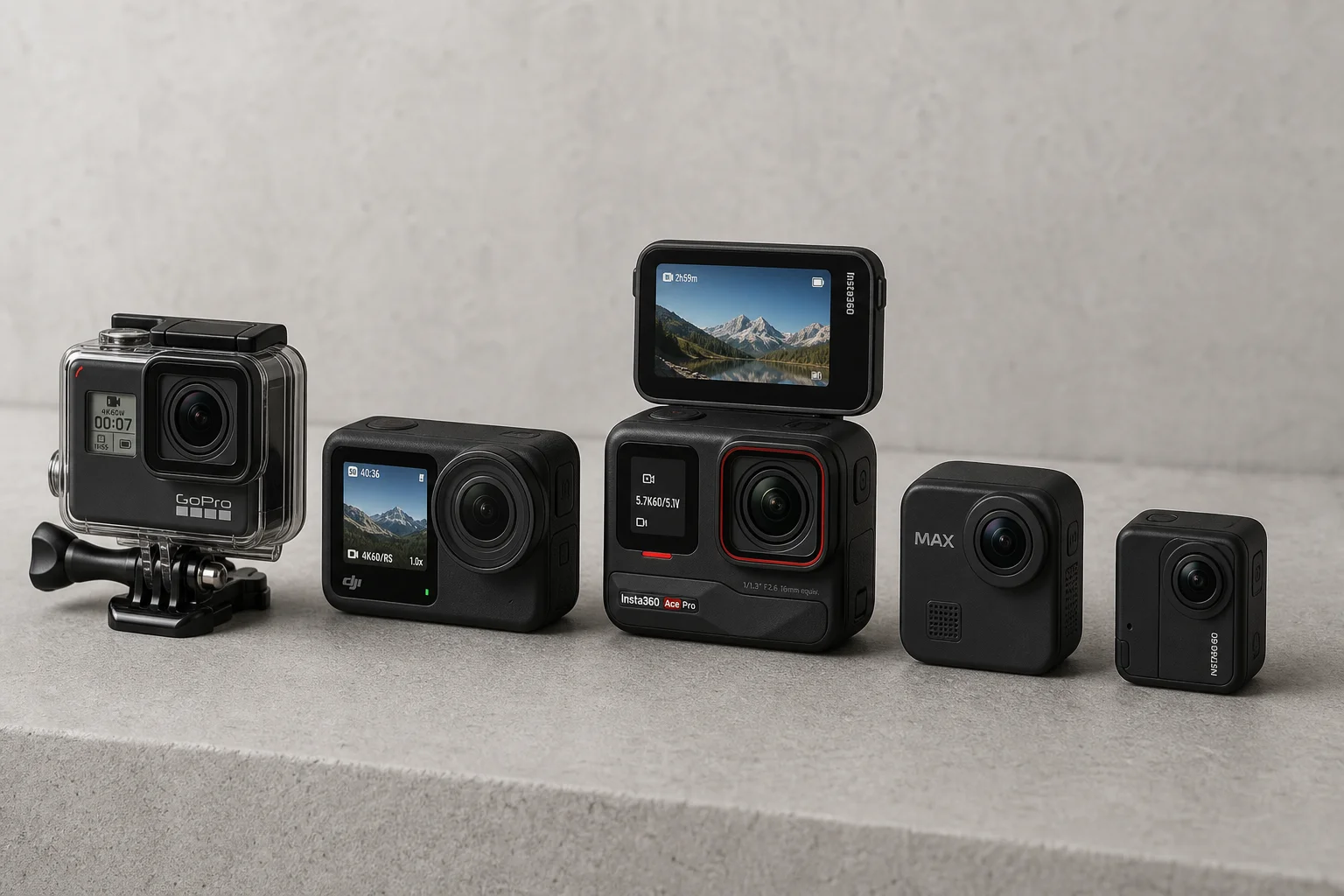
Best Action Cameras 2026: Five Top Picks Ranked
A comprehensive ranking of five action cameras from budget-friendly to premium, covering durability, video quality, stabilization, and low-light performance.