Action Cameras
GoPro Mission 1 Pro: Your Biggest Questions Answered Before the Full Review
Battery life, HyperView, DJI Mic compatibility, USB-C to HDMI output, and more answers about the GoPro Mission 1 Pro based on weeks of hands-on use with beta firmware.
Introduction
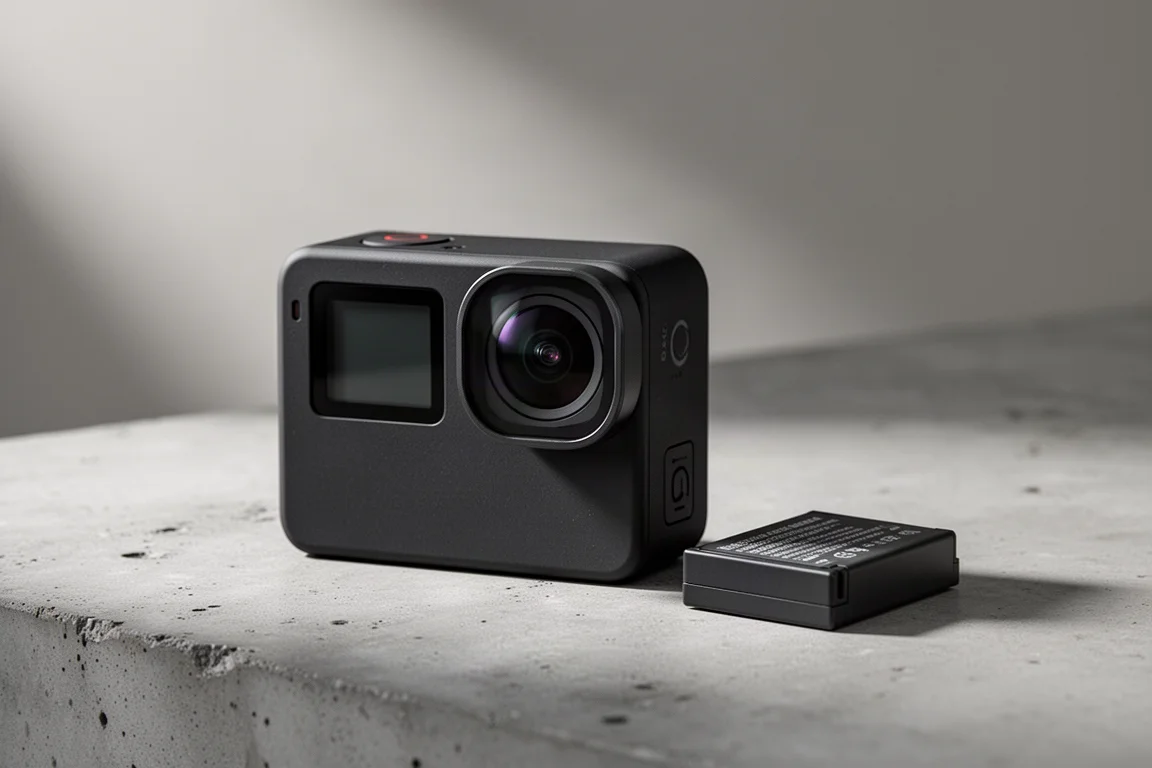
After a few weeks with the GoPro Mission 1 Pro, the biggest surprise is not the headline features like 8K and open gate. It is the sheer number of smaller details that change how the camera behaves day to day, from a wider SuperView field of view to a dramatically improved 4K60 battery run time.
This camera packs over 60 new features compared to the GoPro Hero 13 Black. Because the Mission 1 Pro is still running beta firmware ahead of the final release, some numbers here are ballpark figures rather than final specs, and that is worth keeping in mind before the full review lands. Here are the most common questions, answered.
Does HyperView Still Exist?
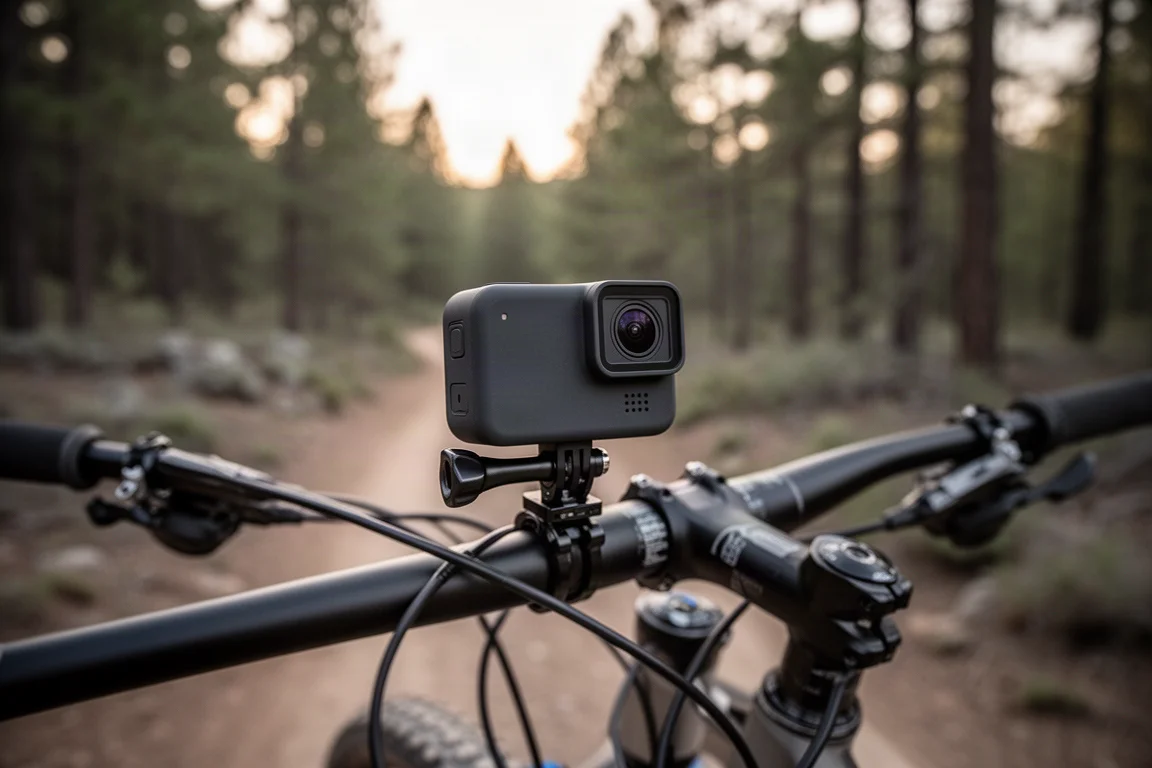
The HyperView mode from the Hero 13 Black, which compresses the frame to make mountain biking footage look faster, does not exist on the Mission 1 Pro. The good news is that SuperView is available instead, and it is actually wider than the Hero 13 Black’s HyperView. A simple side-by-side frame comparison shows more visible content on the left edge of a helmet and along the upper handlebars than the Hero 13 Black captures. A deeper look at how this performs in practice will come with the final review.
Linear Plus HorizonLevel Is Now a Toggle
On the Hero 13 Black, Linear plus HorizonLevel sits as a separate item at the bottom of the mode list. On the Mission 1 series it has been folded into the Linear mode as a simple toggle. That is a welcome simplification, since it removes the risk of accidentally enabling or disabling the wrong mode. The toggle is also available all the way up to 8K.
Field of View Basics
Field of view differs by mode. The camera sensor itself supports a maximum of 159 degrees, but each individual mode limits the available FOV within its own settings. Expect to check the mode you are actually shooting in before assuming the full 159 degrees is available.
4K60 Battery Run Time: What to Expect
GoPro’s official battery charts did not include 4K60, so a real-world test was in order. On a long-haul flight, the camera was set on a tray table recording a working session to keep motion in frame. The result was just shy of 2 hours.
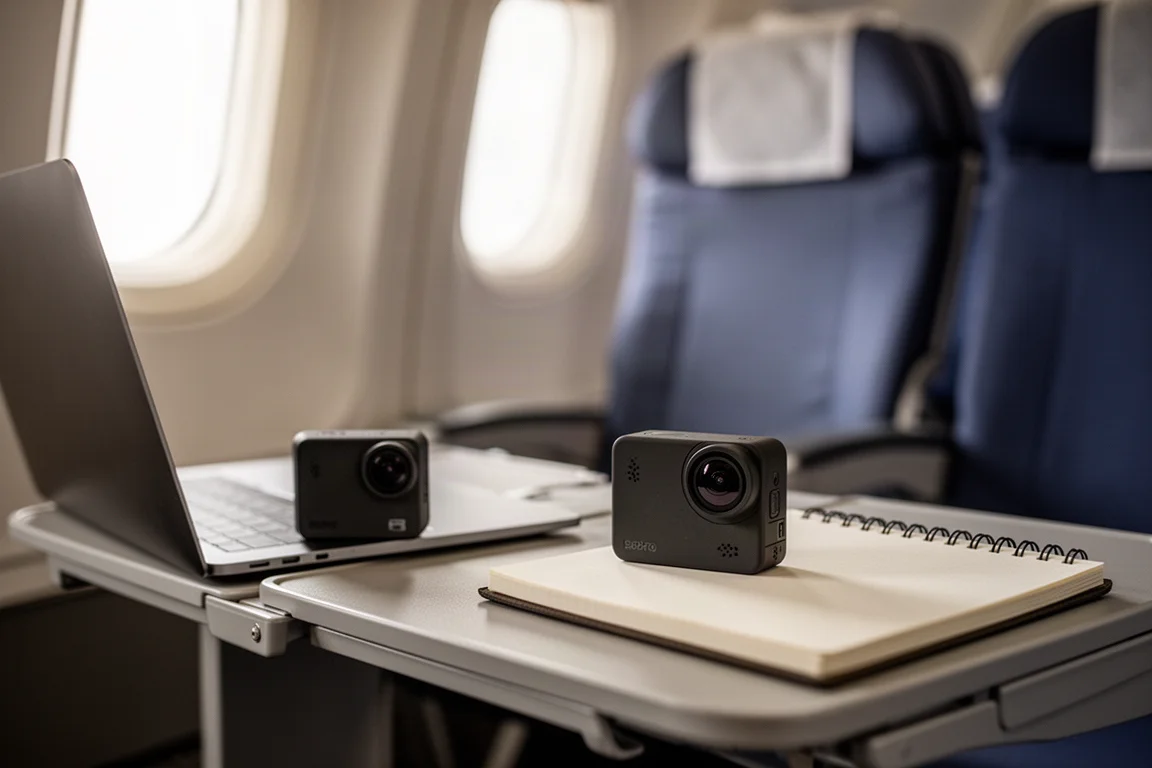
GoPro indicated that result was lower than their own expectation of 135 minutes (2 hours 15 minutes). A second run came in at 2 hours 10 minutes, very close to that target. The ballpark to expect is roughly 2 hours 10 minutes to 2 hours 15 minutes, which is nearly double the previous generation. That is a massive leap, and most of it comes from the camera itself: the chipset moved from a 12 nanometer process down to 5 nanometers, alongside significant thermal work. Final production firmware is still a few weeks away, so final battery and overheating tests will come in the full review.
Can You Connect a DJI Mic Wirelessly?
Yes, in two ways, each with caveats. First, Bluetooth: DJI cameras connect their mics over a proprietary wireless network with very long range, but when you use the DJI Mic’s Bluetooth channel to connect to a GoPro action camera, range and audio quality are both much more limited. It works, but it is not great.
Second, USB-C audio: the Mission 1 Pro and Mission 1 cameras support any USB-C microphone, so you can connect the DJI Mic receiver directly by cable. It is a bit clunky, but it works. The third option is GoPro’s own new wireless mic setup, which connects over GoPro’s proprietary network with much better range, similar to how DJI’s system behaves on DJI cameras.
Lens Questions: Aperture and Minimum Focus Distance
The fixed lens is F2.8. GoPro says that was chosen as a balance between minimum focal distance and focus to infinity beyond it. Note that the ILS version with the Micro 4/3 lens replaces the camera’s lens entirely, so the aperture is whatever the attached lens offers.
The minimum focusing distance is still being finalized, but unofficially it is about 60 cm, with some users finding 50 cm acceptably sharp depending on how picky they are.
USB-C to HDMI Without the Media Mod
The Mission 1 Pro can output USB-C direct to HDMI straight from the camera body, no Media Mod required. GoPro added this because many people wanted an external monitor option. One important update: this feature will not make the launch firmware. It arrives as the very first firmware update after launch, so it is coming, just not within the next month.
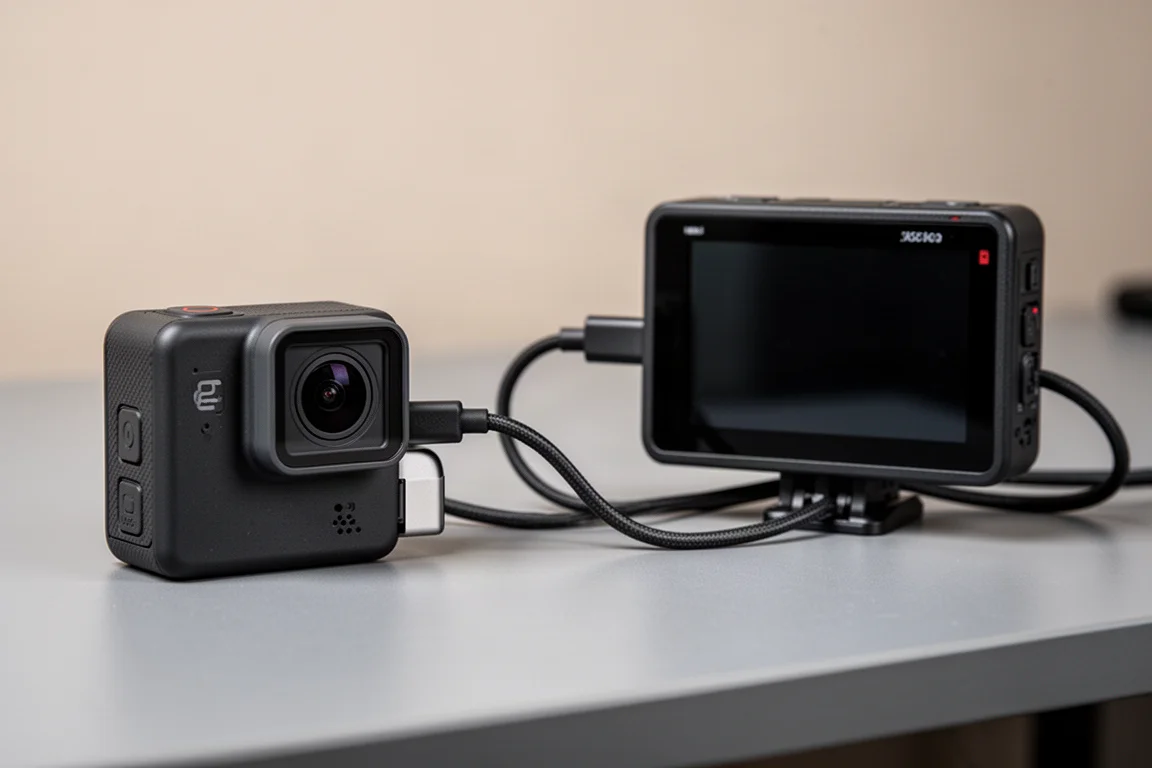
There is a bonus here too: you can connect your phone to the camera over a USB-C cable and use it as a wired preview monitor. Wireless preview was always possible, but a wired connection means no dropouts in camera rig setups, useful for monitoring rigs or streaming configurations.
No Pause Recording Option
Unlike Insta360’s Ace series cameras, which let you pause and resume into a single file, there is no pause option on the GoPro. It is a feature worth wishing for, though it is also worth noting that accidental screen taps can trigger pauses unintentionally, so its absence is not purely a downside.
External Power Without a Battery
Yes, the camera runs fine with the battery removed as long as it is connected to external power, either via a simple USB-C cable or a pass-through door. That behavior carries over from previous models.
File Sizes, Touchscreen, and the 1440 Mode
At the max 240 megabits per second bit rate, 8K files get big fast. Actual sizes vary enormously with bit rate, 10-bit capture, scene content, and a dozen other settings, so treat any figures as ballpark on this non-final firmware.
On the touchscreen, the Mission 1 Pro feels maybe slightly faster than the Hero 13 Black, but honestly the difference is not dramatic enough to notice one way or the other. The 1440 mode is still present, and it is a 4 by 3 mode, not 16 by 9.
Can Mission 1 Batteries Extend the Hero 13 Black?
Yes. The Hero 13 Black and Mission 1 batteries are interchangeable: different batteries, but the exact same size, so either works in either camera. The new Enduro 2 batteries are roughly 13% higher in capacity, so a Hero 13 Black should see roughly 13% more battery life with one installed.
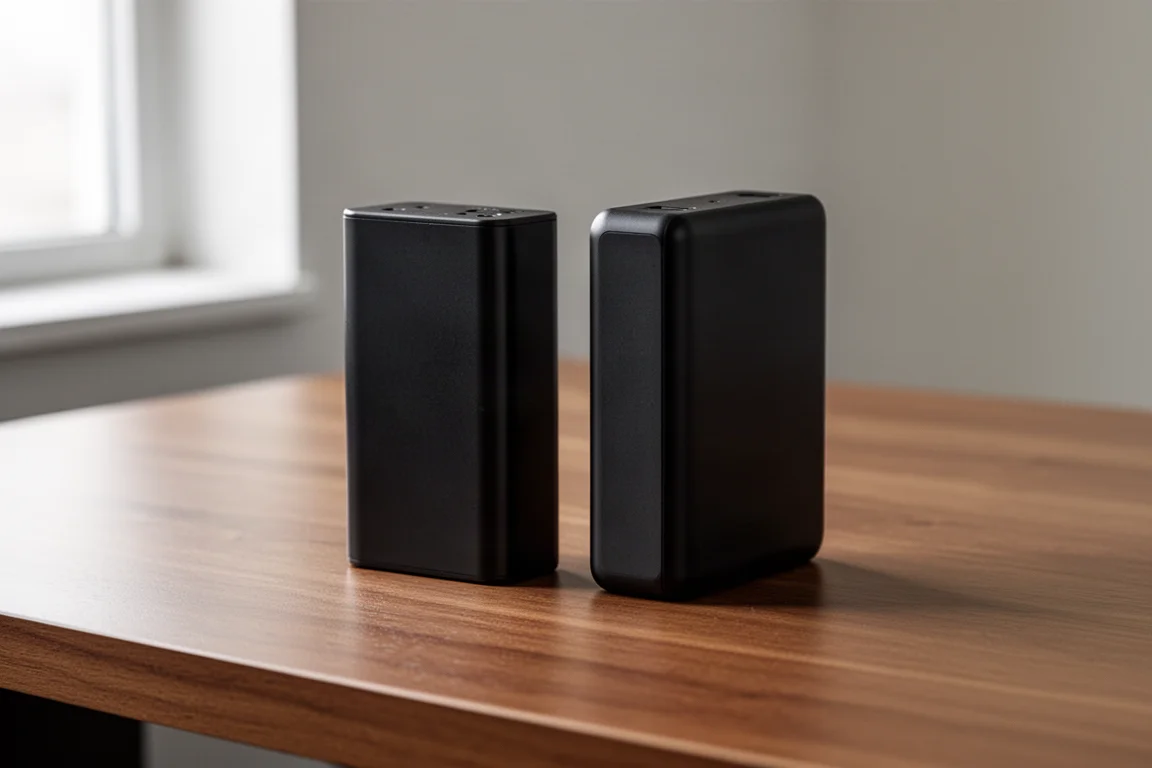
You will not match Mission 1 battery life, because most of those gains come from the camera itself, mainly the 5 nanometer chipset and thermal work. Any thermal benefit from the Enduro 2 in a Hero 13 Black is minimal compared to the raw capacity increase.
Lens Mods, Dive Housing, and Accessories
The front lens cover on the Mission 1 Pro is removable and replaceable, so a scratch or break is a cheap fix rather than a write-off. No existing Hero 13 lens mods fit this camera, including the Max Lens Mod, anamorphic, and macro lenses, because the sensor has grown to 1 inch and the camera is physically bigger. GoPro declined to comment on future lens mods, so treat a new Max Lens Mod as likely down the road but unconfirmed.
The Hero 13 dive housing also will not fit, but a new one is coming with a nifty vertical finger mount, supporting both horizontal and vertical mounting on larger camera rigs. Real-world testing is still pending. On storage, GoPro has not finalized the maximum microSD card size, but around 2 terabytes is expected.
Weight, Gimbal Integration, and the Hero 14 Question
The camera is noticeably heavier on paper, around 40 g more, and heavier than most other action cameras. In practice, on a helmet or in hand, it is not noticed after the first few seconds. FPV applications are the exception where that weight factually matters. There is no special integration with GoPro’s gimbal beyond what already exists on the Hero 13.
For the subscription discount, the $100 or 100 euro off requires an active subscription of at least one year, and the discount cannot have been redeemed on a camera in the past year. As for whether this replaces a future Hero 14: GoPro positions the Hero 13 Black as its second-tier camera going forward, which suggests there may be no Hero 14 Black at all. That remains an open question for now.
Buying Advice
Wait for final firmware. GoPro expects it around early May, with reviews under embargo until later that month. The headline takeaways so far are strong: nearly double the 4K60 battery run time, a wider field of view than HyperView, USB-C mic support, direct USB-C to HDMI output coming in the first update, and 8K TimeWarp and TimeLapse with concurrent JPEG or RAW photo output. If those hold up on production firmware, the Mission 1 Pro looks like a substantial step forward. A fuller verdict comes once the final firmware is in hand.
Conclusion
The GoPro Mission 1 Pro answers most of the practical questions well: battery life roughly doubles at 4K60, the field of view is wider than ever, accessory and mic flexibility has grown, and the small quality-of-life changes add up. The main caveats are beta firmware, a slightly heavier body, and a growing pile of Hero 13 accessories that no longer fit. For anyone deciding between this and the Hero 13 Black, waiting for the final review and production firmware is the sensible move.
Product link
View more details for GoPro Mission 1 Pro
This product is mentioned in the review. Check the specifications, options, and compatibility before buying.
View more details for GoPro Mission 1 ProFurther reading
Related Reviews
Action Cameras
360 Cameras for Adventure Motorcycling: Insta360 X5 vs DJI Osmo 360
Two 360-degree action cameras designed for off-road and adventure riding. A detailed comparison of features, stabilization, and real-world performance for motorcycle touring.
Action Cameras
Akaso EK7000 vs GoPro Hero 8 Black: Budget Action Camera Tested
A $50 budget action camera faces off against the GoPro Hero 8 Black. Here's how the Akaso EK7000 really performs in video, audio, and photo quality.
Action Cameras
Best Action Cameras 2026: Five Top Picks Ranked
A comprehensive ranking of five action cameras from budget-friendly to premium, covering durability, video quality, stabilization, and low-light performance.