Action Cameras
GoPro Hero 13 Black Beginner Guide: Everything You Need to Know Before Buying
A complete hands-on guide to the GoPro Hero 13 Black, covering setup, key features, the new lens mods, battery life, and the accessories actually worth your money.
Introduction
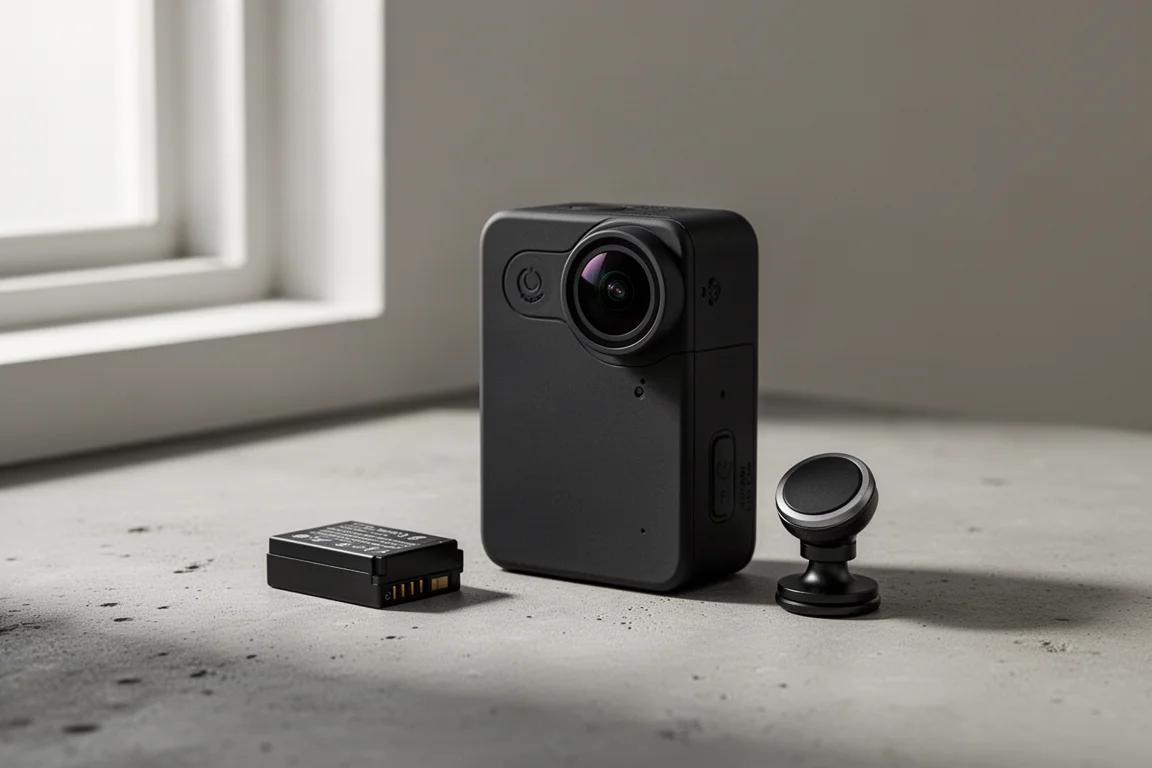
The GoPro Hero 13 Black is the kind of action camera that rewards you for learning it properly. It keeps the same exterior dimensions as the previous generation, so existing accessories fit, but it adds a redesigned magnetic mounting system, a new battery, auto-detecting lens mods, and a set of creative capture modes that make it surprisingly deep once you look past the surface. This guide walks through everything you need to know, from the contents of the box to the accessories genuinely worth spending money on.
Getting Started: Setup and First Run
Out of the box you get the camera, a USB-C to USB-C cable, the newer black Enduro battery, a thumb screw, and a sticky mount. Skip buying more of those sticky mounts from GoPro: multipacks of flat and curved versions sell very cheaply online, and a curved mount on a flat surface leaves a gap that is not good for high-speed use.
The bottom of the camera carries the updated mounting fingers, which accept the standard GoPro mount, plus a quarter-20 tripod thread in the middle. The thumb screw also hides a Phillips head option if you want to crank a mount down so it never moves. A new magnetic latch mount snaps the camera in and out quickly and can be flipped either way, though for high-speed, high-vibration applications GoPro itself recommends sticking with the native mounting fingers, which is sensible advice.
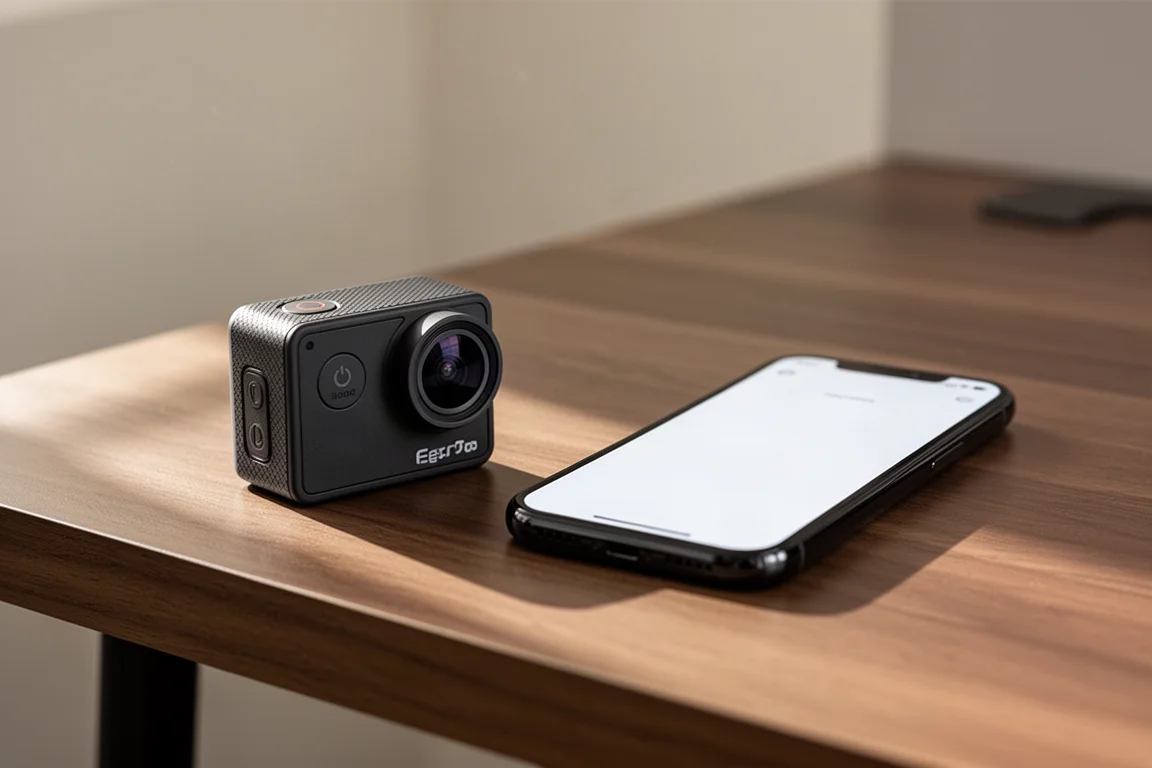
Inside the battery door you will find the microSD slot and battery bay. The SD card is arguably the most important accessory decision you will make: a poor card will cause freezes and erratic behavior. A 256GB card is a comfortable middle ground for most people, with 512GB worth considering if you record a lot of high-resolution footage. Pairing with the GoPro app is straightforward: tap the plus icon, connect over Bluetooth, name the camera, and optionally connect it to Wi-Fi so footage uploads to the GoPro cloud automatically if you have a subscription.
On the body, the side button powers the camera on and cycles modes, the top button starts recording, and the small panel on the front near the lens is not a door. It covers a microphone, so do not try to pry it off. The removable battery door, on the other hand, is designed to come off so you can swap in other doors.
Shooting Modes and Settings Explained
In basic mode, the interface is deliberately simple: a frame-rate multiplier, a digital lens, a quality selector, and a framing option. Frame rate is where slow motion comes from. Recording at 120 frames per second lets you play footage back at quarter speed, and the camera goes up to 240 frames per second, though higher frame rates drop the resolution because the processing cannot keep up. That trade-off applies to every action camera on the market.
The digital lens options run from Linear, which flattens out the fisheye look, through Wide and SuperView, up to HyperView at a 12mm equivalency. Fisheye gets a bad reputation, but it is exactly what lets you hold the camera close and fit your entire body in the frame. A useful trick: keep the horizon level and the fisheye distortion largely disappears on that plane. Below Linear sits Linear Plus Horizon Lock, which crops into the sensor and keeps the horizon flat no matter how you rotate the camera. It is excellent for dashboard mounts where you cannot level the camera, but less desirable for mountain biking, where losing the sense of lean and motion flattens the experience.
On the quality side, the jumps from 1080p to 4K and from 4K to 5.3K are far bigger than the numbers suggest. Shooting at 5.3K as a default gives you the resolution to crop into a shot later and still get a clean result, and large SD cards are cheap enough that storage should not be a constraint. The framing options cover widescreen, vertical, and full frame, the last of which records the entire square sensor so you can decide later whether you wanted horizontal, vertical, or something in between.
Swiping down reveals quick settings like voice control and the front display configuration. The front screen is not touch-enabled, but it stays visible in every frame rate, which is genuinely useful for framing when recording at 4K 60 or above. You can also lock the screen if rain or splashing causes ghost touches, and lock the orientation if you want to prevent the camera from flipping into vertical mode when rotated.
Pro Mode, Presets, and Slow Motion
Pro mode is where the Hero 13 Black opens up. Presets let you save a named configuration, with custom names and icons, and switch between them quickly. Within a preset you choose between Standard, HDR, and Log video, your framing, resolution, frame rate, and lens, plus scheduling options, a timer, and Protune settings like 10-bit color, higher bit rates, exposure compensation, white balance, and shutter speed. Log is only worth choosing if you know you will grade the footage in an editor afterward; if that sentence means nothing to you, stay on Standard.
Hindsight is one of the more clever additions: the camera continuously records to a buffer and only saves the last stretch, from 15 to 30 seconds, when you press the button. It burns battery since it is technically always recording, but it is ideal for setups where you wait for an unpredictable moment and only need the lead-up. The new Burst Slow-Mo mode offers 5.3K at 120fps, 900p at 360fps, and 720p at 400fps, but capture windows are short, just 5 seconds at the top setting, and the lower-resolution options only work for low-detail scenes like a subject against a plain sky. For most slow-motion work, simply set a normal video preset to 4K 120 and you get clean four-times slowdown without the constraints.
Time Lapse and Night Modes
Time lapse and TimeWarp are often confused, and the distinction matters. Time lapse shoots a static camera position with no stabilization, perfect for clouds passing by a window. TimeWarp applies stabilization, so it is the right choice any time the camera is moving, such as on a car dashboard. The rule of thumb: camera stays put, use Time lapse; camera moves, use TimeWarp.
Within this category sit some genuinely fun creative modes. Star Trails lets you point the camera at the sky on a stable surface, ideally with a power bank attached, and record overnight to extract the best snippet later. Vehicle Lights can be shot from a stationary spot watching traffic or from inside a moving car for a streaking alternative to TimeWarp. Light Painting turns the camera into a canvas for drawing with flashlights or phone screens in the dark. Intervals range from half a second up to an hour depending on how long your capture runs.
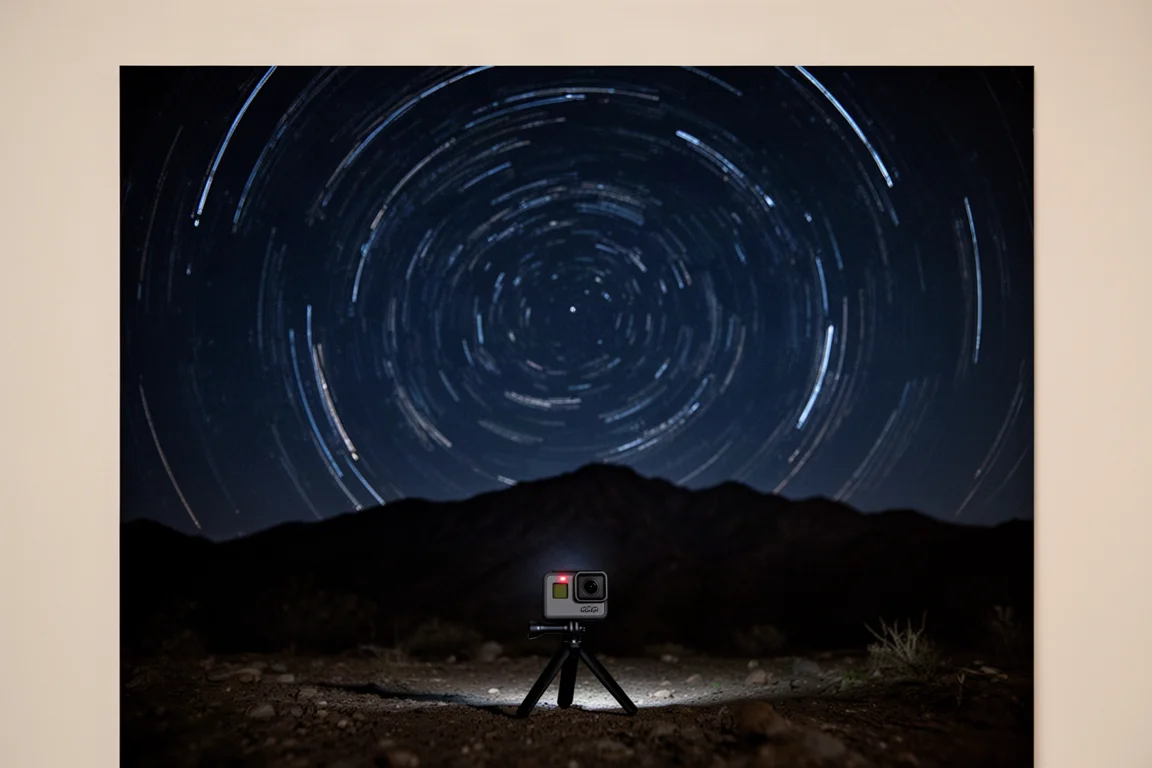
Photo modes mirror the video options: Standard, SuperPhoto HDR, and Raw output, with Burst capable of up to 30 photos in one second or 60 photos in 10 seconds. In practice, most experienced users skip Burst entirely and simply shoot 5.3K video, then pull the exact still frame they want from the GoPro app, which delivers both a higher effective frame rate and better quality than burst photos.
Battery Life and Overheating
The new black Enduro battery delivers longer run times than the previous white version, particularly in airflow scenarios. As for overheating, it is less of a problem than the internet suggests. The Hero 13 Black adds a heat sink on the front that improves heat dissipation, and heat only becomes an issue in low-airflow situations, like a car dashboard in the sun or filming indoors. Any moving scenario, including running, cycling, or being in water, which counts as airflow for cooling purposes, effectively eliminates the risk. If you must film statically at high resolution, simply step down to 4K 30 or 1080p 30 and you will be fine.
New Accessories: Lens Mods and Batteries
The Hero 13 Black’s accessory lineup is one of its headline stories, starting with the lens mods, which now auto-detect which lens is attached and adjust settings automatically.
The Macro Lens Mod is the standout. It snaps onto the camera after you twist off the removable front lens, and it has a minimum focusing distance of roughly 11 cm. Combined with focus peeking, which outlines in-focus areas in red, it produces remarkably detailed close-up shots, including in slow motion. One practical tip: mark the focus ring with a dab of paint so you can tell which side you are on at a glance, because a missed focus distance is easy to do and ruins the shot. Also note that the front lens has a hydrophobic coating, so stop licking the lens to clear water; it now has the opposite effect.
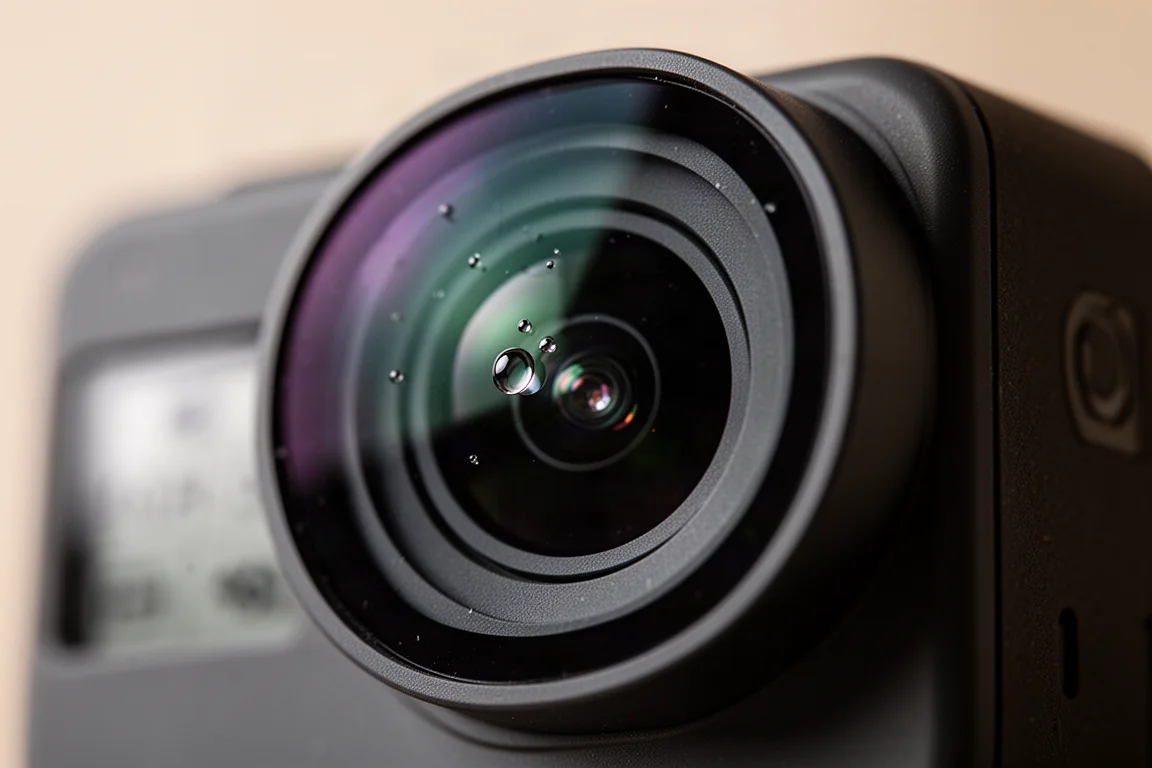
The Ultra Wide Lens Mod, previously known as the Max Lens Mod 2.0, is physically near-identical to its predecessor and delivers a 177-degree field of view, adding new Ultra SuperView and Ultra HyperView options plus a full 1:1 aspect ratio for cropping flexibility. Ultra HyperView looks great when the camera is mounted rigidly and well centered, but handheld it tends to look wobbly. The older Max Lens Mod 2.0 still works with this camera.
The ND Filter Set includes ND4, ND8, ND16, and ND32, and the camera recognizes each one automatically, even flagging when the attached filter is too dark for the current light. For anyone who previously avoided ND filters because of the settings complexity, this auto-detection removes the main barrier.
On the power side, the Contacto battery door replaces the standard door with a version that has contact points and a USB port, letting you charge the camera while keeping it waterproof down to about 10 meters. It attaches magnetically to a cable, prompts a cloud upload option when connected, and stays on the camera almost permanently. Its only limitation is that it does not fit inside the dive case. The dual-battery charger handles two batteries at once and is slightly faster than in-camera charging, though GoPro charging speeds remain notably slower than competitors.
Everyday Accessories Worth Buying
Knowing which accessories justify the GoPro price tag and which to buy generically saves real money. The floaty stick is firmly in the generic camp: the GoPro version is oversized and overpriced, while cheap third-party versions do the same job of keeping a dropped camera afloat. The same applies to shorty grips, clamp mounts, and chest mounts; generic versions work identically.
The dive case is the one GoPro-branded item in this tier worth having, and it is only necessary beyond the camera’s native 10-meter waterproofing. The camera itself handles everyday water exposure without any case.
The GoPro 3-Way is a daily-driver pick, combining an extendable grip, a ball joint at the top, and a tripod base in one flexible package. Alongside a shorty grip, it is one of the two things worth packing on any trip.
Suction mounts are the opposite case: this is where you absolutely should pay for quality. Cheap third-party suction cups are genuinely dangerous at speed, and the GoPro version has been used reliably at highway speeds without issue.

The creator-oriented trio of the Media Mod, Light Mod, and Volta round out the ecosystem. The Media Mod’s key feature is its ports, letting you wire in a 3.5mm external microphone. The Light Mod is a simple standalone light with no connectivity to the camera. Volta is essentially a large battery grip and selfie stick combined, with a USB-C port for charging the camera or other accessories and buttons to control the camera from the grip.
For audio, the camera pairs two Bluetooth microphones, including AirPods and the DJI Mic 2, which you enter pairing mode by long-pressing its button. Bluetooth audio quality across the board is merely passable, so treat it as a backup. For best results, record on the microphone itself and sync the audio in post, or mount a receiver on the Media Mod and wire it in for full quality.
The GoPro App and Subscription
The app handles remote control and live preview over Wi-Fi, which only activates when requested. Bluetooth stays on for up to eight hours after power-off, which enables one of the app’s most useful features: the locate-camera beeper. If you drop the camera on a hike, you can trigger the beeper from the app while the camera sits in its low-power state, and it has rescued more than one lost camera.
The media library lets you scrub through footage, grab an exact frame as a photo at full quality, download a whole clip, or snip out just the seconds you need instead of transferring a long file. Cloud and phone libraries sort content by date, with the subscription unlocking cloud backup at full original resolution. Subscribers also get discounts on accessories and faster replacement service. The automatic daily edits built from your uploaded footage vary in quality depending on what you shoot, but for typical vacation-style footage they can be surprisingly good.
Conclusion
The GoPro Hero 13 Black is an easy camera to recommend for anyone who wants a polished action camera with a mature ecosystem and genuinely useful new accessories. Buy it for the improved battery, the auto-detecting lens mods, and the flexibility of full-frame capture, invest in a large, reliable SD card on day one, and spend your remaining budget on a 3-Way, a good suction mount, and whichever lens mod matches your style. For everything else, the generic versions will serve you just as well.
Product link
View more details for GoPro Hero 13 Black
This product is mentioned in the review. Check the specifications, options, and compatibility before buying.
View more details for GoPro Hero 13 BlackFurther reading
Related Reviews
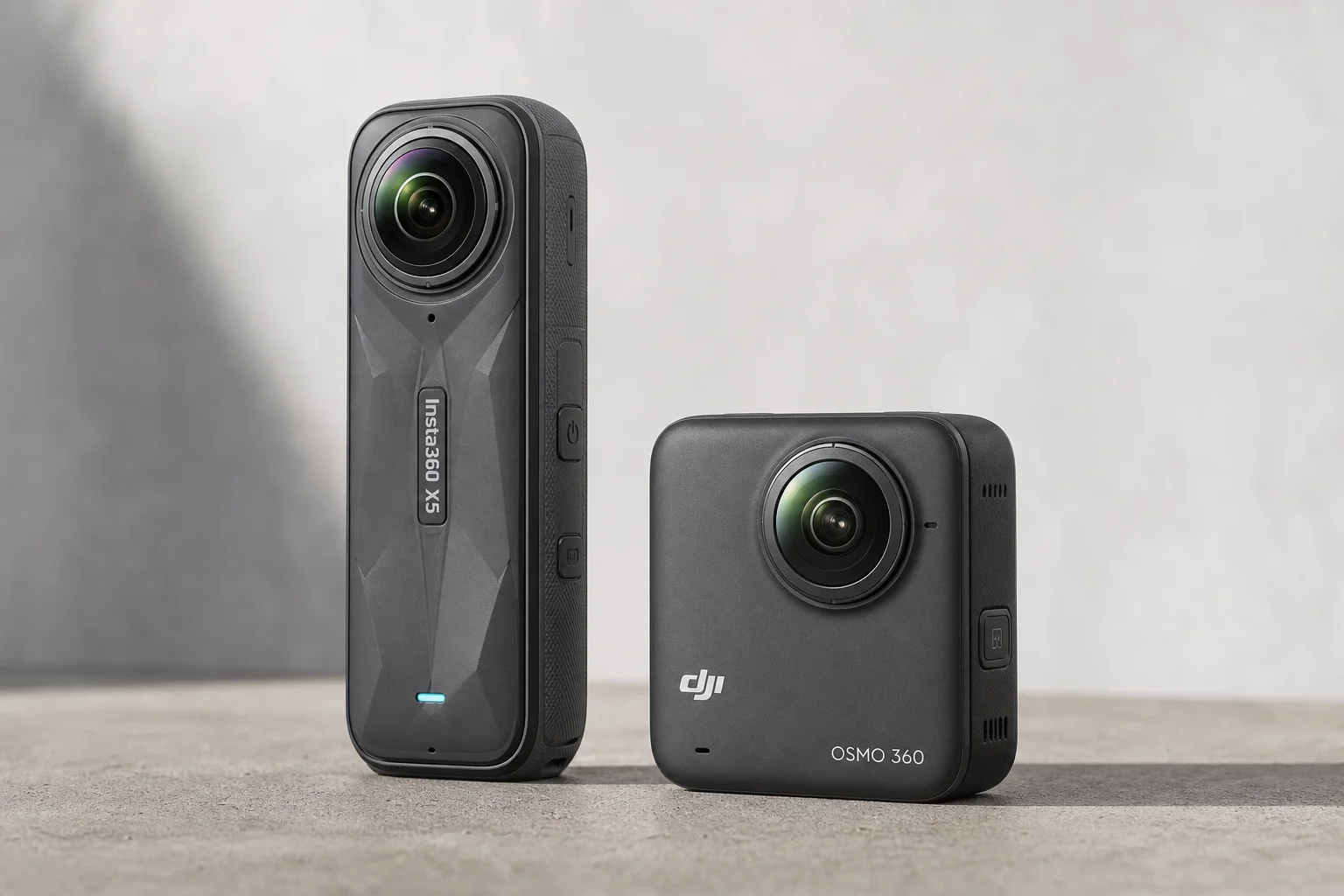
Action Cameras
360 Cameras for Adventure Motorcycling: Insta360 X5 vs DJI Osmo 360
Two 360-degree action cameras designed for off-road and adventure riding. A detailed comparison of features, stabilization, and real-world performance for motorcycle touring.
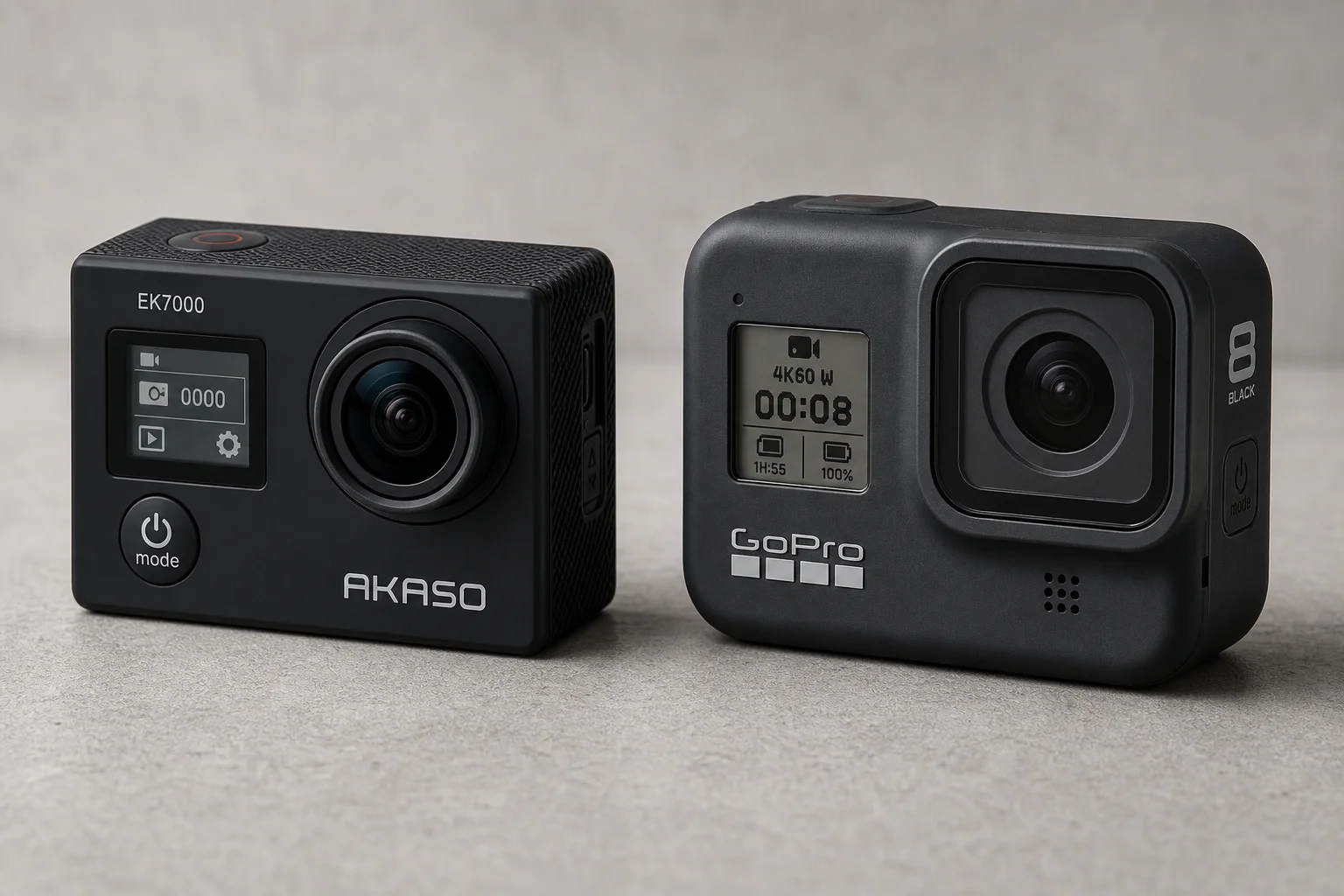
Action Cameras
Akaso EK7000 vs GoPro Hero 8 Black: Budget Action Camera Tested
A $50 budget action camera faces off against the GoPro Hero 8 Black. Here's how the Akaso EK7000 really performs in video, audio, and photo quality.
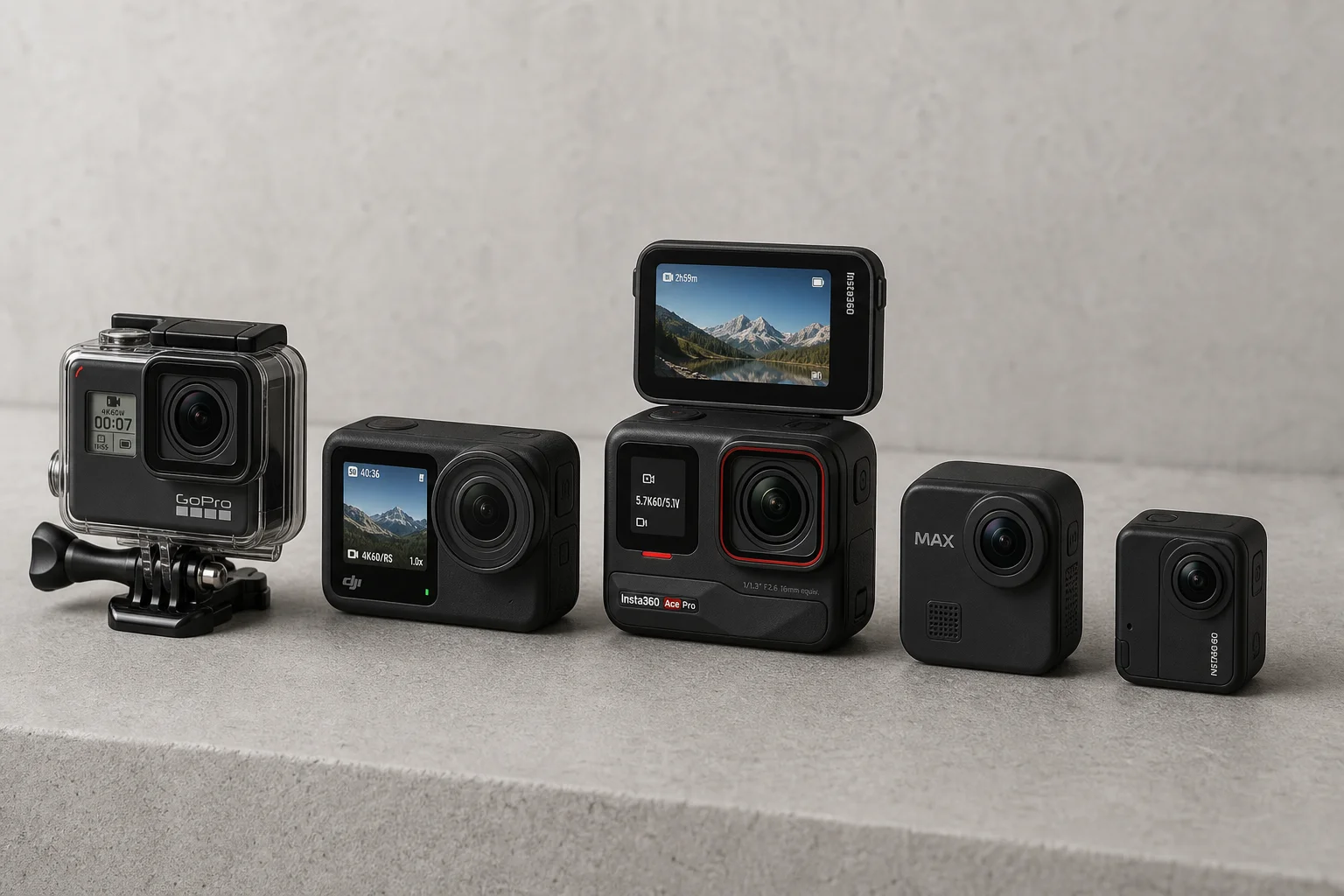
Action Cameras
Best Action Cameras 2026: Five Top Picks Ranked
A comprehensive ranking of five action cameras from budget-friendly to premium, covering durability, video quality, stabilization, and low-light performance.