Action Cameras
GoPro Hero 12 Black: A Beginner's Guide to GoPro's Flagship Action Camera
A start-to-finish look at the Hero 12 Black, from unboxing and setup to digital lenses, stabilization, night modes, and which accessories are actually worth buying.
Introduction
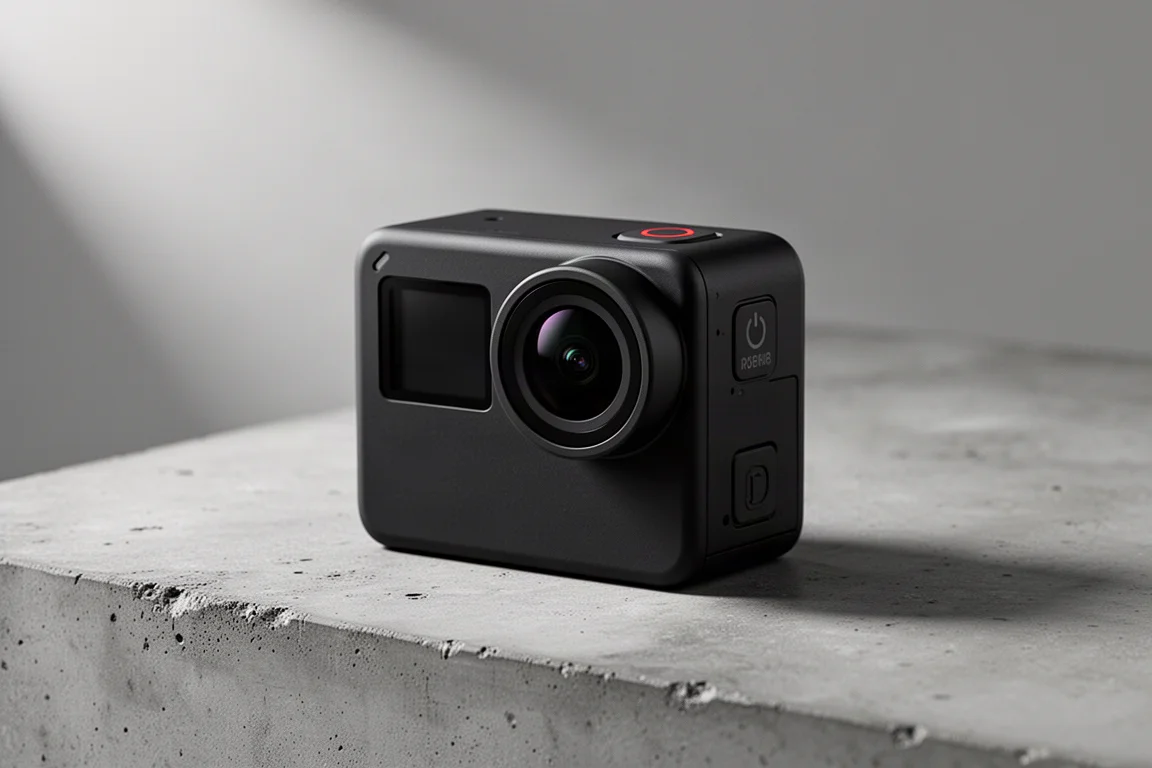
The Hero 12 Black is a camera worth learning properly. Action cameras reward knowing the settings, and this one has enough depth that a little guidance goes a long way. This guide walks through the full experience: what arrives in the box, how the hardware works, the core camera controls, the GoPro Quick app, and which accessories genuinely earn their place in your bag. It is written from the perspective of daily use over years of shooting with these cameras.
Who This Product Is For
The Hero 12 Black suits anyone who wants high-quality action footage without managing a complex setup. It works well for skiing, mountain biking, water sports, travel, and everyday family shooting. Beginners get simple “easy controls” with Basic, Standard, and Highest quality presets, while more experienced shooters can switch to pro controls for full manual command over resolution, frame rates, and Protune settings. If you plan to shoot mostly static scenes in hot sun, read up on overheating behavior first, but for moving subjects and typical action use, it is a very capable daily companion.
What’s in the Box
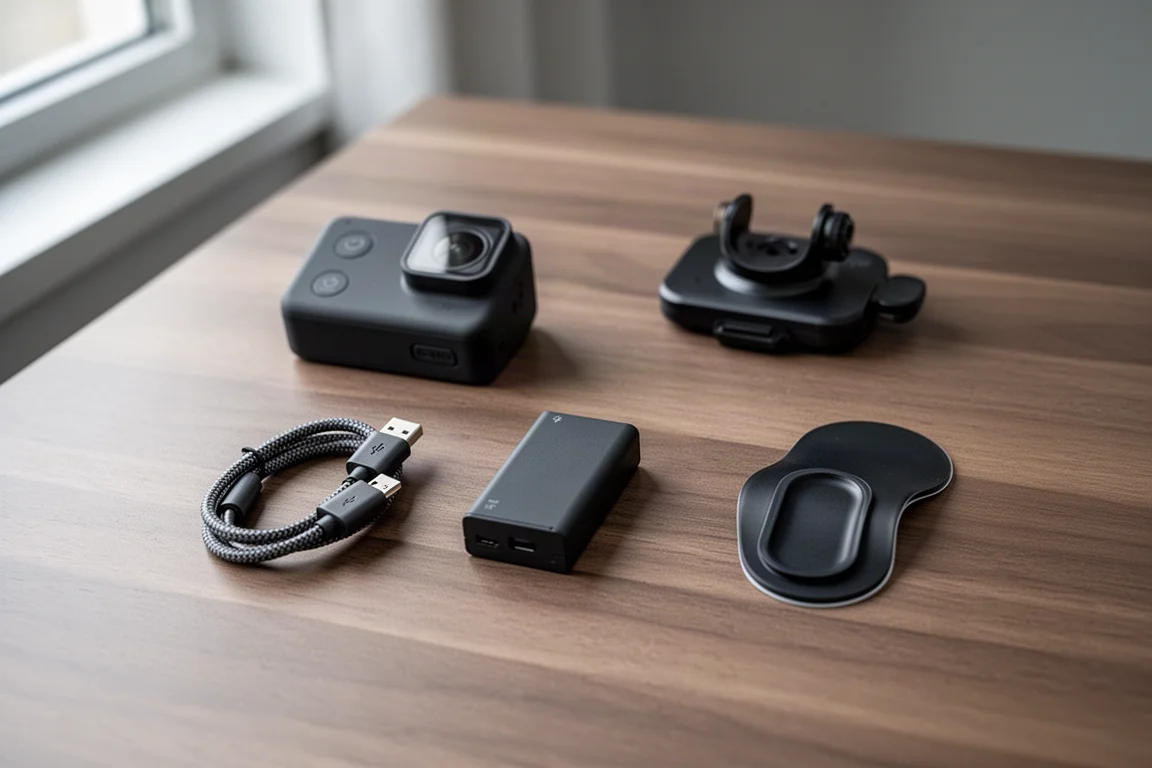
The standard edition of the Hero 12 Black no longer includes a carrying case, a change from previous years. Inside the box you get the Enduro battery, a USB-C charging cable (any USB-C cable will work), a curved sticky mount with its mounting piece, and the camera itself.
The Enduro battery is GoPro’s standard battery and offers longer run times than the older blue battery, with noticeably better cold-weather performance for skiing or mountain use.
The sticky mounts come in curved and flat versions, so match the mount to the surface. They are effectively disposable: they stick extremely well, and packs of 20 or 30 cost very little online, so there is no need to overthink them. The included mounting piece slides into the sticky mount and clicks in place, and it then fits any standard mount type.
Waterproofing and Lens Details
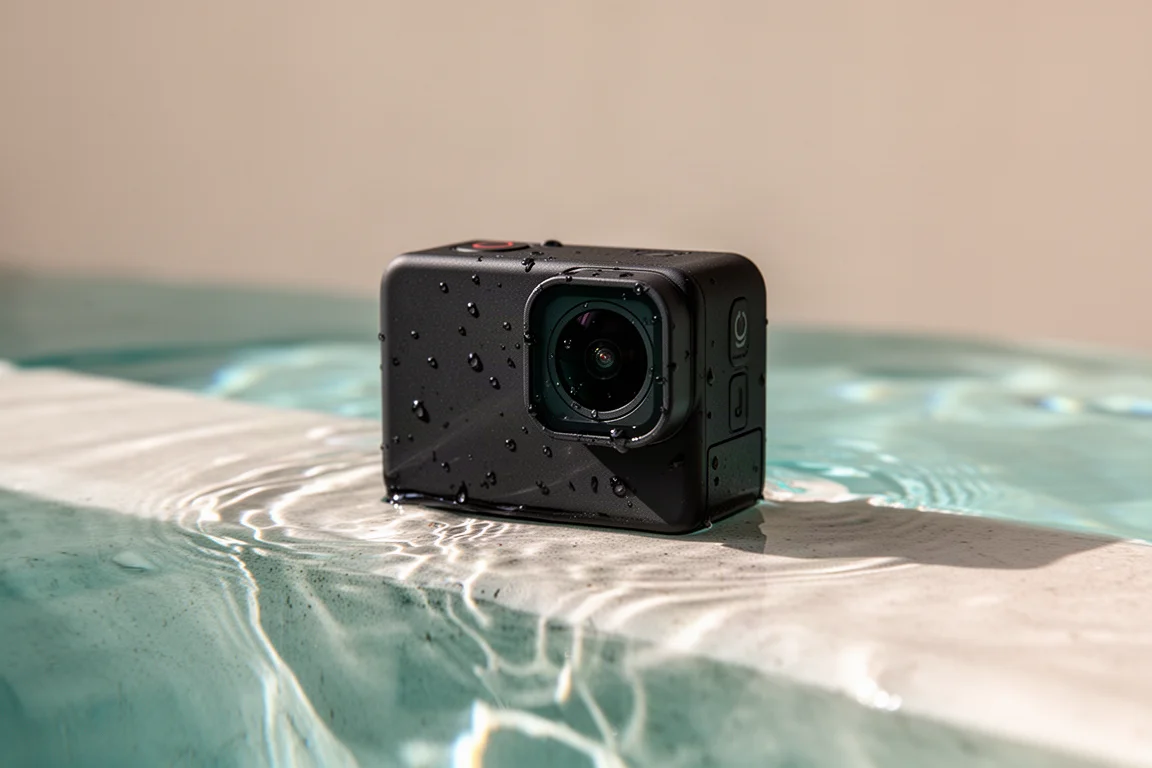
The camera is waterproof to about 10 meters (33 feet) as-is, with no waterproof case required for everyday use. For deeper diving, a separate waterproof case is needed. One side panel is not a door: it protects the microphone and drains water out, so never try to open it.
The removable lens cover twists off and clicks out, allowing you to attach accessories such as the Max Lens Mod. The lens carries a hydrophobic coating carried over from the Hero 10, 11, and 12 generation. That means the old trick of licking the lens to repel droplets actually backfires here and makes water cling to the glass, so skip it.
Setup and the GoPro Quick App
Initial setup is straightforward: choose your language, accept the legal text, and enable voice control. The camera runs an SD card and battery check along the way. The GoPro Quick app pairs over Bluetooth in a few taps, lets you name multiple cameras, and offers an optional Wi-Fi connection for automatic cloud uploads. You should definitely accept the firmware update the app offers; factory firmware on these cameras tends to be old by the time they ship.
The Quick app is where you download footage, apply camera settings, preview recordings in real time, and grab still frames from any video. The Locate Camera feature makes the camera beep if you lose it nearby, helped by Bluetooth staying on in a low-power state for about eight hours after shutdown.
GoPro’s subscription, around $50 a year, offers up to 50% off accessories in practice more like 10 to 15% off, $100 off the next camera (bringing the Hero 12 to $299 instead of $399), and automatic cloud uploads of your footage.
Core Camera Controls
The top button records with one press. The front status display shows the recording timer, battery indicator, and remaining SD card time rather than battery time. The side mode button adds a highlight while recording, which feeds the app’s automatic daily edits, and it cycles between video, photo, and time-lapse modes.
The digital lens setting deserves attention. Horizon Lock keeps the horizon perfectly level even if the camera rotates a full 360 degrees, which is ideal for car mounts and flips. Linear removes the fisheye look for footage that blends with phone or camera footage. SuperView and HyperView get progressively wider; wider views make you look faster, but HyperView can distort the image noticeably. SuperView is the practical sweet spot for most shooting.
In easy controls, you pick Basic (1080p), Standard (4K), or Highest (5.3K) quality, plus widescreen, vertical, or full-frame aspect ratios. Full-frame shoots at 5.3K in an 8:7 image, letting you crop to vertical or horizontal later in the app.
Frame rate options include 2x, 4x, and 8x, which translate to 50, 100, and 200 frames per second in Europe, or 60, 120, and 240 in North America, all for slow motion. For everyday shooting, 60 fps is a sensible default; reserve very high frame rates for genuine slow-motion moments.
Stabilization, HDR, and Advanced Settings
HyperSmooth is GoPro’s electronic stabilization. Turning it off is almost never the right call unless the camera is locked down on a tripod. Auto Boost dynamically adjusts how much of the sensor is cropped in, trading field of view for smoother footage on rough terrain; leaving it fixed at On is a reasonable preference for a consistent framing.
HDR video mode better exposes highlights and shadows, most visible in scenes mixing bright skies and shade. For deeper editing, Preferences let you switch to 10-bit color depth, raise the bit rate up to 120 Mbps, and enable Log mode, but only enable Log if you actually plan to color grade your footage.
Protune unlocks shutter, EV compensation, white balance, ISO, sharpness, and raw audio, which records all three onboard microphones separately for later cleanup. Custom presets are easy to build, though the naming is limited: custom presets simply display as “Custom,” which can get confusing once you accumulate several.
The Hindsight feature is a standout. Like a 30-second rolling buffer, it records continuously without saving, and pressing the capture button saves the previous 30 seconds. It is perfect for repetitive situations where something amazing happens rarely, like finally landing a trick after 45 minutes of attempts. Choose the 30-second option over 15; it costs nothing extra in SD card space when untriggered.
Photo Modes and Time-Lapse
Photo mode captures around 27 megapixels, but for moving subjects, shooting 5.3K video and extracting a still in the app is far more reliable and still very high resolution. Reserve photo mode for when you genuinely need maximum resolution. Burst mode runs up to 30 frames in one second in auto, with slower, longer bursts available.
Time-lapse and TimeWarp serve different purposes: TimeWarp is for moving through space, with built-in stabilization; time-lapse is for staying put. Don’t mix them up, as time-lapse while moving produces wobbly footage. TimeWarp speed options range from 2x to 15x, with a guide that five minutes of recording yields about 10 seconds of video.
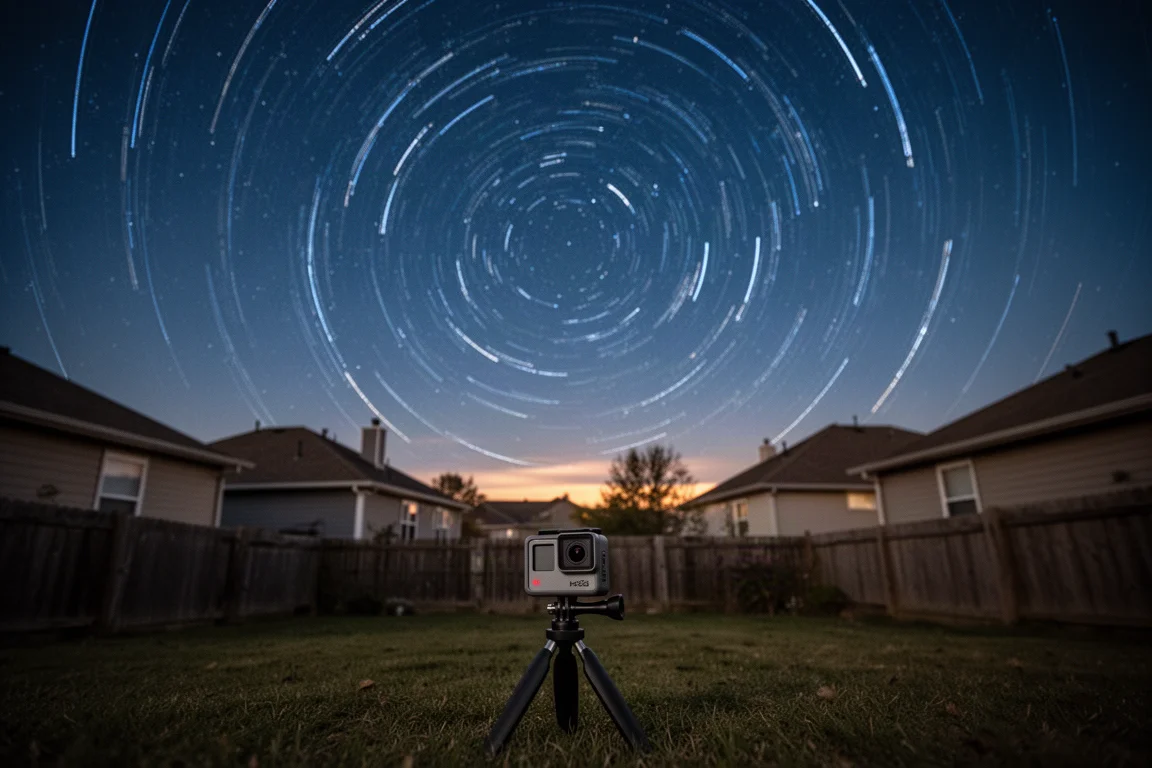
Night modes are a genuine highlight. Star Trails, Light Painting, and Vehicle Trails compile brilliant long-exposure results from a single button press, something that is genuinely complicated to do manually. For Vehicle Trails, choose shorter trails when lots of traffic passes, and longer trails for sparse movement. Scheduled capture lets the camera wake itself up to record, useful for sunrises, and duration limits stop recording after a set time. Everything can run while plugged in.
Audio and Connectivity
The Hero 12 Black can pair Bluetooth audio devices such as headphones or Bluetooth mics directly to the camera for recording. Audio quality varies with your device and what sits between camera and microphone; a camera mounted outside a car while you sit inside will sound rough, but a clear line of sound does much better. There is a small risk of sync drift, so it is worth testing your specific setup.
For wired mics, the Media Mod accessory adds a shotgun mic on top, a 3.5mm audio port, USB-C, and micro HDMI, plus two cold-shoe mounts for lights or wireless receivers. Note the Media Mod is not waterproof, unlike the bare camera.
Accessories Worth Buying (and Skipping)
A few accessories earn their keep with daily use. The GoPro Shorty is a compact grip that extends into a mini tripod and works great as a selfie stick; it sees near-daily duty. The Three-Way offers multiple configurations, including selfie stick and tripod modes, with longer reach, useful for low shots from a bike. It is pricier, and generic knockoffs reportedly break easily on this larger model.
A small floating mount costs very little and beats GoPro’s own, which feels oversized. Generic accessory bundles of random mounts and clips are cheap and surprisingly useful. A clamp mount with a gooseneck handles flexible positioning; a suction cup mount holds up at highway speeds even with two cameras attached, though for high-speed applications, trusted brand mounts are the safer bet.
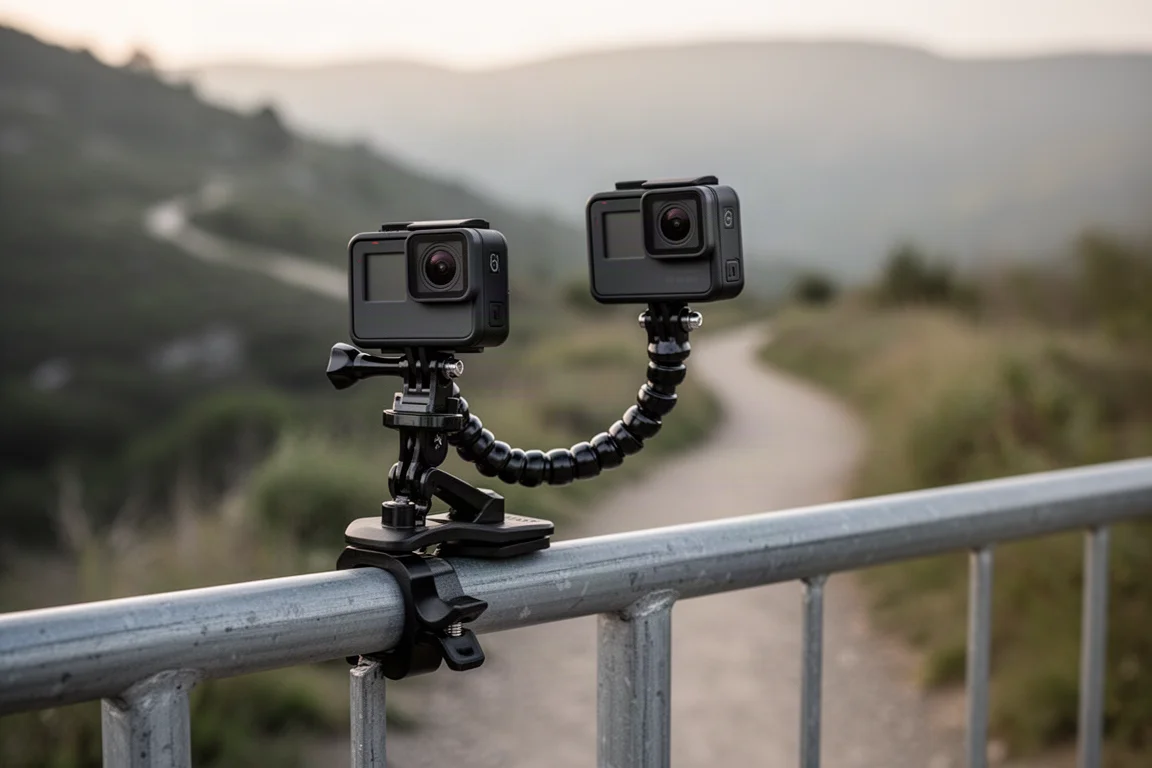
The Volta grip has a built-in battery bank good for roughly four batteries’ worth of charging plus a remote record button, mainly useful for long shooting days. The GoPro Remote controls multiple cameras at once, handy for mountain biking with the camera mounted out of reach.
Buying Advice
Buy the Hero 12 Black if you want a mature, well-supported action camera with excellent stabilization, flexible framing options, and genuinely fun night modes. Invest in a reputable microSD card from a trustworthy seller; fakes are common and cause real problems. Consider the GoPro subscription if you will buy accessories and your next camera anyway, since the discounts and cloud uploads add real value. Skip the subscription’s implied accessory upsells where generic versions do the job just as well, and turn voice control off unless you truly need it, because misheard commands can stop a recording mid-shoot without you noticing.
Conclusion
The Hero 12 Black is an action camera that rewards a little learning with a lot of capability. Its digital lens system, HyperSmooth stabilization, Hindsight buffer, and one-press night modes cover nearly everything a beginner or intermediate shooter will ask of it. Pair it with a handful of well-chosen accessories, a reliable microSD card, and the GoPro Quick app, and you have a genuinely versatile camera that fits almost any adventure.
Product link
View more details for GoPro Hero 12 Black
This product is mentioned in the review. Check the specifications, options, and compatibility before buying.
View more details for GoPro Hero 12 BlackFurther reading
Related Reviews
Action Cameras
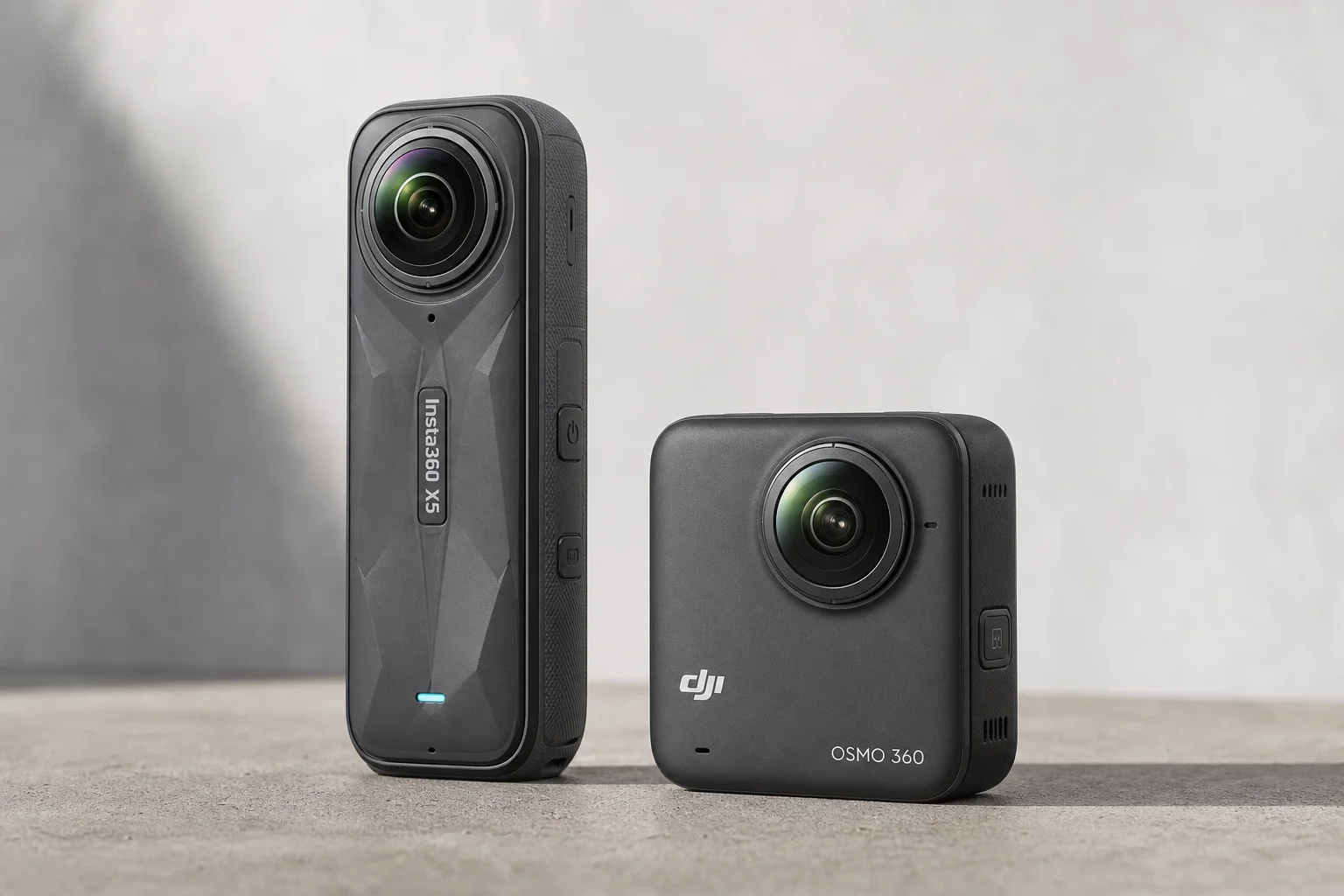
360 Cameras for Adventure Motorcycling: Insta360 X5 vs DJI Osmo 360
Two 360-degree action cameras designed for off-road and adventure riding. A detailed comparison of features, stabilization, and real-world performance for motorcycle touring.
Action Cameras
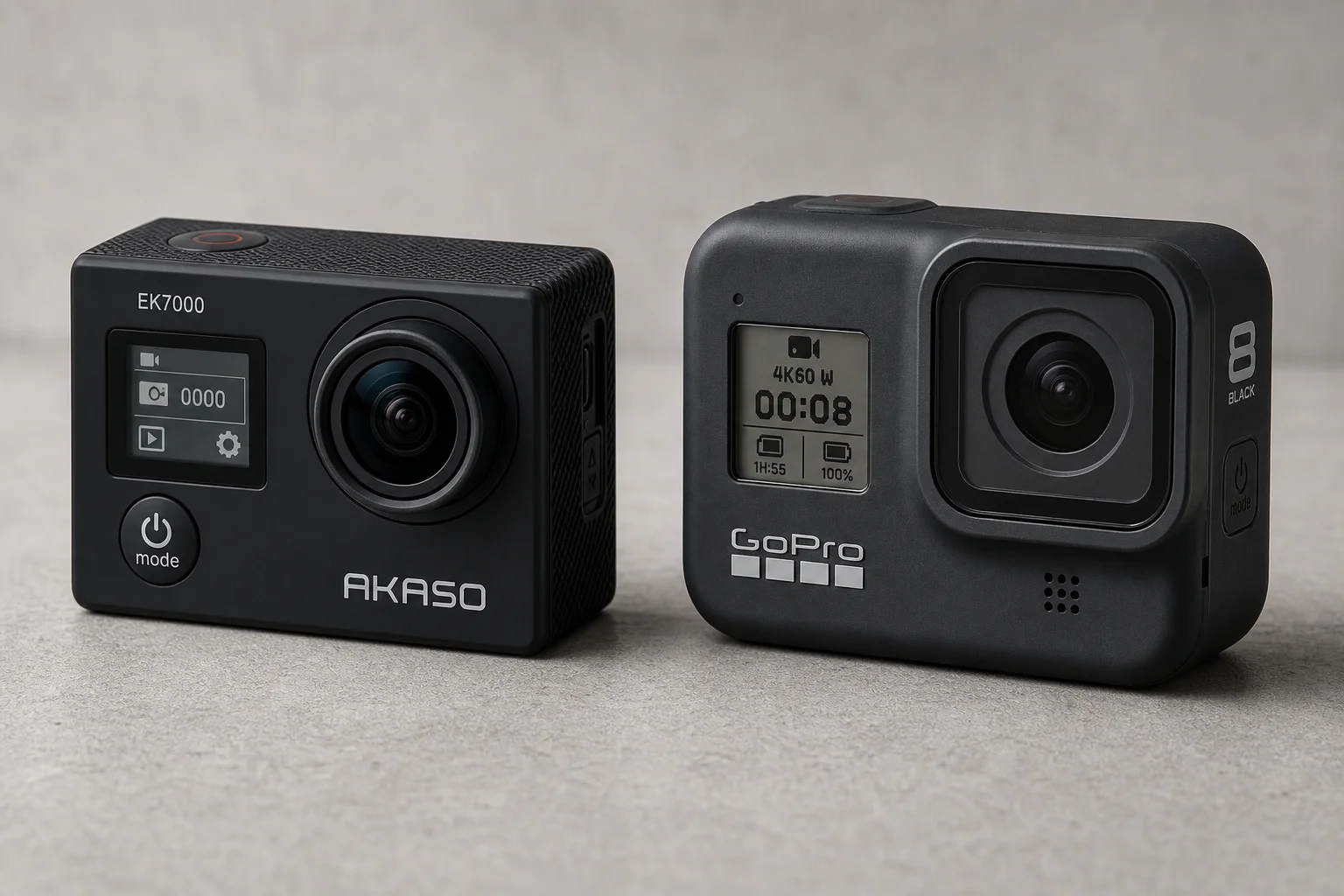
Akaso EK7000 vs GoPro Hero 8 Black: Budget Action Camera Tested
A $50 budget action camera faces off against the GoPro Hero 8 Black. Here's how the Akaso EK7000 really performs in video, audio, and photo quality.
Action Cameras
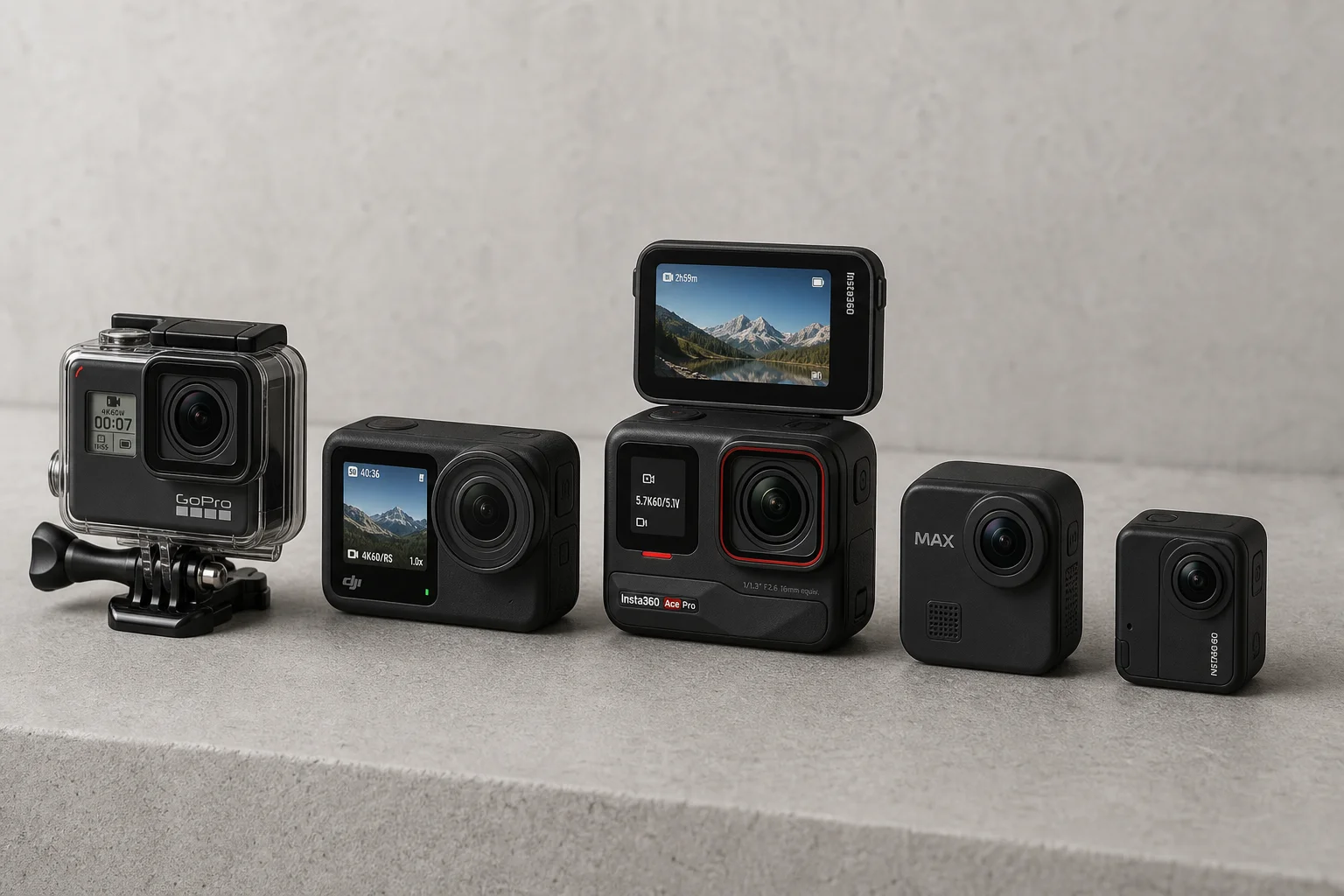
Best Action Cameras 2026: Five Top Picks Ranked
A comprehensive ranking of five action cameras from budget-friendly to premium, covering durability, video quality, stabilization, and low-light performance.