Action Cameras
GoPro Hero 10 Bones Review: A Featherweight Hero 10 Built for FPV Drones
GoPro strips the battery, screen, and waterproofing to create a 54-gram camera that keeps full Hero 10 image quality for FPV pilots.
Introduction
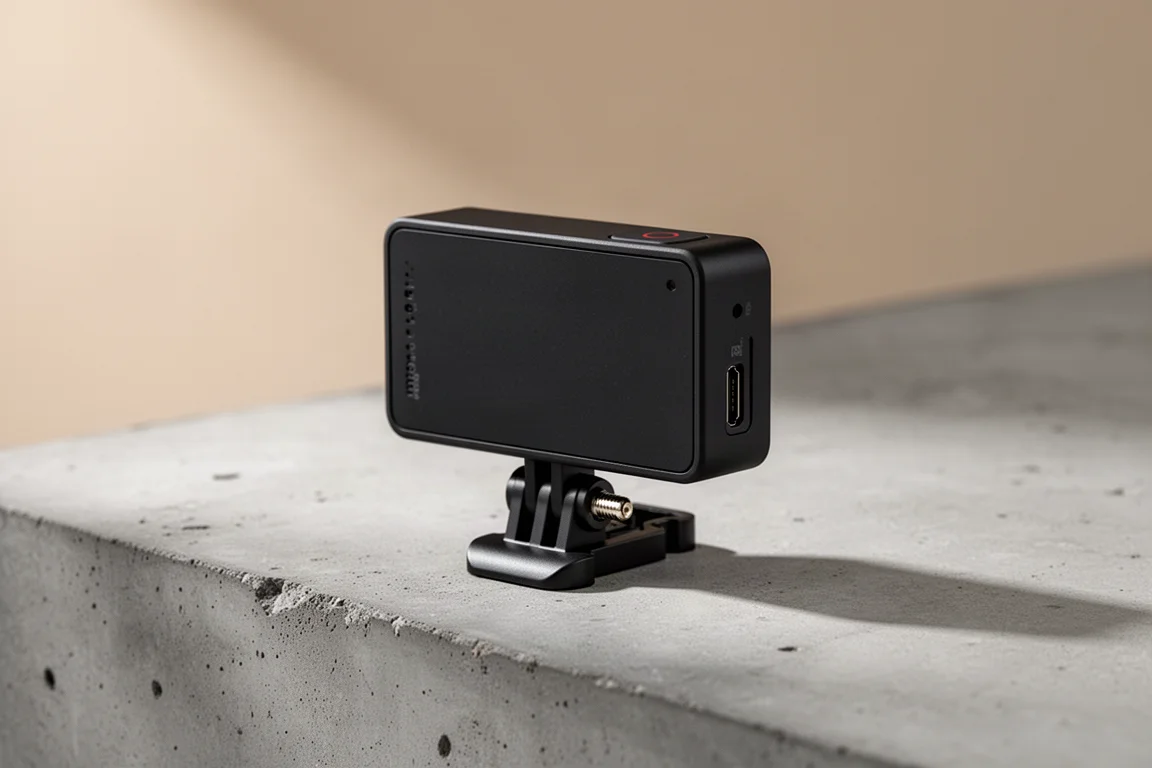
GoPro is back making cameras for the drone crowd, and this time the approach is refreshingly simple: take the Hero 10, remove everything an FPV pilot does not need, and cut the weight by about two thirds. The result is the GoPro Hero 10 Bones edition, a camera that weighs roughly 54 grams compared to the 160 grams of the standard Hero 10. It keeps the full resolution and frame rate options of a Hero 10, but it borrows power from your drone’s battery instead of carrying its own. Here is what that trade looks like in practice.
Who This Product Is For
The Bones edition is aimed squarely at FPV pilots who build or fly their own quads and want Hero 10 image quality without the weight penalty. If you already fly with a standard GoPro strapped to the front of your frame, this gives you effectively the same camera at one third the weight, which matters for flight characteristics and crash resilience.
It is not for anyone looking for a general-purpose action camera. There is no battery, no USB connector, no waterproofing, no GPS, and only one microphone instead of three. If you want a camera for hiking, surfing, or everyday filming, the standard Hero 10 remains the better tool.
Main Strengths
The headline strength is weight. At 54 grams, the Bones sits in the same ballpark as the DJI Action 2 at 56 grams, while still delivering the resolutions, frame rates, and image quality GoPro is known for. That is the core of the pitch, and it is a compelling one.
Image quality is the second big advantage over the competition. The Bones tops out at 5.3K, effectively double the resolution of lightweight rivals that top out at 4K. You also keep access to GoPro’s stabilization workflow after the fact, which is something most of the lightweight FPV camera options cannot offer.
Another thoughtful detail is the front microphone. Drones produce constant buzz, so audio from this camera is not for your final edit, but it makes syncing footage to your other camera angles in post dramatically easier. The software side is strong too: this is the first GoPro to ship with GoPro Labs as its master firmware, which brings QR code based configuration. You can scan a QR code in front of the lens to instantly apply a full settings preset, and GoPro offers a web utility to create and print your own codes or save them as photos on your phone.
What’s in the Box and How It Wires Up
The packaging is deliberately bare bones. Inside you get the camera itself, a small cable that connects the camera to your flight controller for both power and shutter control, and a small mount with the standard two-prong GoPro interface at the bottom. Technically you can skip that middleman mount and attach the camera straight to your frame, though you would need to find or make a suitable mount yourself, and 3D printed options will likely appear over time.
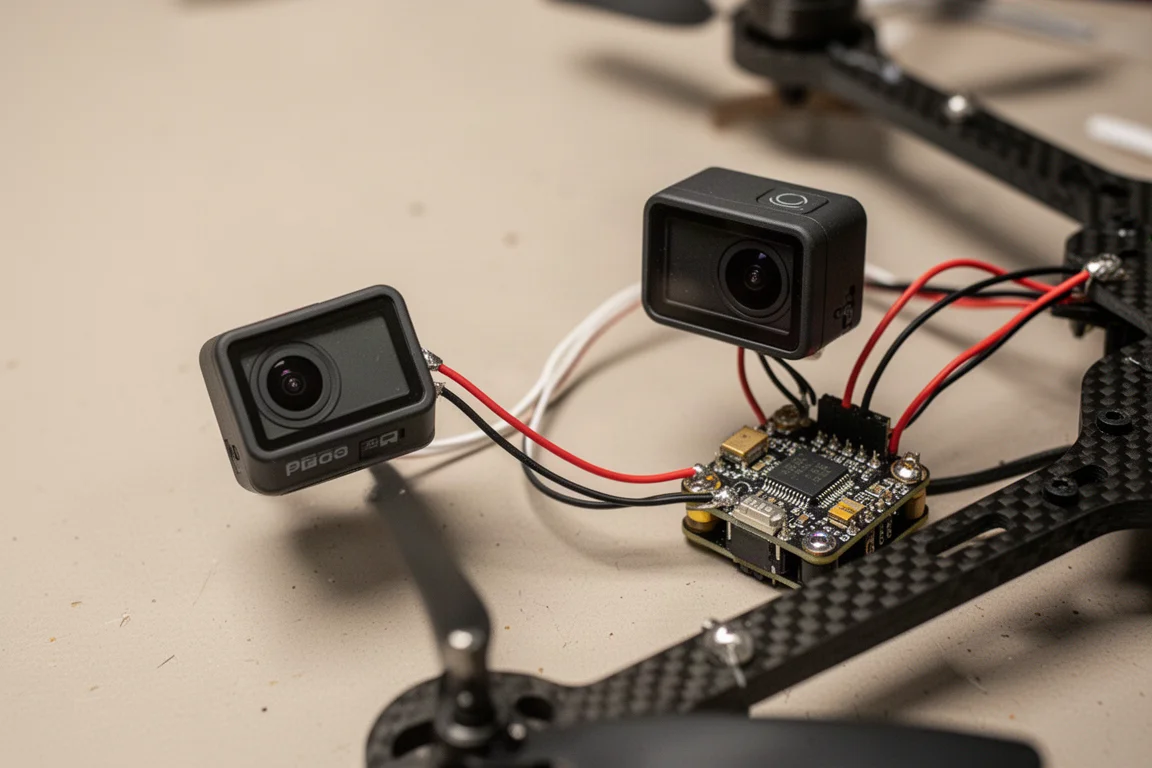
Wiring is the part that requires some patience. The pin connector attaches to your flight controller, with ground and power on the red and black wires, and you will typically reprogram the controller with Betaflight to handle power and shutter commands. Setup involves a few quirks worth knowing: when the camera first powers on, the LED blink pattern may indicate time-lapse mode by default, and you will need to invert that setting in Betaflight following the instructions in the GoPro manual. You can also change modes with the two buttons on the back, cycling between photo, time-lapse, and video with distinct blink patterns for each.
Controls, GoPro Labs, and QR Code Setup
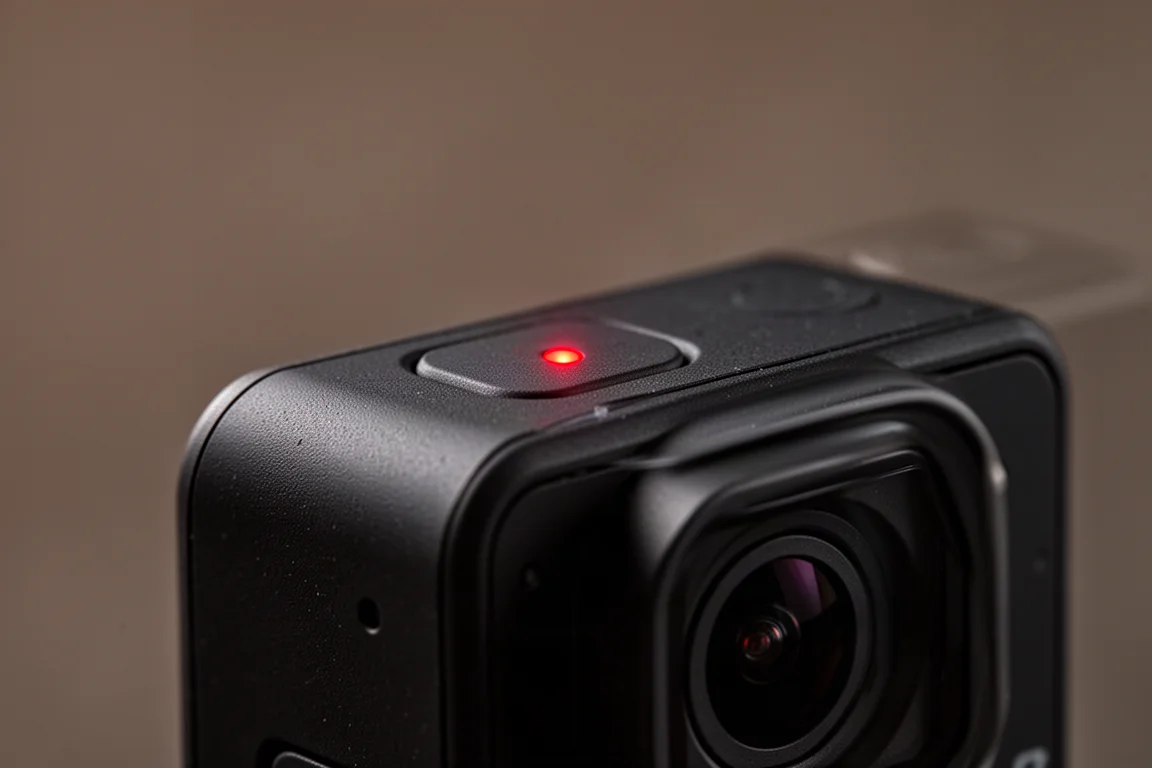
Day to day control happens through two buttons on the back and a small LED at the top that indicates the current mode. Most configuration happens via the smartphone app or QR codes rather than any on-camera menu, which keeps the body minimal.
The QR code workflow deserves a mention because it is genuinely convenient in the field. Scan a printed code in front of the lens, the camera blinks to confirm, and your settings are applied instantly. This feature has existed in GoPro Labs firmware for about two years and works on other GoPro models, so it is not unique to the Bones; the difference is that the Bones ships with Labs as its master firmware rather than the standard one. Practically speaking, that distinction matters little once you are set up.
One thing to keep in mind: because there is no USB port, there is no automatic uploading to the GoPro cloud. Transferring footage means pulling the SD card or handling files manually. And with no GPS on board, speed overlays and similar telemetry effects are off the table unless you source data from elsewhere and combine it in post.
Things to Consider Before Buying
The lack of waterproofing is the most significant drawback. One of the reasons people put standard GoPros on quads is that they survive moisture and the occasional dunk, and many pilots waterproof their quads anyway. GoPro has not indicated any internal water resistance for the Bones, and the multiple warnings in the box suggest otherwise, so treat it as a dry-weather camera.
Pricing is the second point of friction. The Bones costs $399 with a new GoPro subscription or $499 without, the same as a regular Hero 10. Given that you are losing the battery, screen, waterproofing, GPS, and two of the three microphones, it would have been reasonable to expect a lower price. You are paying for the image quality in a lighter package, not for a discount.
Mounting is also left somewhat to you. The included mount works, but in the FPV world most pilots end up 3D printing or buying frame-specific mounts, and the quality of available options ranges from excellent to improvised. Zip ties are the forgiving choice; screws hold firmly but can tear out of the frame in a crash. A well-designed carbon fiber mount in the box would have been a welcome touch.
Flying With It
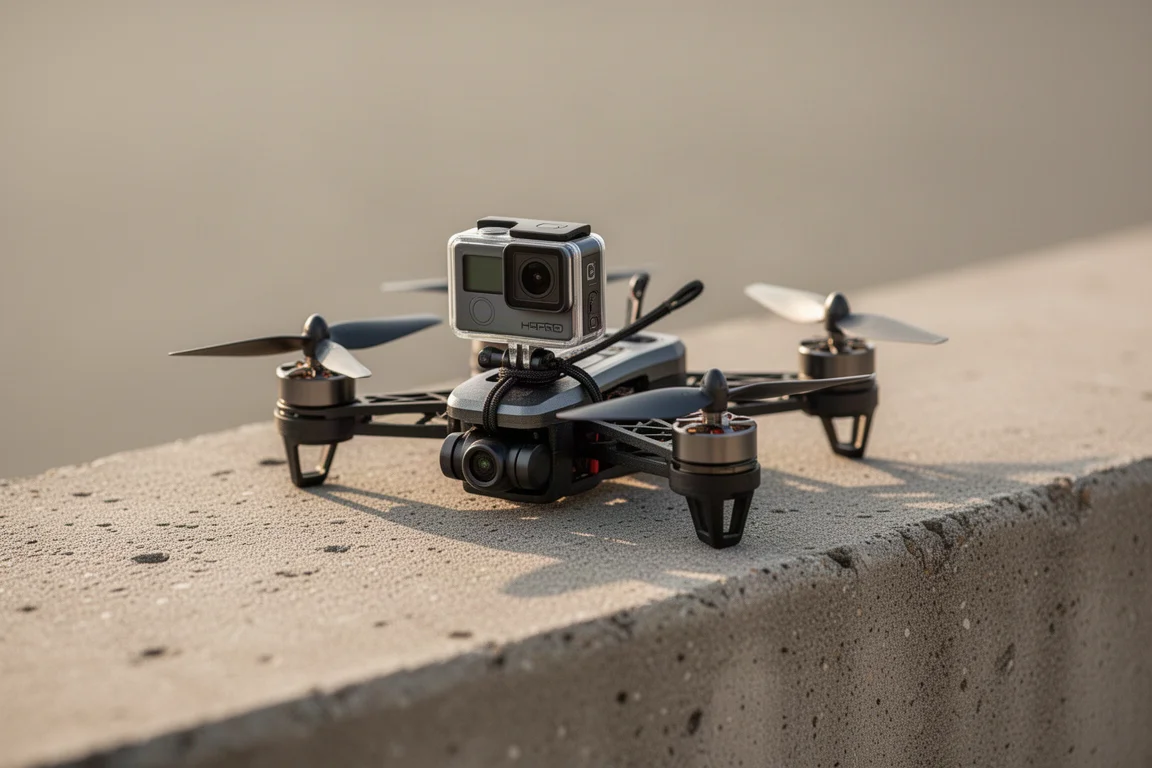
Once wired and configured, the flying experience is straightforward. You can validate settings in the GoPro app before each flight, which is worth doing until you trust your setup, or program Betaflight to control the camera’s power and recording from your controller. Many pilots, though, will prefer to simply confirm the mode visually before takeoff and leave the camera running for the entire flight, using the app and buttons rather than in-flight control.
The footage itself holds no surprises, and that is a compliment. This is a Hero 10 without the battery and rear screen, so the image characteristics, resolution options, and general output are exactly what you already know. It is not a new camera so much as a new form factor for a proven one.
How It Compares
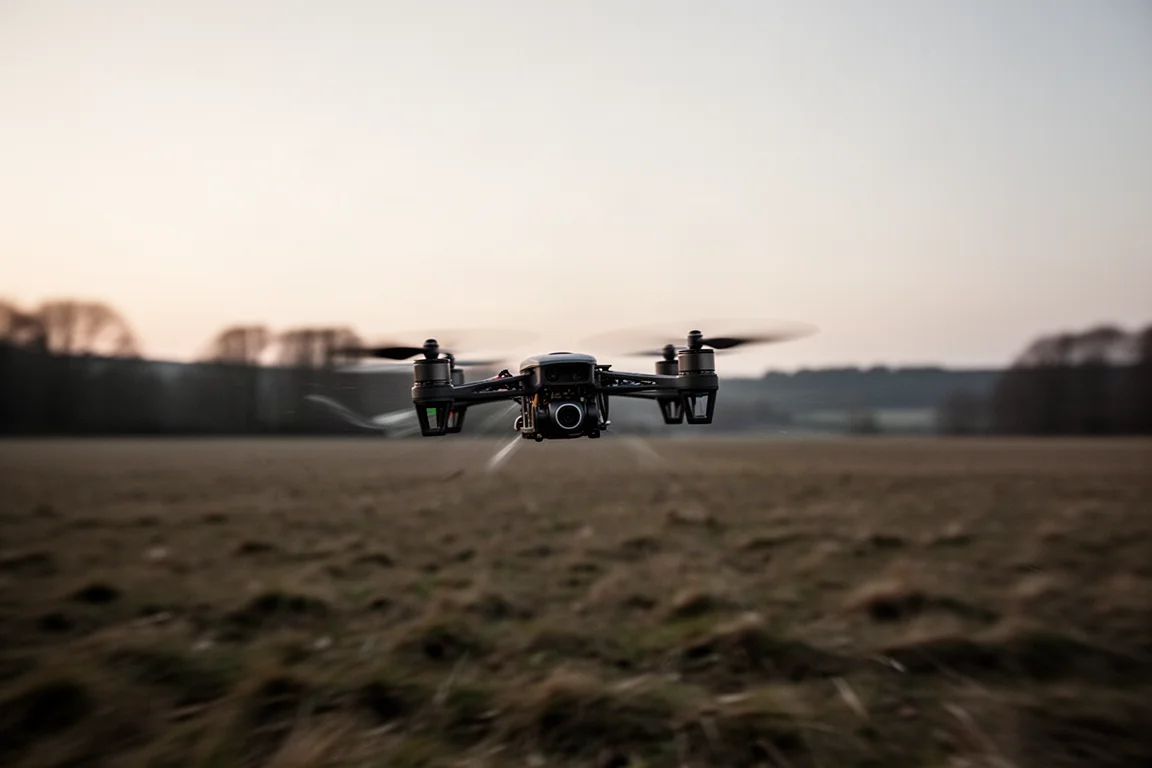
Against the DJI Action 2 at 56 grams, the Insta360 Go 2 at 26 grams, and the Insta360 SMO 4K, which took a standard action camera and made a similar stripped-down drone version before GoPro did, the Bones differentiates itself on resolution and stabilization. Those alternatives top out at 4K, while the Bones reaches 5.3K, and you keep GoPro’s stabilization workflow after the fact. Across the FPV community, GoPros remain the default front-mounted camera largely because of image quality and stabilization, and the Bones delivers both at one third the usual weight.
The software workflow also got a meaningful upgrade alongside this camera. The new GoPro Player with ReelSteady built in no longer requires you to disable HyperSmooth before applying ReelSteady, which was a real annoyance if you wanted a quick stabilized clip on the go before doing a proper edit later. Horizon leveling is available too, though the current version is not compatible with HyperSmooth, so you choose one or the other. You can adjust smoothing, cropping speed, and lens correction, pick your export codec and bitrate, and batch queue multiple files for export.
Worth noting for context: this is the first of four new cameras GoPro promised for 2022, announced on a shareholder call, with extensive talk about the FPV market. More options are clearly on the way.
Buying Advice
Buy the Hero 10 Bones if you fly FPV quads and specifically want Hero 10 image quality at a fraction of the weight, and you are comfortable wiring a camera into a flight controller and configuring Betaflight. Skip it if you need waterproofing, GPS overlays, cloud uploads, or a standalone camera with its own battery, because all of those are gone here. At the same price as a standard Hero 10, this is a specialist tool, and it only makes sense if that specialization matches your flying.
Conclusion
The GoPro Hero 10 Bones is a focused product done well: full Hero 10 capability, including 5.3K and the familiar stabilization pipeline, compressed into 54 grams that draw power from your drone instead of an internal battery. The trade-offs are real, with no waterproofing, no USB, no GPS, and no price advantage, but for FPV pilots the weight savings alone can justify the choice. If your front-mounted GoPro has always felt like dead weight, this is the version built for you.
Product link
View more details for GoPro Hero 10 Bones
This product is mentioned in the review. Check the specifications, options, and compatibility before buying.
View more details for GoPro Hero 10 BonesFurther reading
Related Reviews
Action Cameras
360 Cameras for Adventure Motorcycling: Insta360 X5 vs DJI Osmo 360
Two 360-degree action cameras designed for off-road and adventure riding. A detailed comparison of features, stabilization, and real-world performance for motorcycle touring.
Action Cameras
Akaso EK7000 vs GoPro Hero 8 Black: Budget Action Camera Tested
A $50 budget action camera faces off against the GoPro Hero 8 Black. Here's how the Akaso EK7000 really performs in video, audio, and photo quality.
Action Cameras
Best Action Cameras 2026: Five Top Picks Ranked
A comprehensive ranking of five action cameras from budget-friendly to premium, covering durability, video quality, stabilization, and low-light performance.