Kids Wearables
Garmin Bounce LTE Review: A Kid's Smartwatch with Real GPS and Cellular Features
The Garmin Bounce LTE combines activity tracking, GPS workout modes, and LTE messaging into one kid-focused watch. Here is how it performs after months of use.
Introduction
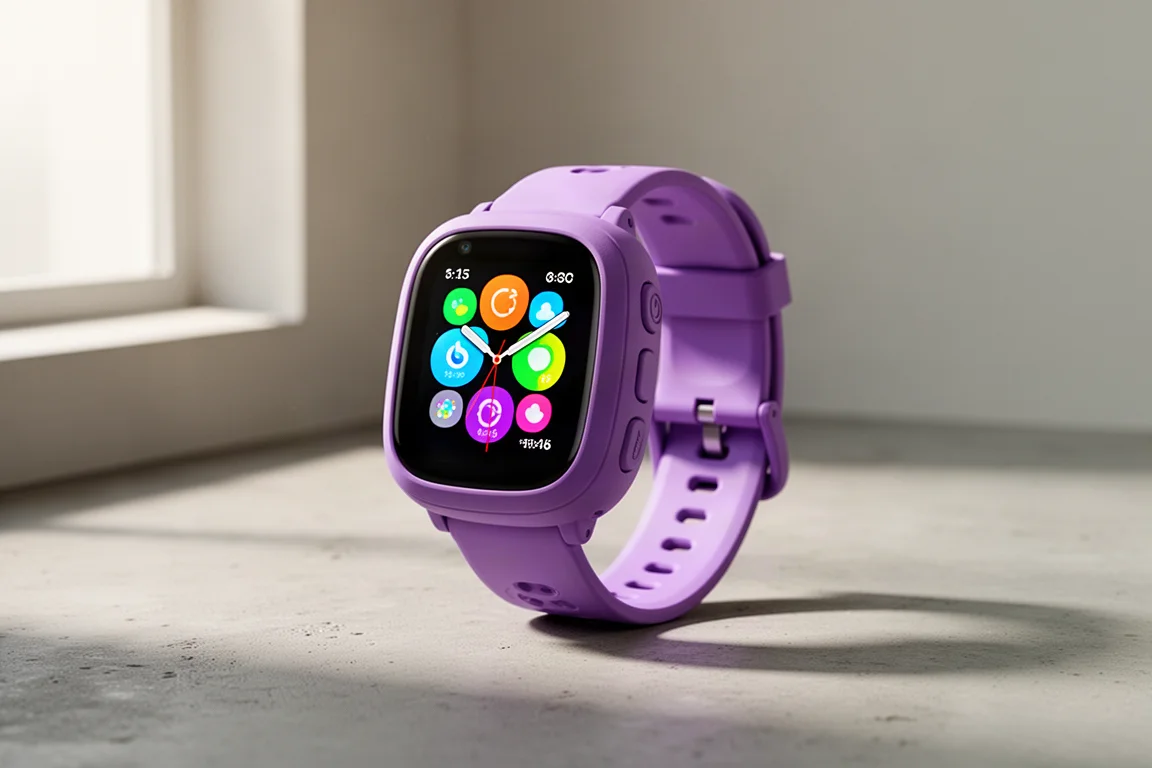
The Garmin Bounce LTE sits in an interesting spot in the kids’ wearable market. It offers the basic activity tracking Garmin is known for from its Vivofit Jr series, but it adds LTE connectivity, GPS workout tracking, audio messaging, and location features that most kids’ trackers simply do not have. After several months of two kids using these watches daily, there is a clear picture of where this watch shines and where it needs work.
Hardware and Design
The Bounce comes in three colors: purple, a greenish tone, and black. On the back there is no optical heart rate sensor, which is worth knowing up front. It charges through the standard Garmin connector used across nearly every other Garmin watch, so Garmin households likely already have compatible cables around.
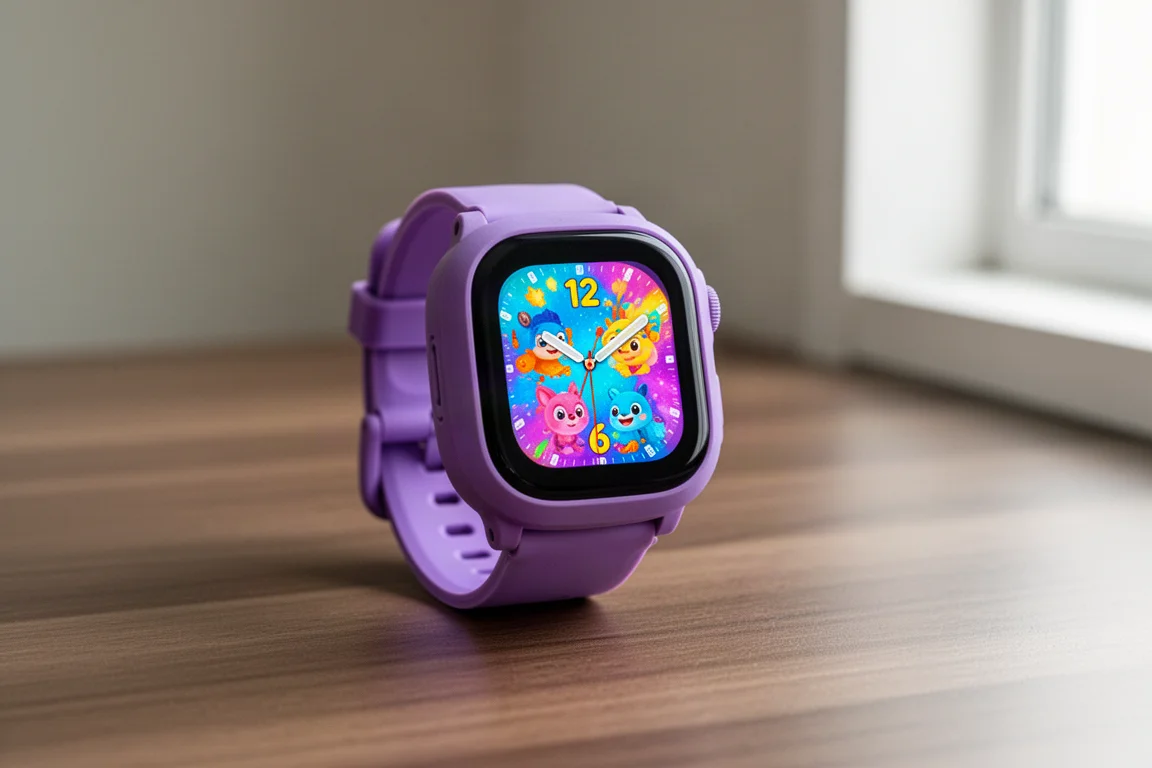
The front houses a 1.3-inch LCD touchscreen that is genuinely pleasant to use. Even on the lowest brightness setting it is plenty bright, and there is little reason to run it higher since lower brightness preserves battery. The watch includes 24/7 activity tracking and sleep tracking, all visible on the unit and in the companion app. Inside there is LTE, Wi-Fi (which saves battery by offloading traffic from cellular), GPS, and a speaker and microphone for audio messages. The straps are removable 20mm bands, replaceable if needed, though popping them out takes a tool or a firm finger rather than a kid-level effort.
Battery life is two days, which is low by Garmin standards but normal for LTE kids’ trackers with this kind of display. If the child takes the watch off at night, that stretches to three or four days. Charging takes between two and three hours, which is one of the more frustrating aspects since there is no quick top-up option.
Then there is the size. The Bounce is huge, roughly comparable in footprint to a premium adult sports watch. The interesting twist: not a single kid who wore it over two months of testing commented on the size. Only the adults noticed. If anything, that makes the bulk a non-issue for the target audience.
At $149, it sits at an accessible price for what it includes, though LTE requires a subscription on top.
LTE Features: Location, Boundaries, and Live Tracking
Most of the standout features depend on LTE. The Garmin Junior app on a parent’s phone includes a location tab showing where the child’s watch is at any moment. In the background it updates about once per hour, but you can refresh for an instant update, and the child can manually send a check-in with a couple of taps.
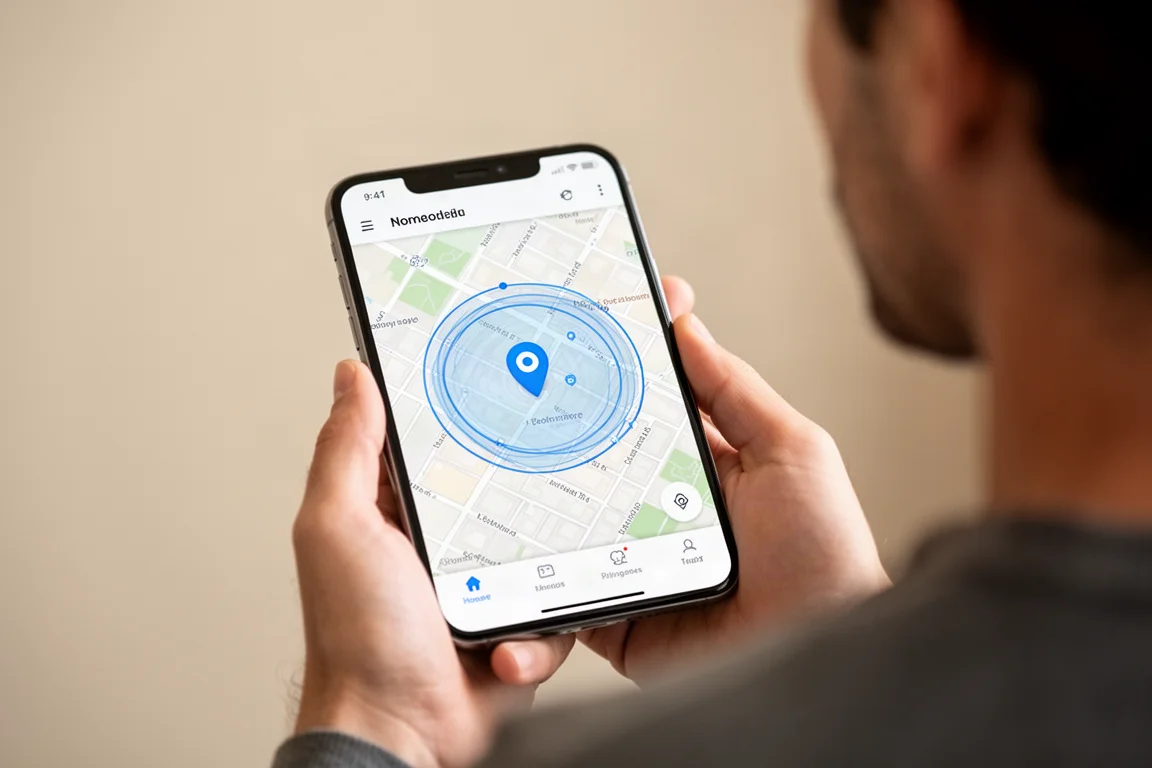
The most useful feature is geofence boundaries. Parents set up circular zones around locations like home, school, or after-school care, and the app notifies every authorized person the moment the watch crosses that boundary, both entering and exiting. In practice the alerts arrive impressively fast, fast enough to trigger while a child rides past a school on a bike path.
Live tracking lets an adult follow the child second by second for up to 30 minutes per session, similar to live tracking on adult Garmin watches. Parents also get notifications for practical events: when the watch is plugged in, when the battery is low, and when it dies, which removes the guesswork about whether a child is unreachable or simply out of battery.
Audio Messaging and Communication
The Bounce supports text messages, preset replies, emoji, emoji with sounds, and 20-second voice messages. Contacts are managed in the app, with adults assigned as guardians (full edit access) or caregivers (can message and see location, but cannot change family settings). Friends with their own Bounce watches can message too, though a missing tier for messaging-only contacts, like grandparents, is a genuine gap.
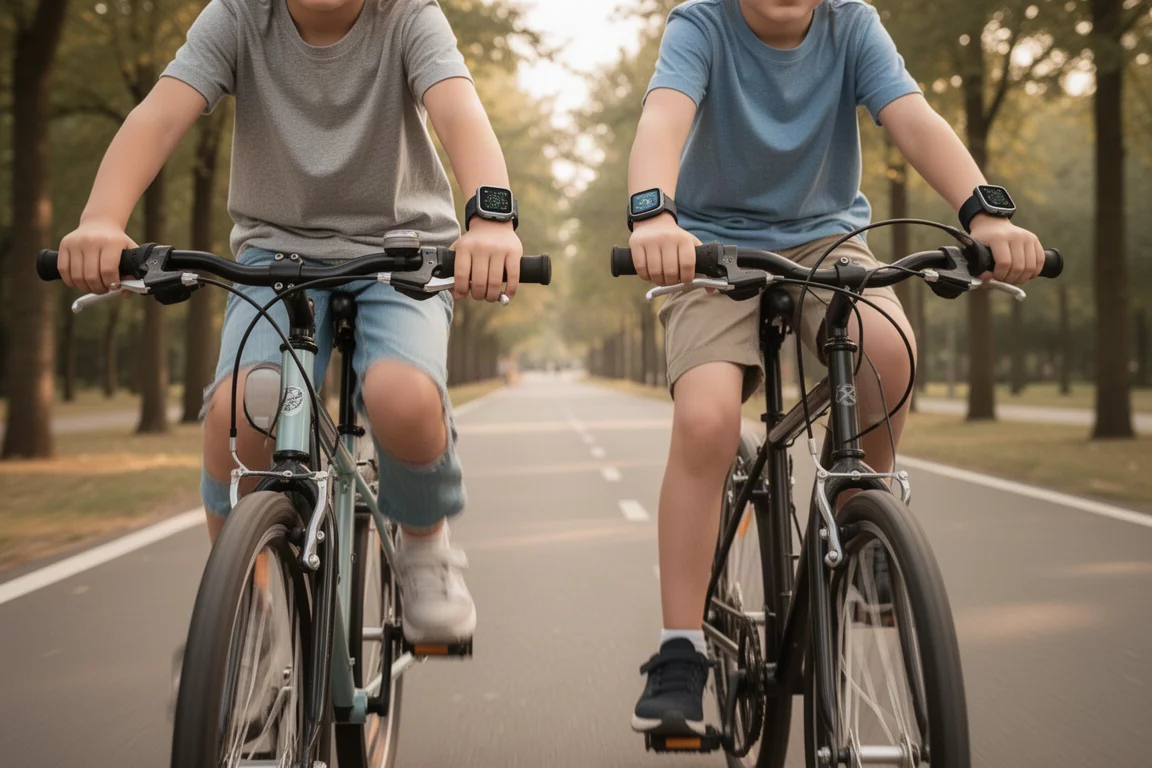
Voice message quality through the speaker and microphone is perfectly fine for the purpose. Kids took to the feature enthusiastically, using the watches like walkie-talkies while riding bikes in separate directions. Messaging runs over Wi-Fi when available, which saves battery compared to LTE.
There is also a Get Help option on the watch. It starts a 10-second countdown, then sends an emergency message with the child’s location and automatically starts a live tracking session until it ends. A child can cancel during the countdown. It is a well-thought-out safety feature that gives parents both location and context in a stressful moment.
Everyday Features, Games, and School Mode
The watch face is customizable, with about 15 defaults plus the option to build one from any photo. Swiping through the interface reveals weather, top activity stats, a family step leaderboard, chores with coin rewards, daily steps, active minutes, and messages. There is also a flashlight mode, screen lock, do not disturb, and a timer, stopwatch, and alarms.
Games are limited to a math flashcard game, a sliding puzzle, and the Toe-to-Toe step challenge, which pits the child against other Vivofit Jr or Bounce users in a two-minute step contest. Adults can join in through a Connect IQ app on most Garmin watches. The restrained game selection feels like a deliberate and sensible choice.
School mode has two levels: silencing notifications, or fully locking the watch down so only the steps screen is visible. It is scheduled by day and time in the app, but it is not flexible. It cannot be tied to geofence boundaries, only one schedule exists per day, and there is no equivalent nighttime lock, which younger kids may need.
In the Garmin Junior app, parents can view activity and sleep metrics by day, week, month, or year, and install a kid mode on an older child’s own device with limited permissions. Kids earn points for hitting 60 active minutes per day, redeemable in an app-based game. Sleep tracking, based purely on the accelerometer, proved surprisingly accurate in practice.
Sports Features and GPS Accuracy
Tapping into the activities menu offers walk, run, bike, pool swim, or other modes. Outdoor activities use the onboard GPS, and settings include pace display, time and distance alerts, run/walk alerts, and auto lap, all configurable from the adult app. During a workout the watch shows distance, average pace, and elapsed time, which is more than enough for a kid even though the data screen options are far simpler than an adult Garmin.
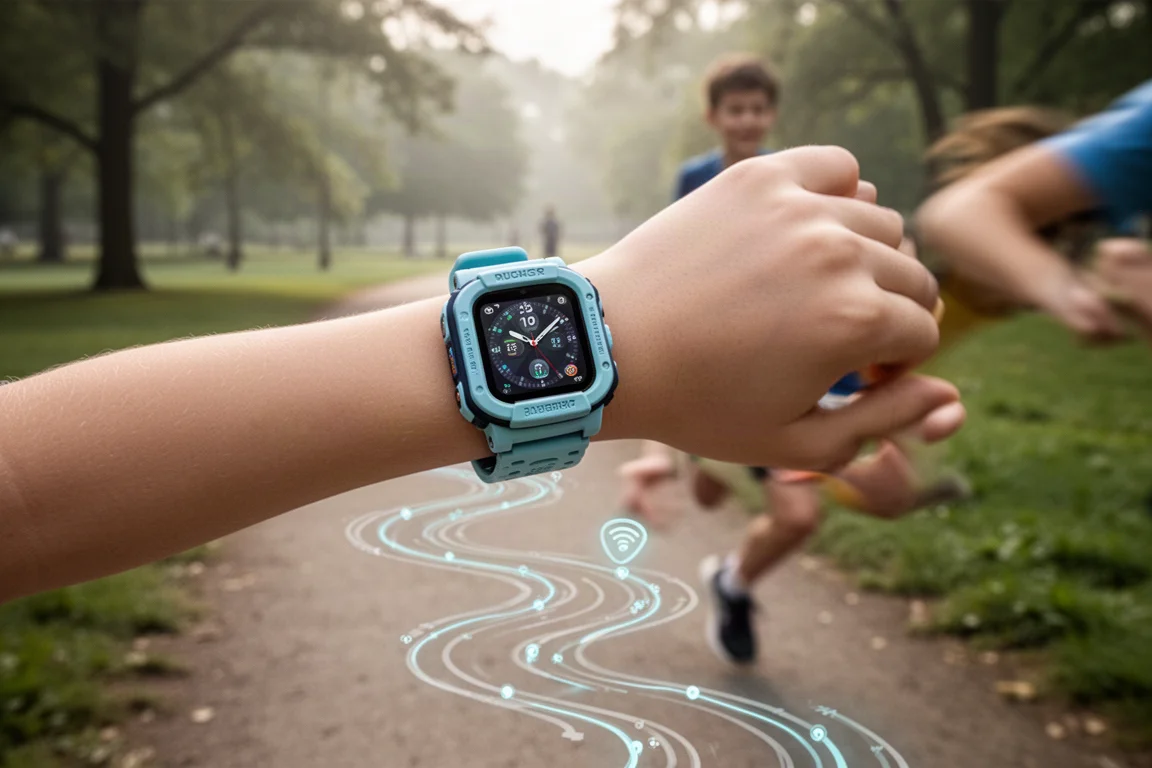
Afterwards, the Garmin Junior app shows a map of the route with pace, splits, and elevation. There is no automatic sync to platforms like Strava, but the watch produces the same FIT files as adult Garmin watches, so files can be pulled off via a computer and uploaded manually.
GPS accuracy is the pleasant surprise here. In side-by-side tests against premium multi-band sports watches costing many times more, the tracks were very close, typically only a few meters apart at worst. For a $149 kids’ tracker, that performance beats some more expensive watches. Just remember there is no heart rate sensing of any kind and no way to pair an external strap.
Buying Advice
Garmin targets the Bounce at kids aged six to twelve, which aligns with real-world use. A six-year-old could navigate nearly every feature without trouble. A just-turned-five-year-old could also use it, but having that much functionality on the wrist became a distraction, though maturity varies a lot by child. The LTE subscription runs $9.99 per month, or $99 per year (about $8.25 per month), per device, handled directly through Garmin rather than a carrier, which keeps setup simple though possibly a few dollars more per month than adding a line to an existing plan.
If you want a straightforward step-and-activity tracker for a younger child, the Vivofit Jr series remains the calmer choice. The Bounce makes the most sense when you actually need the LTE features: location peace of mind, messaging, and real GPS tracking for older kids with more independence.
Conclusion
The Garmin Bounce LTE delivers a polished, well-rounded package for $149: strong GPS accuracy, a genuinely useful boundary alert system, fun audio messaging, and the refined Garmin Junior ecosystem behind it. The trade-offs are real but mostly inherent to the category: short two-day battery life, slow charging, a large case, and a messaging permission system that could use one more tier. For families with kids in the six-to-twelve range who need connectivity and safety features, it is one of the stronger options available.
Product link
View more details for Garmin Bounce LTE
This product is mentioned in the review. Check the specifications, options, and compatibility before buying.
View more details for Garmin Bounce LTEFurther reading
Related Reviews
Outdoor Watches
Garmin Epix Pro 51mm Review: Fenix-Class Battery Life With an AMOLED Screen
A practical look at the Garmin Epix Pro 51mm, from its roughly 30-day battery life and 35-hour multiband tracking to the flashlight, sensors, and upgrade advice.
Outdoor Electronics
Garmin inReach Mini and Instinct Solar: Two Trail Electronics Worth Carrying
A practical look at two Garmin devices that handle satellite messaging and personal health tracking for backpackers.
GPS Watches
Garmin Fenix 6S Pro Review: A Compact Multi-Sport GPS Watch
A long-term look at the 42mm Garmin Fenix 6S Pro, covering mapping, training metrics, battery life, and what to weigh before buying.