Home Theater Projectors
Epson QS100 vs LS800: Choosing the Right Ultra Short Throw Projector
A practical comparison of Epson's two ultra short throw projectors, covering brightness, HDR processing, gaming support, setup, and who each model suits.
Introduction
Ultra short throw projectors exist to solve one specific problem: a very large image without mounting a projector on the far wall or running long cable runs across a room. Epson has been a steady presence in that category, and the LS800 has been one of the most complete all-in-one options since it arrived in 2022. The new QS100 does not replace it. Epson is keeping both in the lineup, and the QS100 sits above the LS800 as the newer and more expensive, higher-performance choice.
That makes the buying decision less about which model is newer and more about which set of trade-offs fits a room. Both projectors can sit on a credenza roughly 20 inches from the wall and fill a 120-inch ambient light rejecting screen. The differences show up in brightness, HDR processing, gaming support, calibration depth, and what is built into the chassis.
What the QS100 and LS800 Have in Common
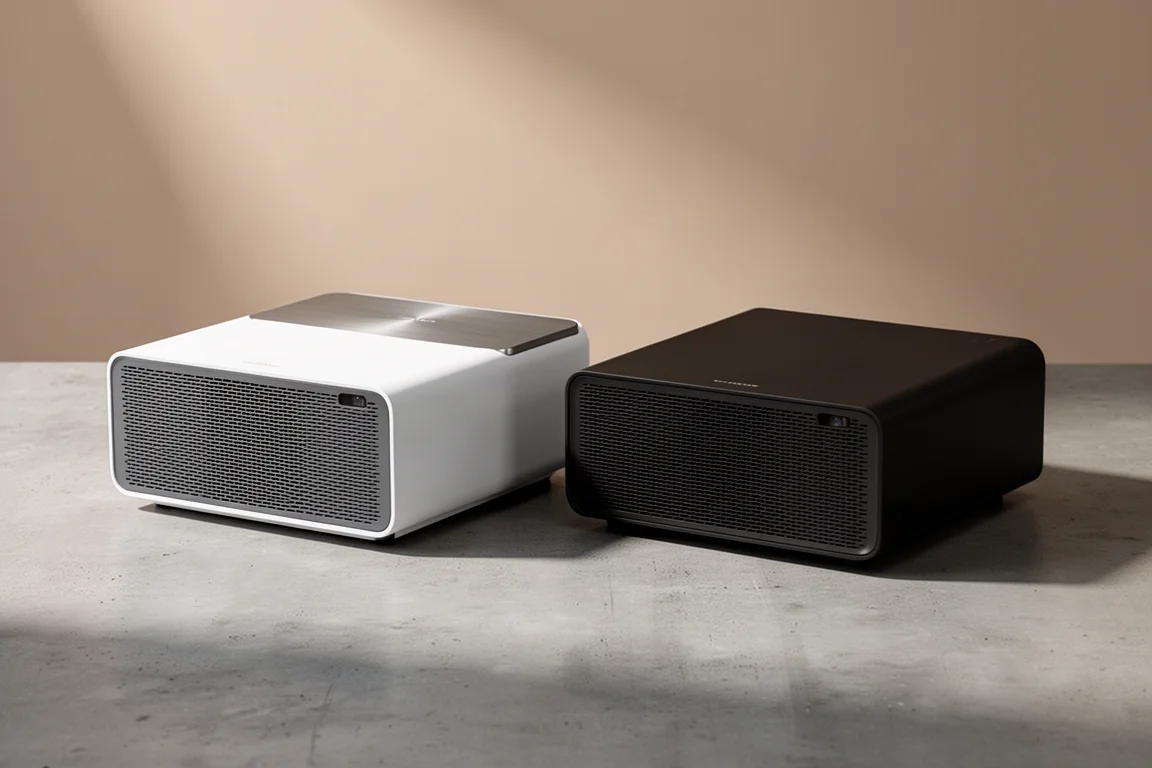
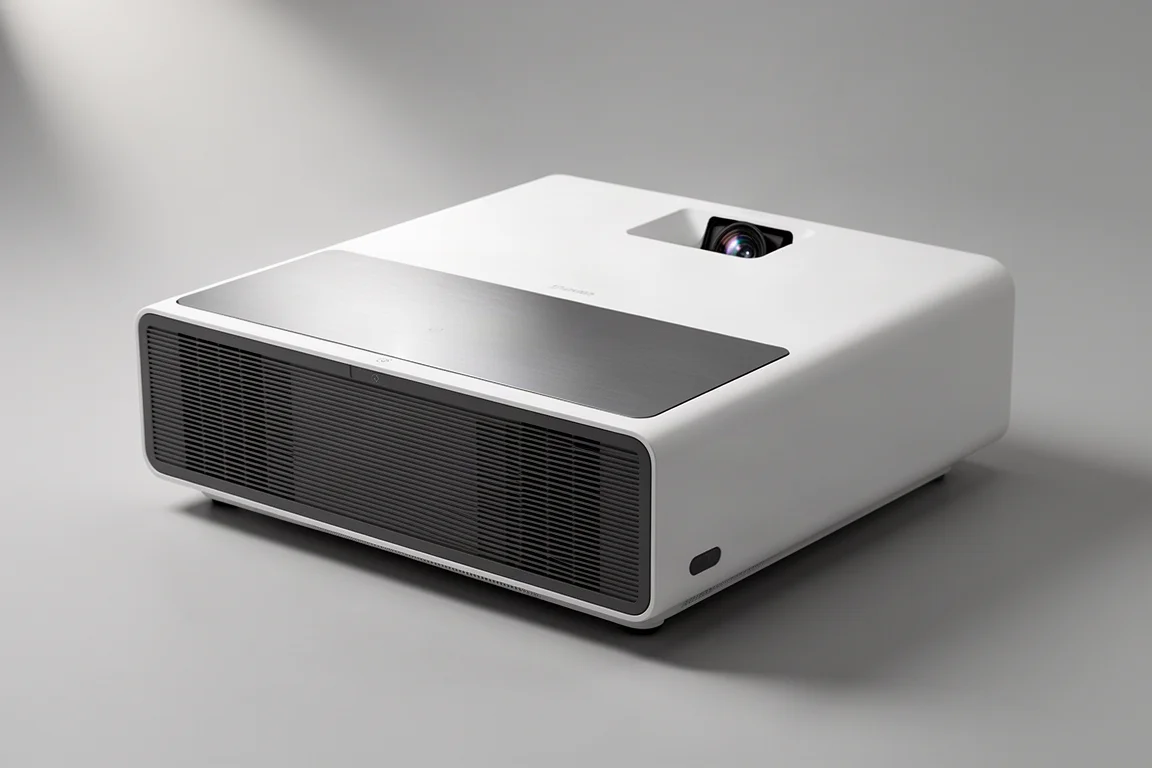
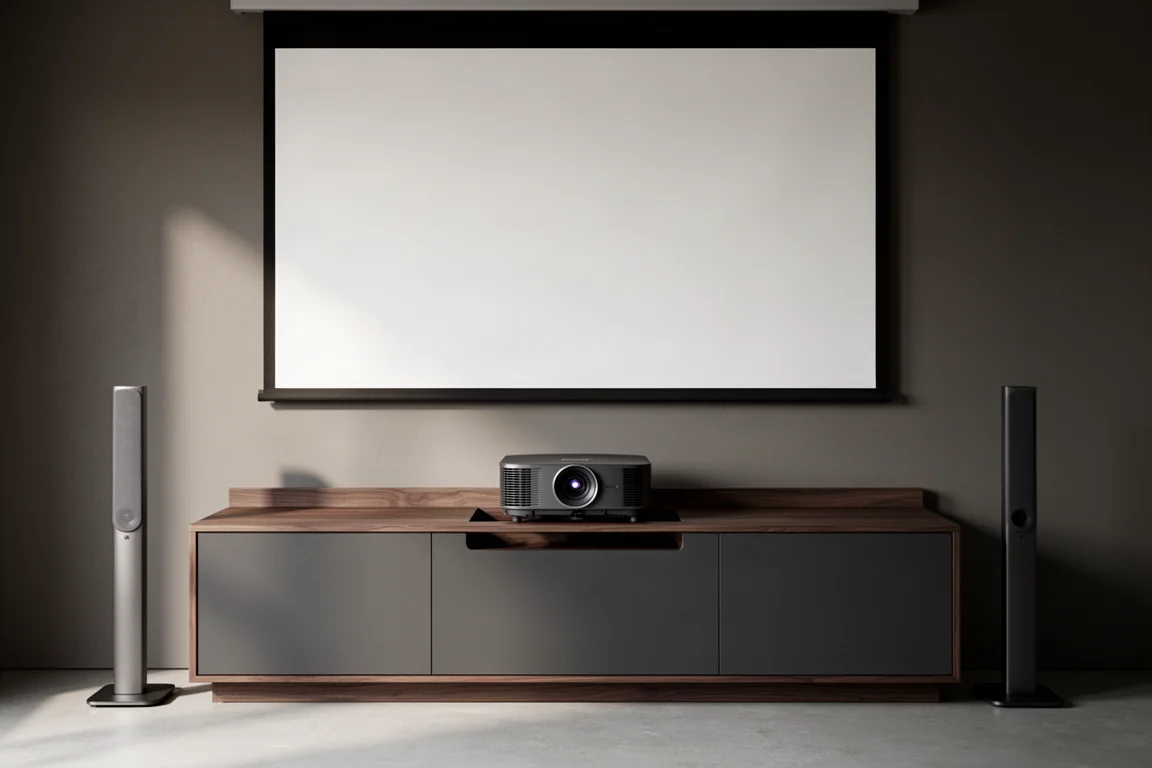
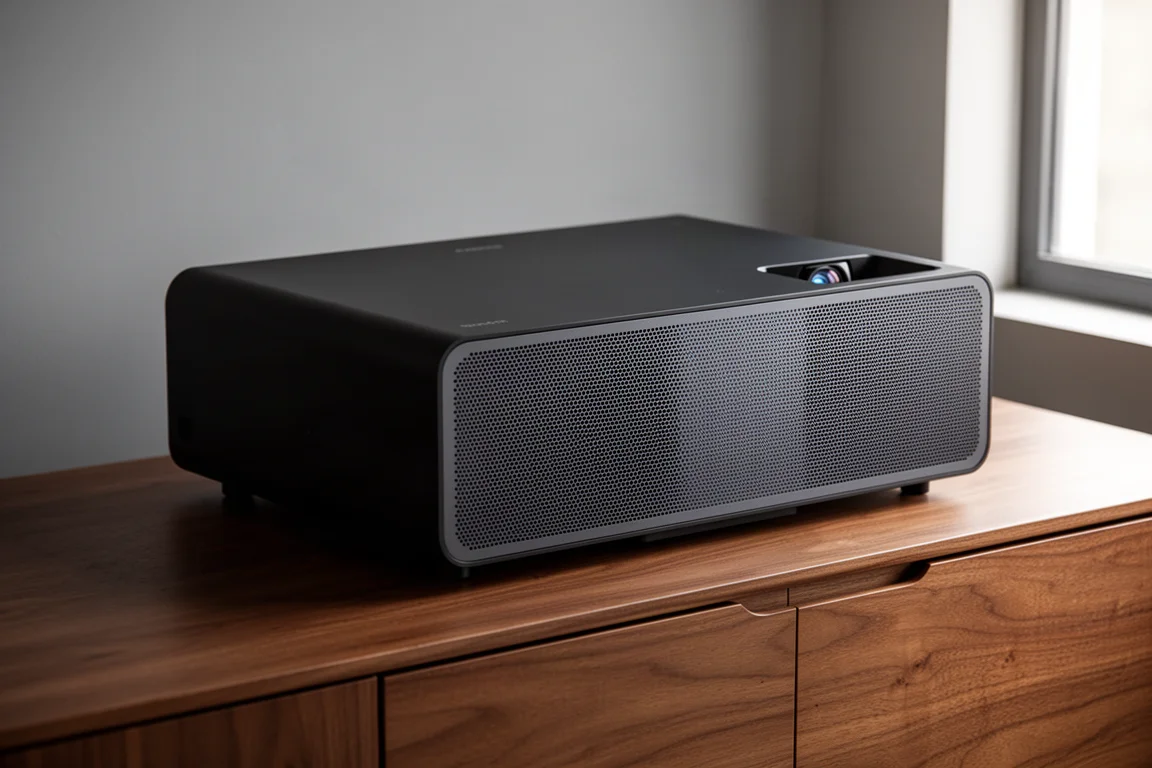
Physically, the two projectors are effectively identical. Both measure about 27 inches wide and 14 inches deep, and both are available in black or white with a dark gray grille across the front. The most obvious external difference is cosmetic: the QS100 adds a brushed aluminum plate with a logo on top and a gold strip on the front. Both are compact enough to sit on a credenza or drop into a custom cabinet built with a dedicated cutout, and both can be mounted above the screen with Epson’s ELPMB75 wall mount.
The shared foundation matters more than the cosmetic differences. Both projectors use Epson’s 3LCD technology, with three separate LCD chips displaying 100 percent of the RGB color signal in every frame. That approach supports a wide color gamut while maintaining brightness, and it avoids the rainbowing and color brightness inconsistency that can appear with other projection technologies. Both also carry 10-bit HDR color processing, accept the full HDR source signal, and use Epson’s 4K Pro UHD enhancement, which doubles the number of on-screen pixels per frame through pixel shifting.
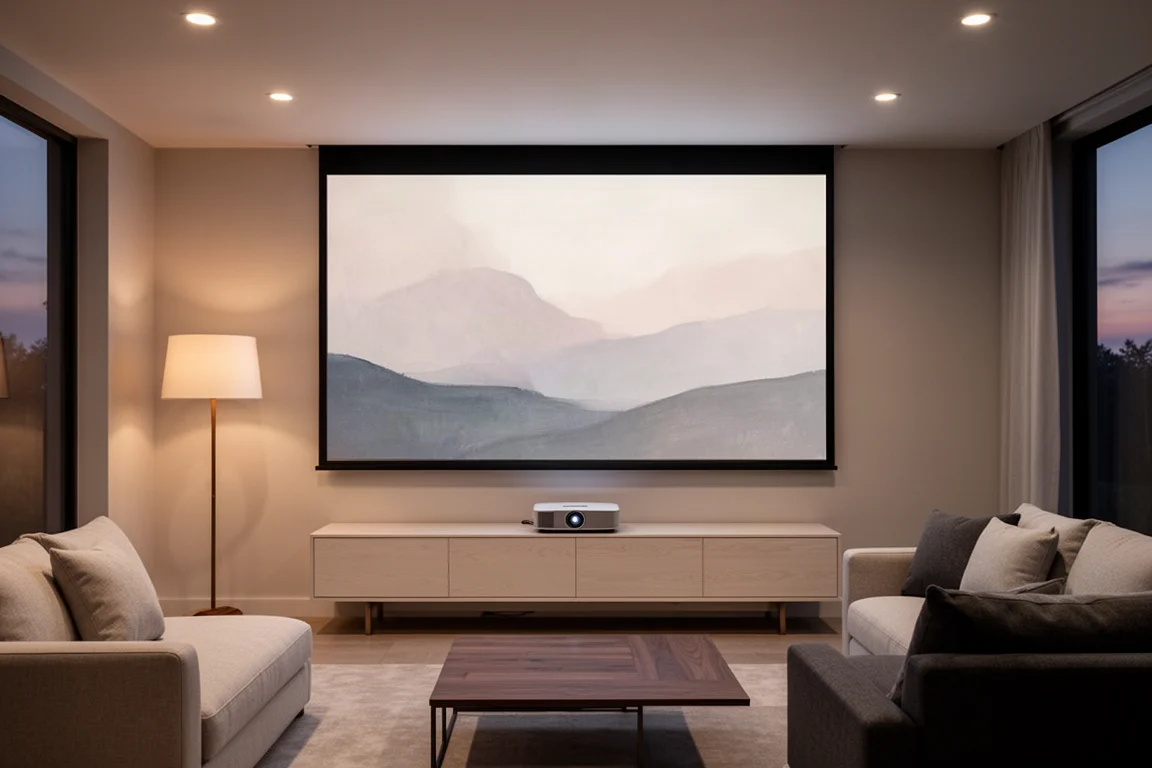
Screen choice does a lot of work here. Epson’s SilverFlex ambient light rejecting screens come in 100-inch and 120-inch sizes with a thin bezel and a dark gray surface that resembles a modern flat panel when the projector is off. The optical pattern directs the projected image toward the seating area, which reduces washout from room lighting and boosts contrast. Because both projectors are bright, neither needs a fully darkened theater room to produce a solid image, and everyday viewing of sports or casual TV holds up with some lights on.
Epson QS100: What Is New
The QS100’s biggest internal change is a new 32-bit QZX processor, and it lifts performance across several areas at once. Noise reduction and motion smoothness both improve, and HDR content gains dynamic tone mapping in place of the static tone mapping used before.
Brightness rises from 4,000 to 4,500 lumens, with the gain coming from an upgraded laser light source: a 5-in-1 laser module in place of the LS800’s 4-in-1 module, still paired with Epson’s 3LCD engine. The dynamic contrast ratio doubles as well, from 2,500,000:1 to 5,000,000:1. Screen size flexibility also improves, with the QS100 able to stretch an image up to 160 inches where the LS800 tops out at 150 inches.
Setup and control get attention too. The QS100 adds ISF custom calibration control and borrows advanced settings from Epson’s Q series projectors, and it supports IP control for smart home platforms such as Control4 and Crestron, something the LS800 did not offer.
Picture Quality, HDR, and Gaming Improvements
Dynamic tone mapping is the feature most likely to change how the QS100 looks in a dark room. HDR was designed for displays capable of very high light output, and HDR content typically carries a single brightness specification for an entire film rather than adjusting scene by scene. Projectors with static tone mapping often produced overly dark scenes in movies with a lot of shadow detail. The QS100 analyzes each scene in real time and adjusts brightness and contrast as it goes, so dark scenes keep their shadow detail instead of crushing to black, while bright scenes hold highlight detail without washing out.
Gaming benefits from the same processor. The QS100 supports auto low latency mode and 2K at 120 frames per second, a step up from the LS800, which was limited to 120 frames per second at 1080p and had no auto low latency mode. Casual players still get 4K at 60 frames per second for a sharp, detailed image, while fast-paced titles feel noticeably smoother and more responsive with the higher refresh option enabled.
In side-by-side viewing, the extra 500 lumens are immediately visible, especially in a bright room, and blind comparisons favored the QS100. Deeper blacks and stronger highlights follow from the new processor and dynamic tone mapping. Colors read slightly more true to life, and the overall dynamic range is noticeably wider than on the LS800 when settings are matched as closely as possible.
Setup, Menus, and Calibration
The QS100’s redesigned menu system is a meaningful quality-of-life improvement. It is better organized, easier to navigate, and more straightforward to work through during setup, and it includes panel alignment adjustments plus the ability to save profiles with custom settings. That profile system is genuinely useful in rooms with changing light. One profile can run dynamic mode at maximum brightness for daytime viewing with the windows open, while a second can use cinema mode with brightness dialed to around 75 percent for better contrast and color accuracy in the evening.
The geometry correction wizard offers the same flexibility as the LS800, letting the user adjust for a screen or a wall and choose how many points of correction to work with. Settings can also be adjusted through a web browser, which makes fine-tuning more convenient, and the setup assistant app is available for the placement process. Four color modes are available: dynamic, vivid, cinema, and natural. Cinema proved the most enjoyable for movies, while natural produced the most accurate color. Each mode exposes brightness, contrast, color saturation, tint, sharpness, and white balance for manual adjustment, though default settings remain the safer starting point without calibration experience. Two adjustments are worth making: turn off frame interpolation for a more natural look, and turn on dynamic tone mapping for HDR content.
Fan noise is another practical detail. Below roughly 80 percent brightness, the projector’s fan noise drops noticeably, to the point where it becomes easy to ignore during a movie with a full soundtrack.
Epson LS800: Still a Strong Choice
The LS800 remains a capable projector, and Epson is keeping it in the lineup for good reason. It delivers 4,000 lumens, uses the same 3LCD chipset and 10-bit color processing, and offers low input lag for gaming. It handles 120 frames per second at 1080p, needs about 20 inches of depth for a 120-inch image, and works with the same ambient light rejecting screens and mounting options.
What sets the LS800 apart is integration. It includes a Yamaha 2.1 speaker system behind its front grille and a Google-powered smart TV interface, so it can serve as a complete one-box solution without a separate soundbar or streaming device. Buyers who value those built-in features still have a strong reason to choose it. The trade-offs are real but specific: fewer menu controls, a less capable remote, CEC that could power connected devices on but not off, and lower brightness than the QS100.
Speakers, Streaming, and Connectivity
The QS100 removes the built-in speaker system and the smart TV interface entirely. That might look like a step backward on a spec sheet, but both features were rarely used in practice on the LS800. Most owners pair a projector like this with a dedicated sound system, since a large immersive image only works if the audio keeps pace, and most were already connecting an Apple TV or Roku rather than relying on built-in apps.
The result is a leaner, faster system that boots more quickly and hands more control to the user. The trade-off is that an external streaming device is now required. HDMI inputs drop from three to two, both HDMI 2.0, with one eARC compatible. For most setups that is not a loss, since one or two ports cover a streaming device and a game console. The ports support HDR, HDR10, and HLG, and full CEC functionality now works properly, so a single remote can turn the whole system on and off.
The new remote deserves a mention of its own. It offers more quick action buttons, dedicated profile buttons, and direct brightness controls, which means picture adjustments happen on the fly instead of several menu layers deep.
Which Projector Fits Your Space?
For anyone who already owns an LS800, the upgrade question comes down to how much the brighter image, dynamic tone mapping, the improved remote, and full CEC functionality are worth. The LS800 is still a great projector, particularly for buyers who want built-in streaming and Yamaha audio.
For anyone choosing between the two from scratch, the QS100 is the better projector if the budget allows. It improves on the LS800 in almost every way while removing only features most owners were not using.
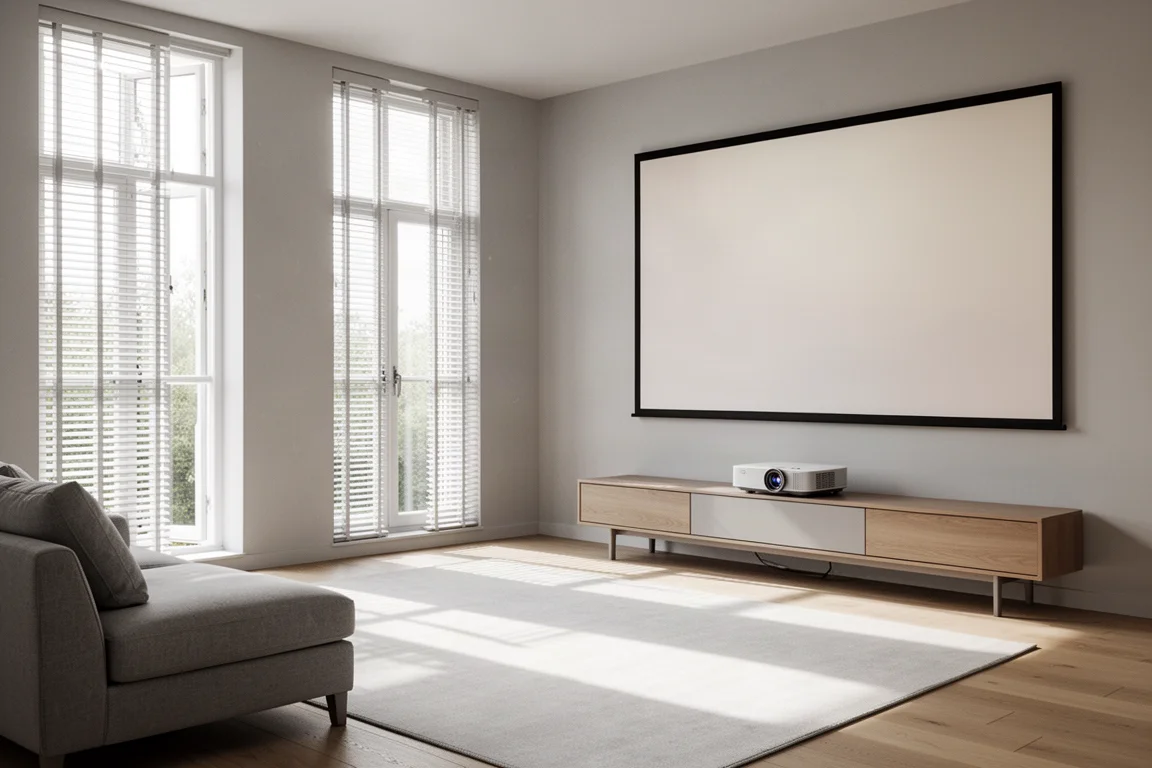
It is also worth stepping back and asking whether a projector is the right category at all. Large televisions keep getting bigger and cheaper, and a television will always have the edge on contrast, black levels, and peak brightness, especially in a well-lit room. But past roughly 120 inches, an ultra short throw projector setup remains the more cost-effective way to get a genuinely cinematic image, and it is often the only option in a room where a traditional front projector cannot be mounted.
One practical caution: setting up an ultra short throw projector takes some trial and error, particularly for a first-timer, because screen positioning has to be precise. Hiring a local installer for placement and calibration is a reasonable option if the room is difficult or the buyer wants the picture dialed in properly.
Conclusion
The QS100 and LS800 are close relatives with different priorities. The LS800 packages a strong picture with built-in audio and streaming, which keeps it relevant for buyers who want a single box to do everything. The QS100 trades those built-in extras for a brighter image, dynamic tone mapping, better motion handling, auto low latency mode for gaming, deeper calibration controls, IP control for smart home systems, and a much better remote and menu. If the budget allows and the room can take a 120-inch or larger screen, the QS100 is the stronger projector of the two.
Further reading
Related Reviews
Home Theater Projectors
Barco Heimdoll Family Guide: Choosing a Native 4K RGB Laser Projector
A practical guide to the Barco Heimdoll, Heimdoll Cinemascope, Heimdoll Plus, and Heimdoll Plus Cinemascope for large-format home theaters.
Home Theater Projectors
Best Home Theater Projectors 2026: Five Models Ranked by Performance and Value
A comprehensive ranking of five home theater projectors, from budget-friendly to premium options, evaluated on brightness, resolution, color accuracy, and gaming performance.
Home Theater Projectors
Epson EpiqVision LS800 Review: A Super Ultra Short Throw 4K Laser Projector for Bright Living Rooms
A practical look at the Epson EpiqVision LS800 and the SilverFlex Ultra ALR screen, covering brightness, throw distance, gaming performance, and the setup trade-offs worth knowing.