Sleep Tech
Eight Sleep Pod 3 Review: A Temperature-Controlled Mattress Cover for Better Sleep
The Pod 3 regulates bed temperature throughout the night and tracks sleep stages, heart rate, and HRV without a wearable. Here's what to know before buying.
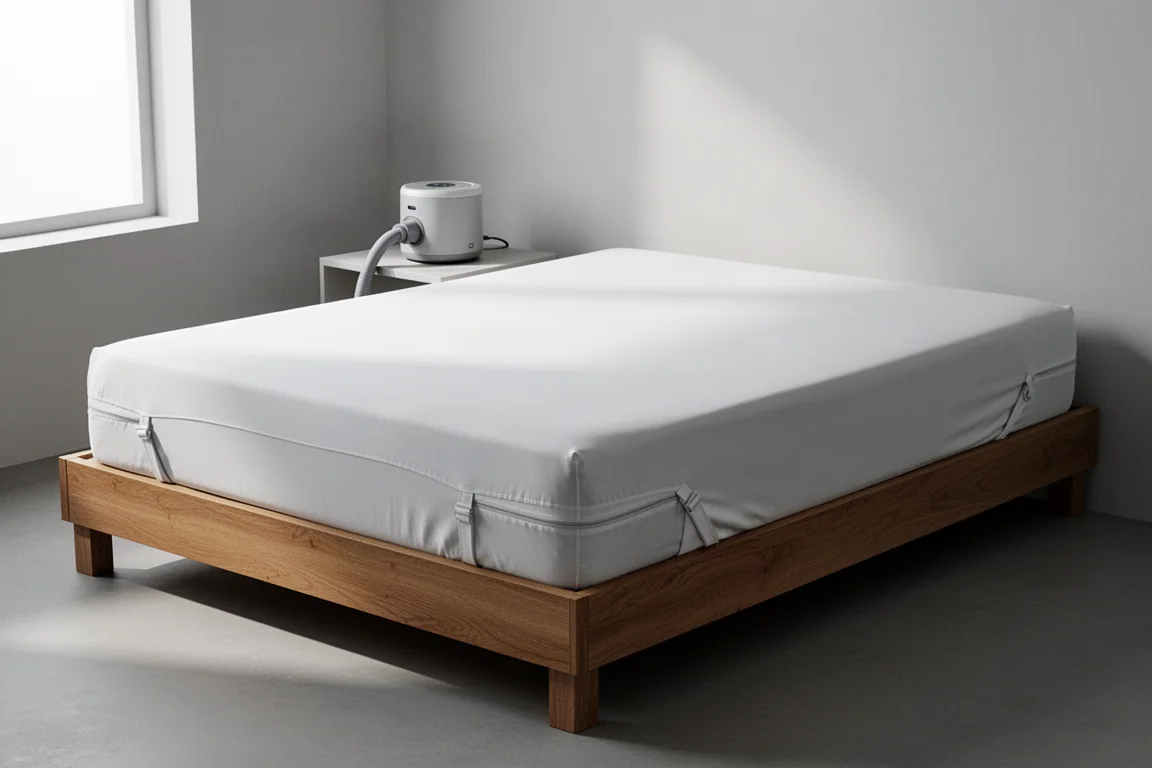
Introduction
Temperature-controlled sleeping has moved from niche podcast topic to a real product category. The idea is simple: instead of just making your bed warm, you regulate the temperature across the whole night, using cooler temperatures to help you fall asleep and reach deep sleep, and warmer settings that align with later sleep stages. The Eight Sleep Pod 3 is a mattress cover built around exactly that concept, and it also promises to track your sleep without making you wear anything to bed.
Sleep is the foundation of recovery. It is when the body shifts resources to repairing tissue and cells damaged by training, and it matters not just how long you sleep but how well you sleep, including the balance of sleep phases and enough deep sleep. As a population we now sleep less than at any point in the last century, averaging a strikingly low 6.8 hours a night, and around 35 percent of people are sleep deprived. For anyone training hard or focused on health, that makes sleep quality worth investing in.
Who This Product Is For
The Pod 3 makes sense for a few types of buyer. If you have historically poor sleep and want a data-driven way to improve it, temperature regulation gives you a lever most people never touch. If you dislike wearing a watch or wearable to bed but still want to track sleep time, sleep stages, sleeping heart rate, and heart rate variability (HRV), the built-in sensors handle that from inside the cover. And if you simply hate getting into a bed that is too hot in summer or too cold in winter, this solves that directly, which is especially useful if you do not have air conditioning in your bedroom.
Setup and Hardware
The Pod 3 arrives in several configurations and sizes. The cover installs either on top of an existing mattress pad or directly on the mattress, and the tested unit was a king-size cover with the Perfect Fit option, designed to fit all mattresses. On a mattress roughly 12 inches thick, there was more than enough side material to fit without stretching. Corner and side straps then snug everything up so the cover sits essentially seamless with your existing mattress.
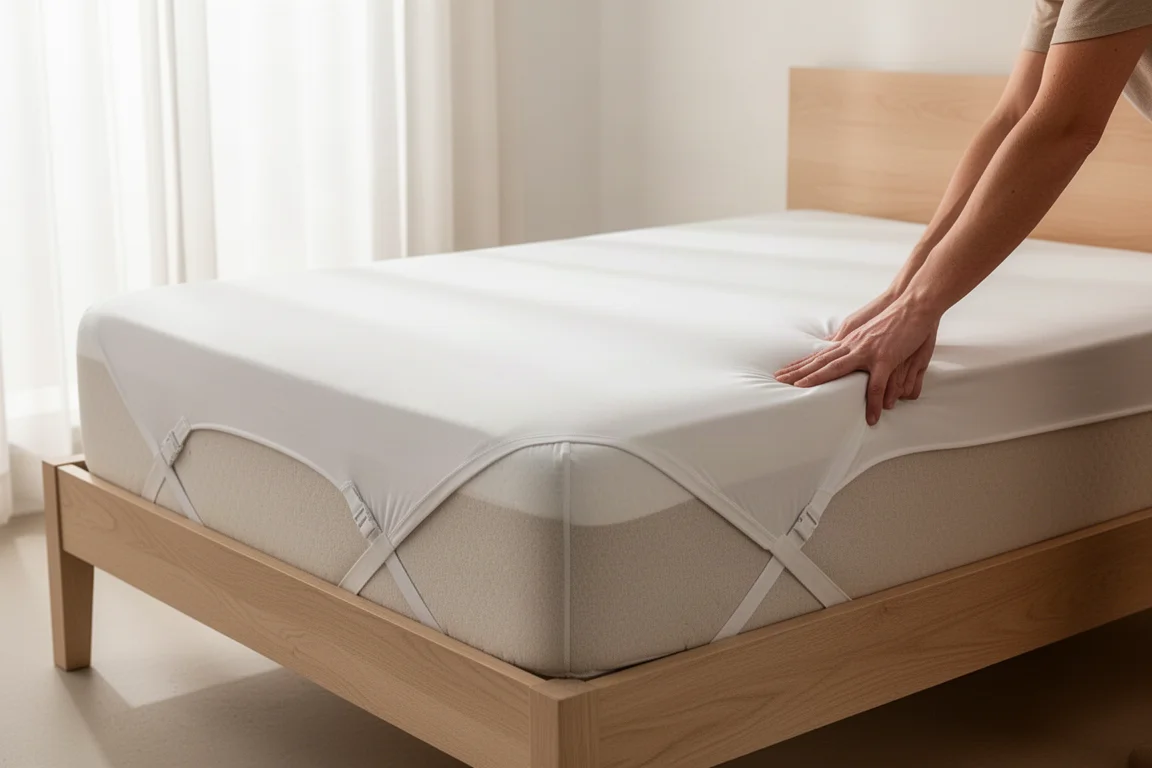
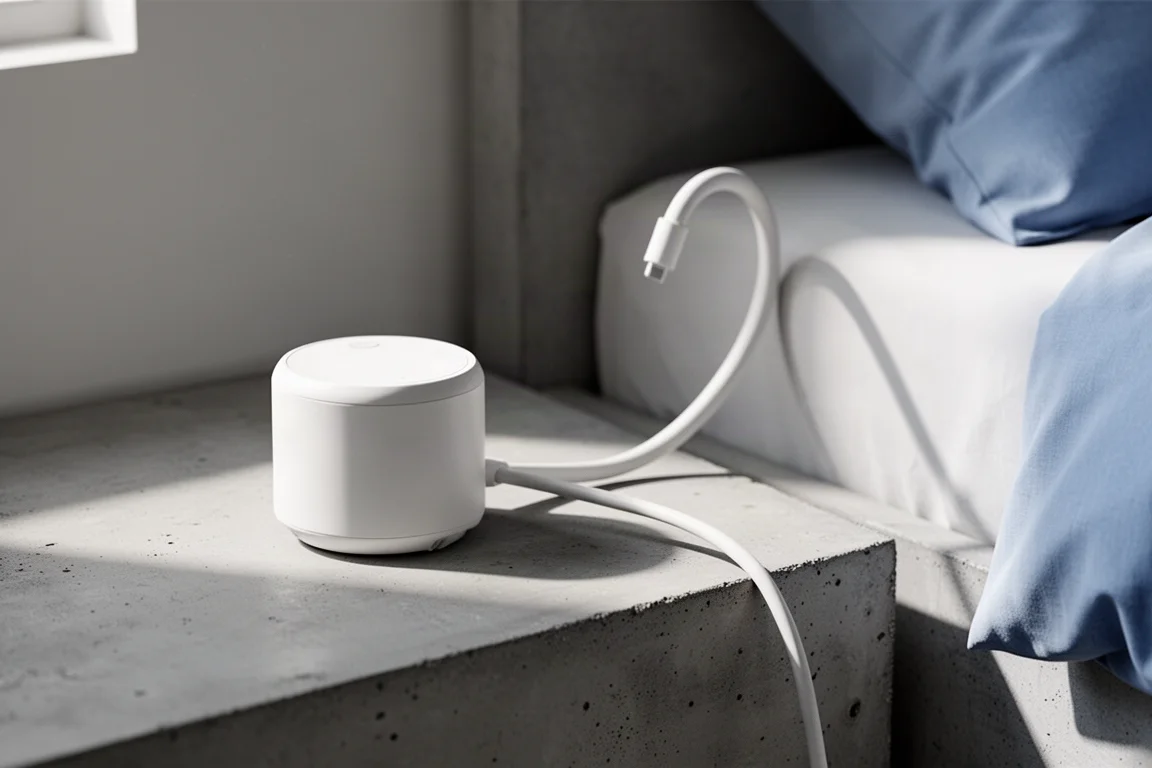
The active grid is where the work happens: it contains the heating and cooling system plus the sensors for sleep tracking, and it attaches to the cover using built-in zippers. The hoses sit at the head of the bed, out of the way, and need to be checked for kinks. Finally, the hub, which holds the system’s smarts and the water reservoir for temperature regulation, connects to the hose and plugs in.
App Setup and Temperature Preferences
In the smartphone app you choose your preferred mattress temperature, and granting access to local weather lets the system factor outdoor conditions in. The app then shows what your first night will look like: a lower temperature when you get in bed to help you fall asleep and reach deep sleep, gradually rising to a warmer setting for REM later in the night.
You set your typical bedtime, and the Pod 3 starts regulating temperature about an hour before, doing nothing during non-sleeping hours. You also set your wake time per day of the week. There are two optional wake-up methods: a temperature alarm that raises the temperature, and a vibration alarm.
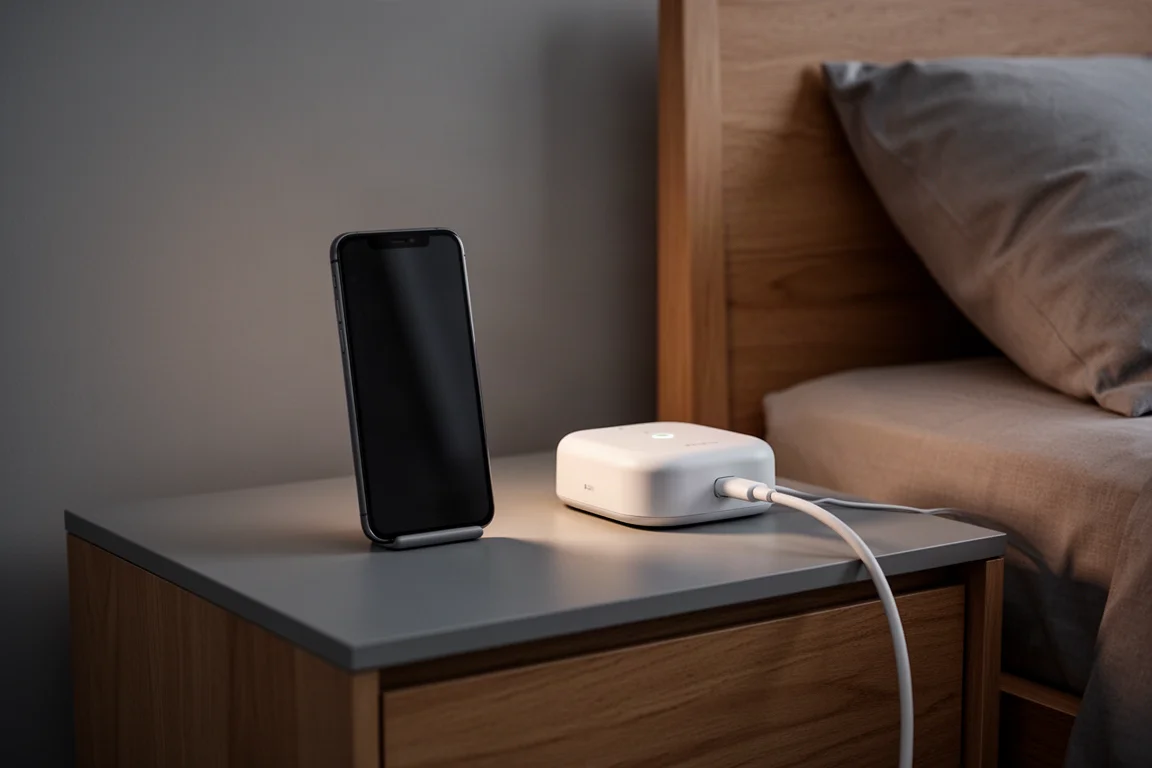
If you share a bed, you can invite your partner to run their own setup, with independent control of one side or the whole bed. One practical warning: adding water involves a multi-stage priming procedure using distilled water and hydrogen peroxide, with three stages each taking roughly 90 to 95 minutes. Do not set this up in the evening. Budget the morning or midday for priming, plus about 40 minutes for installing the cover, active grid, and hub, and you can sleep on it the same night.
How It Performs Night to Night
Starting the night cool and having the temperature rise slowly took a few nights to get used to, but it becomes something to genuinely look forward to. Has it drastically improved sleep quality? Not yet, honestly, but it has helped. Everything is fully customizable: you can keep a cool bed all night, a warm bed all night, or anywhere in between.
The Autopilot feature is one of the more interesting parts of the system. It dynamically adjusts temperatures throughout the night based on how your sleep is going, how your body is responding, and even room temperature, such as lowering the temperature slightly on a night when falling asleep was difficult. You can also override temperatures at any time, so in winter you can hop into a cozy bed and in summer into a cool one.
Sleep Tracking and Data
Beyond temperature, the sensors in the active grid collect sleep metrics. On waking you get a sleep fitness score, your HRV for the night, and your sleeping heart rate. The sleep fitness score is based on four factors: time taken to fall asleep, total sleep time, wake consistency compared to the last seven days, and the time it took to get out of bed once awake. A timeline shows when you got into bed, fell asleep, woke, and got up, along with your sleep stages and the percentage of time spent in each. One gap worth noting: it shows percentages rather than actual time spent in each stage, which a firmware update could easily fix.
Accuracy has been mixed in a few spots. Getting into bed around 9 pm but falling asleep closer to 9:45 was read correctly, and wake time was spot on. A waking period between about 1 and 2 am was not clearly picked up. Naps are detected, and one detected nap matched reality exactly, though on another day it logged a nap that never happened. Overall, bedtime and wake times are handled well, but time spent awake during the night could use refinement.

The metrics that matter most, sleeping heart rate and HRV, closely matched other devices worn at the same time, which is reassuring for anyone using this as their primary sleep tracker. The Pod 3 also integrates with Apple Health and other wearable platforms including Polar, Garmin Connect, and Oura, so your data can live alongside everything else you already track.
Things to Consider Before Buying
Setup is not difficult, but it is not a five-minute job either: roughly 40 minutes of installation plus several hours of priming, so plan the timing. Sleep tracking is good rather than perfect, with occasional missed wake-ups and at least one false nap detection. If you expect a dramatic overnight transformation in sleep quality, temper that expectation; early impressions are of real help rather than a total game changer, and longer-term results may improve further by using the journal feature to identify other factors affecting your sleep.
Buying Advice
If you train seriously and want to protect recovery, or you struggle with bedroom temperature in summer or winter, the Pod 3 is one of the most complete options available because it combines temperature regulation with wearable-free sleep tracking in one system. If you only care about sleep data, a cheaper wearable may suffice, but if the temperature angle appeals, the sensor array is a genuine bonus rather than a gimmick. A discount code was available at the time of the first impressions period, so it is worth checking for current offers before you buy.
Conclusion
The Eight Sleep Pod 3 is a well-designed temperature-regulating mattress cover with genuinely useful sleep tracking built in. Setup takes planning, tracking has minor gaps around nighttime wake-ups, and early impressions suggest it helps sleep quality rather than transforming it outright. For anyone serious about recovery, training performance, or simply sleeping at the right temperature all night, it is a compelling upgrade.
Product link
View more details for Eight Sleep Pod 3
This product is mentioned in the review. Check the specifications, options, and compatibility before buying.
View more details for Eight Sleep Pod 3Further reading
Related Reviews
Sleep Tech
Soundcore Sleep A30 Review: Sleep Earbuds Built for Noisy Nights
Tiny, comfortable sleep buds with active noise cancellation, a huge sound library, and battery life that genuinely lasts the night.
Smart Home
Amazon Echo Hub Review: A Smart Home Dashboard That Finally Gets It Right
The Amazon Echo Hub puts smart home controls front and center with a fast, simple interface. Here is how it performs as a family-friendly dashboard.
Smart Home
15 Amazon Smart Home Automations: Practical Ideas for Every Room
Fifteen practical Amazon Alexa routines and automations that solve real household problems, from pet care to security and entertainment.