Action Cameras
DJI Osmo Action 6 Firmware Update: 8K Recording and NAS Backup Arrive
A new firmware update for the DJI Osmo Action 6 adds an 8K recording mode and, more importantly, direct file backup to NAS, OneDrive, and Google Drive.
Introduction
DJI has rolled out a notable firmware update for the Osmo Action 6, and it brings two headline features: a new 8K recording option and, far more interestingly, direct cloud and NAS file backup. The 8K mode is the flashier addition on paper, but for everyday owners the automatic backup support may be the genuinely useful upgrade here. Here is what the update includes, how it performs, and what to know before you rely on it.
Getting the Firmware Update Installed
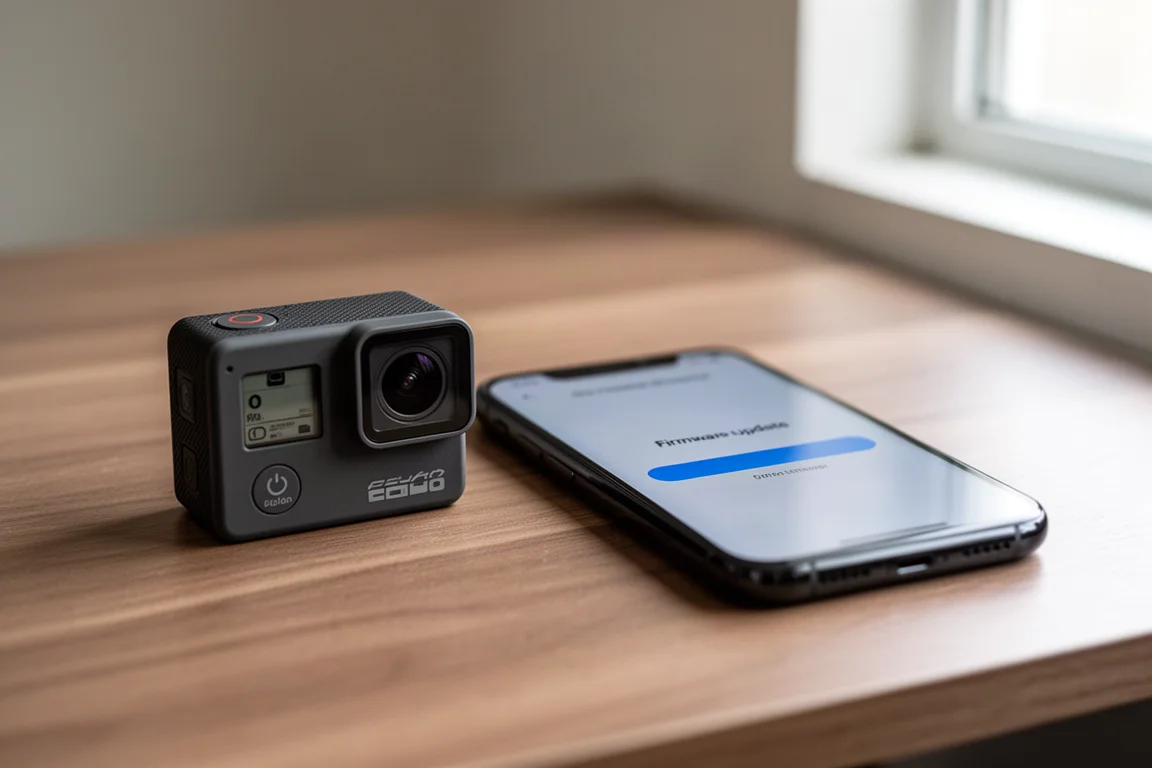
One quirk worth knowing upfront: as of this update’s release, the new firmware does not automatically appear at the top of the DJI Mimo app the way most DJI updates normally do. To find it, update the DJI Mimo app first, then tap the profile option in the lower right-hand corner, tap About, and then tap Check for firmware updates. A note will confirm an update is available, after which you can return to the main screen and update the camera as usual.
The whole process takes just a couple of minutes and is straightforward, unlocking the two core new features plus a handful of smaller refinements.
What 8K Actually Looks Like
The 8K option appears in the resolution list alongside the existing modes, and it rotates with the camera without issue. There are some limitations, though: film tone and quality priority options are not available in 8K mode. The good news is that pro mode still offers 10-bit and D-Log 10-bit recording in 8K, and high bitrate recording remains available even outside of pro mode.
File sizes follow a simple rule of thumb in 10-bit mode with the high bitrate option: roughly 1 GB per minute of footage. Exact sizes will vary depending on the scene and codec behavior, and overheating behavior in sustained 8K use has not been fully tested yet, so keep that in mind for long, demanding shoots.
So how does the quality hold up? The main practical reason to shoot 8K on an action camera is the ability to crop in during post-production. Comparing native footage across the DJI Osmo Action 6, Insta360 Ace Pro 2, and GoPro, the uncropped images are relatively similar. At 200 percent crop, things stay close. At 400 percent, differences emerge: the Ace Pro 2 looks better in that test than the Action 6, and the GoPro starts to show fuzziness. At 800 percent, the GoPro is clearly much fuzzier than the other two, and the Insta360 again edges out the DJI in that particular scene.

In a second test scene focused on water droplets, the tables turned somewhat. At 400 percent, the Action 6 made the droplets look the nicest of the three, and at 8x it produced the sharpest result. One consistent caveat, however, is DJI’s color science: greens rendered far too deep and vivid compared to reality, where the GoPro and Ace Pro 2 were much closer to what the scene actually looked like. Sharper detail with less faithful color is a trade-off to be aware of.
It is also worth remembering that when Insta360 added its own 8K mode, it described the feature as largely a marketing exercise rather than something you would typically use in fast-moving sports scenarios. Treat the Action 6’s 8K mode the same way: a useful cropping tool for controlled shots, not a default recording mode.
The Real Headline: Direct Backup to NAS and Cloud
The more significant new feature is the camera cloud service, which lets the Action 6 sync footage directly to a NAS device, OneDrive, or Google Drive. This is the feature that makes the update genuinely valuable.
Backing Up to Your Own NAS
Setup is done through a new camera cloud service option in the settings menu. Choose the NAS option and fill in a few self-explanatory fields: the SMB address (either the NAS IP address or device name) and the mount point name, which is the file share name. On a Synology NAS, for example, you can create a dedicated file share for this. It is smart to also create a throwaway account with access only to that one share, so the credentials used by the camera carry no broader risk.
After entering Wi-Fi network details, enable the auto backup option at the bottom of the setup. With that on, plugging the camera in automatically triggers a backup to the NAS. Like GoPro and Insta360 cameras, the upload only runs while the camera has external power.
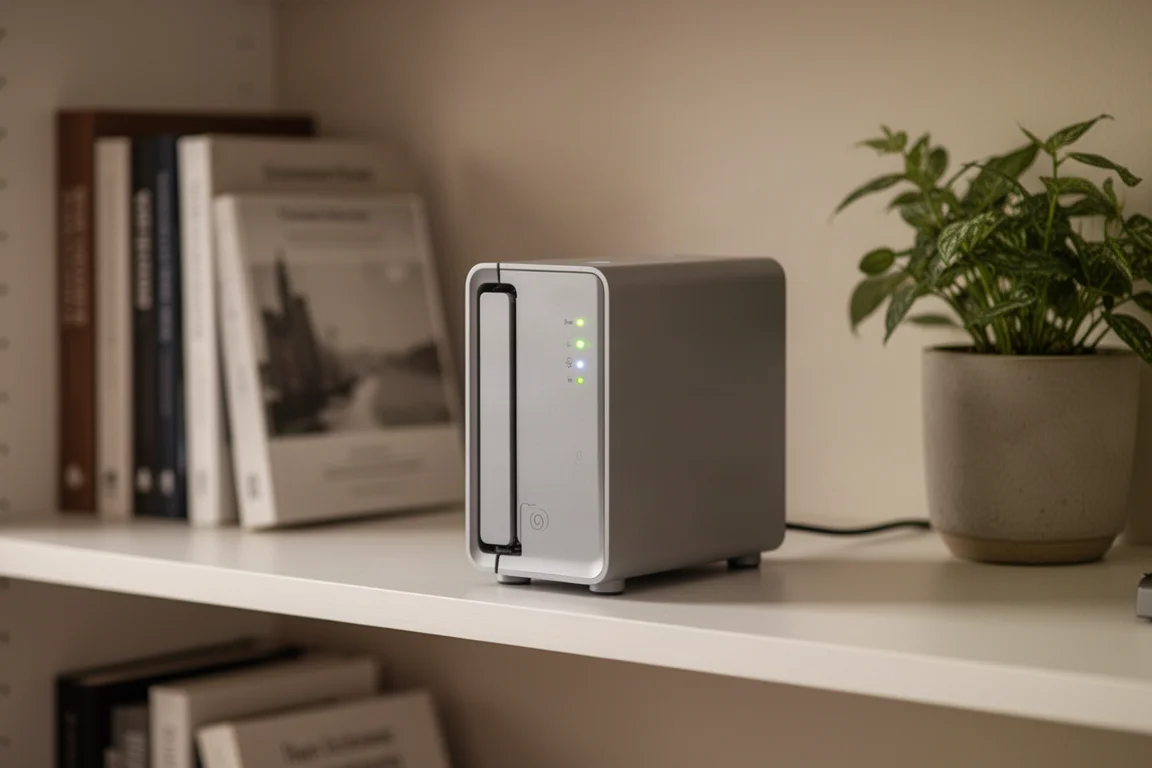
In practice it worked flawlessly on the first try. Uploading over the same Wi-Fi network averaged about 13 MB per second, which is plenty fast, and the camera backed up all previously recorded footage without issue. The folder structure creates a DJI Device folder, a subfolder named after your camera, and then a separate folder for each day of footage, including past days. One minor wish: a flat folder structure option would make manual file management easier, but the day-based organization is otherwise sensible.
Google Drive and OneDrive Backup
Google Drive and OneDrive work through the same settings, with one restriction: only one of the three destinations (NAS, Google Drive, or OneDrive) can be connected at a time, so switching means disconnecting the previous one first. Google Drive uses a proper OAuth connection, meaning DJI never sees your password, and the flow even supported two-factor authentication through another connected app.
The folder structure mirrors the NAS setup exactly: DJI Device, then the camera name, then a folder per day of footage. Uploads to Google Drive ran roughly a third of the NAS speed, averaging around 10 to 12 MB per second, despite a much faster internet connection being available. OneDrive may perform differently. One notable gap: there is no Dropbox option yet, which some users will miss, though there appears to be room in the interface for it to arrive later.
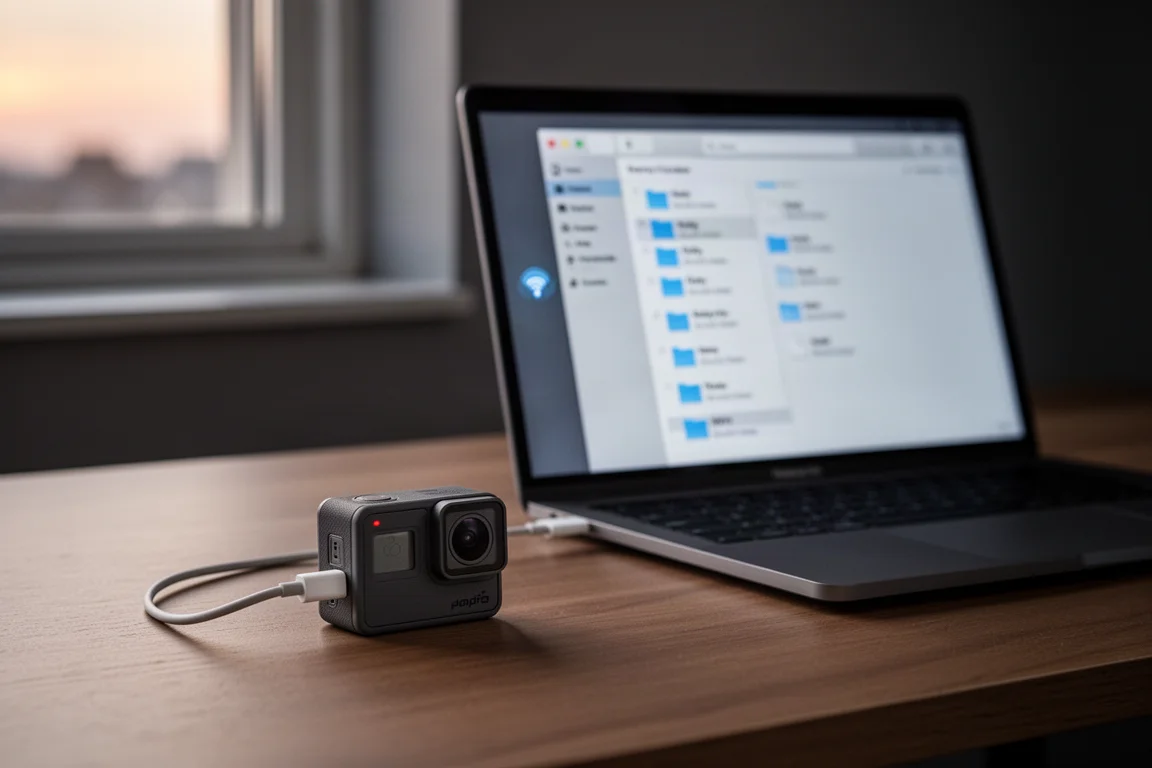
This feature stands out because it lets you back up to hardware you already own rather than locking you into a manufacturer’s cloud subscription. That is something competitors have been asked about for years, and DJI has now delivered it first on this camera. It would be great to see this capability extended to DJI’s other products, especially drones like the Mavic series and Neo, and ideally brought back to Action 5 Pro owners as well.
Should You Update?
Yes. The update is free, quick to install, and the NAS backup alone justifies the couple of minutes it takes. The 8K mode is a nice bonus for controlled shots where you want heavy cropping flexibility, with the caveats of larger file sizes, missing film tone and quality priority options, and color rendering that leans more stylized than accurate.
Conclusion
The DJI Osmo Action 6’s latest firmware is one of the more meaningful updates an action camera has received in a while. Automatic backup to your own NAS, OneDrive, or Google Drive solves a real workflow problem without a subscription, and 8K adds cropping headroom for those who need it. If you own an Action 6, dig into the Mimo app’s About menu and grab this update.
Product link
View more details for DJI Osmo Action 6
This product is mentioned in the review. Check the specifications, options, and compatibility before buying.
View more details for DJI Osmo Action 6Further reading
Related Reviews
Action Cameras
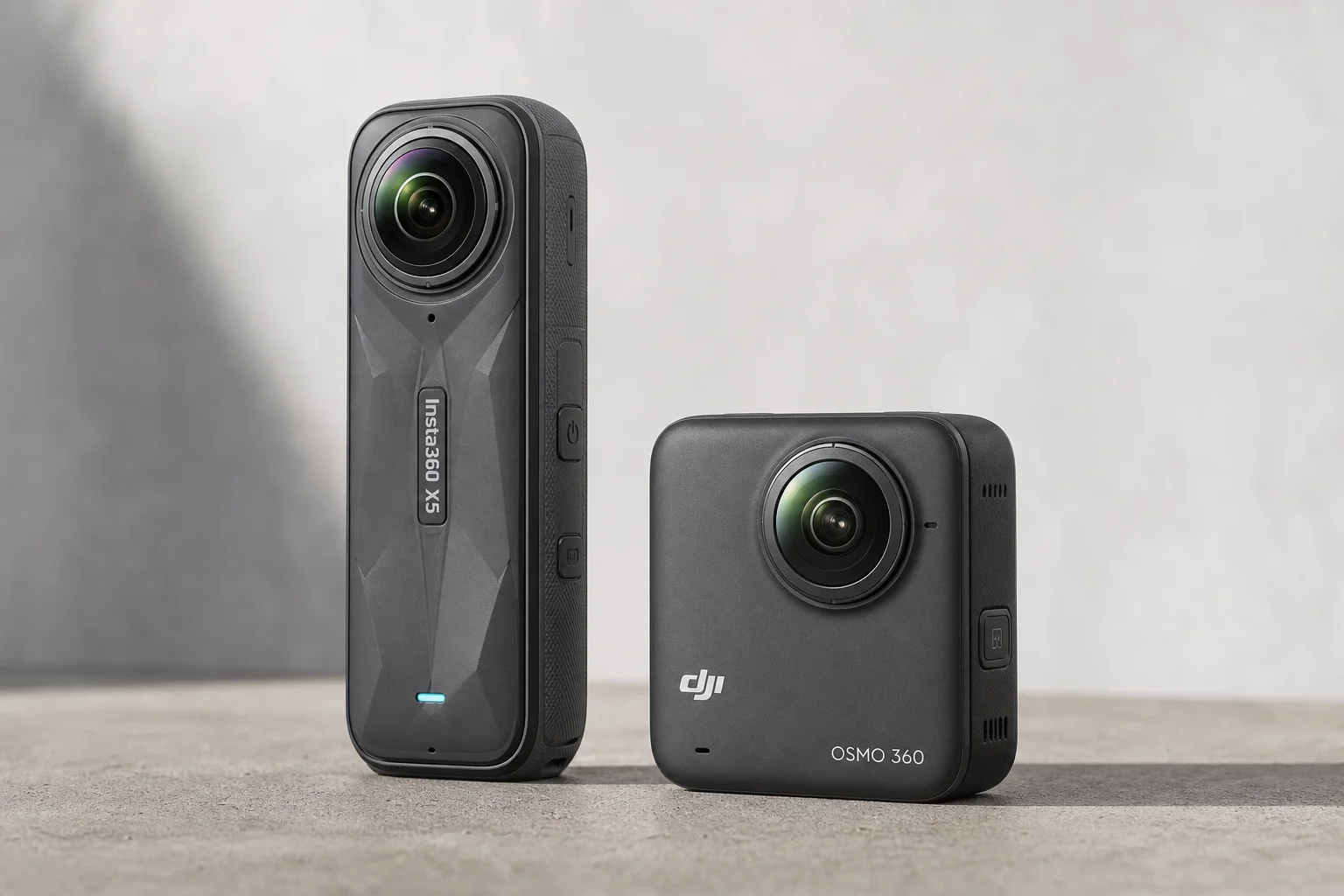
360 Cameras for Adventure Motorcycling: Insta360 X5 vs DJI Osmo 360
Two 360-degree action cameras designed for off-road and adventure riding. A detailed comparison of features, stabilization, and real-world performance for motorcycle touring.
Action Cameras
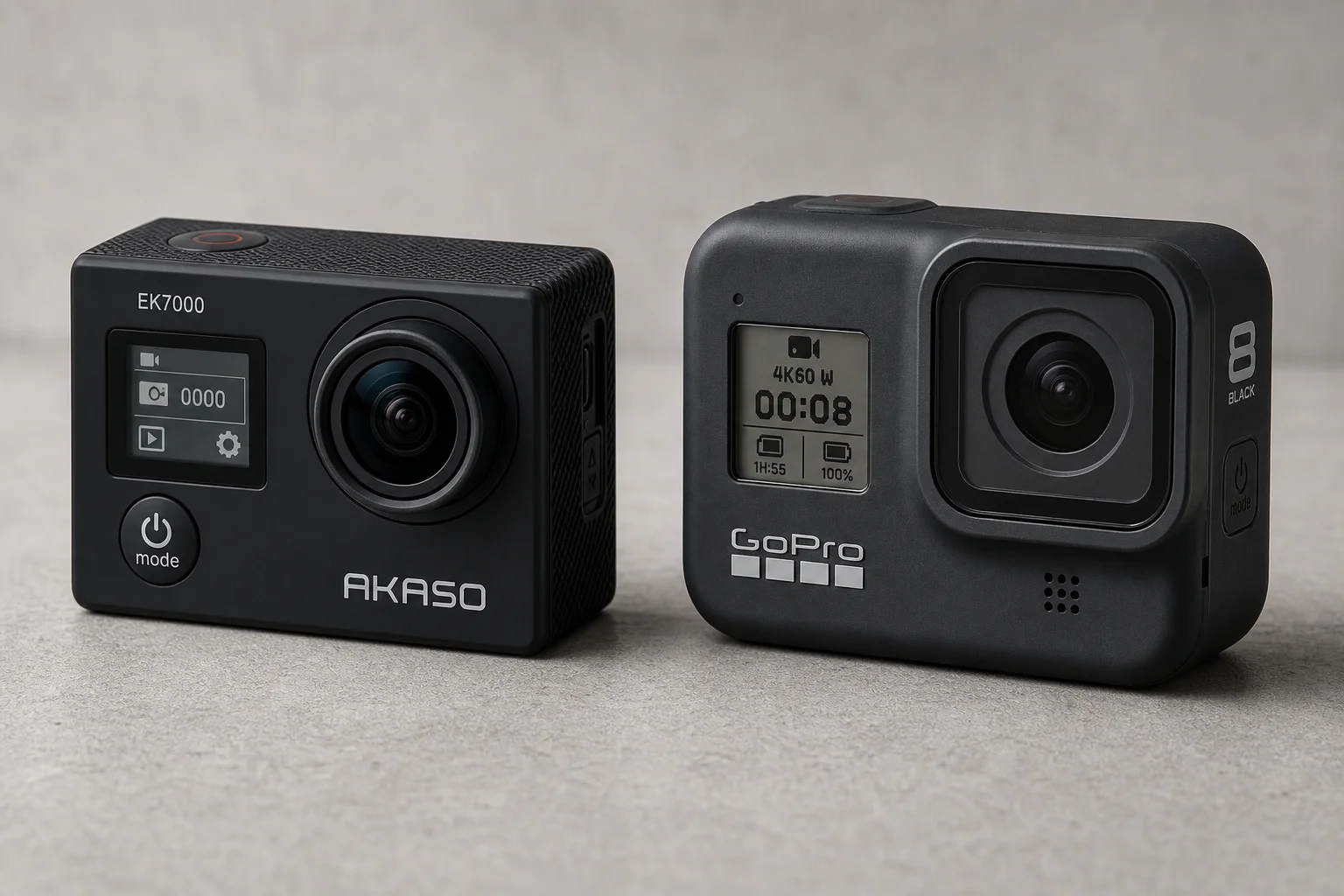
Akaso EK7000 vs GoPro Hero 8 Black: Budget Action Camera Tested
A $50 budget action camera faces off against the GoPro Hero 8 Black. Here's how the Akaso EK7000 really performs in video, audio, and photo quality.
Action Cameras
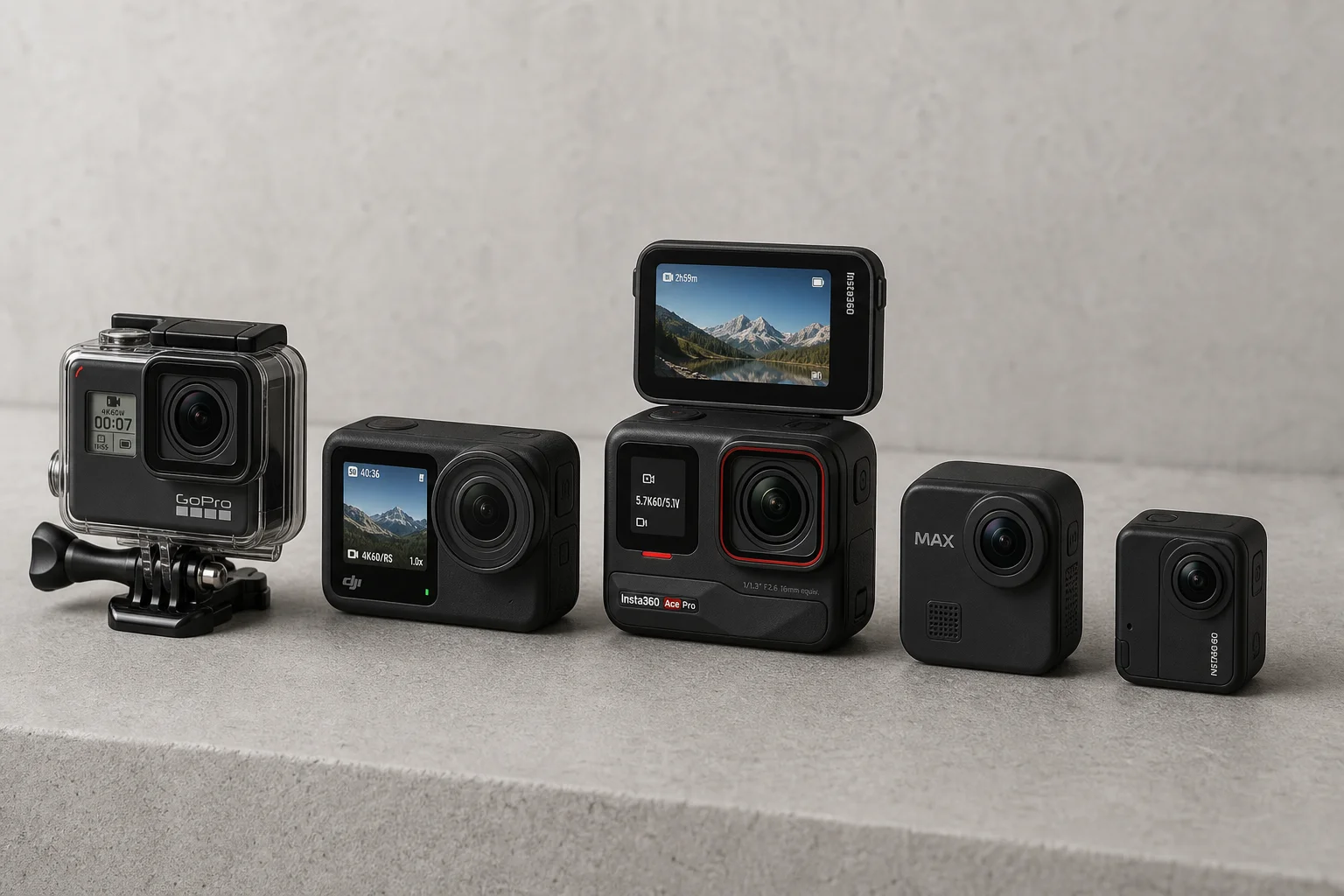
Best Action Cameras 2026: Five Top Picks Ranked
A comprehensive ranking of five action cameras from budget-friendly to premium, covering durability, video quality, stabilization, and low-light performance.