Flight Simulation
10 Essential Tips for Starting Digital Combat Simulator: A Rookie Pilot's Guide
A practical roadmap for new DCS pilots covering hardware, learning resources, and progression strategies to avoid frustration and build skills effectively.
Introduction
Digital Combat Simulator offers incredible depth and realism, but jumping in without preparation can be overwhelming. These ten tips will help you build a solid foundation, avoid common frustrations, and progress steadily from rookie to competent pilot.
Tip 1: Invest in a HOTAS System
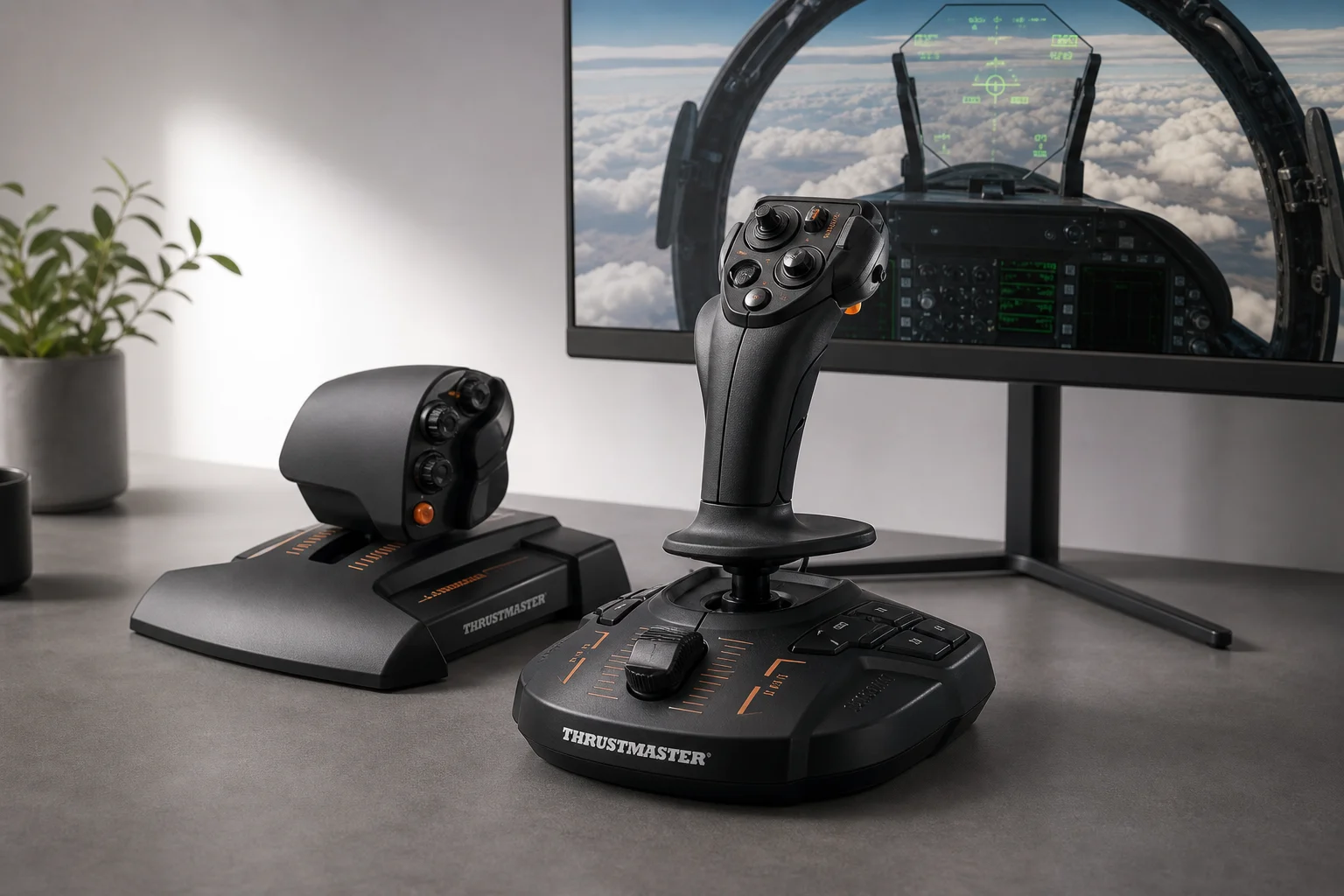
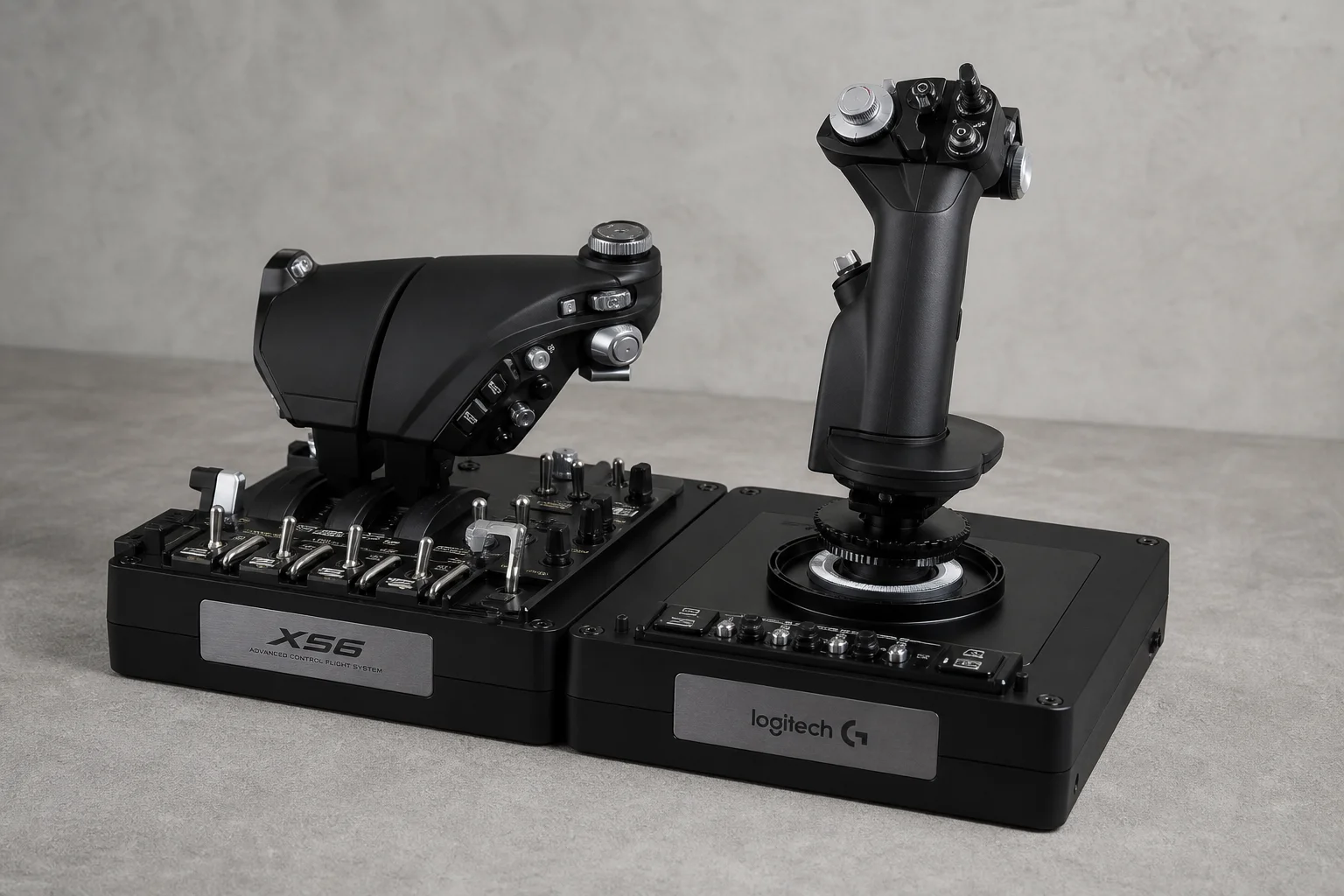
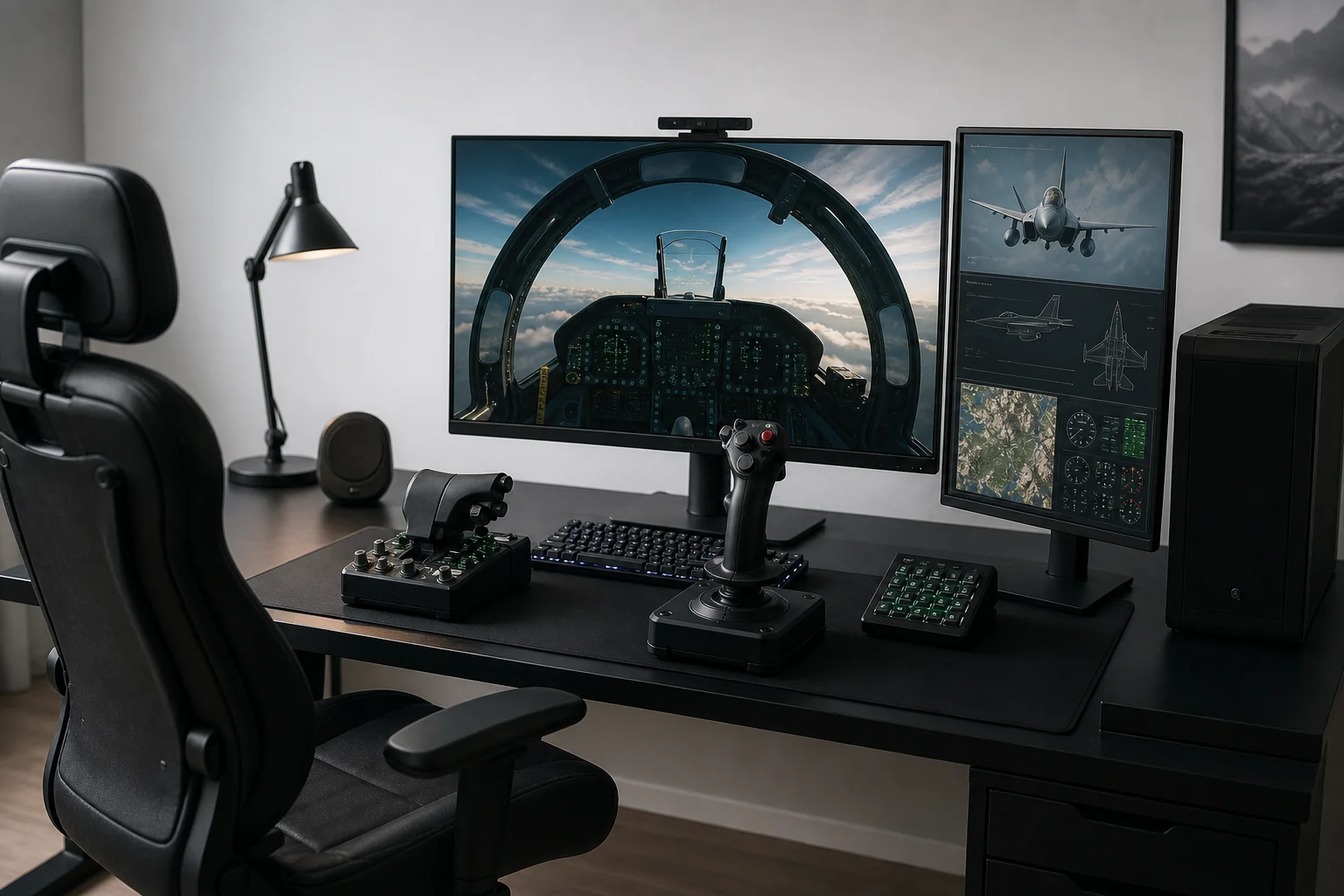
Do not attempt to play DCS with a keyboard, mouse, or standard gaming controller. While technically possible, you will miss the core experience and may as well play War Thunder instead. To get the most from DCS, you need a HOTAS (Hands-On Throttle and Stick) system. You do not need to spend excessively; keep it simple and look for a controller with twist function for rudder control. The Logitech X56 is a solid recommendation: good quality, plug-and-play setup, reliable build quality, and more than enough mappable buttons to handle complex aircraft.
A proper HOTAS transforms the experience from frustrating to enjoyable and makes learning muscle memory for aircraft procedures much faster.
Tip 2: Avoid Buying Multiple Modules at First
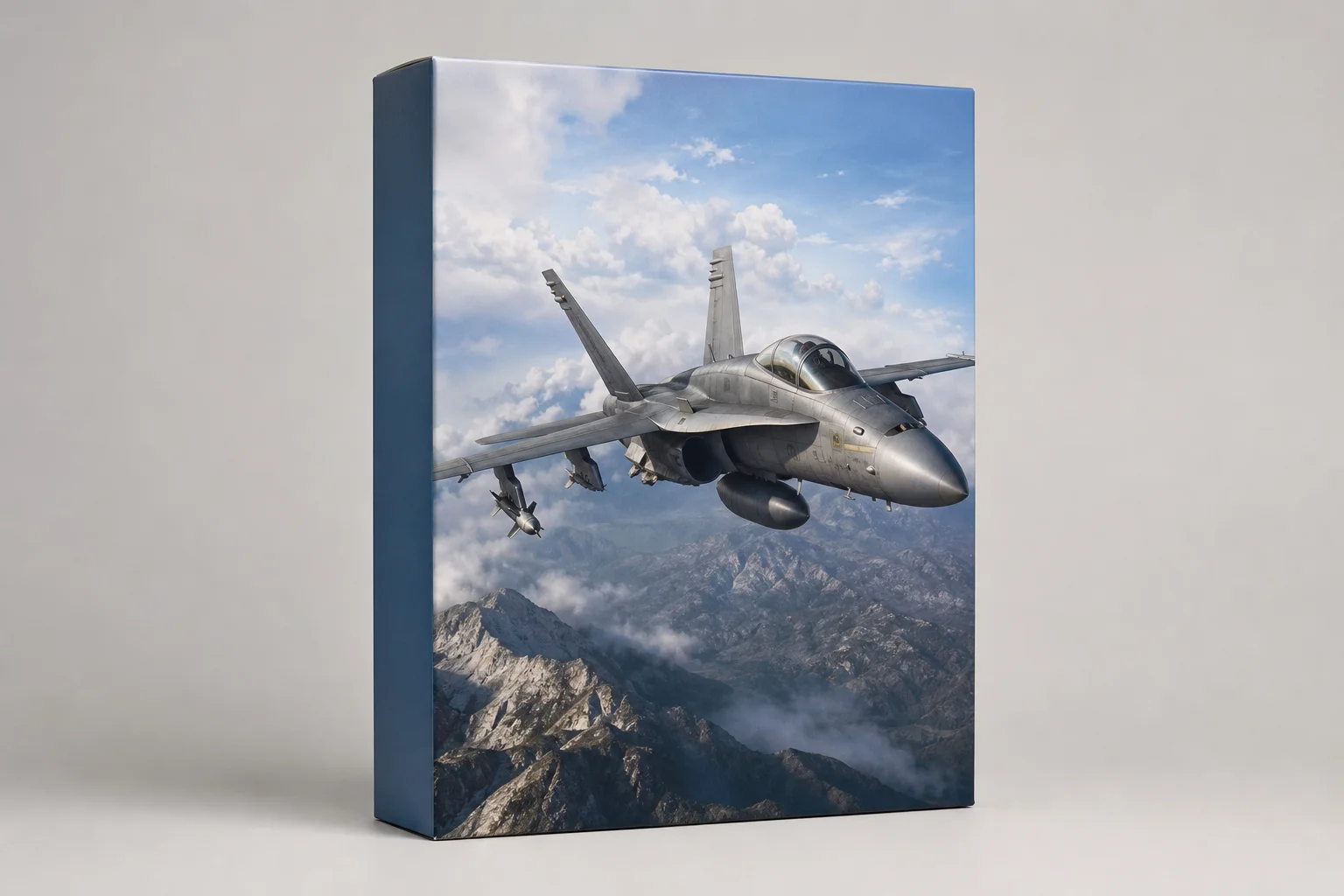
DCS is free to download but the base package is limited. Rather than purchasing several aircraft modules, start with Flaming Cliffs 3. It is affordable, includes several aircraft including the F-15, and uses low-fidelity flight models with simplified cockpit controls but identical physics to high-fidelity modules. This approach lets you learn the fundamentals without overwhelming yourself with complex systems.
Tip 3: Use Auto-Startup Features
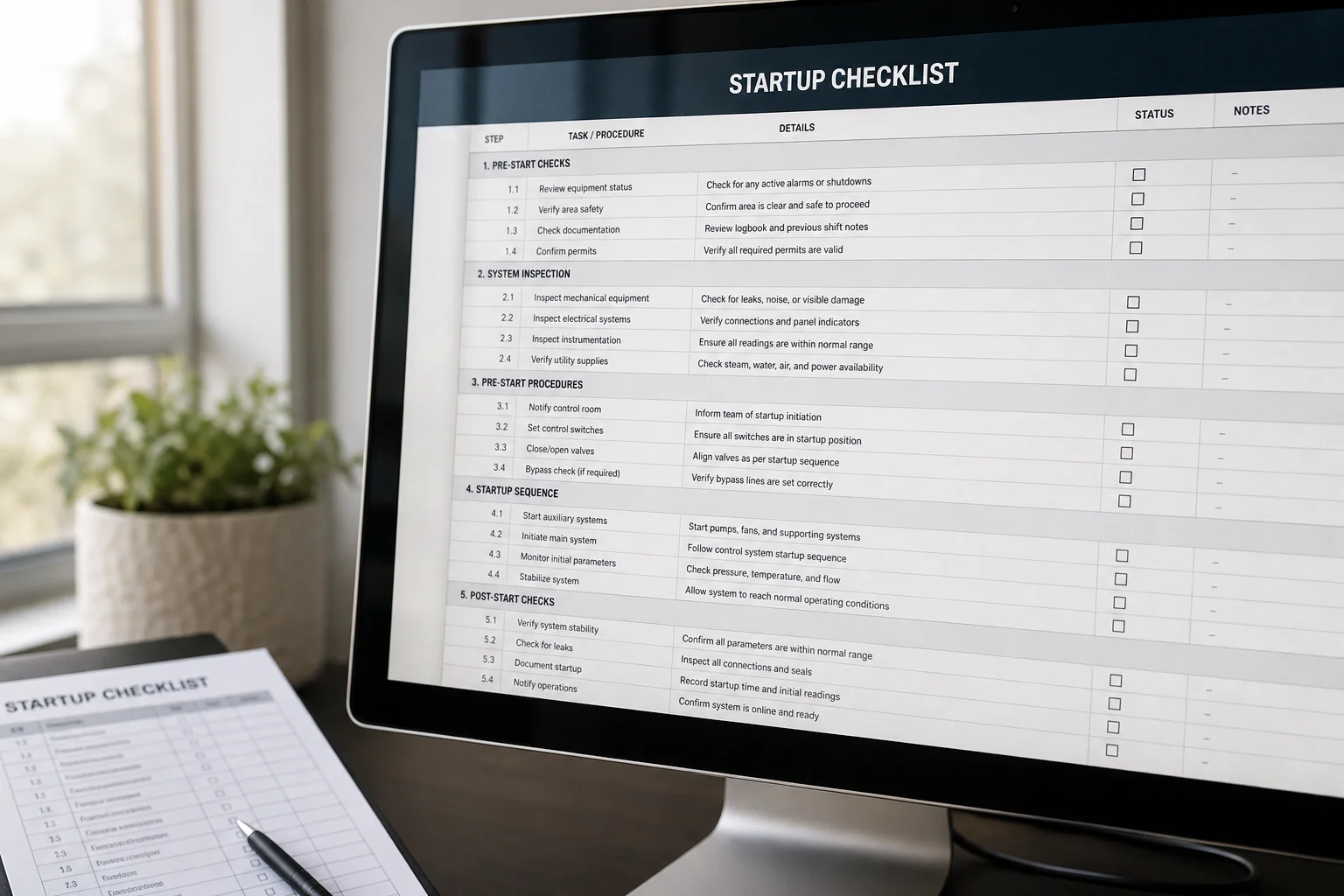
Aircraft startup procedures can be lengthy and complicated, which is overwhelming for new pilots. Map a button on your HOTAS to trigger automatic startup, which will run through the full procedure for you. This gets you airborne quickly with far less frustration while you focus on flying.
Tip 4: Avoid Online Multiplayer Until You Are Ready
Spend several weeks or even months flying offline missions to develop your skills and get comfortable with the simulator. Online multiplayer servers are available, but filter out any with a ping rate of 200 or higher to avoid lag issues. Build confidence offline first.
Tip 5: Download Chuck’s Guides
Chuck’s Guides are comprehensive, digestible flight manuals for DCS aircraft. Read them during downtime and keep a printed copy next to your simulator setup. These guides are essential if you plan to fly high-fidelity modules.
Tip 6: Follow Established Content Creators
Watch tutorials and flying technique videos from experienced creators such as Growling Sidewinder, Grim Reapers, Spot Knocker, and Operator Drewsky. These creators provide entertaining and invaluable information on flying technique, aircraft systems, and mission tactics that will accelerate your learning.
Tip 7: Consider TrackIR for Head Tracking
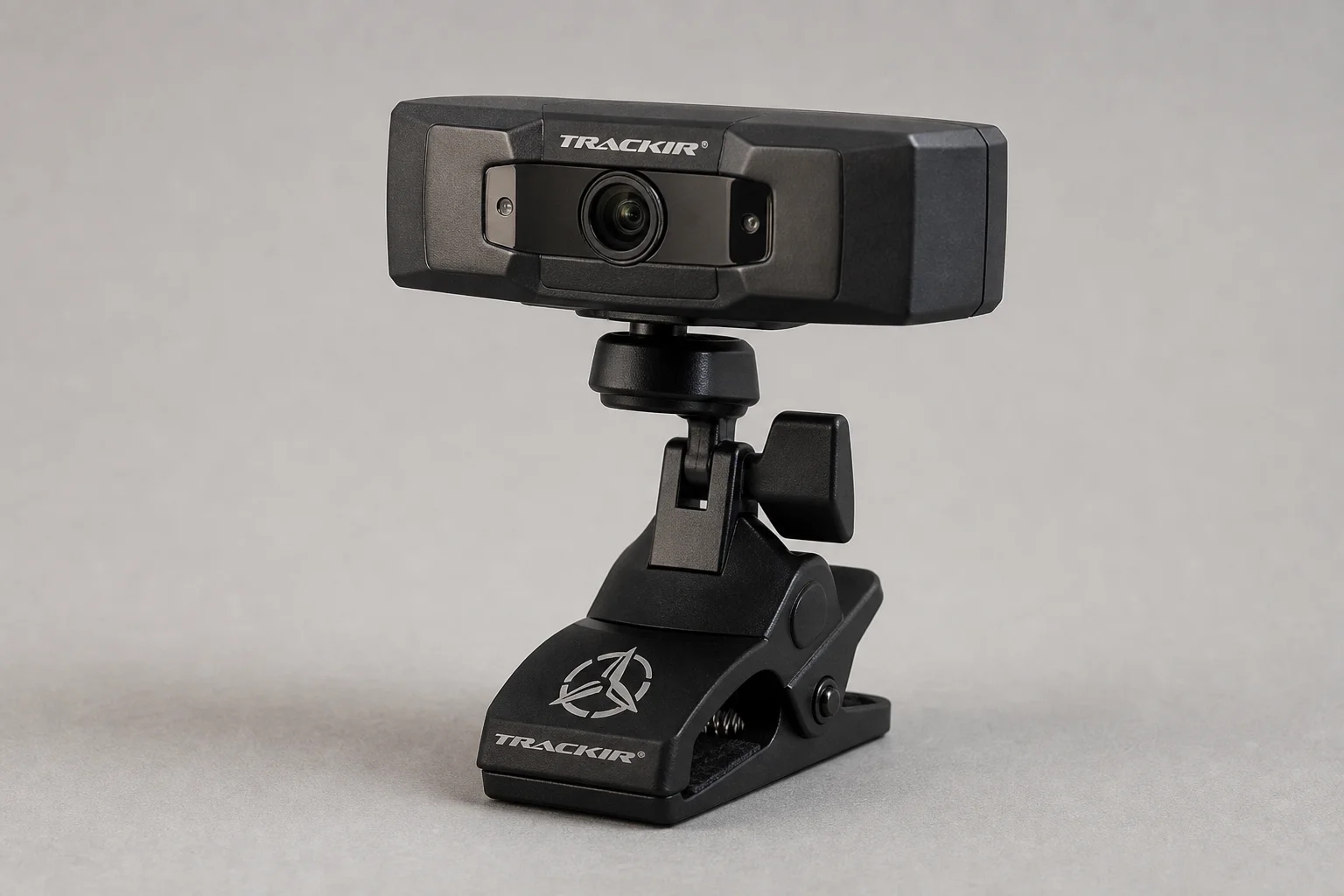
If you plan to play on a single monitor or ultrawide display, TrackIR is an excellent first accessory purchase. The head-tracking software lets you look around the cockpit using natural head movements, allowing you to look above, behind, and to the sides with minimal effort. TrackIR provides many of the benefits of VR while keeping your physical controls visible, which improves situational awareness significantly, especially during dogfighting.
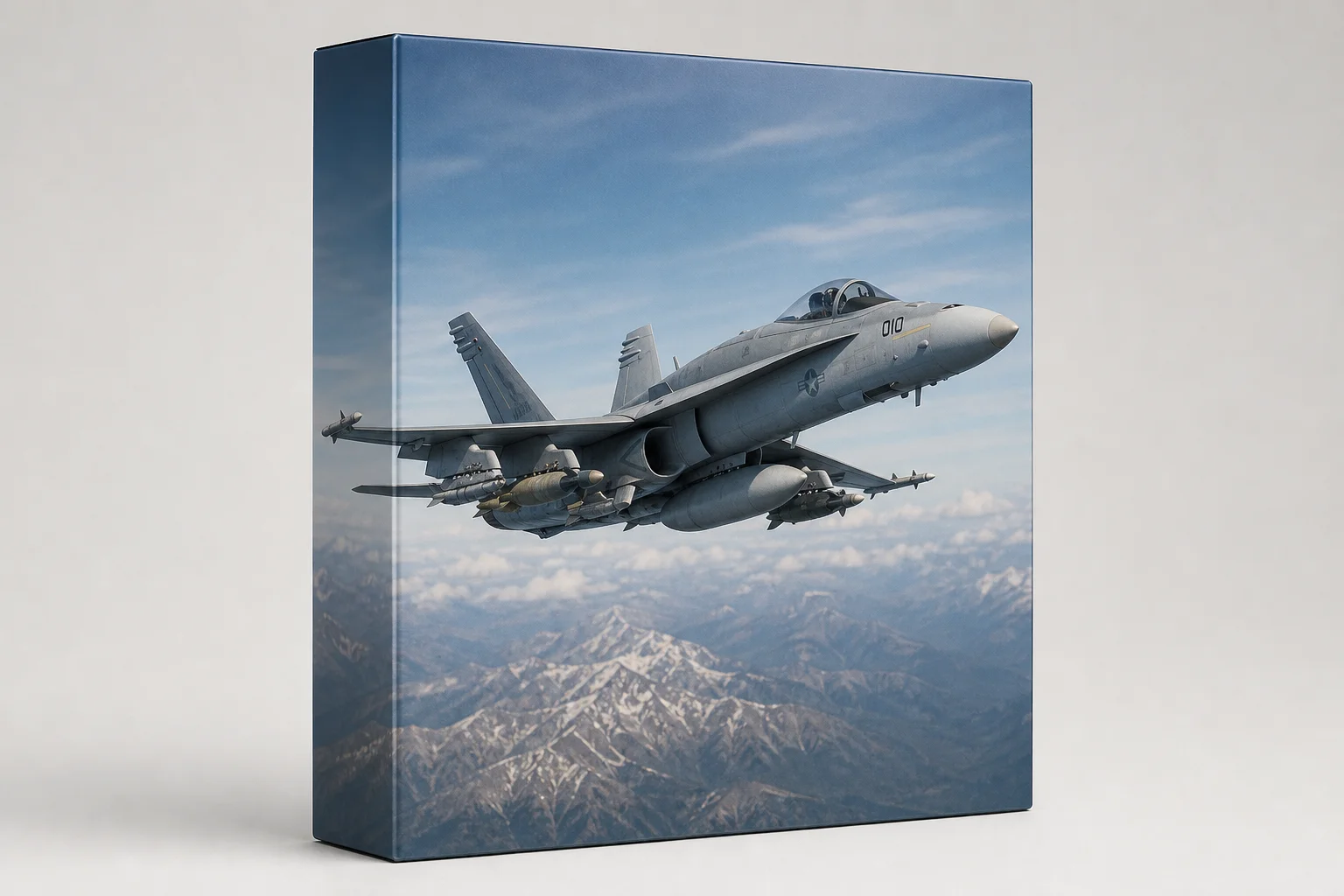
Tip 8: Start with the F/A-18C Hornet for High-Fidelity Flying
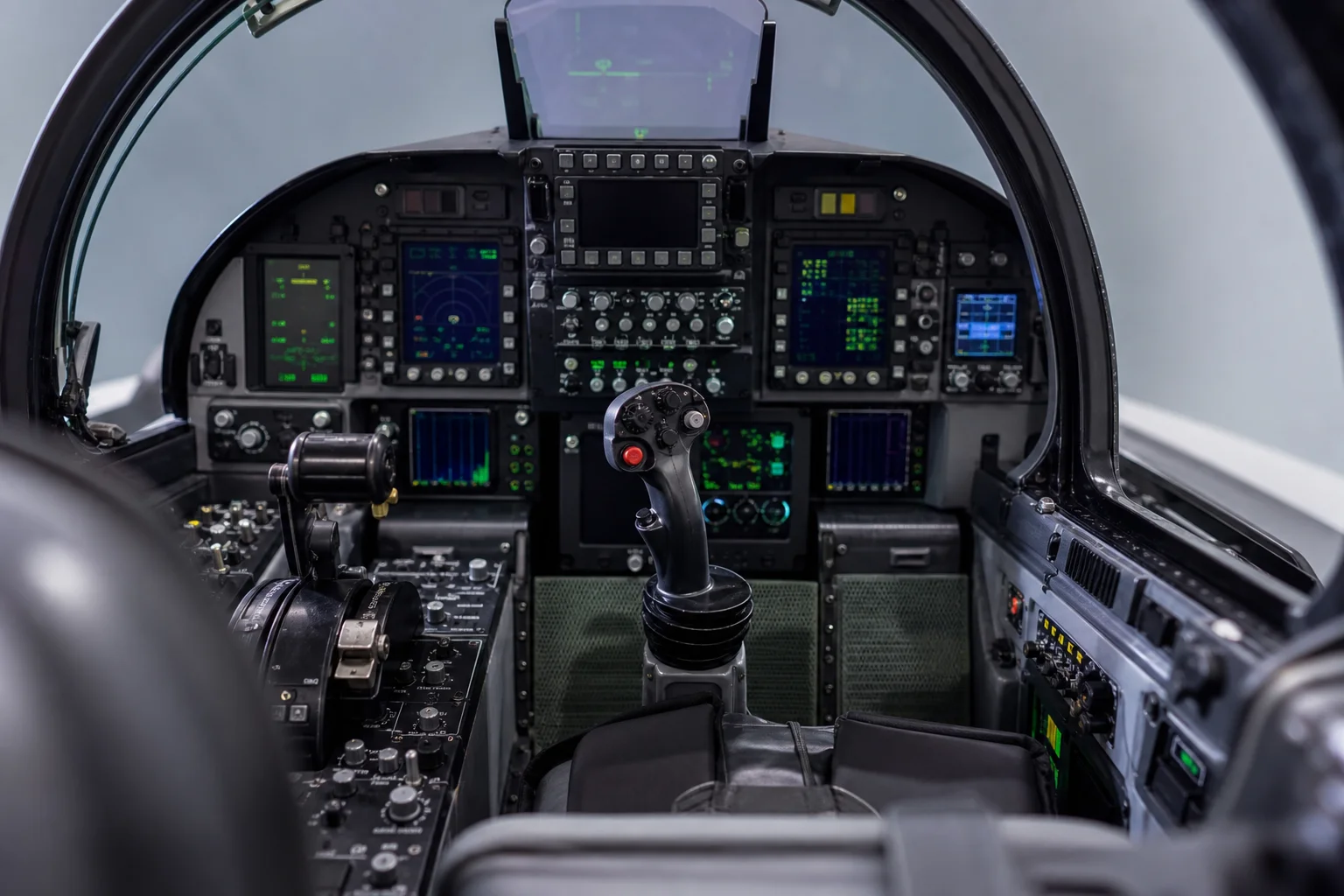
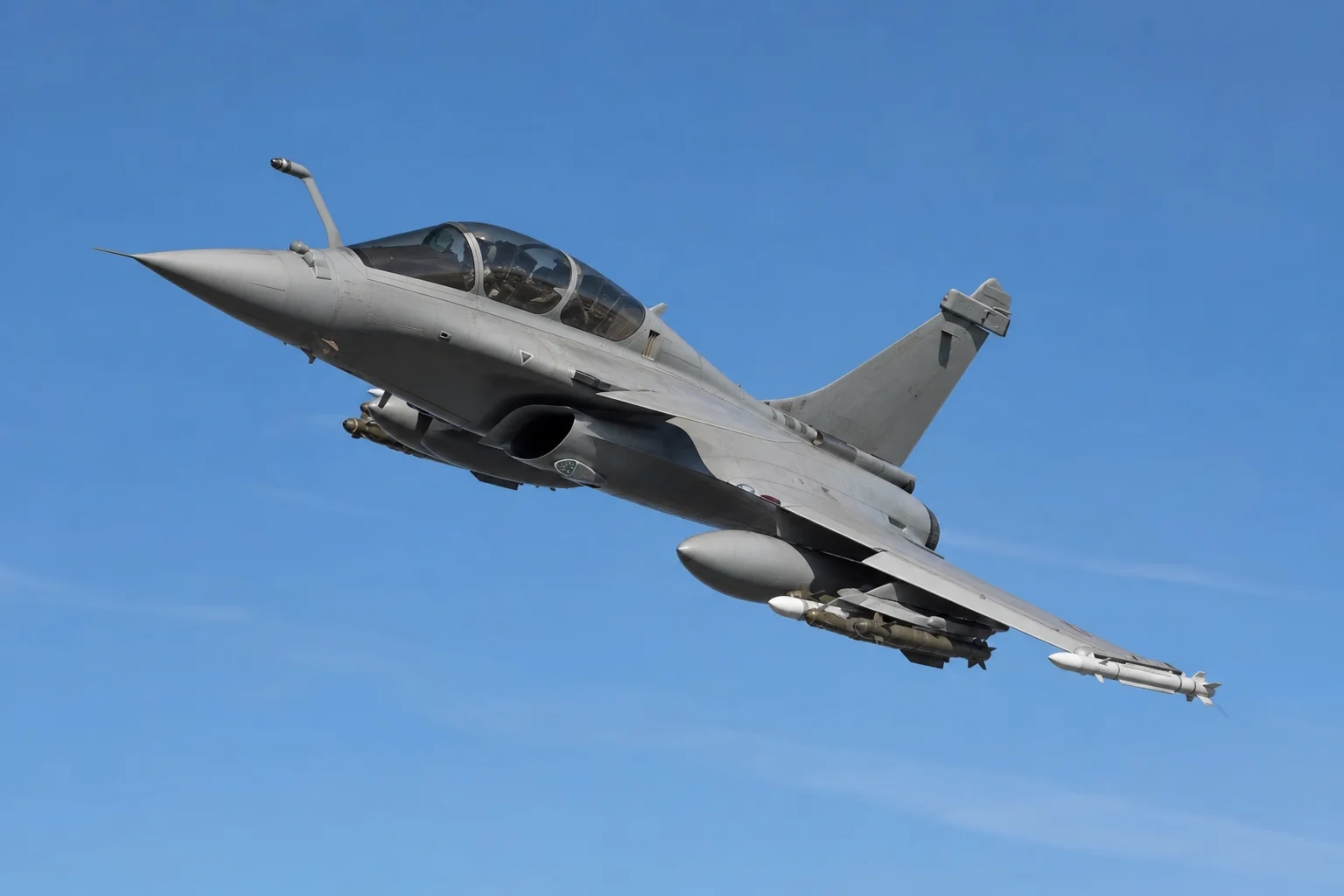
If you want to jump directly into a high-fidelity module, the F/A-18C Hornet is the best choice. It is versatile enough to handle carrier landings, bombing runs, and air-to-air combat. Be prepared for complexity; the Hornet is not a beginner aircraft, but its adaptability makes it worth the learning curve.
Tip 9: Stick to One Module and Learn It Deeply
Rather than spreading yourself across multiple aircraft, choose one and master it. Flaming Cliffs 3 is perfect for this, or move to the F/A-18C once you are ready. Learning an aircraft you genuinely want to fly will keep you motivated and accelerate your progress.
Tip 10: Download DCS Directly from Eagle Dynamics
Download DCS from the official website (digitalcombatsimulator.com) rather than Steam. Direct downloads give you the option to test-fly any aircraft in the catalog for two weeks free, with the trial resetting every six months. This approach prevents wasting money on aircraft you may not enjoy.
Conclusion
Starting DCS requires patience and the right tools, but these ten tips will set you on a clear path to becoming a competent pilot. Begin with a proper HOTAS, choose one affordable module, use offline missions to build skills, and lean on community resources. The learning curve is steep, but the reward is one of the most immersive flight simulation experiences available.
Further reading
Related Reviews
Flight Simulation
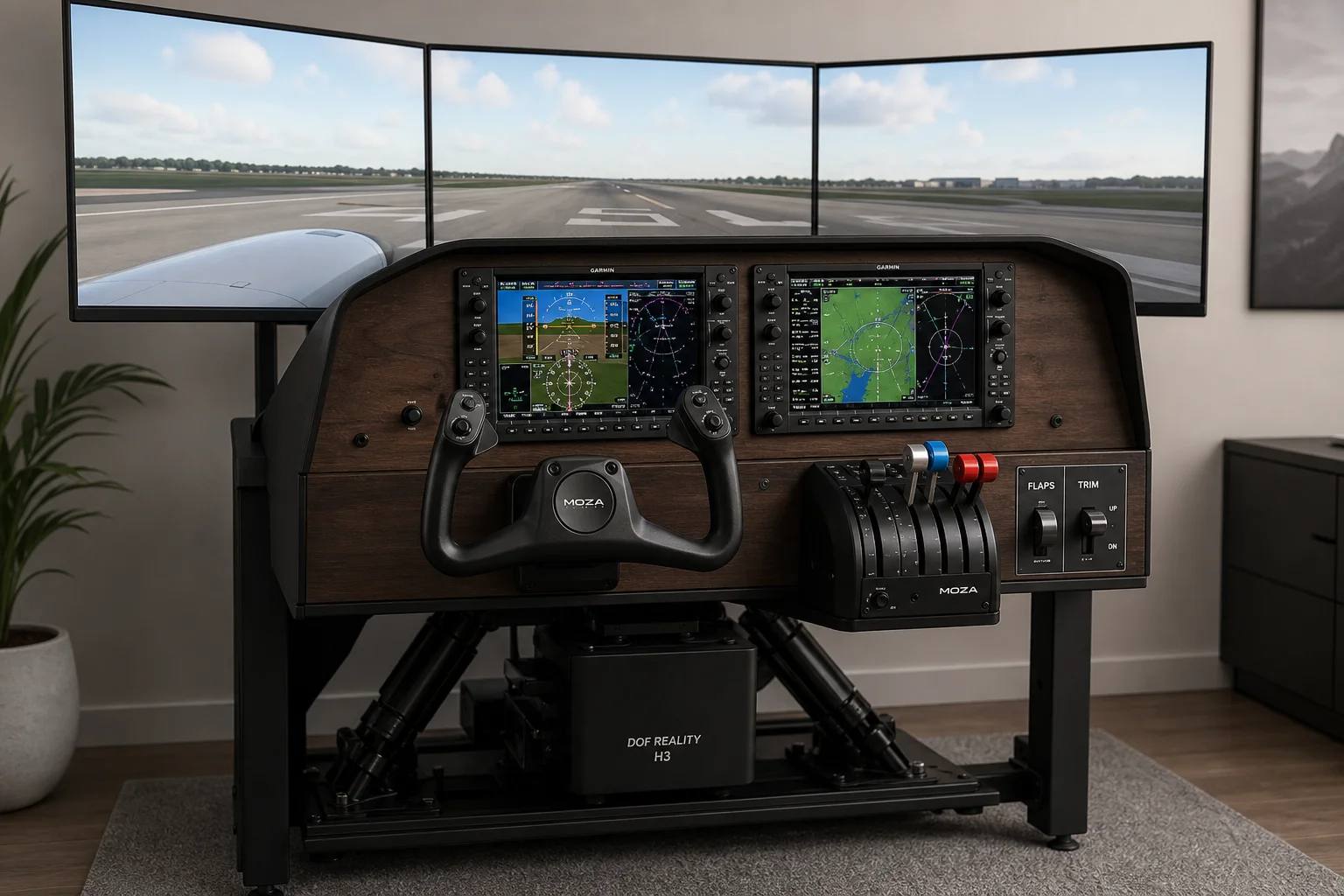
Complete Home Flight Simulator Setup Guide: Every Component Explained
A detailed breakdown of a professional home flight simulator cockpit, from avionics and controls to displays and motion platforms, with budget alternatives for each major component.

Handheld Gaming
Acer Nitro Blaze Link and Predator Atlas 8: Two New Handhelds Compared
Acer's new handheld lineup includes a budget streaming device and a powerful Windows gaming machine. Here is what to expect from both.
Airsoft Gear
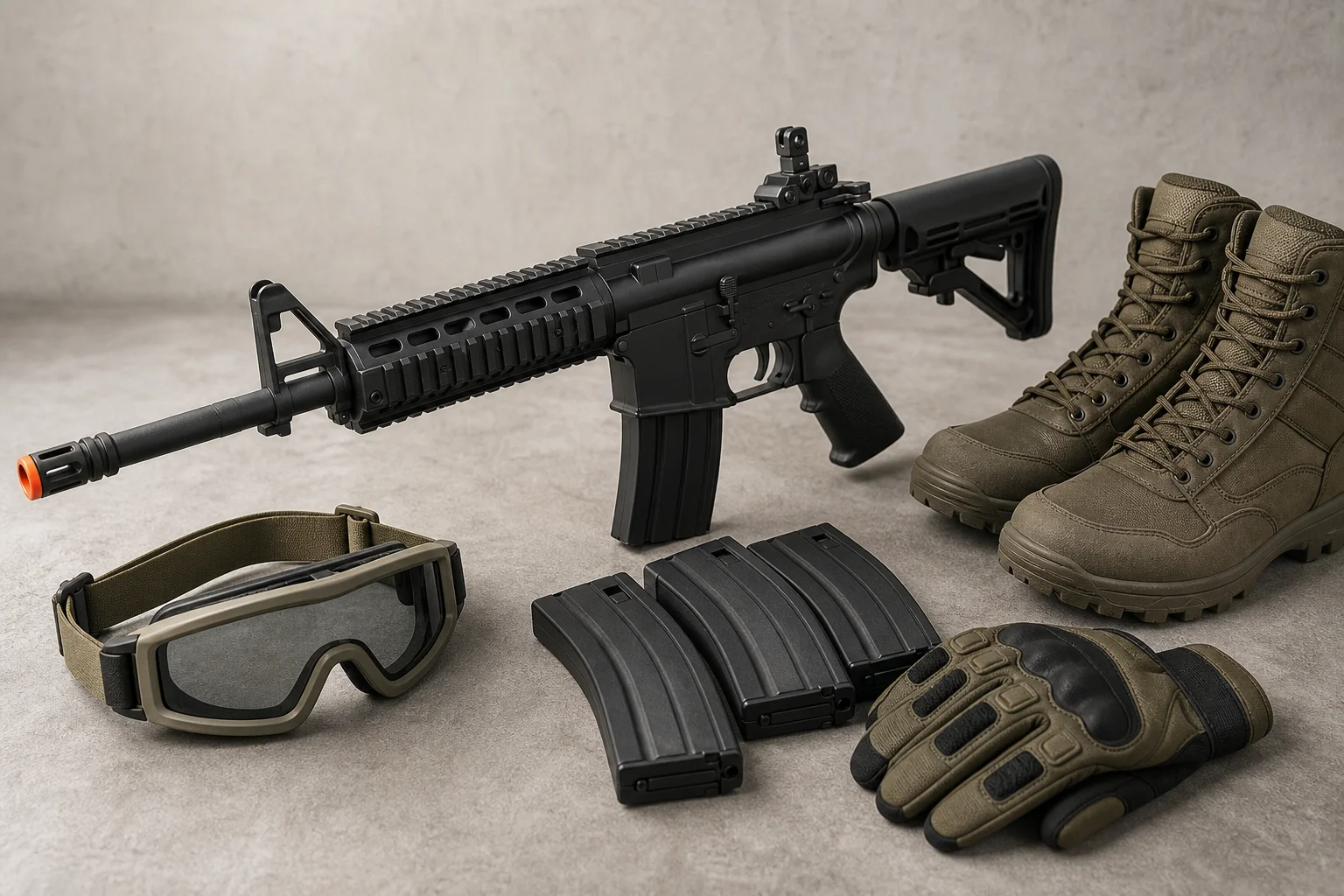
Airsoft Beginner's Essential Gear Guide: What You Actually Need to Start Playing
A practical breakdown of the core equipment required to play airsoft, from eye protection and AEGs to magazines and protective gear, with honest advice on what matters and what you can skip.