Sports Watches
Coros Pace 4 Maps Arrive in Beta: What to Know Before You Update
The Coros Pace 4 now supports full color maps through a public beta firmware update. Here is how the map manager works, how much space you get, and the trade-offs to weigh before installing.
Introduction
The Coros Pace 4 has spent roughly the past year as one of the best values in the smartwatch market, with one notable gap: no maps. At its price point that was not a major omission, since most endurance sports watches in this range also lacked them. If you wanted maps in the Coros lineup, you previously had to step up to the Pace Pro, the Nomad, or essentially any other Coros watch.
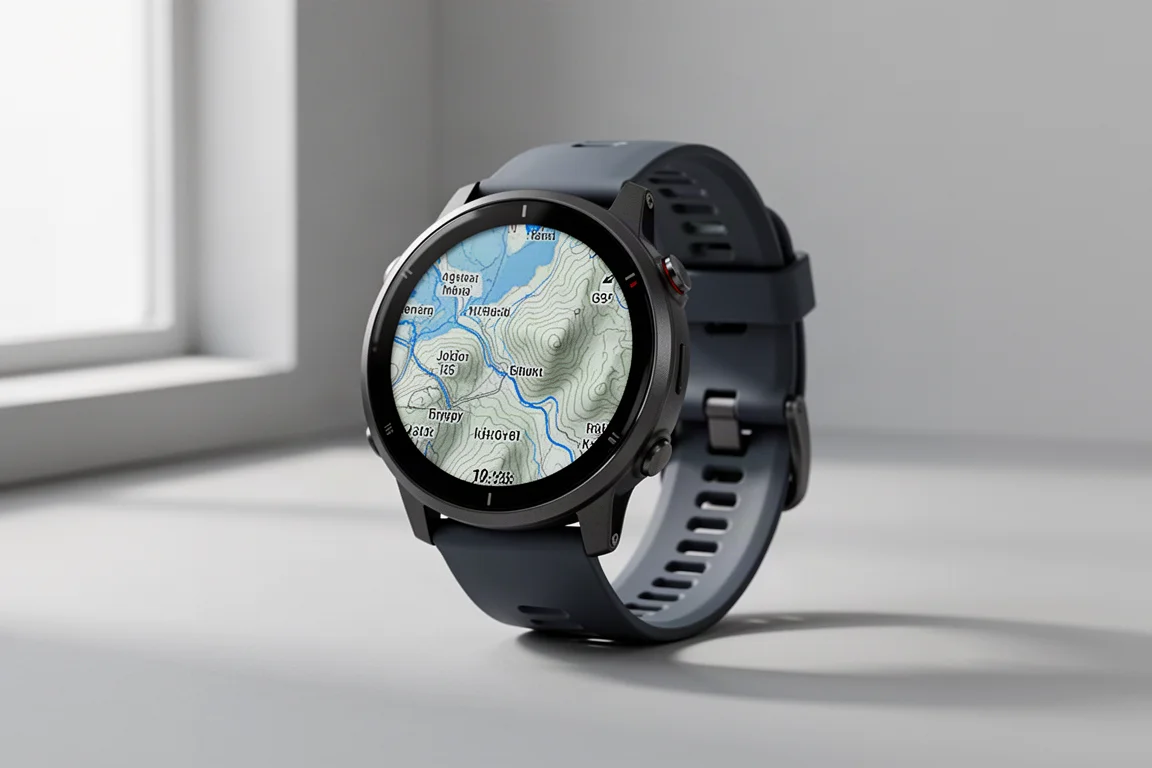
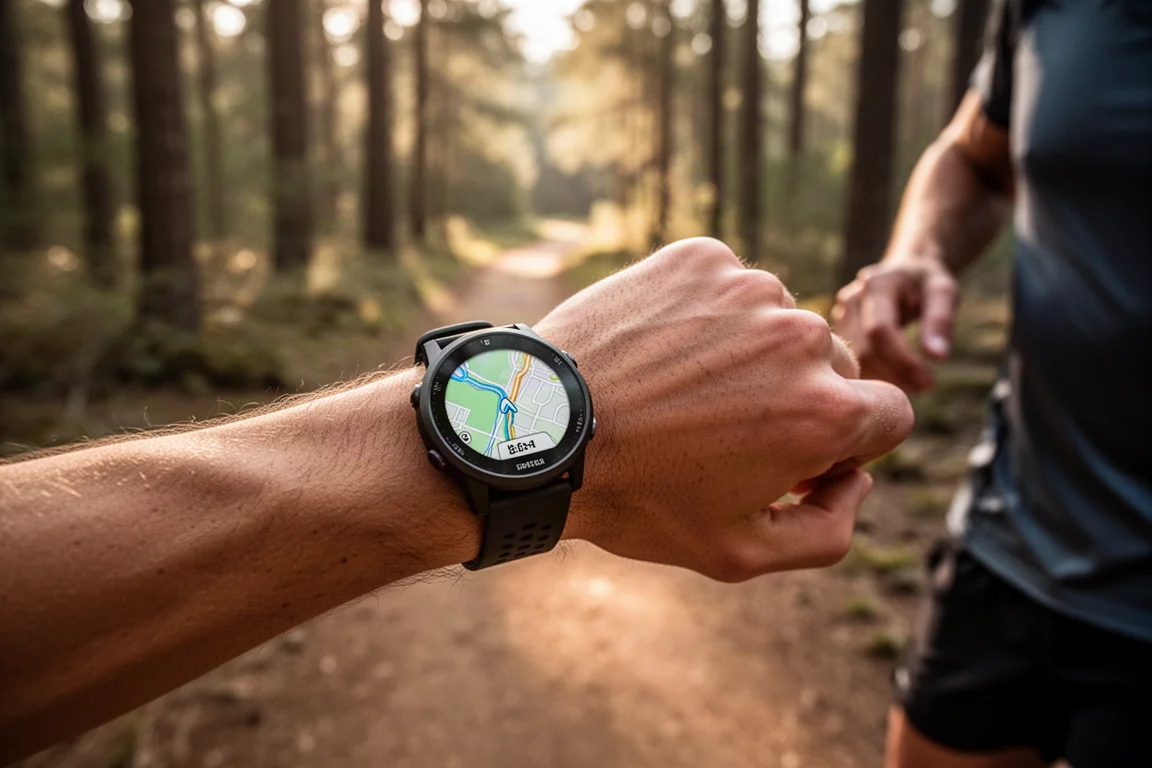
That changes now. Through a public beta firmware update, the Pace 4 gains full mapping support with panning, zooming, and the same core map features found on the Pace Pro and the rest of Coros’s mapping watches. Here is what the update looks like in practice, and what you should know before installing it.
Setting Up Maps: The Map Manager
Getting maps onto the watch starts with downloading the public beta firmware. Once the update is installed, a new map manager option appears, and this is where you select the map tiles for your region. Tiles download over Wi-Fi to the watch, taking anywhere from a few seconds to a few minutes depending on their size. After that, you are ready to go.
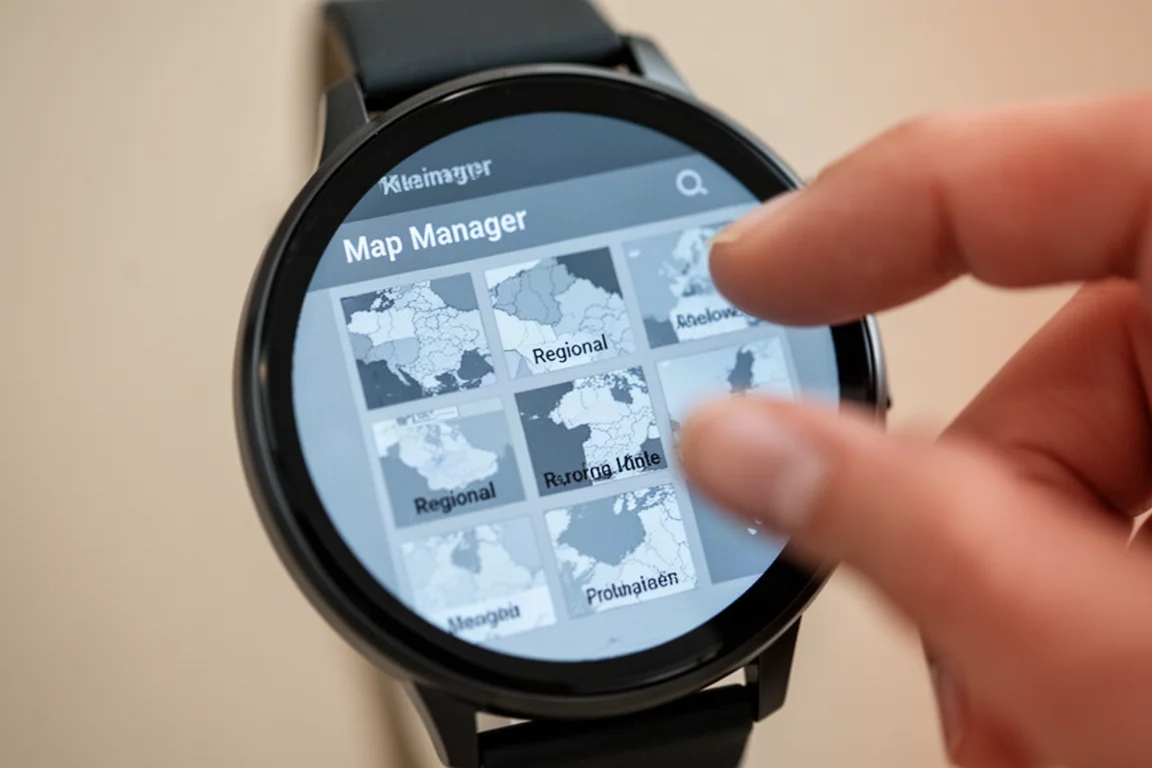
The tile-based approach differs from Garmin, which loads an entire continent at once. That is arguably overkill for most people. Choosing only the regions you actually need keeps things lean, and while tiles can overlap country borders and make sizing estimates imperfect, you should have no problem selecting the areas you genuinely use.
Storage: The One Real Constraint
Storage is worth a closer look. The Pace 4 has 4 GB of total space, and once system files are accounted for, roughly 1.3 GB of usable space remains for your own content. Coros’s other watches offer considerably more room.
That said, because you select individual tiles rather than entire continents, the practical limitation is modest. For the regions most riders and runners actually visit, the available space should be sufficient. It is a trade-off to be aware of rather than a deal-breaker.
Everyday Map Performance
With maps installed, the Pace 4 offers two modes. You can simply browse the map, or you can load a route and see it overlaid on top of the map as you move. Both work as expected, and the experience feels essentially the same as on the Nomad in side-by-side panning and zooming, though the Nomad uses a MIP display while the Pace 4 is AMOLED.
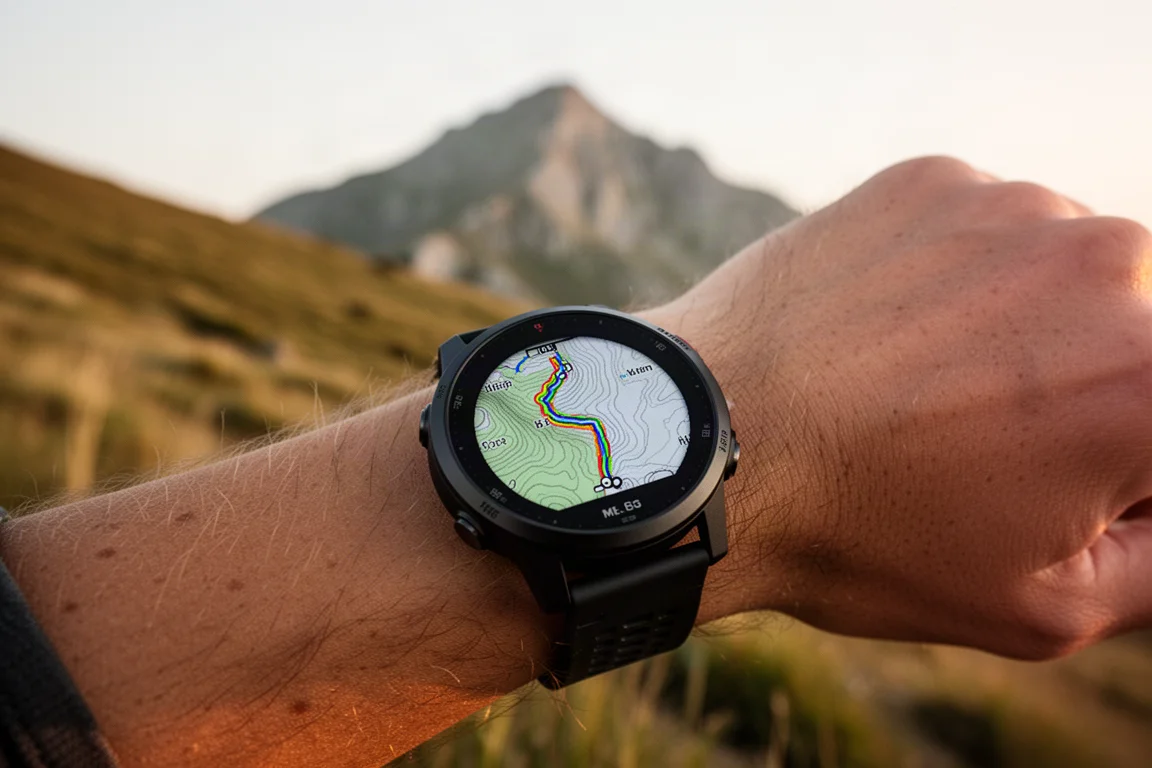
One early observation: the Pace 4 was slightly laggy updating map orientation when turning around, while the Nomad responded instantly. Both watches have magnetic compasses, so this is likely something that will be refined as the beta matures.
Things to Consider Before Updating
Like all Coros devices, there is no on-device rerouting. If you go off route, the watch will simply tell you the general direction back to the trail rather than automatically recalculate a new path. Garmin is currently the only brand offering on-device rerouting with its more advanced maps, which come with their own trade-offs, including slower rendering. For most scenarios this is not a significant issue; a long 10-hour hike with frequent off-trail detours never required rerouting at all.

The bigger practical caution is the beta itself. If you have a race this weekend, hold off on installing it. Beta software carries some risk, and a watch misbehaving on race day would make for a bad day. Otherwise, having background maps on a watch at this price point is a genuine win, and the beta is worth downloading ahead of a regular training weekend.
Conclusion
The Pace 4 already delivered strong value for an endurance sports watch, and the beta mapping update closes its most visible gap. Tile-based map management keeps storage needs reasonable, everyday performance is comparable to Coros’s pricier watches, and the lack of on-device rerouting is a minor limitation for most users. If you do not have an imminent race, this update is well worth trying.
Product link
View more details for Coros Pace 4
This product is mentioned in the review. Check the specifications, options, and compatibility before buying.
View more details for Coros Pace 4Further reading
Related Reviews
Sports Watches
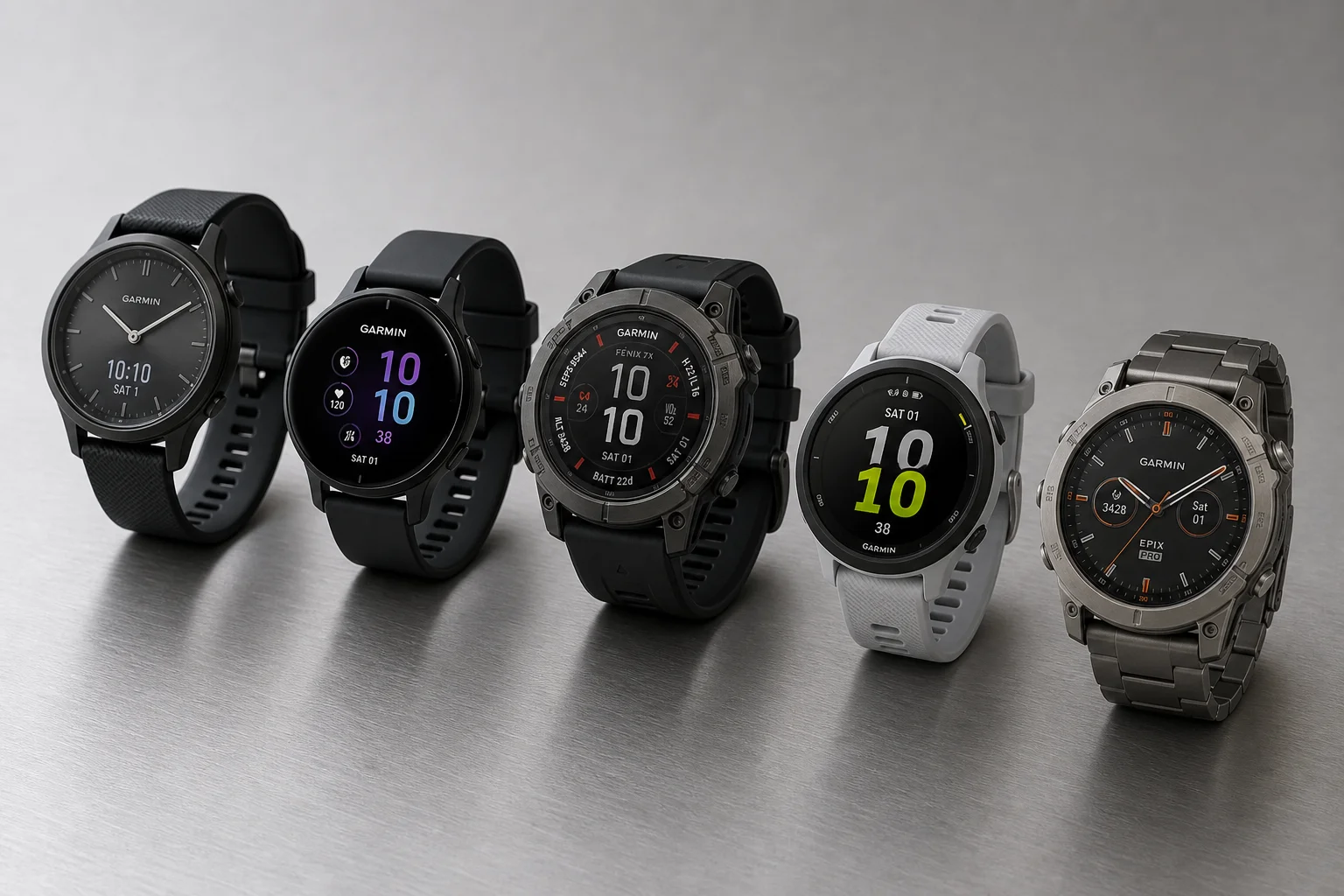
Garmin Sports Watch Guide: Finding the Right Model for Your Fitness Level
A comprehensive overview of Garmin's sports watch lineup, from casual fitness trackers to advanced multisport devices, helping you choose the right model for your needs and budget.
Sports Watches
Coros Pace Pro Review: A Complete Overhaul That Finally Feels Premium
Coros rebuilt the Pace Pro from the ground up with an AMOLED display, onboard maps, and a new heart rate sensor. Here is how it all holds up in real use.
Sports Watches
Polar Vantage M3 Review: The Sweet Spot in Polar's New Watch Lineup
A closer look at the Polar Vantage M3, which brings an AMOLED display, dual-frequency GPS, offline maps and the same software platform as Polar's flagship watches at a friendlier price.