3D Printing
Cheapest 3D Printers on Amazon Tested: Five Budget Models Under $110
We tested five of the cheapest 3D printers available on Amazon, ranging from $79 to $110. Here's what actually works and what to avoid.
Introduction
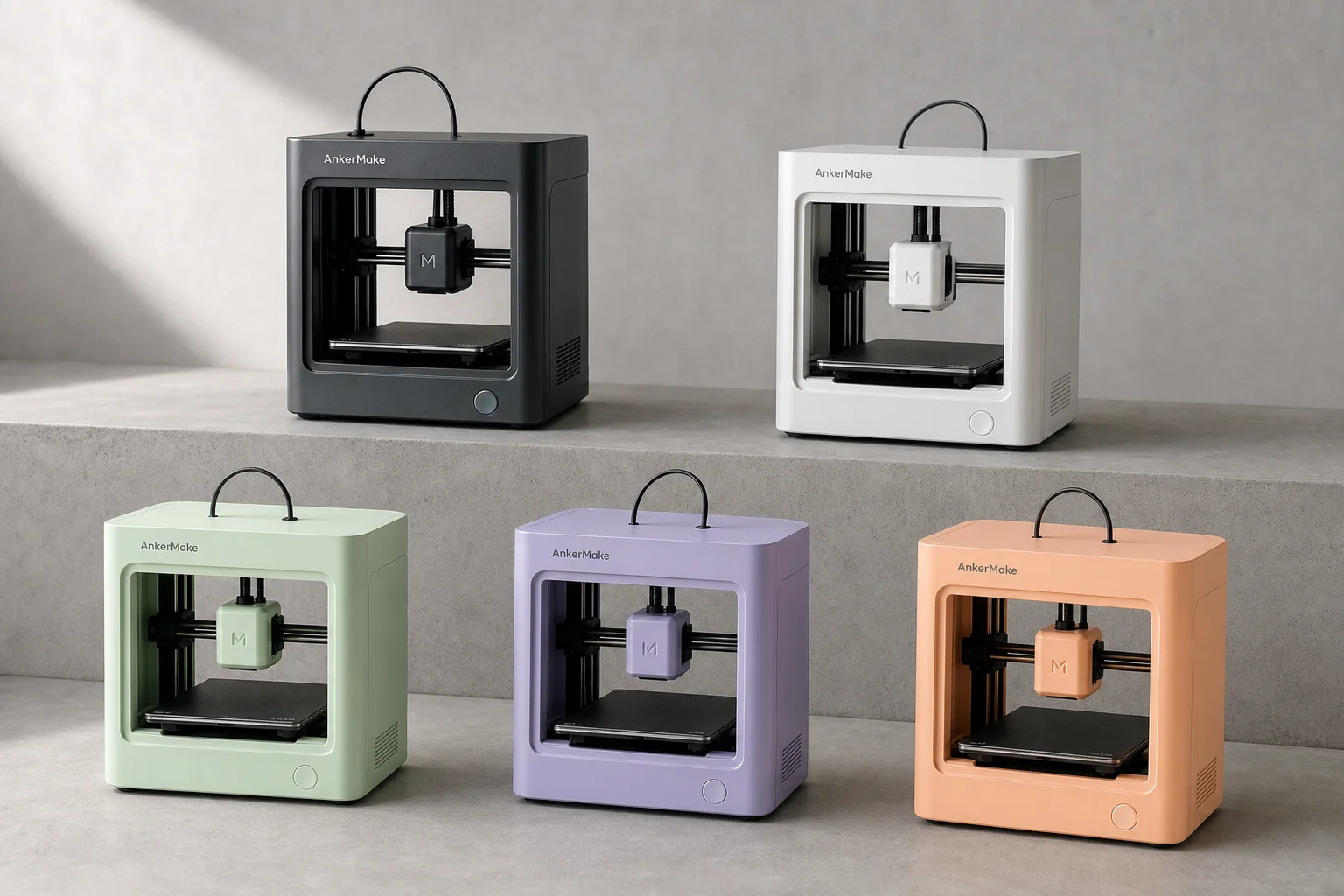
Budget 3D printers under $110 are increasingly available on Amazon, but the question remains: do they actually work? We tested five of the cheapest models on the market, ranging from $79 to $110, to see which ones deliver usable prints and which ones fall short.
What to Expect From Budget 3D Printers
These ultra-compact printers arrive in surprisingly small boxes. Each one fits a build volume of approximately 100 by 100 by 100 millimeters, which is roughly a four-inch cube. To put this in perspective, a larger printer can print something 43 times larger than that.
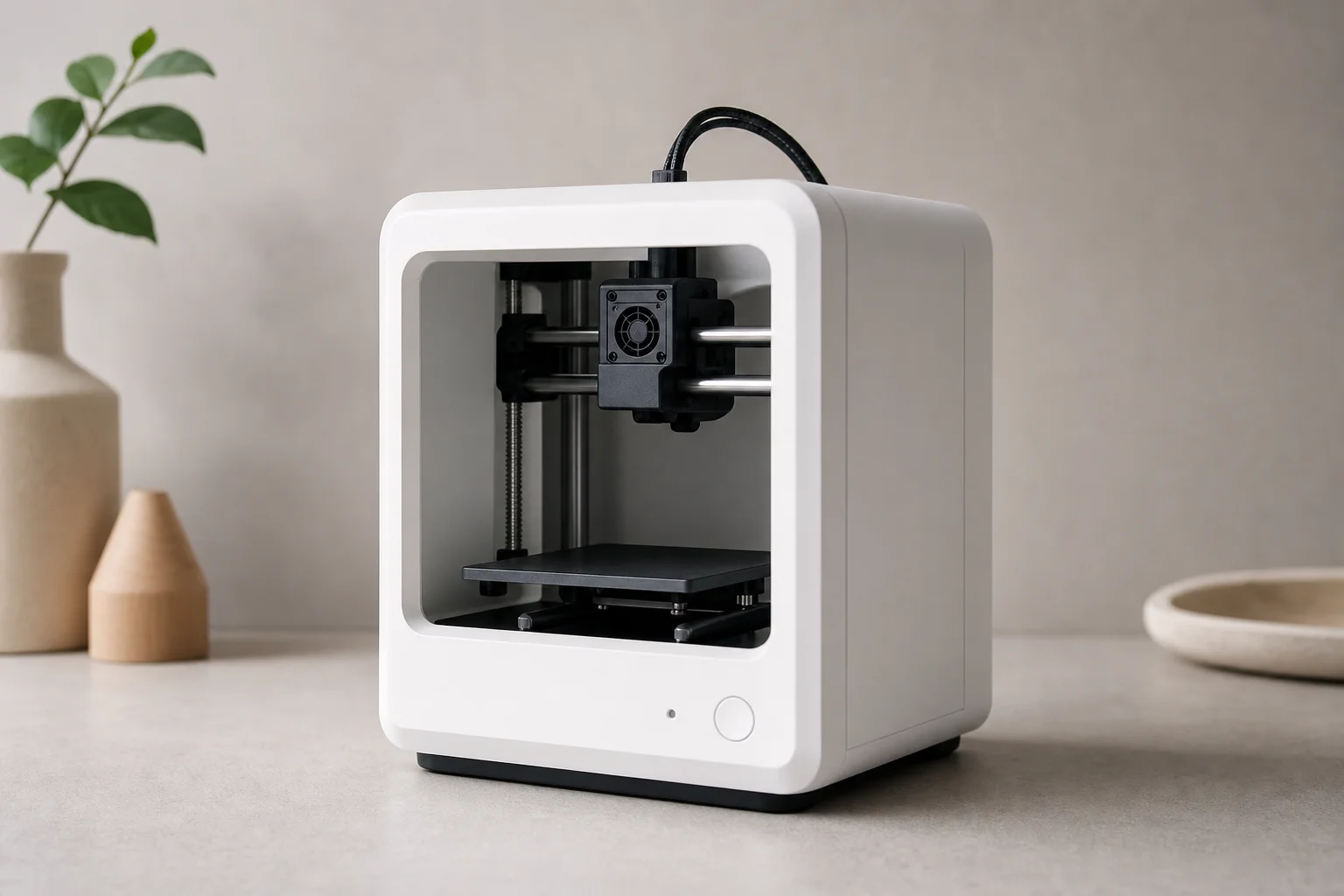
The first thing to understand is that none of these printers have a heated bed. This means you can only print materials like PLA, TPU, or flexible filaments that don’t require heating. If you want to print ABS, PETG, polycarbonate, or other materials that need a heated bed, these printers are not an option.
Second, four of the five models have no display interface at all. You get four buttons and that’s it. One model includes a tiny LCD screen roughly an inch tall with about five lines of text, which requires a magnifying glass to read comfortably.
Assembly and Setup Challenges
Most of these printers arrive either fully assembled or requiring minimal assembly. However, one model shipped without any screws or screwdriver to attach the gantry to the base, which resulted in a complete refund from the seller.
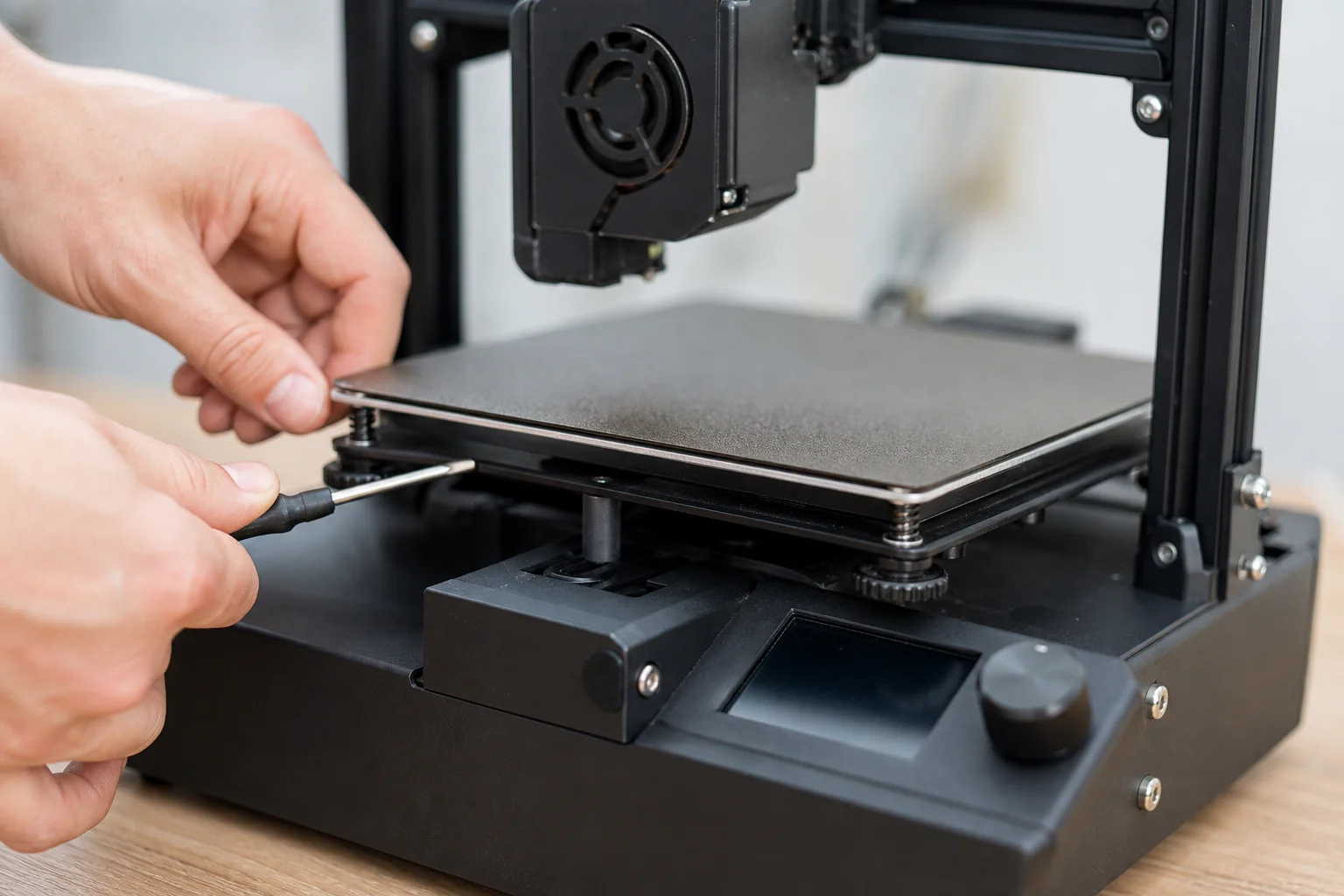
Bed leveling on these printers is notably sketchy. The process involves hitting a home button, then unplugging the machine to turn it off (there’s no power switch), and manually moving the print head to four corners and the center while adjusting bed screws with a small screwdriver. Some models use traditional turning knobs, which is slightly more convenient. Once dialed in, the bed leveling tends to hold its position reasonably well.
All five printers use a flexible magnetic bed, which is a genuine strength. The bed has decent adhesion and prints pop off easily. If they don’t release, you can simply flex the bed and reattach it magnetically.
Print Quality Results: The Calibration Cube Test
To establish a baseline, we used an Ender 3 V2 (a well-tested printer costing around $260) as a control. The Ender 3 V2 produced a calibration cube with 0.72% deviation from the target 20-millimeter measurement.
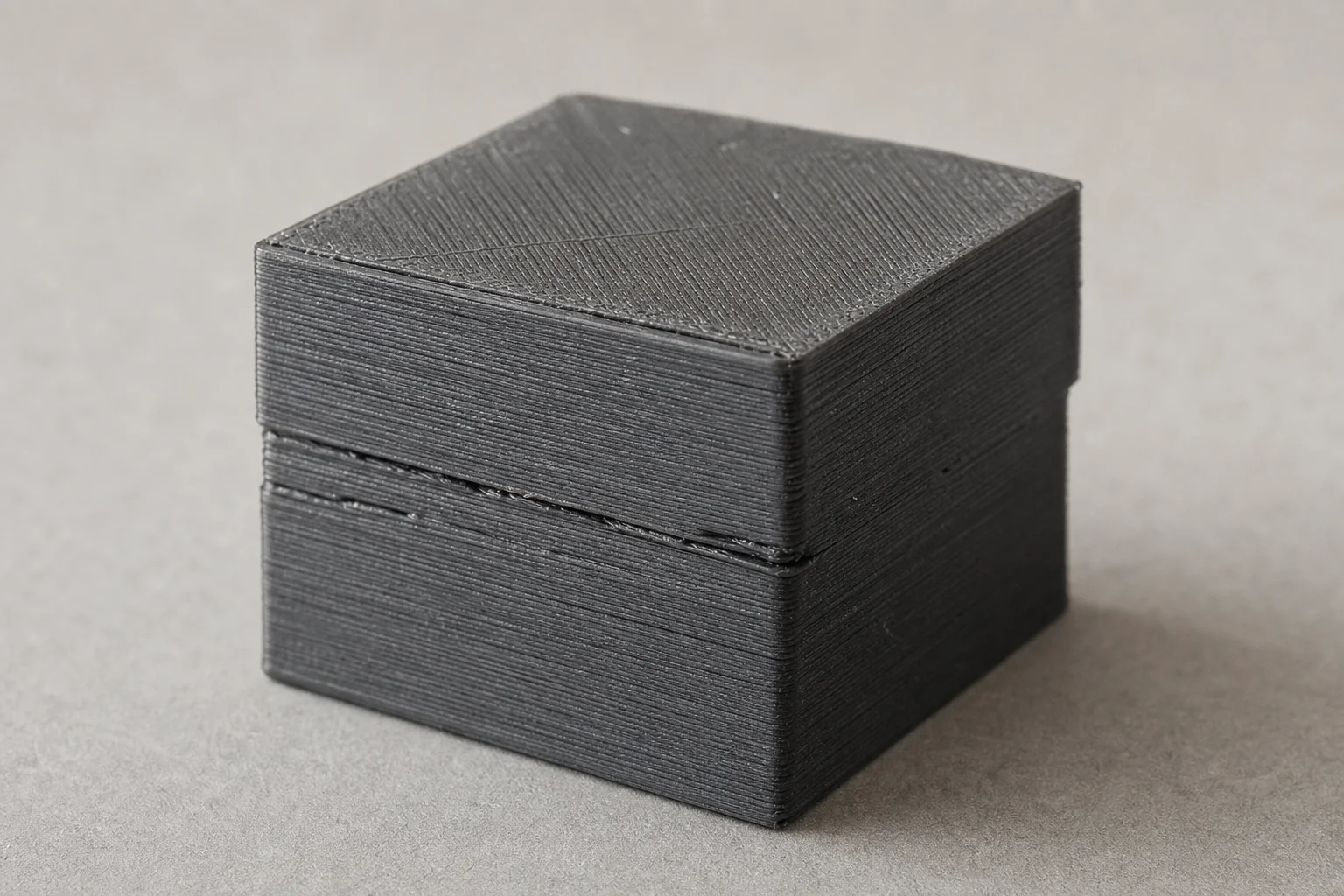
On the first attempt with the budget printers, the results were catastrophic. Three of the five didn’t produce anything recognizable as a cube. A fourth had such severe layer shift it was unusable. Only one produced a decent result, though it still had measurable layer shift.
After slowing the print speed to an embarrassingly slow 13 millimeters per second, four of the five printers produced measurable calibration cubes. One achieved 0.73% accuracy, nearly identical to the Ender 3 V2. The others degraded progressively, and one model refused to move the Z-axis and failed completely.
Real-World Print Tests and Performance
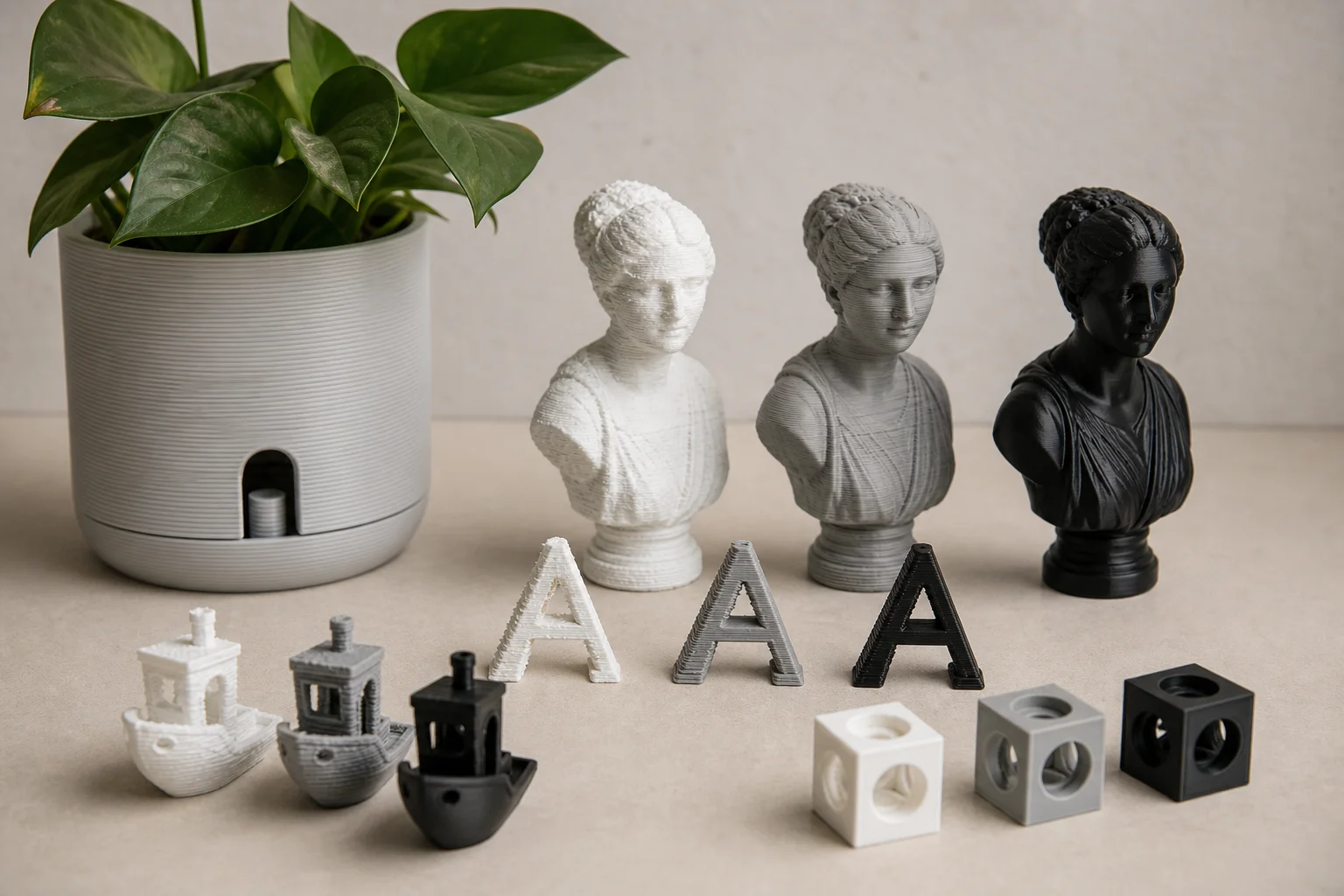
Beyond calibration cubes, we tested each printer on three additional items: a self-watering plant pot, a text legibility test, and a Darth Vader bust.
On the plant pot test, one model produced surprisingly high-quality results with clean lines and minimal layer shift, despite earlier failures. Another performed decently in second place. The remaining models showed progressively worse results, with one again refusing to move the Z-axis.
For the text test, one model emerged as the clear winner with the most legible text, decent overhangs, and almost no stringing. However, it still wasn’t as clean as the control printer.
On the Darth Vader bust, four of the five printers succeeded with varying quality levels. One model consistently failed across nearly all tests, making it the worst performer despite being the most expensive of the five and featuring the nicest interface and enclosed structure.
Recommendations and Alternatives
If you’re set on a budget 3D printer around $100, the Creality K1 emerged as the most consistent performer. It had the most successful prints, cleanest results, and lowest failure rate among the five tested models.
However, for just $50 more, you can upgrade to an Ender 3, which is significantly larger, far more popular, and has extensive community support and upgrade options. The Ender 3 V2 offers even more features and newer design improvements.
If you need larger print capacity, the Longer LK5 Pro comes in under $300 and delivers large, high-quality prints with numerous features and capabilities.
Conclusion
Budget 3D printers under $110 can produce usable prints, but success depends heavily on which model you choose and your willingness to work around their limitations. Slow print speeds, manual bed leveling, and minimal interfaces are standard at this price point. The best performer in this test was reliable and consistent, but even then, quality doesn’t match printers just $50 higher. For most users, spending slightly more on an established model like the Ender 3 V2 or Longer LK5 Pro offers better reliability, larger build volume, and far superior long-term value.
Product link
View more details for Ender 3 V2
This product is mentioned in the review. Check the specifications, options, and compatibility before buying.
View more details for Ender 3 V2Further reading
Related Reviews
3D Printing
3D Printer Wishlist 2026: Industry Hopes and Manufacturer-Specific Improvements
A comprehensive review of what the 3D printing industry needs in 2026, from universal standards to manufacturer-specific feature requests across leading brands.
3D Printing
3D Printing Trends 2026: Multi-Material Systems, Stronger Filaments, and Desktop Metal Casting
FormNext 2025 revealed the direction of 3D printing in 2026: accessible multi-material printers, high-strength filaments, and innovative software solutions that bring industrial capabilities to the desktop.
3D Printing
Bambu Lab 3D Printer Lineup 2025: Which Model Fits Your Needs
A comprehensive breakdown of Bambu Lab's current printer lineup, from mid-range workhorse models to flagship multifunction machines, with honest trade-offs for each.