Astronomy Accessories
Celestron NexYZ Review: A Better Way to Attach Your Phone to a Telescope
The Celestron NexYZ smartphone adapter costs more than the cheap ones, but faster alignment and larger eyepiece support may make it worth it. Here is how it works and who should buy it.
Introduction
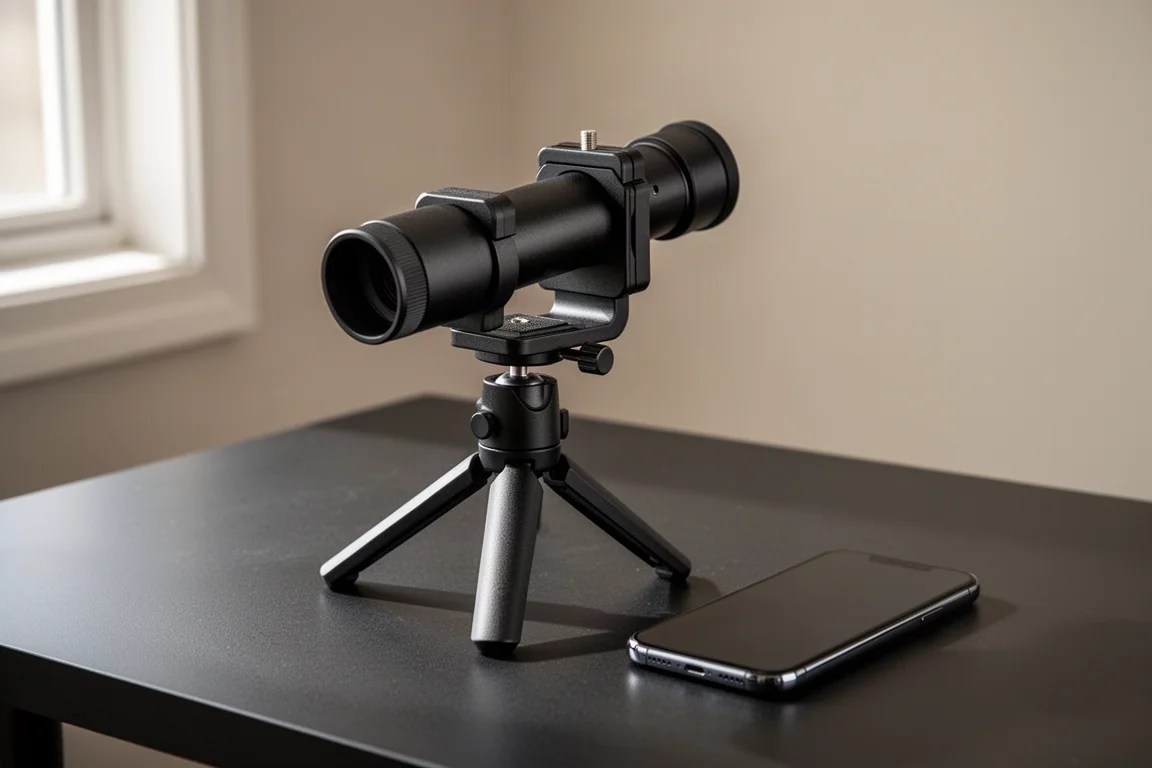
Cell phone adapters for telescopes have become almost universal. They ship with many telescopes today, they are inexpensive, and they work reasonably well. So where does a premium option like the Celestron NexYZ fit in? After using it side by side with the familiar budget-style adapters, the answer comes down to alignment speed, eyepiece compatibility, and a few limitations worth knowing about before you spend the extra money.
This review walks through how the NexYZ works, how to set up your camera app for astrophotography, how to fix the one common issue with the adapter, and who should or should not buy it.
What Is the Celestron NexYZ and How Does It Work?
The NexYZ sells online for around $65, which places it well above the basic adapters that often come bundled with telescopes. In the box you get the adapter itself, a set of paper instructions in several languages, and a couple of extra adapters for older equipment.
The process starts by mounting the eyepiece into the adapter. One thing to know right away: the spring tension on its own is not enough to hold an eyepiece securely. The key to the NexYZ is a reddish tightening nut. You insert the eyepiece, let the spring clamp settle roughly where it should sit, and then tighten the nut sufficiently so the eyepiece is rigid. Skipping this step risks the eyepiece and your expensive phone falling off.
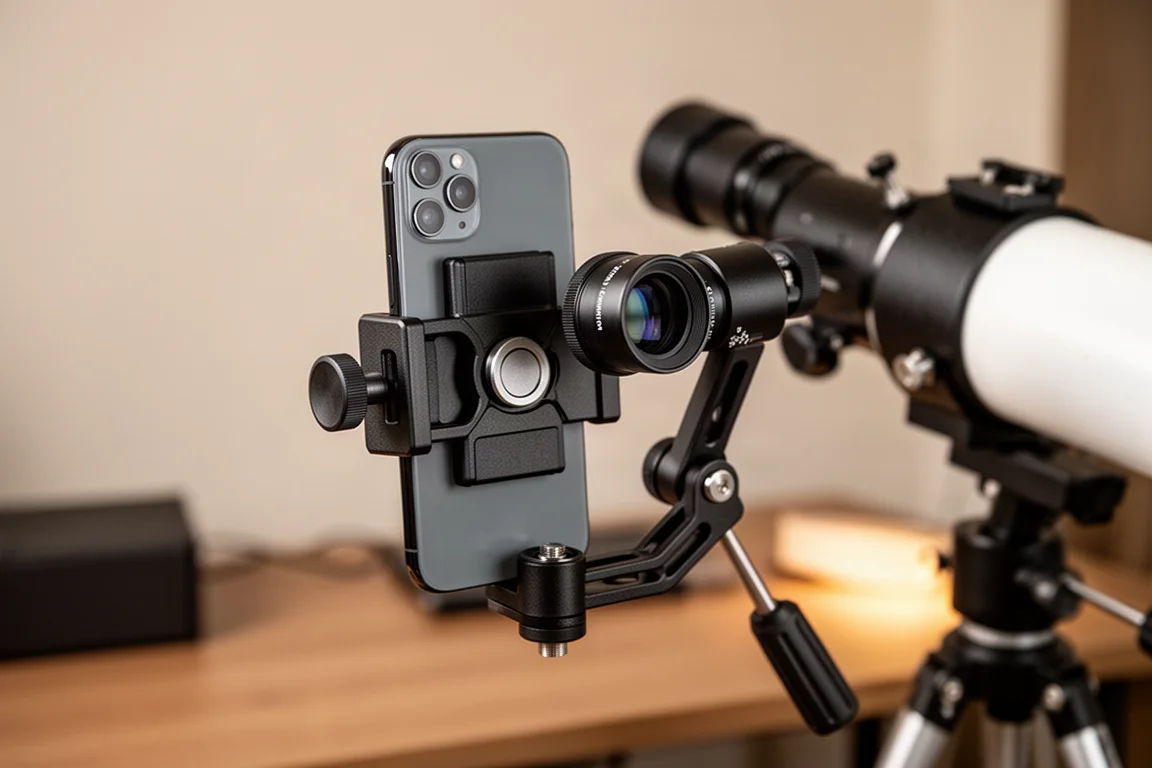
The spring has a generous range, which makes it easy to accommodate larger eyepieces, including standard two-inch models. Once the eyepiece is clamped in, loading the phone is straightforward: two of the three grabbers are fixed, and the third is spring loaded. Pull it open, drop the phone in, and make sure it sits in the right spot.
Aligning the Camera with the Eyepiece
Getting the camera lens lined up with the eyepiece is usually the frustrating part of astrophotography with a phone, but the NexYZ makes it easy with three adjustment knobs covering the x, y, and z axes. The z-axis moves the phone until the rubber cup of the eyepiece touches the phone screen. Closing that gap keeps stray light, such as street lights, out of the image and positions the camera lens roughly where your eyeball would be, which helps with focus.
The two stacked knobs on the bottom control forward and backward and side-to-side movement. Turn on the camera app, adjust the big knob for the forward axis, then use the middle knob for side to side. Overall, the process is much simpler than aligning one of the old-style adapters.
There is one limitation to note: side-to-side travel is limited. If your phone’s camera sits in the upper corner, as it does on all Apple iPhones, you will have all the adjustment you need. But if the camera is centered on a wide phone, you may reach the end of the side-to-side range before the lens lines up. Based on rough calculations, if your camera is centered and your phone is wider than about 3.3 to 3.4 inches, you may hit that travel limit. Removing the phone from its case buys back some space, and this situation is fairly rare, but it is worth checking before buying.
Camera App Settings for Astrophotography
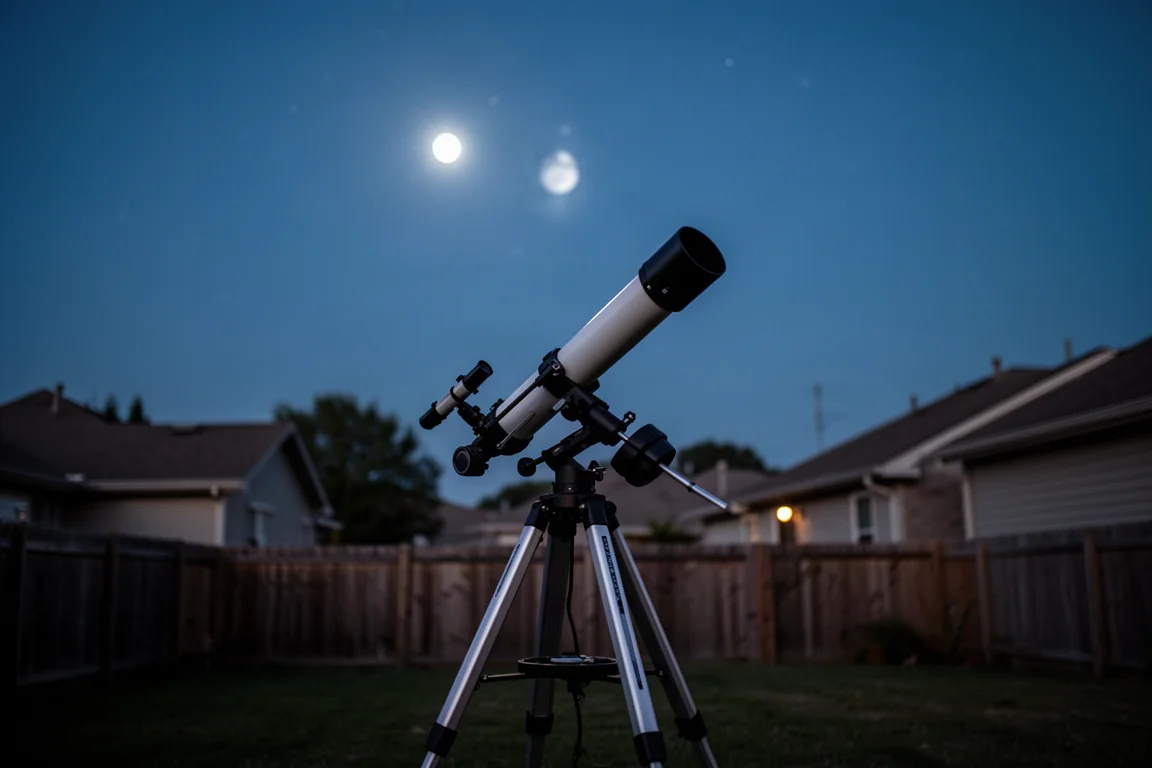
Modern phone cameras are excellent at guessing what you want to focus on, with one exception: point one at the night sky and it starts hunting for focus, going in and out blurry. The fix is manual focus set to infinity, often represented by a mountain or tree icon. You want the camera focused far away, not on something close.
The other two important settings are ISO, which is light sensitivity, and shutter speed. For a very bright object like the moon, keep the ISO low. For dimmer targets like Jupiter, a middle range around 250 to 350 works better. Shutter speed controls how long the sensor gathers light. Fast-moving objects need faster speeds; for photographing the International Space Station, a shutter of at least 1/350 of a second with a slightly higher ISO works well.
With the camera lined up and the settings dialed in, capturing sharp images of the moon and its craters is quick and easy. You can adjust ISO and shutter speed to make images brighter or darker as needed.
Fixing Loose Adjustment Axes
One issue came up during testing: the adjustment axes were loose out of the box, and the z-axis in particular was sloppy and slightly bent. Celestron’s tech support pointed to online instructions for tightening things up. Each of the three axes has two screws that, when turned very carefully, push a small wedge against the dovetail to make the axis harder to move.
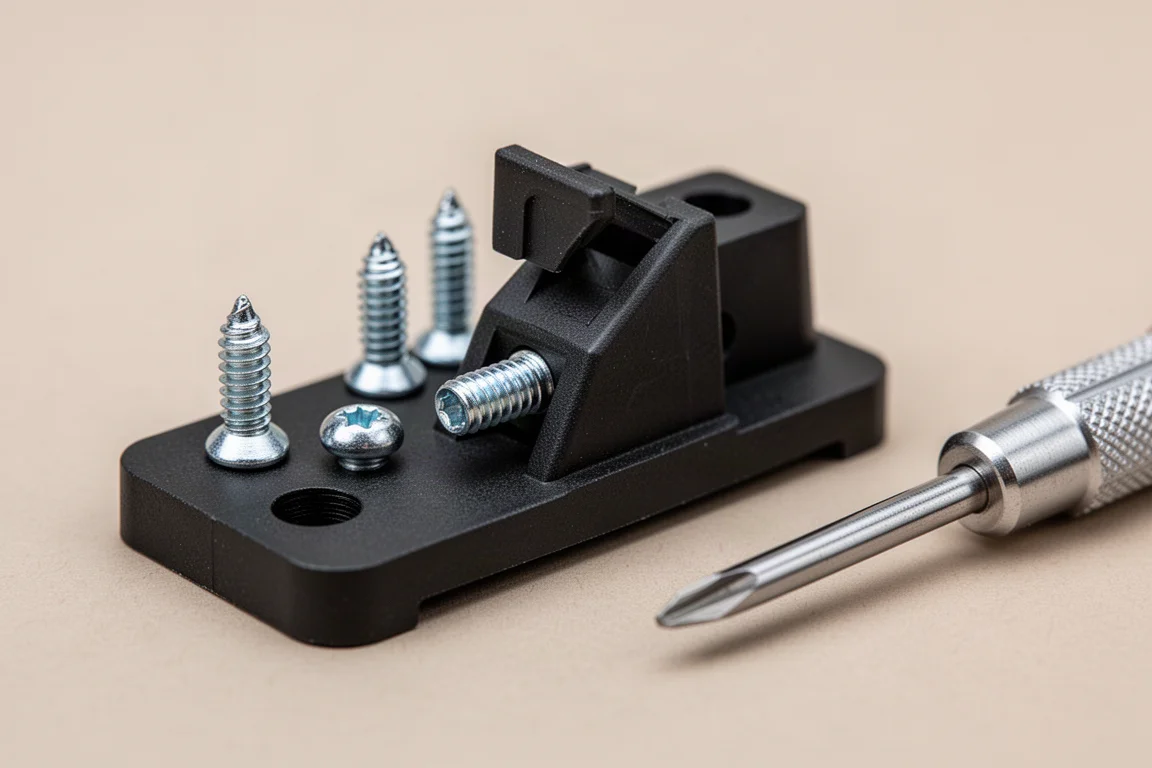
The key word is carefully. Do not over tighten, use the right size screwdriver, and turn each screw only a little at a time while checking tightness. The threads are plastic or nylon and can strip.
In this case, the z-axis would not tighten no matter what, because one adjustment screw was too short: its head bottomed out on the plastic body before the wedge could fully engage. The fix was replacing that screw with a slightly longer M2 metric machine screw, 10 millimeters long, with the same thread. After that, the z-axis tightened up properly. One warning: doing this might void the warranty, so proceed at your own risk and never over tighten.
Who Should Buy the Celestron NexYZ?
This is not a cheap accessory, so it helps to think about your eyepieces first. If you use standard eyepieces in roughly the 30 to 40 millimeter diameter range, one of the affordable basic adapters will probably serve you fine, and those cheaper adapters also handle short, stubby eyepieces better. The NexYZ struggles with really short stubby eyepieces because you run out of gripping room on the barrel, and like the cheap adapters, it does not fit larger barrels such as the Explore Scientific 82-degree series, including the 30 millimeter eyepiece.
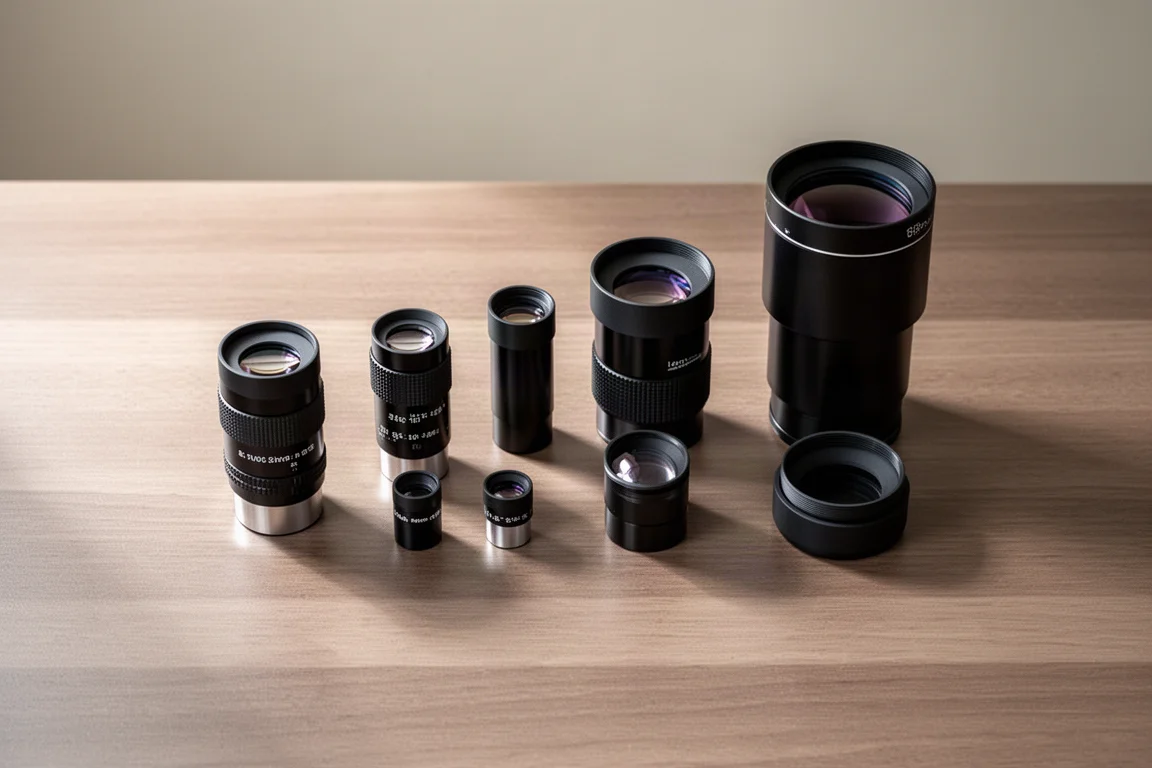
On the other hand, if you want a super fast way to attach and detach your phone, if you use larger standard two-inch eyepieces, and if you value the quick alignment process, the NexYZ is an easy recommendation. Just remember three things: always tighten the nut rather than relying on clamp pressure alone, check Celestron’s online instructions if the axes feel sloppy, and try the adapter with your phone first if you have a large phone with a centrally located camera.
Conclusion
The Celestron NexYZ is a well-engineered upgrade over the basic phone adapters that come with most telescopes. It costs more, and it has a couple of quirks, including limited side-to-side travel for wide phones with centered cameras and adjustment axes that may need careful tightening. But for anyone with larger eyepieces or anyone who wants fast, frustration-free alignment, it earns a two-thumbs-up verdict. Whichever adapter you use, put an eyepiece in it, take it outside, and go capture some awesome pictures of the night sky.
Product link
View more details for Celestron NexYZ
This product is mentioned in the review. Check the specifications, options, and compatibility before buying.
View more details for Celestron NexYZFurther reading
Related Reviews
Astronomy Accessories
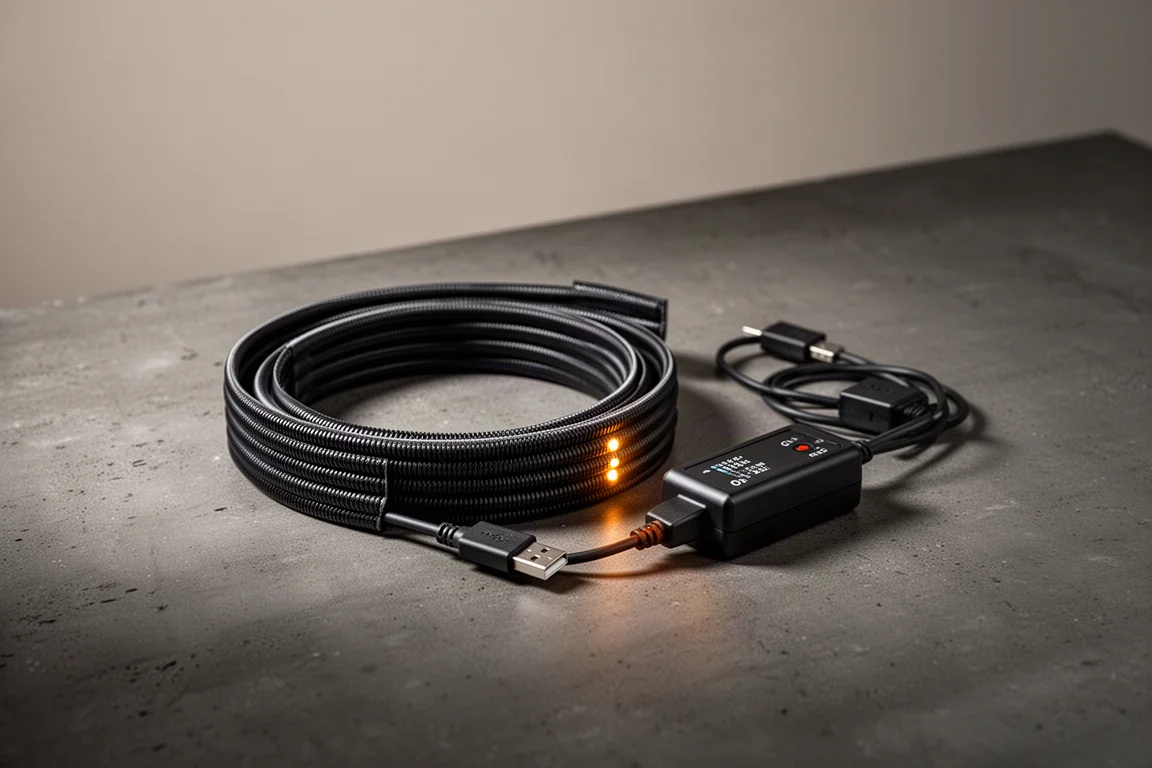
Apertura Premium Dew Strips Review: The All-Inclusive Dew-Heater Kit
A complete dew-strip solution with built-in controller, USB power, and adapters for nearly any visual or imaging telescope setup.
Astronomy Accessories
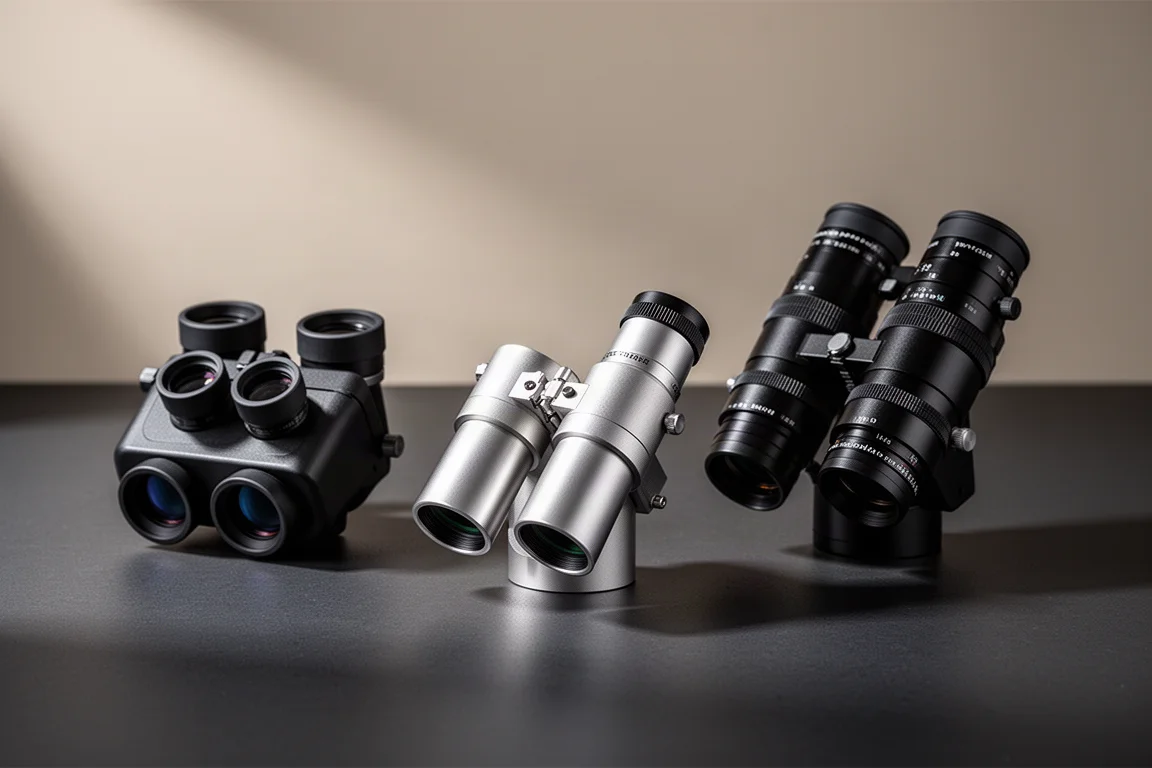
Best Astronomy Binoviewers: Three Options Compared for Any Telescope Budget
We tested three binoviewers across a refractor, a Maksutov-Cassegrain, and an 8-inch Dobsonian. Here is how they compare on focus, optics, and value.
Astronomy Accessories
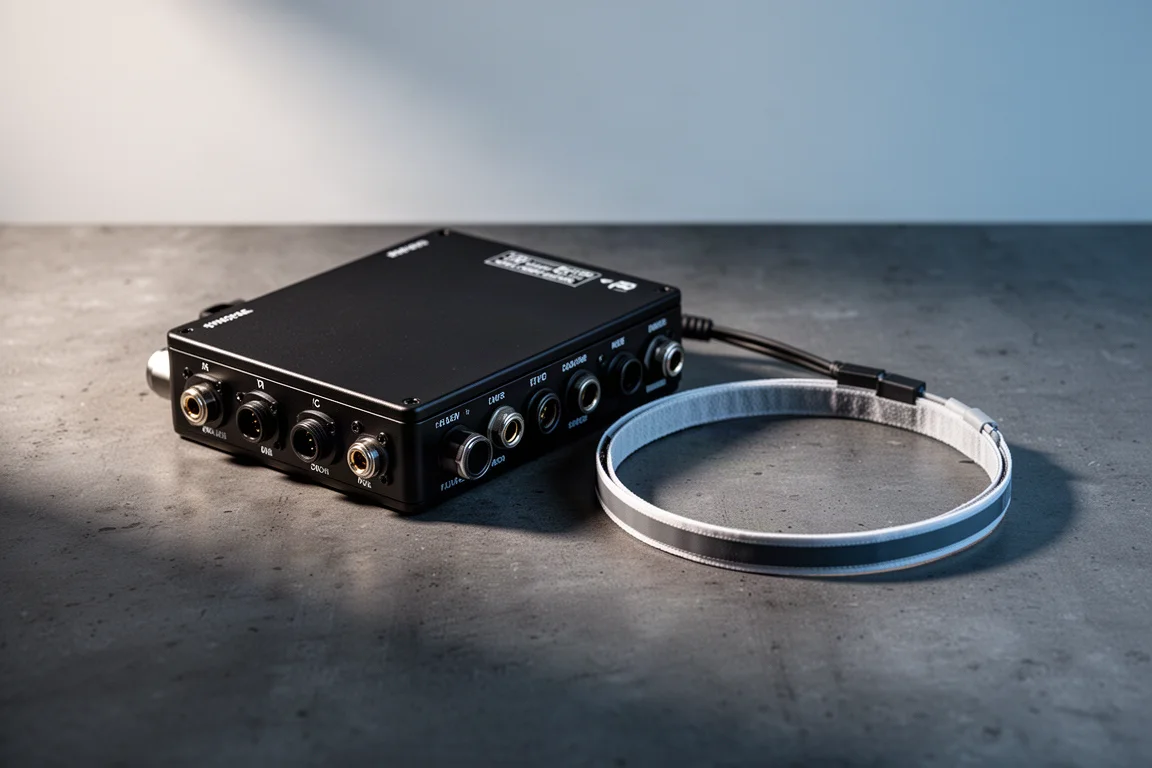
Celestron Dew Controller and 8-inch Dew Heater Ring Review: Smarter Dew Control for Schmidt-Cassegrains
A close look at Celestron's dew controller and 8-inch dew heater ring, covering setup, hand controller and software control, and where this system makes the most sense.