3D Scanning Equipment
Budget 3D Scanners Under $1000: Four Practical Options Compared
A detailed comparison of four entry-level 3D scanners under $1000, including real-world scanning tests, accuracy measurements, and practical recommendations for automotive and mechanical projects.
Introduction
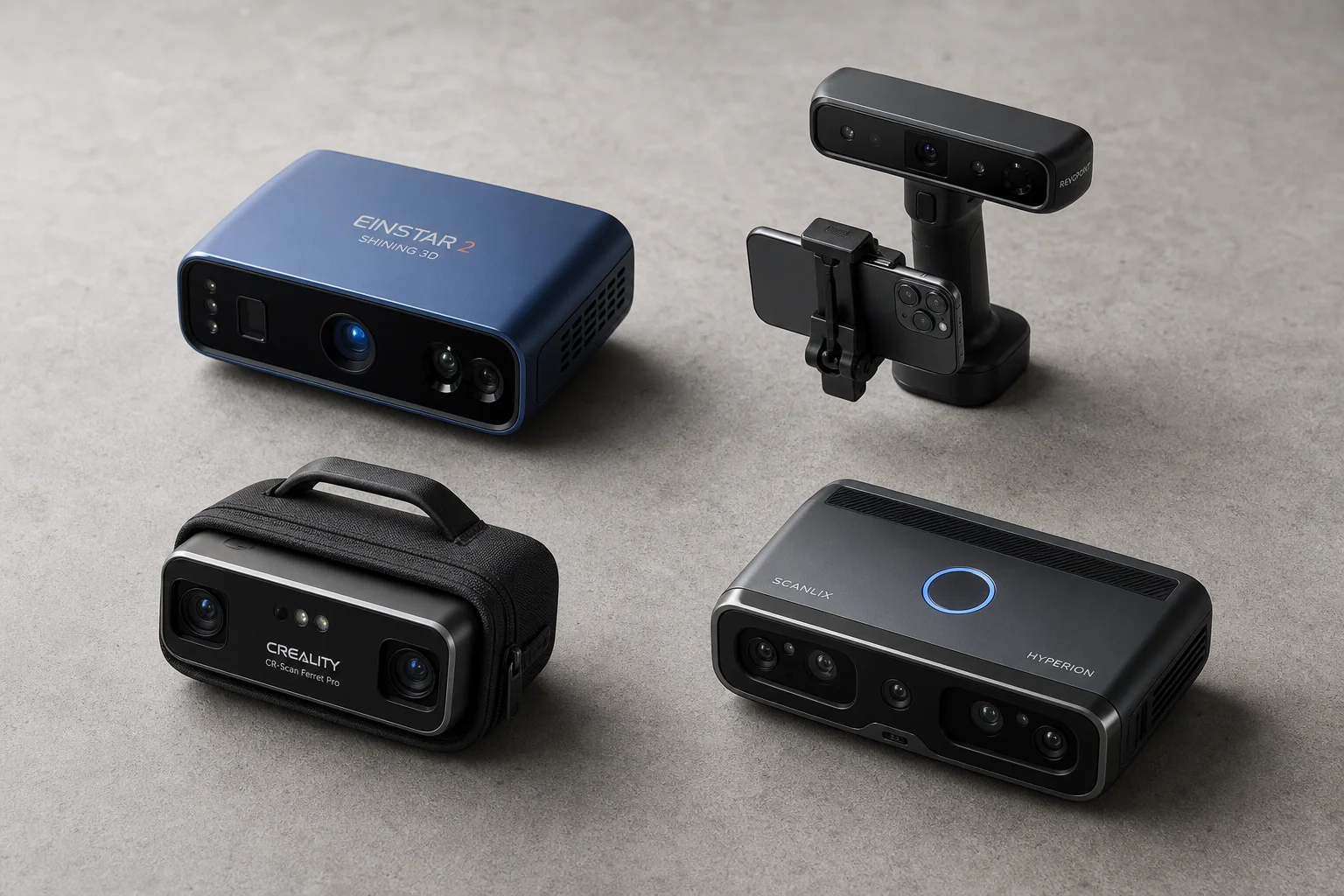
Choosing an entry-level 3D scanner involves balancing cost, scanning speed, accuracy, and the specific objects you need to capture. This comparison examines four scanners under $1000 USD, testing them on real automotive and mechanical parts to show how their advertised specifications translate to actual performance.
3D Maker Pro Moose: Entry-Level Scanning
The 3D Maker Pro Moose is the most affordable option at approximately $600 USD. It uses blue structured light technology, making it the only scanner in this group without infrared. The scanner works on both Mac and Windows systems.
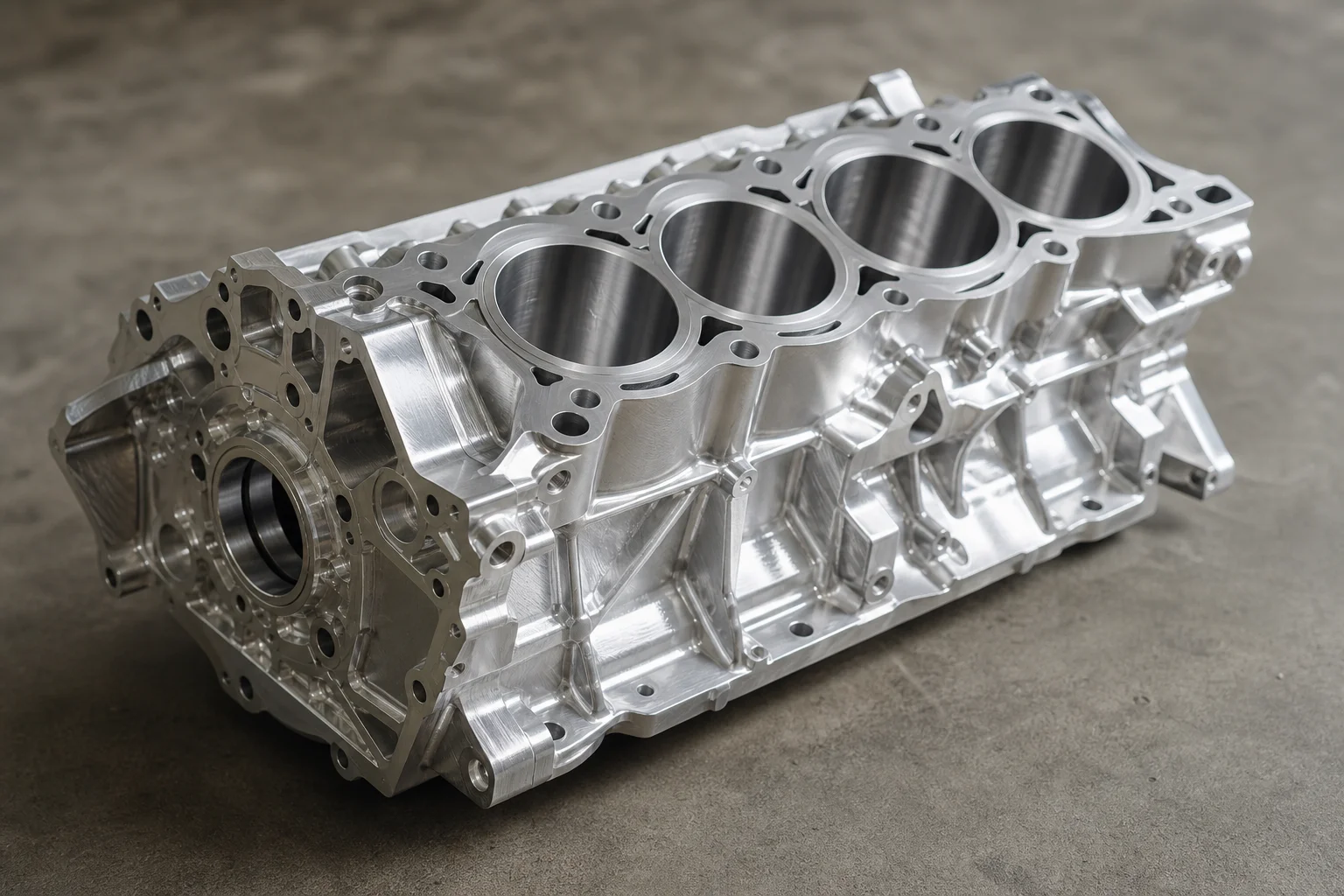
The Moose quotes impressive specifications: 0.03mm accuracy and 0.07mm resolution. However, real-world testing reveals significant limitations. The capture area is only 200x100mm, which is substantially smaller than competing models. This small field of view makes scanning large objects inefficient. When scanning an engine bay, the scanner struggled with alignment errors as different sections were scanned and merged. Processing the initial scan took approximately 30 minutes, and the software lacks an intuitive pause-and-resume function, requiring separate scans to be merged later.
The scanner also failed to capture black components on a billet engine block, likely due to its blue laser technology being less effective on dark surfaces compared to infrared alternatives. The software is basic and lacks advanced editing tools. For small, detailed parts with good lighting, the Moose can produce usable results, but the time investment and accuracy trade-offs make it difficult to recommend for serious mechanical design work.
Revopoint Range 2: Wireless Flexibility
The Revopoint Range 2 costs approximately $800 USD and uses infrared technology. A key advantage is its ability to connect wirelessly to smartphones via Bluetooth or WiFi, allowing scanning without a tethered computer. This makes it useful for remote scanning or tight spaces where a laptop would be impractical.
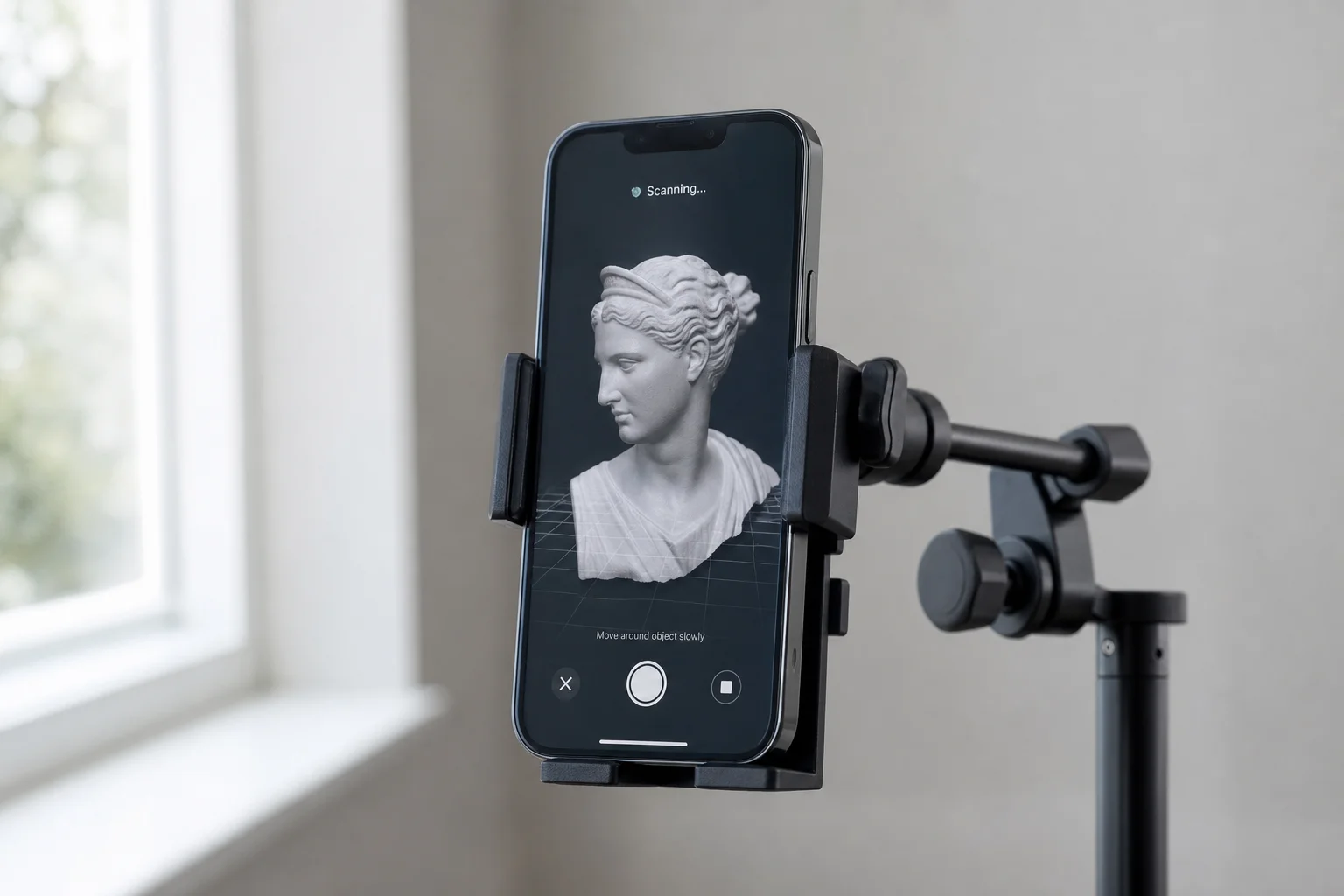
The Range 2 has a much larger working distance than the Moose, designed specifically for scanning larger objects. However, testing revealed a jumpy, laggy scanning experience. The preview refreshed at only 13.4 frames per second in standard accuracy mode, making smooth scanning difficult. Alignment errors appeared frequently even when the scanner remained in the optimal working range. The software is more intuitive than the Moose’s offering, and processing speed is relatively fast, but the scanning experience itself felt inefficient.
When scanning the engine bay, the Range 2 initially seemed promising but quickly became difficult to control. Moving the scanner slowly enough to maintain tracking while also covering the area quickly proved challenging. The smartphone connectivity is genuinely useful for certain applications, but the scanning performance does not fully compensate for the higher price.
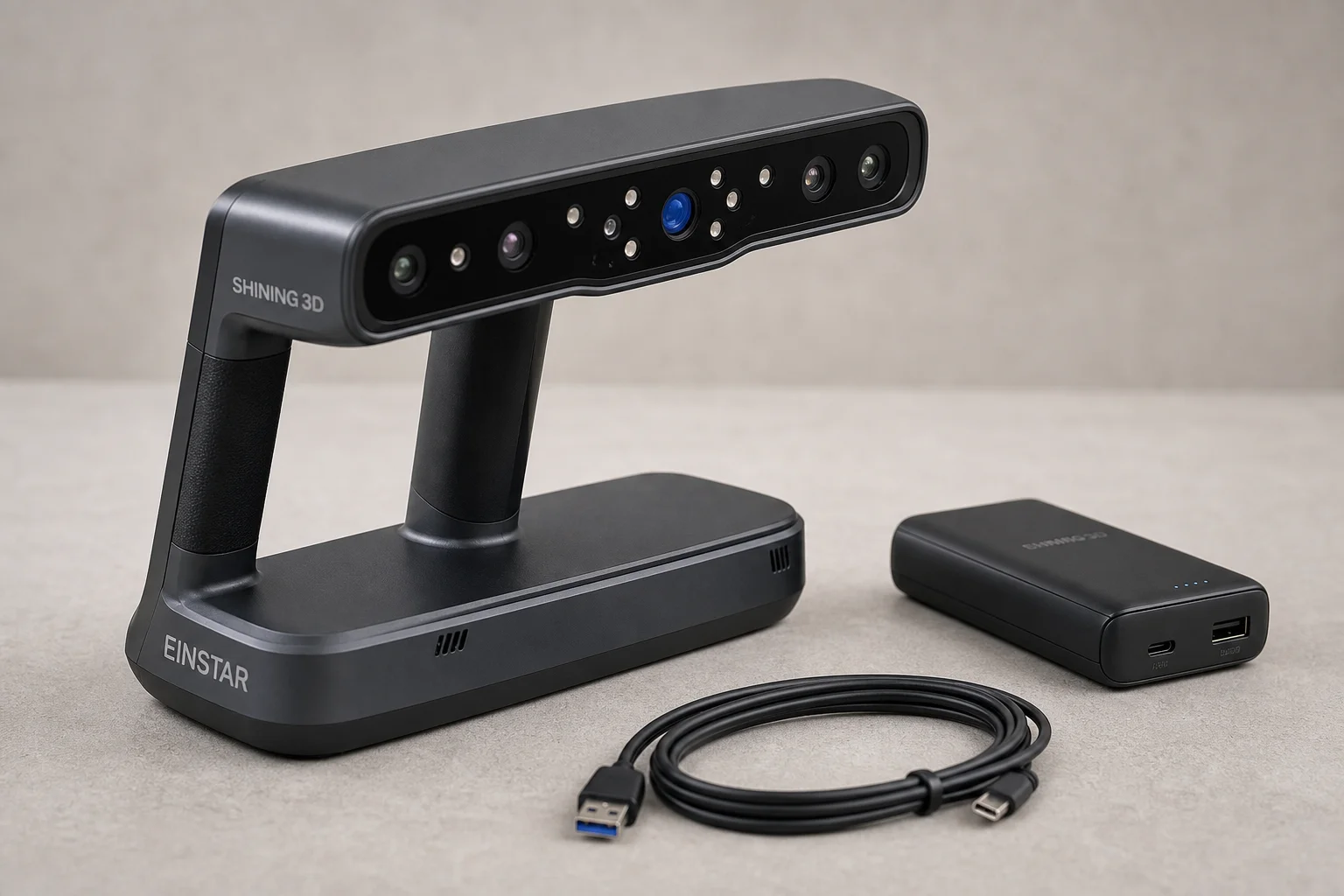
Creality CR-Scan Otter: Versatile Range Switching
The Creality CR-Scan Otter is priced similarly to the Range 2 at approximately $800 USD. A distinctive feature is its dual camera array, allowing the scanner to switch between two different working ranges. This means you can optimize for either small, detailed parts or large objects without changing hardware.
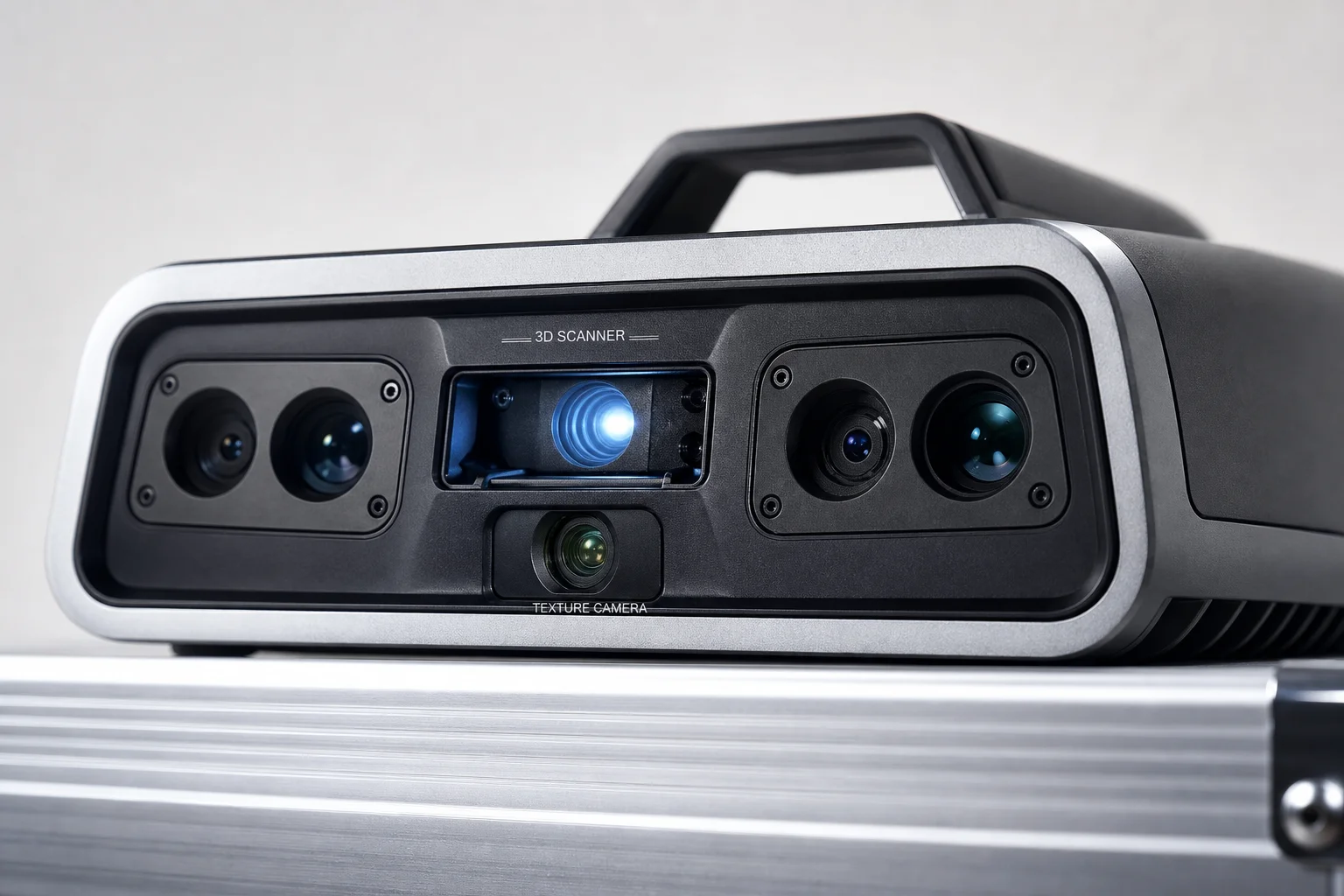
The Otter feels more solidly constructed than the Range 2, with a metal casing rather than plastic. It requires only a single USB cable to the computer, with no external power source needed. The scanning experience is noticeably smoother than the Range 2, with less jitter and more responsive tracking. The software is well-designed and intuitive.
However, the Otter has a notable trade-off: when using the large object scanning mode to capture bigger areas, resolution suffers. Bolt holes and fine details appear rounded and lack crispness. The medium object setting provides better resolution but limits field of view. Processing is slower than the Range 2, though still reasonable. For large objects like engine bays and body panels, the Otter excels, but for detailed mechanical parts requiring high resolution, the resolution loss in large-mode scanning is a real limitation.
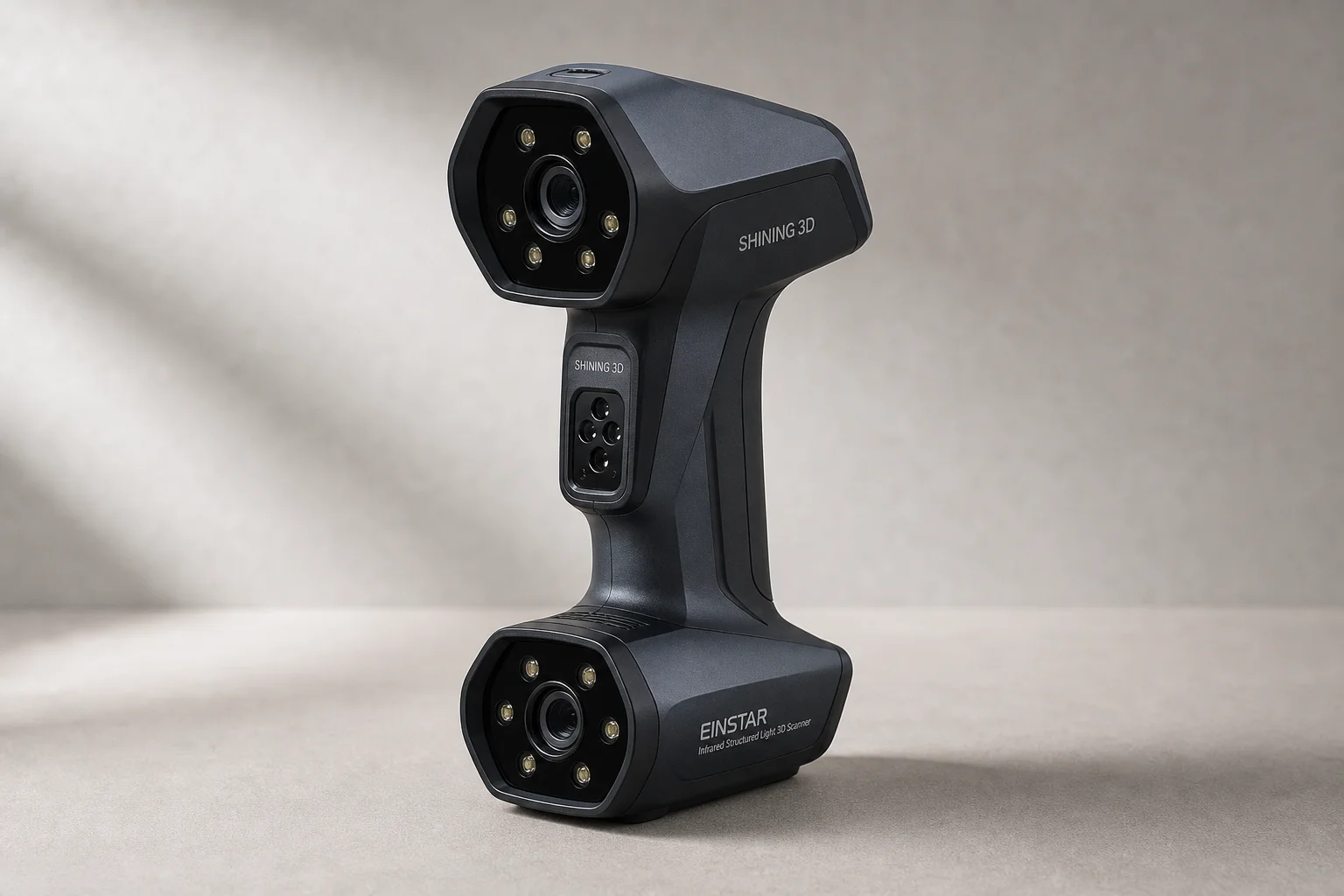
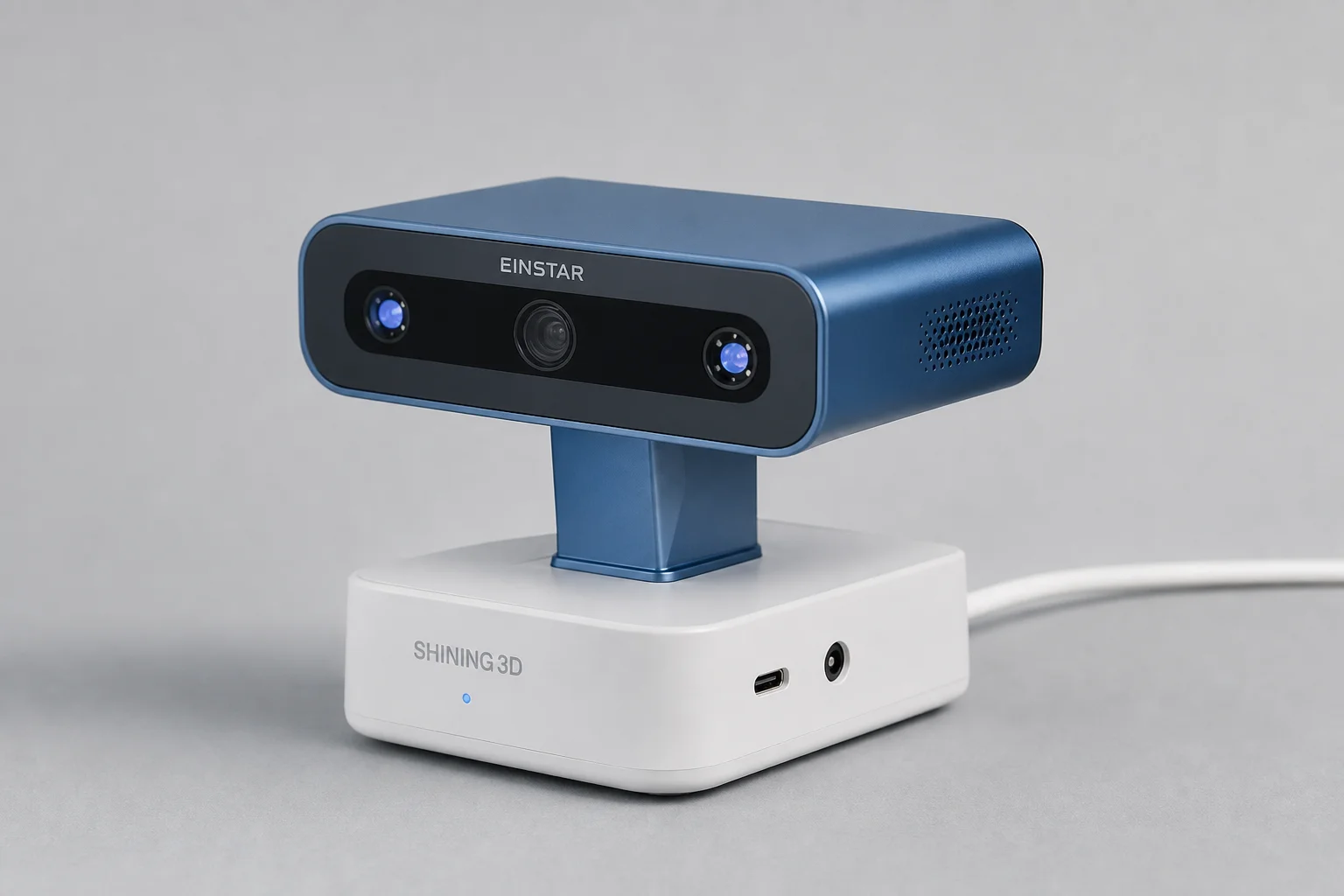
Shining 3D Einstar: Large-Area Scanning
The Shining 3D Einstar is the most expensive option at just under $1000 USD. It requires multiple cables and an external power source, adding setup complexity. It also demands 32GB of RAM, compared to 16GB for the others, potentially requiring a computer upgrade.
Despite these drawbacks, the Einstar delivers the most refined scanning experience. The working range is exceptionally large, capturing entire engine bays in single scans. The scanning process is smooth and efficient, with excellent tracking stability. The software is the most intuitive of the group, with well-organized tools and fast processing.
Accuracy testing showed the Einstar performed well on large objects but was slightly less precise on small detailed parts compared to the Creality unit. This suggests the Einstar is optimized for large-area scanning rather than fine mechanical detail. The extensive cable requirements and higher power demands are genuine inconveniences, and the computer requirements may necessitate additional investment.
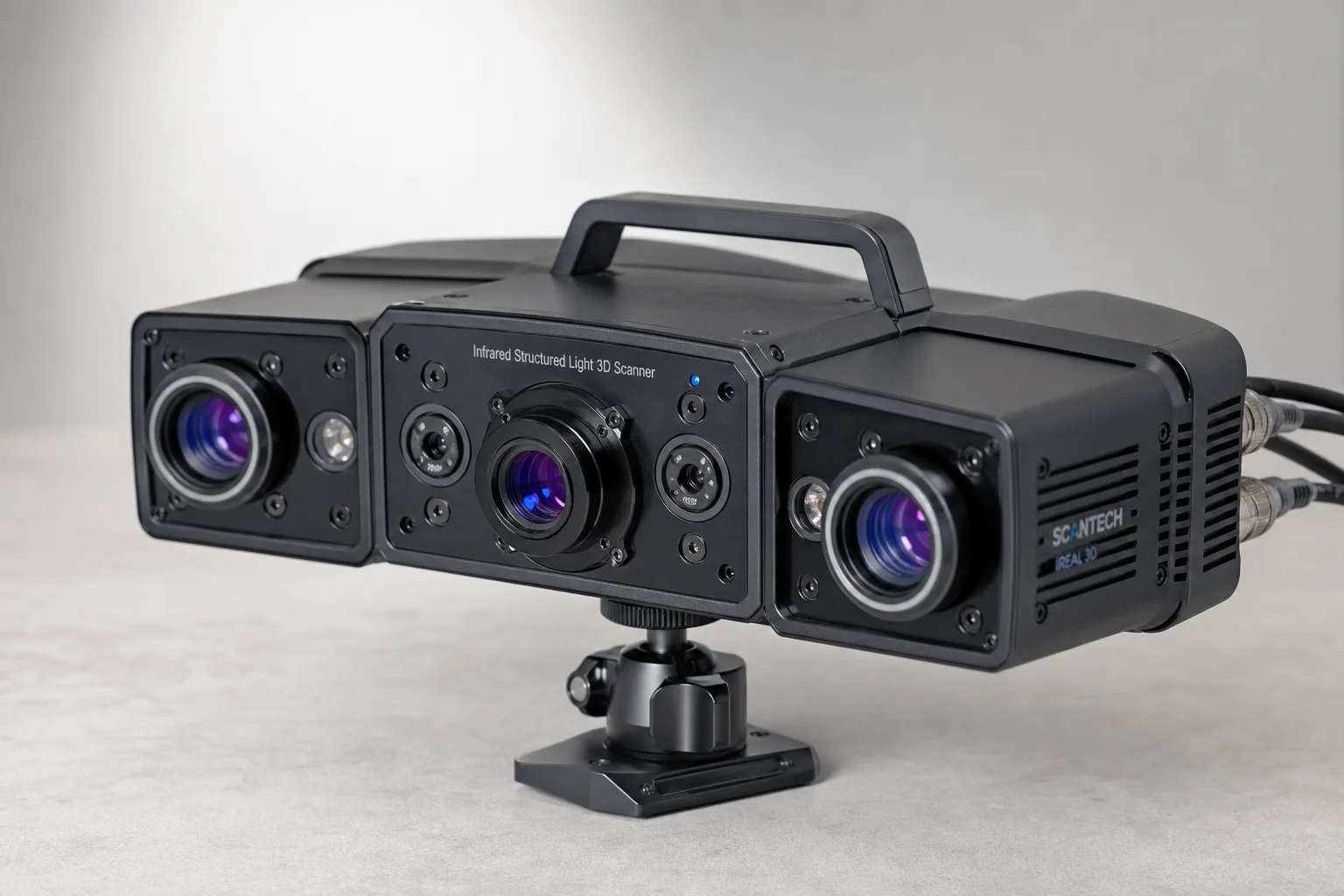
Accuracy and Real-World Performance
Testing with precision measurement software revealed that advertised specifications do not always match real-world results. The Moose claims 0.03mm accuracy but showed approximately 2mm variation when measuring cylinder bores on a machined engine block. The Range 2 achieved roughly 1mm accuracy despite capturing incomplete scan data. The Creality Otter delivered the best accuracy on small parts, with bore measurements within 0.5mm. The Einstar performed well on large areas but showed slightly larger errors on small mechanical features.
These results demonstrate that scanner selection should prioritize the specific objects you plan to scan. A scanner optimized for large engine bays may sacrifice precision on small parts, and vice versa.
Buying Advice
For automotive and motorsport projects requiring scanning of engine bays, body panels, or large assemblies, the Creality CR-Scan Otter or Shining 3D Einstar are the most practical choices. The Otter offers better value if you can work around the resolution loss in large-mode scanning. The Einstar is worth the extra investment if you frequently scan large areas and want the smoothest user experience.
The Revopoint Range 2 is best suited for users who prioritize wireless smartphone connectivity and can tolerate a less polished scanning experience. The 3D Maker Pro Moose is only recommended if budget is the absolute limiting factor and you plan to scan only small, well-lit parts with significant time investment.
Conclusion
Budget 3D scanners under $1000 represent a genuine entry point into mechanical design and reverse engineering. Each scanner in this comparison has distinct strengths and trade-offs. The choice depends on your primary use case: large-area scanning favors the Einstar or Otter, wireless convenience favors the Range 2, and extreme budget constraints point to the Moose. Real-world accuracy is consistently lower than advertised specifications, so plan for additional scanning time and validation when precision matters.
Further reading
Related Reviews
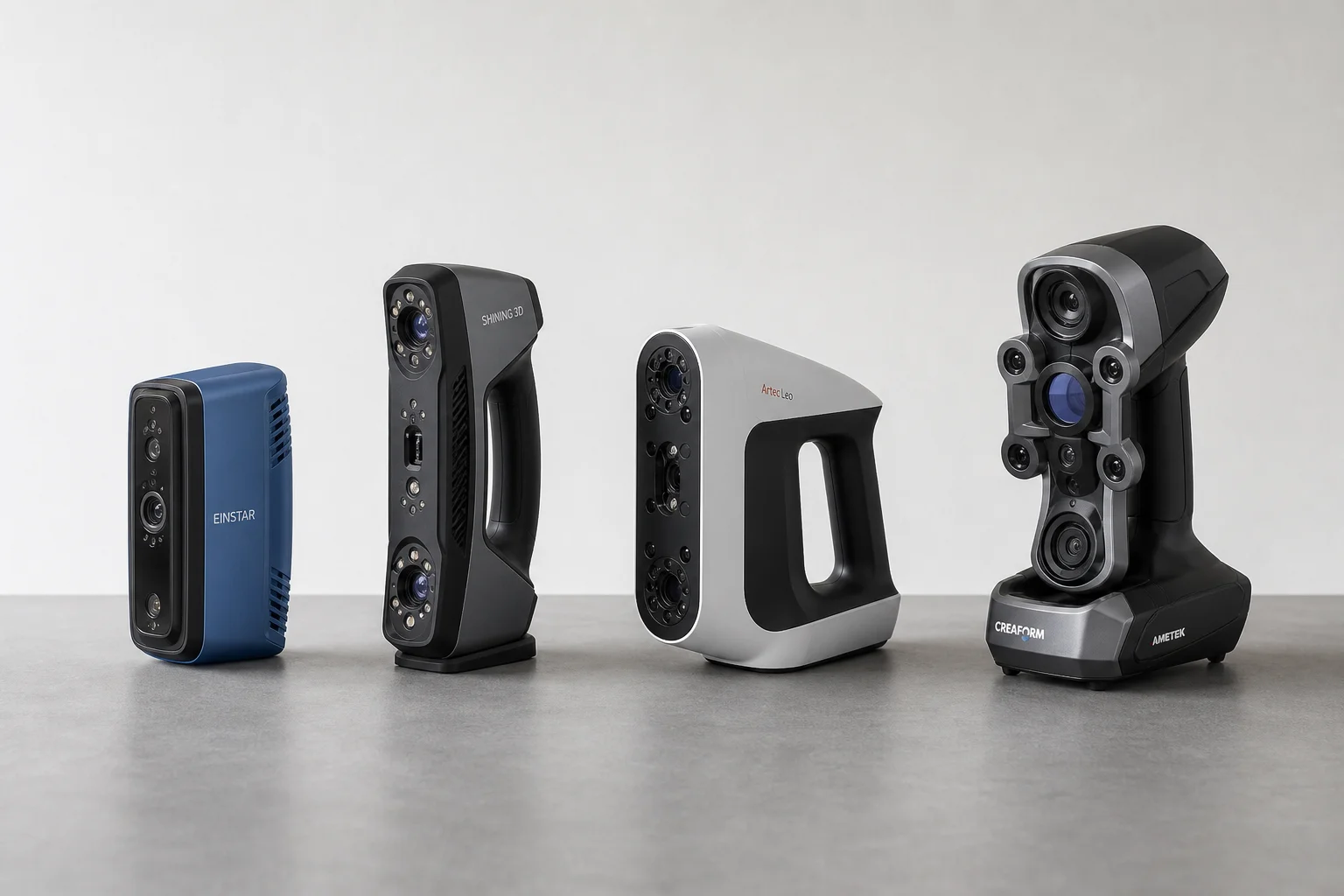
3D Scanning Equipment
Best 3D Scanners Under $1000: Four Practical Options for Enthusiasts
A detailed comparison of four sub-$1000 3D scanners for larger scans and detailed parts, tested on real projects with accuracy measurements and usability insights.
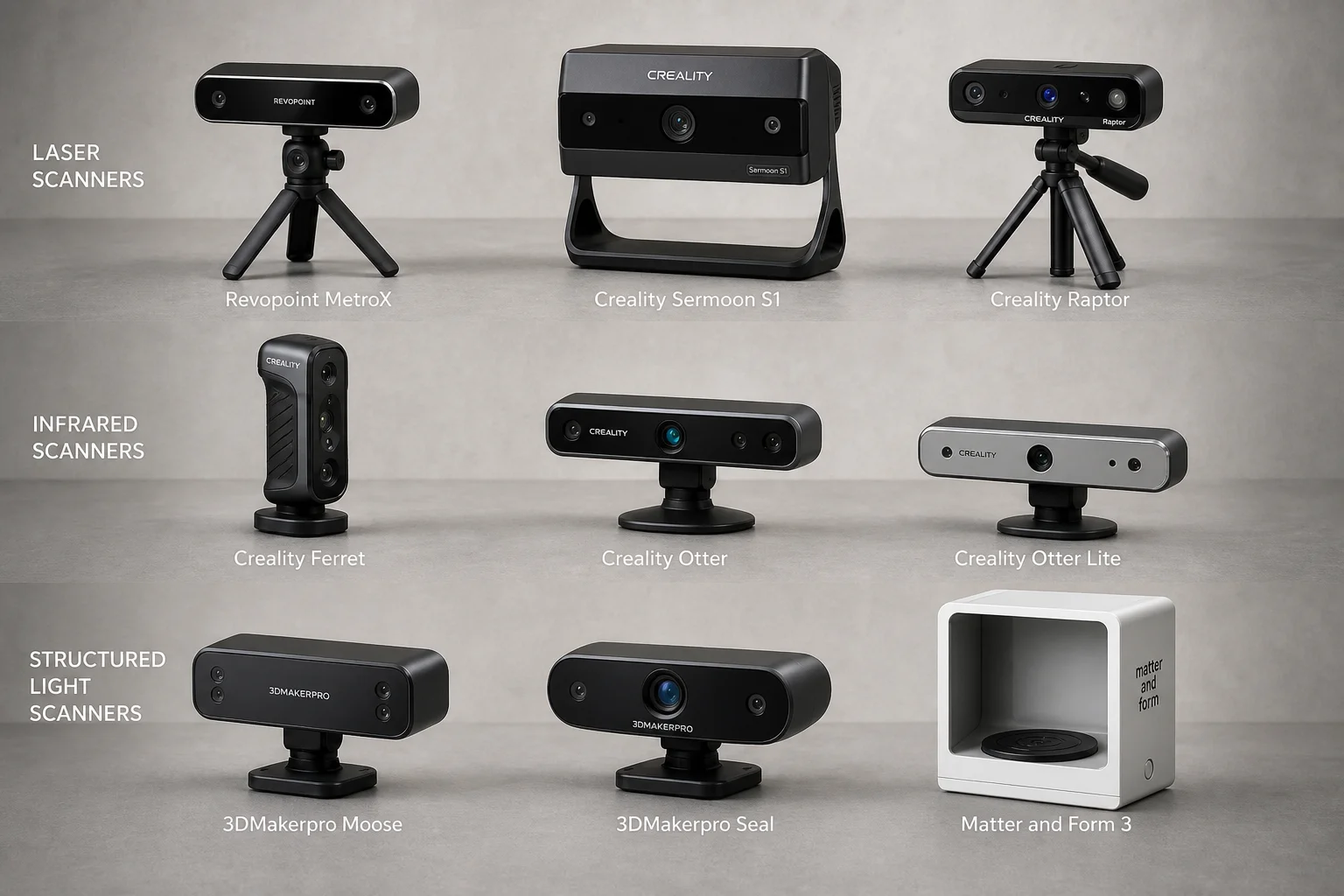
3D Scanning
3D Scanner Comparison Test: Nine Models Scanned an Automotive Part
A detailed comparison of laser, infrared, and structured light 3D scanners tested on a challenging black automotive plastic part with deep pockets and thin walls.
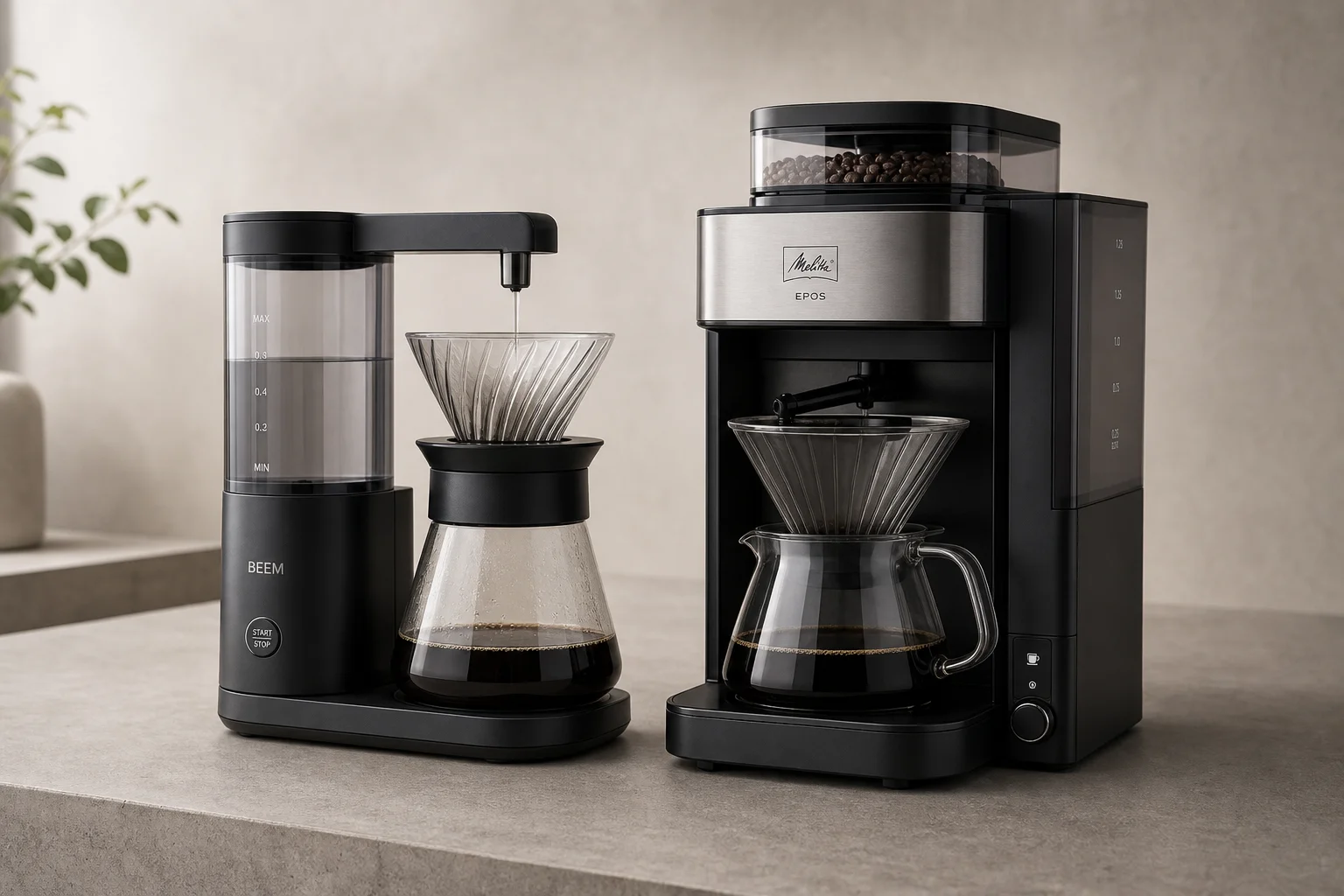
Coffee Equipment
BEEM vs Melitta EPOS: Two Automated Pour-Over Coffee Makers Compared
A detailed comparison of two automated pour-over brewers: the budget-friendly BEEM and the feature-rich Melitta EPOS with integrated grinder. Which one delivers better coffee?