E-Reader Accessories
Boox Tappy Review: A Cute Bluetooth Page Turner With a Few Quirks
The Boox Tappy is an adorable Bluetooth controller for page turning, volume control, and scrolling. It works, but setup can be fiddly.
Introduction
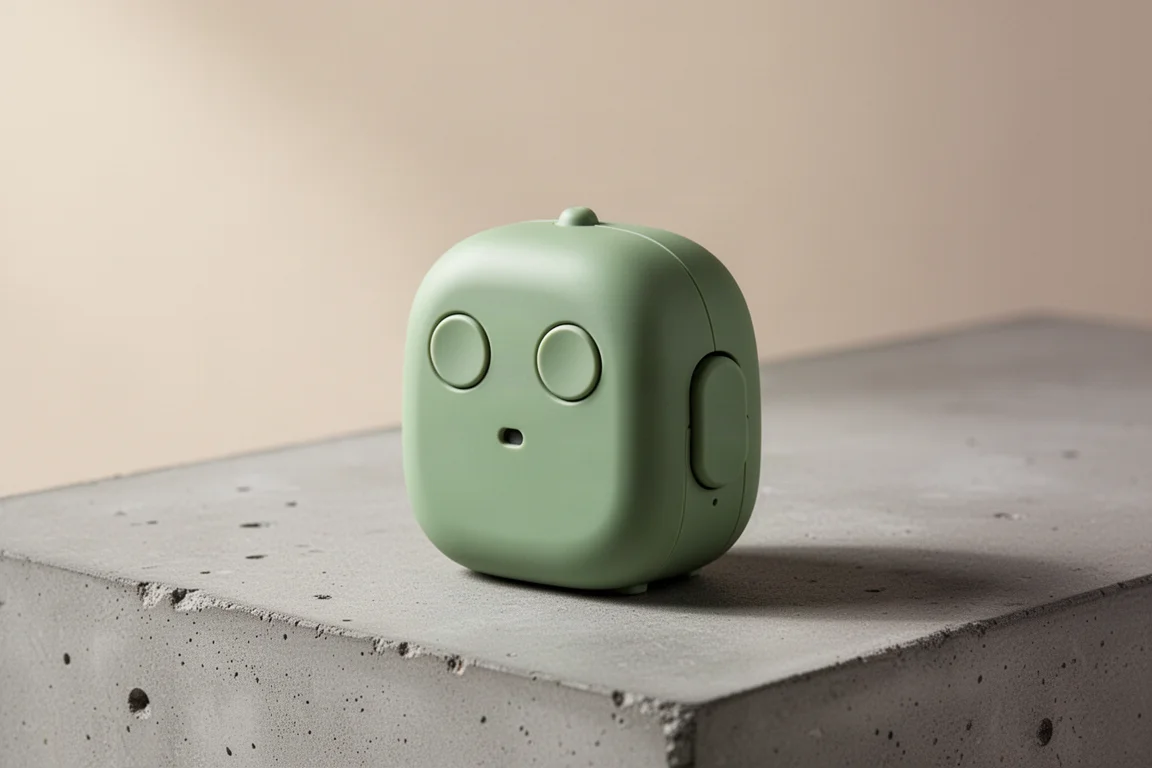
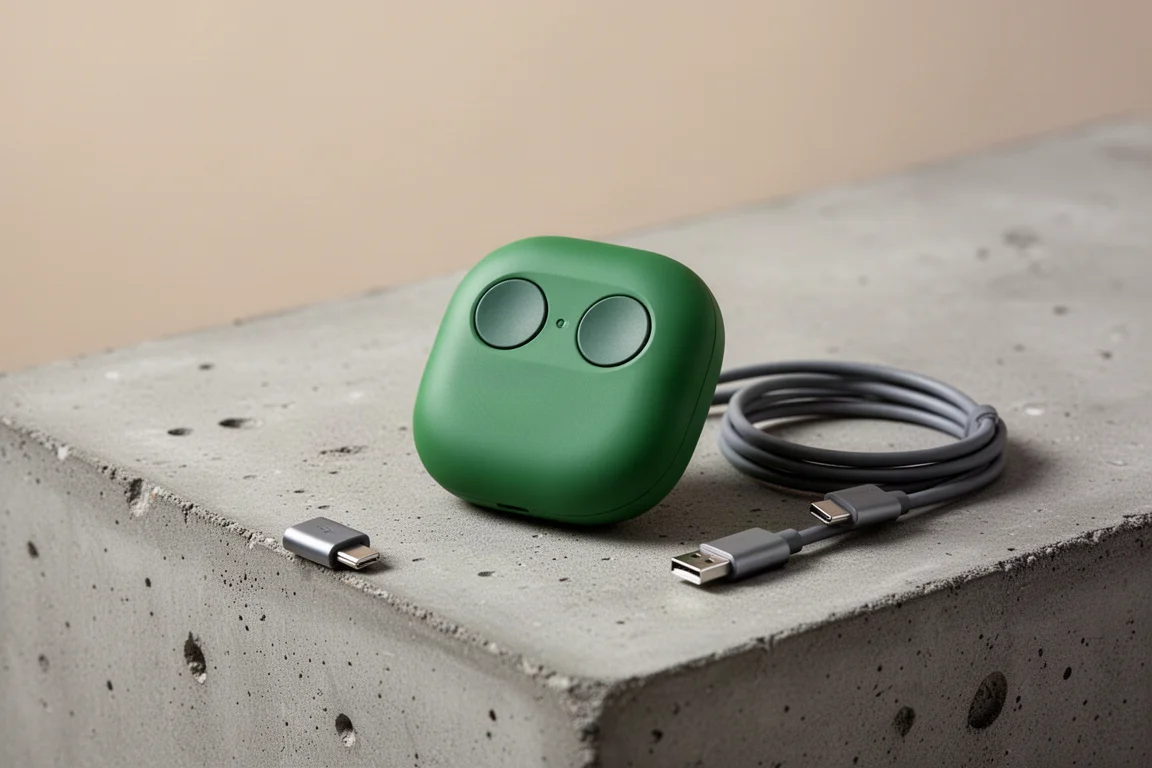
The Boox Tappy is a small, incredibly cute Bluetooth controller designed for page turning, volume control, and scrolling. It looks like a tiny robot with two button eyes and a mouth, and it is built to make controlling your e-reader or music a little more fun. But does it deliver a smooth experience, or is it more about looks than function?
What Is the Boox Tappy?
The Boox Tappy is essentially a Bluetooth controller that lets you tap its two buttons to flip pages forward and back, control volume, or scroll through content. It is a tiny, portable device that pairs with compatible devices like the Boox Go 6. The design is playful, with replaceable buttons that sit on standard keyboard-style switches, so you can swap them out if you want a different look.
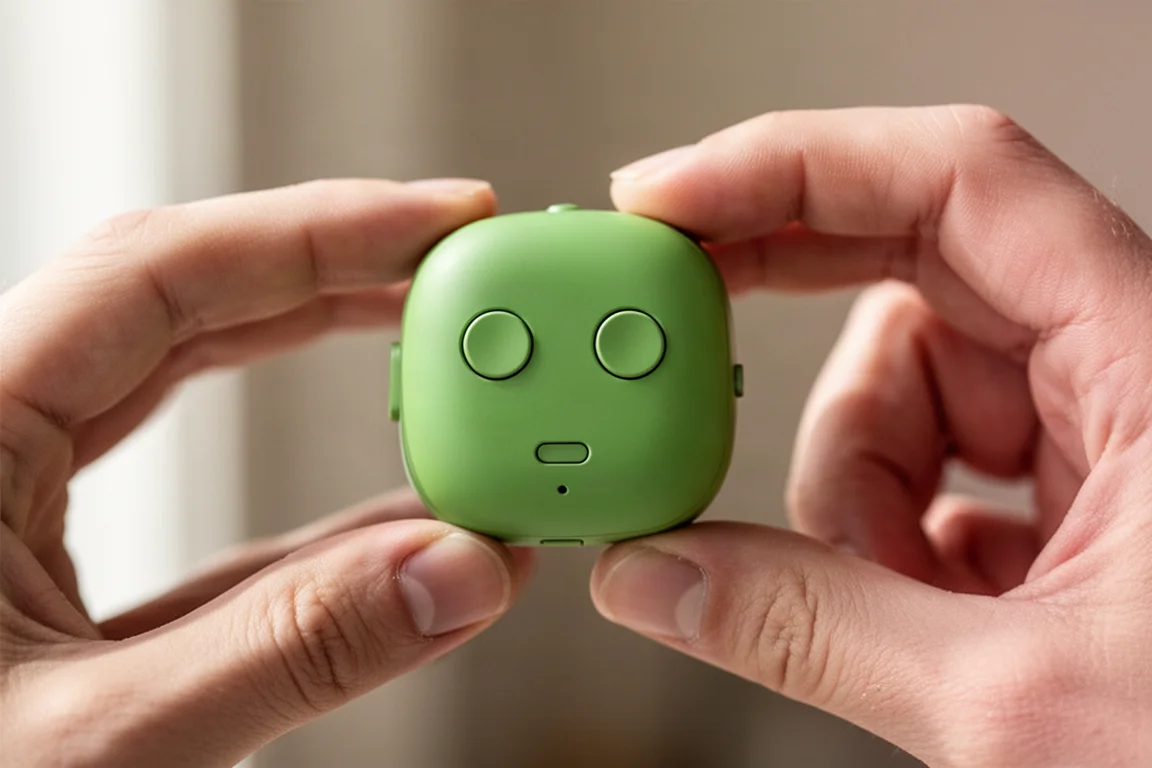
The device has a standard orientation that works well for holding it in one hand. But flip it around, and the two buttons look like eyes and the small opening looks like a mouth, turning the Tappy into a little robot face. That personality is a big part of its charm.
Design and Build Quality
The Tappy feels well built. It has a solid, pleasant feel in the hand, and the materials are decent for the price. There is an on-off switch, a status indicator that shows blue when pairing, green when connected, and red when charging, and a USB-C port for charging. There is also a strap lock section and small anti-slip feet on the bottom.
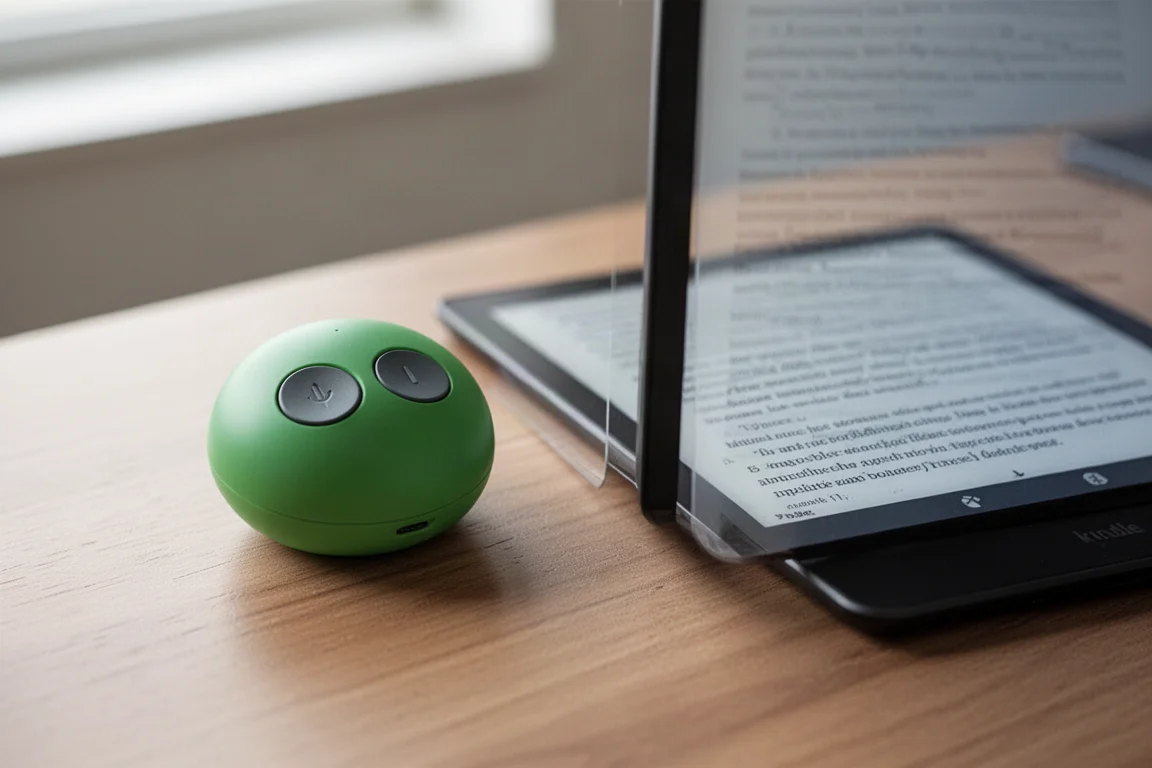
One odd detail is that the anti-slip feet are made of a hard rubber that feels fairly slippery when the device is not under weight. Once you press down on it, it grips a bit better, but it is a strange choice for something labeled as non-slip.
How It Works in Practice
The Tappy has three operation modes: reading mode for page flipping, multimedia mode for skipping tracks, and browsing mode for scrolling. You switch between them by pressing and holding both buttons for about five seconds. The status light blinks three times when you change modes, but it does not tell you which mode you are in.
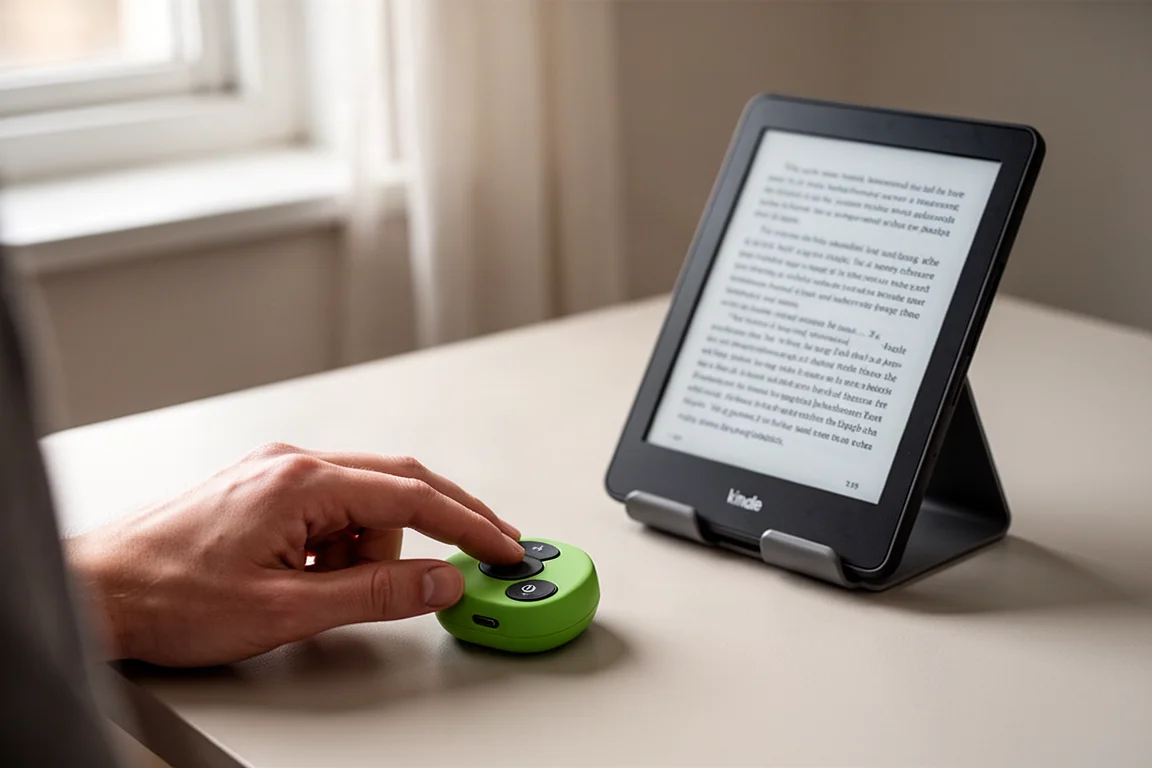
Pairing is straightforward: turn the device on, press and hold both buttons until the blue light flashes, and then select it from your device’s Bluetooth menu. Once paired, the Tappy works with compatible apps. In testing, it worked well in notes apps and in the Neo Reader for page flipping. Scrolling worked in the Neo browser, though it did not work in infinite notes, which was a notable limitation.
The main frustration is the lack of clear mode indication. The device screen does show which mode you are in, but the notification disappears quickly, and if you are watching the blinking light instead of the screen, you will miss it. This can lead to confusion about whether the device is actually working or not.
Things to Consider Before Buying
The Boox Tappy is a niche product. Its main appeal is its cute design and personality, not its functionality. At around $30, it is priced reasonably for the build quality, but it is not a must-buy. Other Bluetooth page turners are available in stores and often work without the initial setup confusion.
The Tappy is best suited for relaxed use at home, where you can take your time figuring out the modes. For public speaking, lectures, or presentations, where you need a device to work reliably and quickly, the fiddly mode switching could be a problem. It also cannot be used with a foot, which rules it out for musicians who need hands-free control.
Buying Advice
If you are drawn to the Tappy’s character and want a fun, portable page turner for casual reading at home, it is a reasonable purchase. The build quality is solid, and once you get it working, it does what it is supposed to do. But if you need a reliable, no-fuss controller for presentations or performances, you may want to look at other options that are easier to set up and more clearly indicate their current mode.
Conclusion
The Boox Tappy is undeniably cute and well made. It works, but it is fiddly, and the mode switching can be confusing. At $30, it is not a bad deal for what you get, but it is not something everyone needs. If you appreciate its personality and can work around its quirks, it is a charming little device. If you need something that just works without fuss, there are better options out there.
Product link
View more details for Boox Tappy
This product is mentioned in the review. Check the specifications, options, and compatibility before buying.
View more details for Boox TappyFurther reading
Related Reviews
E-Ink Tablets
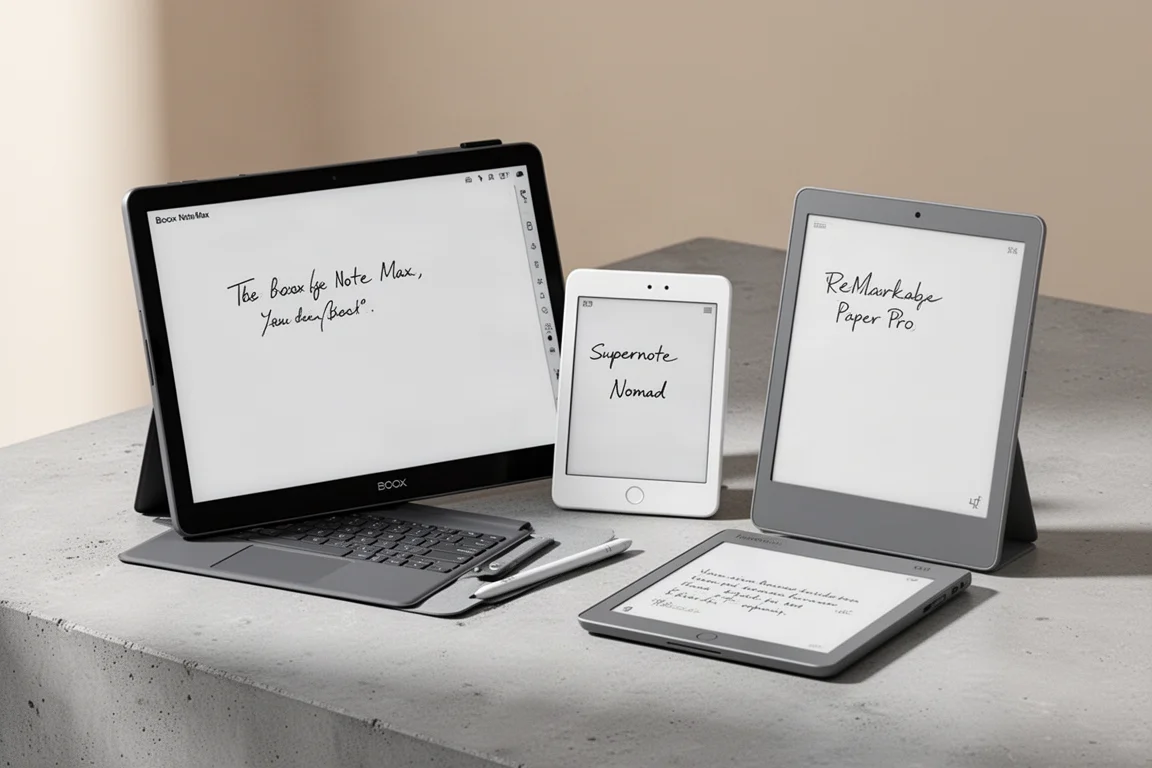
Best E-Ink Tablets 2026: A Practical Guide to the Top Contenders
A practical look at the leading e-ink tablets of 2026, covering the Boox Go 10.3 Gen 2 Lumi, Boox Note Max, Boox Tab X, Boox Tab XC, Supernote Nomad, Supernote Manta, and reMarkable Paper Pro.
E-Readers
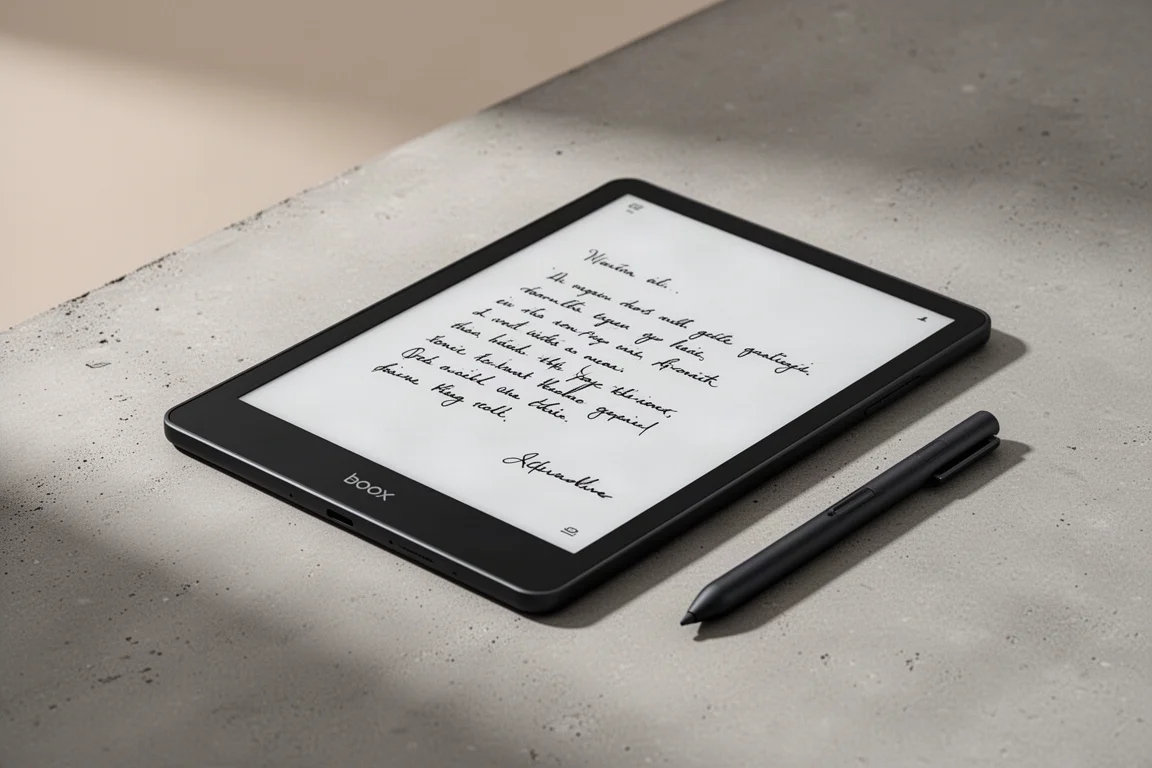
Boox Go 10.3 Gen 2: A Deep Dive Into the Writing Experience, Screen Quality, and Everyday Trade-Offs
A detailed look at the Boox Go 10.3 Gen 2, covering the active pen, front light options, ghosting behavior, and how it compares to the Gen 1 and Note Max.
E-Readers
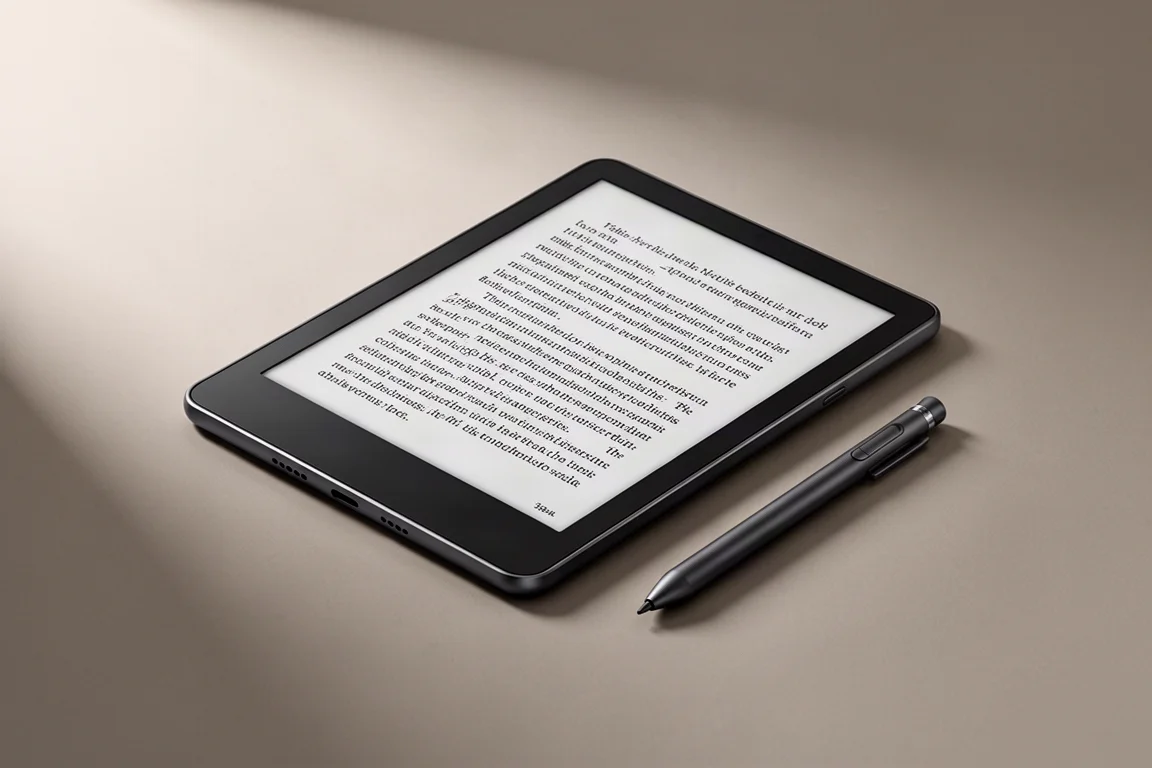
Boox Go 10.3 Gen II Classic Review: A Non-Front-Lit E-Reader With Trade-Offs
The Boox Go 10.3 Gen II Classic offers a sharp 300 PPI display and lighter build, but ghosting and pen precision issues are worth considering.