Wearables
Best Smartwatches for Emergency Safety: Apple, Garmin and Pixel Compared
How the Apple Watch, Apple Watch Ultra, Garmin inReach and Google Pixel Watch 3 handle fall detection, satellite SOS and live tracking when something goes wrong off-grid.
Introduction
A hard fall on a remote trail is the kind of event most people assume will never happen to them. The statistics suggest otherwise, and the practical question is simple: if something goes wrong far from a trailhead, what will the watch on your wrist actually do?
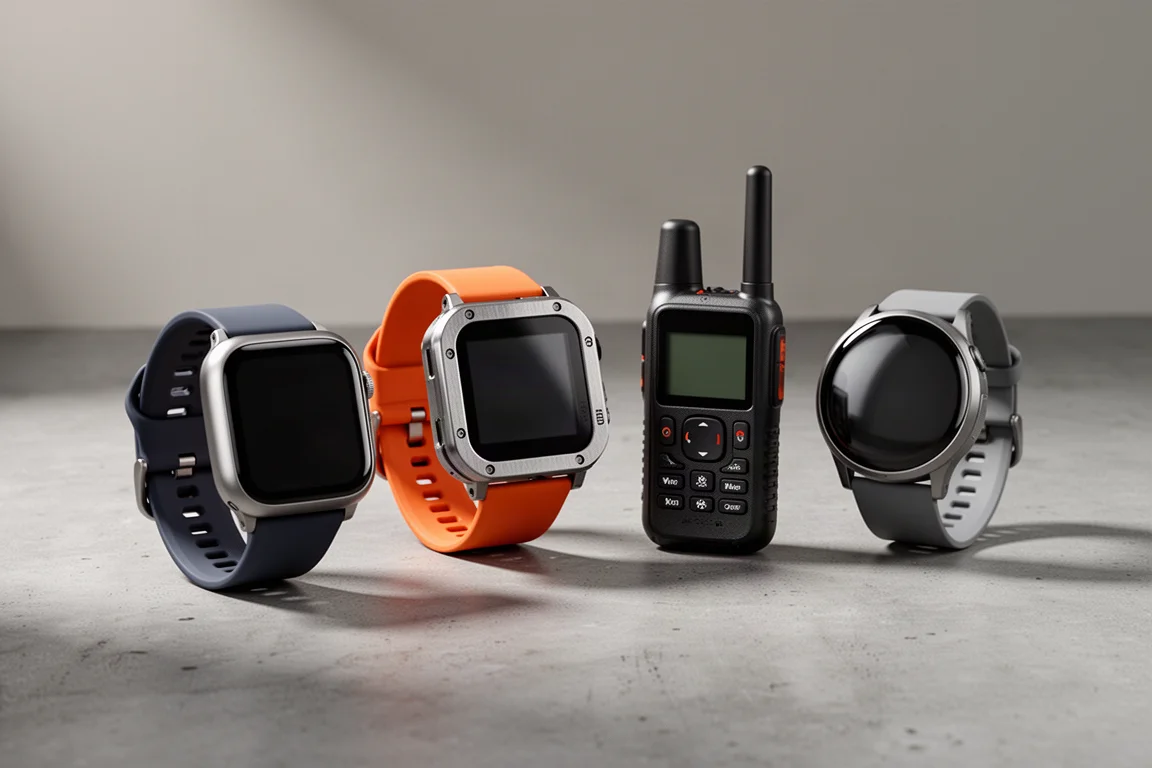
The answer differs sharply between platforms. Some watches can call emergency services on their own, some notify your personal emergency contacts, and some depend on a satellite communicator you carry separately. This guide breaks down how the Apple Watch, Apple Watch Ultra, Garmin inReach and Google Pixel Watch 3 each handle an emergency, along with the trade-offs worth understanding before you buy.
What to Check Before You Rely on a Watch
Not every safety feature works the same way, and the differences matter most in places where you have no signal at all. Four questions separate a genuinely useful safety watch from a marketing bullet point.
First, does the feature run continuously or only while you are tracking an activity? Second, does the watch contact emergency services directly, or does it alert a list of personal contacts who then have to act? Third, does it depend on a cellular connection to your own carrier, or can it fall back to another available carrier or to satellite? Fourth, how does it help you find your way back if you are simply lost rather than injured?

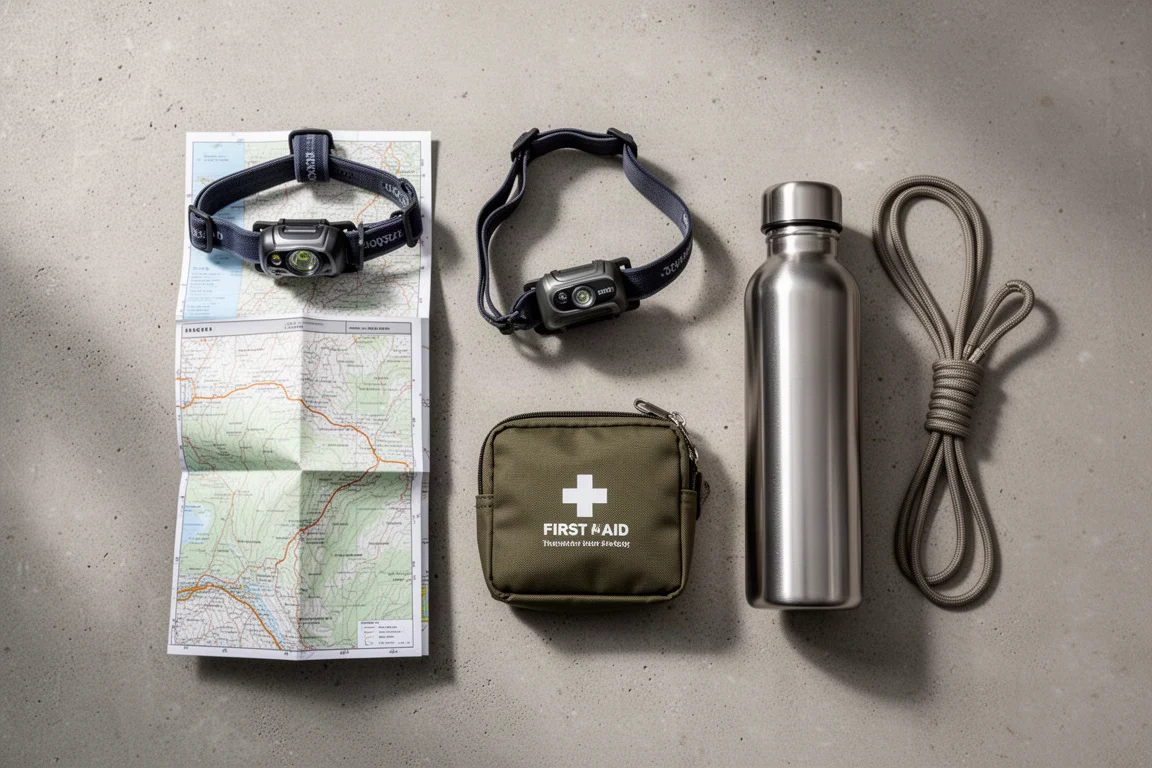
The answers are not uniform across brands, and none of these systems replaces basic preparation: carrying a headlamp, leaving your route with someone, and knowing the terrain you are walking into.
Apple Watch: Round-the-Clock Fall Detection With Satellite Fallback
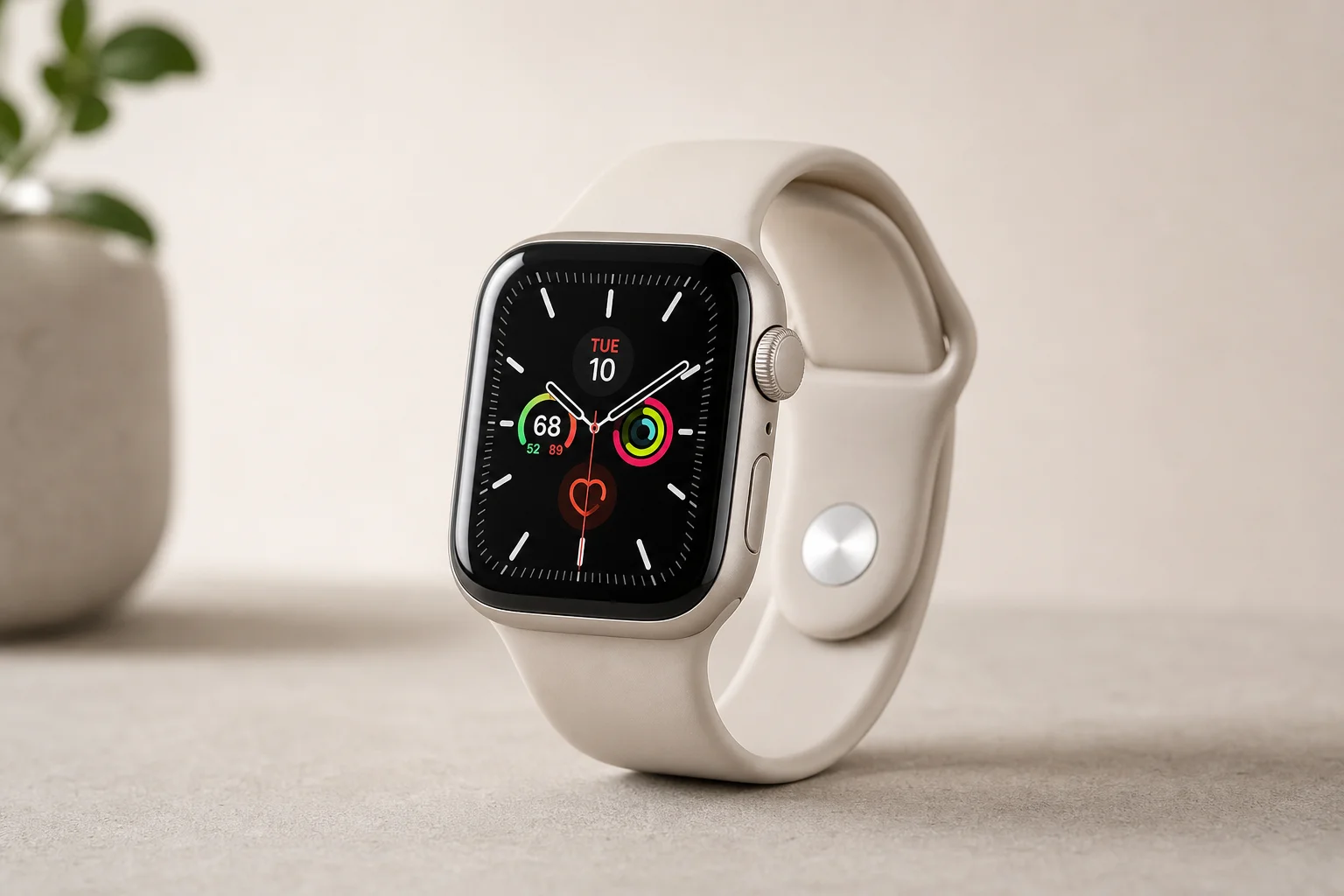
Apple calls the feature fall detection, and it is worth confirming the setting before you head out. Open the Watch app on your phone, go to Emergency SOS, and check that fall detection is enabled. There are two modes: active during workouts only, or always on, which keeps it running 24 hours a day whether you are in your living room or miles up a trail.
The watch uses its accelerometer and gyroscope to identify a hard fall, trip or slip. When something is detected, a warning appears on screen. If you are fine, cancelling is straightforward. If you need help, a swipe starts a call to emergency services.
The escalation logic is where it gets serious. If the watch determines you have not moved for a minute, it calls emergency services on its own, buzzes your wrist and sounds an audible alarm so anyone nearby can respond. If your watch has a cellular plan it dials directly. If not, it looks for your paired phone and calls through it. And if neither your watch nor your phone has a signal from your own carrier, many countries operate reciprocal emergency agreements, so an available carrier can still put the call through.
The headline capability for off-grid trips is satellite fallback. With no cell signal at all, the process switches to satellite SOS. It becomes a text conversation rather than a voice call, and while pointing the device at the satellite improves the connection, it is not strictly required: messages have gone through with the phone simply lying on the ground in terrain surrounded by large granite boulders, although the handshake takes longer.
If you are unconscious but the watch has reached emergency services over cellular, it plays an audio message explaining that a hard fall was detected and the owner is not responding, and it shares your latitude and longitude. The message repeats at a lower volume so a bystander can speak into the watch. Your Medical ID is also transmitted as data, so medications and conditions you have logged in the Apple Health app arrive with the call. Once the call ends, your emergency contacts receive a message with your location and the news that a hard fall was detected and emergency services were already dialled. Car crash detection follows a similar pattern for road incidents.
Apple Watch Ultra: The Same Safety Net, Plus a Loud Siren
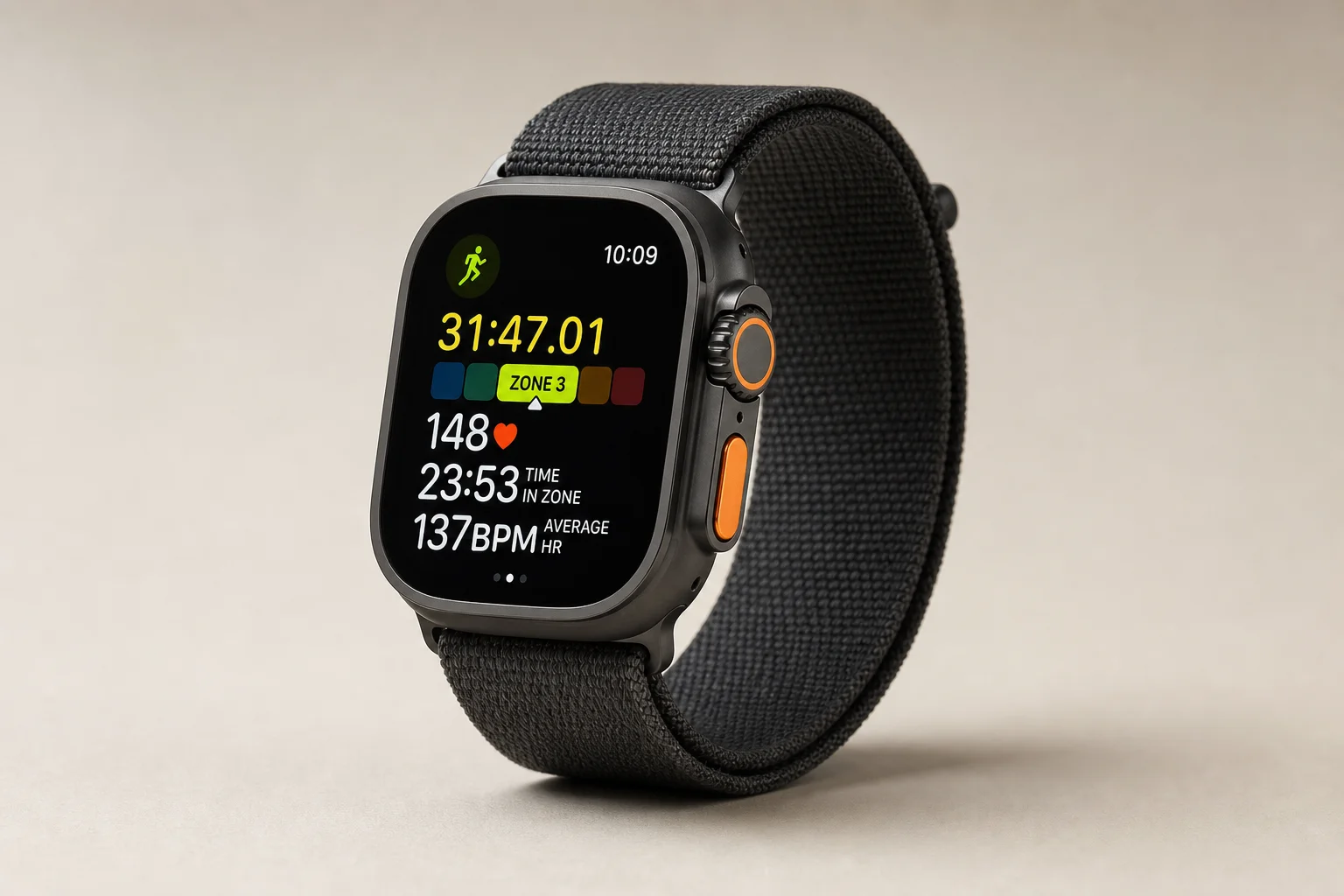
The Ultra sits on the same foundation as the standard model: fall detection, satellite SOS, Medical ID sharing and automatic notifications to your emergency contacts. What it adds for remote situations is a genuinely loud siren.
That matters more than it sounds. If you are off-trail, stuck in dense brush, or simply need to make your position known to someone searching for you, an audible siren carries where a wrist buzz does not. It is the kind of feature you hope never to use and are glad to have.

One honest caveat applies across the Apple lineup. The built-in flashlight is effectively the screen at maximum brightness. It is acceptable in a pinch and useful for reading a map, but it is not something to depend on in the dark. A dedicated headlamp belongs in your pack regardless of which watch you wear.
Garmin inReach: Satellite Messaging Where Cell Towers End
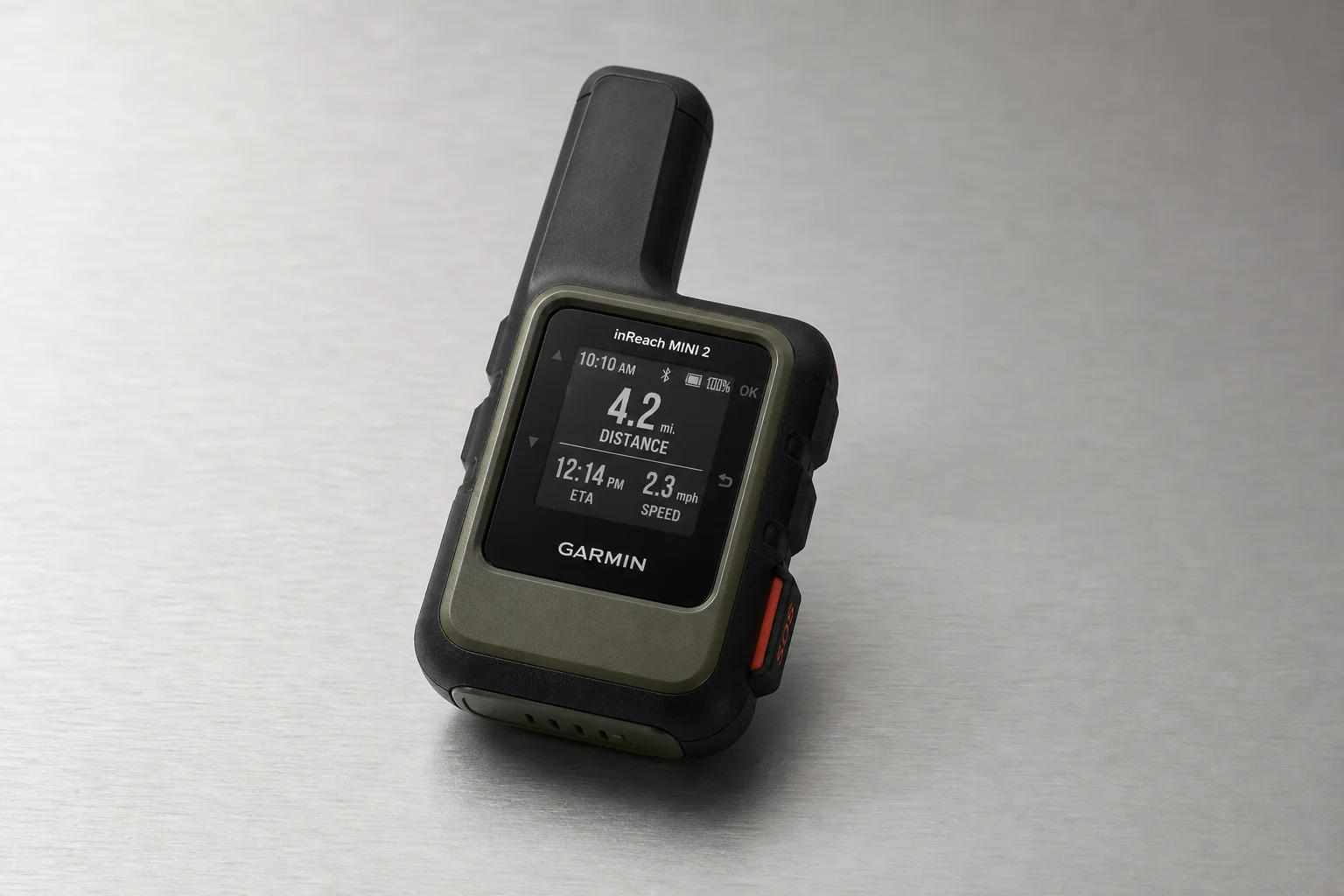
The inReach is a different category of device. Rather than relying on a cellular network, it is built around satellite communication, which is exactly what you want in terrain where phone coverage disappears entirely.
When an SOS is triggered, the request goes to Garmin Response, the same response centre that handles inReach calls. From there, the team can contact an emergency service or report your condition on your behalf. Because the trigger is a manual action, the practical setup is to pair the inReach with your watch so you can send the alert from your wrist.
Live tracking is the other half of the value. It is a paid subscription feature, and it sends periodic breadcrumb updates so the people you have shared access with can follow your position on a map, even in areas with no cellular connection. Updates typically land within a few minutes, which is enough for someone at home to notice that you have stopped moving.
One clarification is worth making, because it comes up often: Garmin’s watch-based incident detection does not automatically trigger an SOS on a paired inReach. Incident detection itself runs only during a tracked activity and requires the watch to be connected to your phone over Bluetooth, with that phone in cellular range. When it fires, it notifies your emergency contacts rather than emergency services, because an app cannot dial emergency services on its own. Garmin’s own wording is direct on this point: neither the device nor the Garmin Connect app will contact an emergency service on your behalf. The inReach is the part of the ecosystem that reaches out over satellite, and it does so when you or someone with you triggers it.
Google Pixel Watch 3: Fall and Crash Detection on Wear OS
Wear OS watches vary by manufacturer, so safety features are not guaranteed across the whole platform. The Pixel Watch 3 is one of the models that does include fall detection and car crash detection, and the behaviour is close to Apple’s: you get a warning, you can cancel it, and if you do not, the watch dials emergency services directly when it has LTE, or routes the call through your phone.

The open question is satellite fallback. Whether a Pixel Watch 3 paired with a satellite-capable phone can push an emergency message over satellite is not documented, so treat that as unconfirmed rather than assumed. If you are considering any Wear OS watch, check the specification sheet for fall detection and crash detection before you buy, because coverage differs from model to model.
Staying Found: Navigation Tools That Help You Get Back
Getting lost is far more common than getting injured, and the navigation story is more uneven than the emergency story.
Garmin watches handle this particularly well with trackback. Start an activity, whether a hike or a run, and the watch can guide you back along the exact path you came in on, with good fidelity to the original course. Apple’s equivalent is the compass app, which begins tracking automatically once you leave cell range. In practice the results vary, and the track fidelity is not always impressive, though you can start it manually and it will produce waypoints you can follow back. A more reliable approach on the Apple Watch is to record the outing with an activity app so you have a visible line to retrace.
For visibility in the dark, newer Garmin models include an actual LED flashlight on the top of the case, along with a strobe mode for signalling. That is a meaningful advantage over the screen-based flashlights on the Apple Watch and the Pixel Watch, which are usable but not something to rely on.
Location sharing is the other layer. On Apple devices you can share your position through Find My or a text message, and Check In can prompt you to confirm you have arrived, either manually or when you start a workout, with conditions such as not finishing an activity or not checking in within a set time. On Garmin watches, live tracking lets someone follow you on a map for as long as you are in cellular range. None of this works without a connection, although a manual location update over satellite is possible if you are prepared to trigger it yourself.
Overall Buying Advice
The right choice depends on where you run, ride and hike, and how much you want the watch to act on your behalf.
If you want the most automatic coverage, the Apple Watch is the strongest option. Always-on fall detection, direct calls to emergency services, Medical ID sharing, automatic contact notifications and satellite fallback when there is no cell signal together make it the most complete package for someone who usually carries a phone. The Apple Watch Ultra adds a loud siren for remote, off-trail situations.
If you spend time genuinely beyond coverage, the inReach is the device that removes the cellular dependency altogether, provided you accept the subscription for live tracking and the fact that SOS is a manual action rather than an automatic one.
The Pixel Watch 3 shows that Wear OS can match the core behaviour of fall and crash detection, but the feature set is model-specific, so verify before buying rather than assuming the platform delivers it everywhere.
Whoever you are, the habits matter as much as the hardware. Enable the features in advance, set up your Medical ID or emergency contacts, carry a headlamp, and share your route. A watch is a backup, not a plan.
Conclusion
Fall detection, crash detection, satellite SOS and live tracking have become genuinely useful safety tools, and the differences between them come down to how much of the process runs without you. The Apple Watch automates the most. The Apple Watch Ultra adds a siren for the worst-case scenario. The inReach reaches out when nothing else can. And the Pixel Watch 3 brings comparable detection to Wear OS, with the details worth confirming model by model. Choose the one that matches the terrain you actually travel, and set it up before you need it.
Further reading
Related Reviews
Wearables
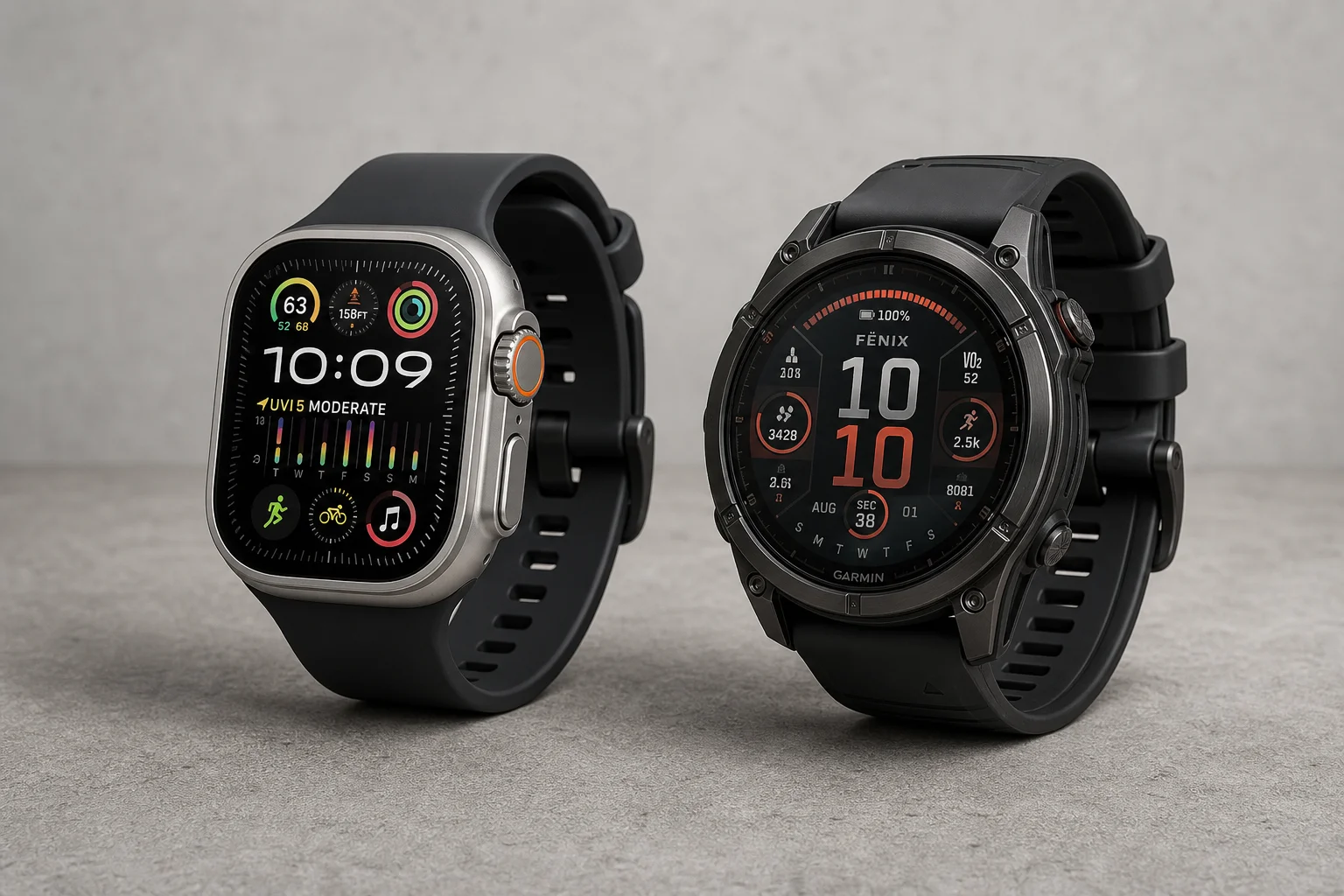
Apple Watch Ultra 3 vs Garmin: Which Training Watch Wins for Athletes
A practical head-to-head comparison of the Apple Watch Ultra 3 and Garmin for serious training, covering GPS accuracy, data tracking, usability, and recovery metrics.
Wearables
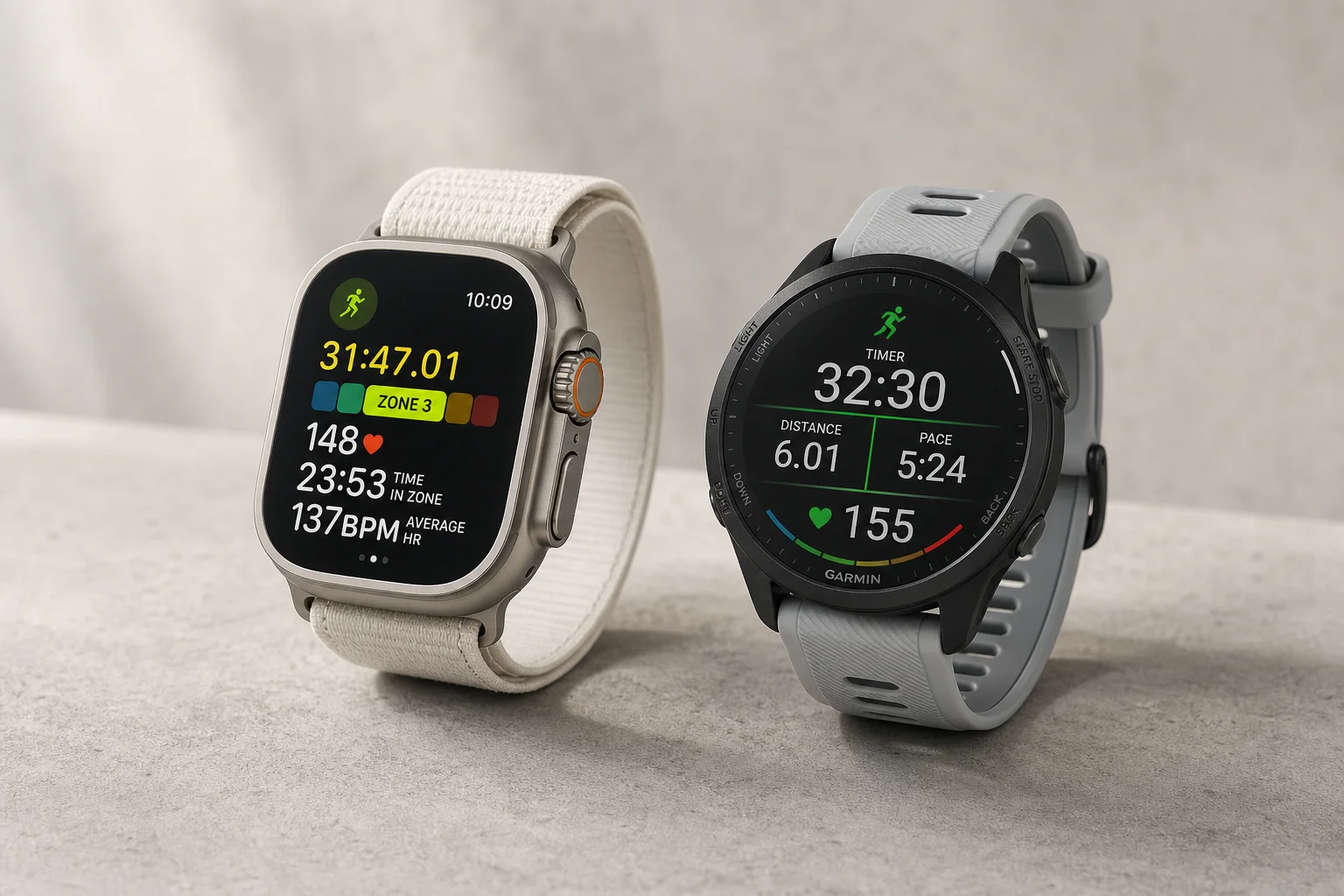
Apple Watch vs Garmin for Running: A Year of Training Compared
After a year training for marathons with both devices, here's what actually matters when choosing a running watch.
Wearables
Apple Watch Ultra 3 vs Garmin Fenix 8 Pro: Satellite Messaging Compared
A practical comparison of satellite messaging on the Apple Watch Ultra 3 and the Garmin Fenix 8 Pro, covering connection methods, messaging workflows, coverage, and running costs.