Tech Accessories
Best Samsung Galaxy S22 Accessories: 7 Picks for Grip, Power, Gaming and Productivity
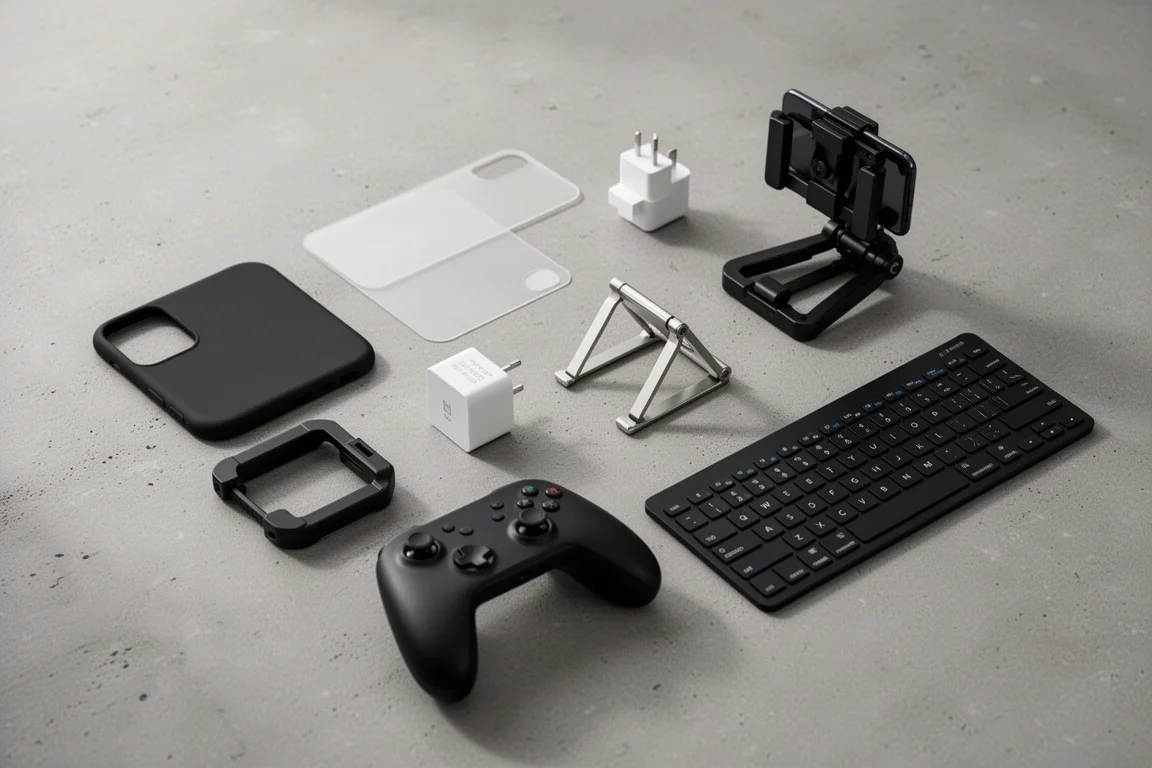
Seven practical accessories for the Galaxy S22 lineup: a grippy case, skins, a folding charger, a phone rig, a gaming controller, a cooling fan, and a keyboard with a built-in mouse.
Introduction
The Galaxy S22 lineup, especially the S22 Ultra, is a big, powerful phone, and it does not come with a charger in the box. Whether you want more grip, faster top-ups, a proper content creation setup, or a way to game and work on the go, the accessory market has you covered. Here are seven picks that each solve a real problem, from protection and power to mobile gaming and desktop-style productivity.
dbrand Atomic Rip Case
The S22 Ultra is a massive phone, so adding a case can make it feel even bulkier. The dbrand Atomic Rip case is aimed at people who hate bulk but still have butterfingers. This updated design is a fairly thin and flexible one-piece all-rubber shell that adds much-needed grip in a matte black finish, while keeping the button feel very clicky. It is just thick enough around the back to keep the camera lenses covered if the phone gets smacked around, yet it stays pocket friendly.
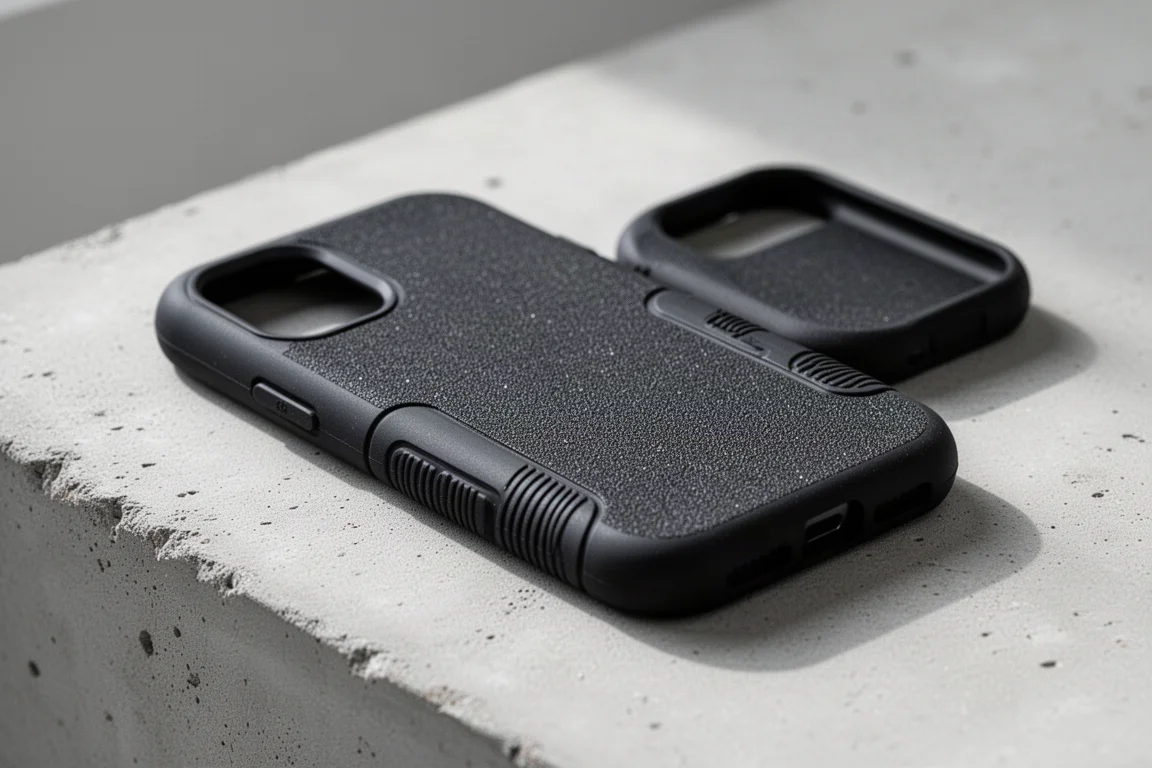
In the hand it is comfortable thanks to rubber strips that do not stick out or catch on things but give your fingers something to grasp, plus a sandpaper-like finish on the rest of the shell. Spacious port cutouts and smooth edge swiping make it feel almost like a thick, grippy skin. It is no rugged tough case, but the rubber is thick enough to absorb some impact, and with this much grip you may simply never drop it.
dbrand Skins
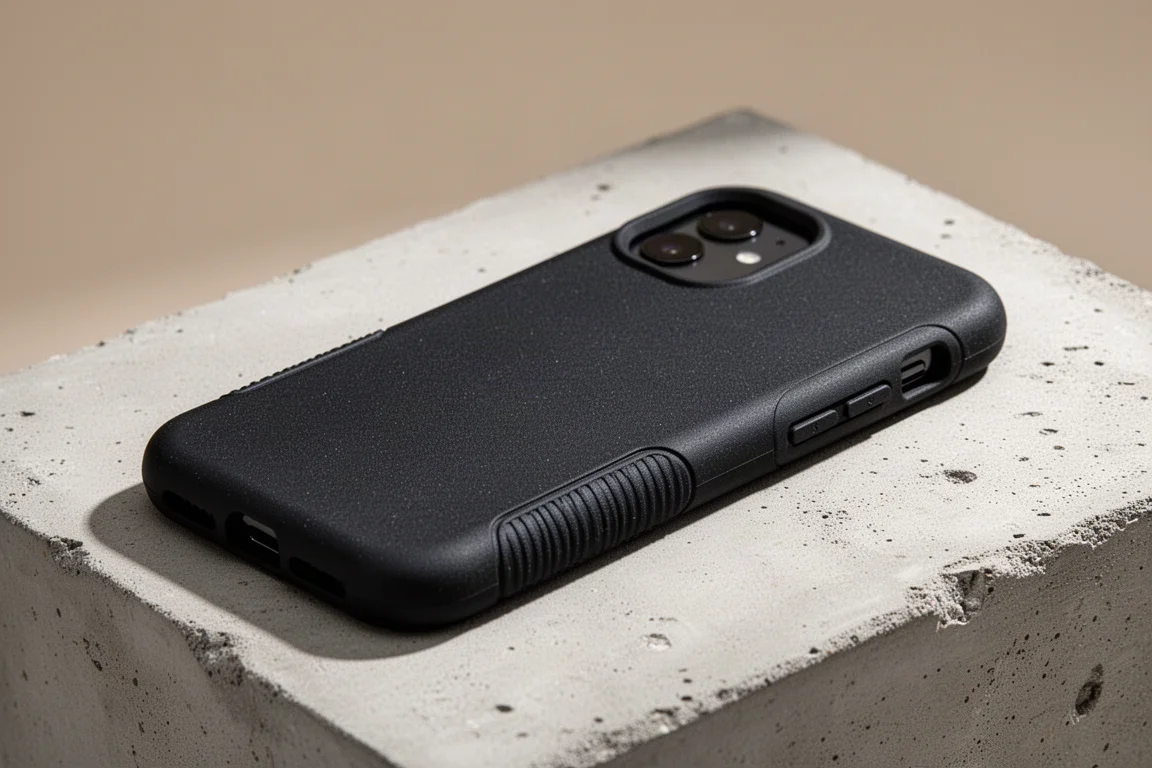
If cases are not your thing at all, dbrand still has a whole lineup of skins to choose from, including robot, camo, marble, and swarm designs, plus a custom tech-icons style and pastel options for a splash of color. Installation is simple thanks to the built-in alignment tool, and the skins use real 3M adhesive, so they stay put and come off clean when you finally remove them.
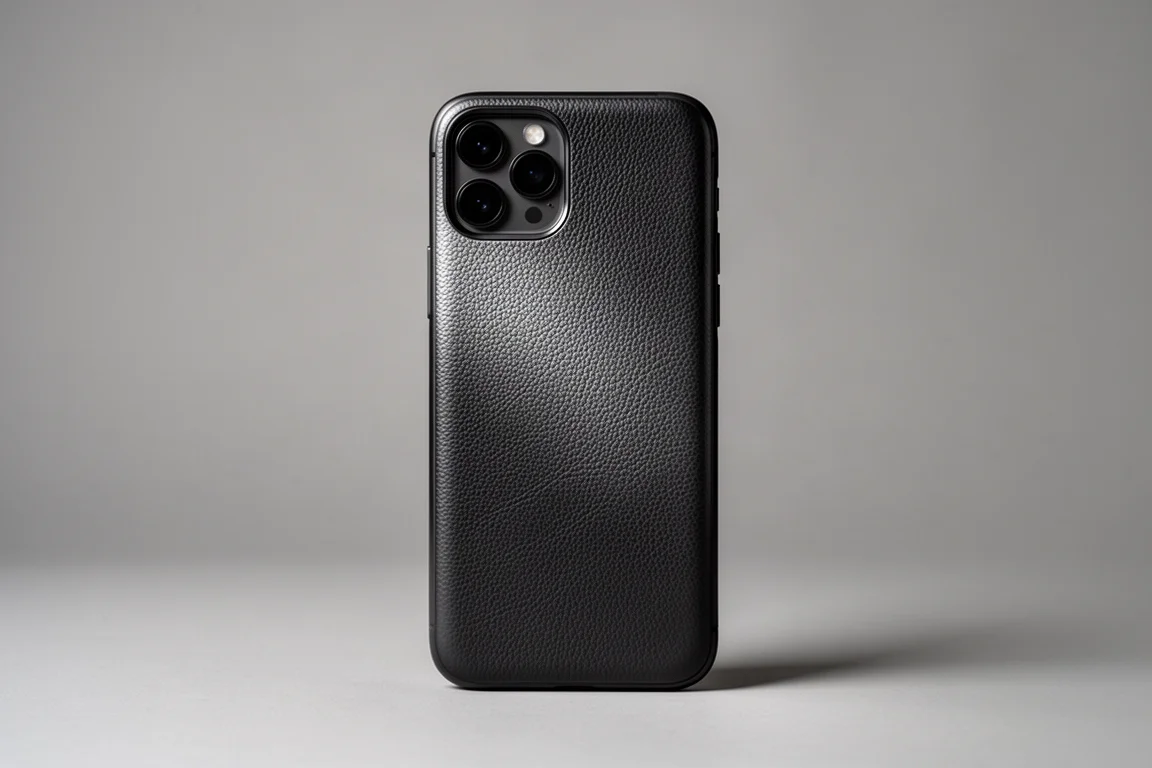
Most skins have a soft matte finish that resists grease even if your hands sweat, and the camo styles shift depending on how the light hits them. A skin will not protect your phone from drops, but it is an affordable way to scratch-proof a new phone, and the swarm option even adds texture.
Spigen Power Arc ArcStation Pro
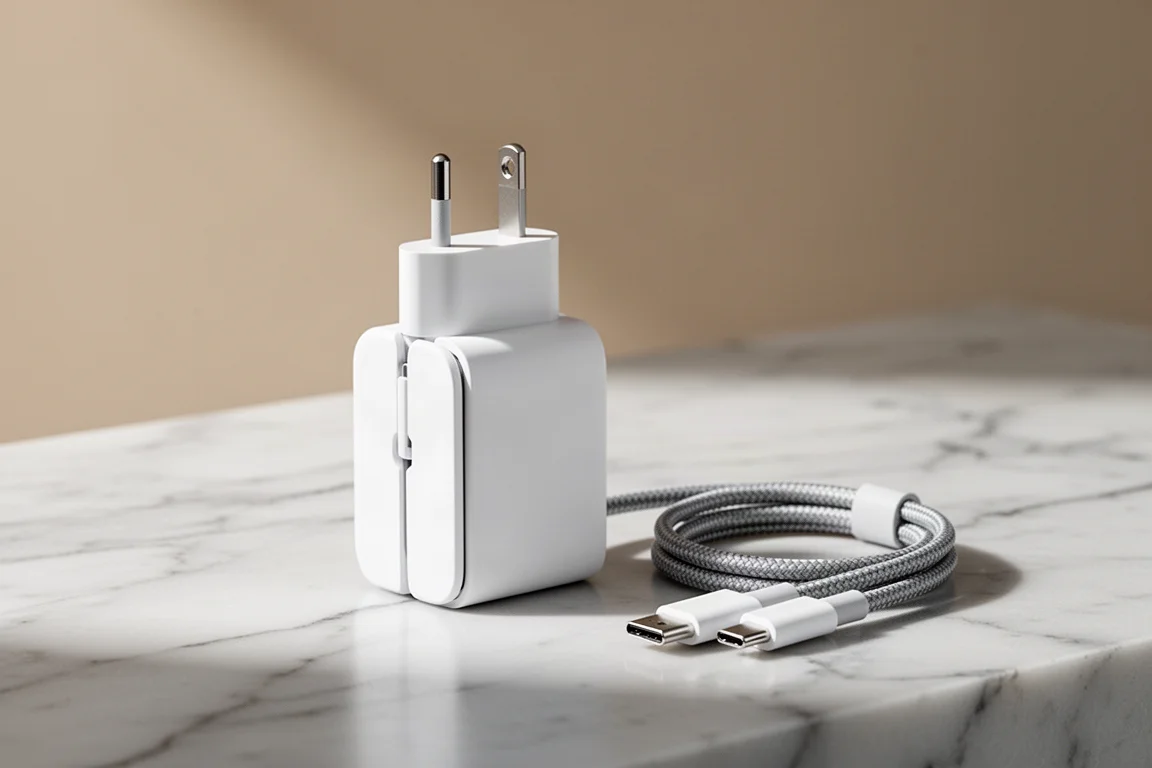
Your new phone does not come with a charger, so this one is simple to solve. The Spigen Power Arc ArcStation Pro puts out 20 watts from a single USB-C port in a tiny, pretzel-sized brick that is even thinner around the waist. It fast charges the S22 Ultra without any fuss, and the folding prongs actually stay in place when flicked open.
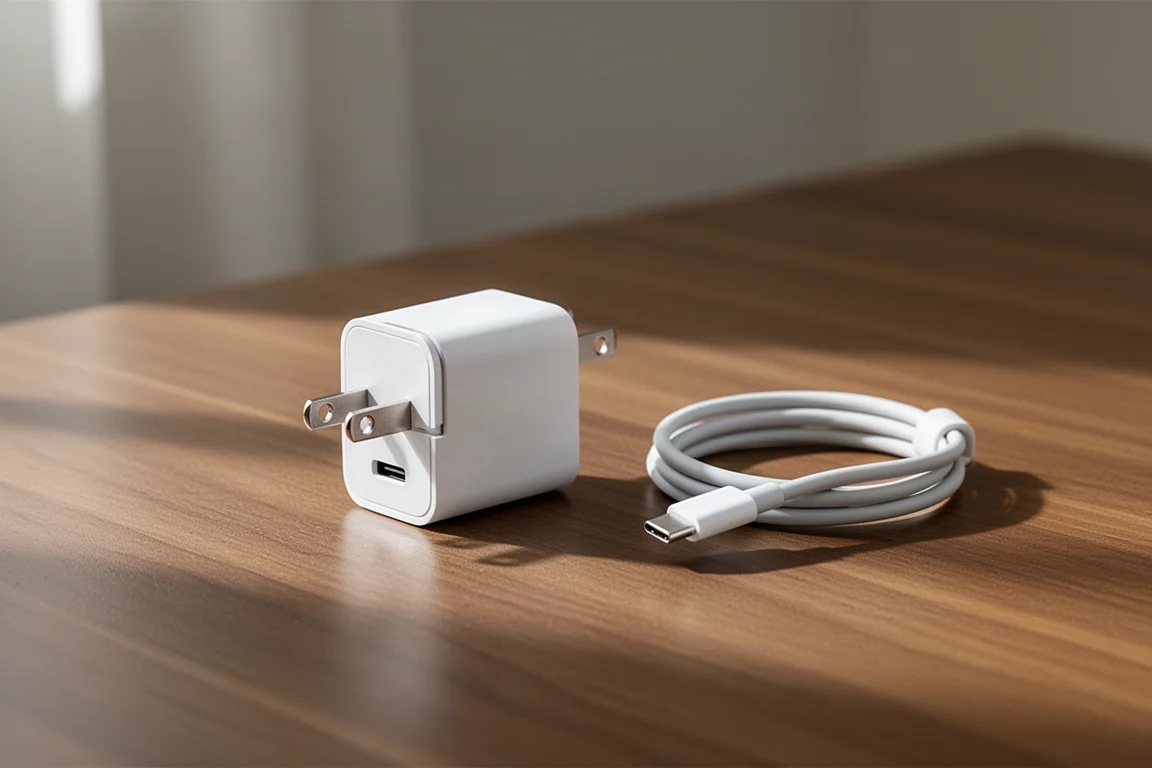
The real payoff shows up when you are not charging. Anyone who has traveled with chargers knows the misery of fixed prongs poking at everything in a bag. Folding prongs let this little brick coexist peacefully with the rest of your tech.
SmallRig Fold P10
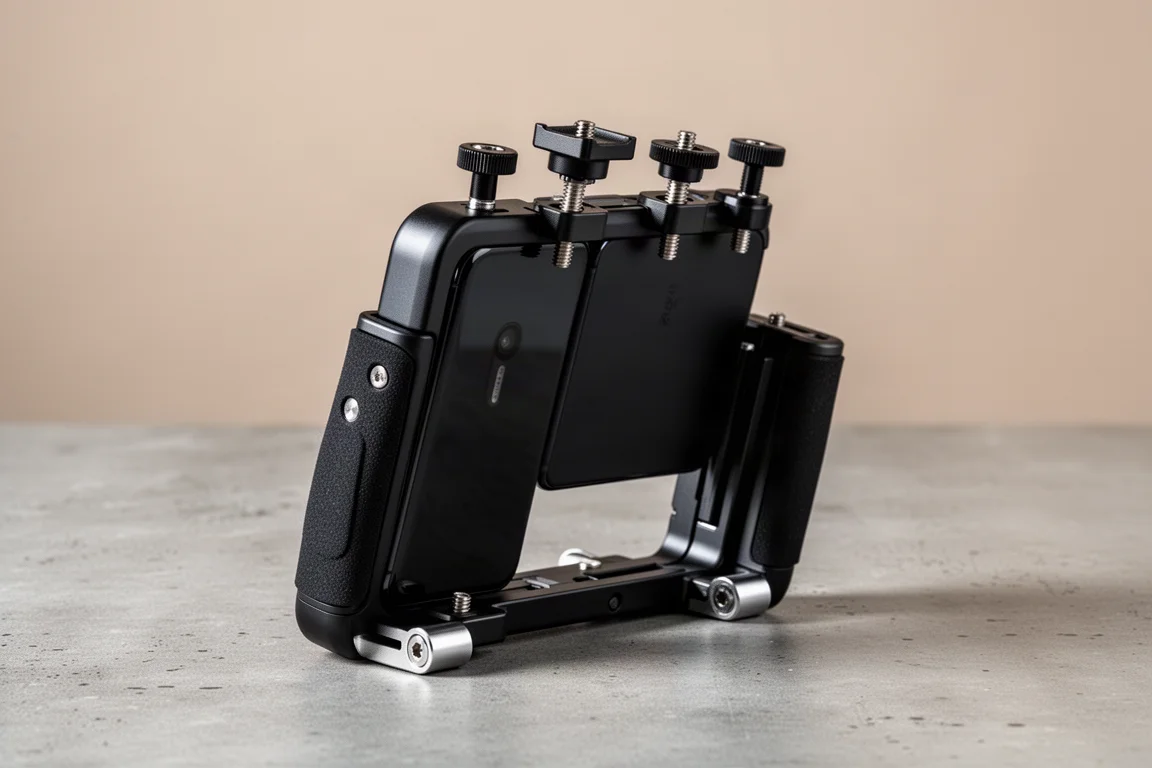
If you want to upgrade your content setup, the SmallRig Fold P10 has just about everything you need. It is built like a tank and folds out into a full phone rig. The fold-out clamp holds the phone very securely without budging, yet the phone is still easy to remove when needed.
On top you get several standard screw holes and triple hot shoe mounts for lights, microphones, or anything else your setup demands. There is also a built-in Bluetooth remote to start and stop recording, conveniently positioned beside your thumb so you do not have to let go of the grips. The grips themselves are thin but comfortable thanks to rubber padding.
Because phone cameras lack the built-in mounts and cages of professional cameras, you usually end up buying multiple accessories separately. The Fold P10 combines clamps, tripod mounts, and grips into one, so you can keep things minimal with a tripod hole for selfie-style shooting, or go all out with a second angle and a mini tripod on any table. When you are done, it folds flat and small enough to be probably the only full-fledged phone cage that fits into a front pocket.
Flydigi Wasp 2
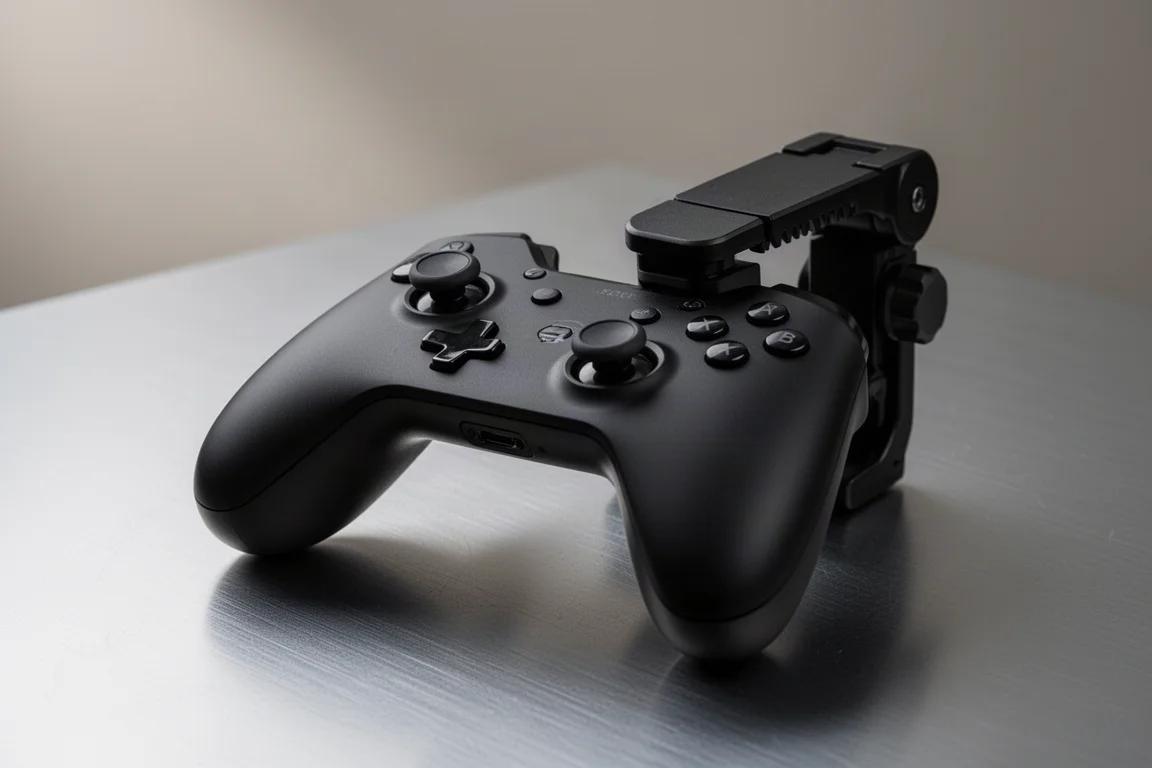
You are paying for the newest processors and screens, so gaming on the S22 Ultra makes sense, and the Flydigi Wasp 2 is a standout mobile gaming controller. Made of plastic with rubber touches for palm sweaters, it clamps directly onto the top or bottom of your phone, connects over Bluetooth with no plugs to worry about, and its ratcheting clamp locks at your desired height so it will not shift even after a rage quit.
You get half a controller with one main joystick, two cleverly placed buttons beneath it that your thumb can reach without losing joystick control, and standard dual shoulder buttons on top. Your left hand stays fully occupied while your right hand keeps complete control of the screen, which matters because most phone games still require touch input.
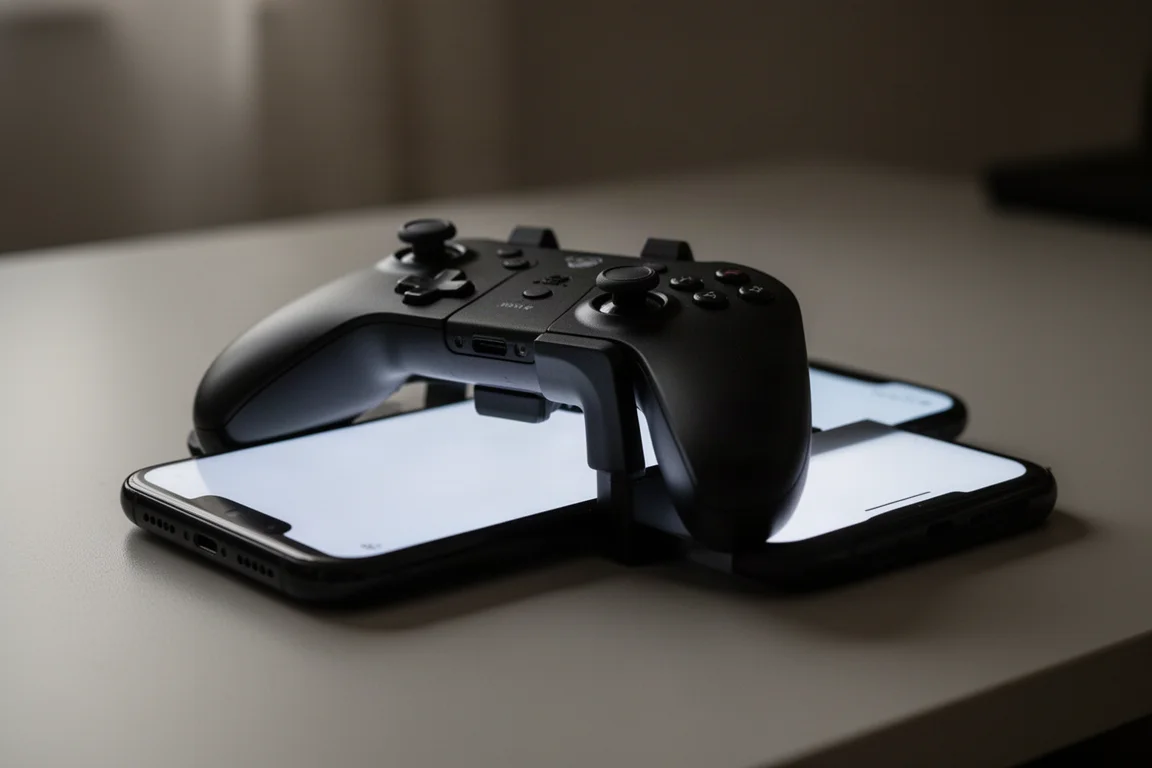
Paired with the companion app, you can adjust exactly what each button triggers and save profiles for specific games. A detachable rear button adds another input, with deeper customization like repeated presses or click-and-hold behavior. When you are done, the clamp locks all the way down and with the rear button removed nothing sticks out or comes loose, so the whole thing slides into a pocket.
Flydigi Wasp Wing
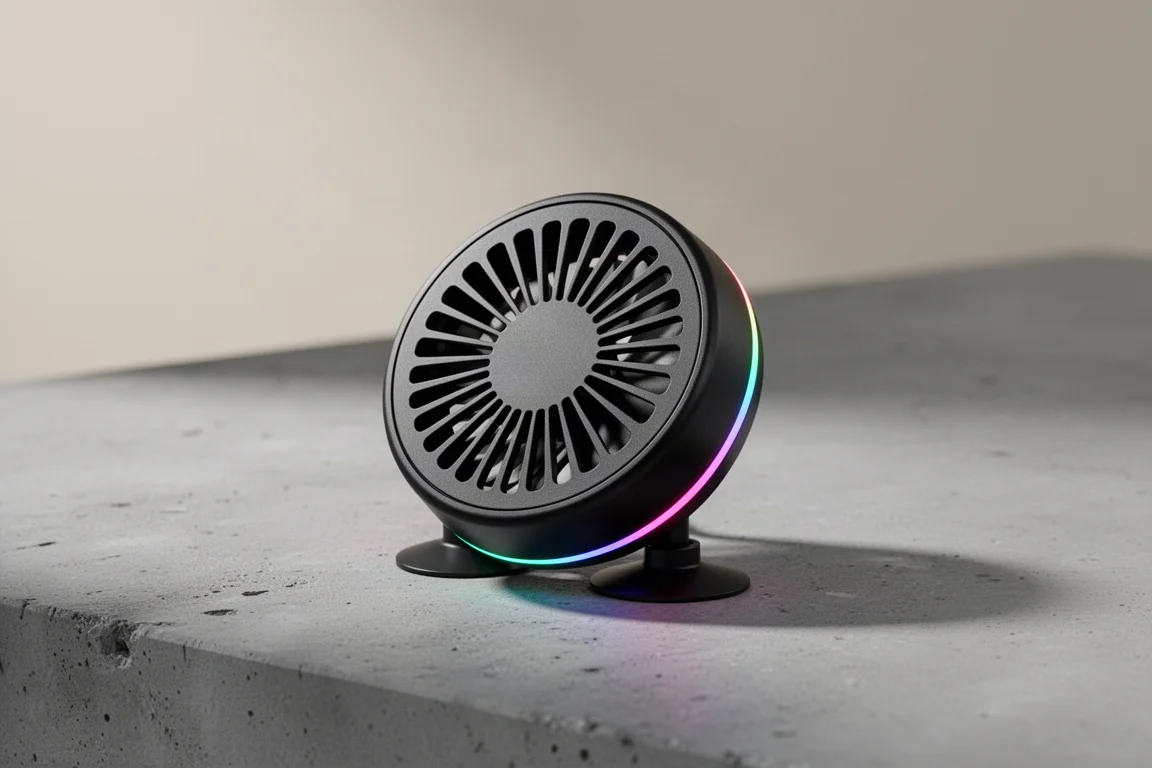
If you have played a demanding game on a phone, you know it gets hot. The Flydigi Wasp Wing is essentially a tiny fan that keeps both you and your phone cool. It attaches to the back of your phone with triple suction cups, offers three blowing strengths, and yes, it has RGB lighting.
While it is no refrigerator, the circulating air does help disperse heat from the phone, and it also feels pleasant on your fingers during long sessions. As long as you keep the suction cups clean, it stays in place very well. It is battery powered, so there are no extra wires to deal with, and it is small enough to pair neatly with the Wasp 2 controller without getting in the way.
Lenovo TrackPoint 2 Keyboard
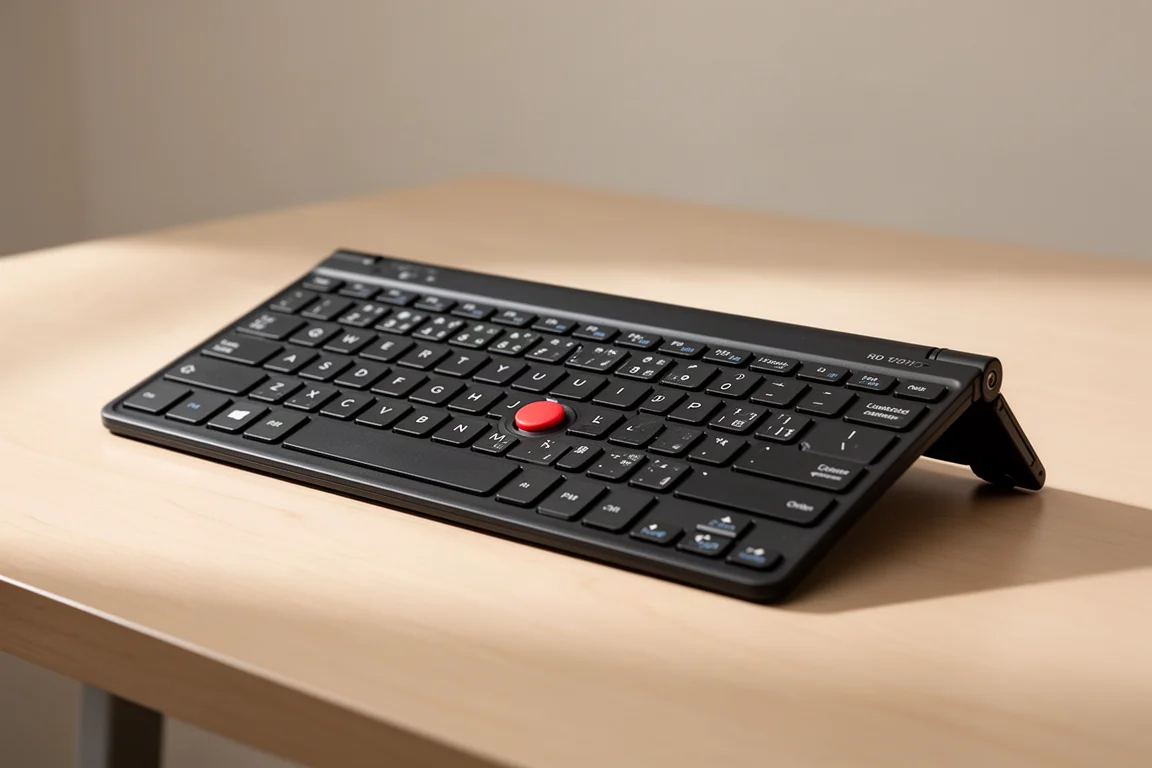
For people who want to use the S22 Ultra for literally everything, the Lenovo TrackPoint 2 keyboard earns its place mainly because of the little knob in the middle, which is a built-in mouse. As a keyboard, it offers a full set of keys with decent, clicky feel, which alone would be worth it for typing out emails.
Adding a mouse dead center where your thumb can easily reach is a game changer, especially when paired with Samsung DeX desktop mode. Without moving your hand you can move the cursor, and below the pointing stick you get left and right click plus scrolling, all without needing the extra desk space of a separate mouse. There is even a full row of function keys for volume, screen brightness, and home controls, all packed into a thin body.
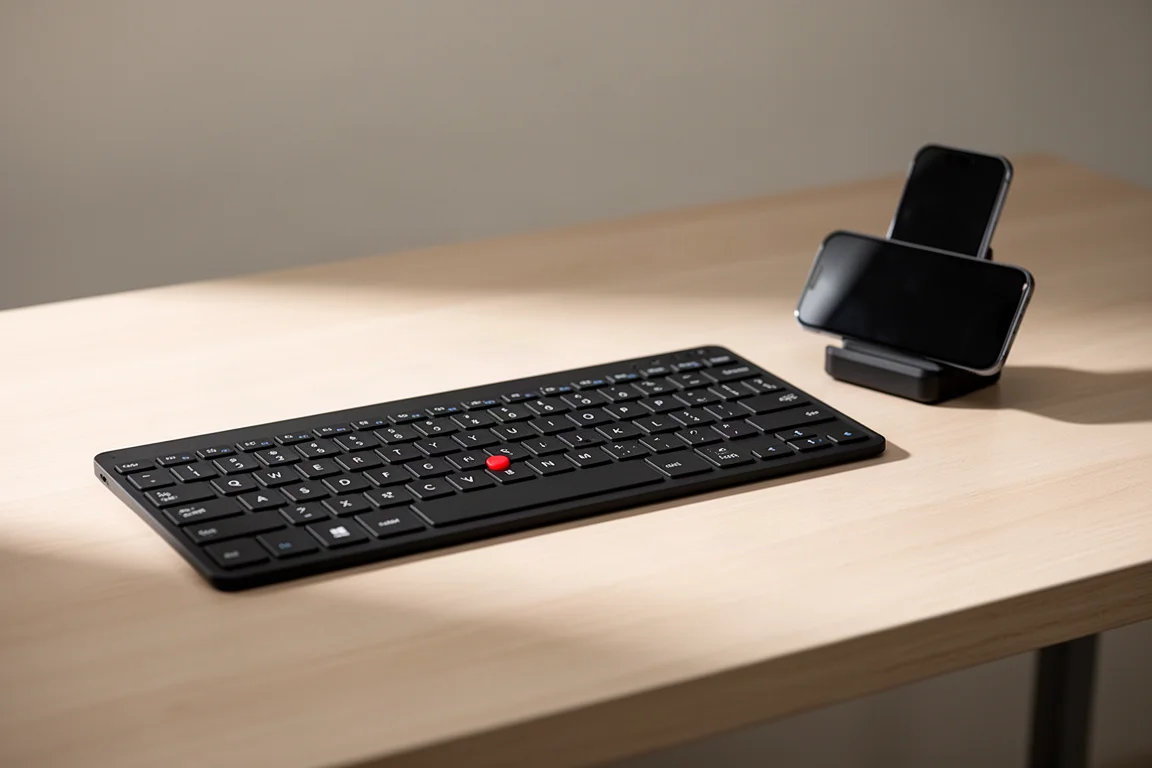
The included legs help with ergonomics, the rubber feet are tiny so they do not catch in a bag but still keep the keyboard in place, and it charges over USB-C. It also works with regular computers using the included dongle and dedicated PC or Android modes. It is not a fancy mechanical keyboard, but it still sounds and feels satisfying.
Buying Advice
If you can only pick one or two, start with grip and power: the Atomic Rip case or a skin, plus the Spigen charger, cover the two most obvious gaps in the S22 experience. Content creators should look at the SmallRig Fold P10, mobile gamers should prioritize the Flydigi Wasp 2 and add the Wasp Wing if heat becomes an issue, and anyone planning to use DeX seriously will get the most out of the TrackPoint 2 keyboard.
Conclusion
Each of these accessories targets a specific weakness or opportunity with the Galaxy S22 lineup. Match the pick to how you actually use the phone, and every one of them can make the experience measurably better without overcomplicating your setup.
Further reading
Related Reviews

Tech Accessories
Best Premium Tech Dupes 2026: Five Budget Alternatives That Actually Deliver
We compare five premium desk and streaming staples against their budget counterparts to see which dupes are genuinely worth the savings.
Tech Accessories
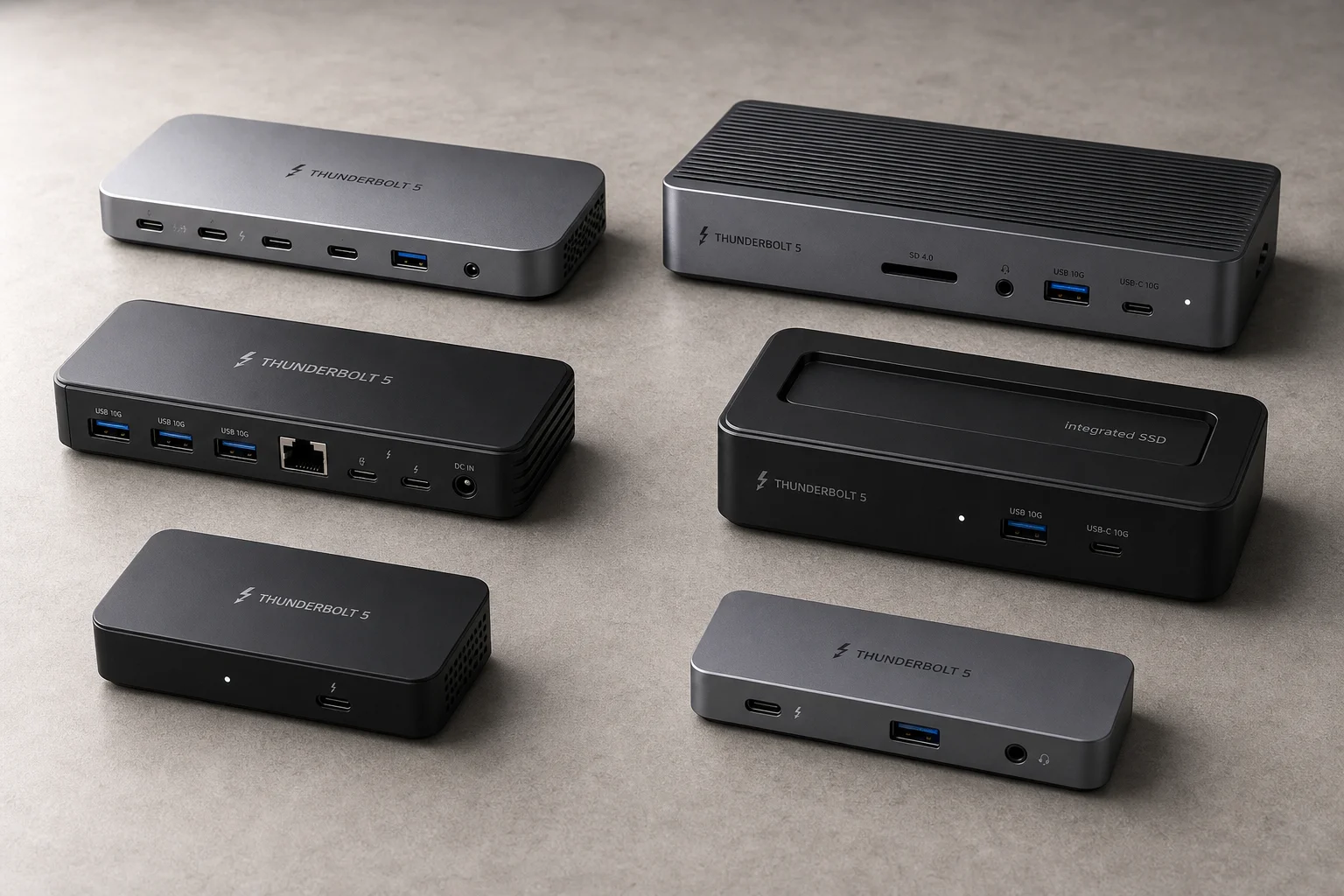
Best Thunderbolt 5 Docks 2026: Six Options Tested for Desktop Connectivity
A practical guide to six Thunderbolt 5 docking stations, covering their strengths, trade-offs, and which setup they suit best.
Tech Accessories
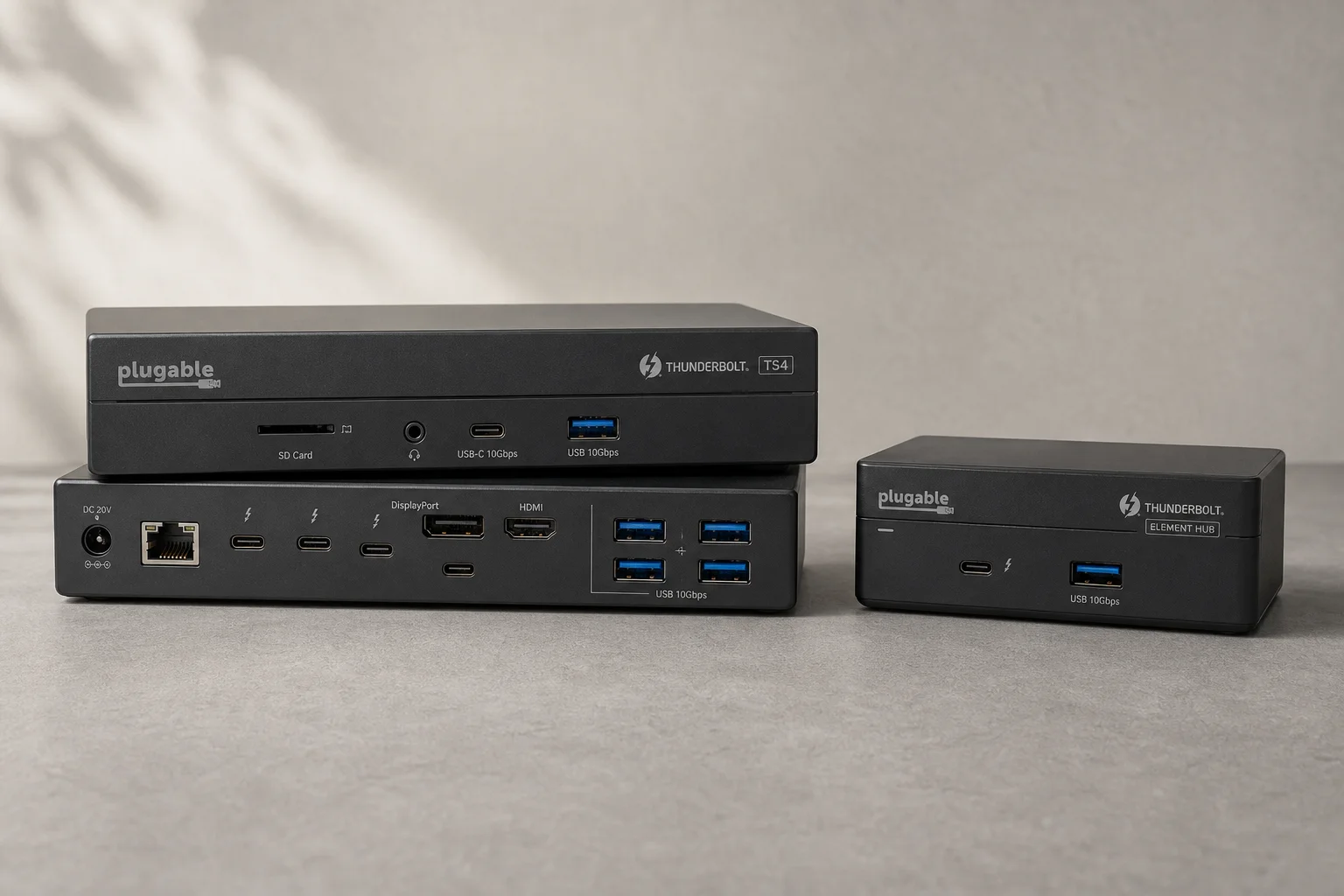
CalDigit Thunderbolt Docks: TS4 vs Element Hub
Two Thunderbolt docking solutions with different port counts and use cases. The TS4 offers 18 ports and 2.5 Gbps ethernet; the Element Hub provides a compact 8-port alternative.