Tech Accessories
Best MacBook Accessories 2026: Ten Picks for Storage, Charging, and Daily Carry
Ten practical MacBook accessories covering pouches, chargers, stands, private cloud storage, and bags, with honest strengths and trade-offs.
Introduction
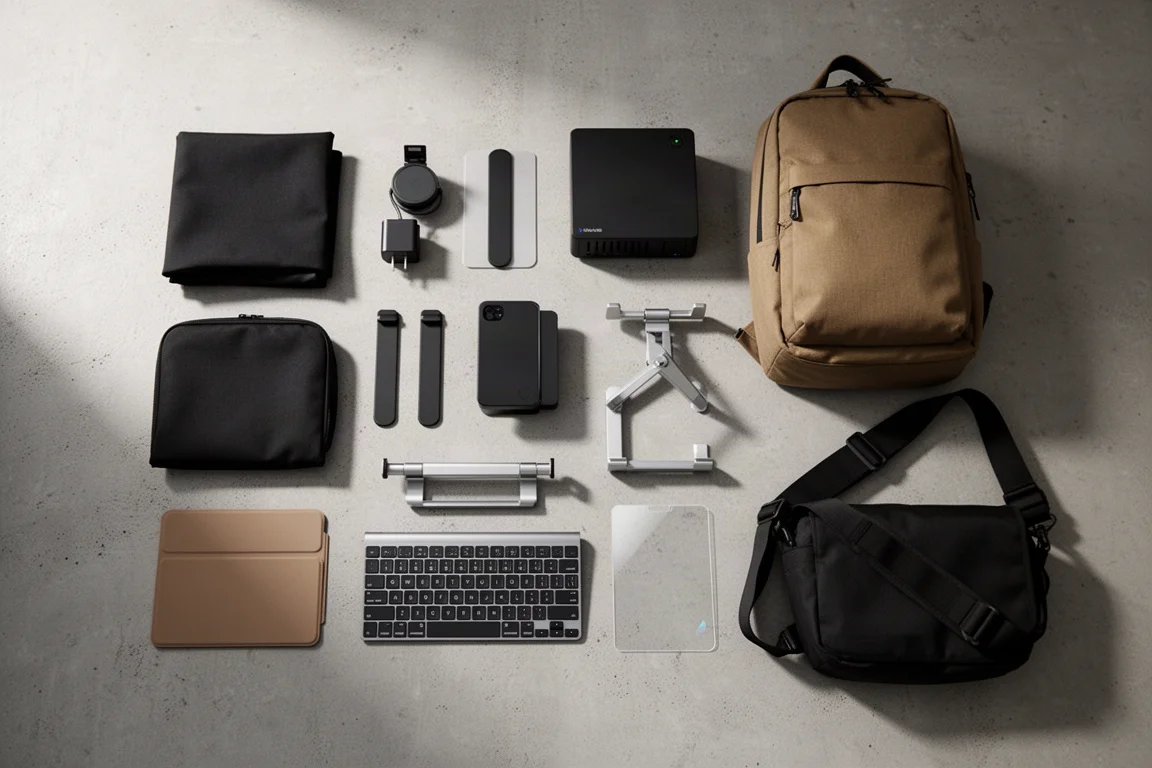
If you carry your MacBook everywhere, run out of storage constantly, or just want to keep prying eyes off your screen, this list covers ten accessories worth a serious look. It also includes one everyday carry pick that earns a permanent spot in the bag.
Evergoods Civic Access Pouch 0.5L
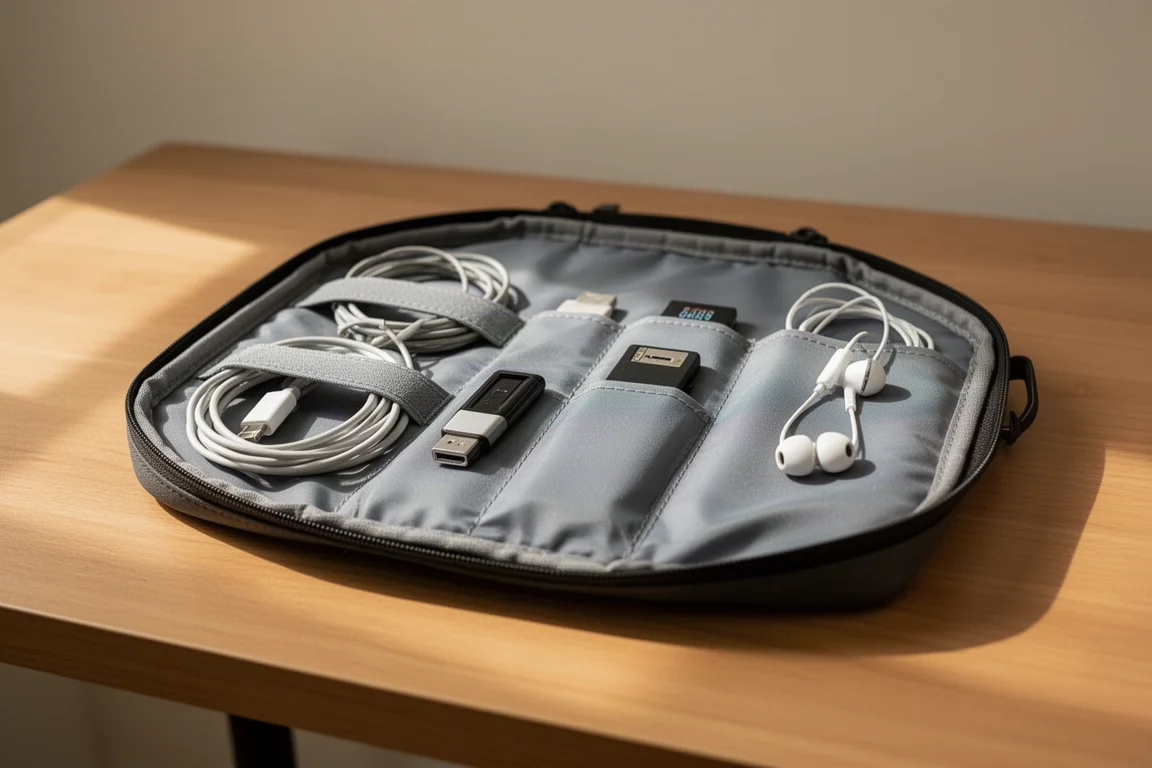
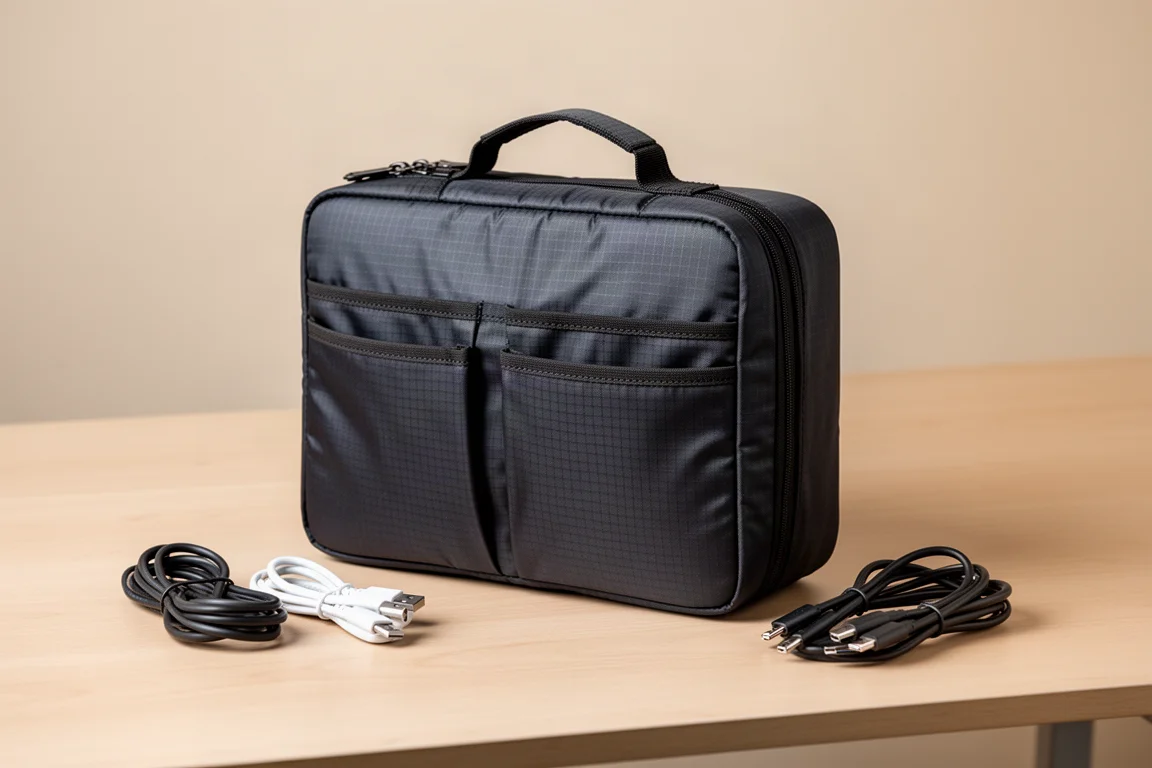
This is the tech pouch to reach for daily. The Civic Access Pouch is packed with organization: dual sleeves on the front face give quick access to tools, cards, and pens, with direct access to the top pocket. That front area is the right home for card readers, cables, and earphones, the things you need on the fly. Inside, the bag is designed to open completely flat, giving you visual access to every pocket while sitting flush on the desk, essentially doubling as a desk tray.
There is one large compartment lined with sleeve pockets that hide flat when you don’t need them, a zippered pouch down the middle to keep smaller items from flying around, and a back side with taller sleeve pockets that make perfect holders for SSDs, cleaning tools, and batteries. Build quality is the headline: reinforced stitching in the areas that get stretched and pulled constantly, plus a flush top handle for grabbing it in and out of bags. The dome-like shape with a flat top and back also behaves like a bottom shelf inside your bag. This is a pouch that will likely outlast any laptop or bag you pair it with.
Torras Flex Line 67W
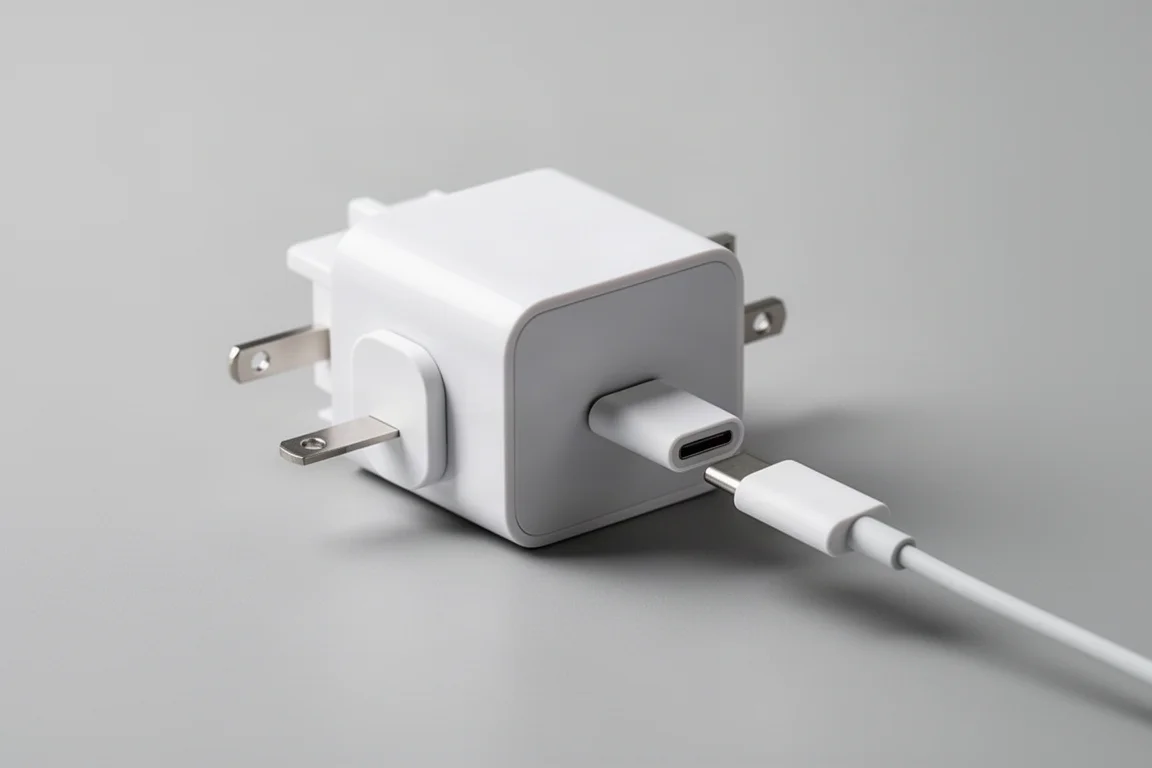
Chargers are a classic two-piece problem: the wall plug and the cable, and you inevitably forget one or the other. The Torras Flex Line 67W solves it by building the cable right in, making it essentially impossible to leave anything behind. Folding prongs and a magnetic USB-C head that folds flat keep it compact.
In use it works exactly as you’d hope: plug in, pull out, and the cable locks at the distance you want. At 67W it won’t charge a MacBook at its fastest possible speed, but it will keep it topped up, and it is fast enough for phones, earbuds, tablets, and gaming devices. The flat cable design passes tug-and-torture testing with ease, the curved squared-off shell slides easily into any pouch or jacket, and an additional USB-C port lets you share with a friend. The shell is flame-resistant, and Torras also offers MagSafe batteries as thin as the iPhone Air, but this fidgety charger is the star.
Alumo G07 Pop-Up Kickstands
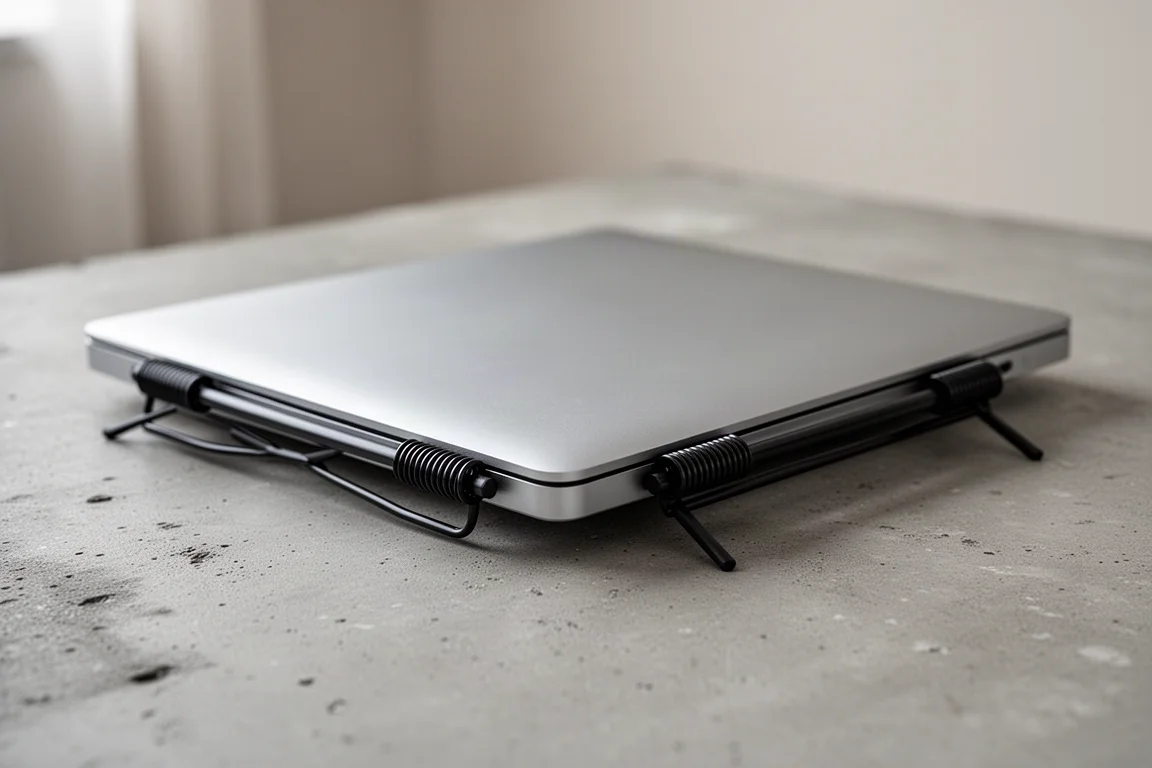
Laptop kickstands are easy to dismiss until you actually use them. The Alumo G07 pop-up kickstands raise a MacBook about 15 degrees, lifting the screen for better viewing and giving your arms a break while typing. They pass the poke test: the laptop doesn’t tip over, and the adhesive stays firmly attached.
They do add a slight bump on both sides, but that beats carrying a full folding stand that adds a textbook’s worth of bulk under your laptop. They look sharp, still allow the laptop to be used lying flat, albeit with a slight wobble, and the spring-loaded mechanism doubles as a very satisfying fidget. As an accessory that adds essentially no bulk and slides in and out of bags without issue, it’s hard to go wrong.
Ugreen NAS
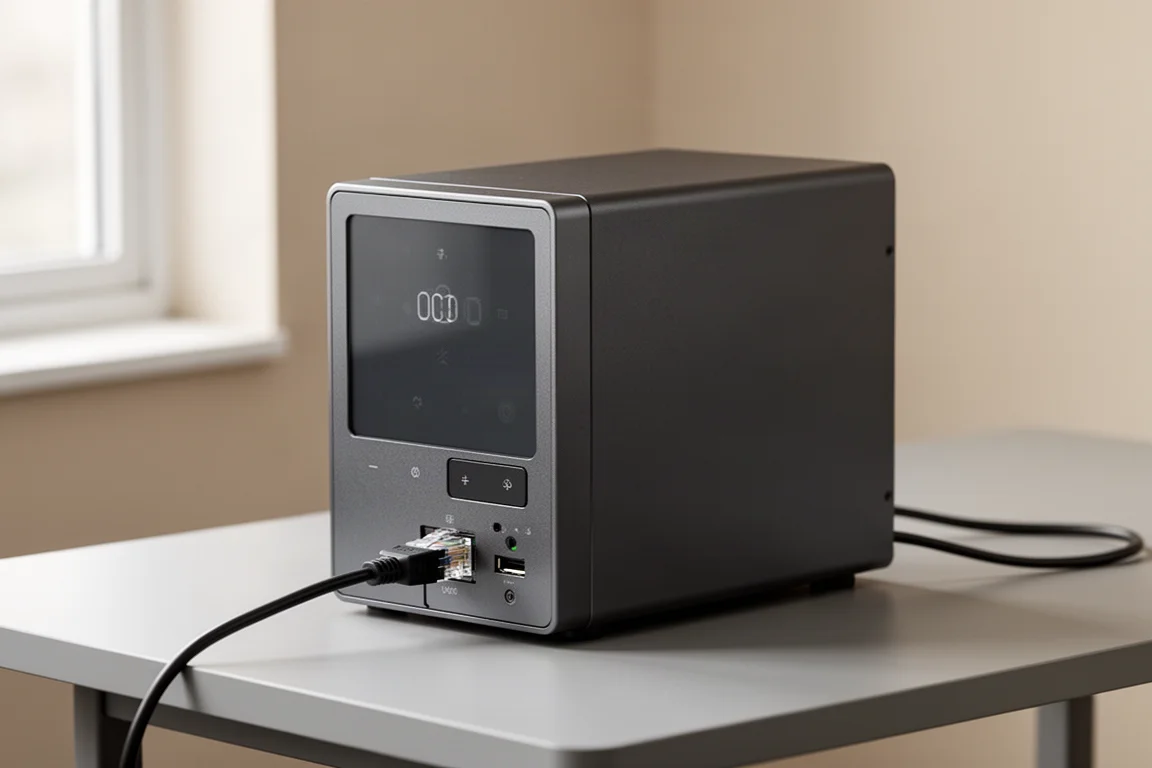
Cloud storage subscriptions add up and transfers can be slow. The alternative is running your own cloud file service, and Ugreen has made that surprisingly approachable, even for beginners. Around $520 buys 16 TB of storage as a one-time cost. Compare that with roughly $600 per year for a similar amount of paid cloud storage and the math gets compelling quickly.
Setup is among the easiest of any storage system, and it can all be done from your phone. For those who want to dig deeper, there are full RAID options, multi-user support with privileged access, and automatic phone backups over Wi-Fi. The interface is easy enough to navigate that you’ll feel like an IT expert. Connection speed is a solid 1 gigabit, and local transfers are dramatically faster than uploading to a cloud service over a wired connection. NFC on the front makes sharing as simple as tapping your phone on the unit, and you can access all your files from anywhere in the world with an internet connection. A 20% off code is available, matching the Black Friday deal, so there’s reason to buy early.
Air Slim Pack 2
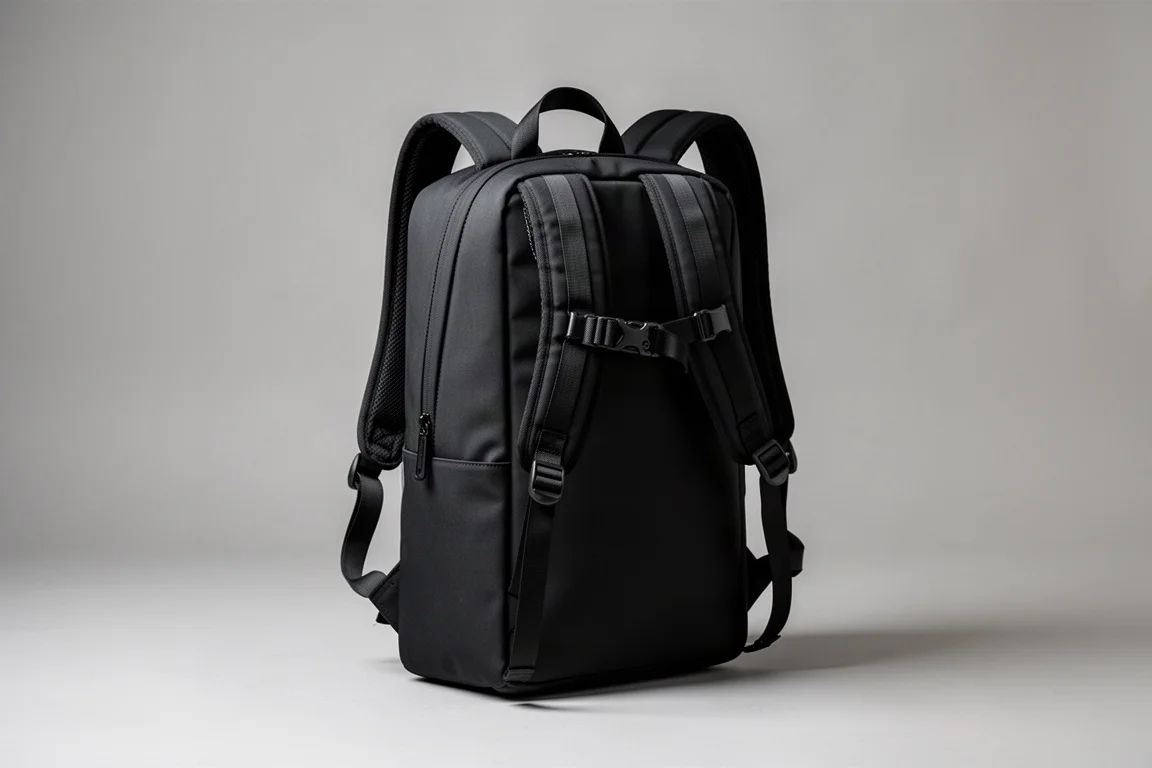
The Air Slim Pack 2 has one job: carry and protect your laptop. Designed for city life when you want to pack light and avoid wrestling a bulky backpack onto a crowded train, it brings over the strong points of the brand’s classic lineup: padding everywhere, water-resistant materials and zippers, and plenty of internal organization.
The top-loaded sleeve pocket keeps the laptop from weighing down the main compartment, and smaller zippered and sleeve pockets stop small items from vanishing into the abyss. The main compartment isn’t large; this isn’t a travel or laundry-hauling bag. It’s essentially a fancy briefcase in a backpack layout, with the padded rear laptop sleeve as the star. There are no water bottle pockets, but there is a quick-access pouch on top, and the included quick-release Fidlock chest buckle is a genuine win. This is the pick for minimalists who want to glide onto rush-hour public transport.

Rolling Square Edge Pro Kit
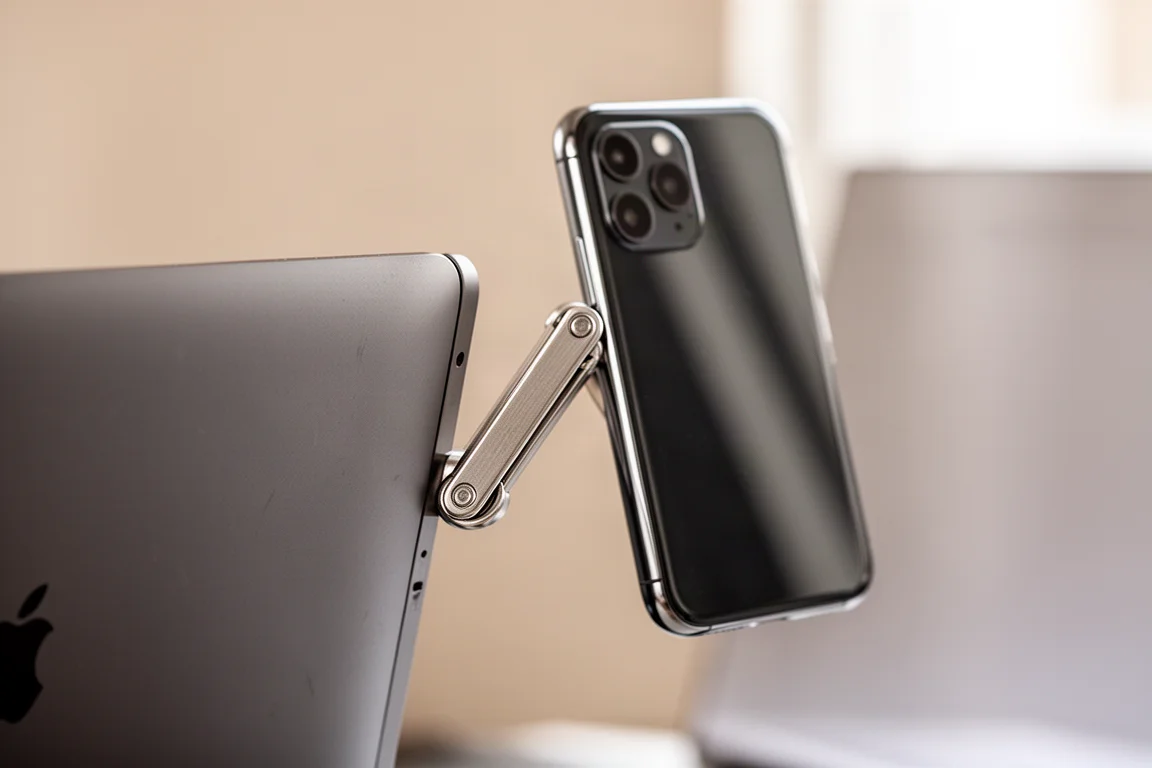
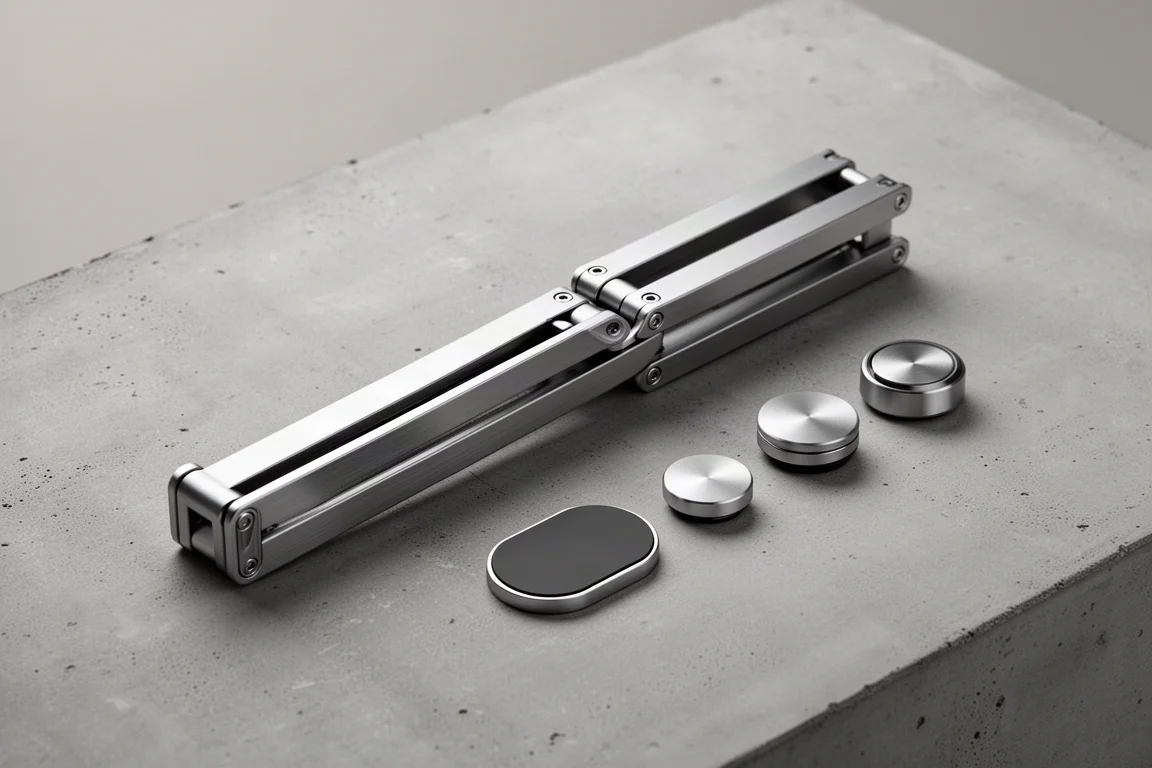
Having your phone right next to your laptop screen makes everything more convenient, scroll sessions included. The Rolling Square Edge Pro Kit is a folding metal bar that magnetically attaches to your screen, giving you a MagSafe mount right on the laptop display. It detaches cleanly when you want to actually stay focused.
The kit includes useful accessories such as a wireless charger and a light. Installation is simple, the sticky-backed mount holds firm under tugging, and the magnets are genuinely strong. The light attachment runs off a battery with a few brightness settings, and combined with the friction hinge you can nail the perfect angle on every video call. It’s a modular iPhone mount system that basically disappears when you don’t need it.
Peak Design Slide Stand
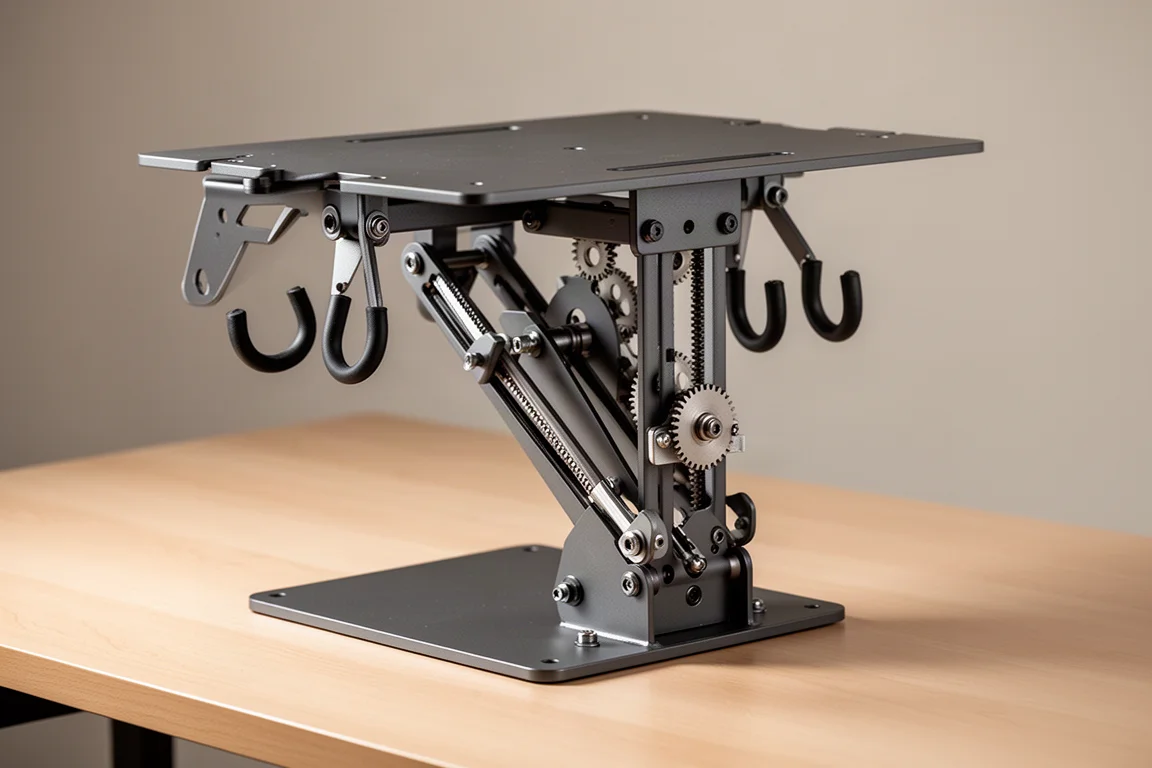
For a desk setup worthy of an inbox-clearing session, the Peak Design Slide Stand is an all-metal unit with wings, sliders, and ratcheting gears. A large share of its value is simply how good it looks on a desk, but it is genuinely functional too.
Dual hooks on the bottom and top of the frame, adjustable and locking angles, and a multifunctional top plate give it real range. Lined in rubber so it won’t scratch your gear, the friction-fit headphone stand is strong enough to double as a display stand for collectibles. If your desk is part workspace, part showcase, this is the piece that ties it together.
Logitech Keys-To-Go 2
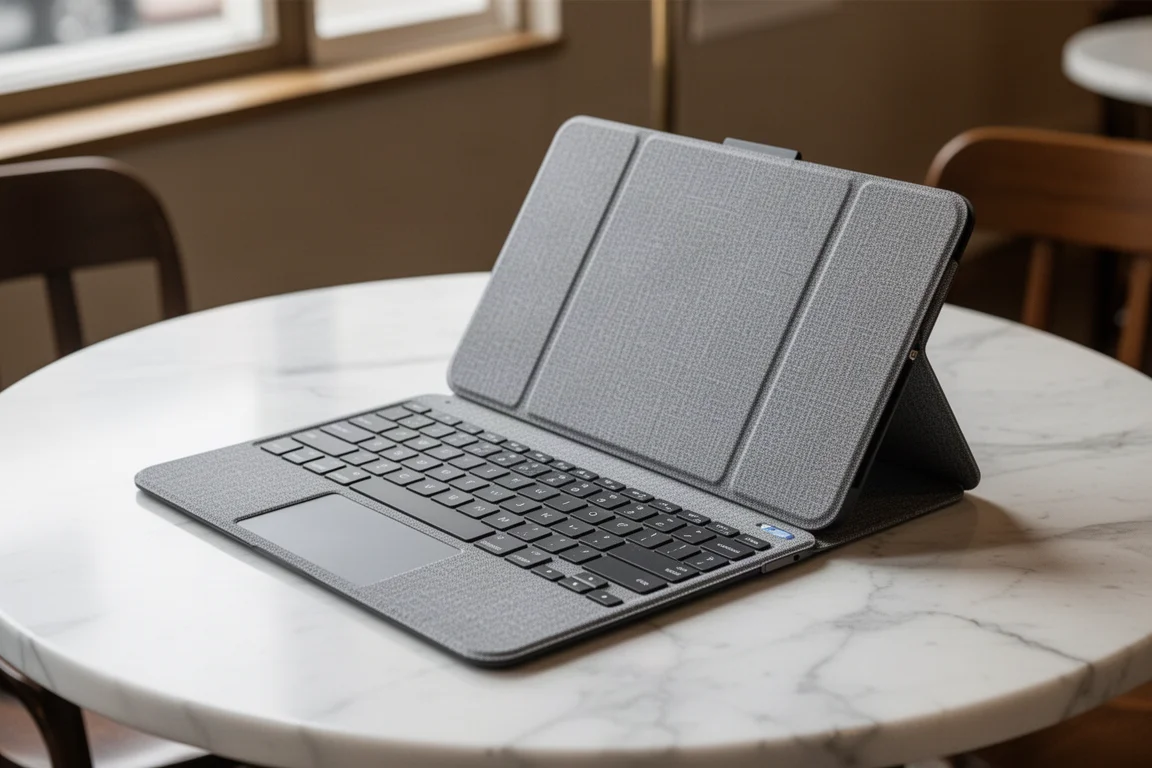
If you like working from coffee shops, the Logitech Keys-To-Go 2 makes the setup feel more like home. The flat chiclet-style keys closely resemble a MacBook’s own keys: quiet, and quicker to type on for many people. The attached front hard shell cover keeps everything protected while barely adding any bulk, and when folded 360 degrees around the back it magnetically attaches so it doesn’t flap around while typing.
Despite running on batteries, which is why it can be so thin, it still includes a row of function keys, arrow keys, and a large space bar. Tucked away it is remarkably slim, the smooth finish slides into pockets without keycaps catching, and multi-device support lets you swap between three devices with a single button press. As a lightweight travel companion for a laptop, it barely adds any weight at all.
Speak and See Through Privacy Screen Protector
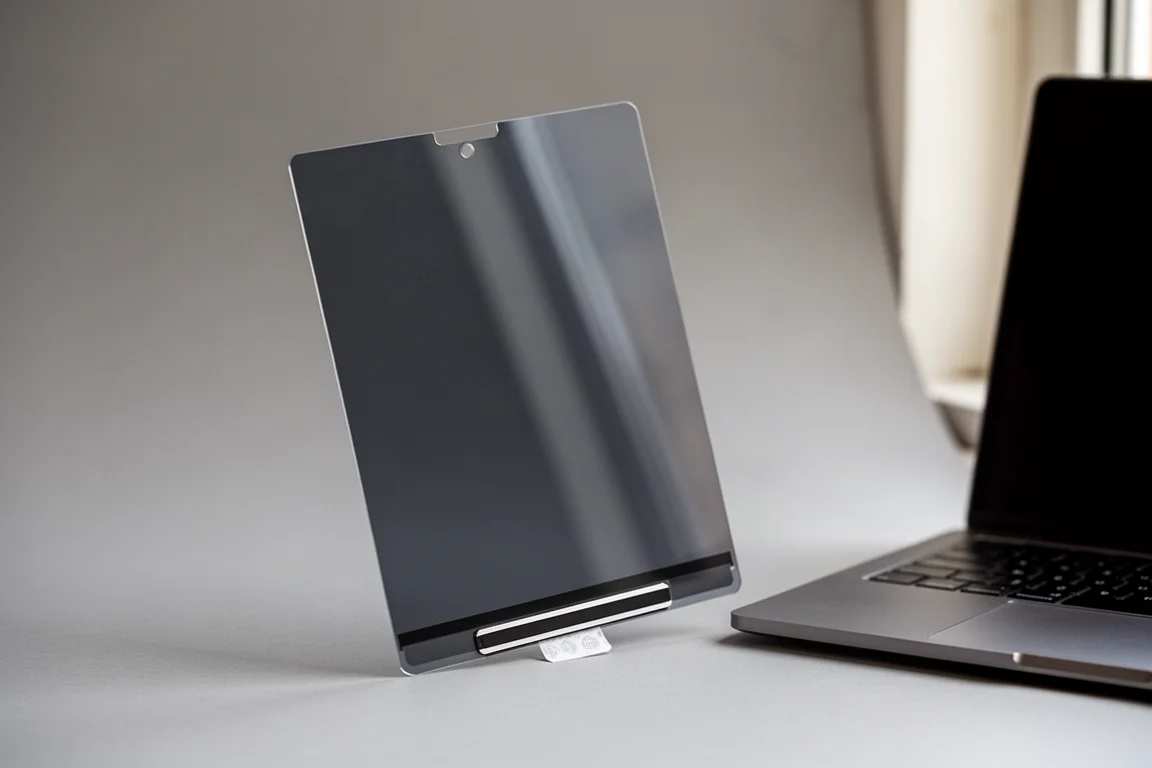
A privacy screen protector is a safe bet if you’d rather strangers not see what’s on your display. What makes the Speak and See Through protector special is that it’s removable and reusable, which is rare for screen protectors. Thanks to magnets plus a washable strip of sticky tape, you snap it onto the screen, let the bottom stick into place, and you’re done. Anyone walking past or peeping at an angle sees a black screen, while you still see everything clearly from directly in front.
There is one caveat: we ran into a thickness issue where the screen wouldn’t stay fully shut anymore, possibly because a skin was applied to the MacBook. Not a problem when it goes into a bag, but worth knowing if you leave it closed on a desk. Reusability held up impressively: after repeated removals, installations, and deliberately dirtying then washing the tape strip, it still worked like new. It can also simply be stored away when not needed.
Alpaca Flight Satchel
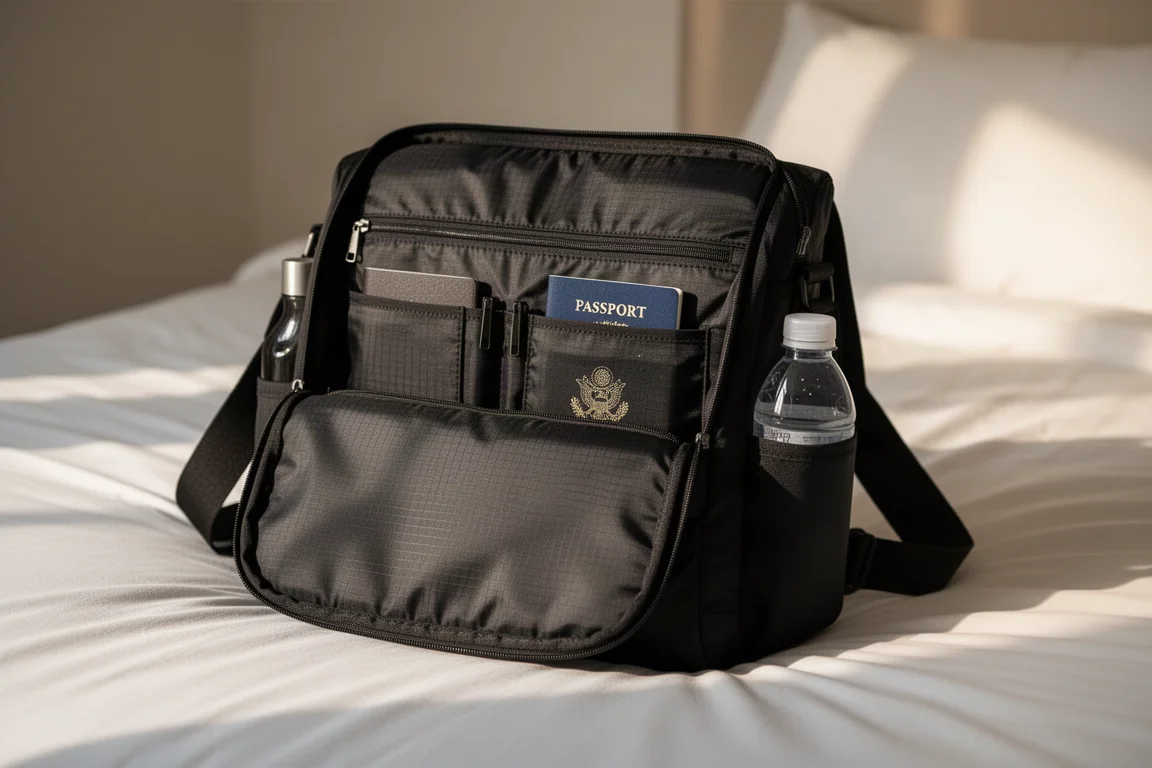
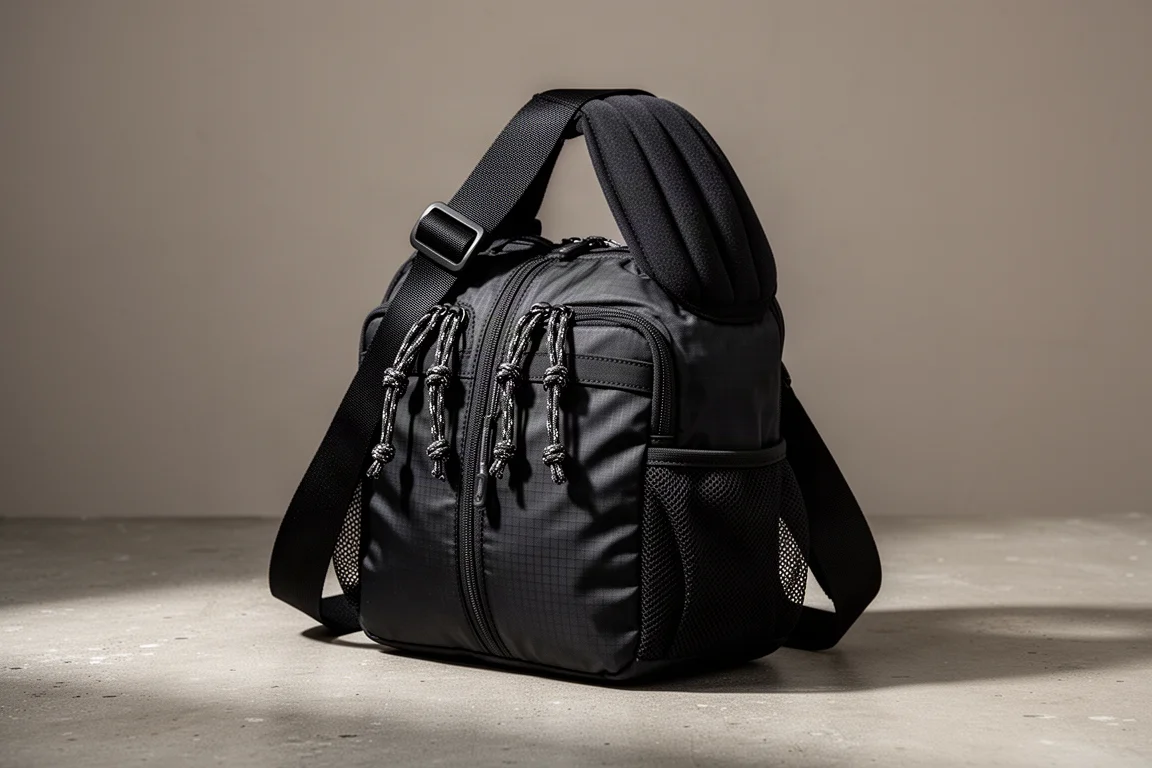
For sling-style fans, the Alpaca Flight Satchel fits a 14-inch MacBook, though just barely, as it’s designed for 13-inch laptops at most. Organization is on deck: dual water bottle pockets with a mesh bottom for drainage, front quick-access pockets with water sealing, and a split interior for extra sorting. Large paracord zipper pulls make handling easy, with waterproof ripstop nylon inside and out.
A full zipper across the top gives an aerial view of all your gear, with a large front section for accessories and pouches plus a Velcro-strapped padded sleeve along the back to protect your most precious items. There’s a large zipper pocket inside, but the real gem is the hidden rear pocket that sits against your body, perfect for cash, passports, or a phone on a travel day. With padding on the thick shoulder strap, it also works as a day-to-day sling, and the all-black finish delivers unmistakable corporate spy energy.
Buying Advice
If your MacBook never leaves the house, start with the desk-side picks: the kickstands, Slide Stand, or the Ugreen NAS if storage costs are eating your budget. If you commute, pair a protective bag, either the Air Slim Pack 2 or the Flight Satchel, with the pouch and charger inside it. Commuters and coffee-shop workers should also consider the privacy screen protector and the portable keyboard as quality-of-life upgrades.
Conclusion
Every pick here solves a specific, real problem: losing cables, paying monthly for storage, peeping eyes, or a laptop rattling around unprotected. Match the accessory to the problem you actually have, and each one of these can quietly make the MacBook experience noticeably better.
Further reading
Related Reviews

Tech Accessories
Best Premium Tech Dupes 2026: Five Budget Alternatives That Actually Deliver
We compare five premium desk and streaming staples against their budget counterparts to see which dupes are genuinely worth the savings.
Tech Accessories
Best Thunderbolt 5 Docks 2026: Six Options Tested for Desktop Connectivity
A practical guide to six Thunderbolt 5 docking stations, covering their strengths, trade-offs, and which setup they suit best.
Tech Accessories
CalDigit Thunderbolt Docks: TS4 vs Element Hub
Two Thunderbolt docking solutions with different port counts and use cases. The TS4 offers 18 ports and 2.5 Gbps ethernet; the Element Hub provides a compact 8-port alternative.