iPhone Accessories
9 iPhone Accessories That Actually Earn a Spot in Your Daily Carry
A protective case, a slim skin, a one-thumb game controller, automatic photo backup, an instant printer, and more practical iPhone accessories worth a look.
Introduction
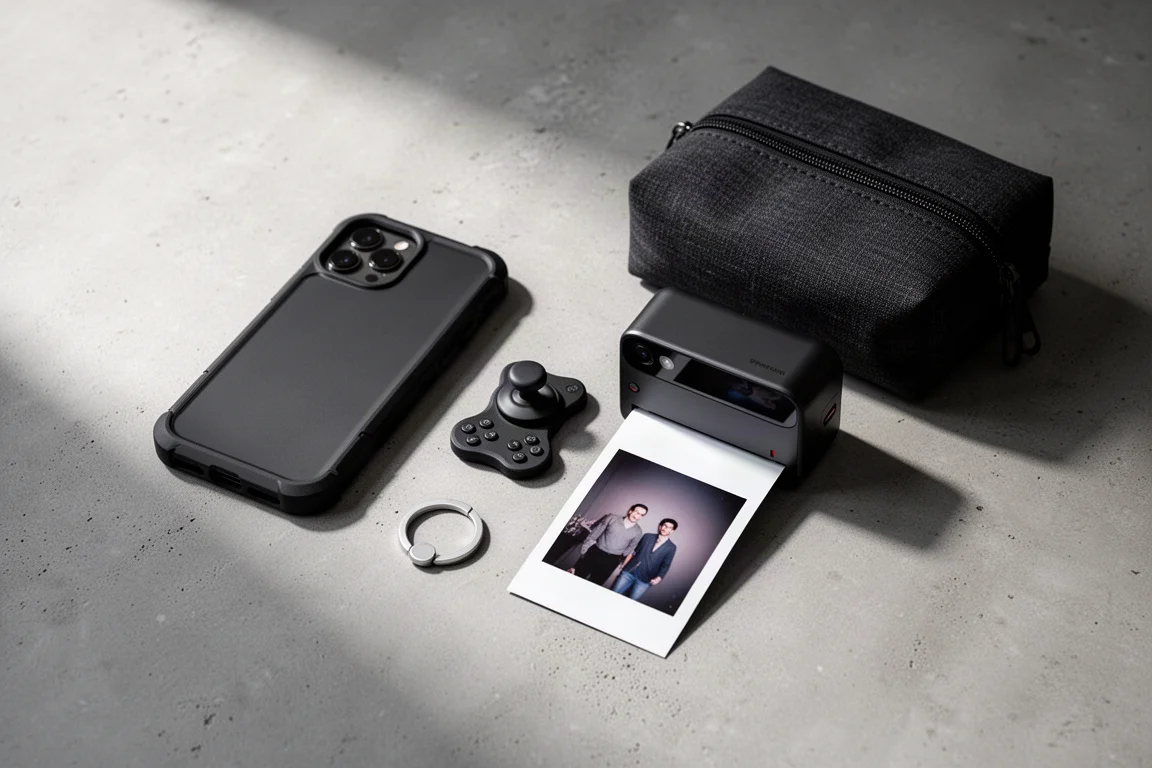
A new iPhone is only half the story. The right accessories turn it into something you actually enjoy carrying, gaming with, and trusting not to break. This roundup covers nine picks that each solve a specific problem: drop protection, scratches, mobile gaming, storage anxiety, printed memories, magnetic mounting, grip, everyday automation, and carrying the whole collection. None of them are gimmicks, and each one has a clear reason to exist.
Best Protective Case: Rhino Shield
Rhino Shield cases have been a long-standing favorite for good reason. The honeycomb shock-spreading structure inside does the heavy lifting, and the design has stayed largely unchanged over the years because it simply works. You get clicky buttons, generous cutouts, and full coverage even with the larger camera modules. It is not the thinnest tough case on the market, but it stays manageable one-handed, and a thick lip around the front helps if your grip is less than perfect.
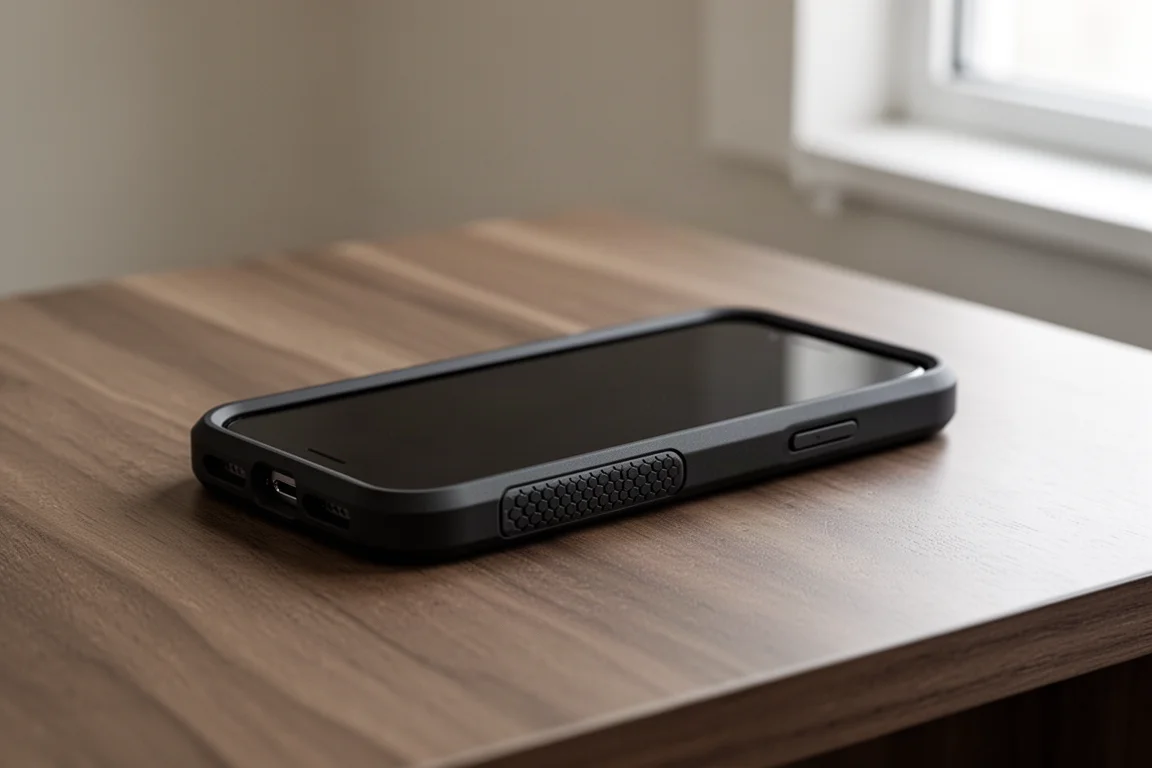
One thing a case cannot do alone is protect the screen, which is why a screen protector is still worth pairing with it. Rhino Shield makes a flexible, clear impact protector that holds up to serious abuse. Combined with the case, you can toss the phone into a pocket with keys and change without thinking twice, and pick it up face-down without that moment of dread.
Best Slim Option: dbrand Skins
If you would rather not cover up the phone at all, dbrand skins are still among the best available. They come in a wide variety of designs, from the popular robot camo pattern to mix-and-match panels if you want a two-tone look. The flat edges of recent iPhone designs make application much easier, and if you struggle, dbrand’s installation tutorials are genuinely entertaining.
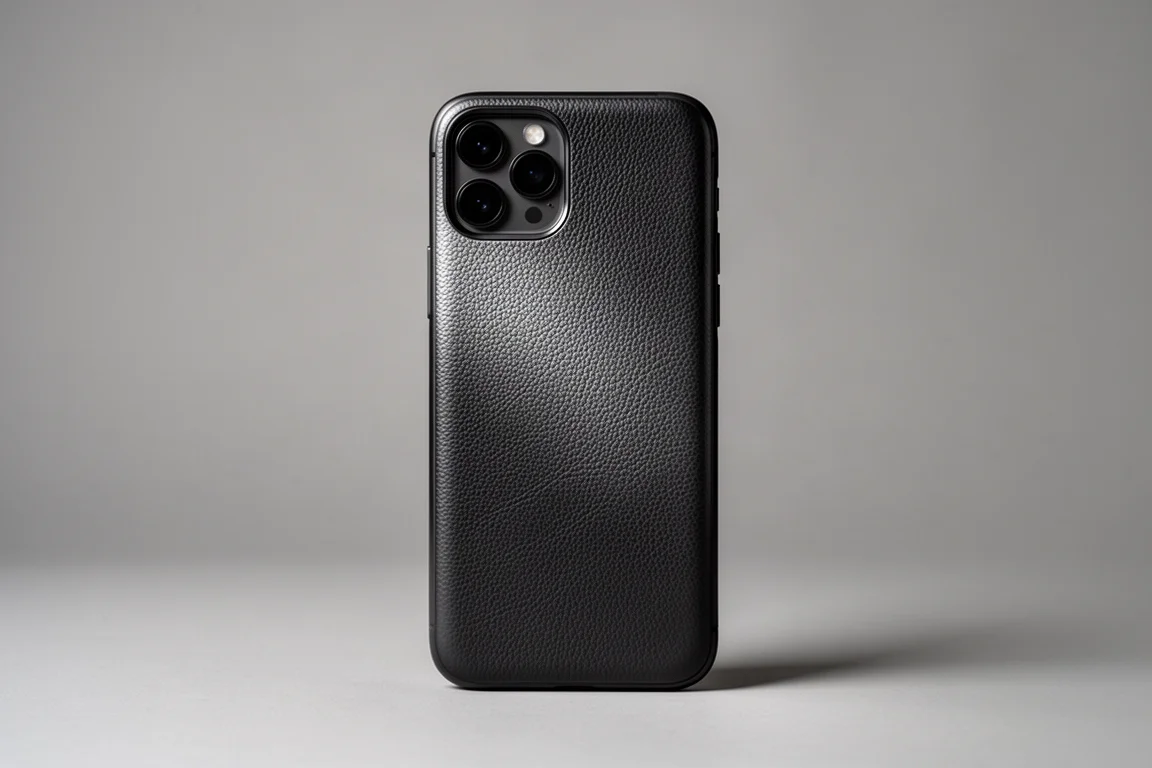
It is worth being clear about what a skin is and is not: it will not save the phone from a serious drop. What it does very well is prevent dings and scratches from everyday pocket carry. The 3M vinyl construction is durable enough not to peel no matter how many times the phone goes in and out of tight jeans, and when you do decide to change the look, no residue is left behind.
Best Budget Controller: Flydigi Joy One
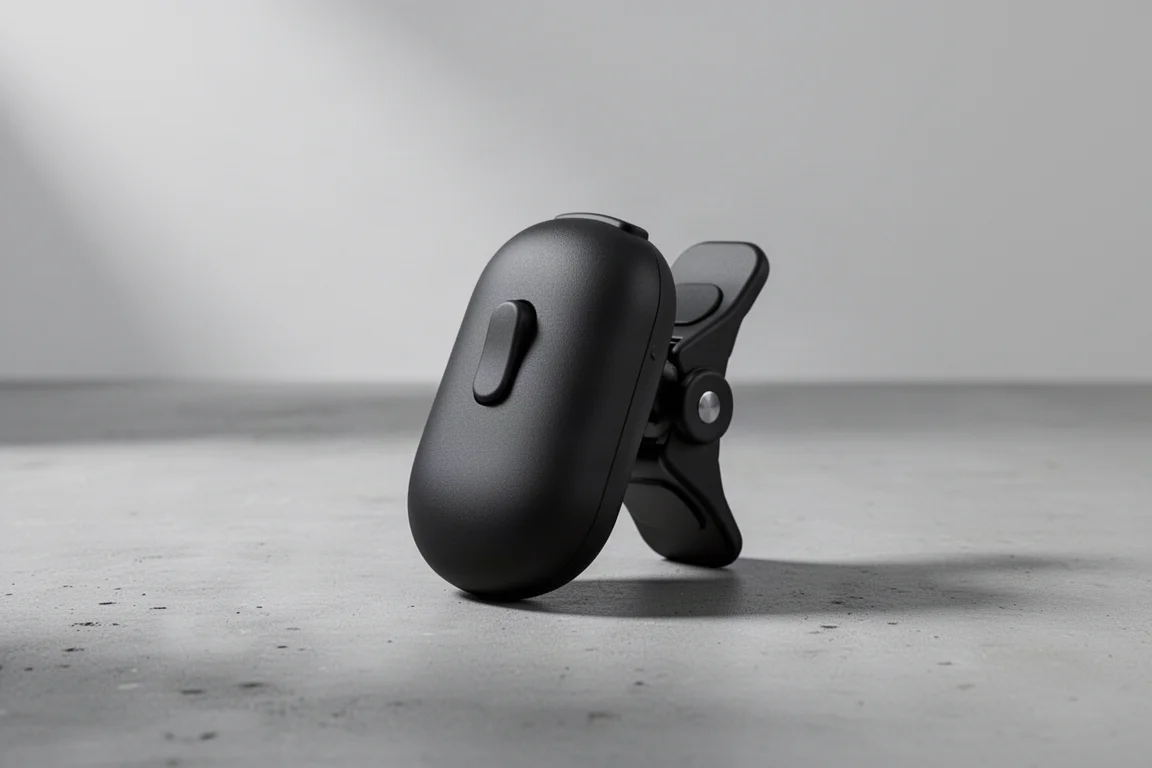
For casual iPhone gaming, the Flydigi Joy One may be the perfect pick. It is a tiny joystick with a single shoulder trigger that clamps directly onto the top of a bare iPhone. There is no power button to worry about: the rubber clamp squeezes onto the phone and switches it on automatically, and it stays firmly in place once attached.
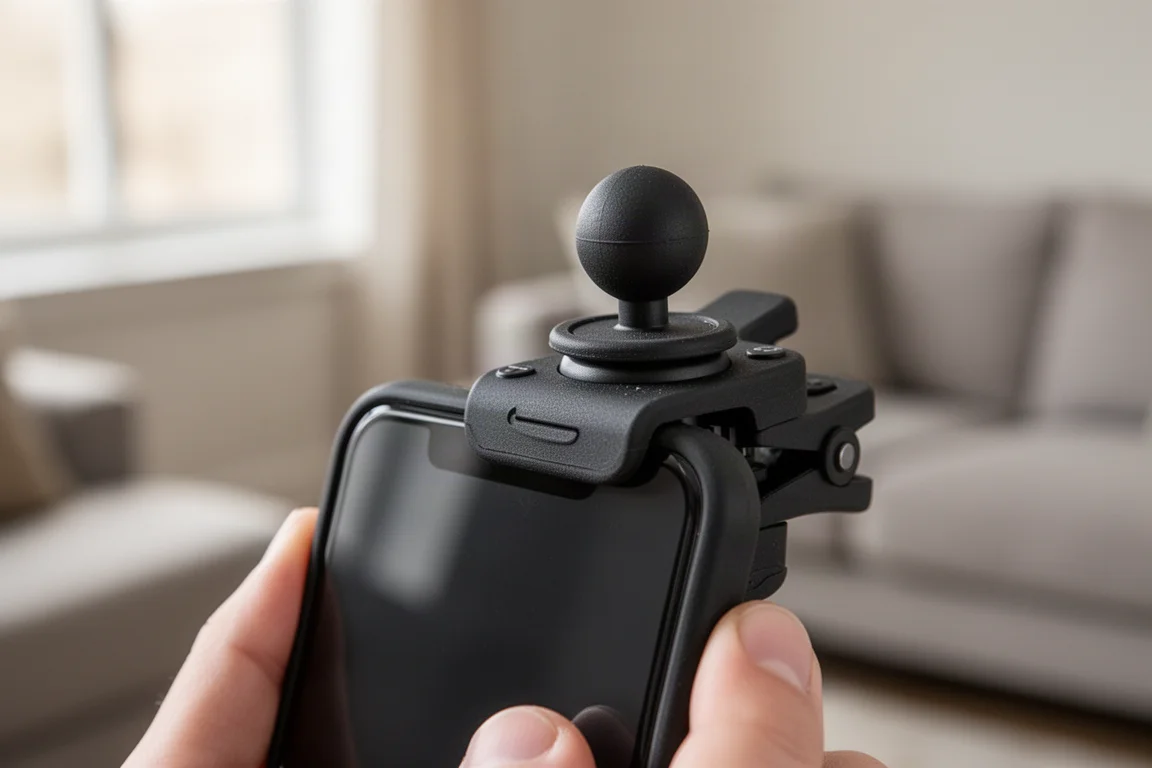
For games that rely on a virtual joystick, like PUBG or Call of Duty Mobile, the benefit is immediate. Your thumb no longer blocks half the screen, and the tactile trigger gives a satisfying click for shooting. The rubber soft-touch shell stays comfortable over long sessions, and unlike bulky full-size controllers, its small footprint leaves room for other accessories. Its best quality is portability: it is small enough to pull out for a quick gaming session on the subway or while waiting around.
Best Photo Backup: QB Duo
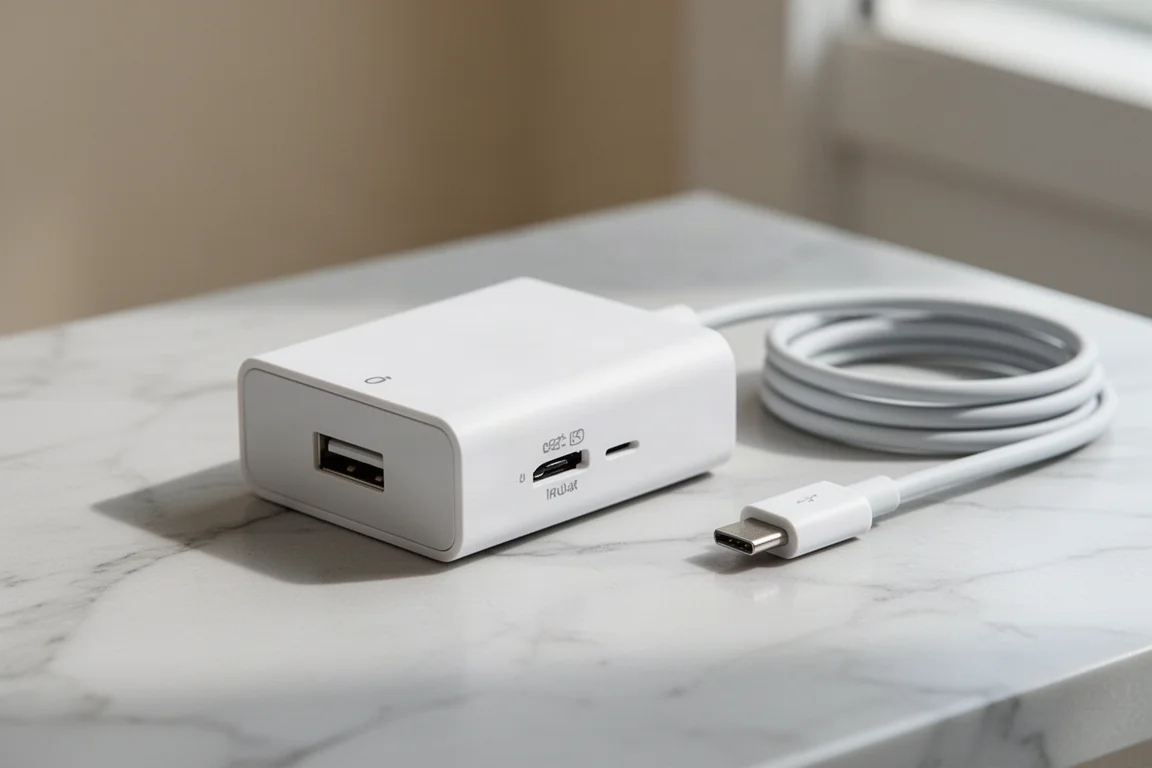
Almost every iPhone owner eventually hits the storage wall, often because of an endless stream of screenshots and photos. The QB Duo is one of the smartest backup devices tested for this problem. It supports microSD cards up to two terabytes, so you can stop rationing your selfies and simply swap in a new card when one fills up.
The clever part is how it fits into your routine. You plug the QB Duo directly into your wall charger, then plug your regular charging cable into it, exactly as you would any charger. Once set up with the companion app, your phone automatically backs up photos to the microSD card in the background. You never initiate anything; charging at the end of the day handles it all. The app lets you review everything stored on the card and restore photos when you switch phones. No extra gear, no cloud subscription, no overpriced small-capacity flash drives. Just use a microSD card you already own and reclaim your iPhone storage.
Best Instant Printer: Instax Link Wide
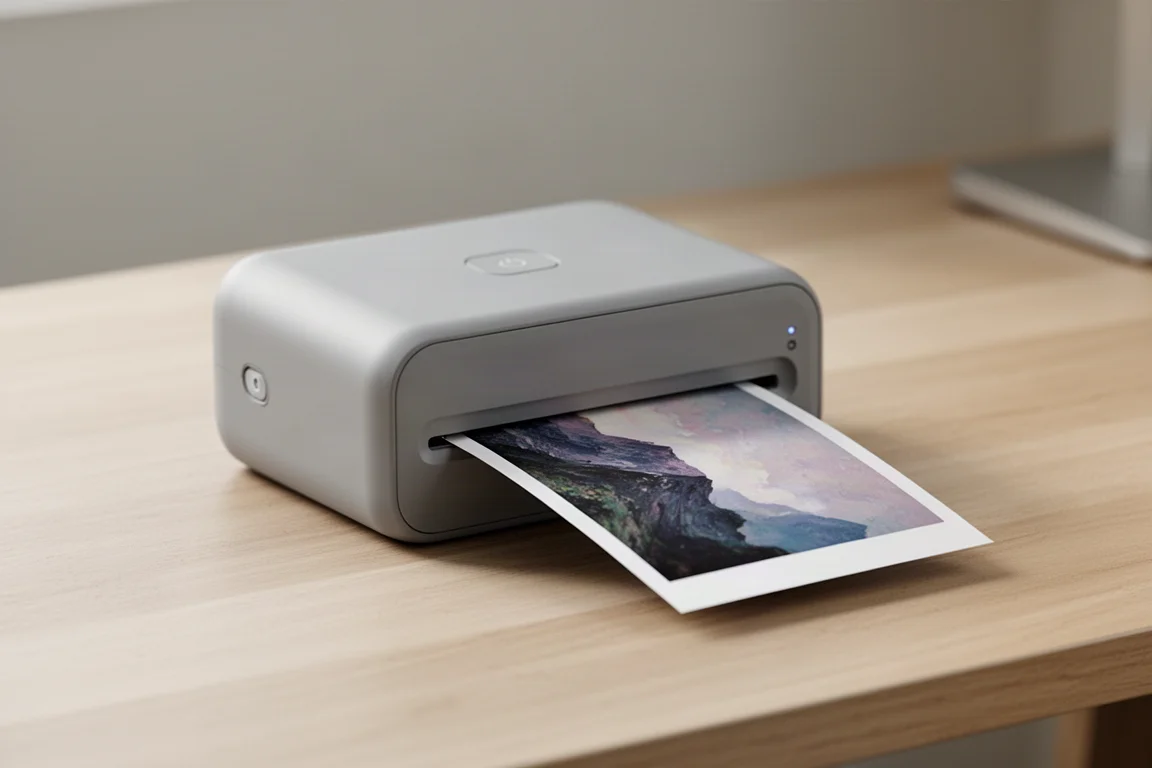
The Instax Link Wide might be a favorite tech release in recent memory. It prints photos straight from your camera roll onto wide-format Instax film, which gives each print far more presence than the standard mini size. Pairing it with the companion app is straightforward: pick a photo, apply a few simple edits, and send it to print. Cropping lands around a 3:2 ratio, printing takes about 30 seconds, and full development takes a few minutes. Finished prints show clear, accurate colors and detail.
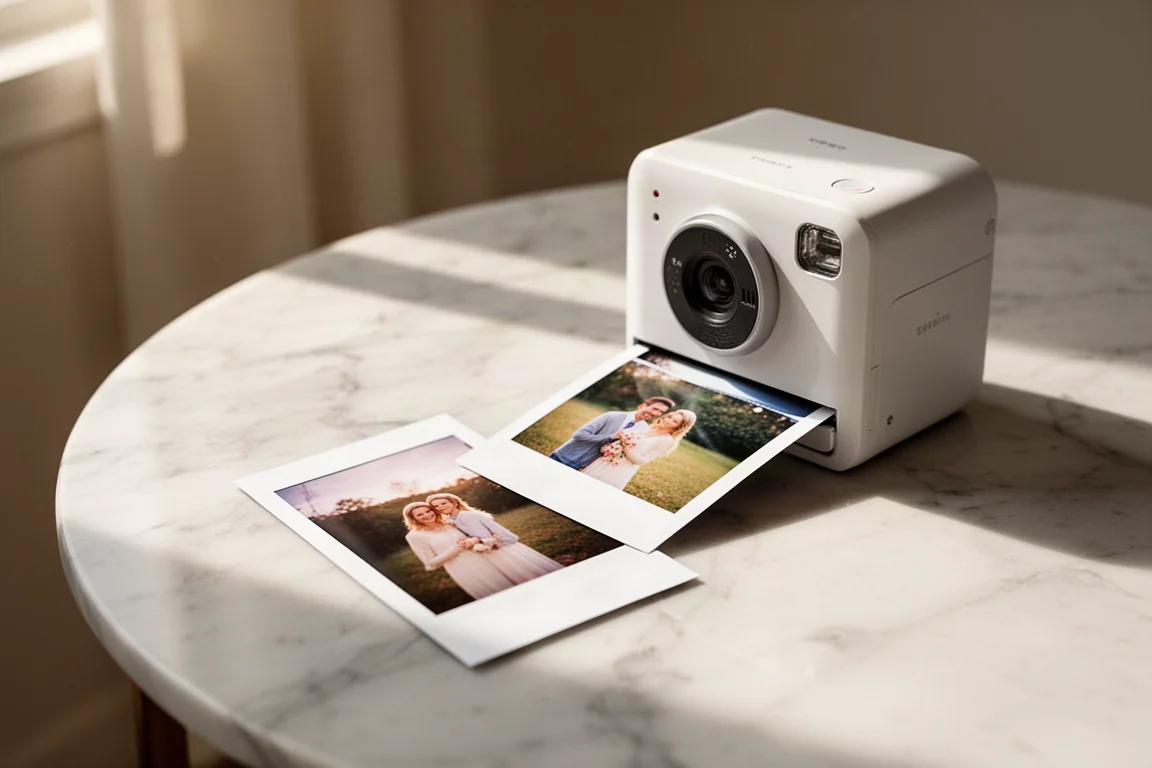
The appeal is not image quality for its own sake. Anyone who has used Instax film knows it is about having a physical object that represents a memory, and the wide format makes the story bigger. The extra film space also makes the montage options fun, with enough room to see each photo clearly. They work well as party favors, going-away gifts, or pure nostalgia.
One practical note: the printer itself is a sizeable plastic box with a meaningful upfront cost, and each print runs roughly a dollar. That is the real trade-off to weigh before buying.
Best MagSafe Add-On: Mophie Snap Adapter
For anyone who loves MagSafe but does not want to give up a favorite non-magnetic case, the Mophie Snap Adapter is the fix. It is a ring of surprisingly strong magnets with adhesive backing, and the included guide helps you center it perfectly on the back of your case. The 3M backing is seriously sticky: once it is on, it is not coming off without a fight, which is exactly what you want when attaching and removing magnetic accessories.
Unlike stick-on MagSafe plates, this one uses real magnets, and in testing it actually held on more strongly than the magnets built into the iPhone itself. That matters for heavier accessories like a MagSafe battery pack, and it is even more important for MagSafe wallets, where a weak connection means losing your cards. Because the adapter is still relatively slim, it feels like there is almost nothing between the accessory and the phone. If you want to upgrade your MagSafe setup without changing cases, this is an easy call.
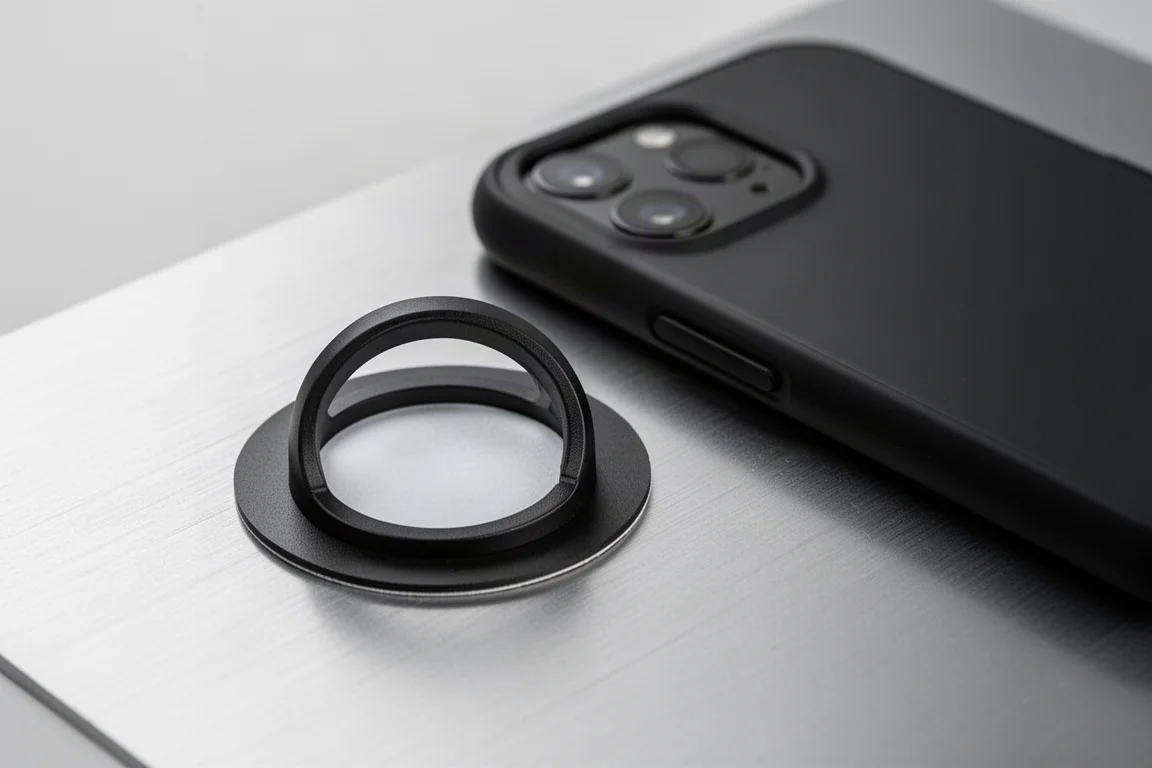
Best Grip: PopSockets MagSafe Grip
PopSockets and MagSafe used to force a choice: grip or wireless convenience. The MagSafe PopSocket grip settles it. You get all the familiar PopSocket function combined with genuinely strong magnets. The obvious first question is whether it will hold the phone, and in regular use it feels essentially glued on. It takes an aggressive shake to dislodge it, which is far beyond what everyday handling produces.
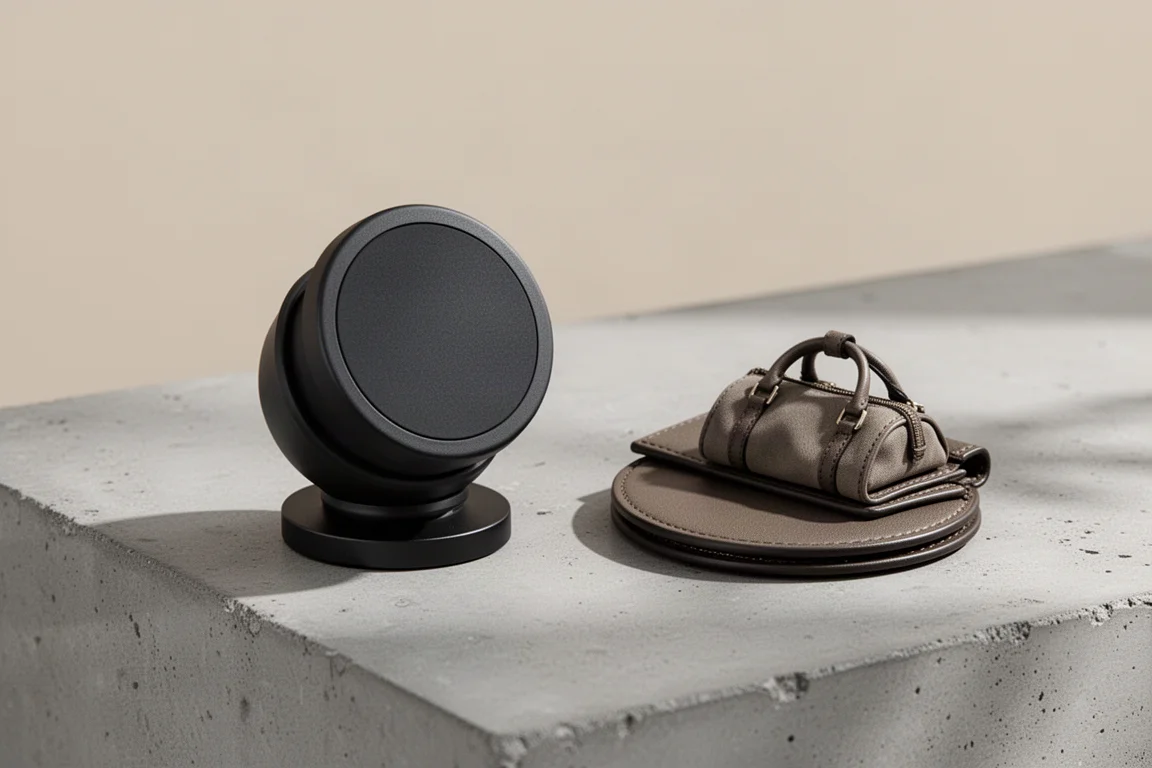
It still doubles as a phone stand and holds up well to poking, and you can fidget with it, popping it open and closed, without it sliding around. The swappable tops are the fun part: there are collab tops including one with a full-metal bottle opener tool built in, plus updated MagSafe PopWallets in a range of colorways. Between tops and wallets, the combination possibilities are nearly endless. For everyday carry fans, there is even a tiny duffel-bag-style top for keys, change, and small daily essentials.
Best Everyday Automation: NFC Smart Tags
NFC tags are not new or flashy, but they are quietly one of the most useful cheap accessories you can buy. If you have ever tapped a fob to enter a building or paid by tapping your card, that is the same technology, and these tags can be customized to trigger all kinds of everyday tasks. You simply tap your phone on the tag and an action runs.
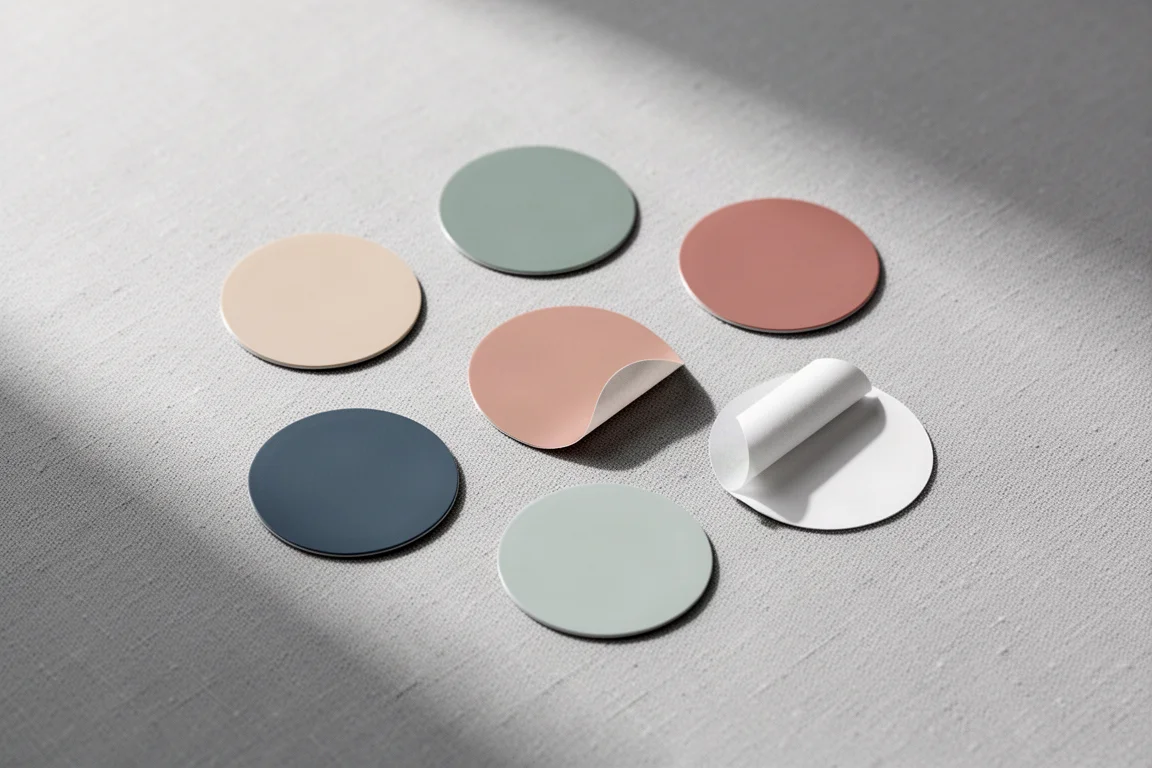
The tags themselves are flexible stickers in a variety of colors with a peel-off backing. One useful placement is on a phone case, so a personal detail you share often is always on you and can be shared with a single tap instead of being spelled out. Combined with the iPhone Shortcuts app, the possibilities expand a lot: start a 30-minute study timer, turn on specific lights when you get home, silence the phone when you start recording, or log the start of a work session. A pack of 10 or 20 is inexpensive enough to place them all around the house.
Best Way to Carry It All: Air Split Kit
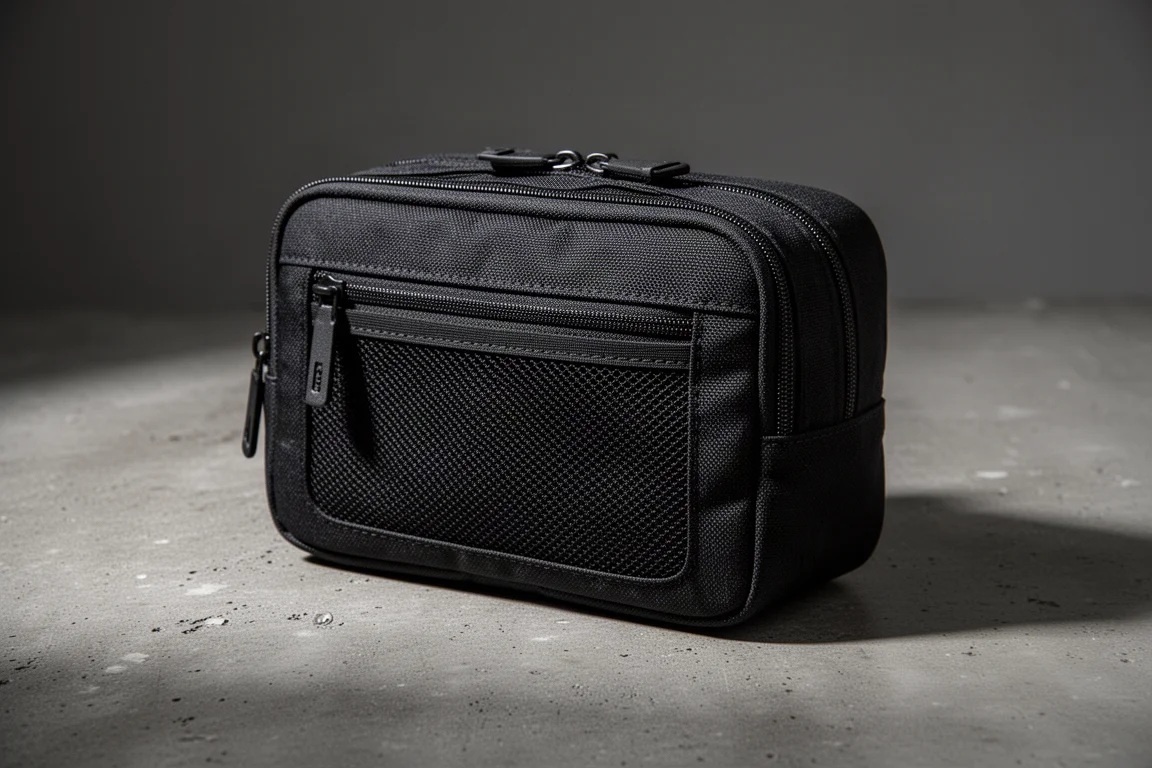
Once you start collecting accessories, you need somewhere to put them, and the Air Split Kit is built for exactly that. The construction is the headline: durable Cordura fabric, waterproof zippers, and large, easy-access pockets. It is deliberately unfussy, with a big main compartment on top and a mesh pocket up front for quick-grab items.
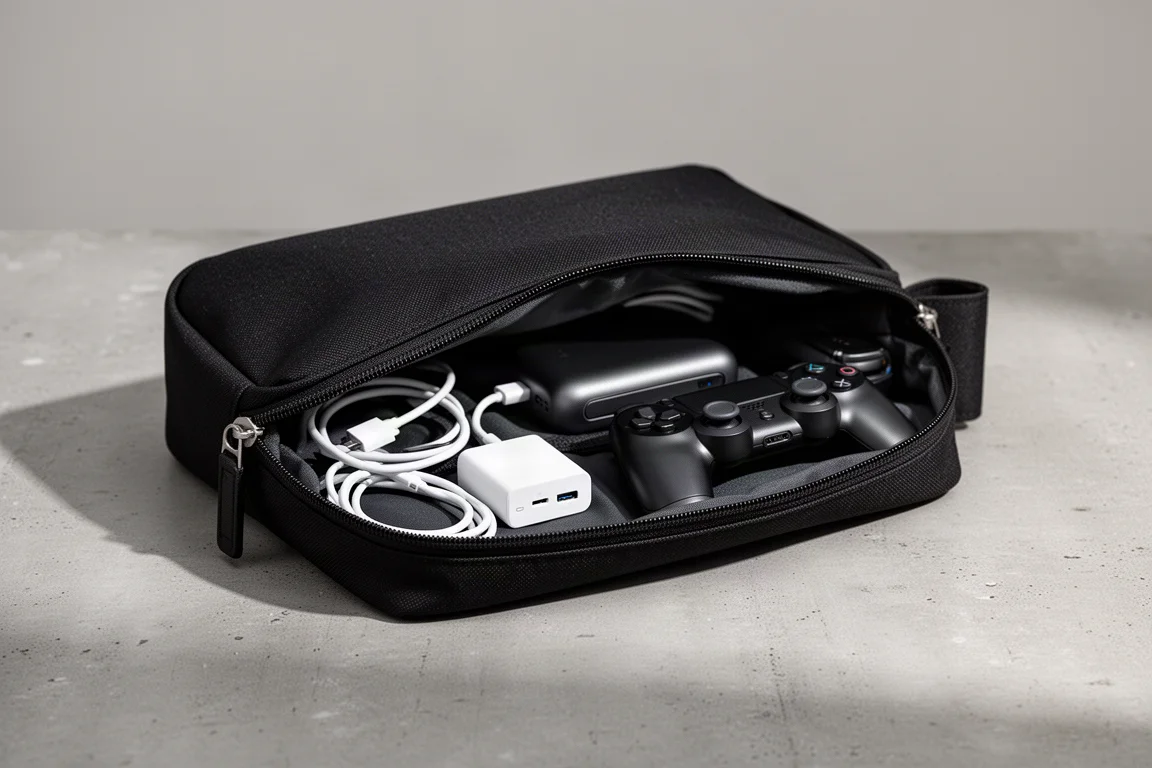
The clever detail is a second zipper underneath. Unzip it and the available storage essentially doubles, leaving room for larger items like a battery pack, gaming controller, phone stand, cables, and even multi-tools. Zip it back up and everything compresses into a compact, pocket-friendly form. The thick Cordura exterior shrugs off being tossed into a bag, and the full-length zippers keep everything visible and within reach. The all-black look, premium materials, and minimal branding mean you would confidently trust your accessories to it.
Buying Advice
Matching the accessory to the actual problem is what makes this list work. If drops worry you most, the Rhino Shield case plus its impact screen protector is the strongest single investment. If you value the bare phone’s feel, dbrand skins keep scratches away without bulk. Mobile gamers get the most from the Flydigi Joy One, while anyone constantly fighting full storage should look hard at the QB Duo. MagSafe fans without a magnetic case should start with the Mophie Snap adapter, and grip lovers get the best of both worlds from the MagSafe PopSocket. NFC tags are the cheapest experiment on the list with the highest automation payoff, and the Air Split Kit ties the whole collection together for carry.
Conclusion
None of these accessories reinvent the iPhone; they just remove specific daily frustrations. Pick the one that solves a problem you actually have, and it will earn its place in your pocket far longer than most impulse purchases do.
Further reading
Related Reviews
iPhone Accessories
Best MagSafe Accessories: Five Add-Ons That Actually Earn a Spot on Your iPhone
A gaming controller, a trackable wallet, a pocket flash, a slim SSD, and a do-it-all battery: five MagSafe accessories worth a look.
iPhone Accessories
Best iPhone 14 Accessories: 11 Picks That Actually Earn Their Place
From rugged cases and skins to a MagSafe speaker and a battery dock, 11 iPhone 14 accessories with clear use cases and honest trade-offs.

Backpacking Gear
Building a 10 lb Base Weight: An Ultralight Backpacking Gear List
A practical walkthrough of the ultralight pieces behind a 10 lb base weight, from a 765 g pack and a roomy one-person tent to a full camp chair and a dependable water filter.