iPhone Accessories
10 iPhone Accessories That Are Actually Worth Buying
From a MagSafe stand case to a keychain E Ink display, these are ten iPhone accessories that solve real problems without gimmicks.
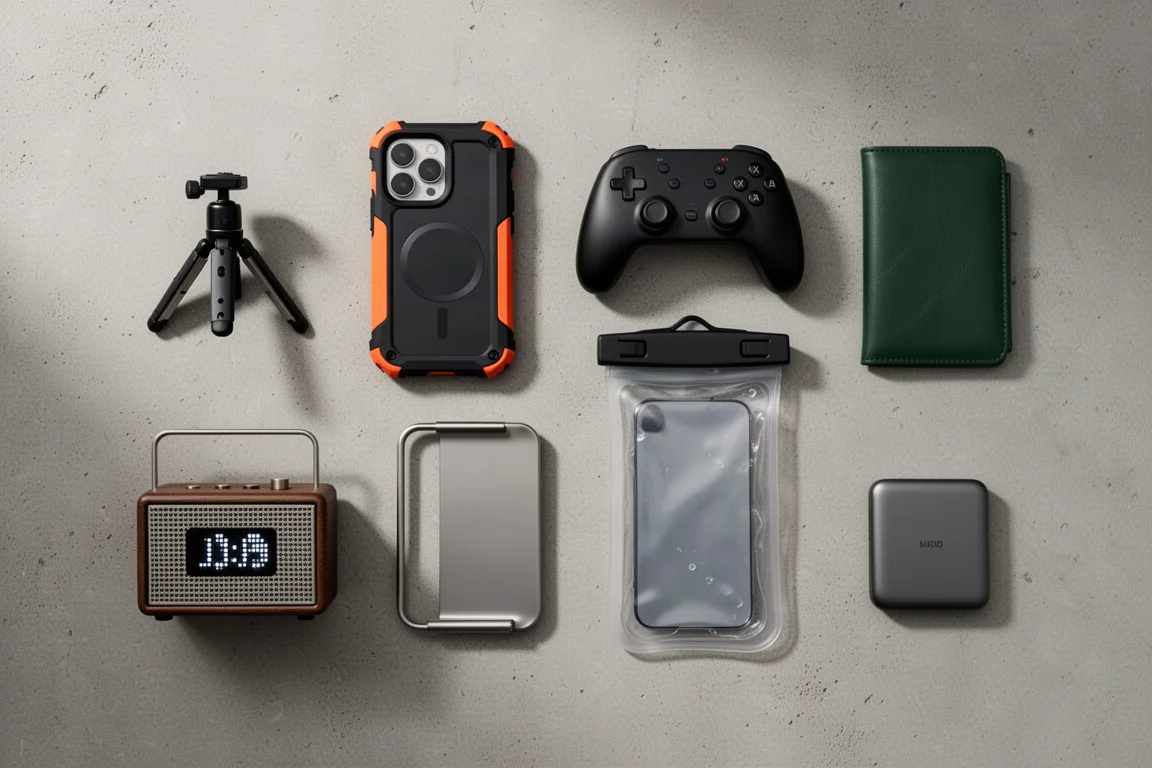
Introduction
After plenty of time spent testing iPhone accessories, ten stand out as genuinely worth carrying. Some fix problems Apple created, some fix problems you create, and a couple are just satisfying to use every day. Here is the full list, with what each one does well and who it actually makes sense for.
Torras MagSafe Stand Case
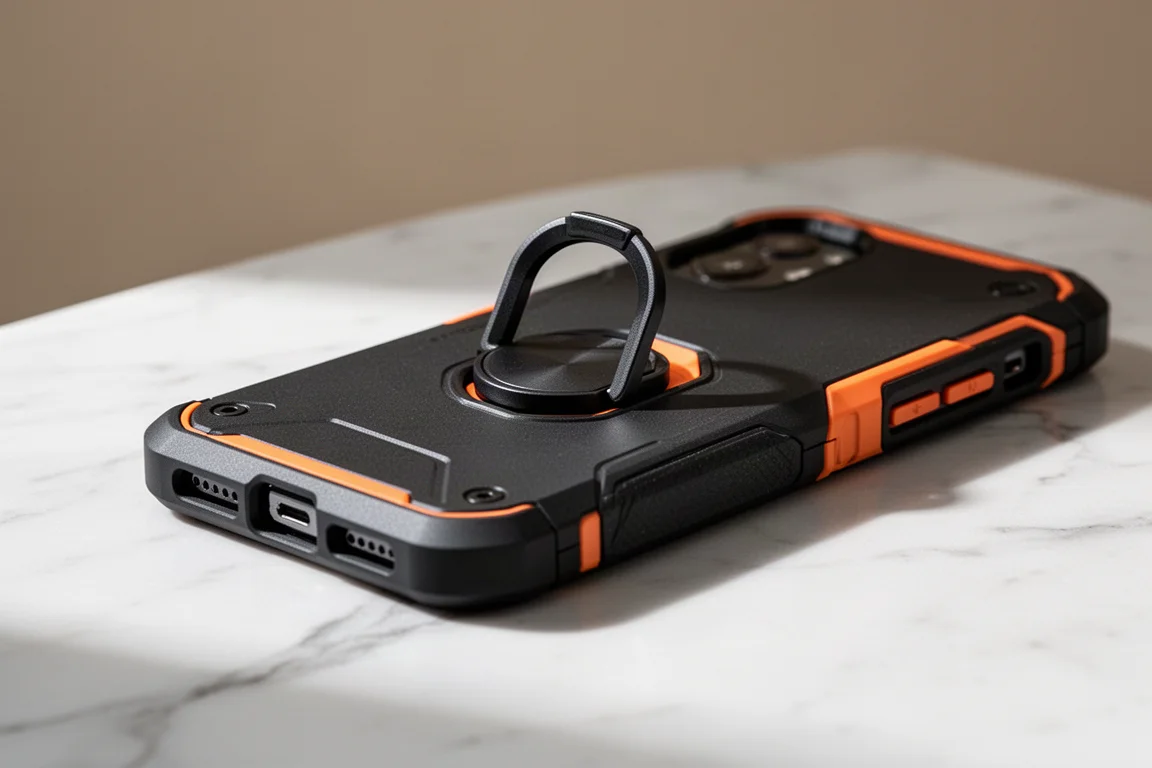
Apple removed the one feature that arguably made iPhones better than Androids: MagSafe. Torras brings it back in a case that does not suck. The O-Fitness stand case is thin, offers a nice textured grip along the sides, and has a matte finish that is hard to stop touching. Despite the slim profile, there is a decent lip around the camera and a thick one up front, so daily dings and table drops are handled.
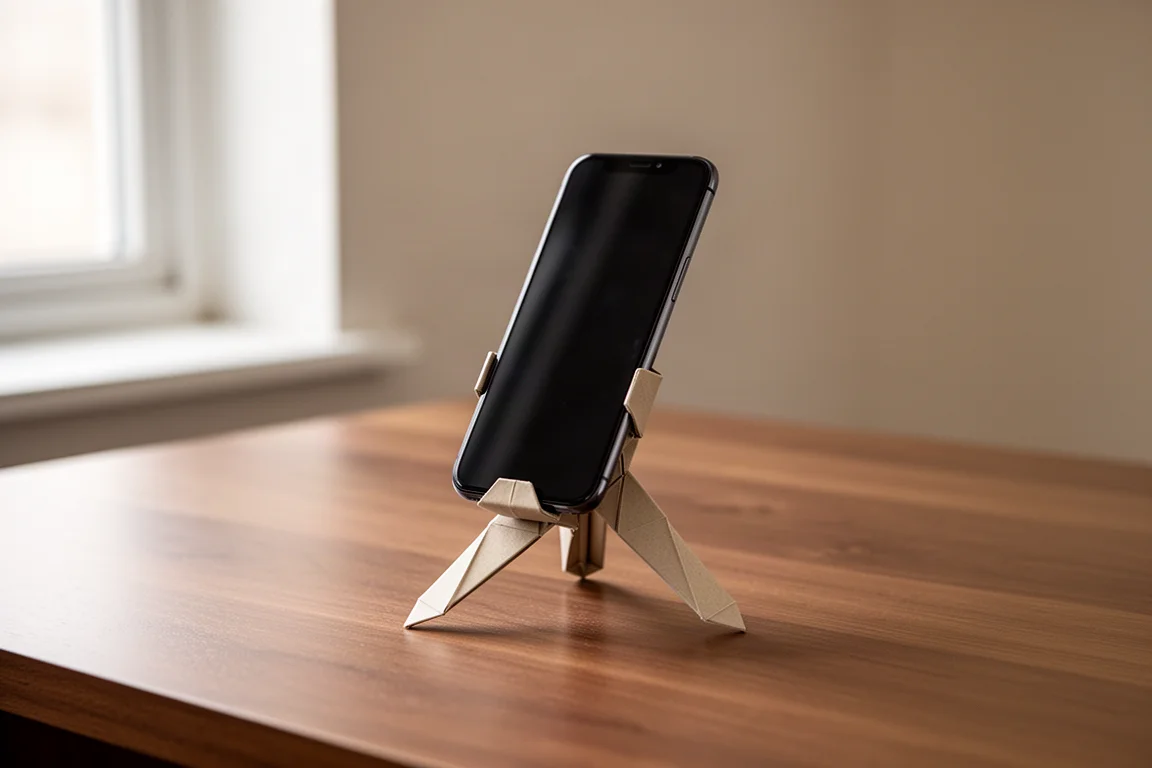
The raised, clicky buttons feel good, and the rotating ring on the back is the star of the show. It holds a variety of angles in landscape or portrait, survives a firm poke test, and doubles as a comfortable one- or two-finger grip. Paired with the grippy sides, it finally gives the phone some real in-hand confidence.

dbrand Screen Protector
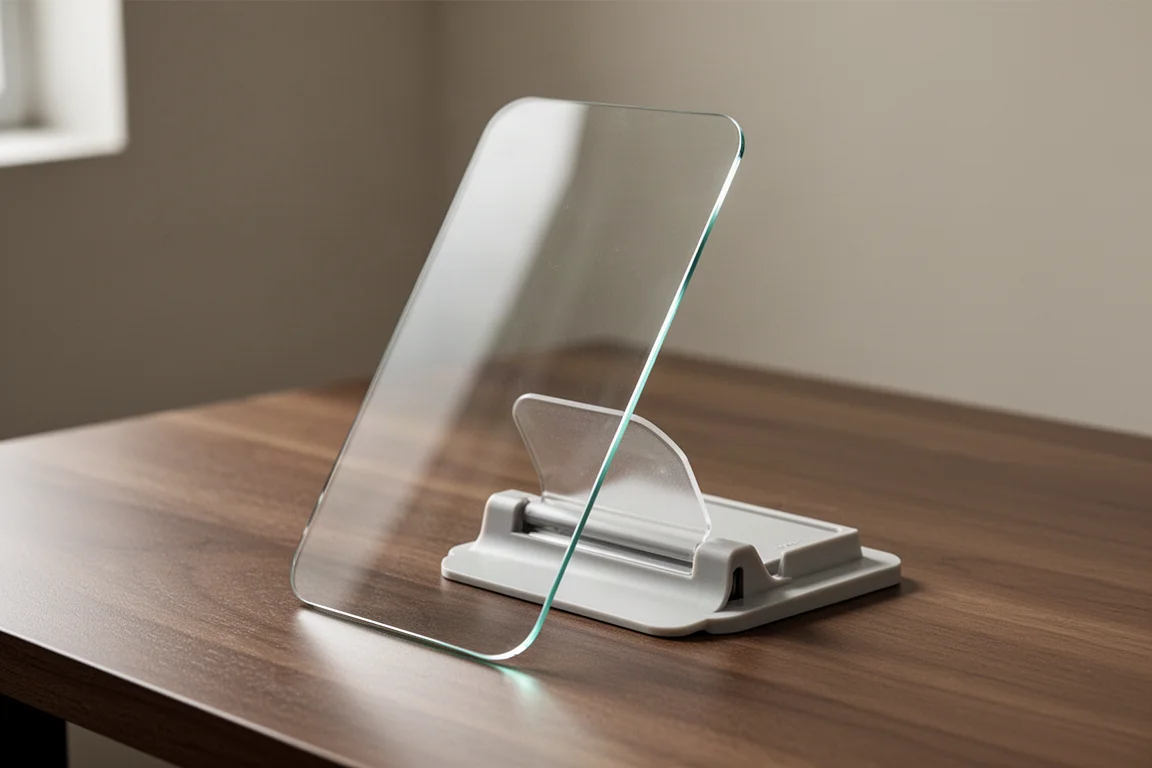
dbrand calls this the idiot proof screen protector, and it is easy to see why. You wipe down the phone, slap on the form-fitted plastic alignment shell, swipe, and you are done. It is borderline impossible to miss, and the edges are rounded so it never feels like holding a razor blade.
The surface resists fingerprints, which is a relief for anyone with clammy hands, and it is scratch resistant, so pocketing it with keys and change is fine. Alignment is perfectly centered, the speaker cutout is satisfyingly precise, and it is designed to fit within most cases. Two protectors come in the box, which quietly acknowledges how these things usually go. Pair it with a matching skin if you want the full naked, all-black look.
Baseus Retractable USB-C Cable
Cables rarely get exciting, but this self-retracting 100W USB-C wire from Baseus has a nostalgic pull if you ever got one of these free from school years ago. At about the size of AirPods when tucked away, it is slim enough for pockets and a staple in any tech pouch, replacing elastic straps and tangled spares for good.
The flat cable is sturdier than most, the mini three-in-one version is about as long as a standard in-box phone cable, and the soft rubber on the back feels nicer than the glossy front would suggest. Mostly plastic, but it does not look or feel cheap, and the price is roughly what you would spend on a fast food meal. As a bonus, the retracting action doubles as a fidget toy, and yes, it will annoy everyone around you.

Lisen MagSafe Phone Mount
There have been plenty of phone clamps and airplane seat mounts, but this Lisen one earns its spot for the price and for using MagSafe instead of a spring clamp. Paired with a MagSafe case, mounting is far easier, viewing angles adjust on the fly, and it sticks onto surfaces up to about an inch thick.
For something about the size of AirPods when packed away, it is surprisingly durable, passes a firm poke test, and still manages a metal table clamp. Hands-free viewing for videos and calls at the cost of skipping one lunch is a solid win.

Project CB Phone Tether Tab
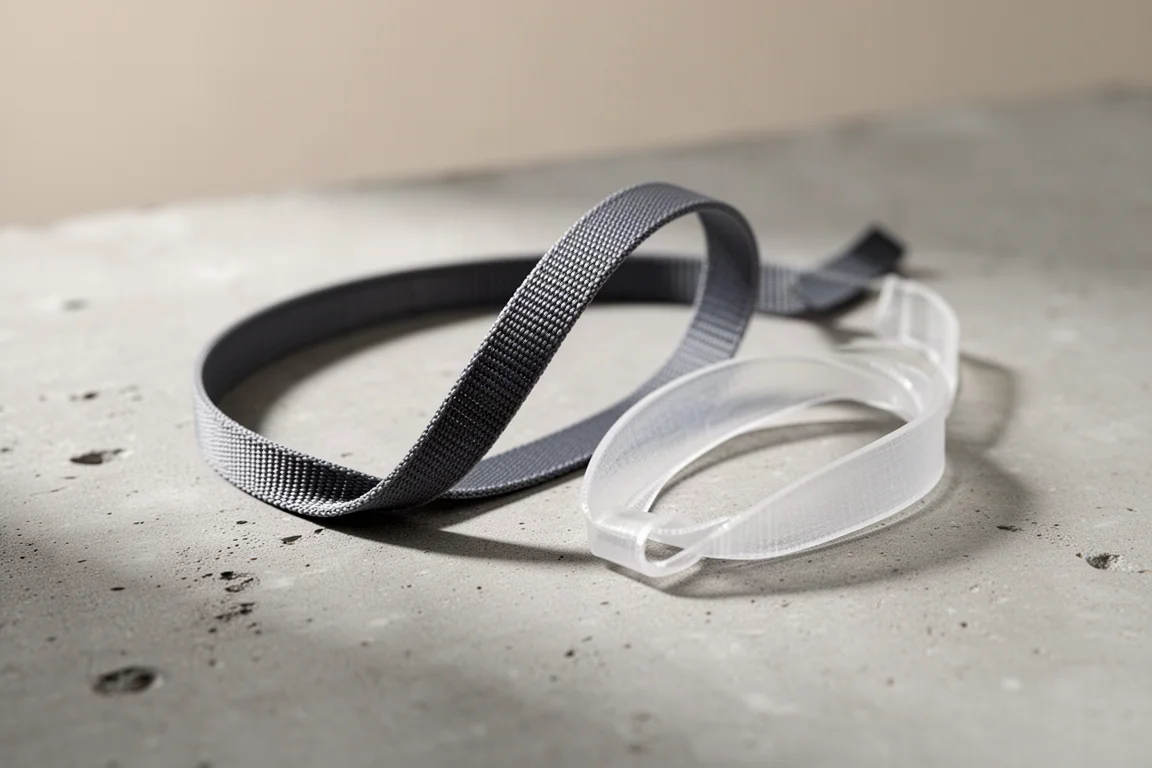
If there is one thing every iPhone owner needs, it is this. A Project CB phone tether tab is a lifesaver for anyone with butterfingers, and you will probably laugh at how simple it is. The tough nylon material is skinny enough to slip between your case and phone, and even when bent, pulled, and tugged, it shows no sign of ripping.
They include a clear option too, so it does not stand out with a clear case. The real beauty is versatility: strap accessories on so you never forget them, wear the phone around your neck, add a wrist strap, or carry your favorite everyday items for an all-in-one daily setup. Even a fairly thick USB-C cable fits through the cramped hole.
Rolling Square AirCard Pro
AirTags are great until you try to fit one into a wallet. That is where the Rolling Square AirCard Pro earns its place: slim, durable, and feature packed in a single card. A metal ring wraps around the plastic faces, which means less to worry about scratching, yet the whole thing is only about two cards thick.
The most important feature is wireless charging, so you do not have to buy a new tracker every year. It connects to Apple’s Find My app for mapping and Lost Mode, and you can set up a QR code so it doubles as a scannable business card. The futuristic look is a plus, and pulling it out is a genuine conversation starter.

Anker 10,000mAh Apple Watch Battery Pack
Anchor your setup with this one. Anker arguably beat Apple at making the ultimate iPhone battery: it fast charges an iPhone, has a dedicated Apple Watch charger built right in, and the built-in USB-C tucks away when not in use. No more carrying extra cables.
The Apple Watch mount holds the watch firmly at different angles for nightstand mode, and the built-in screen has a dedicated button to flip orientations, which borders on overkill in the best way. The 10,000mAh capacity can also be shared through an additional USB-C port, and the screen shows how fast each device is charging. The built-in cable even charges the pack itself, and everything tucks away neatly when done. It is chunky and built like a tank, but given how much is packed in, that is forgivable, and swinging it or carrying it while charging beats attaching a slow wireless MagSafe battery.

QB Pro Backup Charger
Bought the cheapest iPhone and ran out of storage? Instead of paying more for iCloud storage, you can go the opposite way and buy physical storage with the QB Pro. It is a charging brick you plug in like any other charger, but paired with its app, it automatically downloads all your photos and videos onto a micro SD card of your choice, which can be swapped for a bigger one when it fills up.
Every time you plug in to charge, which you do every night anyway, it backs up the new shots quickly, so you can delete them from the phone and restore any of them back to the iPhone like they never left. The app offers customization over what gets backed up and can even connect to your iCloud account for anything stored there. The beauty is the simplicity: since it is a charger brick you already use daily, you will never forget to back up.

Shimble CP5 External Monitor
Most people do not need this, but for the tiny fraction trying to get TikTok famous, an external monitor while shooting with your iPhone is clutch. The Shimble CP5 is a handheld, battery-powered monitor that connects wirelessly to your iPhone and attaches with MagSafe, so you can finally use the camera you paid for.
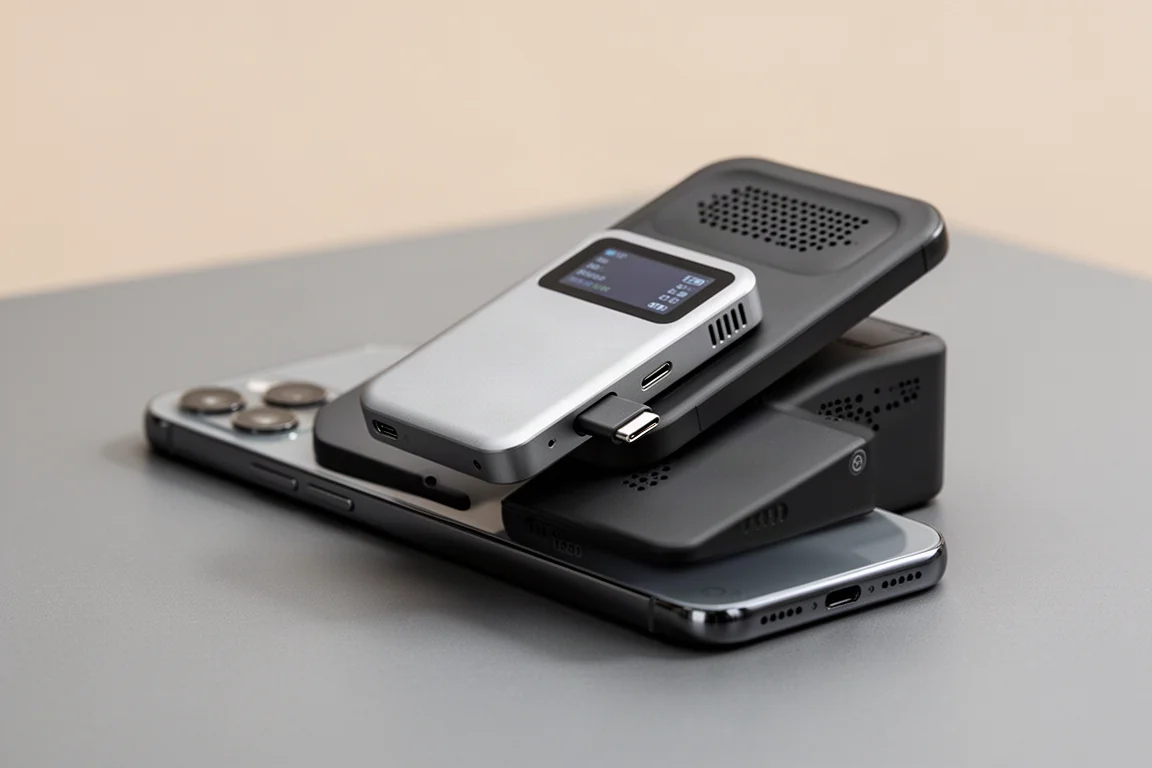
Operation is simple, with a few physical buttons to swap viewing orientation, and it has its own storage for screen recording what the iPhone is mirroring, a nice-to-have you will likely rarely use. It is surprisingly well built with a metal shell and sleek design, with about a millisecond of delay that you will never notice. It is about as thick and tall as an iPhone 16e, and you can even use it fully remotely with your phone mounted at a distance. Only worth it if you are serious about content creation, but it beats looking like a total amateur on set.

E Inkifi Keychain Display
As a bonus and possibly the favorite of the whole list, the E Inkifi display is a tiny keychain screen you can customize to any image and download directly from your iPhone. Watching it transform is half the fun, and it uses a three-tone E Ink display, so while it will not paint the Mona Lisa, you can keep funny, nostalgic, or meaningful photos with you at all times.
It requires no batteries thanks to E Ink technology, and thankfully the branding is kept minimal, letting the image you transfer do all the talking instead.

Buying Advice
If you only pick up one or two, start with the items that fix daily friction: a good stand case for grip and MagSafe, and a reliable screen protector for peace of mind. From there, choose based on your habits. Frequent travelers get the most from the retractable cable, the AirCard Pro, and the Anker battery pack. Creators should look at the CP5 monitor, and anyone constantly worried about storage or dropping their phone will find the QB Pro and the tether tab quietly invaluable.
Conclusion
None of these are flashy for the sake of it. Each one solves a specific, everyday iPhone problem, from lost storage to dropped phones to dead batteries, and that is exactly what makes them worth the money. Pick the ones that match your routine and skip the rest.
Further reading
Related Reviews
iPhone Accessories
Best MagSafe Accessories: Five Add-Ons That Actually Earn a Spot on Your iPhone
A gaming controller, a trackable wallet, a pocket flash, a slim SSD, and a do-it-all battery: five MagSafe accessories worth a look.
iPhone Accessories
Best iPhone 14 Accessories: 11 Picks That Actually Earn Their Place
From rugged cases and skins to a MagSafe speaker and a battery dock, 11 iPhone 14 accessories with clear use cases and honest trade-offs.
iPhone Accessories
9 iPhone Accessories That Actually Earn a Spot in Your Daily Carry
A protective case, a slim skin, a one-thumb game controller, automatic photo backup, an instant printer, and more practical iPhone accessories worth a look.