iPhone Accessories
Best iPhone 14 Accessories: 11 Picks That Actually Earn Their Place
From rugged cases and skins to a MagSafe speaker and a battery dock, 11 iPhone 14 accessories with clear use cases and honest trade-offs.
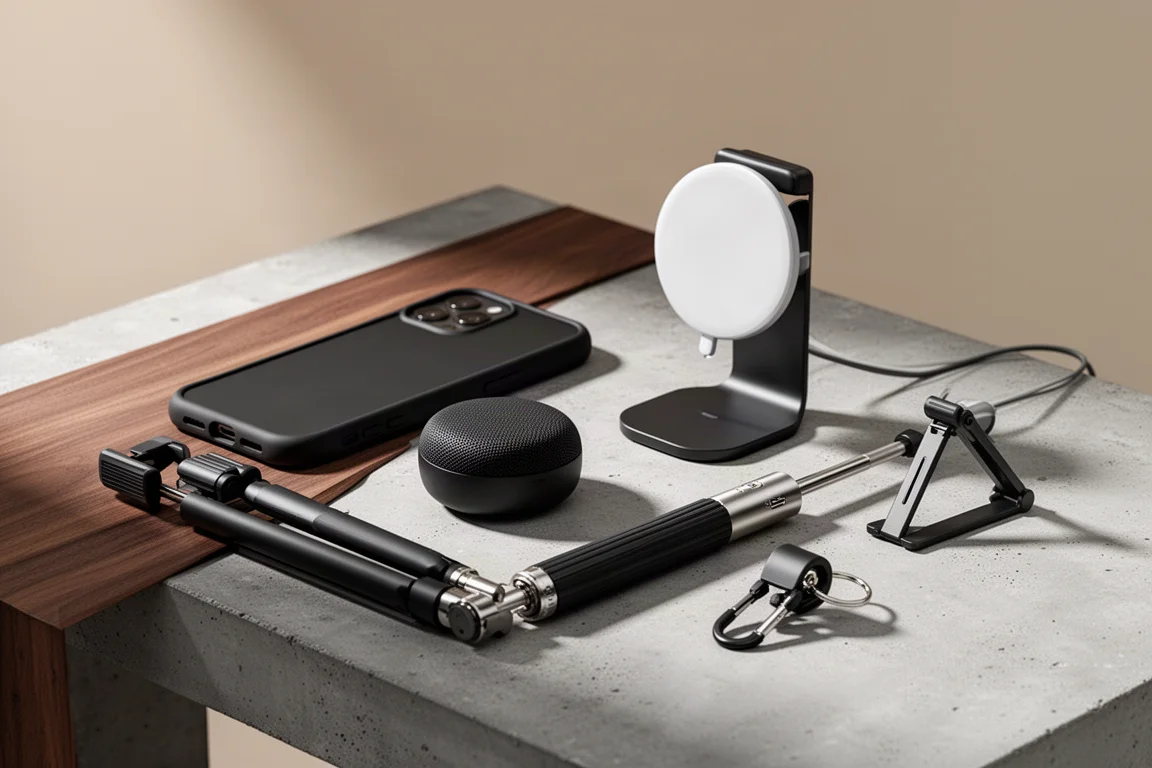
Introduction
The iPhone 14 is capable on its own, but the right accessories are what turn it into a device you actually enjoy carrying every day. This roundup covers eleven picks that each solve a specific problem: drop protection, fingerprints, dirty ports, pocket-sized stands, louder audio, easier screen protector installation, better grip, secure mounting, better selfies, mobile gaming, and charging that follows you out the door. None of them are required, but each one earns its spot for a reason.
Casetify Bounce Case: Serious Drop Protection
The Bounce Case is built for clumsy hands. Its eco-shock material absorbs impact and the protective lining extends across the back, the edges, and the corners, yet it never feels like a bulky brick. It still fits a MagSafe adapter, keeps the buttons clicky, and includes a raised ring around the camera that protects the lenses while making a statement. A thick lip around the front adds coverage when the phone lands face down.
It is rated to handle 21-foot drops, which makes daily tossing around and butter-finger moments a breeze. Pair it with a screen protector and you get a confident 360-degree setup. If 21 feet sounds like overkill, Casetify also offers the Ultra Impact series at 11 feet and the slimmest Impact series at 8 feet, with plenty of customization and collaborations to choose from.
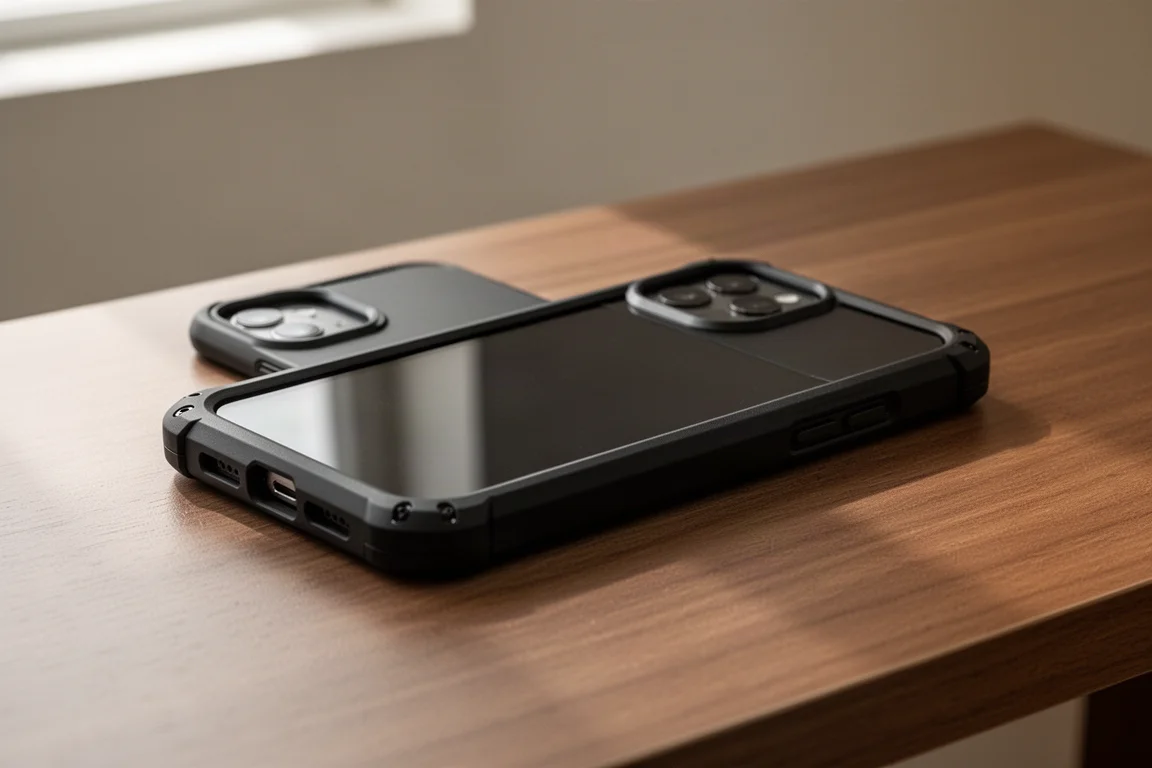
Strong magnets keep batteries, wallets, and camera accessories securely attached, and the corners are forgiving enough in most pockets, though skin-tight jeans may be a tight squeeze.
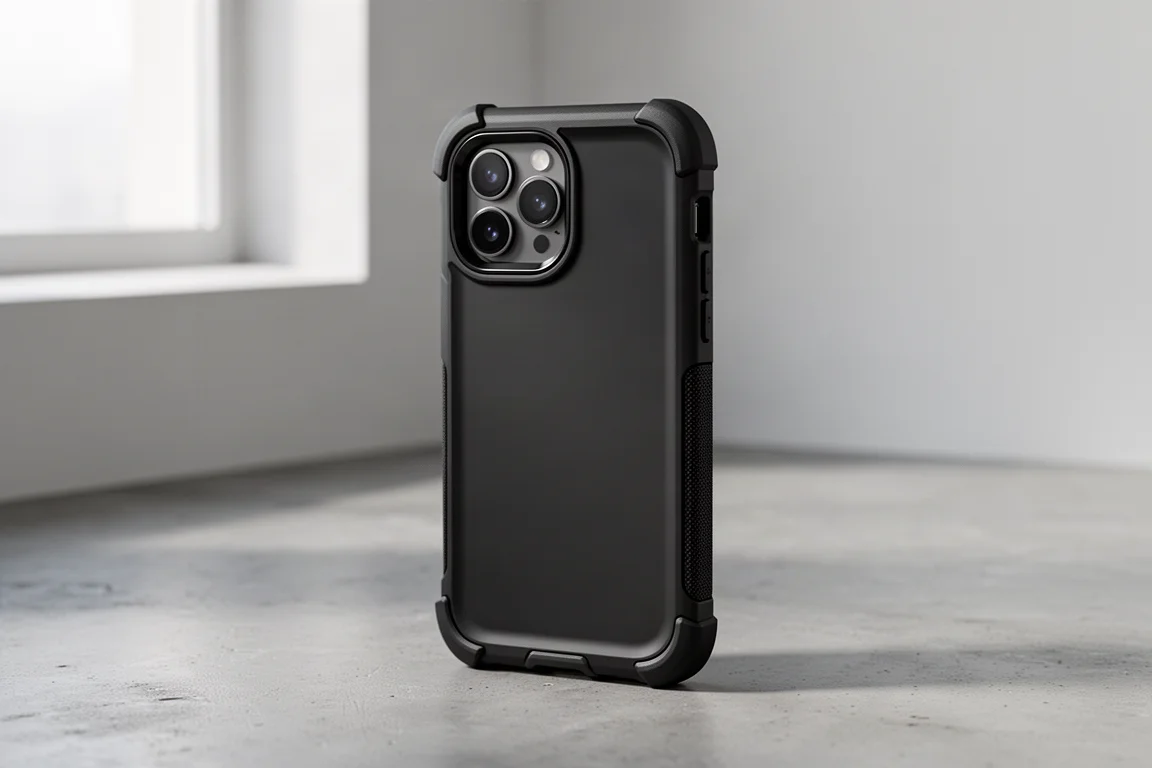
dbrand Pastel Skins: Keep the Naked Feel, Lose the Fingerprints
If you love the look and feel of an iPhone without a case, dbrand skins cover up fingerprints while keeping the minimal feel. The pastel series is an easy favorite for its clean color palette, and the cutouts are dimensionally exact for every component so the skin looks like it belongs on the phone.
The durable 3M material doubles as an affordable scratch barrier. There are plenty of designs beyond pastels, including a camo that shifts based on how light hits it, plus full wraps to cover oily fingerprints along the edges. When you eventually want a change, it peels away with no sticky residue left behind.
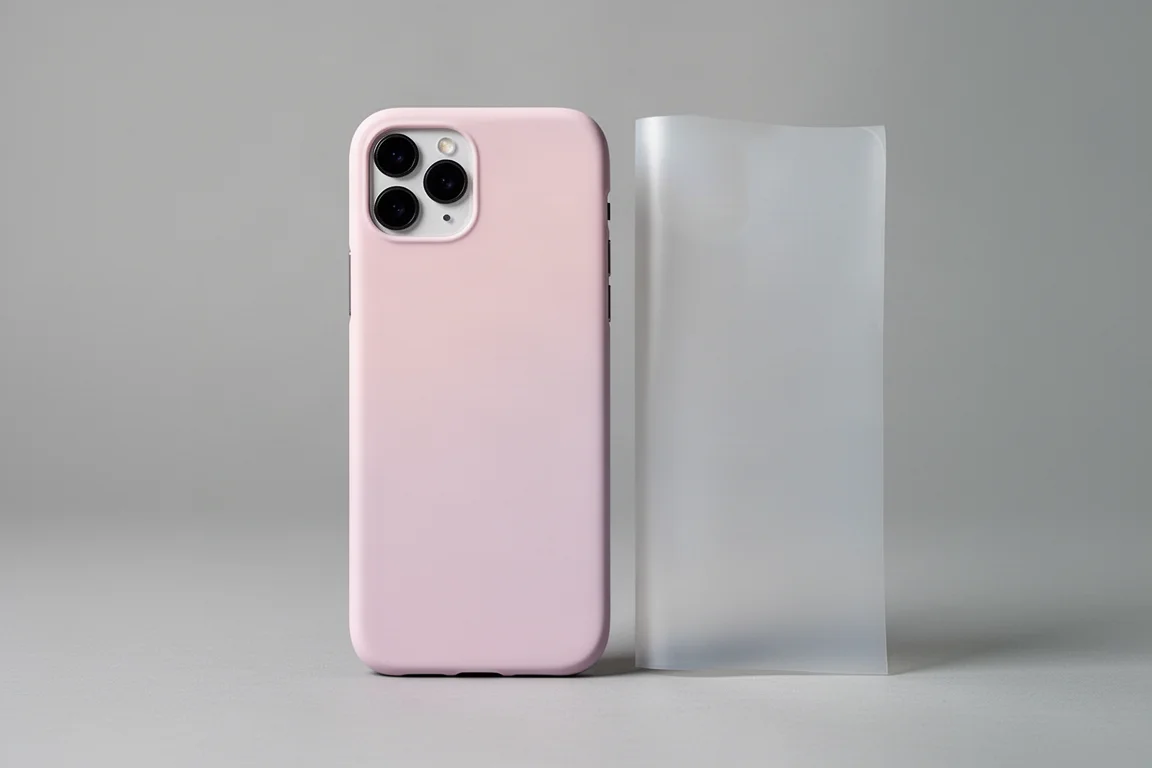
PurePort iPhone Cleaning Kit: Six Tools in One
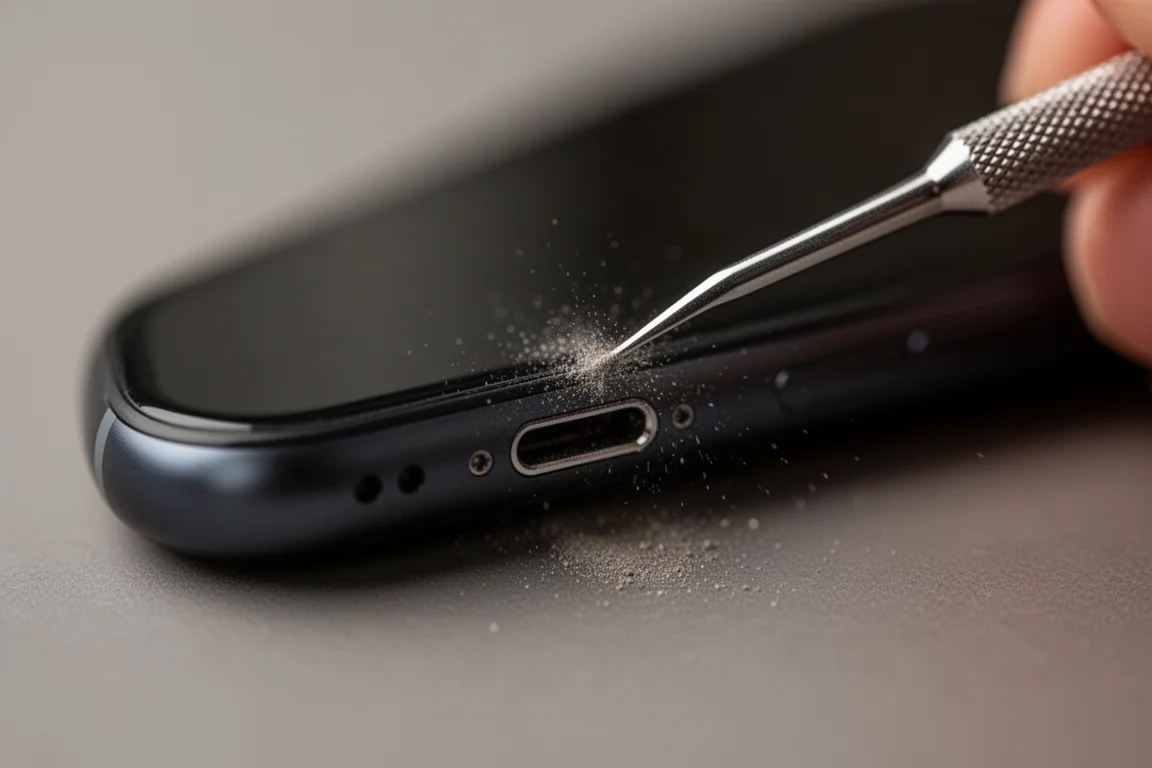
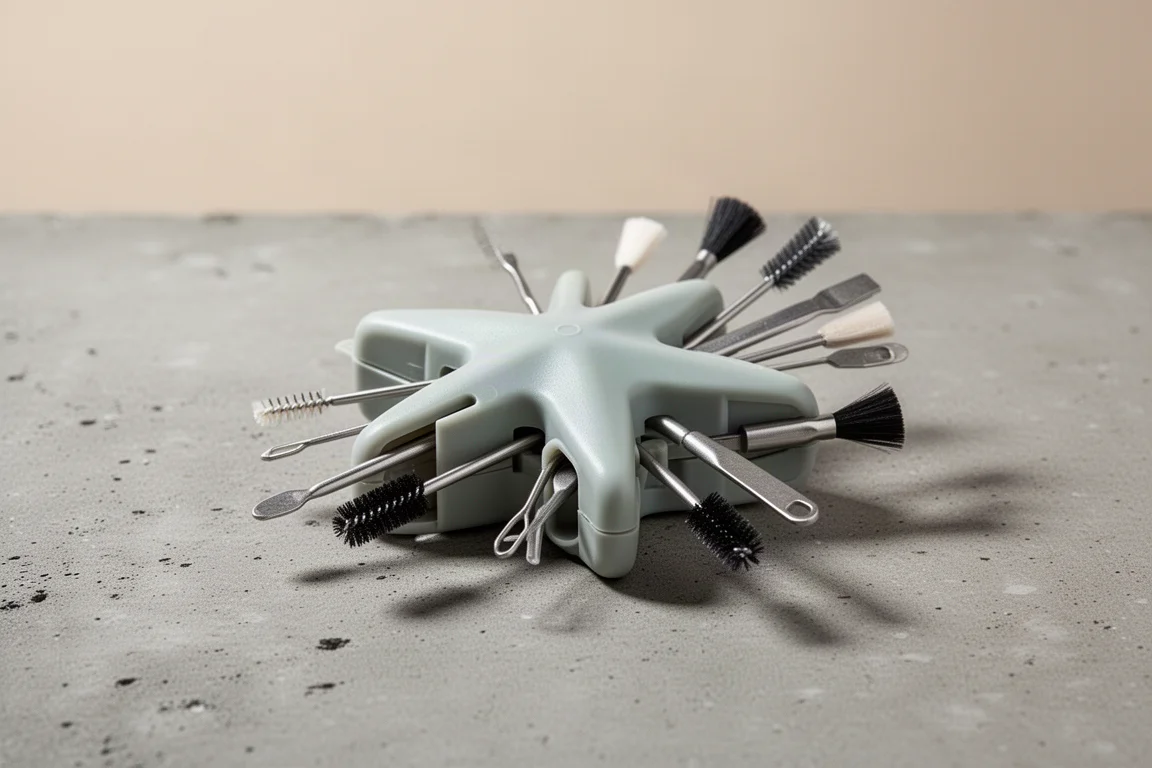
This one is niche but genuinely satisfying. The PurePort kit is a multi-tool for your iPhone, with six tools built in plus extras in the package. It covers every hole, corner, and crevice, and if your Lightning cable ever refused to charge the phone, the port was probably dirty rather than the phone being broken.
It also handles the speaker grille and the deep grooves and cutouts that quietly collect years of dust. When you are done, everything snaps back into the plastic holder, which is surprisingly durable enough to toss in a bag for quick cleanups anywhere.
Alpaca Nano Stand: A Phone Stand That Disappears
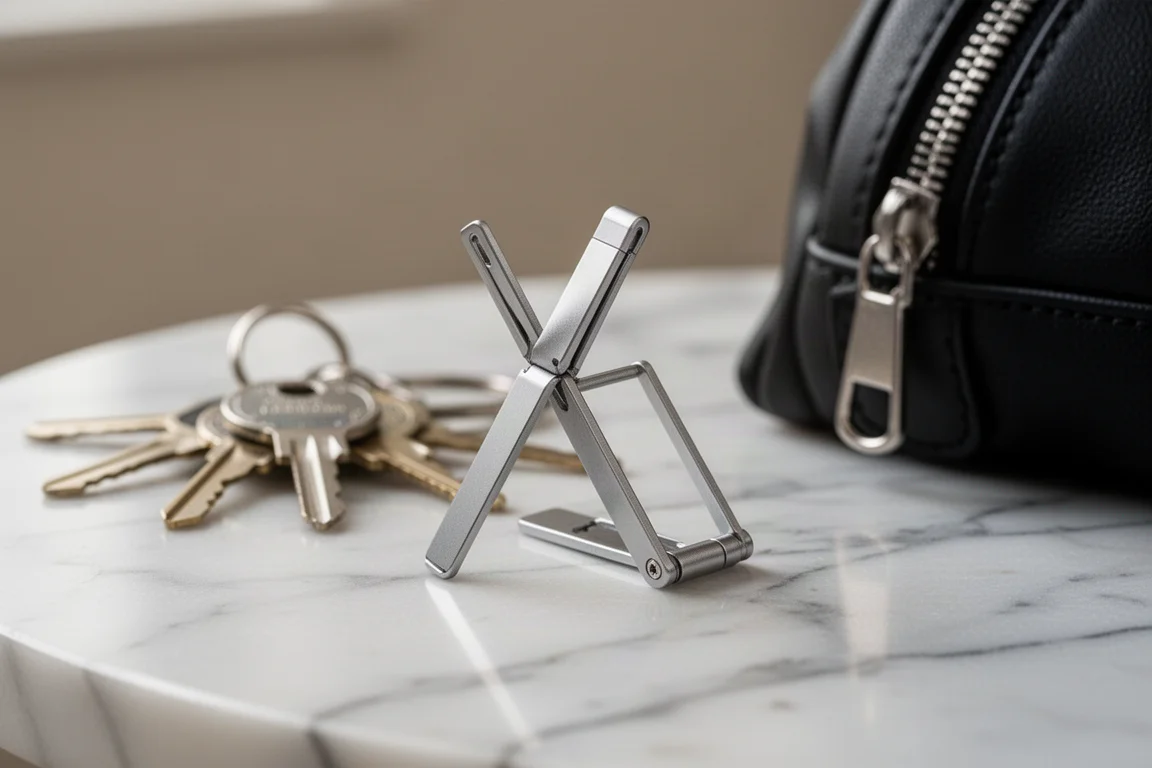
The Alpaca Nano Stand may be the tiniest phone stand around, taking up no space in a pocket or bag. Despite the size, it is a sturdy stand for its scale, and the real trick is what happens when you fold it back together: it hides inside a zipper pull.
You can attach it to the outside of your bag next to other small tools, or hang it on your keys. It is so small you will forget it is there until you need a stand.
Skosh Boom MagSip Edition: A MagSafe Speaker for Late-Night Videos
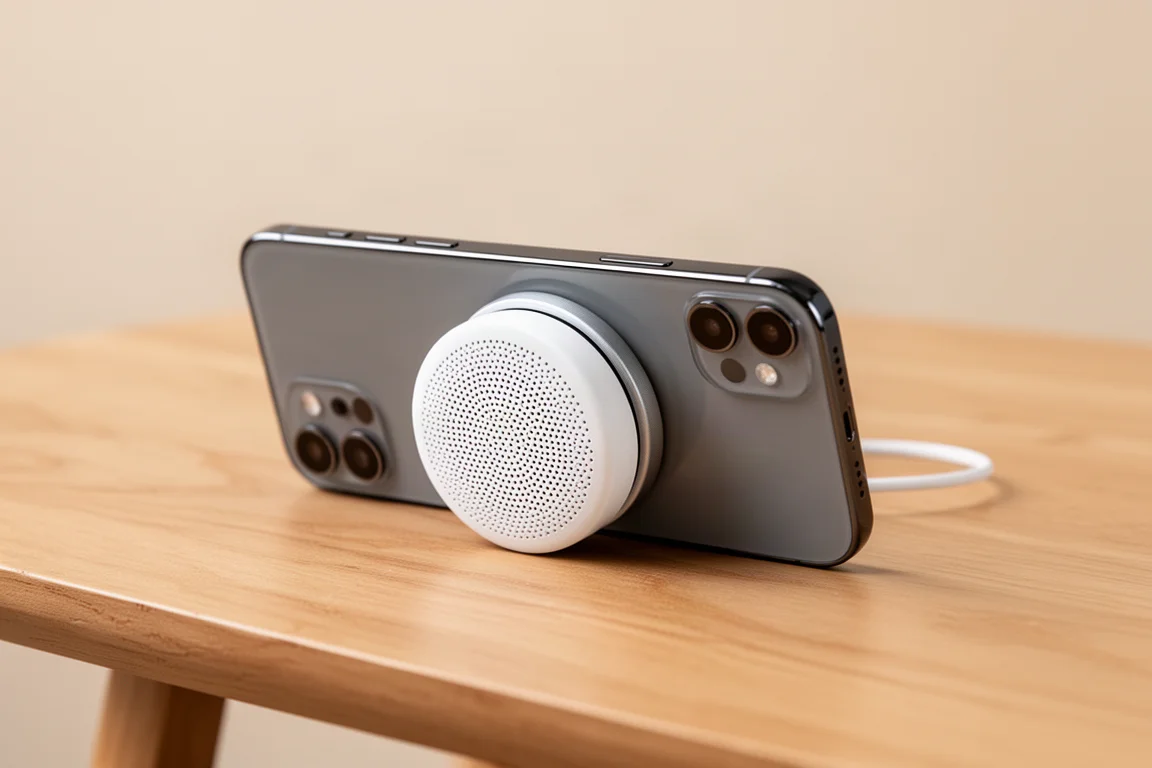
At first glance it is not obvious why this exists, but the Skosh Boom MagSip Edition is useful in very specific situations. It is a small puck with a built-in loudspeaker that snaps to the back of the iPhone thanks to strong aligning magnets, and it doubles as a kickstand.
Anyone who watches late-night videos hands free will appreciate the much louder experience compared to the built-in speakers, and you can walk away while your music keeps playing. It holds about five hours of playback, has a clean simple design, and still fits in a pocket when you are done sharing.
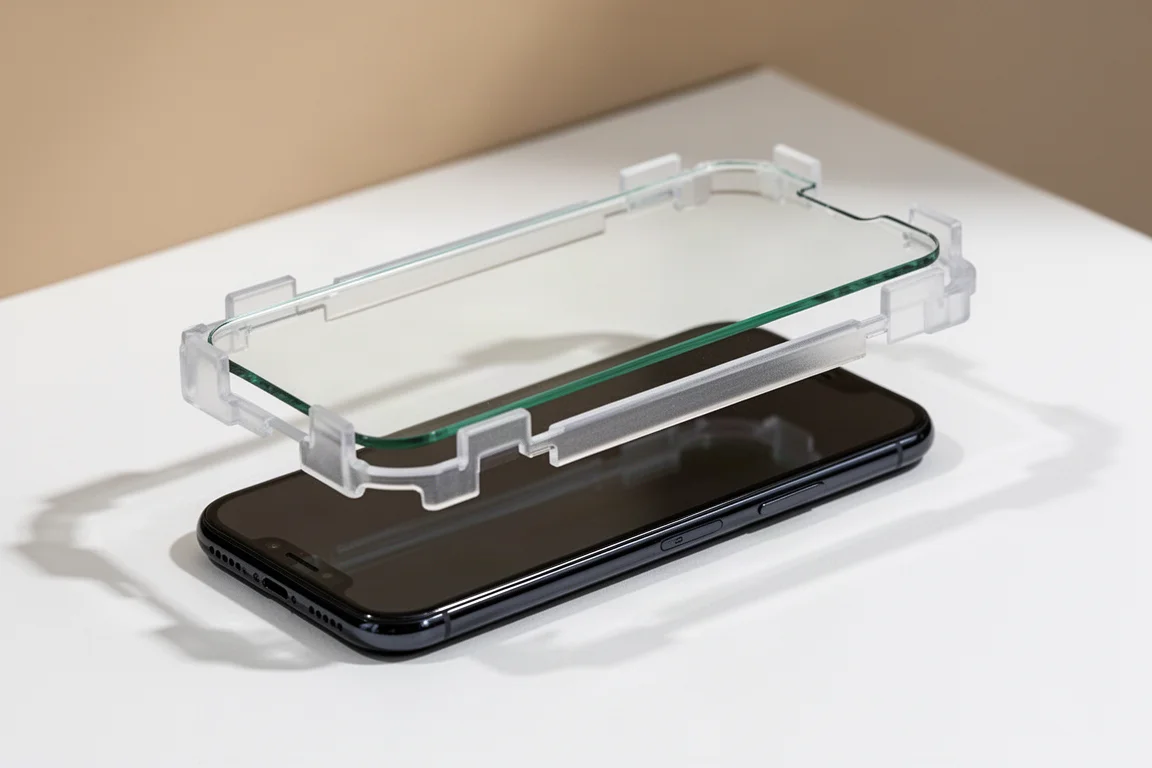
Spigen Fit Screen Protector: The Easiest Install Around
If you cannot draw a straight line, this screen protector removes the guesswork. It comes pre-installed in a plastic frame with notches that fit exactly around a bare iPhone. Clean the screen, peel, drop the frame on, swipe, and remove. There is literally only one way it fits, so alignment is perfect every time with no reapplying and no air bubbles.
The cutouts are exact, including space around the speaker, with enough edge clearance to still work under a case. It adds scratch and light chop resistance, and cracking this layer is always cheaper than replacing the whole phone.
RhinoShield Grip Series: A Hold That Makes Sense
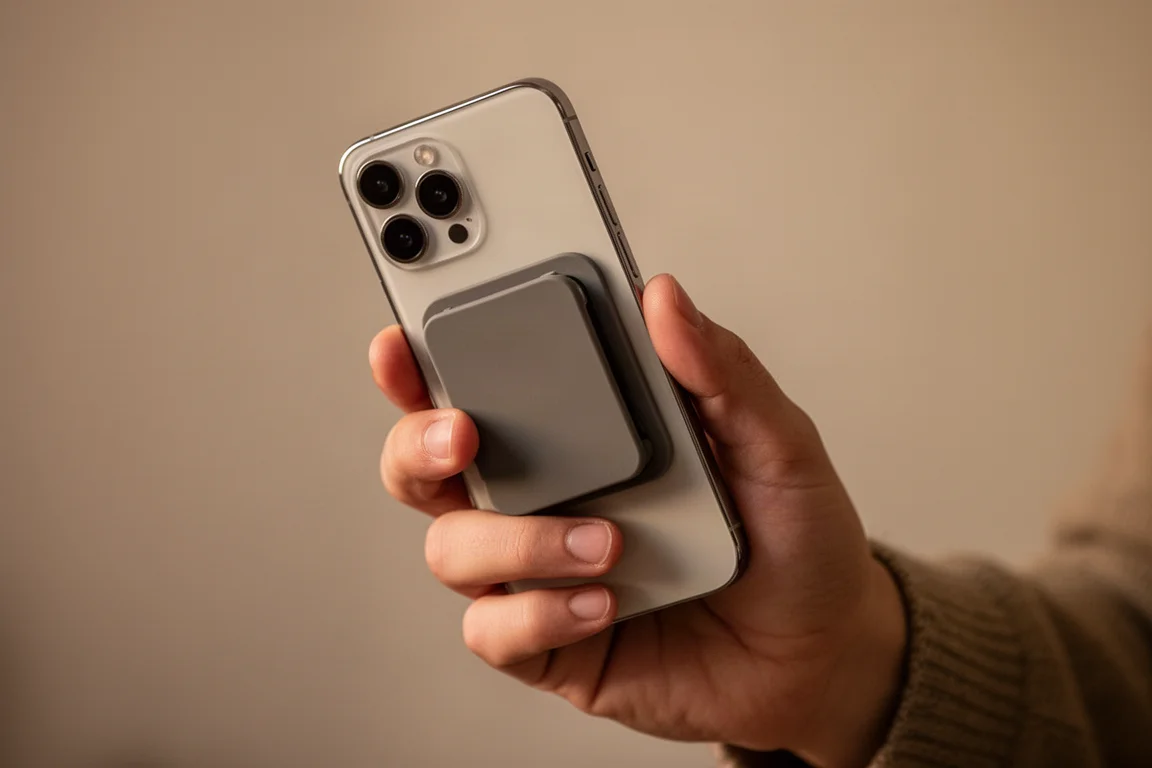
For anyone tired of finger cramps from reaching around a big screen, the Grip Series gives your hand something to actually hold on to. The Max 8 version lets you pull it out, stick it in, and switch between fingers, giving you the freedom to hold the phone any way you want. Stick-on options are available too, in large and small sizes, so you can pick the perfect position.
It also doubles as a stand for hands-free viewing, peels and repositions without losing stickiness, and the flat design still slides easily in and out of a front pocket. There are plenty of designs to match your style.
Moment MagSafe Car Vent Mount: Magnets That Actually Hold
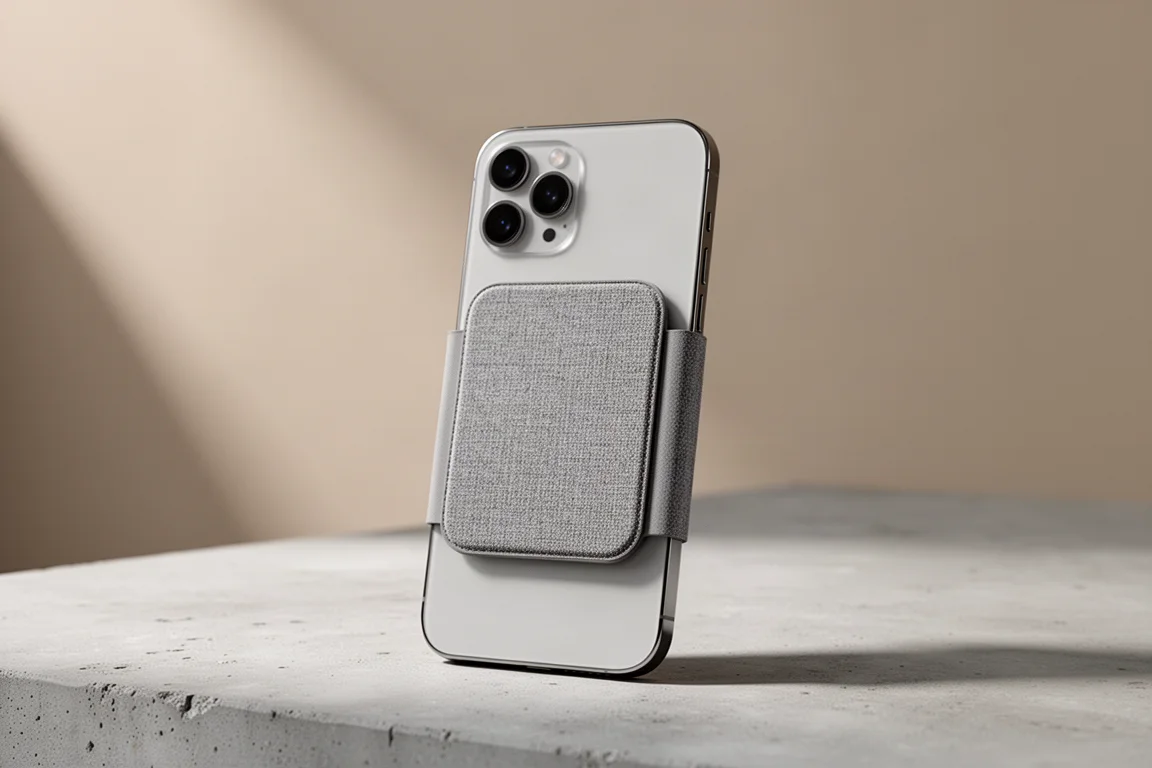
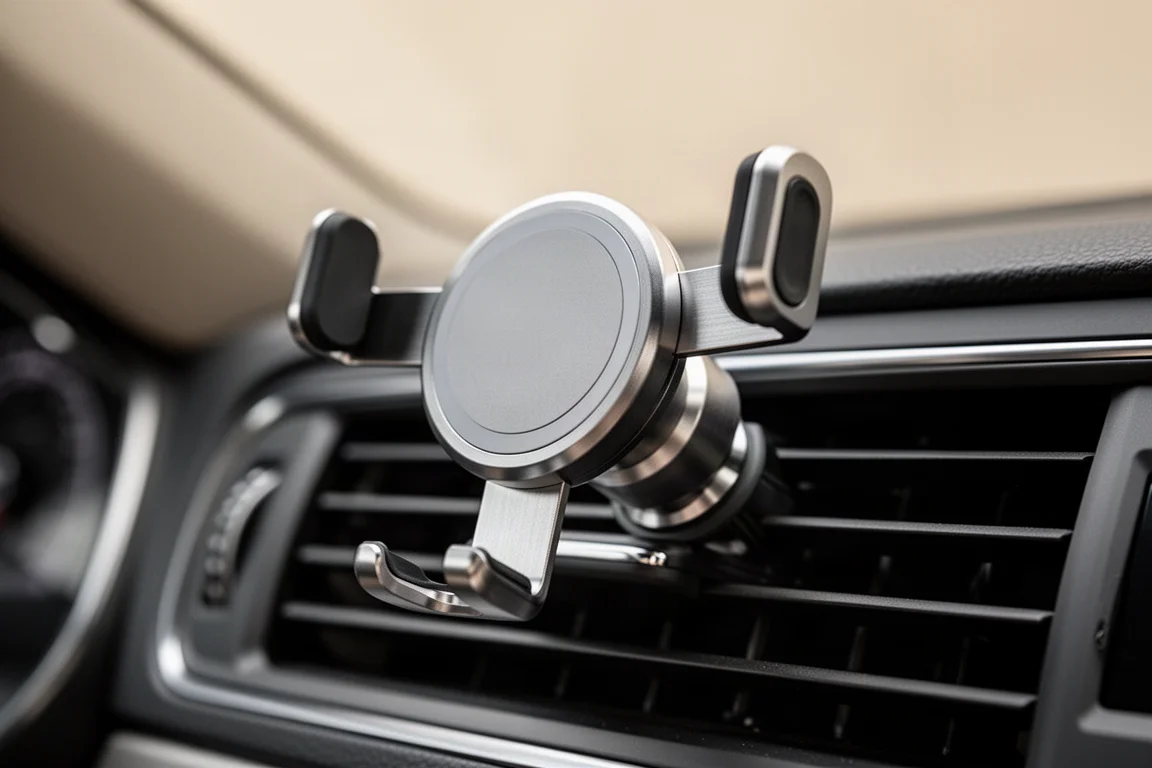
When it comes to MagSafe mounts, Moment’s lineup stands out for magnet strength. You never have to worry about the phone falling off, and the car vent mount is the standout pick of the family. The lineup also includes secure camera rigs for creators, a handlebar mount, adjustable wall mounts, a tripod adapter for group photos, and an anywhere-mount option.
Everything is made of heavy-duty metal with rubber padding, which makes these some of the most confidence-inspiring MagSafe accessories around.
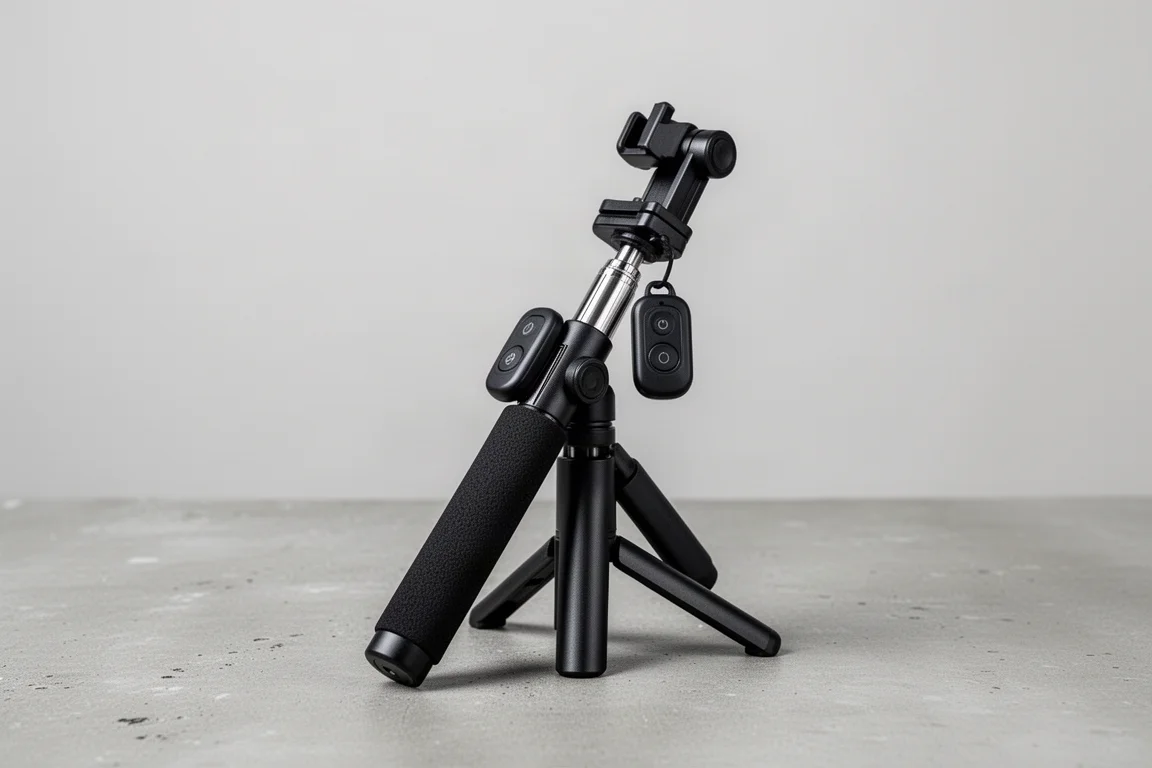
Atumtek Selfie Stick Tripod: Sturdy, Then Pocket-Sized
This selfie stick tripod looks unassuming with its sturdy plastic frame, textured handle, removable wireless camera controller, and quick release button, but it is genuinely useful. As a desk tripod it is one of the sturdiest for the iPhone, great for video calls, vlogging, or just watching a show, and the wireless remote makes close-up shots easy.
At full height it reaches chin level for a typical adult, held steady by a 10-inch wide base. It can wobble if you fiddle with it, but it holds its ground for the most part. The best part is that it collapses down to roughly three-fifths of its length, small enough for a water bottle pocket or a front pocket.
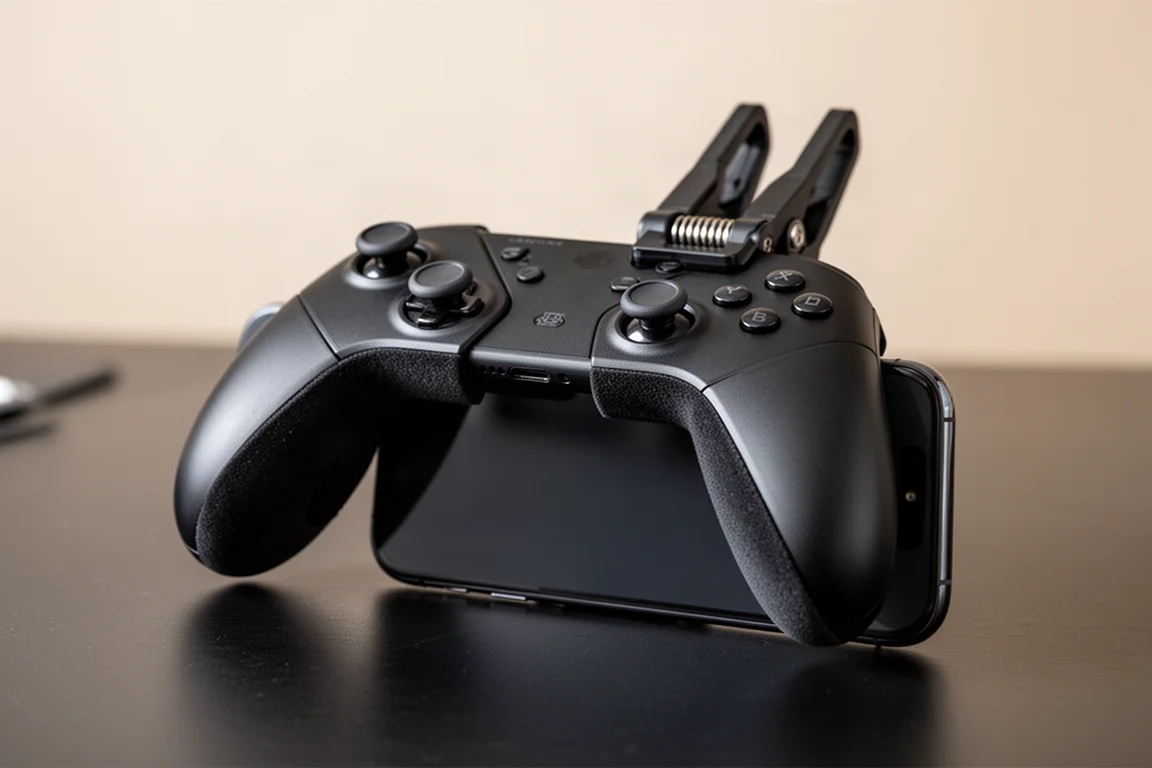
GameSir Falcon F4: Physical Triggers for Mobile Gaming
For anyone getting worked up in PUBG or Call of Duty Mobile, the GameSir Falcon F4 is a must-have. It gives you physical buttons that trigger on-screen actions, essentially attaching a controller-like edge to the iPhone and unlocking four-finger play. It clamps on via a spring with nothing to install or connect, and the padding protects the phone.
Button channels keep you from accidentally powering off the screen mid-match, it auto powers off when closed, and it holds about 40 hours of battery life, more than enough for long rides or waiting between classes. It helps, though it will not stop other players from honking at you.
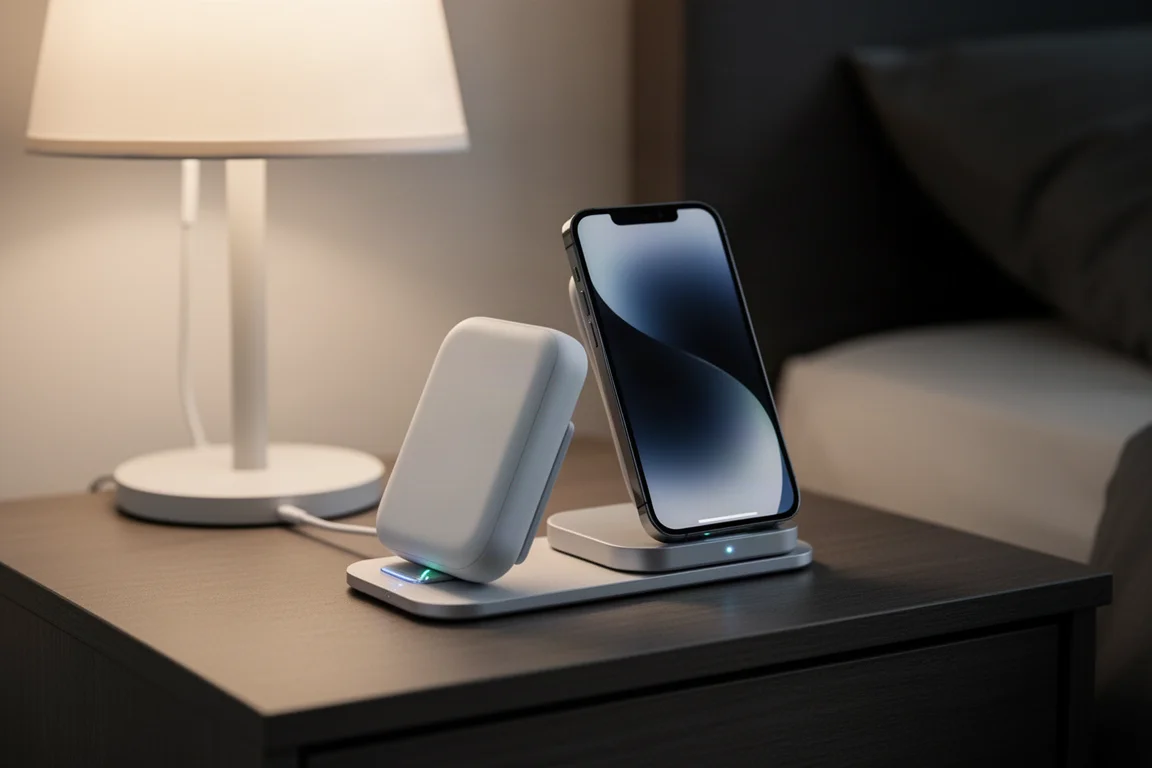
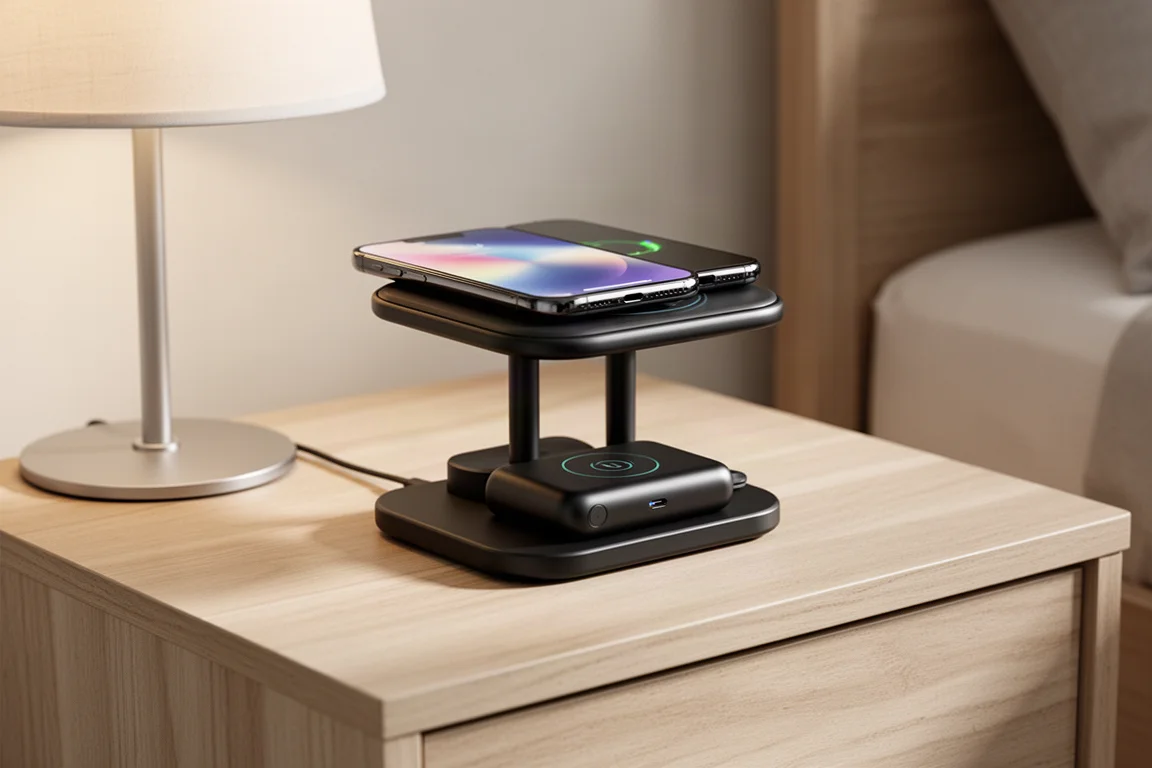
Anker 2-in-1 Wireless Charger with MagSafe Battery
This one is more functional than fancy. The Anker 2-in-1 combines two wireless chargers in one dock, and the charger itself is a MagSafe battery. That solves a real problem: the battery always has a dedicated spot to charge, so you always know where it is, because none of it works unless everything is docked in place.
The stand offers a range of viewing angles, and since it is a MagSafe mount it also works horizontally, so you can finish a video call and jump straight into entertainment. The best part is pulling the whole charger off the dock if you have not finished charging, or just to have a backup for the rest of the day. It is thin enough to hold comfortably, has a clean minimal design, and the USB-C port lets you share the 5,000 mAh battery with other gear. It is a two-in-one wireless charger that doubles as an all-in-one power solution.
Buying Advice
Match each accessory to a real habit. Clumsy with a phone? Start with the Casetify Bounce Case and a Spigen screen protector. Love the bare iPhone look? dbrand skins cover that. Travel or commute a lot? The Alpaca stand, Atumtek tripod, and Moment vent mount all earn their keep on the move. Gamers should look at the Falcon F4, and anyone tired of a dead battery at 4 p.m. should consider the Anker dock-and-battery combo. Casetify has regularly offered a discount through its site, so it is worth checking before you buy.
Conclusion
None of these accessories are essential on paper, but each one fixes a specific annoyance with the iPhone 14 in a way that feels well thought out. Pick the two or three that match your daily routine and skip the rest, and your phone will be more protected, more useful, and a lot more fun to carry.
Further reading
Related Reviews
iPhone Accessories
Best MagSafe Accessories: Five Add-Ons That Actually Earn a Spot on Your iPhone
A gaming controller, a trackable wallet, a pocket flash, a slim SSD, and a do-it-all battery: five MagSafe accessories worth a look.

Backpacking Gear
Building a 10 lb Base Weight: An Ultralight Backpacking Gear List
A practical walkthrough of the ultralight pieces behind a 10 lb base weight, from a 765 g pack and a roomy one-person tent to a full camp chair and a dependable water filter.

Road Bikes
10 New Road Bikes Worth Watching: Aero, Titanium, Steel and Endurance Standouts
A practical roundup of 10 new road bikes, from aero flagships chasing single-watt gains to titanium, steel and endurance platforms built for real roads.