Tech Accessories
Best iPad Accessories: Five Practical Picks Worth Your Money
From a smarter stylus to a magnetic keyboard case and an 8-in-1 hub, five accessories that make an iPad more useful without paying the Apple tax.
Introduction
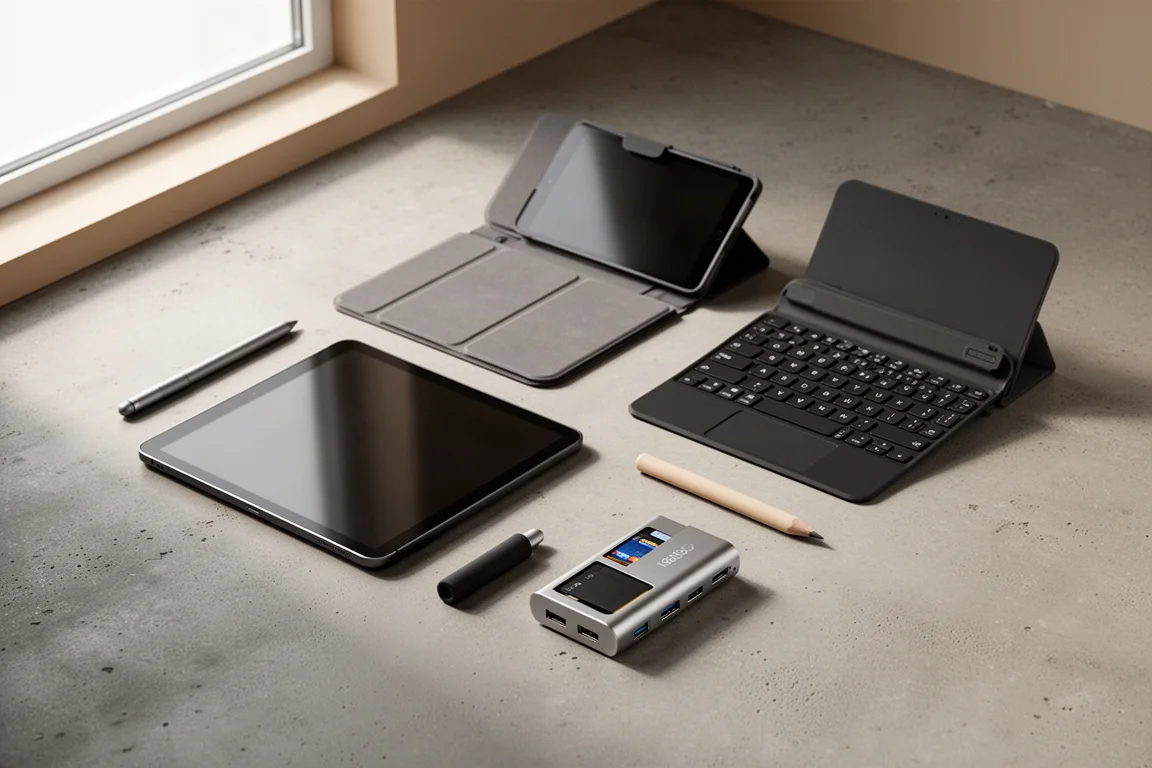
A new iPad is only as good as the gear around it. Whether you want a stylus that is easier to find, a case that doubles as a stand, a keyboard that costs far less than the first-party option, or a dock that turns the tablet into a proper workstation, this list covers accessories that earn their spot. The iPad itself is large and capable, and it deserves protection and add-ons that actually get used rather than tossed in a drawer.
The Stylus Upgrade: ESR Digital Pencil
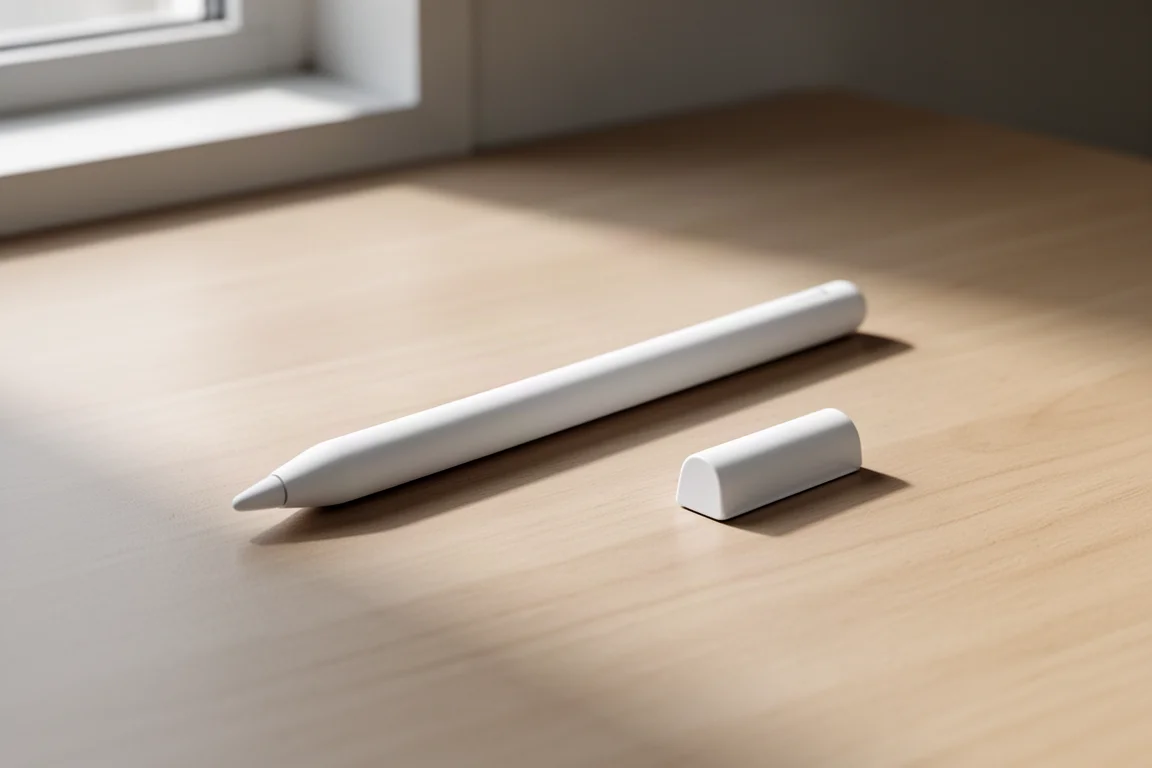
If you do not want to pay the Apple tax on a stylus, the ESR Digital Pencil makes a strong case for itself. It includes the pencil-like features you expect, such as tilt sensitivity and palm rejection, all without noticeable lag. On top of that, it adds an extra shortcut button that doubles as a home button, and even a built-in tracker that connects with Apple’s Find My app, complete with a loud alert sound. Realistically, you are going to misplace a stylus at some point, so that tracker alone is worth considering.
The trade-off is charging. There is no wireless charging, but a 30-minute plug-in delivers up to 12 hours of use, which is manageable. It still connects magnetically to the iPad and holds on firmly.

Slim Protection with a Stand: ESR Flip Magnetic Case
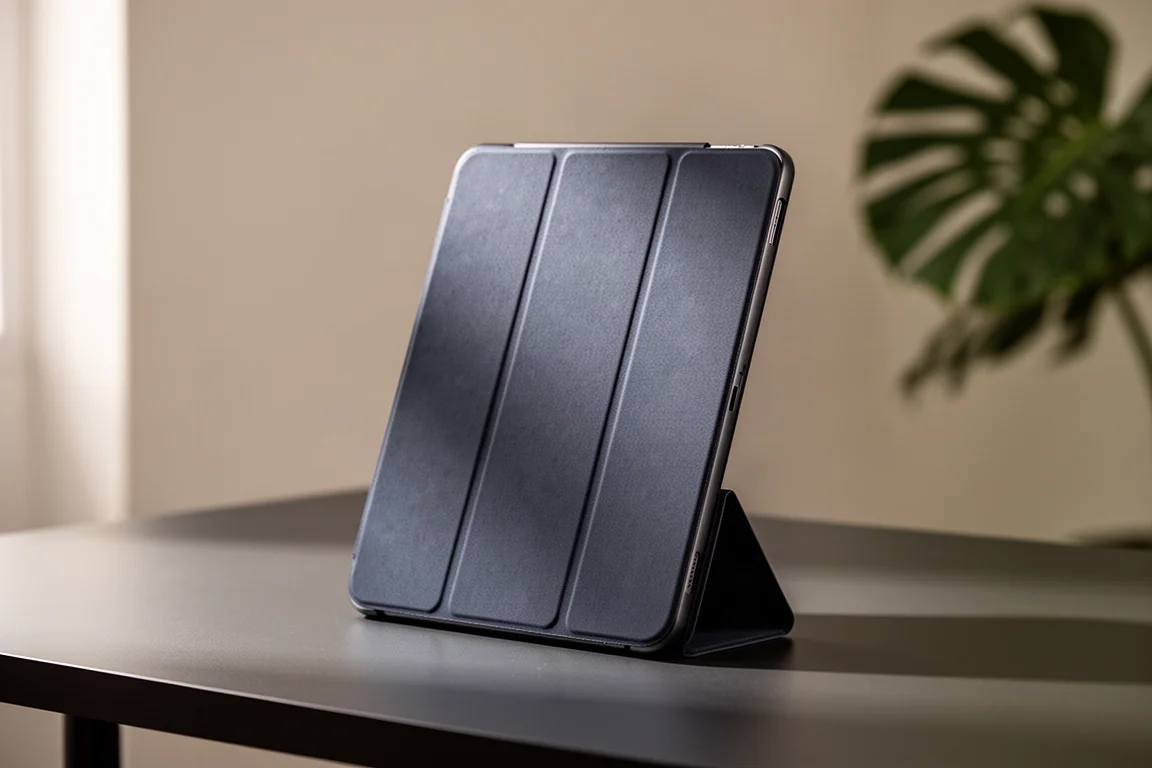
A capable iPad needs protection, and the ESR Flip Magnetic Case keeps things slim while adding genuine utility. The built-in stand holds the tablet up for multi-angle viewing and comfortable writing postures, and it all stays in place thanks to magnets doing the work. It survived plenty of poking and prodding without tipping over.
The vertical mode is the surprise here. Not many cases offer it, and it turns out to be surprisingly useful for scrolling, reading, and video calls. Pair it with ESR’s screen protector, which comes with an easy-install tray that makes it nearly impossible to mess up, with precise cutouts and a fit that works alongside cases.
Real Typing: ESR Rebound Magnetic Keyboard
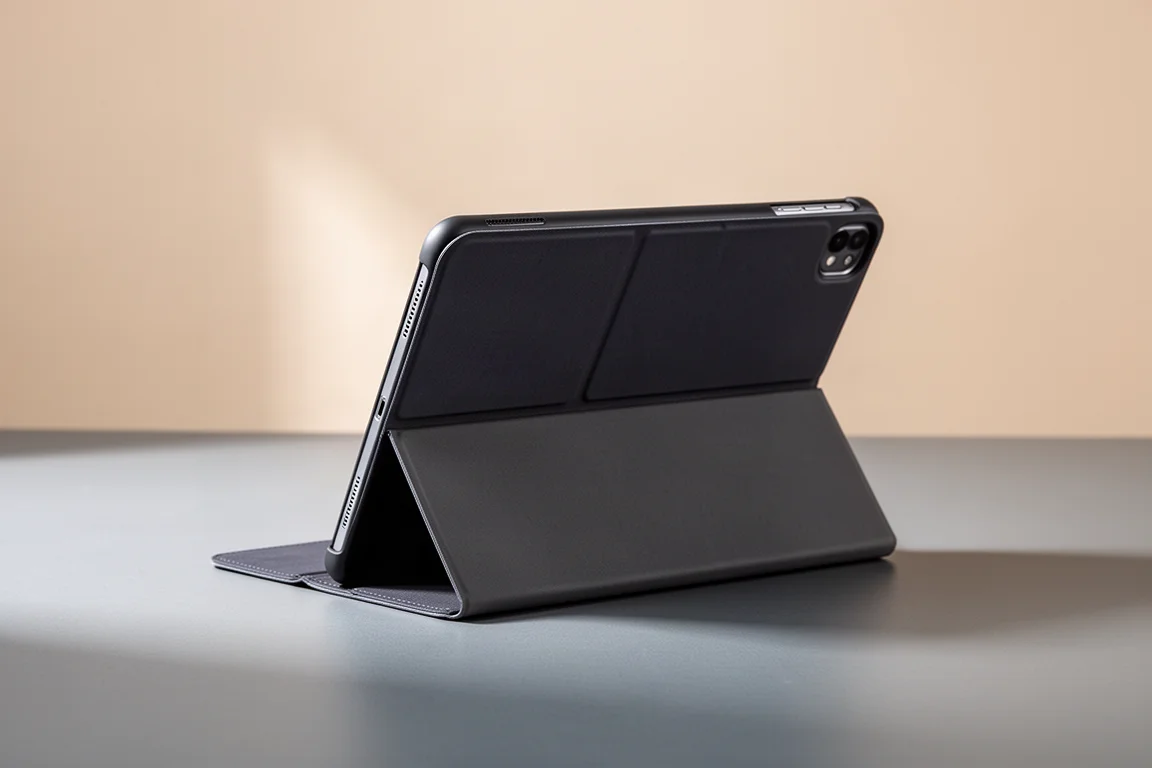
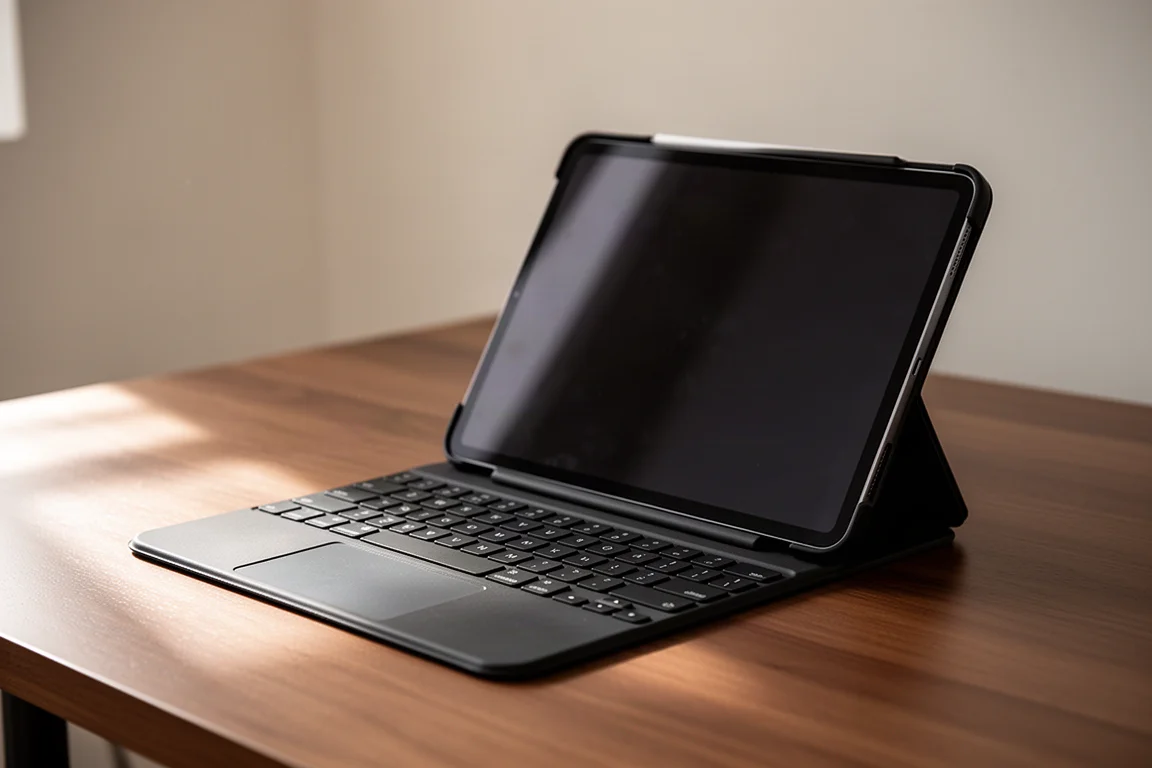
For actual work, the ESR Rebound Magnetic Keyboard is the standout. The keys are clicky and satisfying to type on, and the design uses a detachable case, so you can ditch the keyboard entirely to slim things down when you do not need it. The hinge holds its ground firmly, the build is durable, and the soft-touch finish feels good all around.
There are smart touches too, including a spot to lock in the stylus and even RGB lighting if that is your thing. The biggest argument for it is the price: you are getting more features while saving over 50% compared to Apple’s own keyboard case.
Carrying It All: A Well-Organized Everyday Bag
If you haul your iPad around with everything else, a well-designed carry bag makes a bigger difference than you would think. A soft-lined pocket fits the larger 13-inch iPad tightly, while smaller iPads slide in with room to spare. Semi-sealed zippers keep light rain out long enough to stay dry, though a proper downpour will eventually soak through.
The organization is the best part. The front is a buffet of sleeves, stretchy pockets, and pen slots, with space inside for larger gadgets, plus mounting points on both sides for quick access. Being able to see every pocket at a glance means you always know where everything lives. A padded strap sleeve adds comfort when fully loaded, and swivel clips let the bag sit naturally against your body, whether worn like a messenger or dropped low to the side.
A Tiny Fix for Finger Cramps: NimbleGrip 2
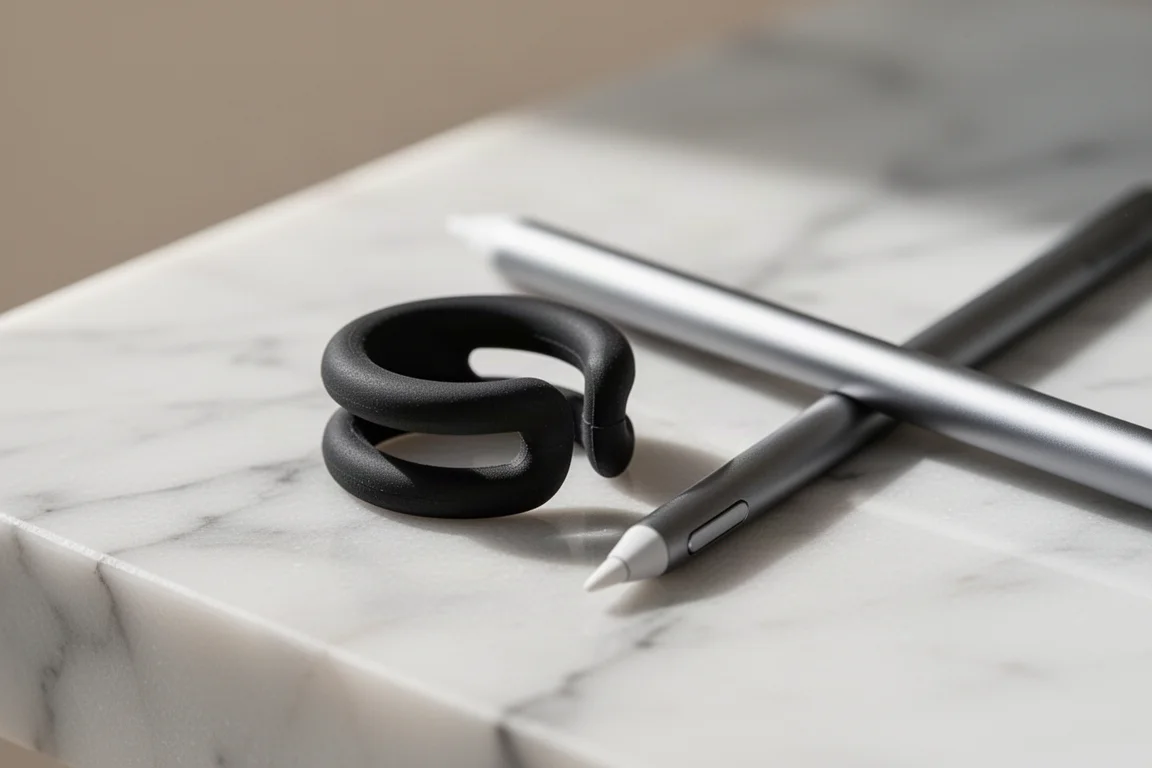
This one is only relevant if you use a stylus and know the finger cramps that set in after a few minutes of drawing or writing. A single piece of rubber solves most of that pain. The NimbleGrip 2 works like the pencil grips you got in school, and it actually does the job, adding extra girth where your fingers need it.
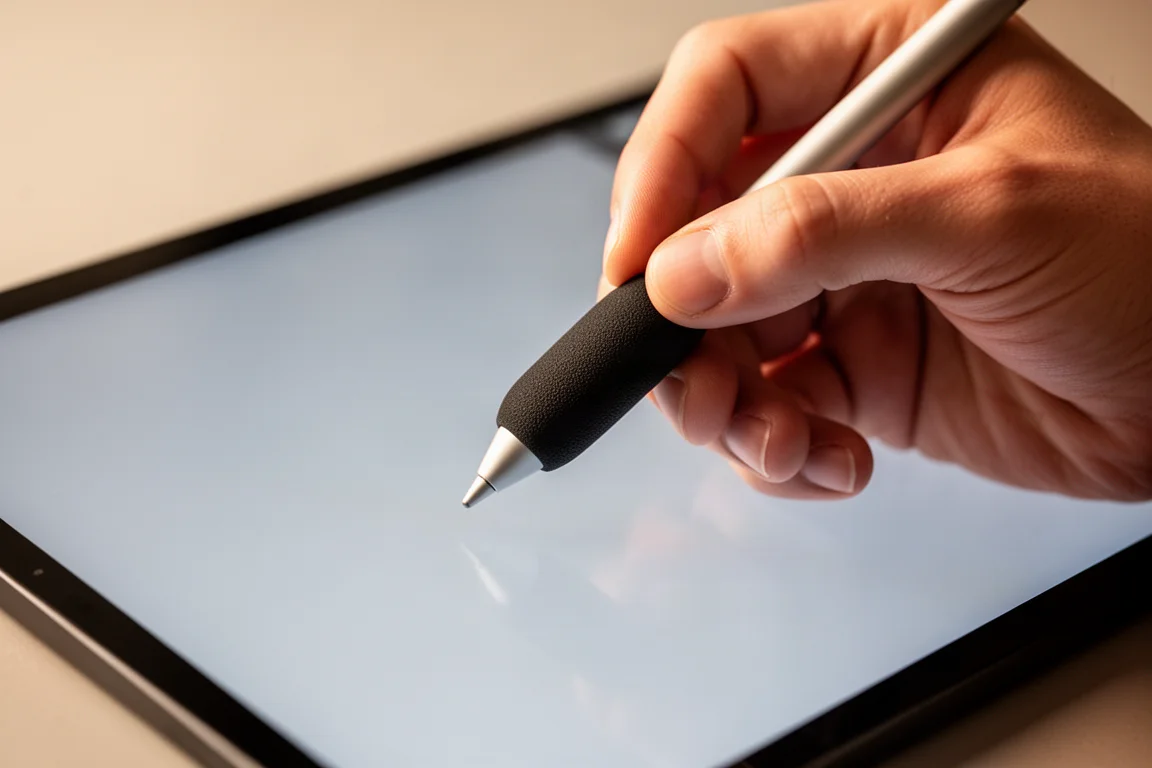
The clever detail is the cutout: you do not have to remove the grip to magnetically dock the stylus back onto the iPad. It costs about as much as a fancy eraser and feels almost too cheap to be worth it, but anyone using a stylus for longer than two minutes will be glad they bought it.
The Serious Dock: Anker 8-in-1 Hub
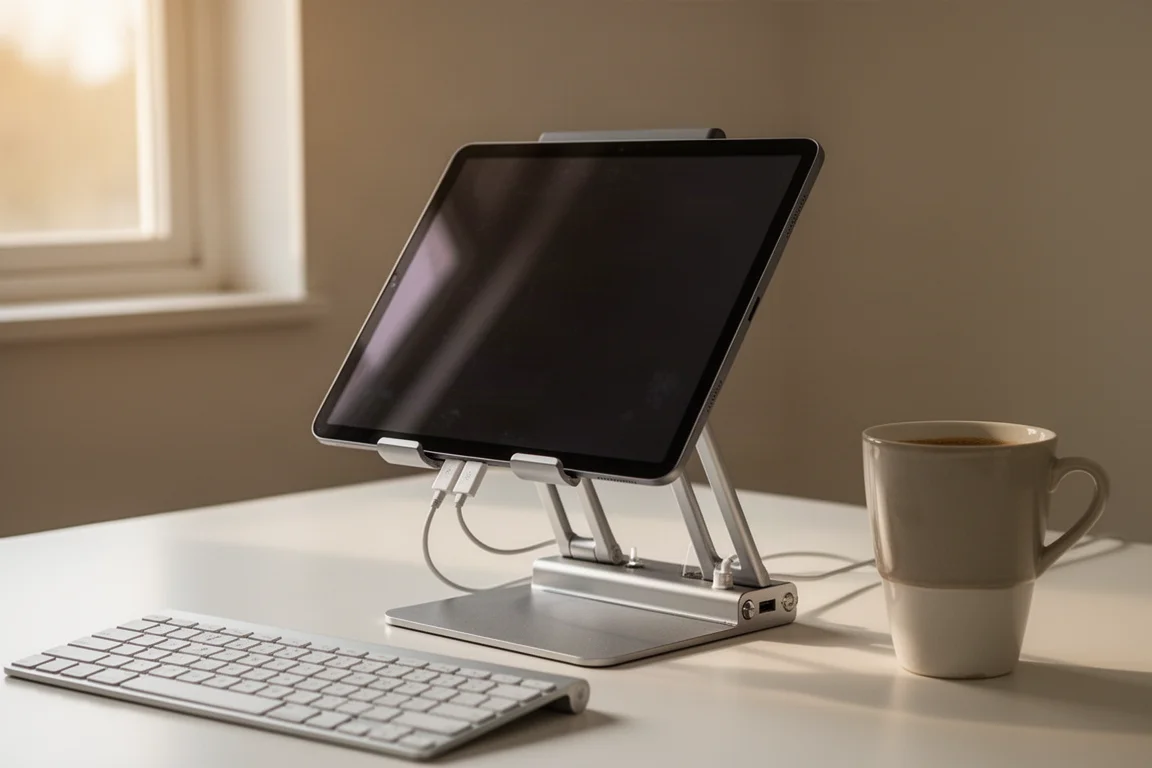
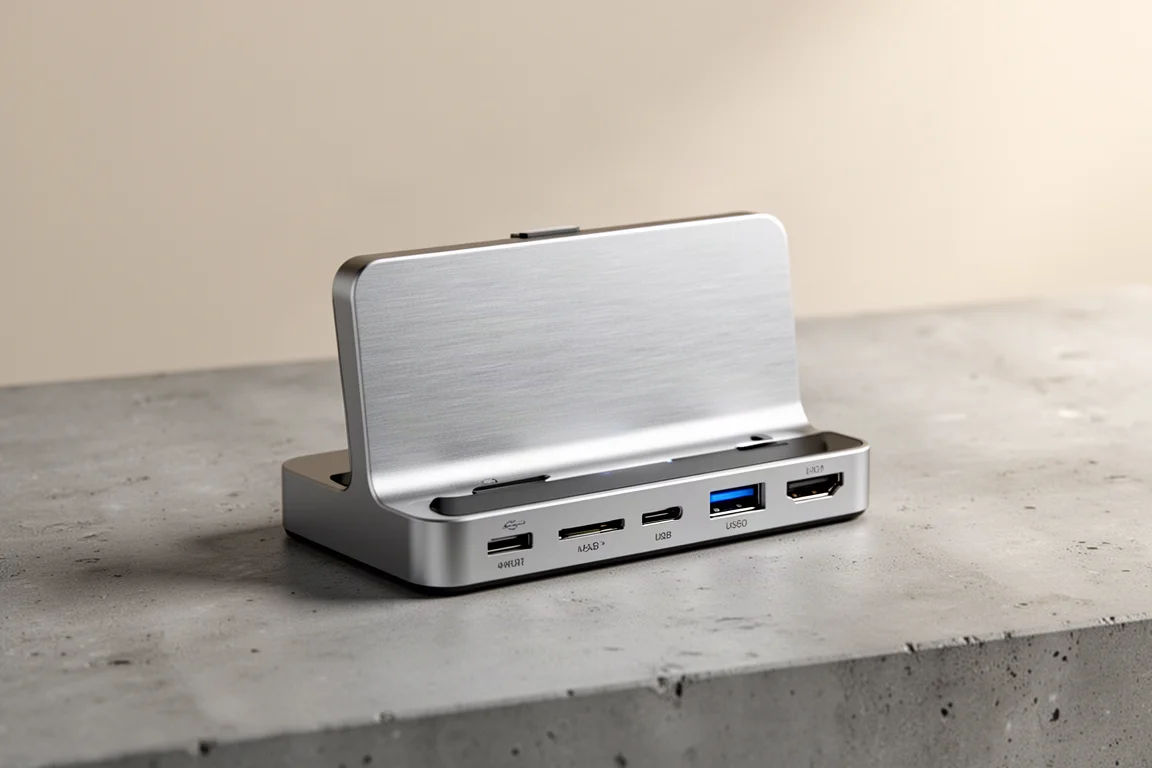
For the iPad users who look like they are constantly getting things done, the Anker 8-in-1 Hub is essentially the ultimate dock. Built-in ports cover nearly every connection you need, including an SD card and microSD card reader for transferring camera photos straight to the iPad for editing, plus dual 5 Gbps USB-A ports for extra storage that loaded up without any slowdowns.
Anker went heavy on build quality. The metal stand feels sturdy, with rubber lining that keeps your iPad scratch-free, and it holds any angle you set without slowly fading away while you type, draw, or scroll. There is an HDMI port around the back for external display duty, and the whole thing folds flat if you need to be productive on the go.
One thing worth mentioning alongside any iPad setup: a compact 65W GaN charger with a built-in retractable cable keeps the tablet, a phone, or even a laptop topped up all day, with an extra USB-C port for sharing. Folding prongs and a flush finish make it a clean single-charger travel solution, so you never leave a cable behind again.
Buying Advice
The right pick depends on how you use the iPad. If you draw or write regularly, the stylus and grip pair together well. If the iPad doubles as a laptop, the magnetic keyboard case is the value play. For media and travel, the flip case with vertical mode covers it, and for desk-based productivity, the 8-in-1 hub turns the tablet into a workstation.
Conclusion
None of these accessories reinvent the iPad, but each one removes a real friction point: losing the stylus, a case with no stand, finger cramps while drawing, or a shortage of ports. Match the accessory to the habit you actually have and the iPad becomes a noticeably better tool for the money.
Further reading
Related Reviews

Tech Accessories
Best Premium Tech Dupes 2026: Five Budget Alternatives That Actually Deliver
We compare five premium desk and streaming staples against their budget counterparts to see which dupes are genuinely worth the savings.
Tech Accessories
Best Thunderbolt 5 Docks 2026: Six Options Tested for Desktop Connectivity
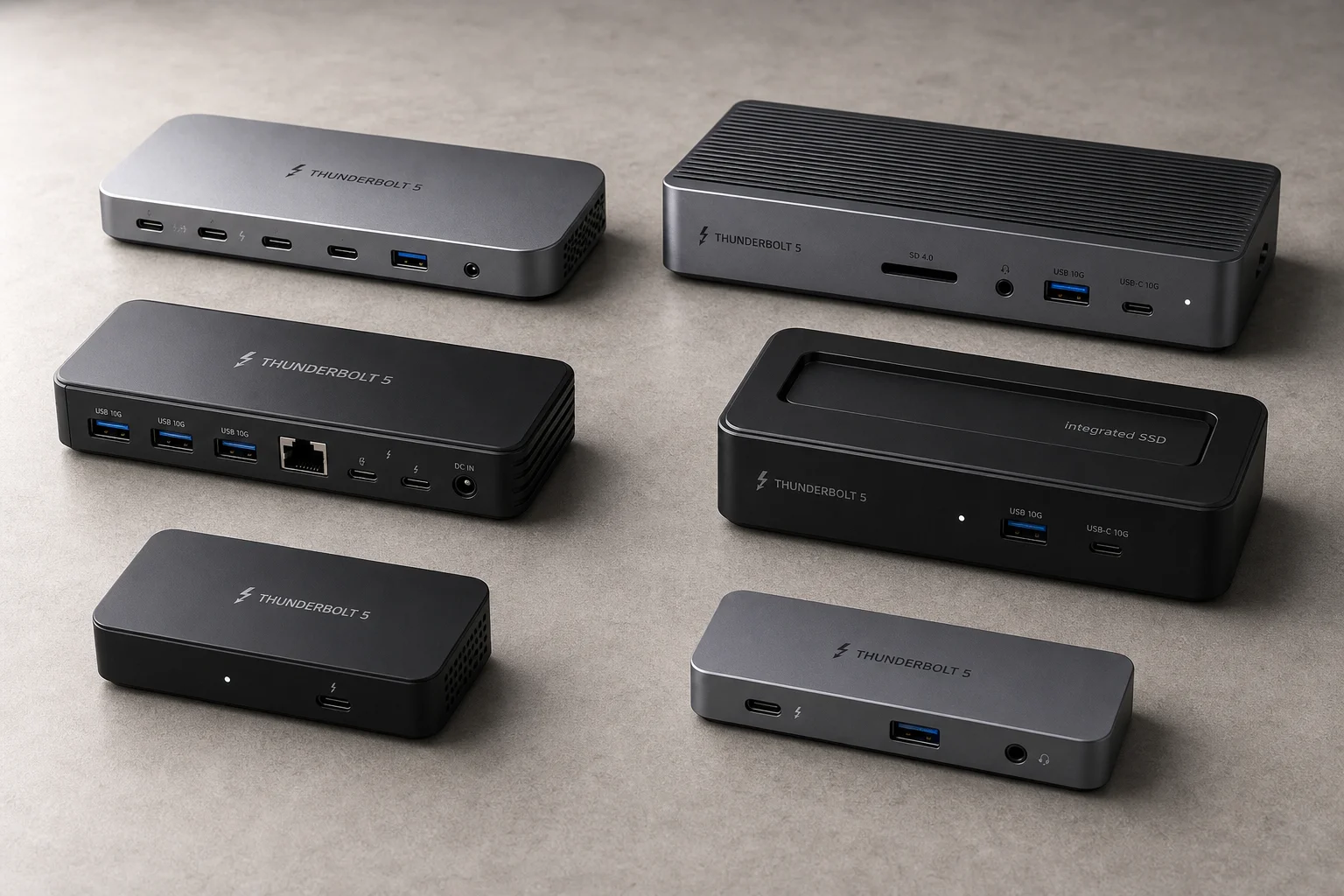
A practical guide to six Thunderbolt 5 docking stations, covering their strengths, trade-offs, and which setup they suit best.
Tech Accessories
CalDigit Thunderbolt Docks: TS4 vs Element Hub
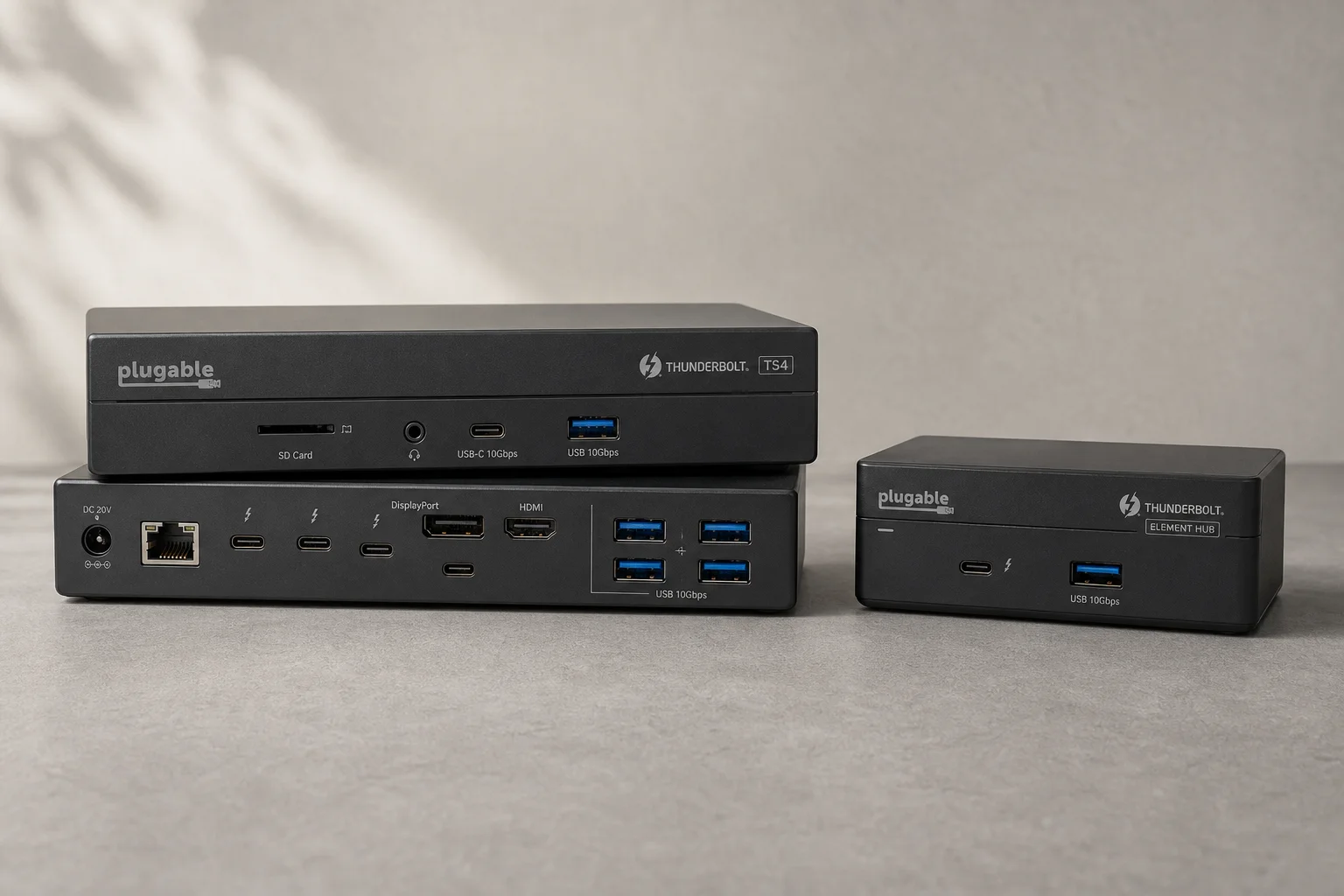
Two Thunderbolt docking solutions with different port counts and use cases. The TS4 offers 18 ports and 2.5 Gbps ethernet; the Element Hub provides a compact 8-port alternative.