Tech Accessories
Budget vs Premium MacBook Accessories: What's Actually Worth the Money
We compared budget and premium options across keyboards, pouches, monitors, chargers, hubs, and protection, and the budget picks won more often than expected.
Introduction
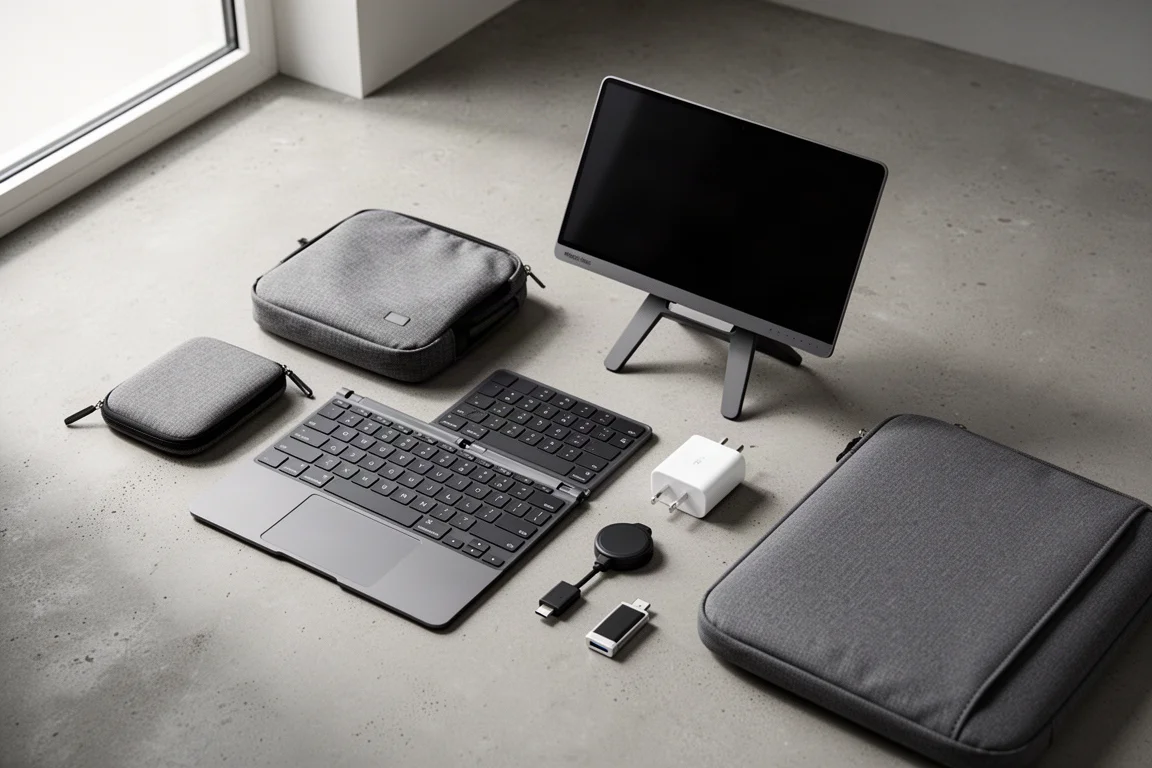
Some accessory categories are dominated by genuinely great cheap options, while others reward spending up. We compared budget and premium picks across six categories: keyboards, pouches, monitors, chargers, hubs, and protection. Some of the budget options did not just keep up, they actually won. And there is one expensive option that earns its price outright.
Here is how the matchups shake out, and where each option makes sense.
Keyboards: Pocket-Sized vs Feature-Packed
If the built-in MacBook keyboard is only a solid 6.5 out of 10 for you, a compact external keyboard is an easy upgrade path. The catch is deciding between true portability and a feature-loaded typing experience.
Nilikin Pocket Keyboard
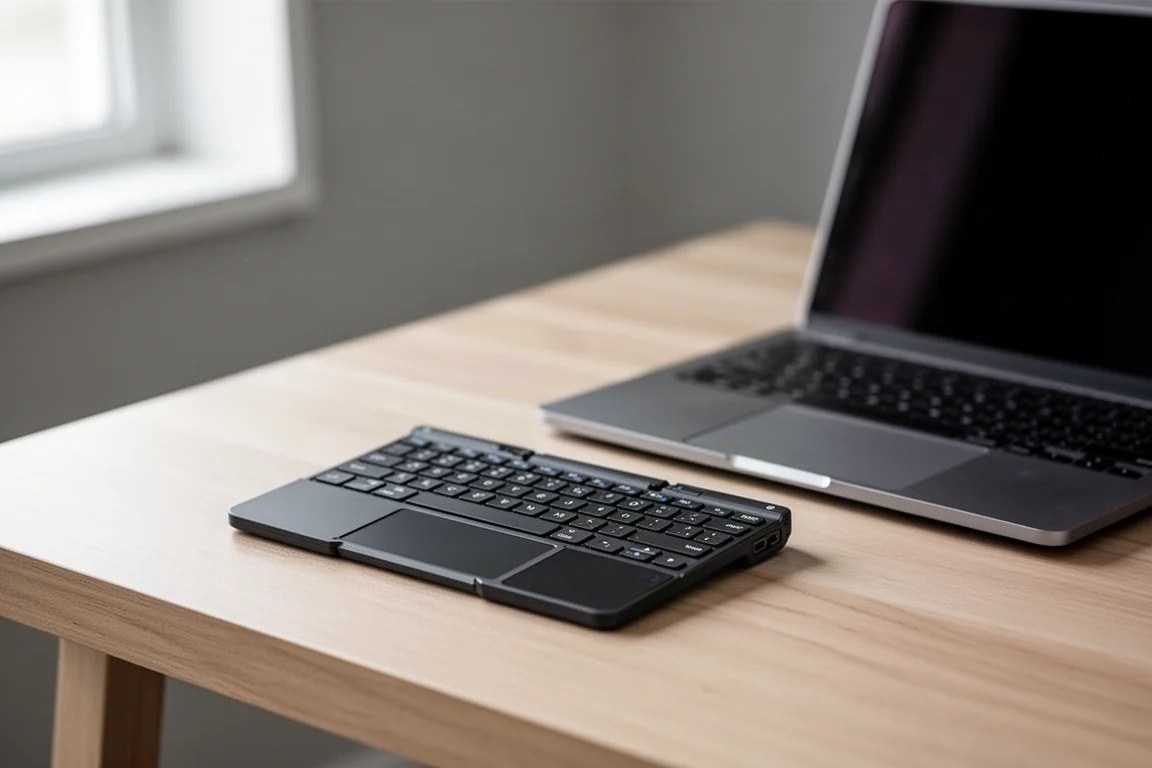
The budget pick here is genuinely tiny. It folds up to roughly the size of an average notebook and about as thin, so it can fit into essentially any pocket and is easy to forget it is even in your bag. Despite the size, it includes a built-in trackpad, which is probably worth twenty dollars on its own, and that trackpad doubles as a numpad. The fairly flat keys have wide spacing that is comfortable to type on, with a satisfying click, shortcut keys, and rubber along the bottom to keep it from sliding around.
The trade-offs come with the price. The plastic build keeps it lightweight but feels flimsy across the multiple hinges, and the metal hinges stick up in spots that can dig into your palm while typing. Not a deal-breaker, but you will notice it. The trackpad also offers no tactile feedback, which is underwhelming to use. If portability is your priority, this is a no-brainer to toss into any bag and forget about.
Cluvetura CLVXS Keyboard
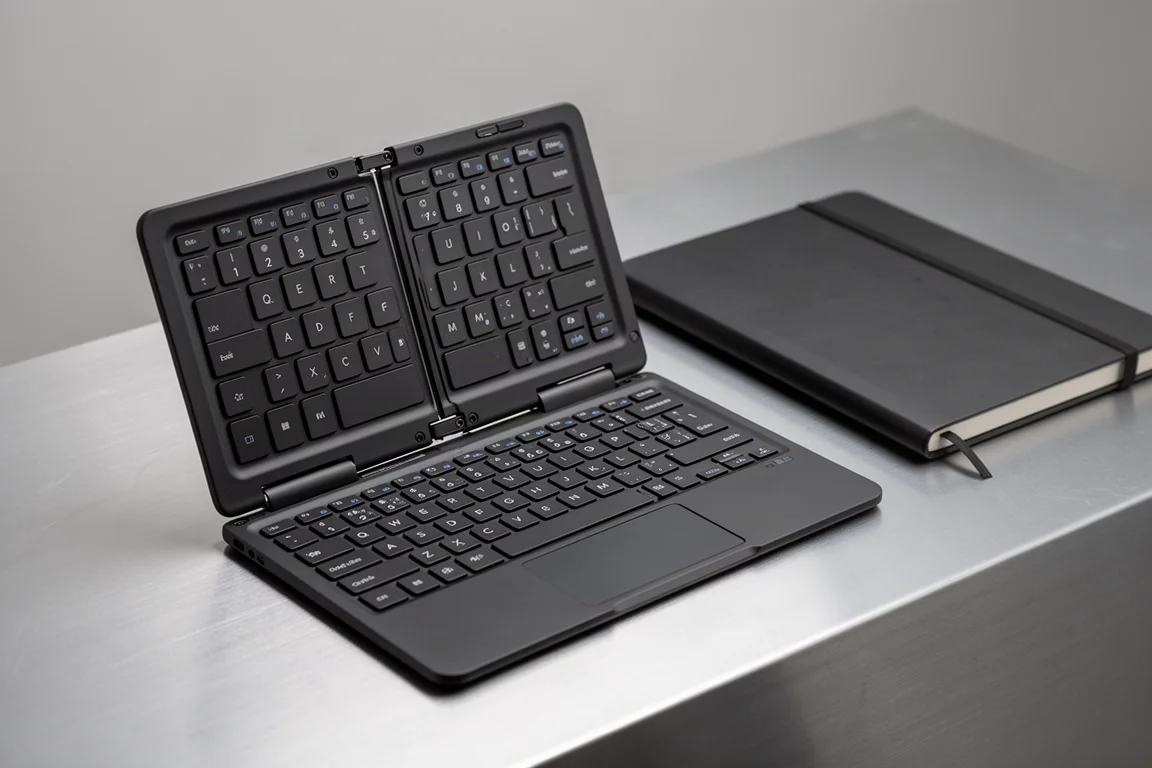
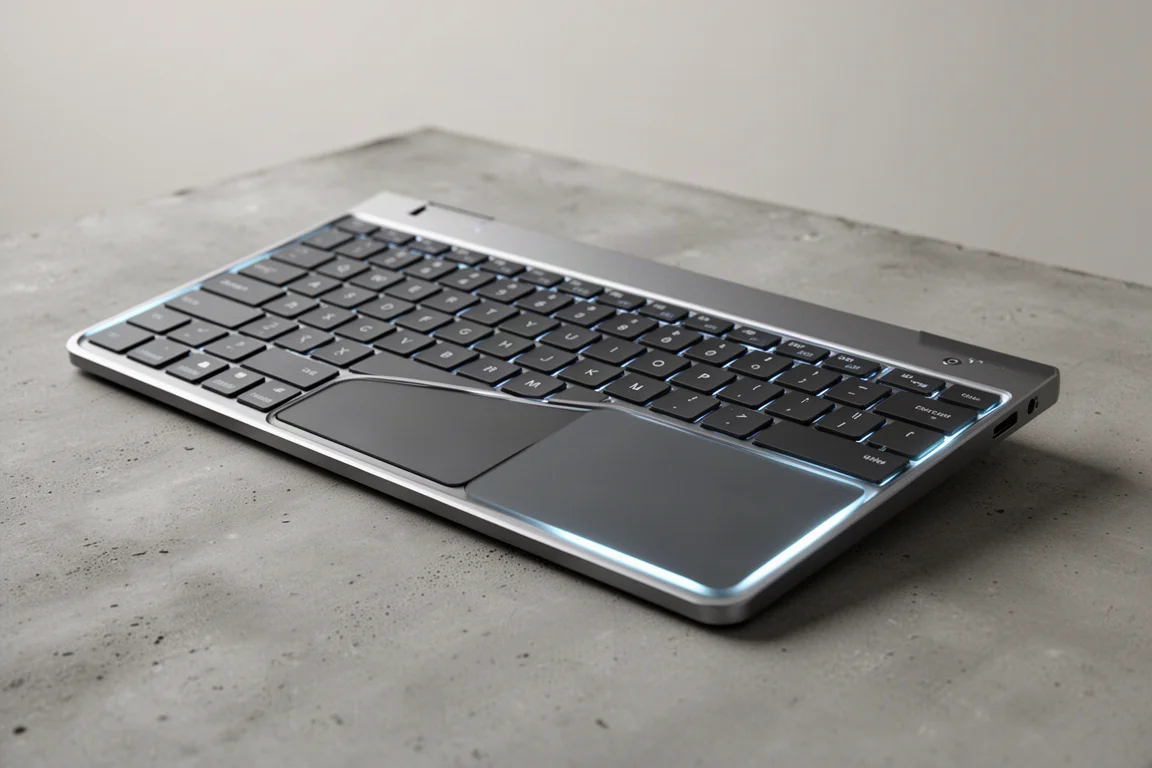
The premium comparison is the Cluvetura CLVXS, and it wins the aesthetics department easily with RGB lighting and tightly spaced, yet fairly large, keys across a surface that feels flat like an actual touchpad. The trackpad sits right on top of the keys and is surprisingly responsive, skipping far less than you would expect from a nearly invisible touch surface. The whole shell is wrapped in a metal frame with solid build quality, plus a row of function keys.
Oddly enough, it has AI built in: the more you type, the more it learns when to turn touchpad mode on and when to keep it off, and it was fairly accurate out of the box. Their software lets you customize colors, gestures, and shortcuts. The whole thing is no thicker than an iPhone, and the promise is that you never have to move your hands away from the keyboard. If you will actually use these features, it is a bargain at the $200 price tag. If not, save your money.
Tech Pouches: Simple vs Organization Overload
Technically you could store your gear in a Ziploc bag for less than a dollar and enjoy a fully waterproof seal. If you have any sense of taste, though, there are better options at both ends of the price range.
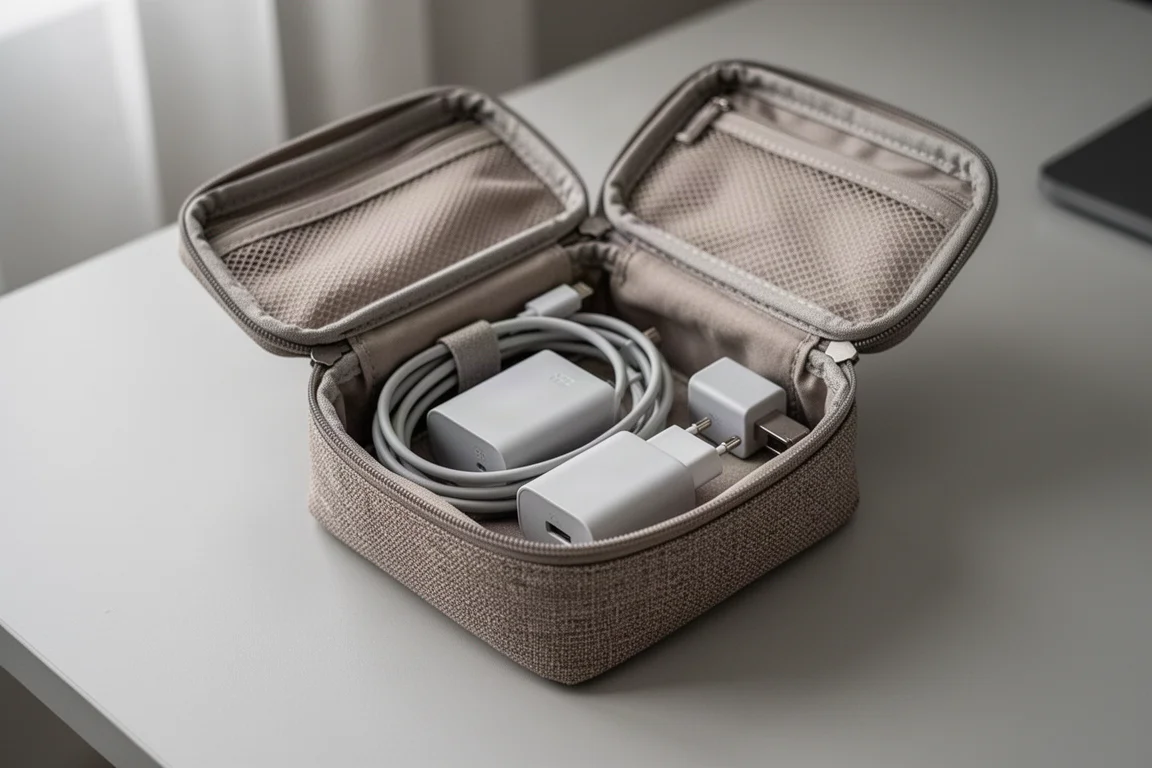
Muji Tech Pouches
At under $10 and available in a few sizes, these self-closing pouches are perfect if you just need to keep a charger, some cables, and maybe an adapter in one place instead of lost in the dark hole you call a backpack. The thick nylon with a rough textured finish means you do not have to baby it, yet you can still toss delicate items in without worrying about scratches. It is water-resistant enough to survive a spilled coffee or two, and a built-in loop lets it double as a quick-access pouch.
Even the smallest size fits a handful of gear, as long as you understand the limitations of a spring-loaded lid. As a budget option, the quality-to-price ratio is unparalleled, and pairing one with a larger bag is an easy win.
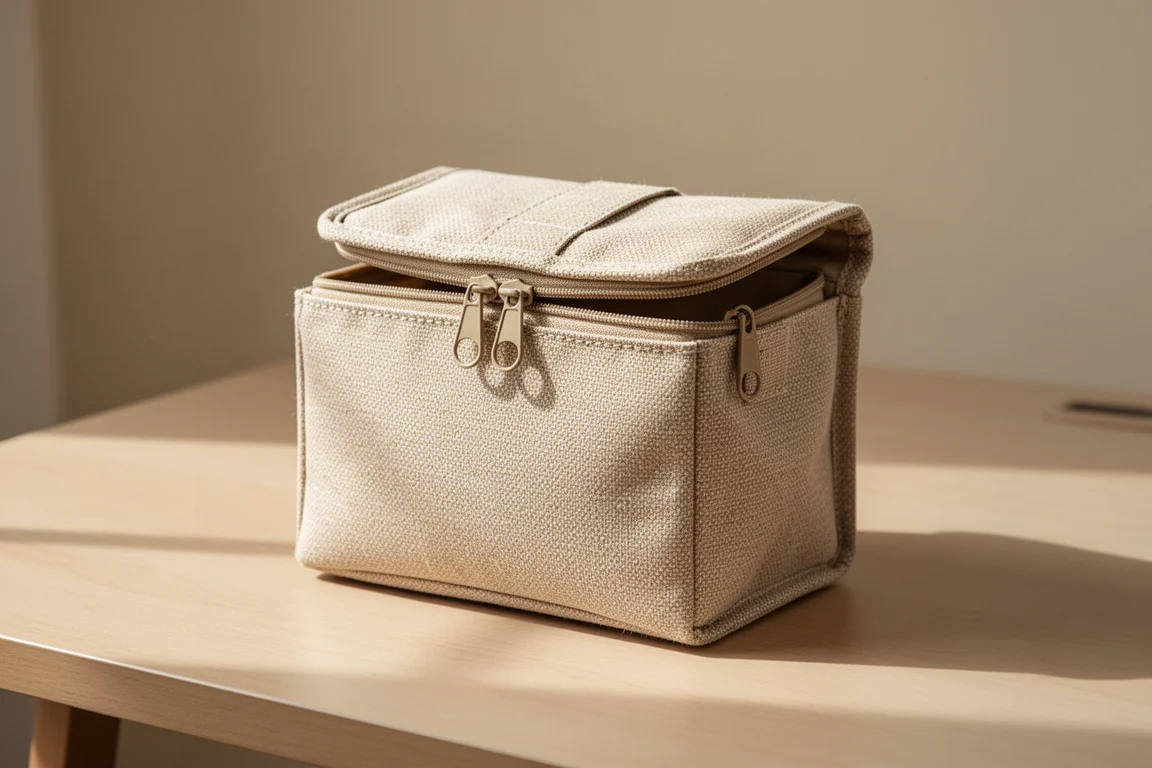
Orbitkey Tech Pouch
When you need to carry more than AirPods and mints, that is where your dollar starts to count. The Orbitkey Tech Pouch has minimal branding, a durable nylon exterior, a sealed zipper, and an interior loaded with pockets, sleeves, and elastics, including a pouch inside a pouch. There are dedicated pockets for everything from tiny SD cards to large chargers, elastics to keep cords organized, and even pen sleeves.
It is padded enough to protect what is inside and water-resistant, so that is one less thing to worry about. The tall side walls keep everything from spilling out, and the front quick-access pocket even has a pass-through for a cable, so you can charge your gadgets without opening the whole bag and messing with cables every time. It works at the office, at school, while traveling, or as a desk organizer. The extra inner pouch is a little overkill, but optional for thinner items, and paying to have the space readily available is the real value here.
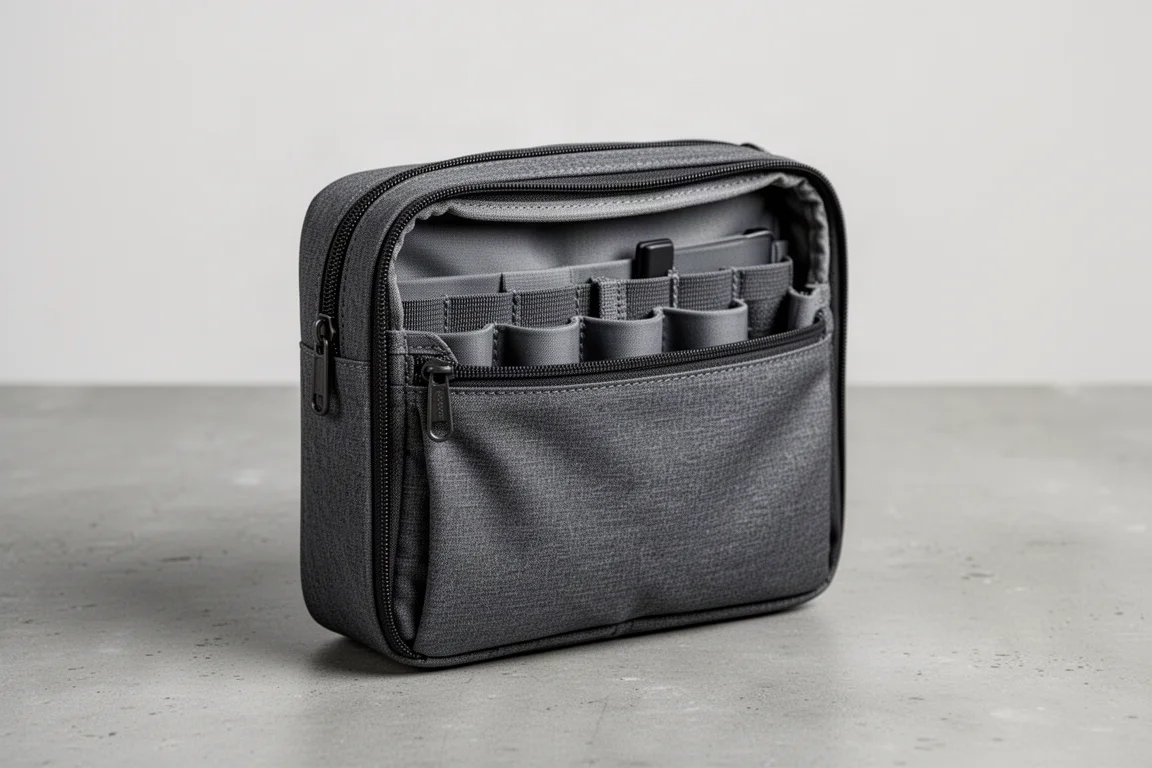
Portable Monitors: Single Screen vs Dual Foldable
Big-ticket items like an extra monitor deserve extra scrutiny, because something this large breaking on you feels devastating, even at budget prices.
Arzopa A1 Monitor
The budget option is half the thickness of a MacBook itself, yet it has a metal shell that feels premium, USB-C and micro HDMI inputs, and built-in speakers. The kickstand is where it really shines, offering a full range of viewing angles. With a single USB-C connection handling both power and video, it is one of the cleanest dual-monitor setups you can take anywhere: a remote office, a travel office, or a second monitor at home that does not require a whole new table.
The lightweight design means you can carry the whole office setup in one hand and slide it into a bag on the go. For most people, this single monitor is the smarter buy.
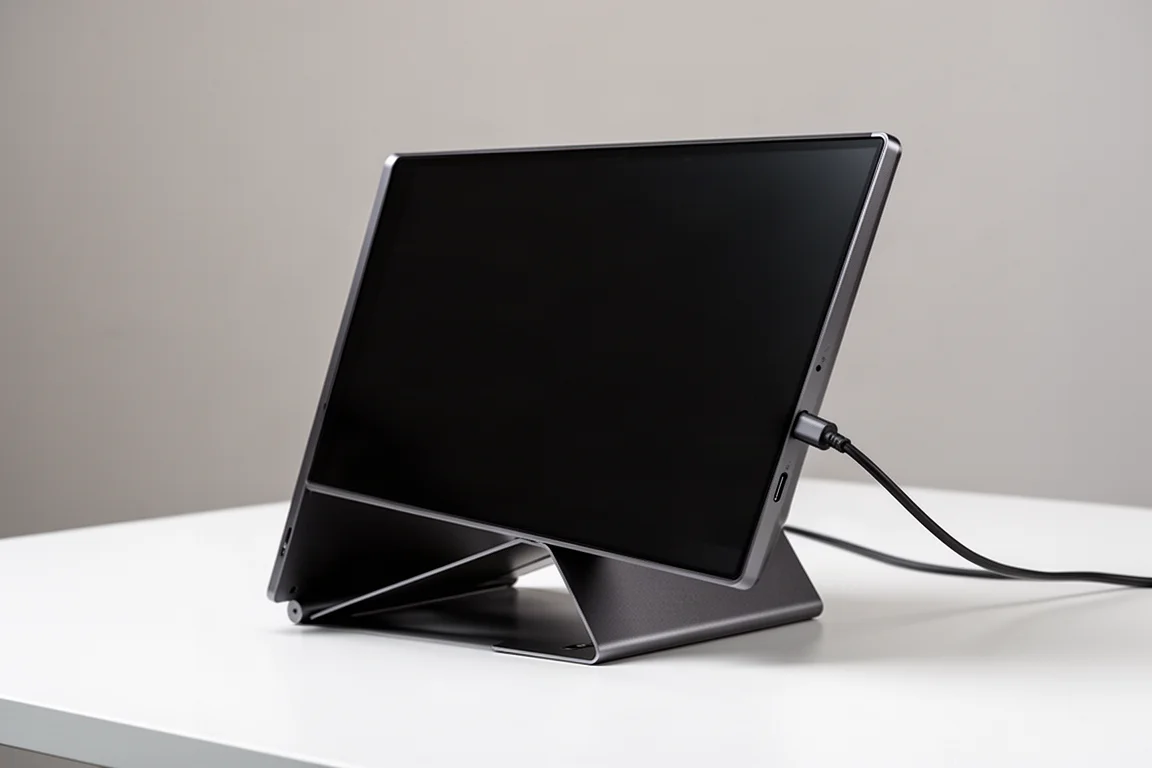
JSAUX Flip Go Dual Monitor
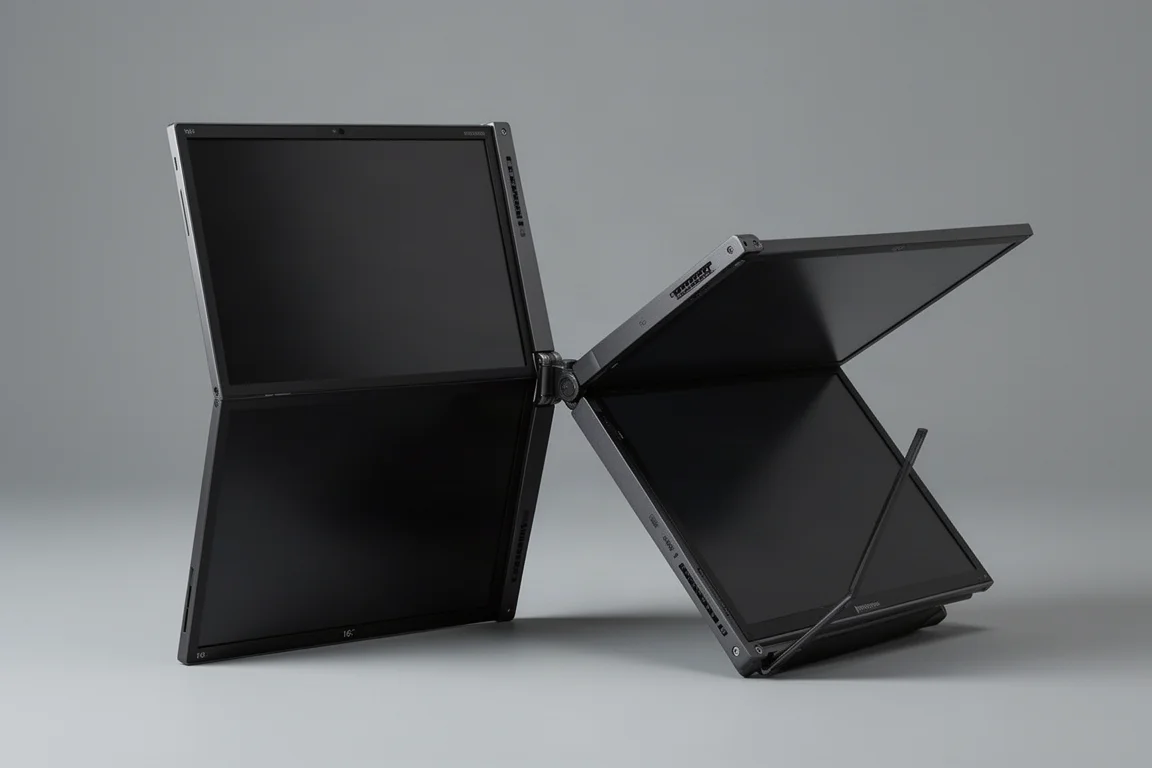
Dual 16-inch foldable monitors is a wild thing to say aloud, but the JSAUX Flip Go makes it real: a portable triple-monitor setup alongside your MacBook. With a starting price of $250, it can make your eyes water a little, but you get build quality to match: a metal case with a sturdy hinge that holds at any angle, plus plenty of additional USB inputs that double as a hub. It does require its own power source, but in return you get two extra screens.
The base model offers a 1080p display, with 2.5K available for roughly double the price. A few stand and mounting options exist, and the magnet mount feels like detaching a giant iPhone from a MagSafe charger. The whole setup still fits in a backpack. If you are a power user who needs a full desk setup on the go, $250 is small compared to the work you will get done in return.
Chargers: Retractable vs Charging Station
Apple includes a charger in the box, so this is purely a first-world-problem category, and the real problem is the cable you have to pair with it.
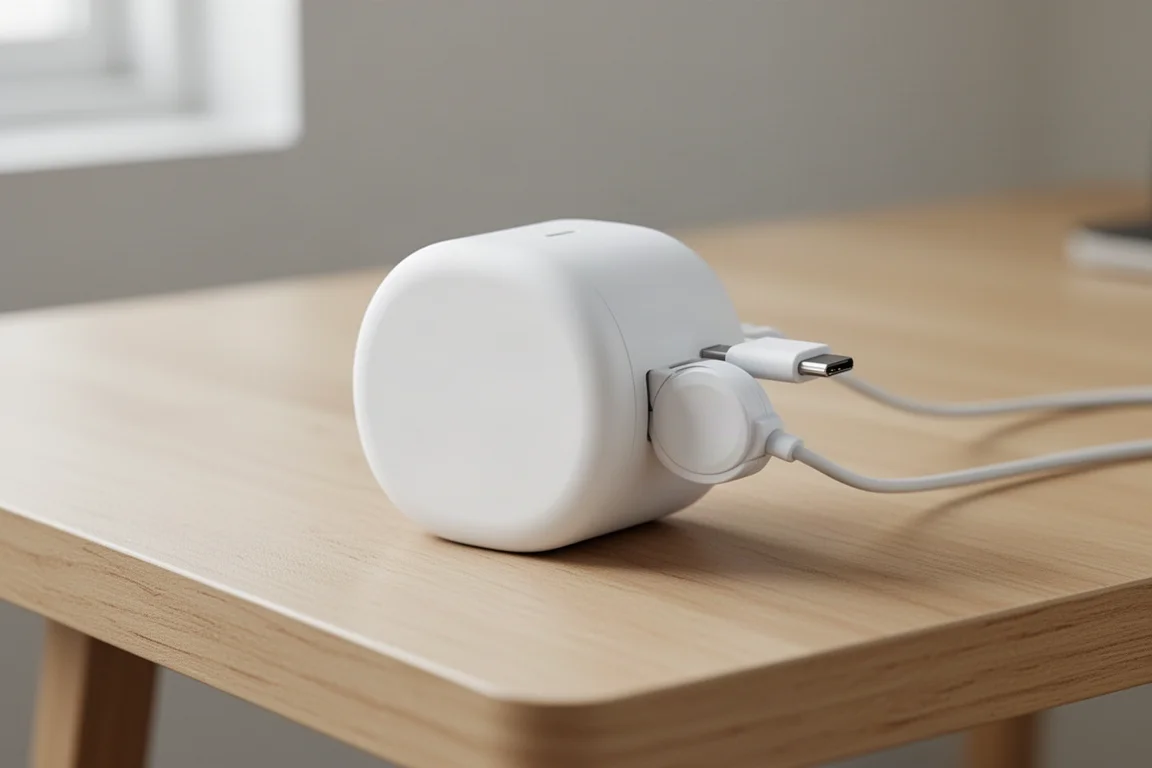
Taurus Flexline 40W Charger
While designed for iPhones, the Flexline 40W is actually strong enough to handle the basic charging needs of a MacBook Air as well. The main benefit is the retractable cable: one less thing to remember and one less thing to pack, since the cable whips right back into itself when you are done. There is also a spare USB-C port to share, which means it effectively replaces the included charger twice over.
At around $30, it fits into a sleeve pocket or even a front pocket, making it ideal if portability is your priority.
Drawer Room 5-in-1 140W Charging Station
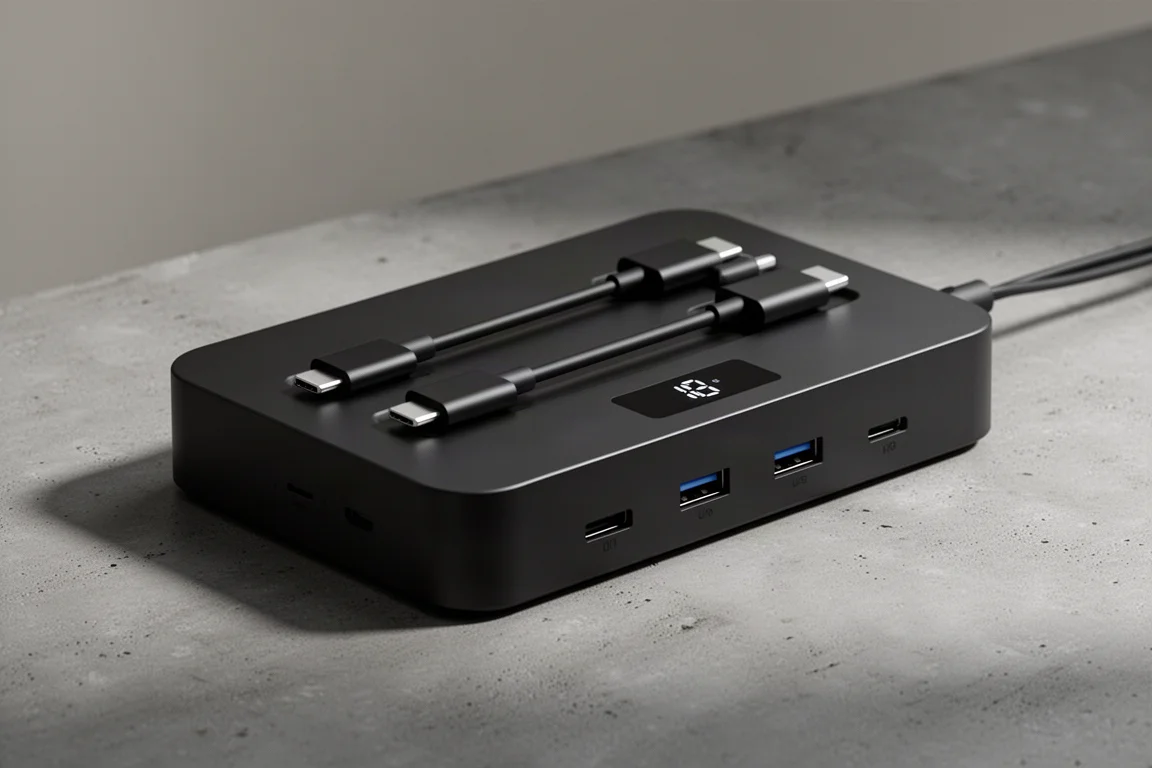
Calling the Drawer Room a luxury option is almost an understatement, since it is actually only $80. Not cheap, but with two built-in cables and three additional charging ports, it sort of pays for itself by replacing three or more chargers. It is meant to stay on a desk given its size, and the built-in screen makes it feel futuristic, like a Tamagotchi but actually useful.
You can charge a laptop, phone, headphones, and an external battery all at once. If you have a lot of devices, this one will only cost you skipping lunch for about a week, and together with the Taurus on the go, you cover home and travel completely.
Hubs and Card Readers: Minimal vs Full Desktop
You can complain to Apple all you want about the missing ports, but most people simply will not use them. That said, both ends of this category are genuinely useful.
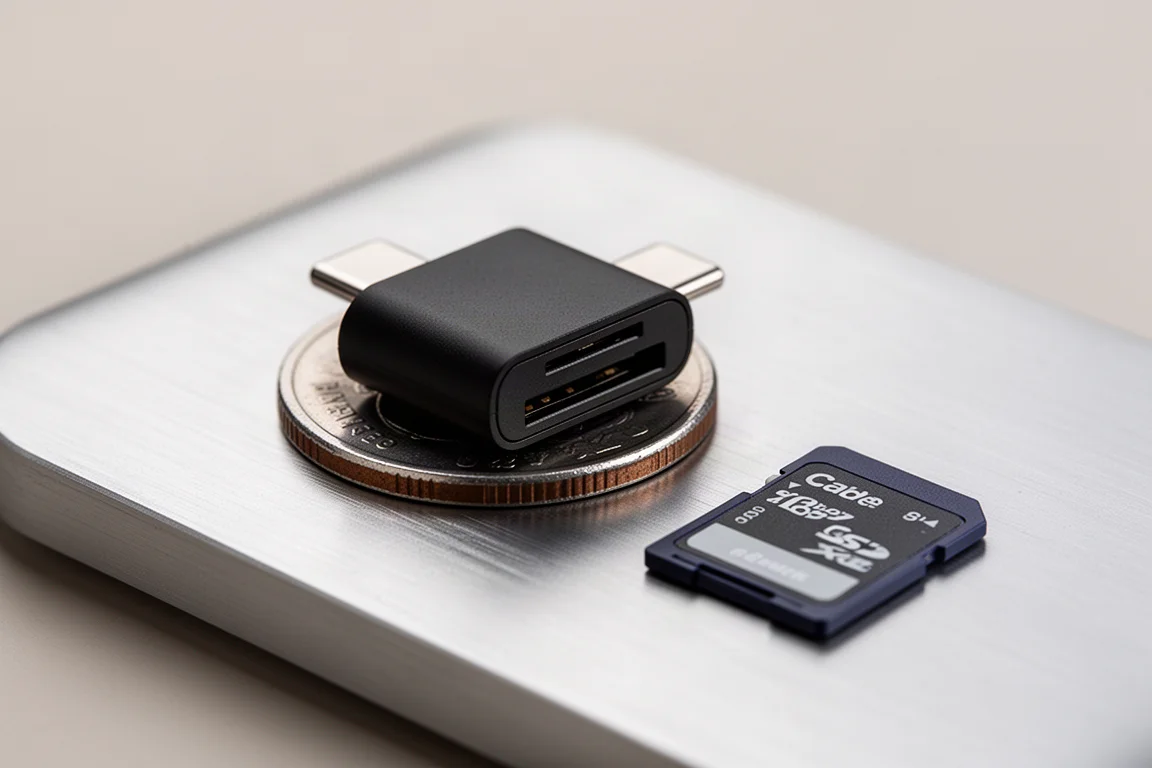
Anker 2-in-1 USB-C SD Card Reader
At about $10, this reader is tinier than most things you own and handles both full-size SD cards and microSD. Tossing it into a tech pouch as a just-in-case item is an easy decision, though its small size means you might lose it within the week. It lacks additional ports, so power users will want more.
Satechi 6-in-1 Slim Hub
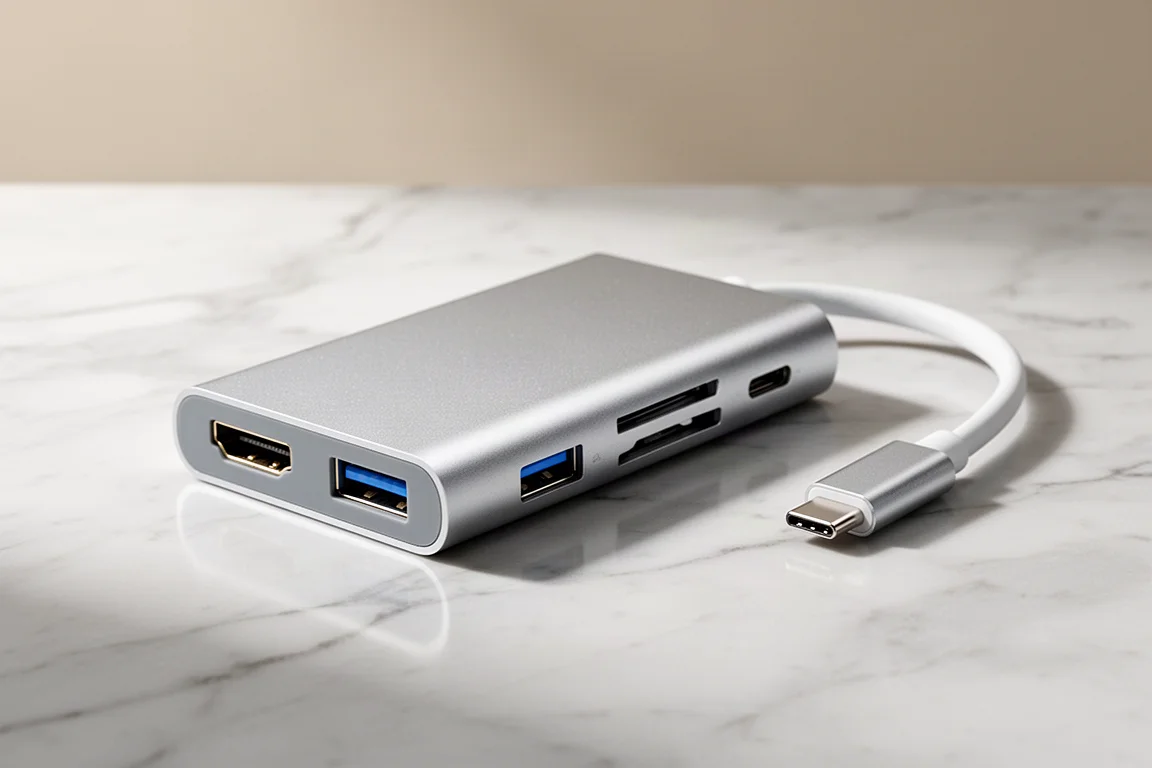
The premium pick converts a MacBook Air into something much closer to a full desktop setup. Inside the size of a pack of gum and wrapped in a metal shell, you get an HDMI port, USB-A ports, an SD card slot, and fast transfer speeds thanks to the built-in USB-C 3.2 Gen 2 cable. You can push an external monitor, a mouse, and more through one hub.
If you only transfer the occasional files, stick with the budget card reader. If you want to turn a minimalist laptop into a full-fledged desk setup, this is the category worth splurging on.
Protection: Skin vs Cushioned Caddy
A laptop is a relatively affordable machine, but you still want it to last at least another couple of years. This is the last matchup, and it contains the one premium pick that just about everyone should consider.
dbrand MacBook Skin
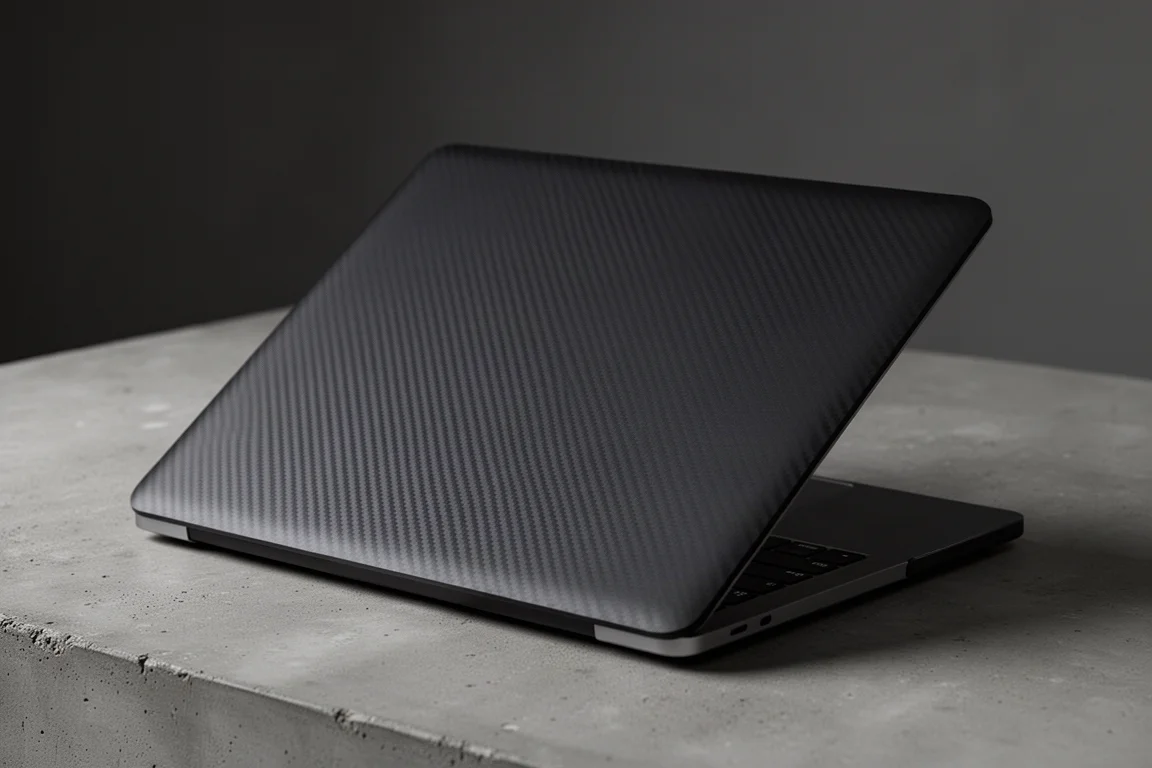
At about $30, going skin-only keeps things minimal while fully covering you for scratches from tossing the laptop into a bag or using it on grimy cafe tables in public. The range of designs also makes your machine look distinctly different from everyone else’s. The best part: dbrand uses premium 3M vinyl, so it stays on through all the rubbing and tossing, yet comes off clean with a firm tug, leaving no residue behind. If you get bored of the look, you can simply change it.
Bellroy Laptop Caddy
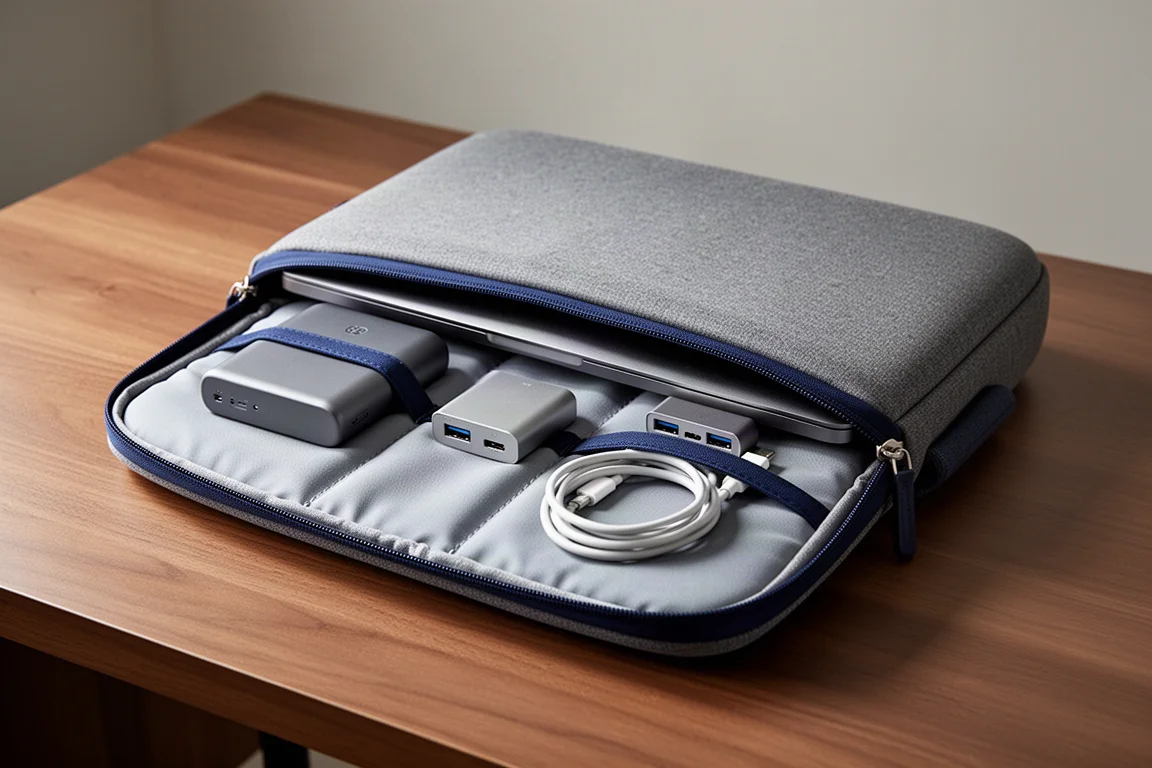
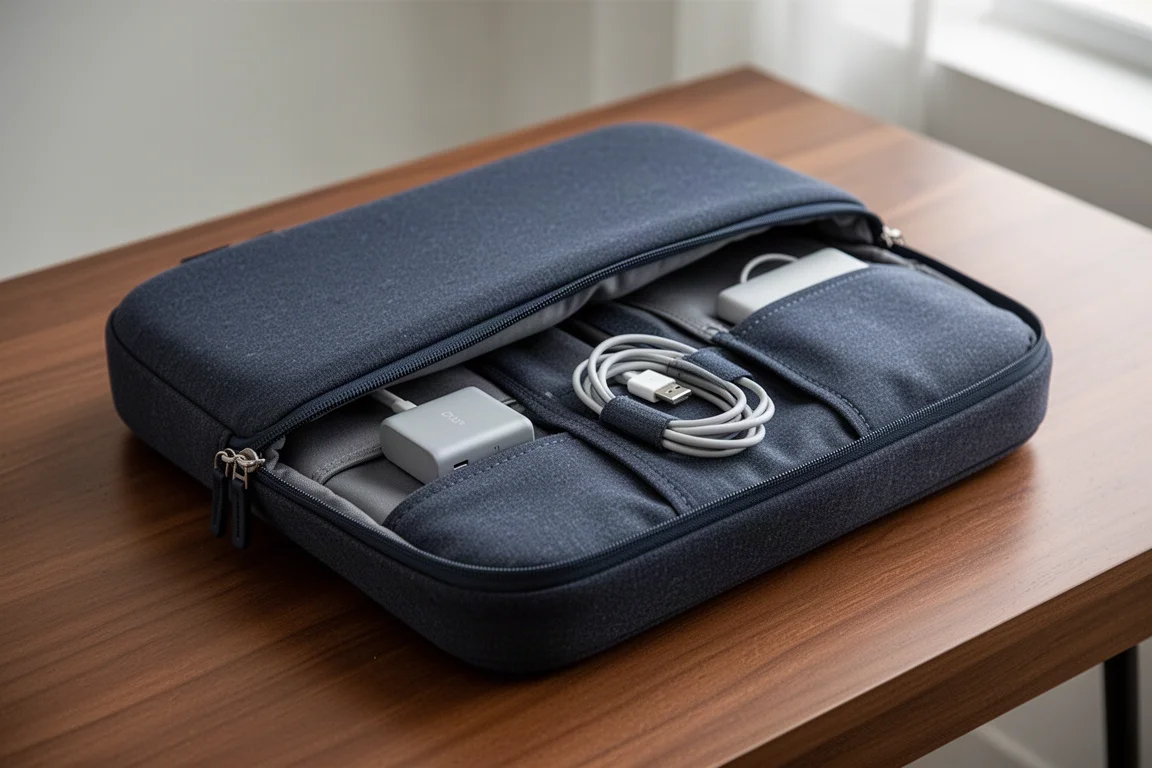
If you are clumsy and want real protection, the Bellroy Laptop Caddy is it. On sale at $50, it feels like you are stealing from them. It is cushioned all around, has a large water-sealed zipper along the top, and offers plenty of organization inside: pack your battery, hub, cables, and even a notebook all in one place. The pockets are thoughtfully designed to stick outward, so your accessories are not stabbing into the laptop, and the soft padded exterior feels good to hold, meaning you could rock it alone all day. It still fits into a backpack, and it is water-resistant.
With this build quality all around, this is the one accessory here recommended for just about anyone. Pair it with the dbrand skin for the ultimate level of protection.
Overall Buying Advice
The pattern is clear: budget options win when the job is simple, like a pocket keyboard, a tiny pouch, a card reader, or a retractable charger. Premium options win when they add a capability you will genuinely use every day, like a dual foldable monitor for power users, a full-featured hub, or a properly protective laptop caddy. The Bellroy Laptop Caddy stands out as the single purchase most likely to pay off regardless of how you use your MacBook.
Conclusion
Buying cheap does not mean buying worse, and buying expensive does not mean buying better. Match the accessory to the actual problem: portability favors the Nilikin keyboard, Muji pouches, Arzopa monitor, Taurus charger, and Anker reader, while organization and desktop-class capability justify the Orbitkey, JSAUX Flip Go, Drawer Room station, Satechi hub, and Bellroy caddy. Spend where it changes how you work, save everywhere else.
Further reading
Related Reviews

Tech Accessories
Best Premium Tech Dupes 2026: Five Budget Alternatives That Actually Deliver
We compare five premium desk and streaming staples against their budget counterparts to see which dupes are genuinely worth the savings.
Tech Accessories
Best Thunderbolt 5 Docks 2026: Six Options Tested for Desktop Connectivity
A practical guide to six Thunderbolt 5 docking stations, covering their strengths, trade-offs, and which setup they suit best.
Tech Accessories
CalDigit Thunderbolt Docks: TS4 vs Element Hub
Two Thunderbolt docking solutions with different port counts and use cases. The TS4 offers 18 ports and 2.5 Gbps ethernet; the Element Hub provides a compact 8-port alternative.