3D Printers
Best Bambu Lab 3D Printers for Beginners: A1, A1 Mini, P1S, P2S and X1C Compared
Five Bambu Lab printers across every price point, with real strengths, trade-offs, and guidance on which one deserves your desk.
Introduction
The single most common question in 3D printing is deceptively simple: what is the best printer for someone just getting started? Whether it is for you, a kid, or a friend, the answer matters, because a bad first printer can turn a promising hobby into a workshop headache.
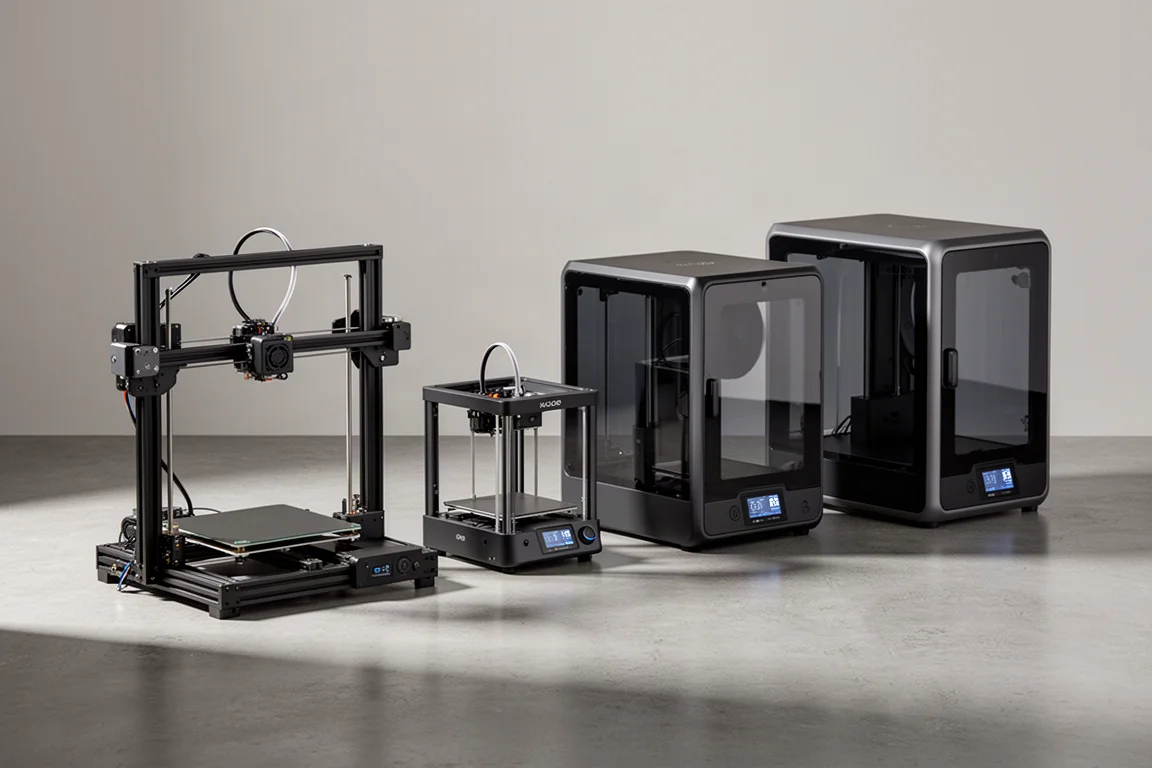
After years of tinkering with machines that needed constant babysitting, the arrival of Bambu Lab changed the calculus entirely. These printers behave like appliances: you put filament in, you press a button, and you get a finished print. This guide breaks down the five models that cover essentially every price point in the lineup, so you can pick the right one without guesswork.
Bambu Lab A1: The Best Starting Point
The Bambu Lab A1 sits at $349, and a useful pro tip: it is effectively always on sale at that price. It uses a bed-slinger design, meaning the bed moves back and forth while the print head works above it, a layout typically associated with budget printers. In practice, that is exactly what it is, but it is a budget printer that punches far above its price.
The A1 shares the same 256 x 256 x 256 mm build plate as the X1 Carbon, and similar print heads, so you can do almost the same work on it. The setup is genuinely simple: attach a panel, mount the head, tighten a handful of screws, and you are ready to print. Setup takes roughly 15 minutes before it is producing plastic. Full auto calibration, quick-swap hotends that pop in and out with a single clamp, and a responsive color touchscreen round out the package. The only modification worth mentioning is a small catch bucket for the purged filament produced during color changes.
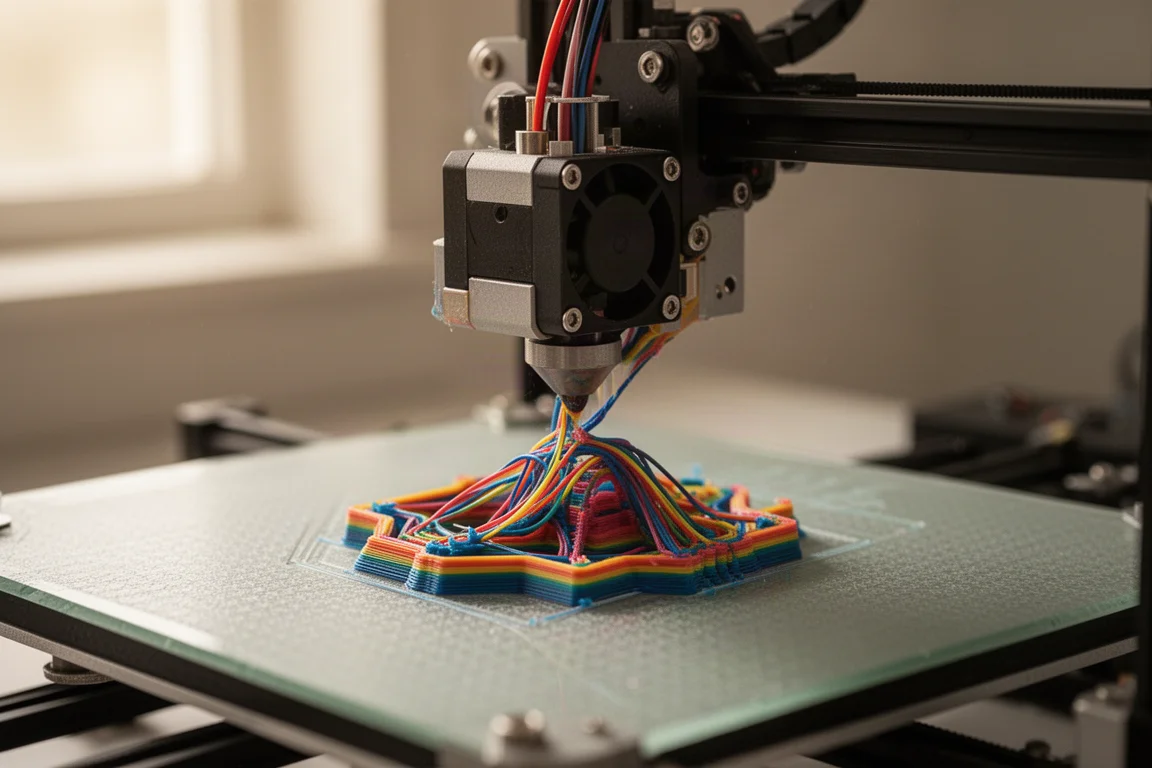
It has earned industry recognition, including a 3D Printing Industry award and a CNET Editors’ recognition, and the print quality backs it up. It handles PLA all day long, and even PETG, a stronger and slightly trickier material, comes off the bed looking like something you would buy off a store shelf.
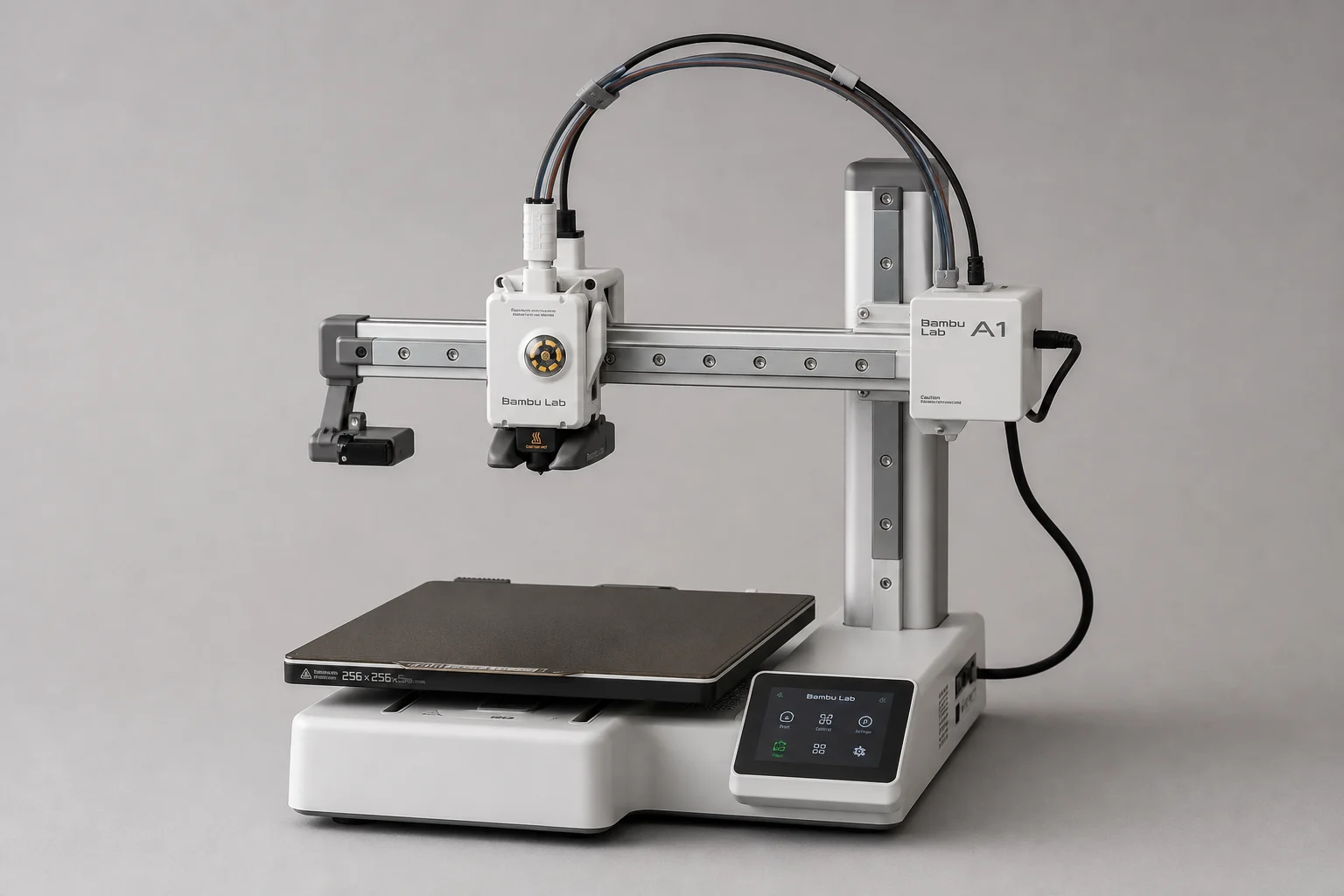
The A1 Combo adds the AMS Lite for $500, a $150 step up that unlocks a full four-color experience. Multicolor printing is genuinely useful for practical parts: a socket tray printed in two colors gets visible blue warnings when a socket is missing, plus raised lettering you can feel. Single color works, but multicolor simply does it better.
Bambu Lab A1 Mini: The Compact Option
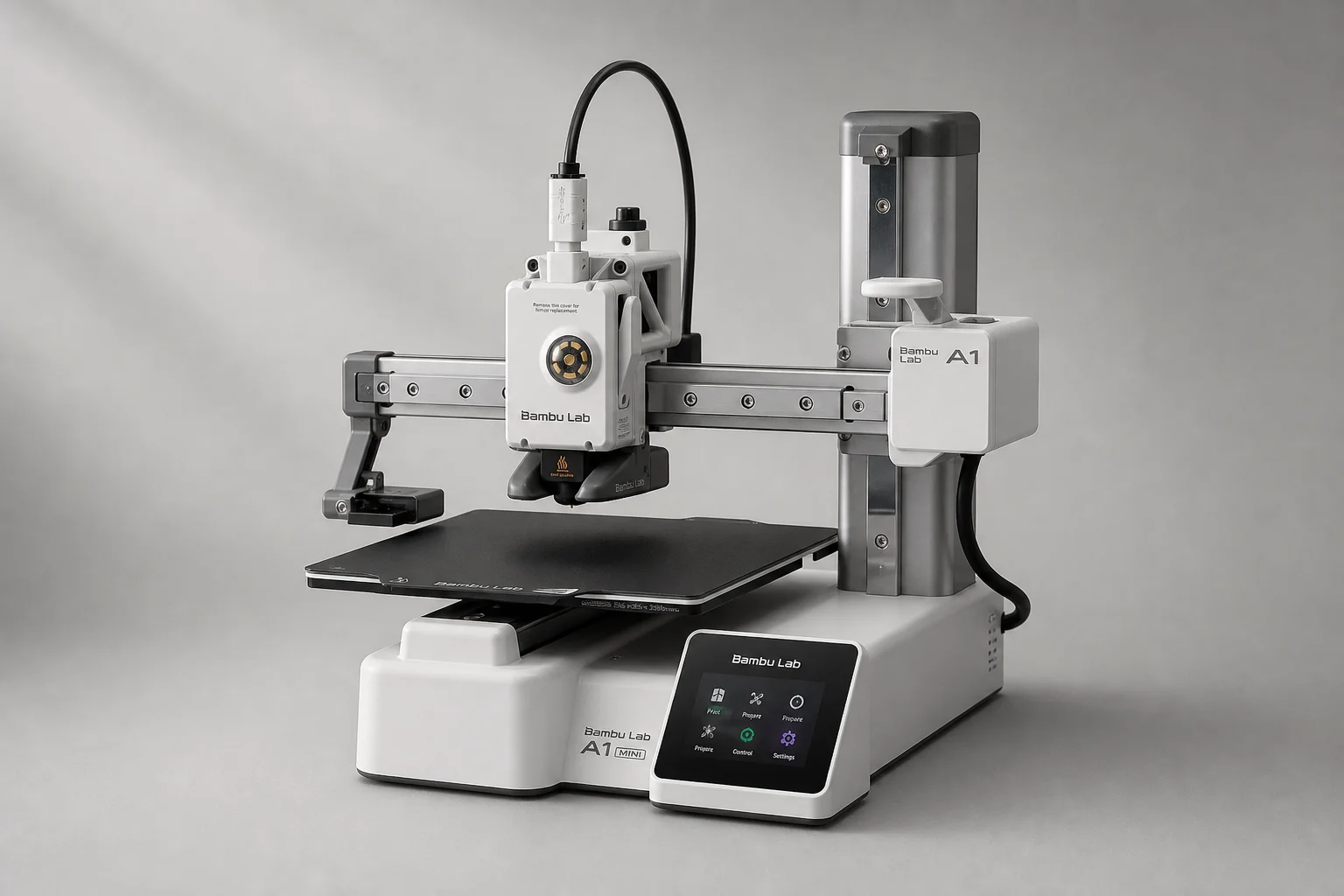
The A1 Mini strips the design down further. It drops the crossbar and one upright, and the bed is roughly 20% smaller. The print quality, however, is just as good as the rest of the lineup.
The honest recommendation: consider it mainly for a younger kid, or if you want to get into 3D printing while spending as little as possible. It comes in about $100 less than the A1, which matters if the plan is small, casual printing rather than serious production. It is decent, good enough even, but the missing upright for stability and the smaller bed are real trade-offs. If you can stretch to the full A1, it is the better long-term machine.
Filament, Costs, and the AMS Lite
No printer discussion is complete without the material that feeds it. PLA is the beginner-friendly default, and Bambu Lab’s PLA Matte comes in around 25 colors at roughly $20 per spool. It is not the cheapest filament on the market, and it is fair to call it expensive, but the gap is small compared to lower-quality alternatives that print with bubbles and stringing.
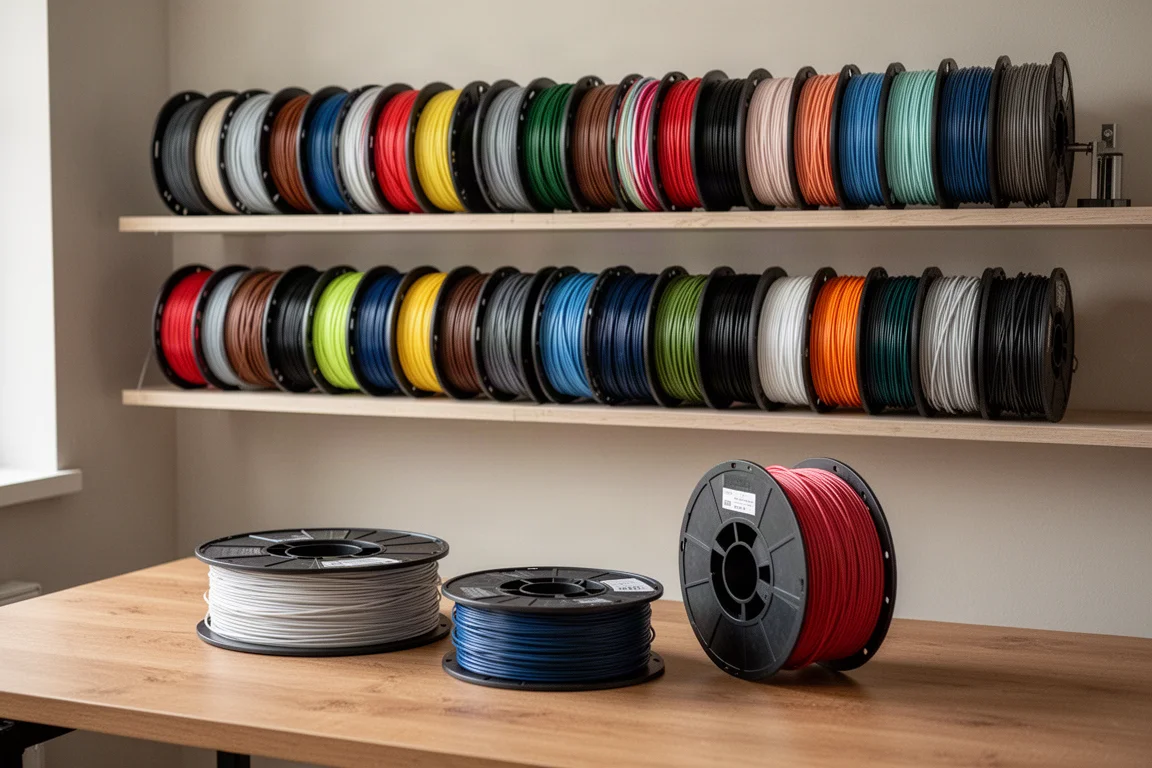
Bulk discounts change the math dramatically: four rolls earn 25% off, six rolls 30%, and ten rolls 35%, bringing refill prices down to about $13 per roll, or roughly $130 for ten. You can mix and match colors to hit the threshold, refills save money if you already own spools, and printable spool files are provided free. PETG HF, a high-flow variant with excellent surface quality, runs about $23 per roll and drops to the same discounted floor.
The machines also read an RFID chip on compatible spools, so the printer automatically knows the material, its settings, and its extrusion profile. If one spool runs out and a second of the same color is loaded, printing continues seamlessly. The A1 does not ship with an enclosed chamber and uses the AMS Lite rather than the full AMS, so you will want to keep an eye on filament moisture in humid climates. One more upgrade to know about: printing carbon fiber, glass-filled, wood-filled, or glow-in-the-dark filaments requires a hardened steel hotend, and that upgrade costs just $13.
MakerWorld and Design Tools
Hardware is only half the story. MakerWorld is a free model library where you can browse, download, and print parts that are pre-sliced and preset for your printer, even directly from your phone. The catalog spans practical items like stackable boxes, desktop organizers, and battery holders alongside seasonal and novelty designs, plus models for tools and laser cutters. Even if you never design anything yourself, it functions like a free shopping mall where the only cost is plastic.
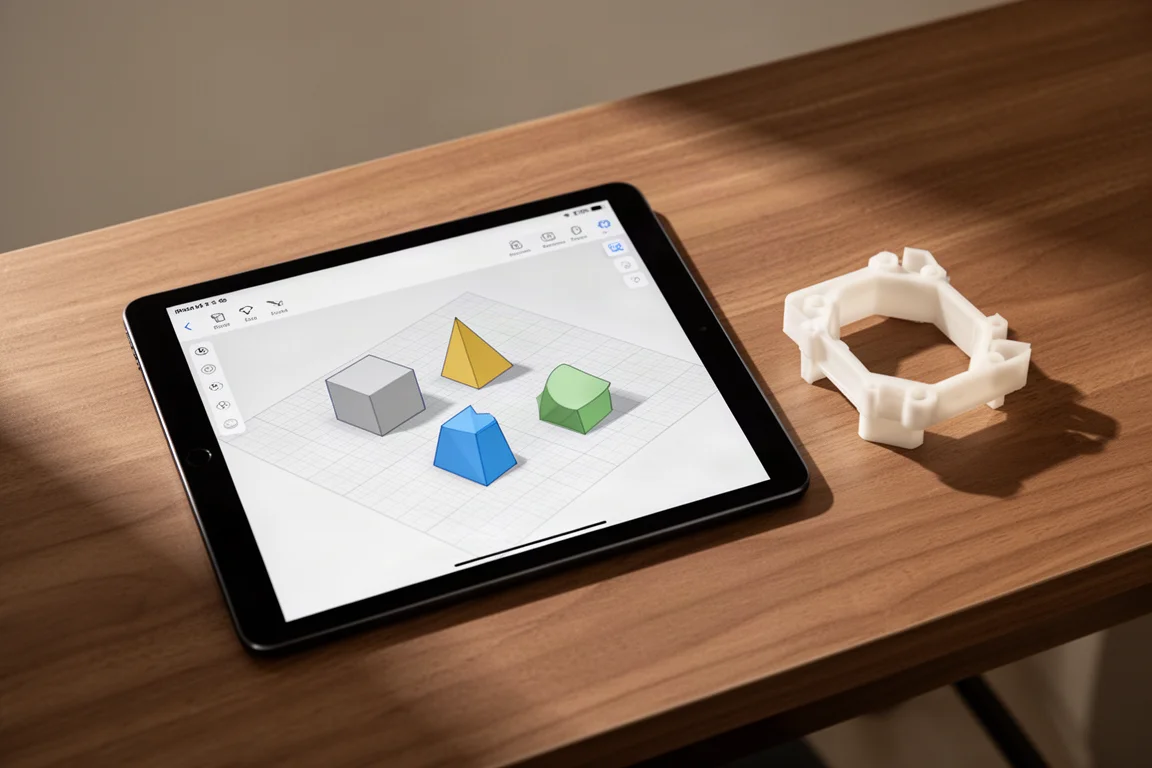
Pairing the printer with Tinkercad, a beginner-friendly CAD tool that works like digital building blocks, is what really changes the game. Drop in shapes, resize them, combine them, and export a printable file. Tangible, useful items for the workshop, the house, or even products to sell become achievable without a design background.
Bambu Lab P1S: The Enclosed Workhorse
The P1S is normally $550 but has been discounted to $450, putting it exactly $100 above the A1. That $100 buys a fully enclosed chamber, which makes it quieter, more contained, and better suited to experimenting with more demanding filaments. Setup is easier than the A1, the full AMS mounts on top, and it is an absolute workhorse in daily use.
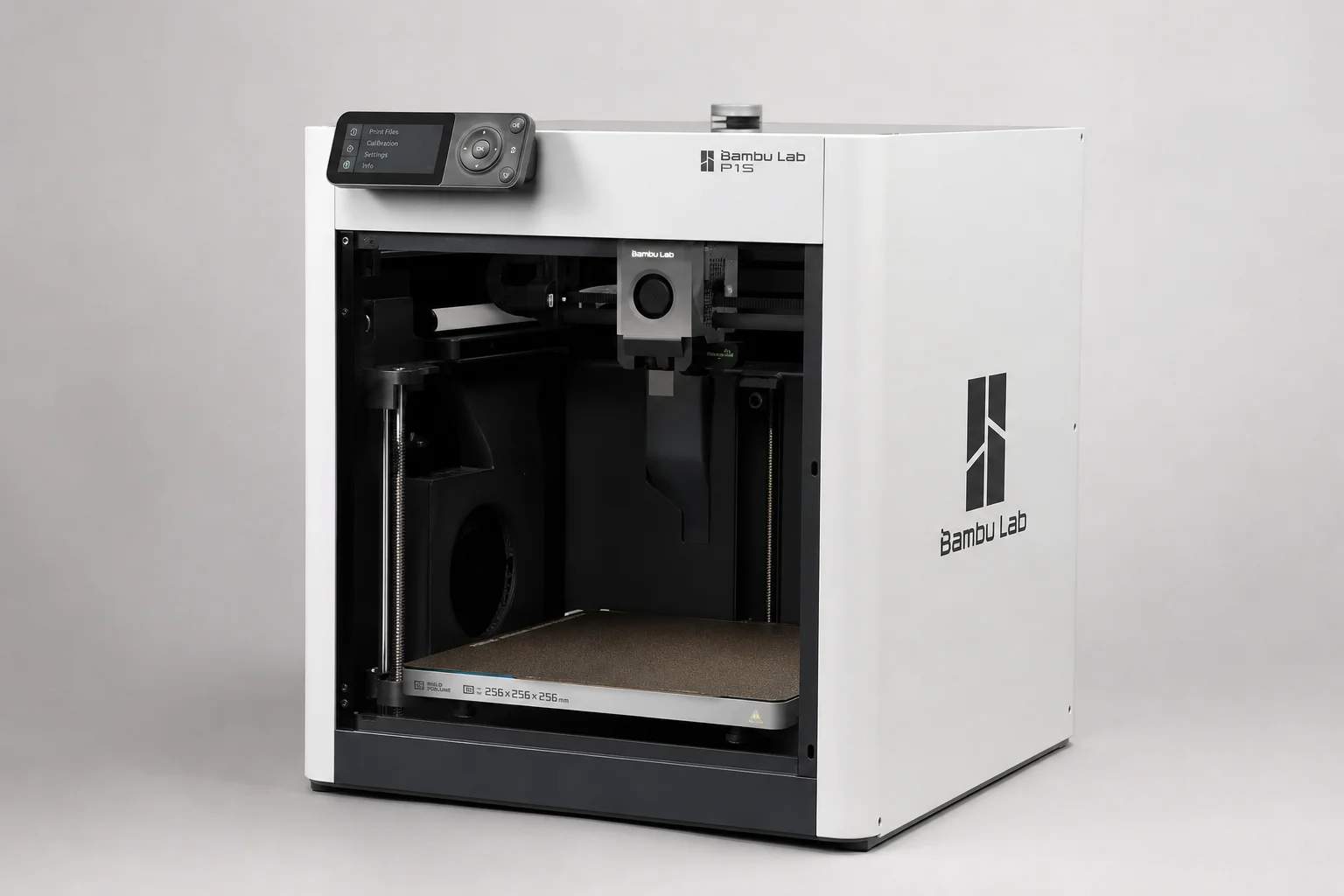
The genuine drawbacks are minor but worth knowing. The on-printer screen is poor, a low-resolution monochrome display that can be hard to read, though the companion mobile app fully replaces it with real-time print monitoring, remote controls, and live camera view. Hotends are also harder to change than on the A1. If your budget has a little wiggle room and you want something fully enclosed, this is the pick.
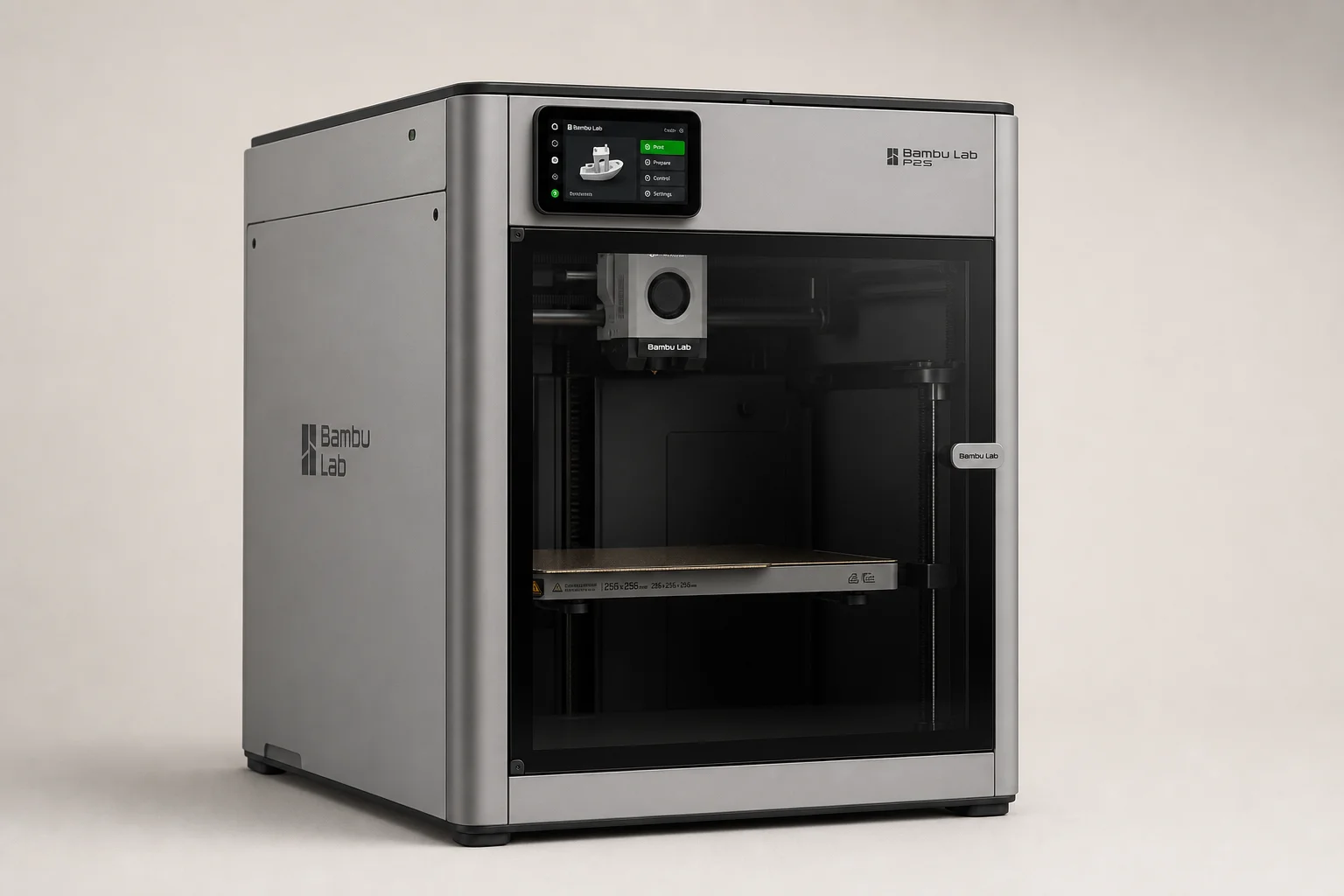
Bambu Lab P2S: The New Middle of the Road
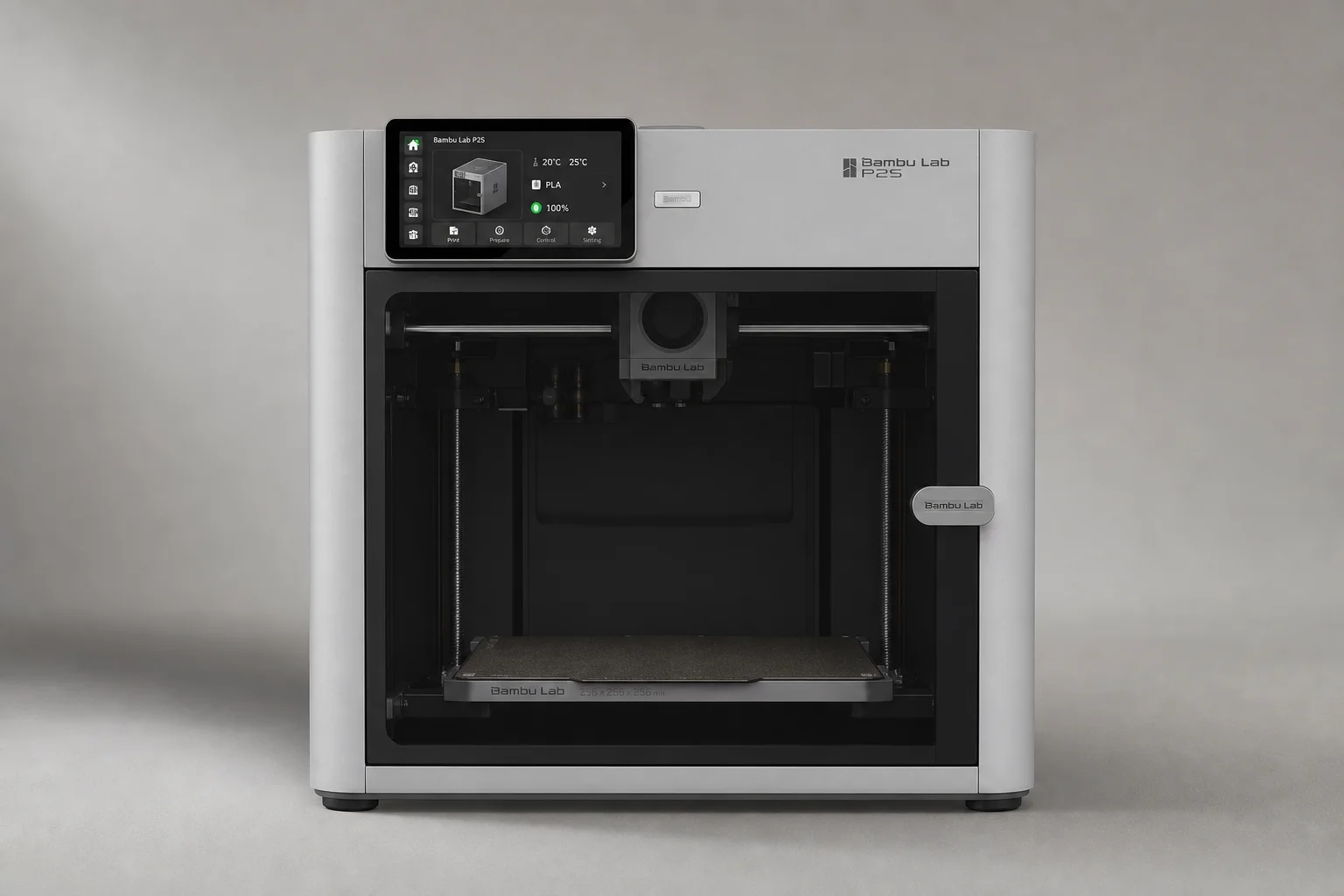
Bambu Lab recently launched the P2S with a substantial set of upgrades, and the expectation is that it becomes the core of a restructured lineup: the H2D as flagship, the P series as mid-range, and the A series as entry level. That would be a clean, sensible product ladder.
The catch for US buyers is timing. Due to tariffs, the P2S is effectively on hold for the US market while much of the rest of the world can order it. While that uncertainty drags on, the P1S discount makes the older machine a very reasonable stand-in. If you want fully enclosed and cannot wait, the P1S at $450 fills that role today.
Bambu Lab X1C: The Former Flagship
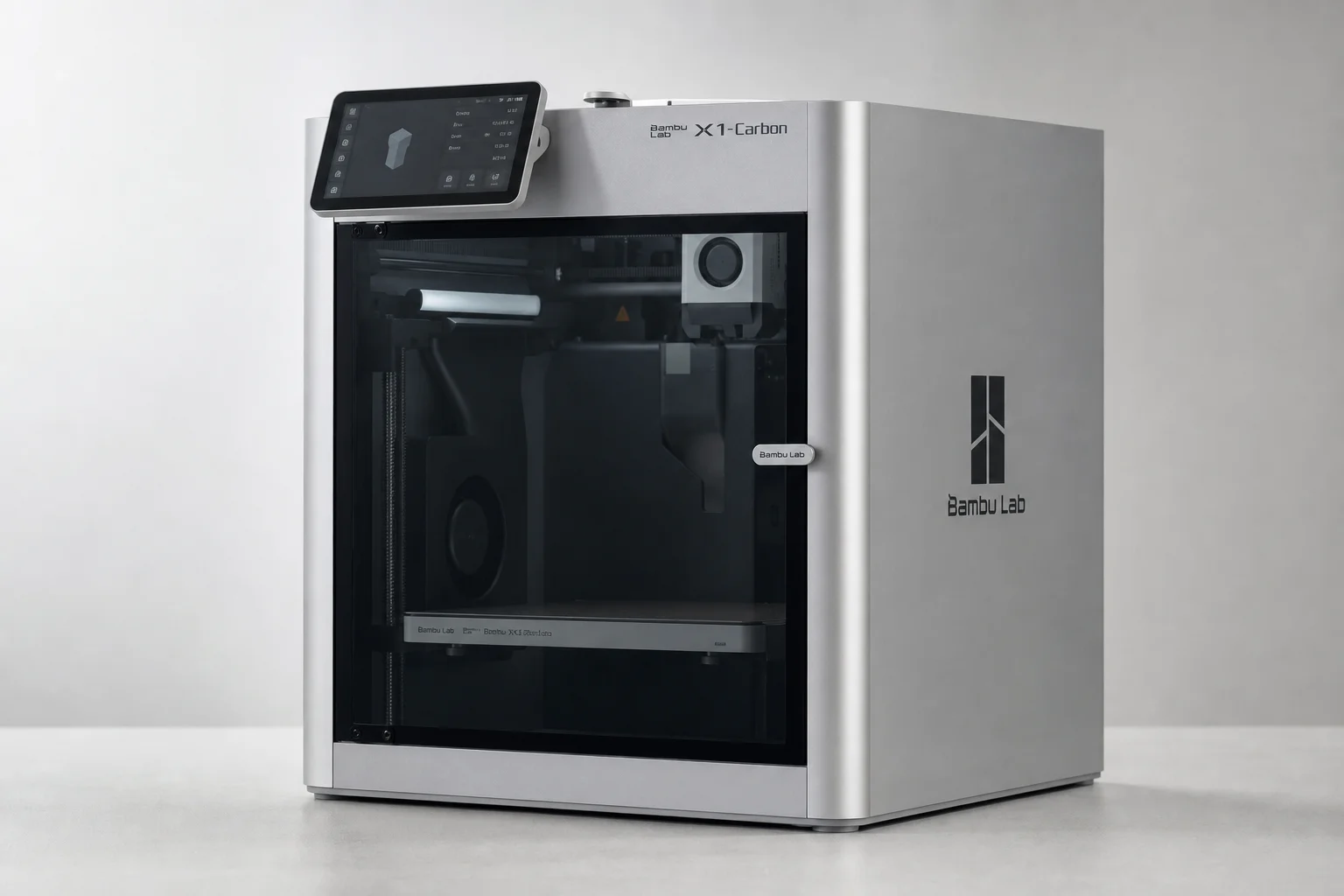
The X1 Carbon was, at least at one time, Bambu Lab’s top-of-the-line machine, and it still shares the same 256 mm build plate as the A1, meaning similar capabilities and print quality are on the table. It features the enclosed AMS system that the A1’s AMS Lite imitates only partially.
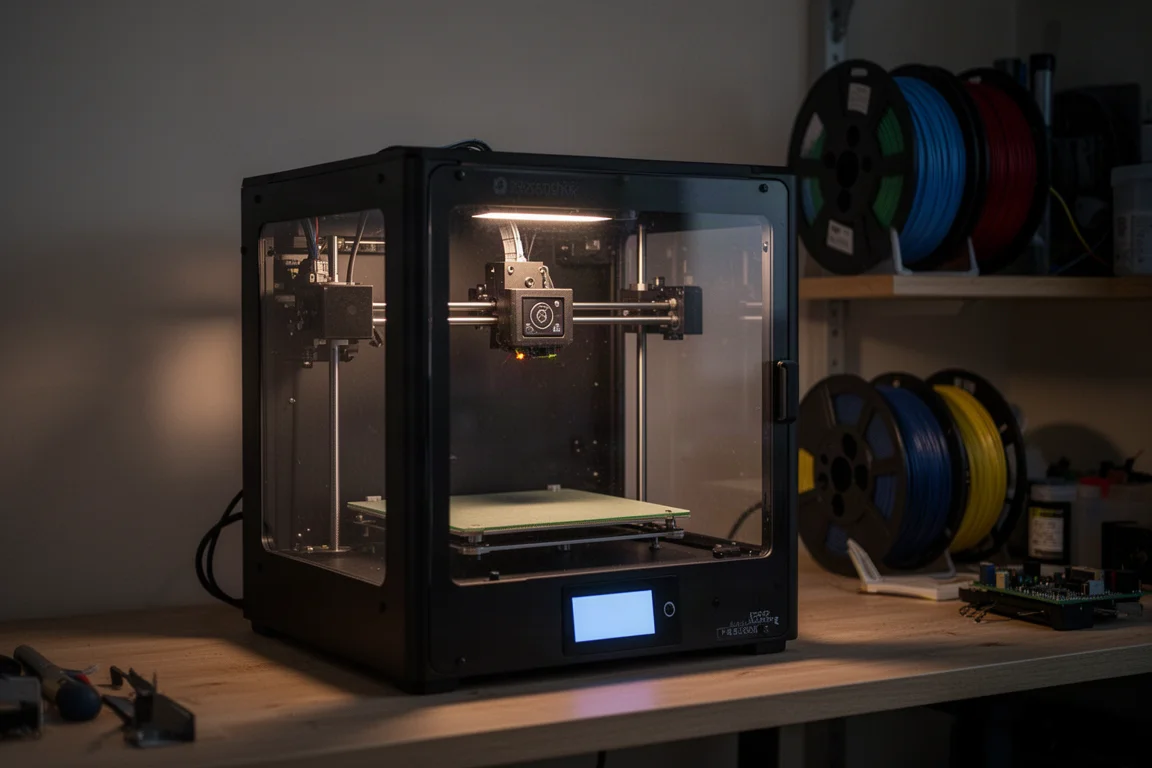
With the P2S launching and the lineup expected to shift, many expect the X1C to eventually fade from the range. If you find it available at a good price, it remains a capable enclosed machine, but buyers in 2026 should weigh it against the newer P2S before committing. Those who bought one, like the two P1S units in the studio that were purchased outright after loving the category, tend to keep buying more, which says something about the platform.
Overall Buying Advice
The lineup maps cleanly to needs and budgets. The A1 Mini suits a curious kid or the most budget-conscious starter. The A1 at $349 is the default recommendation for nearly everyone new to the hobby, with the $500 combo adding four-color printing. The P1S at $450 is the step up for anyone wanting a fully enclosed, quieter workhorse. The P2S is the future mid-range pick once US availability clears. And the X1C remains a strong enclosed option if found at the right price.
A few practical notes apply across the board. The printers are tolerably quiet; at 15 to 20 feet away they are audible but not intrusive. Melting plastic produces fumes, so some ventilation is sensible. Filament humidity matters more for open-frame machines, though in dry climates it is rarely a serious problem.
Conclusion
Bambu Lab sits about a car and a half ahead of the competition for beginners, and the lineup covers a price point for nearly everyone. If you want the appliance experience of pressing a button and getting toast, the A1 is the place to start, the P1S is the upgrade, and the rest of the range fills in the gaps from compact to flagship.
Further reading
Related Reviews
3D Printers
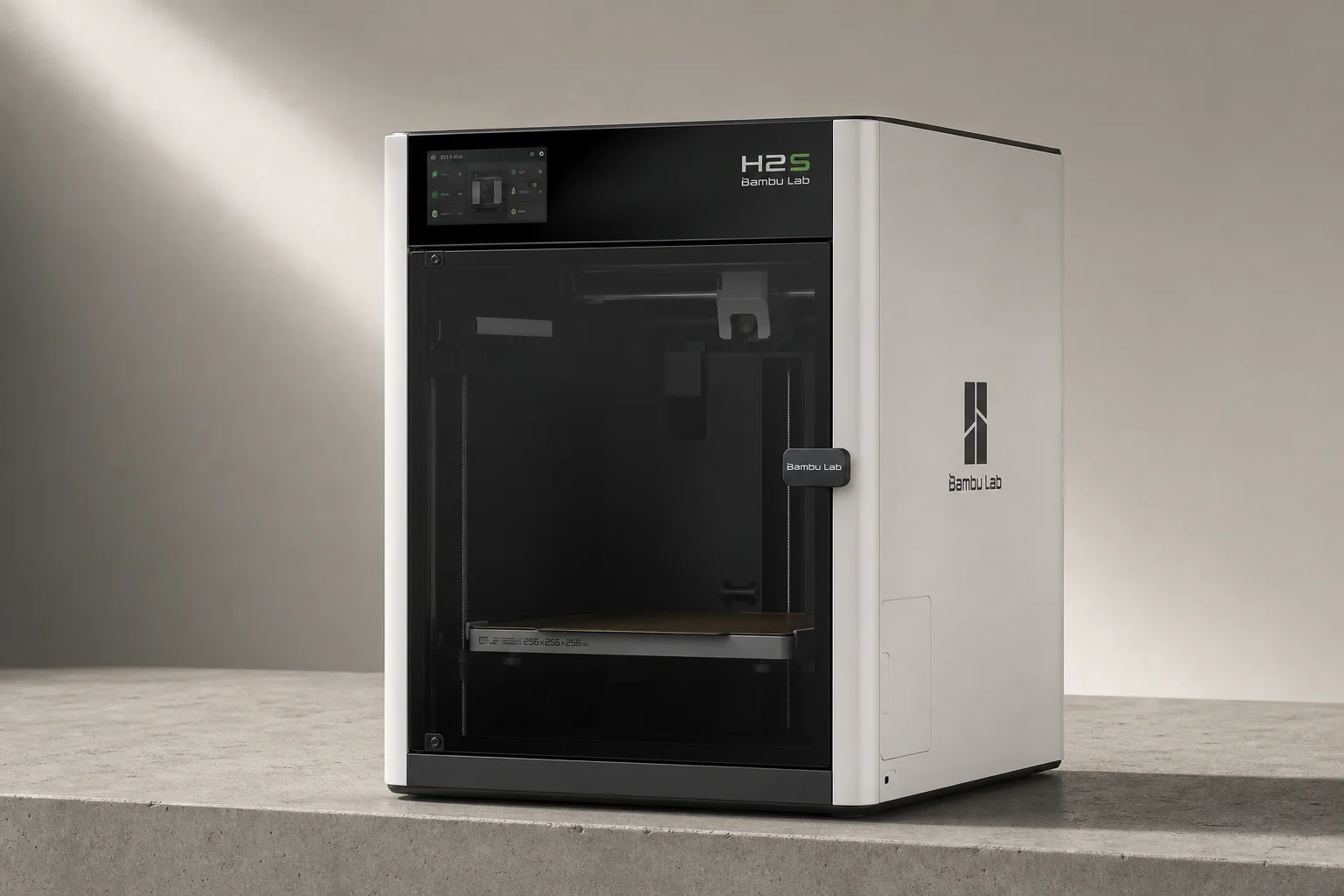
Bambu Lab H2S Review: Large-Format 3D Printing Without the Dual Extruder
The H2S strips away the H2D's dual-nozzle complexity for a simpler, cheaper large-format printer. Here's what that trade-off means for your prints.
3D Printers
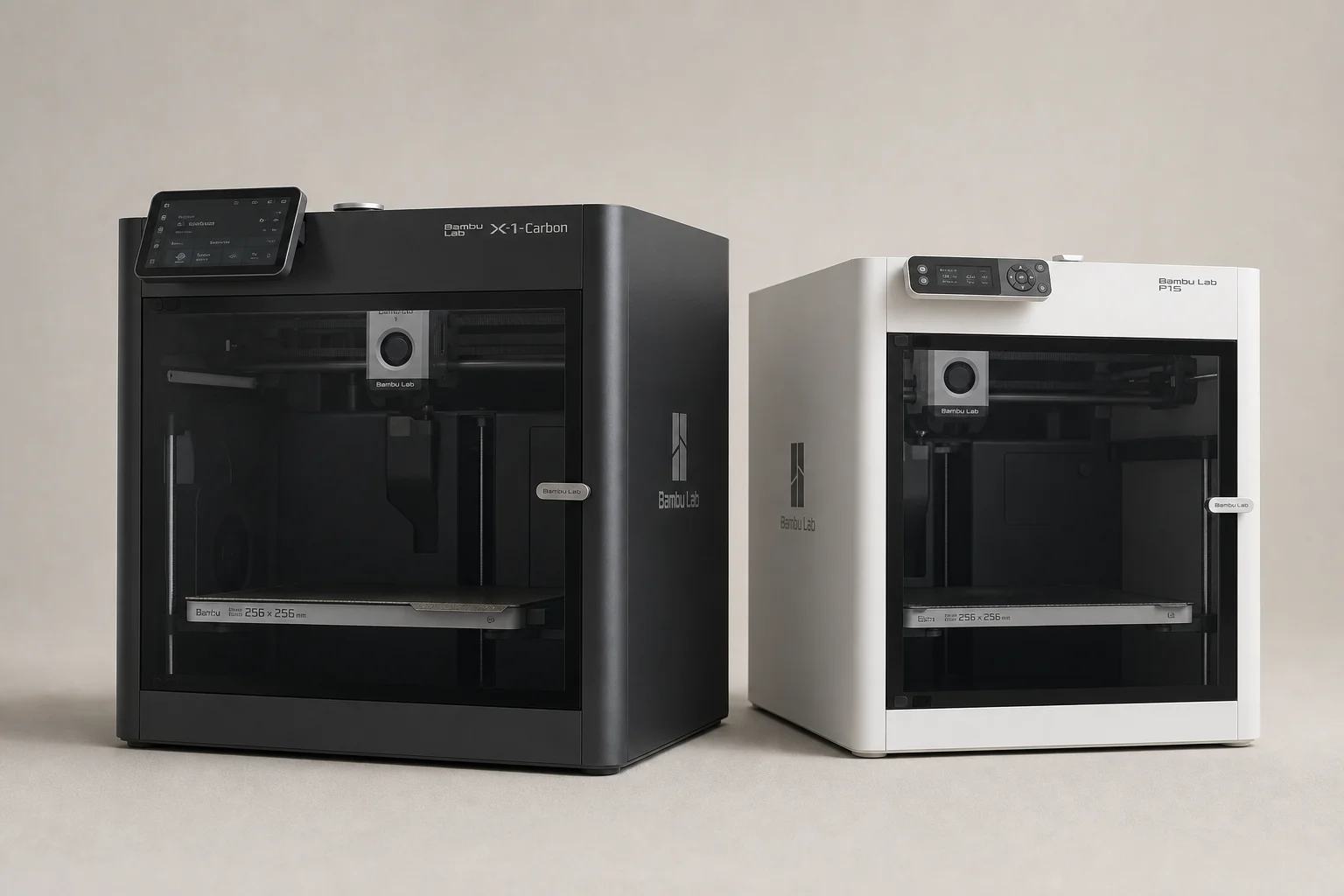
Bambu Lab P1S vs X1 Carbon: Why the Budget Option Wins
After testing both printers side by side, the P1S delivers nearly identical print quality at half the price. Here's what the premium features actually cost you.
3D Printers
Bambu Lab P2S Review: A Strong Mid-Range 3D Printer Worth Considering
The Bambu Lab P2S brings significant upgrades over its predecessor, including a new touchscreen, improved cooling, and quick-swap nozzles. Here's what real-world use reveals about its strengths and trade-offs.