3D Printers
Bambu Lab H2S Review: Large-Format 3D Printing Without the Dual Extruder
The H2S strips away the H2D's dual-nozzle complexity for a simpler, cheaper large-format printer. Here's what that trade-off means for your prints.
Introduction
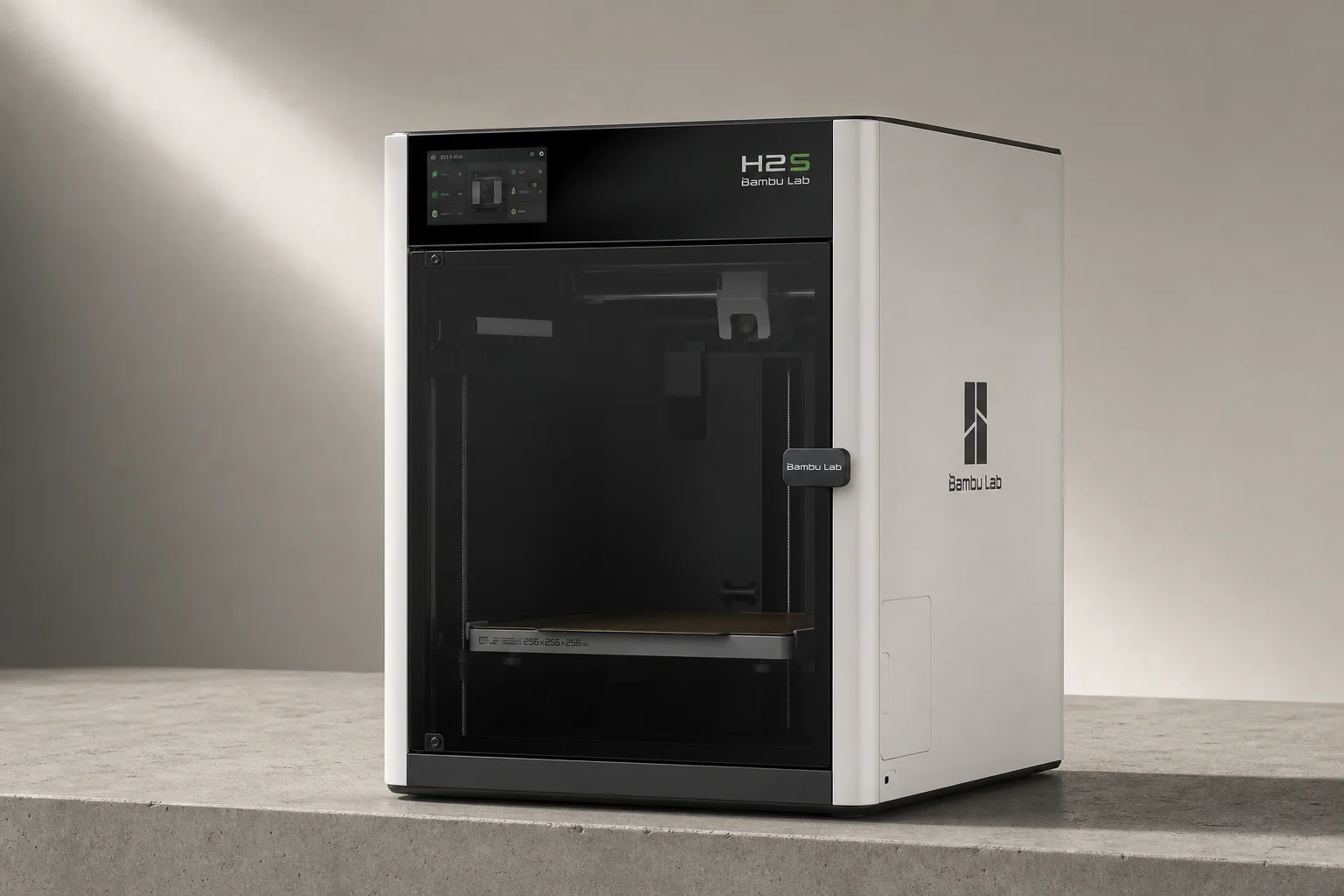
When Bambu Lab announced the H2S, many expected a stripped-down version of the H2D similar to how the P1P followed the X1. Instead, they released a printer that looks nearly identical on the outside but costs $800 less because it ditches the dual-extruder setup. The H2S uses a single-nozzle design, making it simpler and more affordable while still offering a large build volume. The question is whether this trade-off makes sense for your printing needs.
What is the H2S and How Does It Compare?
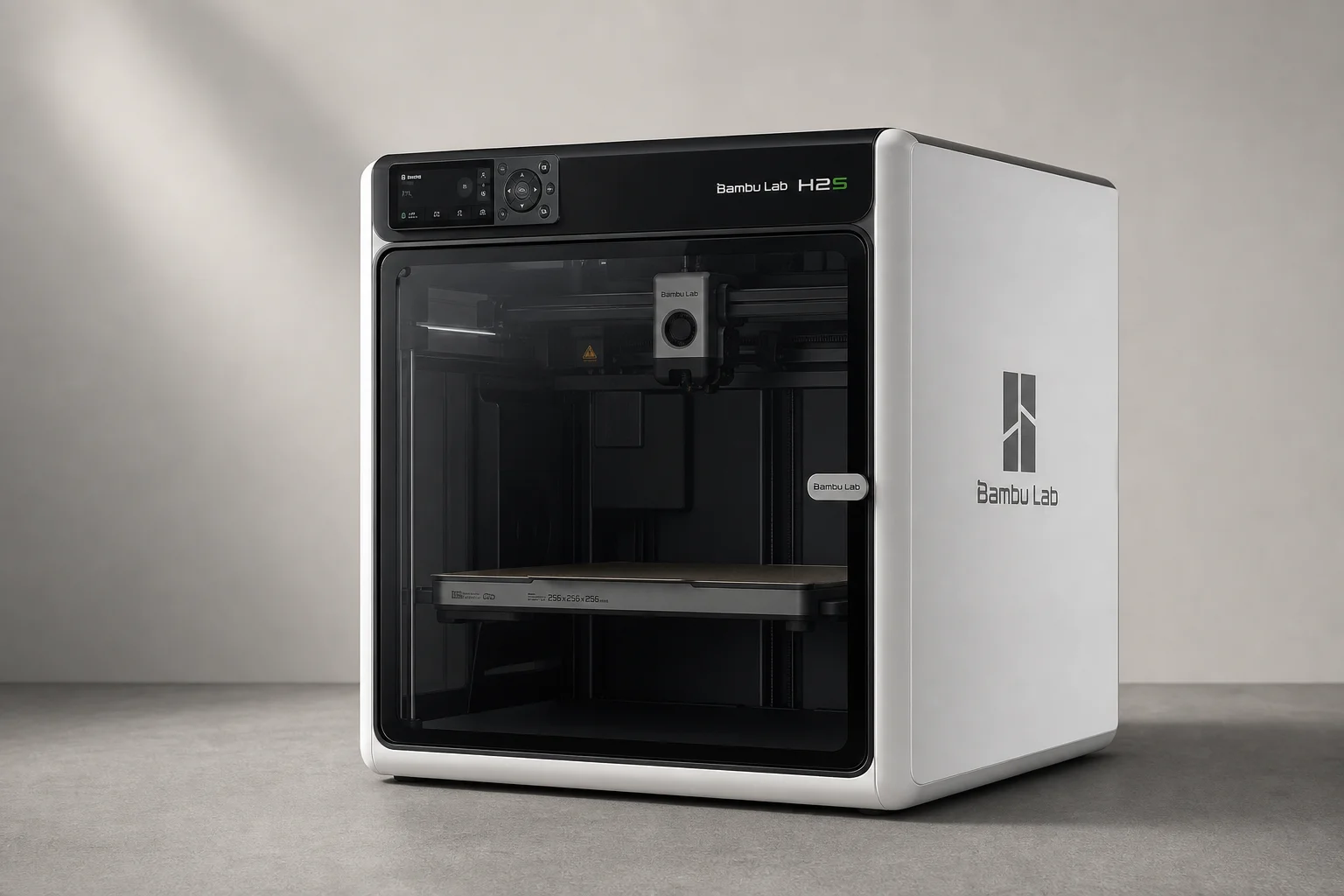
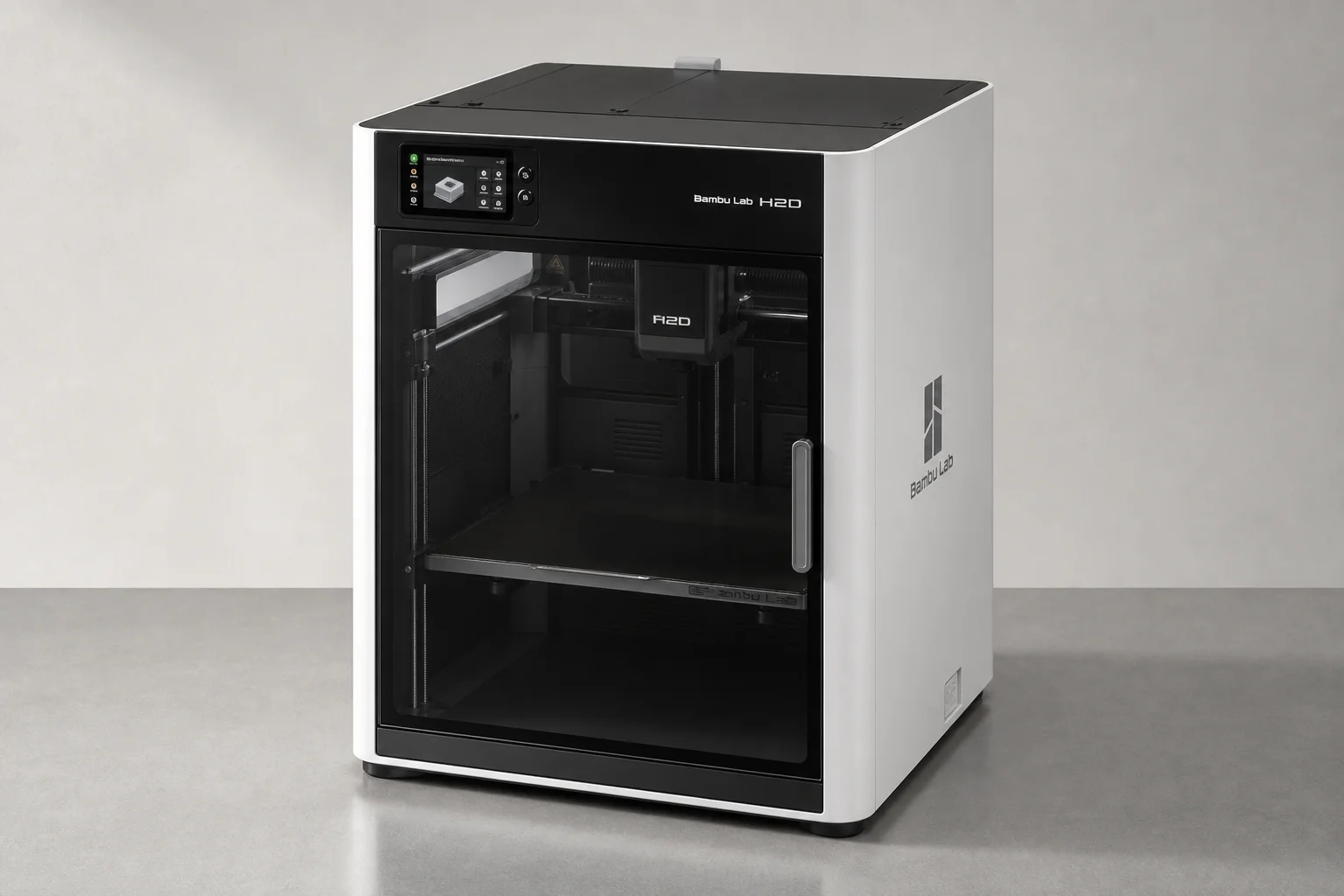
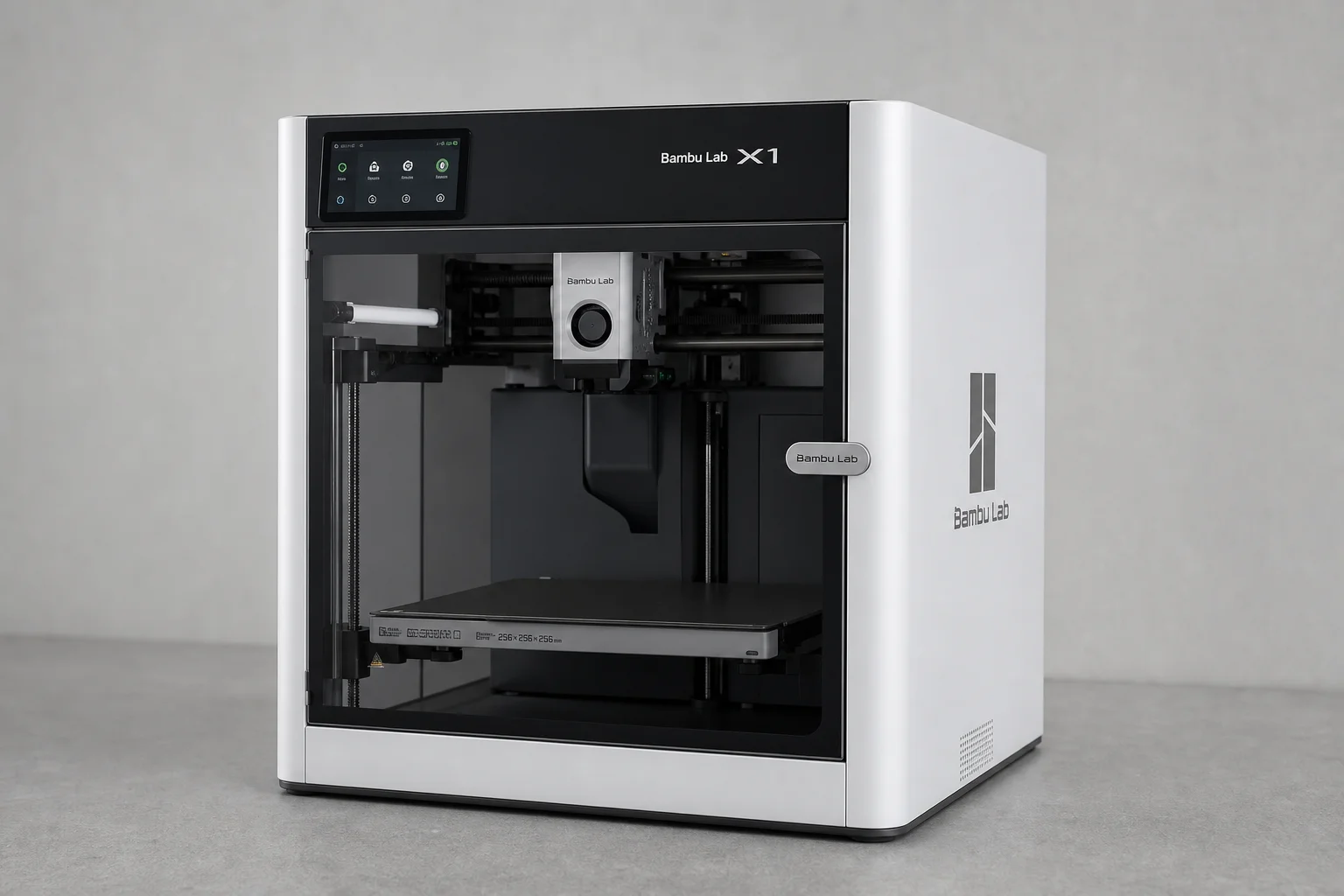
The H2S is essentially a single-nozzle variant of the H2D, with the “S” standing for Single. While the two printers look nearly identical externally, the internal differences are significant. The H2S uses the same print sheets as the H2D but offers a slightly larger printable area: 340 x 320 x 340 mm, which is 15 to 40 mm wider depending on the mode and 15 mm taller overall. This is more than twice the volume of the X1.
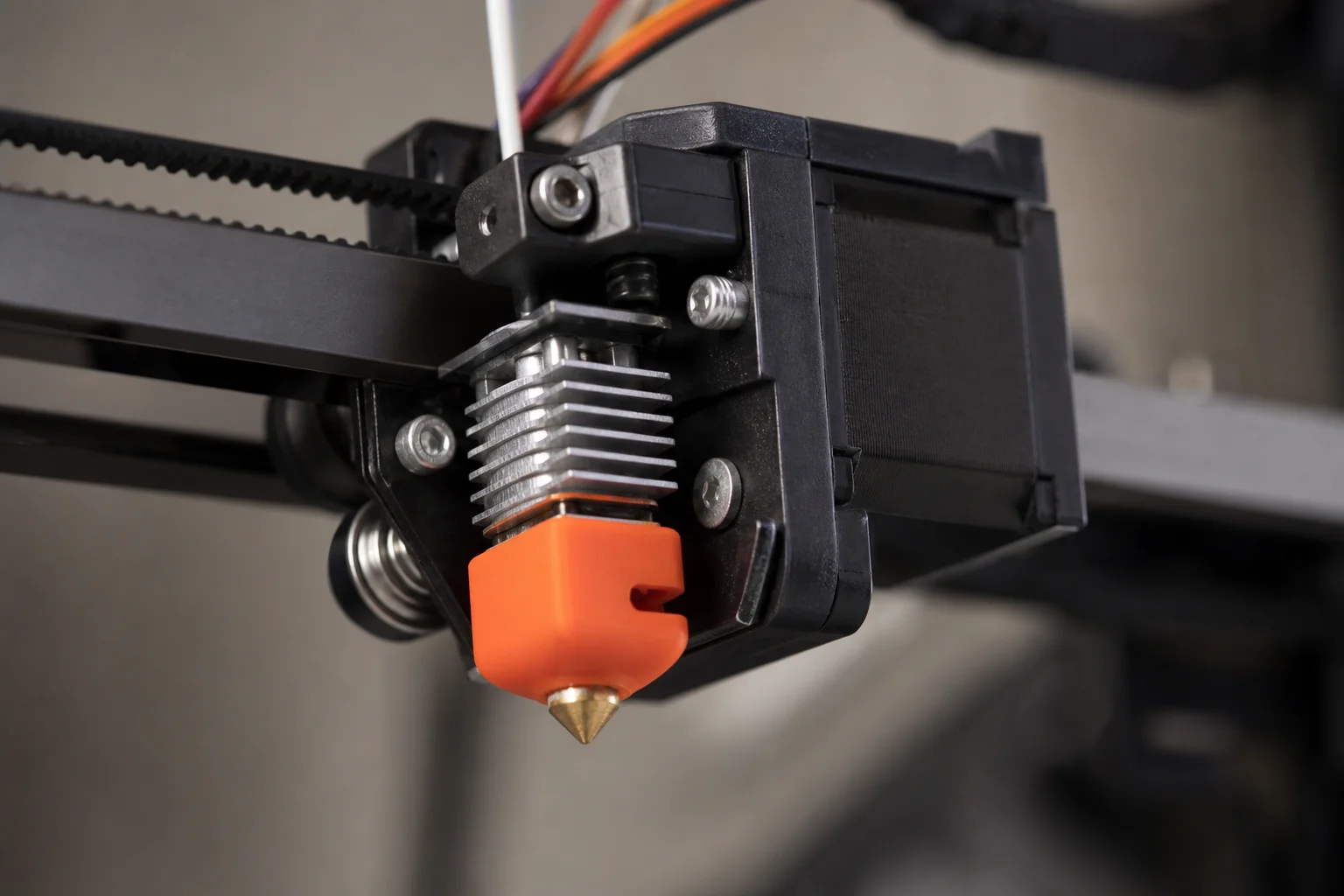
The most important difference is the printhead. The H2S features a completely redesigned single-nozzle extruder that uses a high-torque servomotor. This motor provides extensive feedback data for flow calibration, reliability improvements, and early warnings about clogs or jams. Despite using more plastic than the H2D’s printhead, the H2S design is actually lighter, which allows for faster acceleration and deceleration. Default print profiles increase normal accelerations from 8,000 to 10,000 mm/s², potentially shaving minutes off longer prints.
The Single-Nozzle Printhead
The new toolhead might look familiar if you’ve used an A-series printer, but it’s almost completely different underneath. The high-torque servomotor is the key innovation, offering real-time feedback that helps the printer detect and prevent issues before they become problems.
One notable improvement is the H2S’s ability to print flexible materials. The feeder gears engage well with even very floppy materials like 30D TPU, something that proved problematic on the H2D. The nozzle swap procedure remains straightforward: remove the silicone sock, release a clip, tilt the hotend out, and reverse the process to install a new one.
The toolhead retains the mounting rail for accessories, though compatibility is limited. The H2S only supports the 10W laser module, not the 40W version available for the H2D. This is likely a product differentiation choice rather than a technical limitation.
One trade-off worth noting: the H2S no longer includes a nozzle camera. The H2D’s nozzle camera detected residue on the hotend and warned of potential failures. The H2S still has the build-chamber camera for print-failure detection and a downward-facing toolhead camera for build plate detection and motion calibration, but the nozzle monitoring is gone.
Print Quality and Material Versatility
The H2S produces excellent print results across a wide range of materials. Test prints including 3D Benchy, tolerance tests, and complex models all came out with smooth surfaces, minimal ringing, and good overhang performance. The 3D Maker Noobs tolerance test printed beautifully with all parts freely spinning down to 0.1 mm.
One observation: the smaller, less powerful fan on the new toolhead slightly compromises cooling performance compared to the H2D. This is most noticeable on steep overhangs (70-80 degrees), which don’t look quite as clean. The longer melt zone in the hotend also tends to produce more oozing, which can result in stringiness on certain prints.
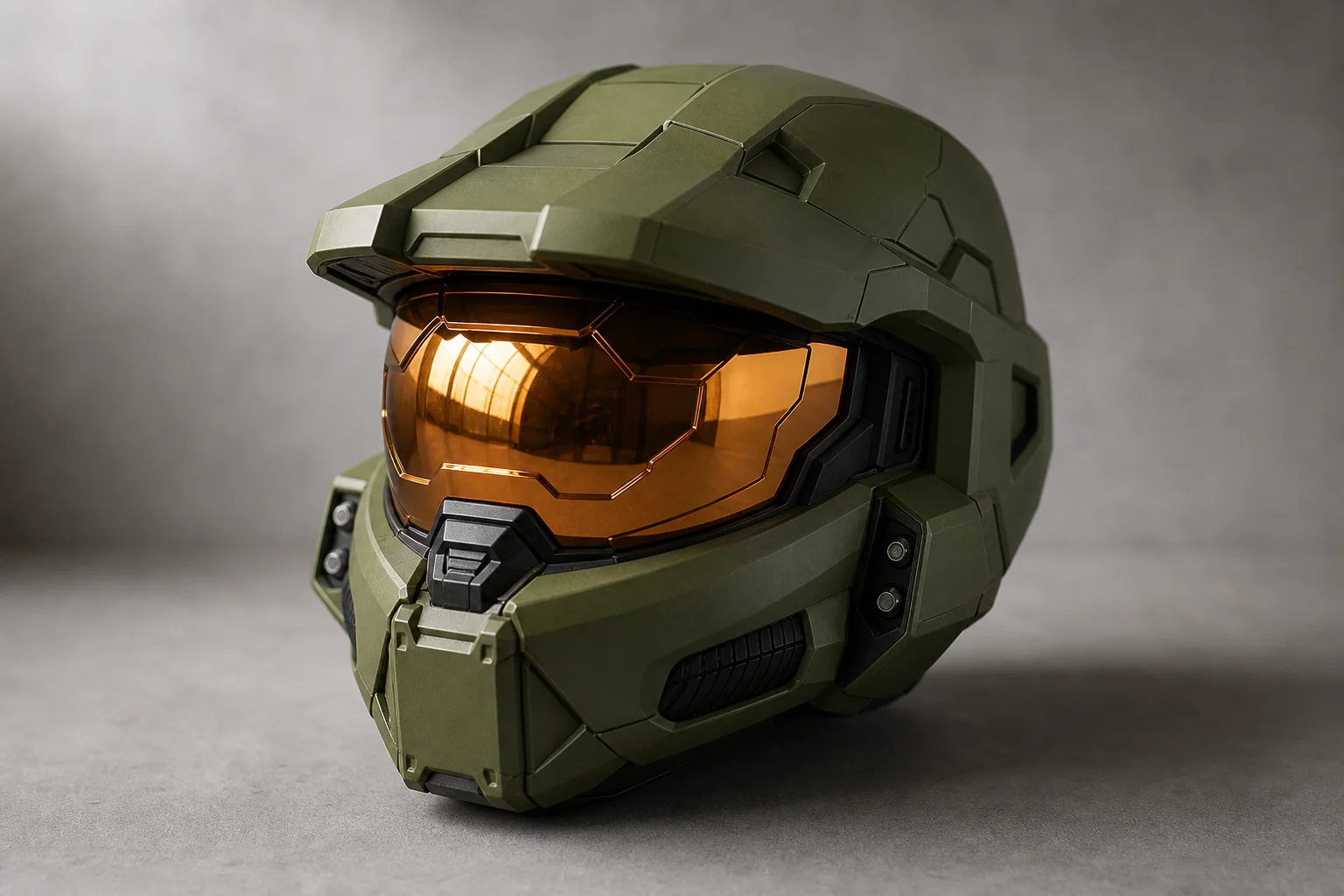
The printer handles PLA, PETG, and ASA without issues. The heated chamber reaches up to 65°C, making it suitable for technical materials that require temperature control. A Master Chief helmet print that took nearly two days and used about a kilogram of material with substantial support came out incredible, demonstrating the machine’s capability for large, complex projects.
Power consumption is worth considering: the H2S used over 60% more energy than the same print on the X1, a natural consequence of the larger heated bed.
Multi-Color Printing with AMS
The H2S supports multi-color printing using the AMS (Automatic Material System), but with important limitations. Because it has only a single nozzle, multi-color work creates significantly more purge waste compared to the H2D’s dual-nozzle system. True multi-material printing (mixing flexible and rigid materials, for example) is not practical on the H2S.
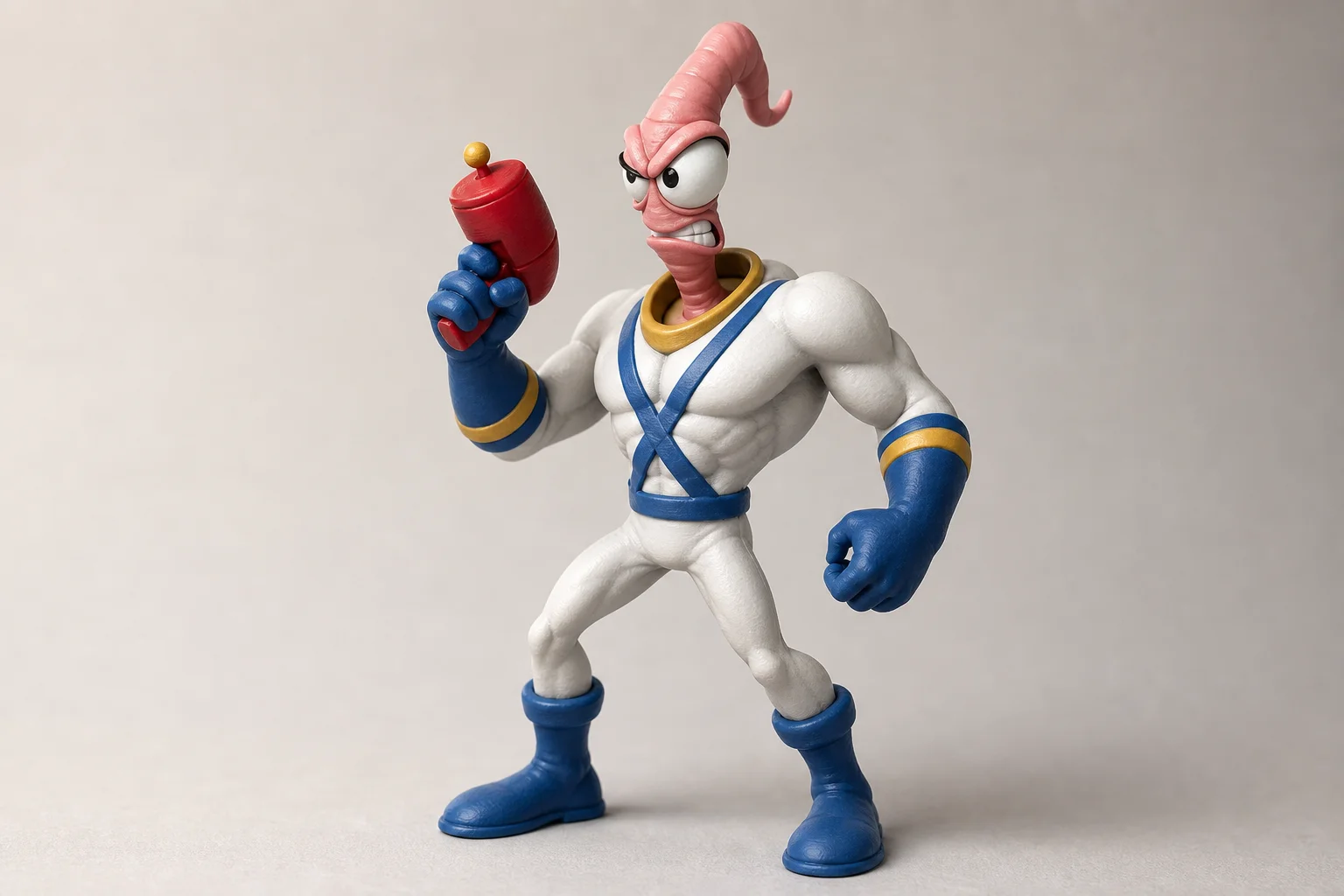
That said, the AMS 2 Pro works well for convenience printing. You can keep four materials or colors ready without swapping spools, and the AMS 2 Pro doubles as a dryer. A five-color Earthworm Jim figurine printed over 37 hours with excellent results, though the purge waste was substantial. The same applies to dual-color articulated prints.
Heated Chamber and Build System
The H2S maintains the actively heated chamber from the H2D, reaching 350°C on the nozzle, 120°C on the bed, and up to 65°C in the chamber. This makes it suitable for a wide range of technical materials.
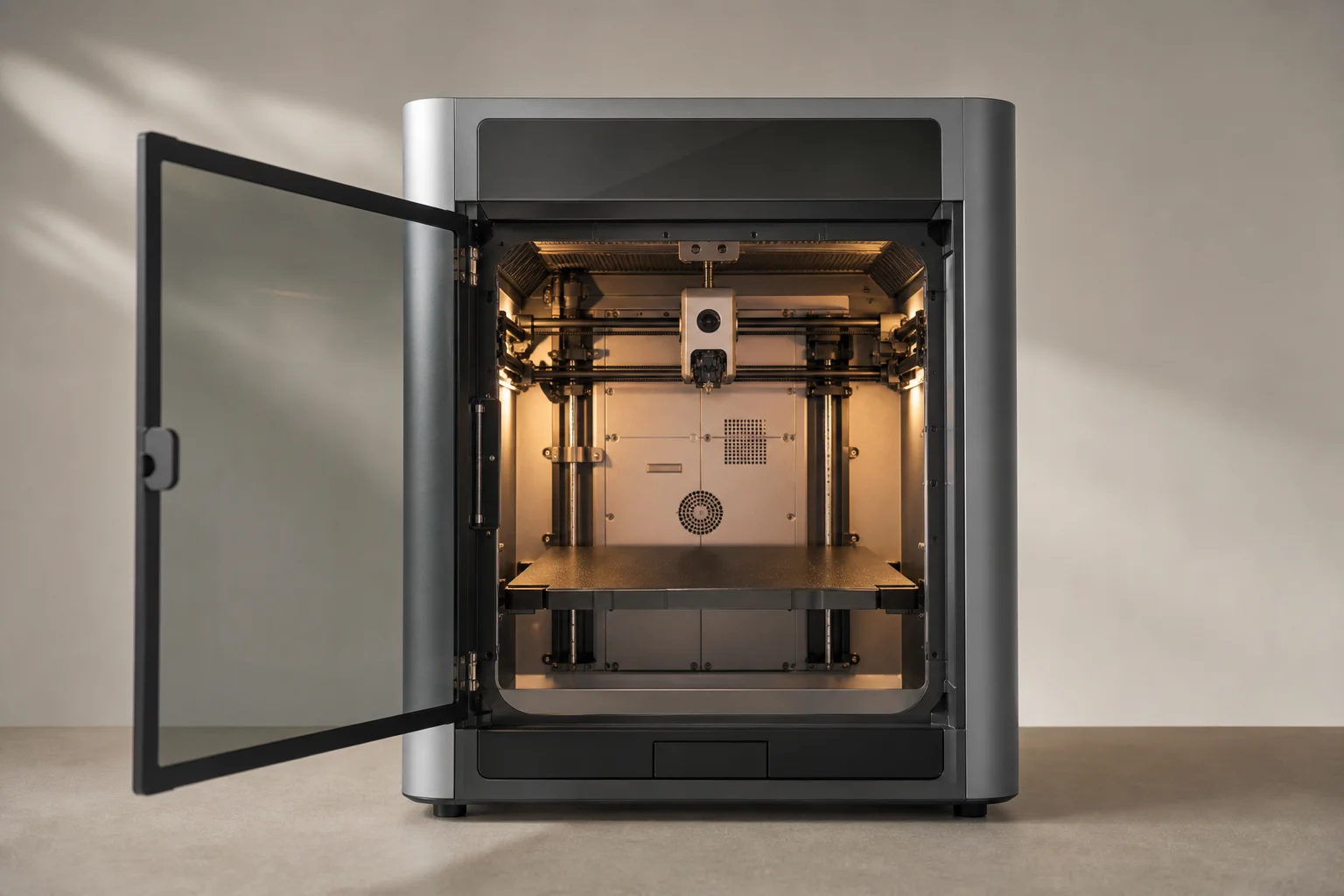
One issue carries over from the H2D: there is still around a 10°C temperature difference between the center and corners of the bed, which can affect adhesion at the extremities. Bambu Lab has fixed the temperature readings so that setting 100°C now actually delivers 100°C at the bed surface, an improvement over early H2D units.
Filament feeding from the back works well for the AMS and side spool holder thanks to the Bowden tube routing. However, when printing with flexibles or very stiff materials that require direct feeding without bends, the back-mounted feed hole becomes awkward, especially if the printer is positioned against a wall.
Reliability and Long-Term Support
After over 200 hours of testing on the H2S and around 1,000 hours on two H2D units, reliability has been excellent. The machines are fire-and-forget performers at their price point. Most errors encountered were user-related, such as supports that were too thin or incorrect filament type selection.
Bambu Lab’s long-term support is notable. Pre-Kickstarter X1 Carbon units still print beautifully and recently received a completely new user interface through firmware updates, plus support for all new AMS units. This level of ongoing support is rare in the 3D printer market.
Ecosystem and Usability Trade-offs
The H2S operates within Bambu Lab’s closed ecosystem, which prioritizes convenience and reliability over customization. If you want a fully open printer where you control every aspect and your data, the H2S is not the right choice. However, if you want a reliable tool that just works regardless of material or model, Bambu Lab’s machines are among the best on the market.
The ecosystem approach means you cannot hand the printer to someone unfamiliar with 3D printing and expect them to succeed with open-source firmware and multiple software choices. But you could give them Bambu Handy on their phone, show them how to pick a model from Makerworld, and they would have it printing at the push of a button. The AMS makes material changes trivial.
H2S vs. H2D: Which Should You Choose?
The decision comes down to your printing needs. If you mostly print single-material, single-color parts and just need the larger build volume, the H2S is an excellent choice at $1,499 (or $1,699 with the 10W laser combo). The $800 price difference compared to the H2D is significant.
Choose the H2D if you frequently do real multi-material printing, such as mixing flexible and rigid materials, using dedicated support filament, or regularly producing multi-color work. The dual-nozzle toolhead dramatically cuts purge waste and makes certain prints practical that simply aren’t on a single-nozzle system.
The 40W laser is rarely worth the $1,300 upgrade cost; a dedicated laser cutter is a better investment if you need serious cutting power.
Conclusion
The H2S finally makes Bambu Lab’s large-format printer accessible to a broader audience that wanted this form factor but found the H2D too expensive. It strips away the overengineered dual-nozzle complexity that most users never fully utilize, delivering a simpler, cheaper machine that still handles nearly any material and task. If you need a reliable large-format printer for single-material work, the H2S is a strong choice. If multi-material printing is central to your workflow, the H2D remains the better option.
Further reading
Related Reviews
3D Printers
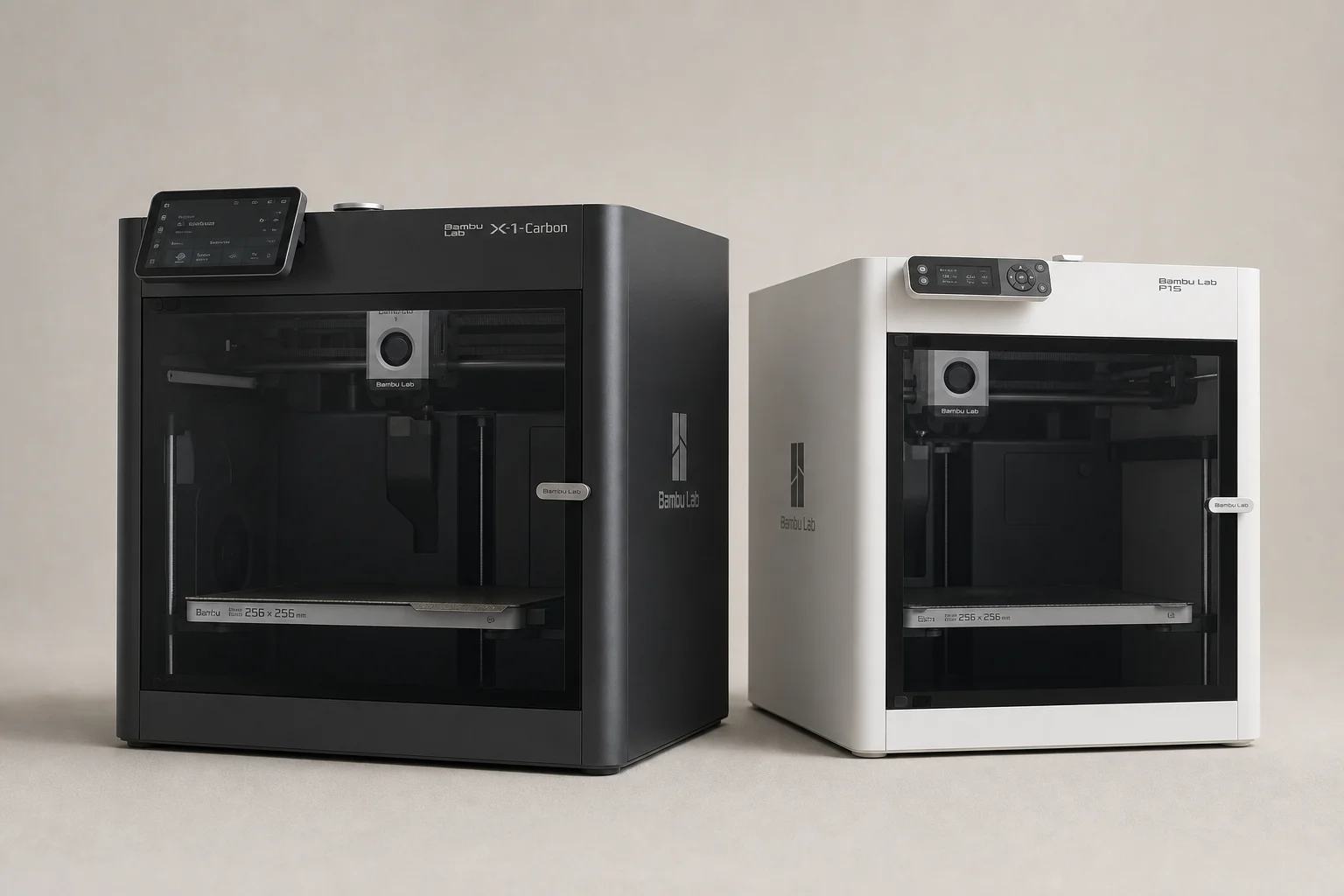
Bambu Lab P1S vs X1 Carbon: Why the Budget Option Wins
After testing both printers side by side, the P1S delivers nearly identical print quality at half the price. Here's what the premium features actually cost you.
3D Printers
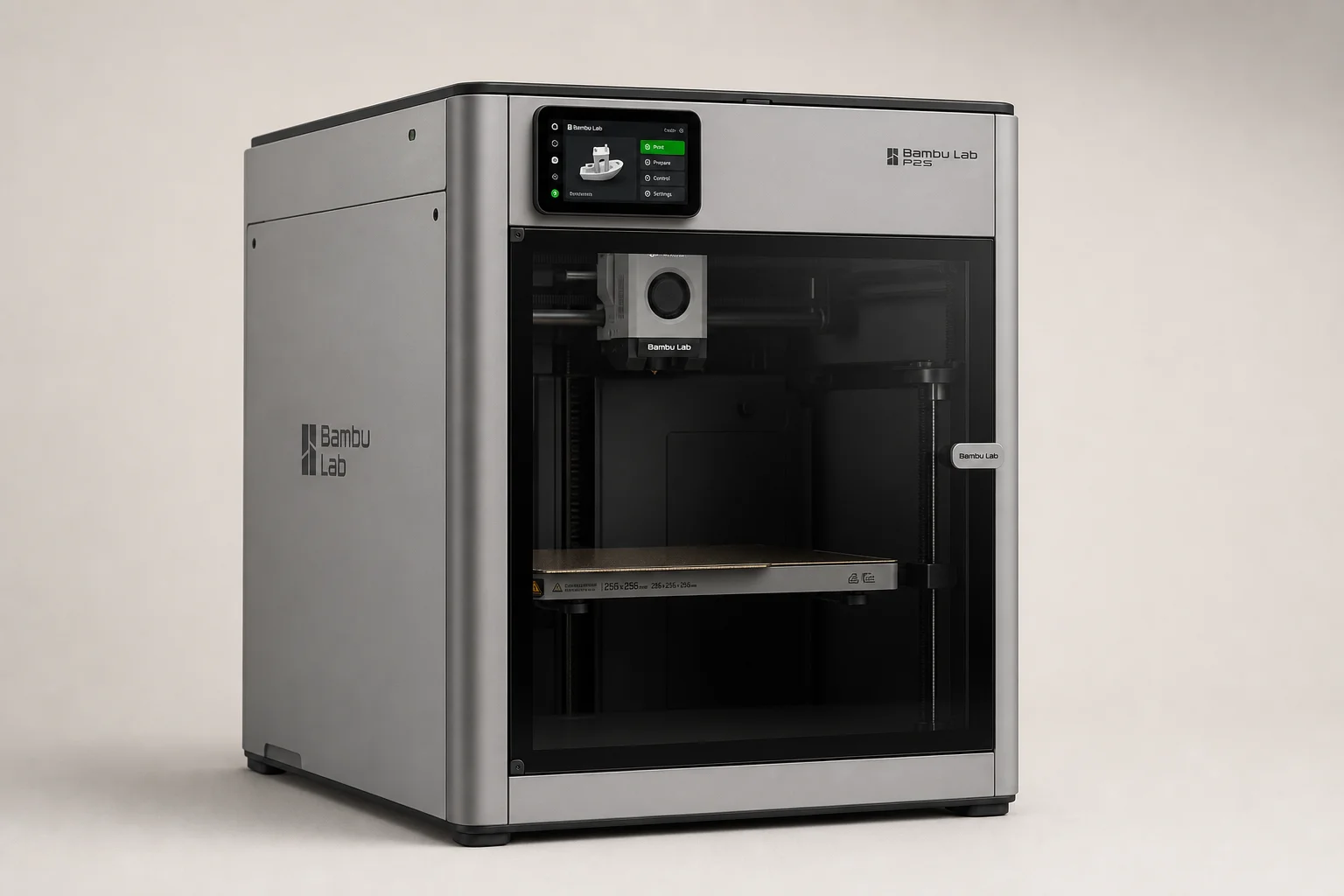
Bambu Lab P2S Review: A Strong Mid-Range 3D Printer Worth Considering
The Bambu Lab P2S brings significant upgrades over its predecessor, including a new touchscreen, improved cooling, and quick-swap nozzles. Here's what real-world use reveals about its strengths and trade-offs.
3D Printers
Best Budget 3D Printers 2026: Five Models for Every Skill Level
Five 3D printers that balance affordability with practical features, from beginner-friendly machines to advanced dual-extruder systems.